
19 Best Email Template Builder Software Reviewed in 2026

Best Email Template Builder Software Shortlist
Here's my pick of the 10 best software from the 19 tools reviewed.


You’ve got campaigns to launch, metrics to hit, and the last thing you need is another late night wrangling email code or settling for off-brand designs. I’ve tested more drag-and-drop email builders than I care to admit, and the best ones make it easy to create responsive email templates that look sharp and convert—without the usual tech headaches. If you’re wondering which email template builder software is actually worth your team’s time, here’s my honest take.
Why Trust Our Software Reviews
We’ve been testing and reviewing marketing software since 2022. As marketing experts ourselves, we know how critical and difficult it is to make the right decision when selecting software.
We invest in deep research to help our audience make better software purchasing decisions. We’ve tested more than 2,000 tools for different marketing use cases and written over 1,000 comprehensive software reviews. Learn how we stay transparent & our software review methodology.
Best Email Template Builder Software Summary
This comparison chart summarizes pricing details for my top email template builder software selections to help you find the best one for your budget and business needs.
| Tool | Best For | Trial Info | Price | ||
|---|---|---|---|---|---|
| 1 | Best for beginner-friendly interface | 14-day free trial + free plan available | From $7/month (billed annually) | Website | |
| 2 | Best for dynamic content personalization | Free plan + free demo available | From $20/month | Website | |
| 3 | Best for drag-and-drop email building | Free plan available | From $7/month (billed annually) | Website | |
| 4 | Best for design-focused templates | Free plan available | From $19/user/month (billed annually) | Website | |
| 5 | Best for AI-powered template design | Free plan available | From $19/month | Website | |
| 6 | Best for multilingual support | Free plan available | From $9/month | Website | |
| 7 | Best for small business budgets | 30-day free trial available | From $9/month | Website | |
| 8 | Best for sales engagement | Free demo available | Pricing upon request | Website | |
| 9 | Best for event marketing tools | Free trial available | From $12/month | Website | |
| 10 | Best for advanced segmentation | 30-day free trial | From $59/month | Website |

-

Demandbase
Visit WebsiteThis is an aggregated rating for this tool including ratings from Crozdesk users and ratings from other sites.4.4 -
6sense
Visit WebsiteThis is an aggregated rating for this tool including ratings from Crozdesk users and ratings from other sites.4.3 -
AnswerThePublic
Visit Website


Best Email Template Builder Software Reviews
Below are my detailed summaries of the best email template builder software that made it onto my shortlist. My reviews offer a detailed look at the key features, pros & cons, integrations, and ideal use cases of each tool to help you find the best one for you.


Mailchimp is an all-in-one marketing platform aimed at small to medium-sized businesses looking to manage email campaigns, automate marketing, and analyze data. It provides tools for creating email templates, managing contacts, and tracking campaign performance.
Why I picked Mailchimp: It's known for its beginner-friendly interface, making it accessible for those new to email marketing. The drag-and-drop editor simplifies the creation of professional-looking emails. Mailchimp's audience management tools help you organize contacts efficiently. Its analytics dashboard provides insights into campaign performance, enabling data-driven decisions.
Standout features & integrations:
Features include a drag-and-drop email editor that allows you to design visually appealing emails with ease. Mailchimp's A/B testing feature helps you optimize your email content by testing different versions. The platform also offers a marketing CRM, which integrates your audience data to enhance personalization.
Integrations include Shopify, WooCommerce, WordPress, Salesforce, Zapier, QuickBooks, Eventbrite, Stripe, Slack, and Facebook.
Pros and Cons
Pros:
- Comprehensive analytics dashboard
- Effective audience management
- Intuitive interface for beginners
Cons:
- Basic reporting options
- Limited advanced automation

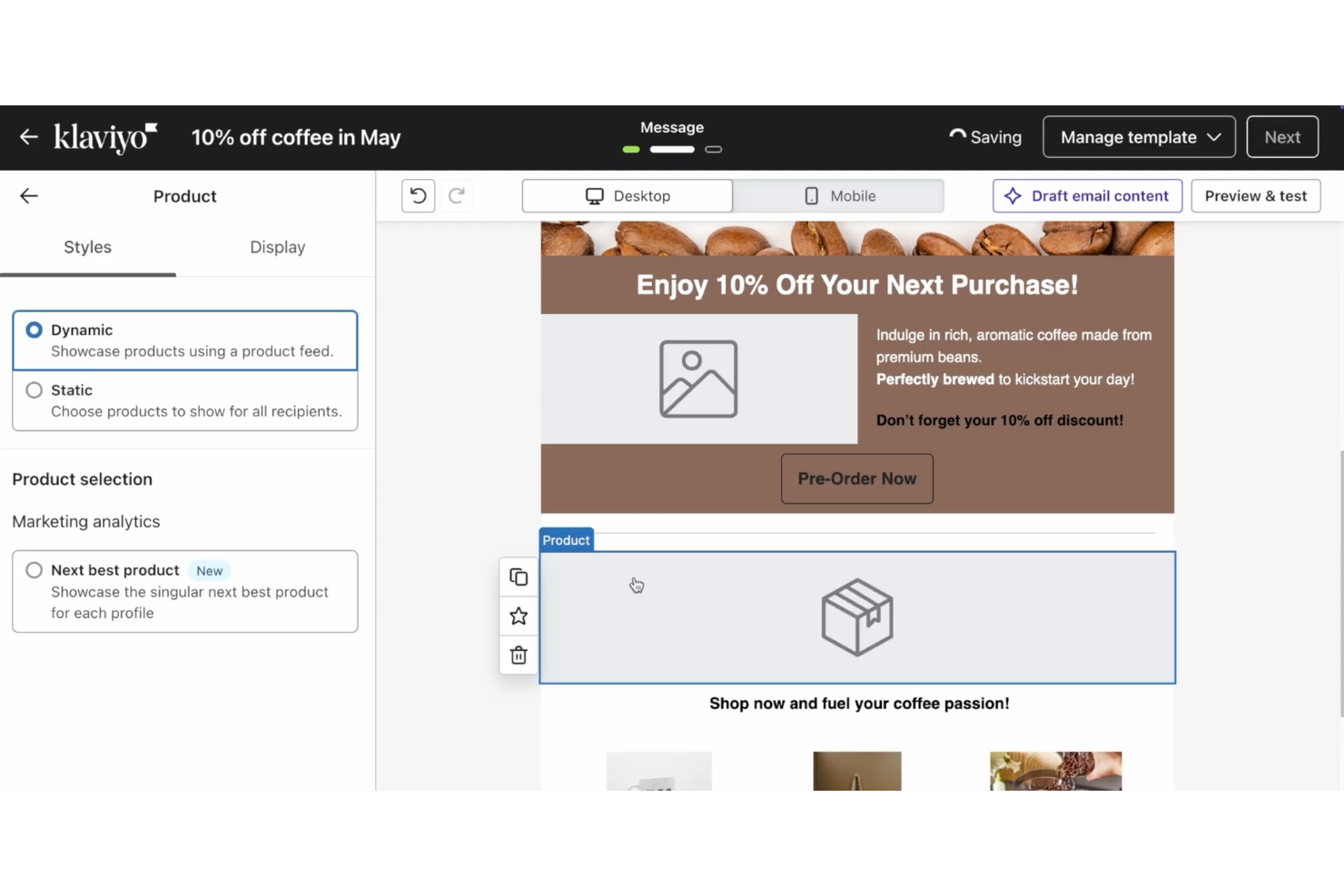
For businesses seeking a versatile email template builder, Klaviyo stands out as a comprehensive solution tailored for marketers and eCommerce professionals. It offers customizable templates and a user-friendly interface, making it accessible to users with varying levels of technical expertise. Klaviyo addresses the challenges of creating engaging email content by providing dynamic customization options and seamless integration capabilities, empowering businesses to connect with their audience effectively.
Why I Picked Klaviyo
I picked Klaviyo for its dynamic content personalization within email template building. It allows teams to design structured templates while inserting product feeds, conditional blocks, and customer-specific details based on behavior and profile data. This setup helps businesses create templates that adjust to different audience segments without rebuilding each email from scratch.
Klaviyo Key Features
In addition to dynamic content personalization, Klaviyo offers:
- Integration Capabilities: Klaviyo seamlessly connects with over 350 applications, ensuring efficient data management.
- Mobile-Responsive Design: All templates adjust automatically for optimal viewing on any device.
- AI-Powered Optimization: Advanced AI tools assist in creating content and personalizing recommendations.
- Extensive Template Library: Over 160 customizable templates cover a range of marketing needs.
Klaviyo Integrations
Integrations include Shopify, WooCommerce, Magento, BigCommerce, Stripe, Salesforce, Facebook, Instagram, Google Ads, and Zendesk.
Pros and Cons
Pros:
- Omnichannel capabilities support varied customer outreach
- Advanced segmentation features allow targeted email campaigns
- Real-time data activation enhances customer engagement
Cons:
- Advanced tagging and organization less robust than some competitors
- Higher pricing may deter small businesses or startups


Sender offers a straightforward solution for businesses and marketers seeking to improve their email marketing campaigns. With its intuitive drag-and-drop email builder and a broad library of mobile-responsive templates, it caters to small and medium-sized enterprises across various industries, from e-commerce to nonprofits. By addressing issues like high costs and complex setups, Sender provides the tools you need to create engaging and personalized emails, ensuring your messages reach the right audience at the right time.
Why I Picked Sender
I picked Sender for its ability to simplify the email creation process while offering powerful customization options. The platform's drag-and-drop email builder stands out, allowing you to craft visually appealing emails without technical expertise. Additionally, its HTML email creation feature provides advanced users with the flexibility to design unique templates. These functionalities are complemented by its A/B testing capabilities, which enable you to upgrade your campaigns for better engagement and conversion rates.
Sender Key Features
In addition to its email building tools, I also found several other features beneficial for improving your email marketing experience:
- Email Automation: Automate your campaigns to send the right message at the right time, increasing engagement without manual intervention.
- Segmentation: Divide your audience into specific groups to tailor your messaging and increase relevance.
- Detailed Analytics: Track open rates, click-through rates, and other metrics to evaluate and improve your campaign's performance.
- GDPR and CAN-SPAM Compliance: Ensure your emails are legally compliant, maintaining trust and deliverability.
Sender Integrations
Integrations include WordPress, WooCommerce, Magento, PrestaShop, OpenCart, Zapier, Shopify, Jumpseller, Drupal, Make, OttoKit, Mailchimp, GetResponse, and more.
Pros and Cons
Pros:
- Real-time analytics help upgrade email campaigns
- Complies with GDPR and CAN-SPAM regulations for email safety
- High deliverability rates ensure messages reach recipients
Cons:
- Limited design flexibility in the email editor
- Basic automation lacks depth for complex workflows

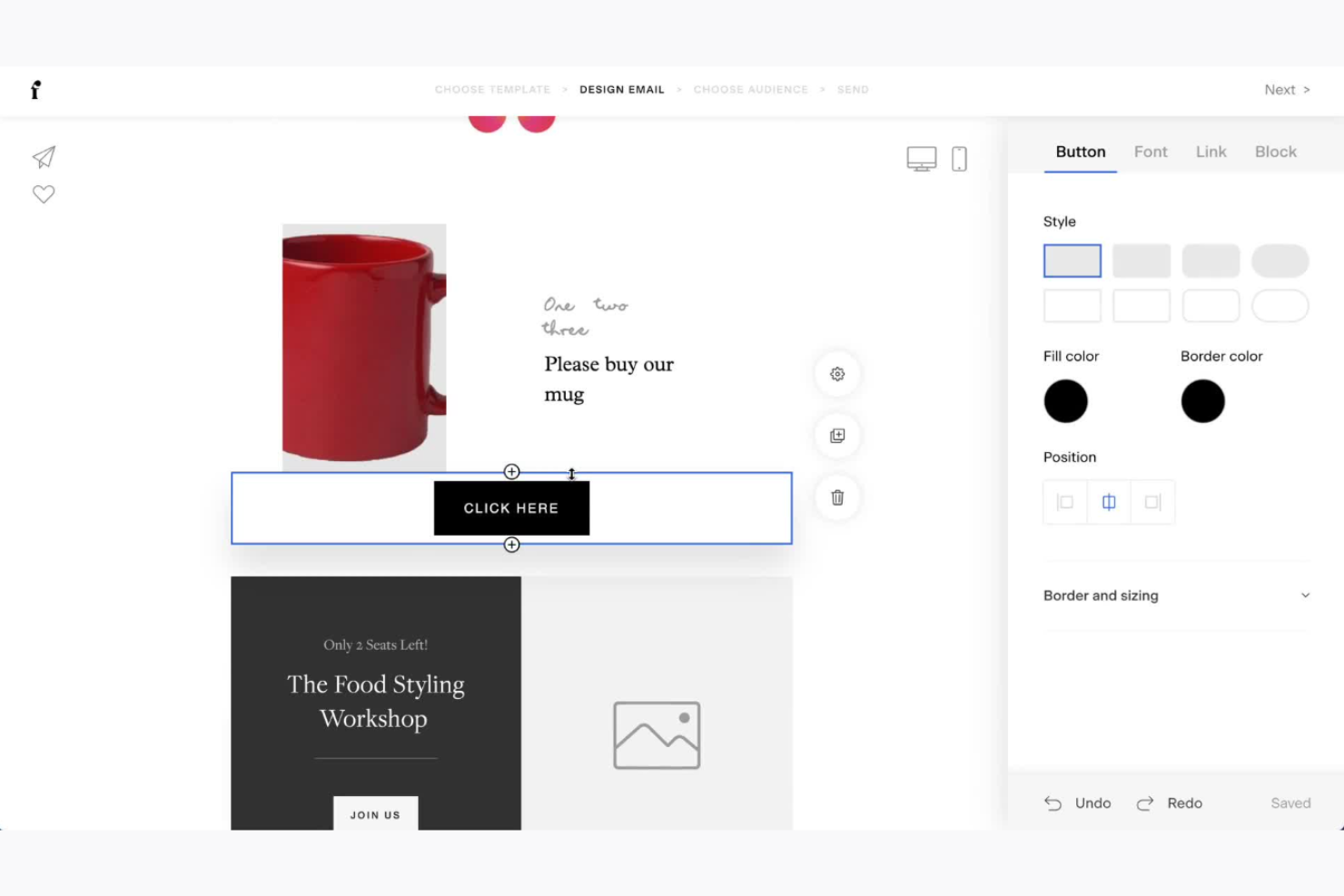
Flodesk is an email marketing platform that caters to creative entrepreneurs and small businesses seeking visually appealing email templates. It provides tools for designing, automating, and analyzing email marketing campaigns.
Why I picked Flodesk: It offers design-focused templates that stand out for their aesthetic appeal, making your emails look professional and unique. The platform's intuitive drag-and-drop editor simplifies the design process, allowing you to create stunning emails without technical skills. Flodesk's customization options let you tailor templates to your brand's style. Additionally, its automation features help you manage customer interactions efficiently.
Standout features & integrations:
Features include a drag-and-drop editor that allows you to design unique and visually appealing emails effortlessly. Flodesk offers a variety of pre-designed templates, ensuring you have creative options for any campaign. The platform also provides automation workflows that help you nurture customer relationships and streamline communication.
Integrations include Shopify, Instagram, Facebook, WordPress, Zapier, Squarespace, Google Sheets, Slack, Gmail, and Typeform.
Pros and Cons
Pros:
- Consistent email branding
- Easy-to-use editor
- Beautiful design templates
Cons:
- Basic analytics
- No mobile app


Elastic Email is tailored for businesses eager to improve their email communications with a versatile, user-friendly platform. Known for its AI-powered template design, it helps you create engaging email templates quickly and efficiently. By utilizing Elastic Email, you can address challenges related to streamlining communication and engaging audiences effectively, making it a valuable asset for marketing teams and businesses seeking to amplify their email marketing strategies.
Why I Picked Elastic Email
I picked Elastic Email for its unique AI Template Designer, which simplifies crafting visually appealing, engaging email templates. This feature directly addresses the need for creativity and customization in email marketing, allowing you to tailor messages to your audience effectively. Additionally, the platform's robust API enables seamless automation of email processes, crucial for teams looking to save time and reduce manual effort. These capabilities make Elastic Email an appealing choice for those who prioritize efficient and creative email template building.
Elastic Email Key Features
In addition to its AI Template Designer, Elastic Email offers:
- Email Campaign Management: Lets you create and manage comprehensive email campaigns with ease.
- Email Automations: Facilitates the automation of email sending based on user behavior or predefined triggers.
- Inbound Routing: Enables efficient management of incoming emails by setting rules and filters.
- Email Logs: Provides detailed insights into email performance and delivery status for better analysis.
Elastic Email Integrations
Elastic Email offers native integrations with Gravity SMTP, Integrately, Mautic, WP Mail SMTP, SaveMyLeads, Marketo, Kommo, Capsule CRM, WHMCS, and ActiveCampaign. An API is available for custom integrations, enhancing its flexibility and adaptability to various business needs.
Pros and Cons
Pros:
- Has user-friendly drag-and-drop editor
- Offers large library of customizable layouts
- Automation tools support ongoing campaigns
Cons:
- Has mixed reviews on customer service experiences from users
- Interface is simpler than some competitors


Brevo is a versatile email marketing platform designed for businesses that require multilingual communication capabilities. It supports email campaigns, SMS marketing, and advanced automation features.
Why I picked Brevo: It excels in multilingual support, making it ideal for global businesses. The platform offers translation tools that ensure your messages reach diverse audiences effectively. Brevo's automation capabilities allow you to manage complex workflows across different languages. Additionally, the platform provides detailed analytics to track campaign performance in various regions.
Standout features & integrations:
Features include SMS marketing capabilities that complement your email campaigns, allowing for a multi-channel approach. The platform also offers advanced segmentation, helping you tailor messages to specific audience groups. Brevo's A/B testing tools enable you to optimize your campaigns by comparing different versions of your emails.
Integrations include Shopify, WooCommerce, Magento, WordPress, Salesforce, PrestaShop, Zapier, HubSpot, Pipedrive, and Slack.
Pros and Cons
Pros:
- Detailed regional analytics
- Comprehensive SMS marketing options
- Strong multilingual capabilities
Cons:
- Basic reporting tools
- Requires learning for advanced features


Moosend is an email marketing platform designed for small to medium-sized businesses looking to enhance their email campaigns. It offers tools for creating, managing, and automating email marketing efforts efficiently.
Why I picked Moosend: It fits small business budgets with its affordable pricing and comprehensive features. The drag-and-drop editor simplifies email creation, while automation workflows help you set up campaigns without hassle. Moosend's analytics provide insights into your email performance, allowing you to make data-driven decisions.
Standout features & integrations:
Features include a user-friendly drag-and-drop editor that allows you to design custom templates without technical skills. Moosend's automation workflows enable you to set up personalized campaigns tailored to your audience. The platform also offers advanced segmentation, helping you target specific customer groups effectively.
Integrations include WordPress, WooCommerce, Salesforce, Magento, Zapier, HubSpot, Shopify, PrestaShop, Mailchimp, and Google Analytics.
Pros and Cons
Pros:
- Comprehensive analytics tools
- Easy-to-use automation
- Affordable for small businesses
Cons:
- No mobile app available
- Occasional performance lags


Outreach is a sales engagement platform designed for sales teams aiming to improve their outreach, engagement, and productivity. It provides tools for managing communication, tracking interactions, and automating follow-ups.
Why I picked Outreach: It excels in sales engagement, offering features that streamline communication with prospects. The platform's email tracking and task automation help you stay on top of your sales pipeline. With customizable sequences, you can tailor your outreach strategy to suit different prospects. Additionally, Outreach provides analytics that offer insights into your engagement efforts, helping you refine your sales approach.
Standout features & integrations:
Features include a task management system that organizes your daily activities efficiently. Outreach offers a calendar integration that syncs your meetings and reminders seamlessly. The platform also provides a robust reporting tool that tracks your sales performance and identifies areas for improvement.
Integrations include Salesforce, Gmail, Outlook, LinkedIn, Slack, Marketo, HubSpot, Zoom, Google Calendar, and Microsoft Dynamics 365.
Pros and Cons
Pros:
- Integrated task management
- Customizable outreach sequences
- Effective sales workflow automation
Cons:
- Performance issues with large datasets
- Limited customization options


Constant Contact is an email marketing service designed for small businesses and nonprofits. It specializes in email campaigns, event management, and social media marketing.
Why I picked Constant Contact: It offers comprehensive event marketing tools that are perfect for businesses hosting events. You can easily create and manage event registrations directly from the platform. The RSVP tracking and payment processing features streamline event management. Additionally, its email automation helps you nurture attendees with follow-up messages.
Standout features & integrations:
Features include social media marketing tools that let you promote your events across various platforms. The platform also provides survey and feedback tools to collect insights from your audience. Furthermore, Constant Contact offers a library of customizable email templates, ensuring your communications are visually appealing.
Integrations include Shopify, WooCommerce, Salesforce, Eventbrite, WordPress, QuickBooks, Outlook, Zapier, Canva, and SurveyMonkey.
Pros and Cons
Pros:
- Easy RSVP tracking
- Survey and feedback options
- Social media promotion capabilities
Cons:
- Can be slow with large lists
- Basic reporting capabilities

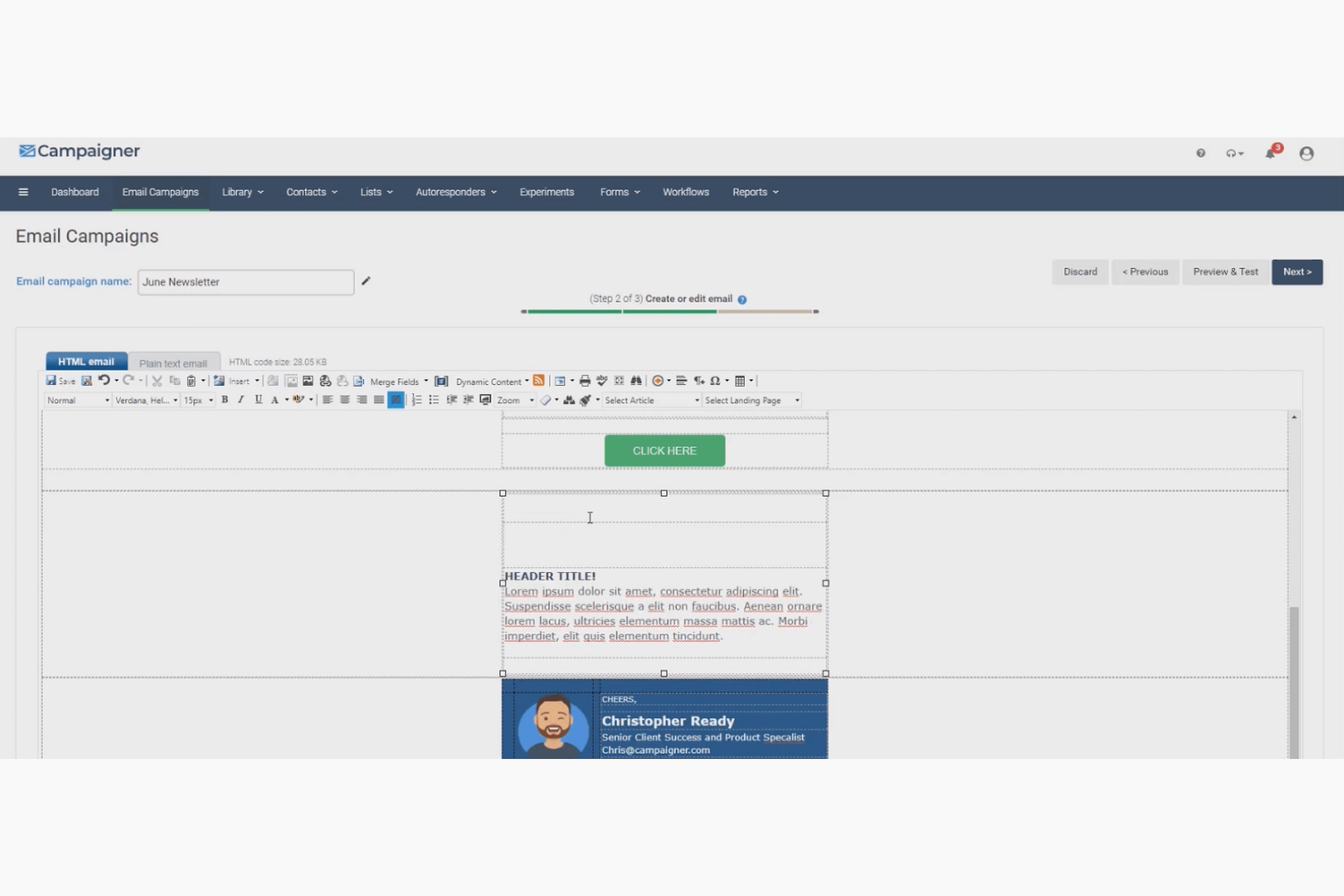
Campaigner is an email marketing platform designed for businesses aiming to enhance their email campaigns with advanced targeting and personalization. It caters to marketers looking to improve engagement and conversion rates through precise audience segmentation.
Why I picked Campaigner: It offers advanced segmentation capabilities, allowing you to target specific customer groups with tailored messages. The platform's automation features enable you to create complex workflows effortlessly. With Campaigner's A/B testing, you can optimize your email content for better results. Its detailed reporting tools provide insights into campaign performance, helping you refine your strategies.
Standout features & integrations:
Features include a drag-and-drop editor that makes designing emails straightforward and efficient. Campaigner also provides dynamic content features that let you personalize emails based on customer data. The platform's autoresponder functionality ensures timely follow-ups with your audience.
Integrations include Salesforce, Shopify, Magento, WooCommerce, WordPress, Zapier, Google Analytics, Microsoft Dynamics, Facebook, and Zoho CRM.
Pros and Cons
Pros:
- Reliable autoresponder features
- Dynamic content personalization
- Effective automation workflows
Cons:
- Can be challenging for beginners
- Complex setup process
Other Email Template Builder Software
Here are some additional email template builder software options that didn’t make it onto my shortlist, but are still worth checking out:
- ActiveCampaign
For automation features
- Braze
For personalized user journeys
- Iterable
For cross-channel campaigns
- Beefree
For quick drag-and-drop editing
- Mailcode
For turning notes into templates
- Stripo
For interactive email elements
- Mailmodo
For AMP email creation
- Tabular
For spreadsheet-like editing
- Stensul
For collaborative email design


Email Template Builder Software Selection Criteria
For selecting the best email template builder software to include in this list, I first considered common buyer needs and pain points. These were: ease of use, responsive design, and flexible customization options. From there, I applied a consistent framework to ensure my evaluation stayed structured, practical, and fair.
Core Functionality (25% of total score)
To be considered for inclusion in this list, each solution had to fulfill these common use cases:
- Create and customize email templates
- Drag-and-drop email editor
- Responsive design for mobile devices
- Integration with email service providers
- Basic analytics and reporting
Additional Standout Features (25% of total score)
To help further narrow down the competition, I also looked for unique features, such as:
- Advanced automation capabilities
- Interactive content elements
- Multilingual support
- A/B testing tools
- AI-driven design suggestions
Usability (10% of total score)
To get a sense of the usability of each system, I considered the following:
- Intuitive user interface
- Easy navigation and workflow
- Customization options without coding
- Speed and performance
- Modern design aesthetic
Onboarding (10% of total score)
To evaluate the onboarding experience for each platform, I considered the following:
- Availability of training videos
- Interactive product tours
- Access to templates and examples
- Webinars and live demos
- Supportive community forums
Customer Support (10% of total score)
To assess each software provider’s customer support services, I considered the following:
- Availability of live chat support
- Responsive email support
- Comprehensive help center
- 24/7 customer service
- Access to dedicated account managers
Value For Money (10% of total score)
To evaluate the value for money of each platform, I considered the following:
- Competitive pricing compared to peers
- Features offered at each price tier
- Flexibility in pricing plans
- Discounts for annual subscriptions
- Free trials or demos
Customer Reviews (10% of total score)
To get a sense of overall customer satisfaction, I considered the following when reading customer reviews:
- Overall satisfaction ratings
- Commonly mentioned strengths and weaknesses
- Frequency of updates and improvements
- User feedback on customer support
- Reports of bugs or issues
How to Choose Email Template Builder Software
It’s easy to get bogged down in long feature lists and complex pricing structures. To help you stay focused as you work through your unique software selection process, here’s a checklist of factors to keep in mind:
| Factor | What to Consider |
| Scalability | Can the tool grow with your business? Consider if it supports increased email volume and additional users without a significant price jump or performance issues. |
| Integrations | Does it connect with your existing tools? Check compatibility with your CRM, analytics, and other marketing platforms to avoid data silos. |
| Customizability | How flexible is the design? Ensure you can tweak templates to match your brand without needing extensive coding skills. |
| Ease of use | Is the interface intuitive? Look for drag-and-drop editors and straightforward navigation to reduce the learning curve for your team. |
| Implementation and onboarding | How smooth is the transition? Consider the availability of training, support, and resources to help your team get up and running quickly. |
| Cost | How does pricing fit your budget? Compare cost against features and support, and watch for hidden fees or usage limits that could inflate costs. |
| Security safeguards | Are your data and emails protected? Verify encryption standards, compliance certifications, and data breach policies to safeguard your customer information. |
What Is Email Template Builder Software?
Email template builder software is a tool that helps users create and customize email templates without needing extensive design skills.
Marketing professionals, small business owners, and content creators generally use these tools to enhance their email marketing efforts and ensure brand consistency. Drag-and-drop editors, customizable templates, and integration capabilities help with efficient design processes, consistent branding, and seamless workflow integration. Overall, these tools make it easier to create professional-looking emails quickly.
Features of Email Template Builder Software
When selecting email template builder software, keep an eye out for the following key features:
- Drag-and-drop editor: Allows users to easily design emails by dragging content blocks into place, making the process quick and user-friendly.
- Customizable templates: Provides pre-designed email templates that you can modify to match your brand's style and requirements.
- Responsive design: Ensures that emails look good on all devices, including mobile phones and tablets, enhancing the user experience.
- A/B testing: Enables you to test different versions of an email to determine which one performs better, improving engagement and conversion rates.
- Automation workflows: Help automate repetitive tasks like sending follow-up emails, saving time, and increasing efficiency.
- Advanced segmentation: Allows you to target specific groups within your audience for more personalized and effective email campaigns.
- Analytics and reporting: Offers insights into email performance, helping you understand what works and where improvements are needed.
- Integration capabilities: Connects with other tools like CRMs and analytics software to streamline your marketing processes.
- Real-time collaboration: Lets team members work together on email designs simultaneously, improving productivity and ensuring consistency.
- Security features: Protects your data and communications with encryption and compliance with data protection regulations.
Benefits of Email Template Builder Software
Implementing email template builder software provides several benefits for your team and your business. Here are a few you can look forward to:
- Time savings: Drag-and-drop email builders and customizable templates speed up the email production process, freeing up time for other tasks.
- Consistency in branding: Pre-designed templates ensure your emails maintain a consistent look and feel that aligns with your brand’s design system.
- Improved engagement: Features like A/B testing and advanced segmentation help tailor emails to audience preferences, boosting engagement rates.
- Increased efficiency: Automation and AI powered email workflows and handle repetitive tasks, allowing your team to focus on strategic initiatives.
- Enhanced collaboration: Real-time collaboration features enable team members to work together effectively, ensuring cohesive email campaigns.
- Better decision-making: Analytics and reporting provide insights into email performance, helping you make informed improvements.
- Data security: Security features protect your communications and customer information, maintaining trust and compliance with regulations.
Costs and Pricing of Email Template Builder Software
Selecting email template builder software requires an understanding of the various pricing models and plans available. Costs vary based on features, team size, add-ons, and more. The table below summarizes common plans, their average prices, and typical features included in email template builder software solutions:
Plan Comparison Table for Email Template Builder Software
| Plan Type | Average Price | Common Features |
| Free Plan | $0 | Basic templates, limited emails per month, and basic analytics. |
| Personal Plan | $10-$30/ user/month | Customizable templates, drag-and-drop editor, basic automation, and standard support. |
| Business Plan | $40-$70/ user/month | Advanced automation, A/B testing, advanced analytics, and priority support. |
| Enterprise Plan | $80-$150/ user/month | Unlimited emails, a dedicated account manager, custom integrations, and enhanced security features. |
Email Template Builder Software FAQs
Here are some answers to common questions about email template builder software:
How do you implement an email template?
To implement an email template, open your email client and create a new message. Most platforms have an option to insert a template, which you can choose from a list. Customize your message as needed and then send it. This process simplifies repetitive email tasks.
How are email templates and list emails different?
Email templates are reusable designs that you can use multiple times, while list emails are typically one-time sends like newsletters. Once a list email is sent, you can copy and edit it, but it doesn’t have the flexibility of templates for repeated use.
What are the common pitfalls when choosing email template builder software?
Common pitfalls include not considering integration with existing tools, overlooking the importance of responsive design, and underestimating the learning curve. Ensure the software fits your workflow and team skill level to avoid these issues.
Can you customize email templates easily?
Most email template builders offer drag-and-drop editors and customization options, making it easy to tailor templates to your brand’s needs. Look for platforms that provide flexibility without requiring extensive coding skills.
How do you ensure email templates are mobile-friendly?
Choose a builder with responsive design capabilities, which automatically adjusts templates for mobile devices. Test your emails on various screens before sending to ensure they display correctly and maintain engagement.
What should you consider about security when using email template builder software?
Ensure the software uses encryption to protect your data and complies with data protection regulations. Check for features like secure login and user permissions to maintain control over who can access and modify your email templates.
What's Next?
If you're in the process of researching email template builder softwares, connect with a SoftwareSelect advisor for free recommendations.
You fill out a form and have a quick chat where they get into the specifics of your needs. Then you'll get a shortlist of software to review. They'll even support you through the entire buying process, including price negotiations.