



Mailchimp vs. MailerLite: Detailed Comparison and Expert Reviews for 2026


Choosing between Mailchimp and MailerLite can feel frustrating when every email marketing platform claims to be “easy” and “affordable.” Once you dig in, you’re left comparing pricing models, automation limits, and features that don’t quite line up. Maybe you’re trying to avoid overpaying as your list grows, or you just want a tool that won’t slow you down with unnecessary complexity.
Either way, this comparison breaks down exactly how Mailchimp and MailerLite stack up in the digital and email marketing software space, so you can quickly see which one fits your workflow, budget, and long-term marketing goals without second-guessing your decision.
Mailchimp vs. MailerLite: An Overview
Mailchimp
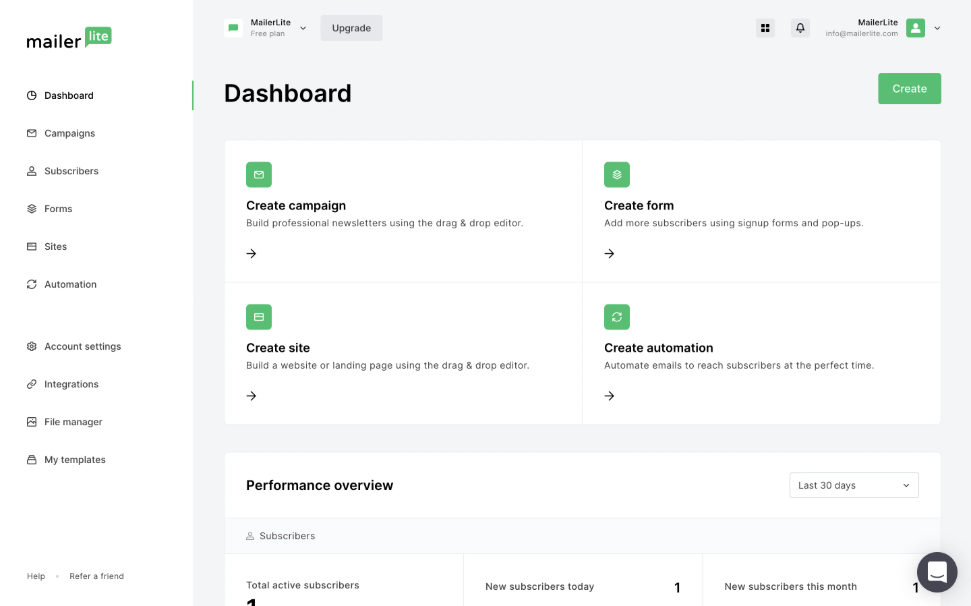
MailerLite
Why Trust Our Software Reviews
We’ve been testing and reviewing marketing software since 2022. As marketing experts ourselves, we know how critical and difficult it is to make the right decision when selecting software.
We invest in deep research to help our audience make better software purchasing decisions. We’ve tested more than 2,000 tools for different marketing use cases and written over 1,000 comprehensive software reviews. Learn how we stay transparent & our software review methodology.
Mailchimp vs. MailerLite Pricing Comparison
| Mailchimp | MailerLite | |
|---|---|---|
| Free Trial | 14-day free trial + free plan available | Free plan + 14-day free trial available |
| Pricing | From $10/month (billed annually) | From $9/month (billed annually |
Mailchimp vs. MailerLite Pricing & Hidden Costs
Mailchimp offers a tiered pricing model based on contact count and plan level, with costs increasing as your audience grows or as you unlock advanced features. A key consideration is that Mailchimp counts subscribed, unsubscribed, and non-subscribed contacts toward your total, which can drive costs up faster than expected if your list isn’t regularly cleaned. You may also incur additional charges for add-ons like SMS or transactional emails, and Mailchimp can automatically bill overages if you exceed contact or sending limits.
MailerLite, by contrast, keeps pricing simpler. Plans are based on subscriber count, but most tiers include unlimited monthly email sends (with limits only on the free plan) and core features bundled in rather than gated. This can make costs easier to predict early on, though pricing still scales with list growth, and some advanced features, support levels, or add-ons are reserved for higher tiers.
To choose the right option, map your list growth, sending frequency, and must-have features, then compare how each platform handles limits, upgrades, and overages.
Mailchimp vs. MailerLite Feature Comparison
Both Mailchimp and MailerLite cover the core email marketing essentials you’d expect. You can build campaigns with drag-and-drop editors, create automated workflows, segment audiences, and track performance with reporting dashboards. They also both support landing pages, signup forms, and basic multichannel marketing, including tools like pop-ups for lead capture, making them viable all-in-one options for small teams.
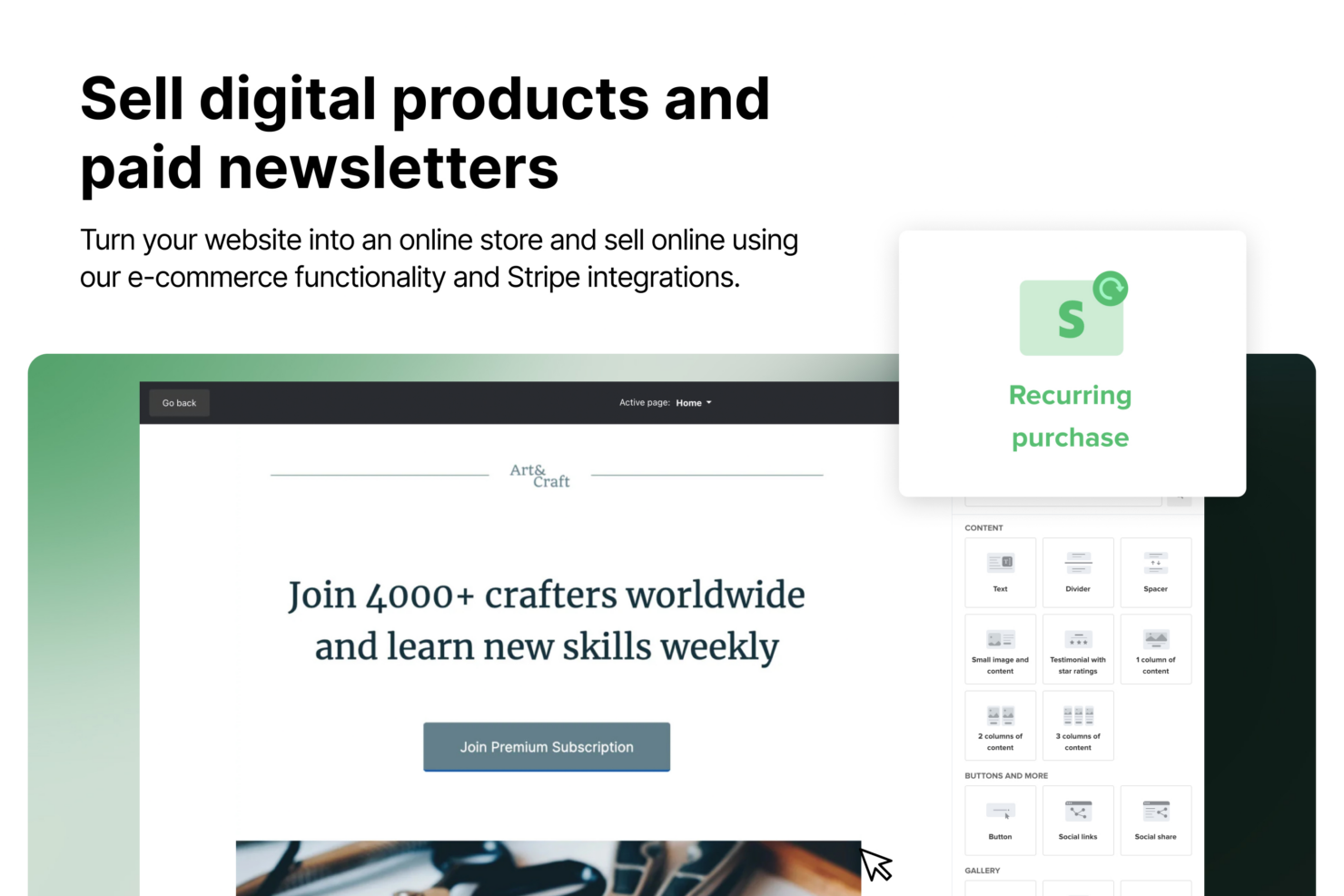
Where they start to differ is in how far those capabilities go. Mailchimp stands out with its broader ecosystem—offering built-in social media posting, retargeting ads, and more advanced automation flows with branching logic, along with predictive insights on higher tiers. MailerLite offers features like native digital product sales and paid newsletter capabilities, plus unlimited email sends on paid plans, making it especially appealing for creators and businesses monetizing their audience directly.
| Mailchimp | MailerLite | |
|---|---|---|
| A/B Testing | ||
| API | ||
| Audience Targeting | ||
| Brand Management | ||
| CRM Integration | ||
| Calendar Management | ||
| Campaign Management | ||
| Compliance Tracking | ||
| Contact Management | ||
| Contact Sharing | ||
| Conversion Tracking | ||
| Customer Management | ||
| Dashboard | ||
| Data Export | ||
| Data Import | ||
| Data Visualization | ||
| Email Integration | ||
| External Integrations | ||
| Google Apps Integration | ||
| Lead Management | ||
| Lead Scoring | ||
| Link Tracking | ||
| Marketing Automation | ||
| Multi-User | ||
| Notifications | ||
| Scheduling | ||
| Social-Media Integration | ||
| Third-Party Plugins/Add-Ons |
Mailchimp vs. MailerLite Integrations
| Integration | Mailchimp | MailerLite |
| Shopify | ✅ | ✅ |
| WooCommerce | ✅ | ✅ |
| Salesforce | ✅ | ✅ |
| WordPress | ✅ | ✅ |
| ✅ | ✅ | |
| Wix | ✅ | ✅ |
| Stripe | ✅ | ✅ |
| Squarespace | ✅ | ✅ |
| TikTok Ad Leads | ✅ | ❌ |
| Google Ad Leads | ✅ | ❌ |
| Zapier | ✅ | ✅ |
| API | ✅ | ✅ |
Mailchimp and MailerLite both integrate with a wide range of popular tools, including ecommerce platforms, CMSs, and analytics solutions, making them compatible with most marketing tech stacks. Both platforms also offer API access and Zapier integrations to extend functionality beyond native connections. The key difference is that Mailchimp has close to 2x the number of pre-built integrations. If integrations are a key consideration for extending the functionality of your tool, Mailchimp will provide 250+ pre-built integrations compared to MailerLite’s 130+.
Mailchimp vs. MailerLite Security, Compliance & Reliability
| Factor | Mailchimp | MailerLite |
| Data Privacy | Supports GDPR and global privacy frameworks, with data processing agreements. | Complies with GDPR and provides data processing agreements. |
| Encryption | Uses TLS encryption for data in transit and secure infrastructure controls. | Uses encryption (TLS) to protect data during transmission. |
| Uptime & Reliability | Public status page with real-time updates; no standard SLA in base terms. | High uptime with public status reporting and infrastructure transparency. |
| Access Controls | Role-based permissions and enforced two-factor authentication (2FA). | User roles and two-factor authentication for account security. |
| Compliance Audits | SOC 2 reporting and ISO 27001 alignment; regular security testing. | ISO 27001 certified with ongoing security practices. |
Mailchimp and MailerLite both provide strong security foundations, including GDPR compliance, encryption in transit, and role-based access controls. However, Mailchimp edges ahead because it is a large company, part of Intuit, that has had the resources to invest in its own data centers and keep your data very safe. With their own data centers that have 24/7 biometric security and on-site guards, they have some of the strongest infrastructure in the space.
Mailchimp vs. MailerLite Ease of Use
| Factor | Mailchimp | MailerLite |
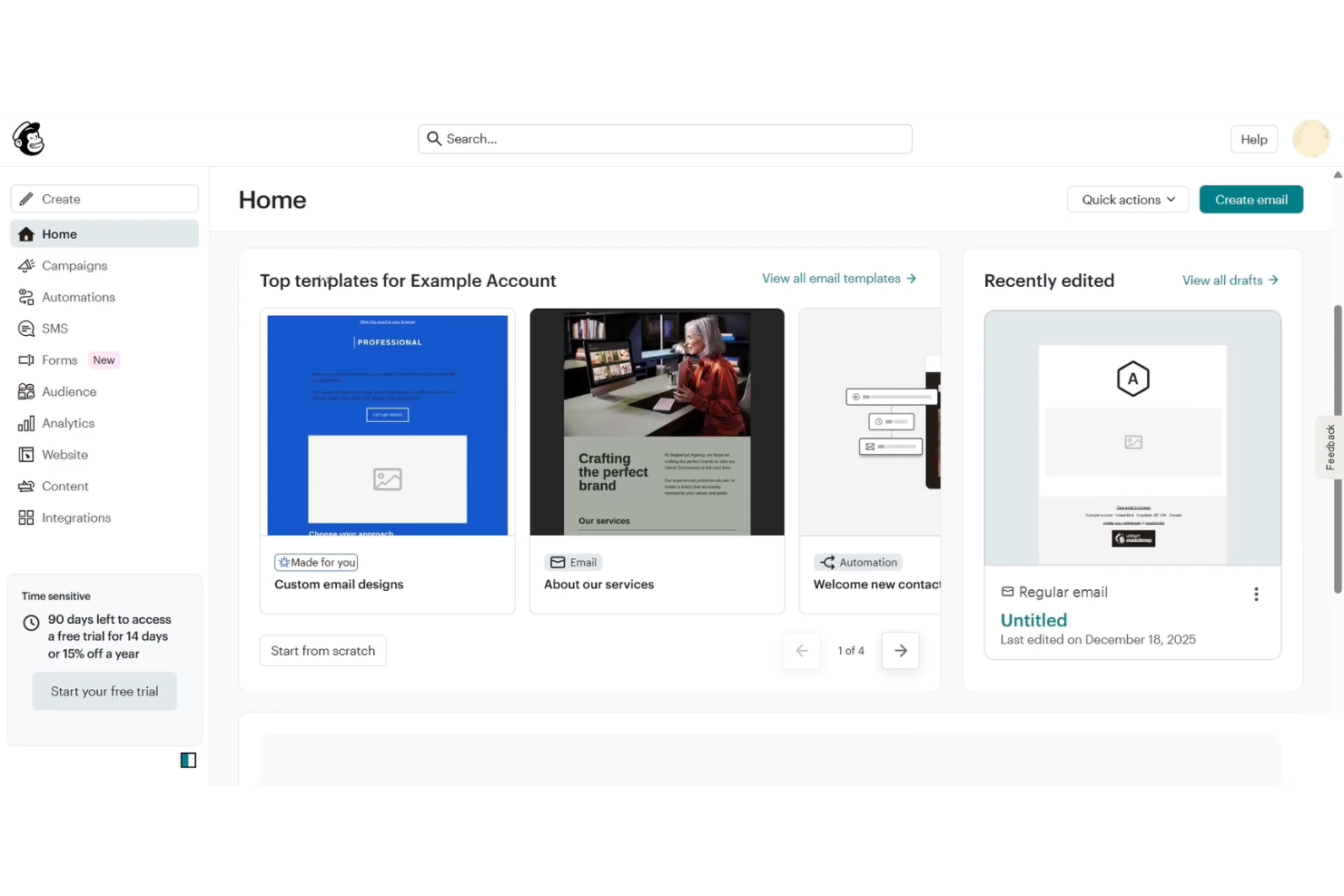
| User Interface | Known to be user-friendly yet feature-rich. More advanced features may require some time to learn. | Features a clean, minimal interface that’s easy to navigate, even for beginners. |
| Onboarding | Guided setup with recommended steps and tutorials, though more involved for advanced features. | Delivers a straightforward onboarding process with simple step-by-step instructions. |
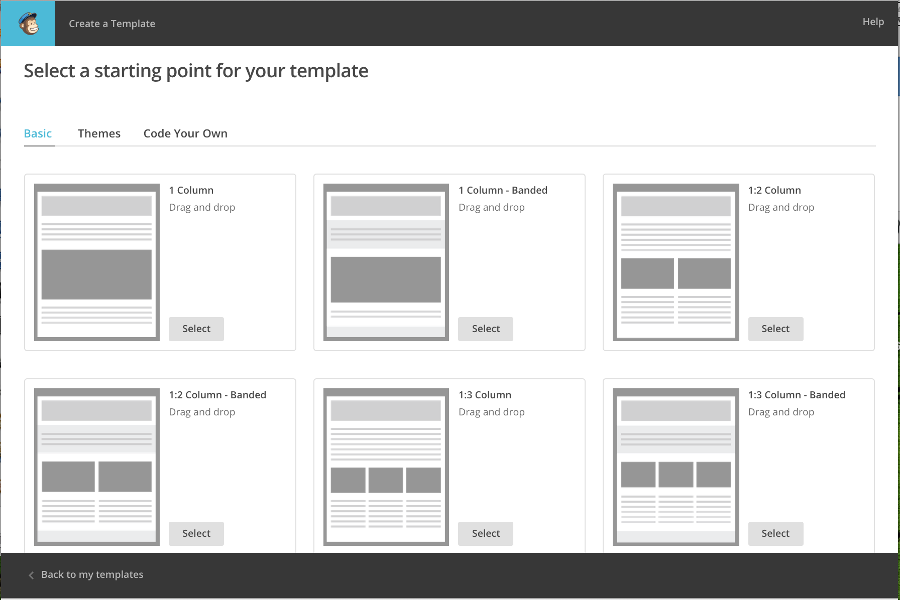
| Campaign Creation | Intuitive drag-and-drop builder with robust customization and templates. | Drag-and-drop editor designed for quick and simple campaign creation. |
| Customer Support | Extensive help center plus 24/7 email and chat support on paid plans. | Responsive chat and email support, plus a helpful knowledge base. |
| Learning Curve | Easy to start, but takes time to master advanced features and workflows. | Quick to learn, with most users getting comfortable in a few sessions. |
Overall, MailerLite is easier to pick up and use day-to-day, but Mailchimp is also widely recognized for its intuitive interface and beginner-friendly setup. The difference is that Mailchimp’s broader feature set and all-in-one scope can take more time to fully learn, especially as you move into automation, segmentation, and multichannel campaigns. MailerLite is ideal for teams that want a fast, straightforward experience, while Mailchimp suits those who want an easy starting point with room to grow into more advanced capabilities.
Mailchimp vs MailerLite: Pros & Cons
Mailchimp
- Easy-to-use email builder and templates make campaign creation fast.
- All-in-one platform (email, automation, landing pages, ads, social) reduces tool sprawl.
- 300+ integrations support e-commerce, analytics, and workflow automation.
- Pricing scales quickly as your contact list grows.
- Deeper segmentation and advanced automation require higher-tier plans.
- Unsubscribed and inactive contacts still count toward billing.
MailerLite
- You’ll find the interface easy to navigate, even if you’re new to email marketing.
- It offers strong automation features that can simplify your email campaigns.
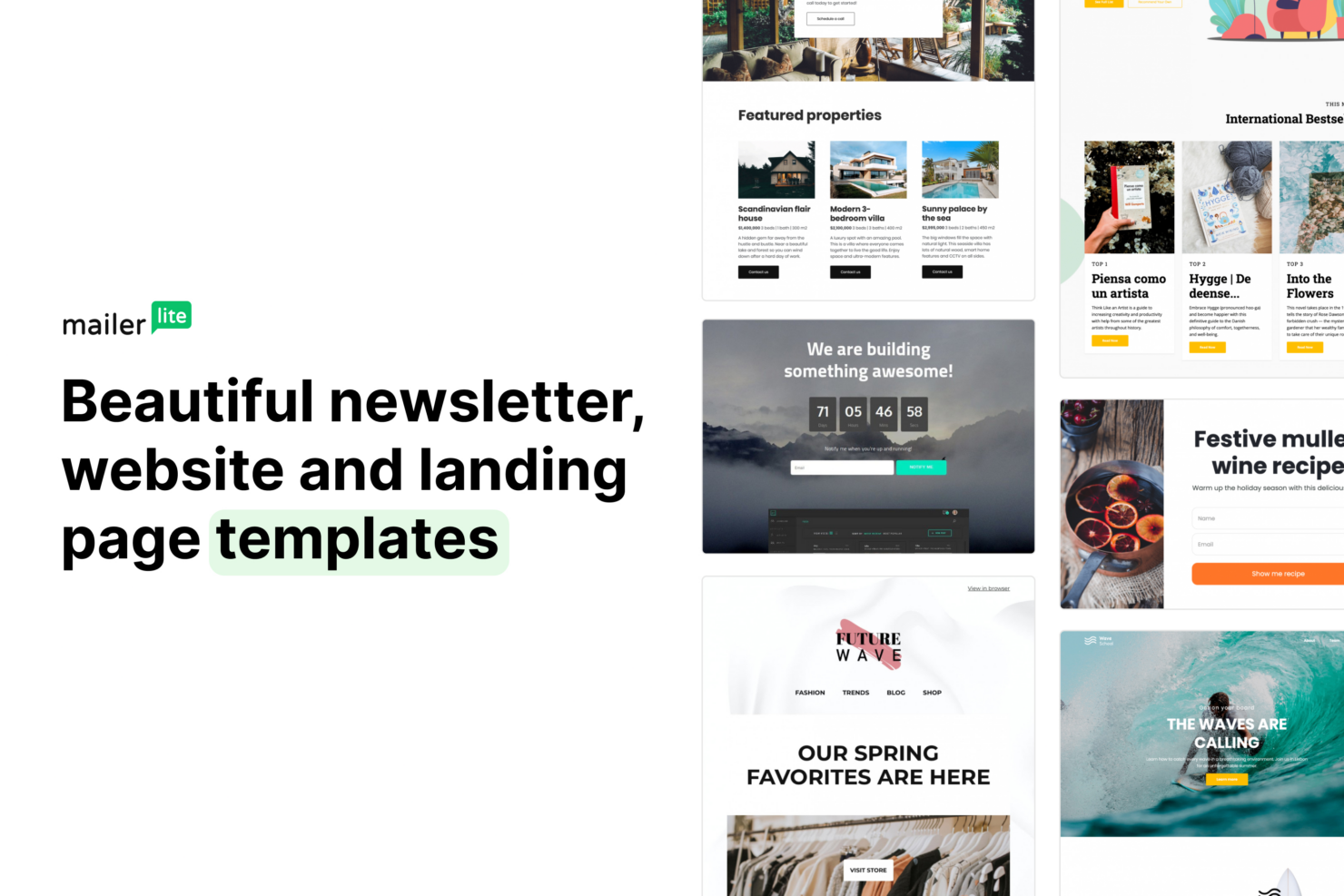
- You can access a variety of templates to enhance your email designs.
- Your team might find the reporting features a bit limited compared to other tools.
- It lacks some advanced customization options you might need for complex campaigns.
- You may experience slower customer support response times during peak periods.
Best Use Cases for Mailchimp and MailerLite
Mailchimp
- Ecommerce Businesses Mailchimp’s integrations with platforms like Shopify and WooCommerce let you sync customer and order data, making it easier to run automations like abandoned cart emails and post-purchase follow-ups.
- Small to Midsize Businesses (SMBs) If you’re looking for an all-in-one marketing platform without a steep learning curve, Mailchimp gives you the core tools—email, automation, and audience management—in a single, easy-to-use system.
- Startups and Lean Teams With prebuilt templates, simple signup forms, and guided setup, Mailchimp helps you get campaigns live quickly without needing dedicated marketing ops or technical support.
- Professional Services Firms Mailchimp helps you stay top of mind with clients through newsletters, updates, and automated follow-ups without requiring a complex marketing setup. Its email templates, audience segmentation, and simple automation flows make it easy to nurture relationships.
- Nonprofit Organizations Engage supporters with email campaigns, newsletters, and updates using prebuilt templates and simple audience management tools. You can segment donors and subscribers, automate outreach, and run campaigns without needing extensive technical resources.
- Marketing Departments Mailchimp allows you to manage email, landing pages, social posts, and ads from one place, making it easier to coordinate campaigns without switching between platforms.
MailerLite
- Small Businesses Mailerlite offers affordable plans and simple tools that help you manage email campaigns without needing a large marketing team.
- Startups Its intuitive platform allows you to quickly build and send emails, which is great when you're moving fast and scaling.
- Freelancers With Mailerlite, you can easily manage client email lists and campaigns without investing in complex software.
- Nonprofits You’ll appreciate Mailerlite’s cost-effective and easy-to-use features, helping you focus more on your mission than on tech.
- E-commerce Mailerlite’s automation and segmentation features help you target customers with personalized offers and updates efficiently.
- Bloggers Its variety of templates and ease of use let you keep your audience engaged with minimal effort on your part.
Who Should Use Mailchimp, and Who Should Use MailerLite?
Mailchimp is a strong choice if you want an all-in-one marketing platform that goes beyond email. It works especially well for small to midsize businesses, ecommerce brands, and marketing teams that need automation, multichannel campaigns, and a large integration ecosystem. If you plan to scale your marketing strategy over time and want more advanced tools that let you get started quickly and easily at any stage, Mailchimp gives you that flexibility.
MailerLite is better suited for creators, startups, and small businesses that prioritize the basics and a slightly cheaper cost. It’s a great fit if you mainly need email marketing, basic automation, and straightforward tools without a steep learning curve. If your goal is to launch campaigns quickly and keep things easy to manage, MailerLite provides a great option—though it is limited in the easy-to-use advanced features that Mailchimp provides if you have more complex needs.
Differences Between Mailchimp and MailerLite
| Mailchimp | MailerLite | |
|---|---|---|
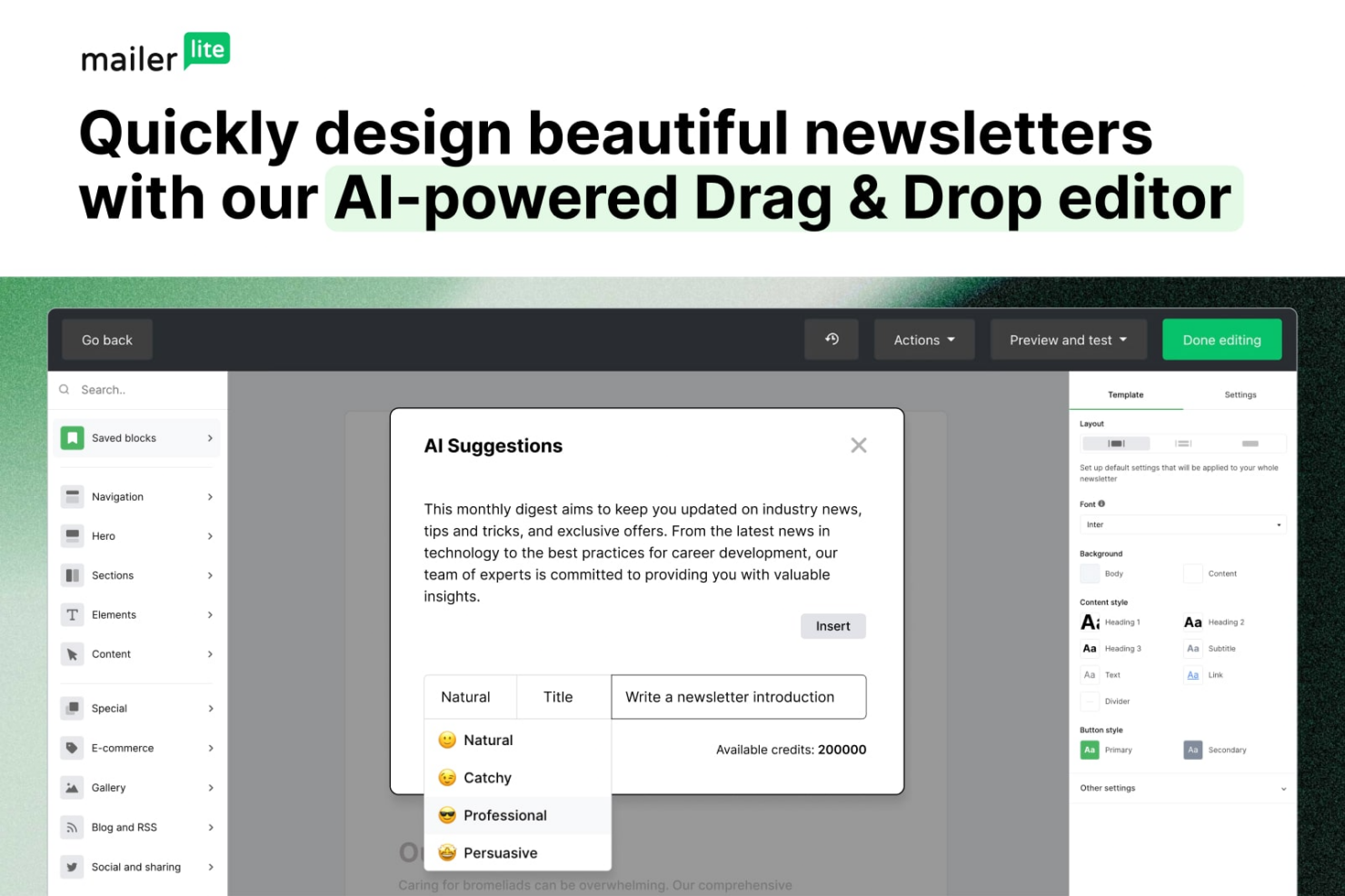
| Artificial Intelligence | Includes AI tools like send-time optimization and content suggestions. | Offers AI writing assistant, but fewer optimization features overall. |
| Automation Features | Offers advanced marketing automation, including multi-step journeys and behavioral triggers. | Supports multi-step automations with templates, but less advanced overall. |
| Integrations | Supports a wide range of direct integrations with ecommerce, CRM, and analytics tools. Larger integration library. | Covers essential integrations, but has a smaller library. Relies on Zapier and API for more options. |
| Multichannel Support | Supports email, SMS, ads, and social posting in one platform. | Primarily focused as an email platform, with more limited multichannel capabilities. |
| User Interface | Feature-rich dashboard that can feel complex as usage expands. | Clean, minimal interface designed for ease of use and quick navigation. |
| Visit Mailchimp Opens new window | Read MailerLite ReviewOpens new window |
Similarities Between Mailchimp and MailerLite
| A/B Testing | Both support A/B testing to optimize subject lines, content, or send times. |
|---|---|
| Compliance Support | Both comply with GDPR and offer tools for managing consent and privacy preferences. |
| Email Campaigns | Both let you design, schedule, and send campaigns with customizable email templates and drag-and-drop email editors. |
| Landing Pages | Both include tools to create landing pages for lead capture and campaigns. |
| List Management | Each platform supports subscriber segmentation, tagging, and list cleaning to help you target the right audience throughout the customer journey. |
| Visit Mailchimp Opens new window Read MailerLite ReviewOpens new window | |