
19 Best Transactional Email Software Reviewed in 2026

Best Transactional Email Software Shortlist
Here’s my shortlist of the best transactional email software:


Transactional email software becomes mission-critical when you're juggling product alerts, password resets, usage nudges, and abandoned carts. You’re not just trying to “send email”; you’re trying to confirm signups, reduce churn, and guide users at just the right moment. I’ve been in the trenches with marketing teams where deliverability issues quietly killed conversion, and I’ve worked with the tools that actually solve for speed and scale.
In this article, you'll discover my top picks for transactional email software based on deliverability, scalability and ease-of-use. I aim to provide you with an unbiased, well-researched review, so you can make an informed decision that suits your needs. Let's dive in and find the perfect solution for you.
Why Trust Our Software Reviews
Best Transactional Email Software Summary
This comparison chart summarizes pricing details for my top transactional email software selections to help you find the best one for your budget and business needs.
| Tool | Best For | Trial Info | Price | ||
|---|---|---|---|---|---|
| 1 | Best for startups | 30-day free trial + free plan + free demo available | From $10/month | Website | |
| 2 | Best for secure API integration | Free plan available | From $19/month | Website | |
| 3 | Best for AI-driven personalization | Free demo available | Pricing upon request | Website | |
| 4 | Best for combined marketing and transactional emails | Free plan + free demo available | From $7/month (billed annually) | Website | |
| 5 | Best for e-commerce | Free plan available | From $16/month | Website | |
| 6 | Best for high deliverability | 60-day free trial available | From $19.95/month | Website | |
| 7 | Best for multi-channel campaigns | Free plan available | From $8/month (billed annually) | Website | |
| 8 | Best for small businesses | Free plan available | From $15.60/month (billed annually) | Website | |
| 9 | Best for customer reviews | Free plan available | From $79/month (billed annually) | Website | |
| 10 | Best for team collaboration | Free plan available | From $17/month | Website |
-

Demandbase
Visit WebsiteThis is an aggregated rating for this tool including ratings from Crozdesk users and ratings from other sites.4.4 -
6sense
Visit WebsiteThis is an aggregated rating for this tool including ratings from Crozdesk users and ratings from other sites.4.3 -
AnswerThePublic
Visit Website


Best Transactional Email Software Review
Below are my detailed summaries of the best transactional email software that made it onto my shortlist. My reviews offer a detailed look at the key features, pros & cons, integrations, and ideal use cases of each tool to help you find the best one for you.

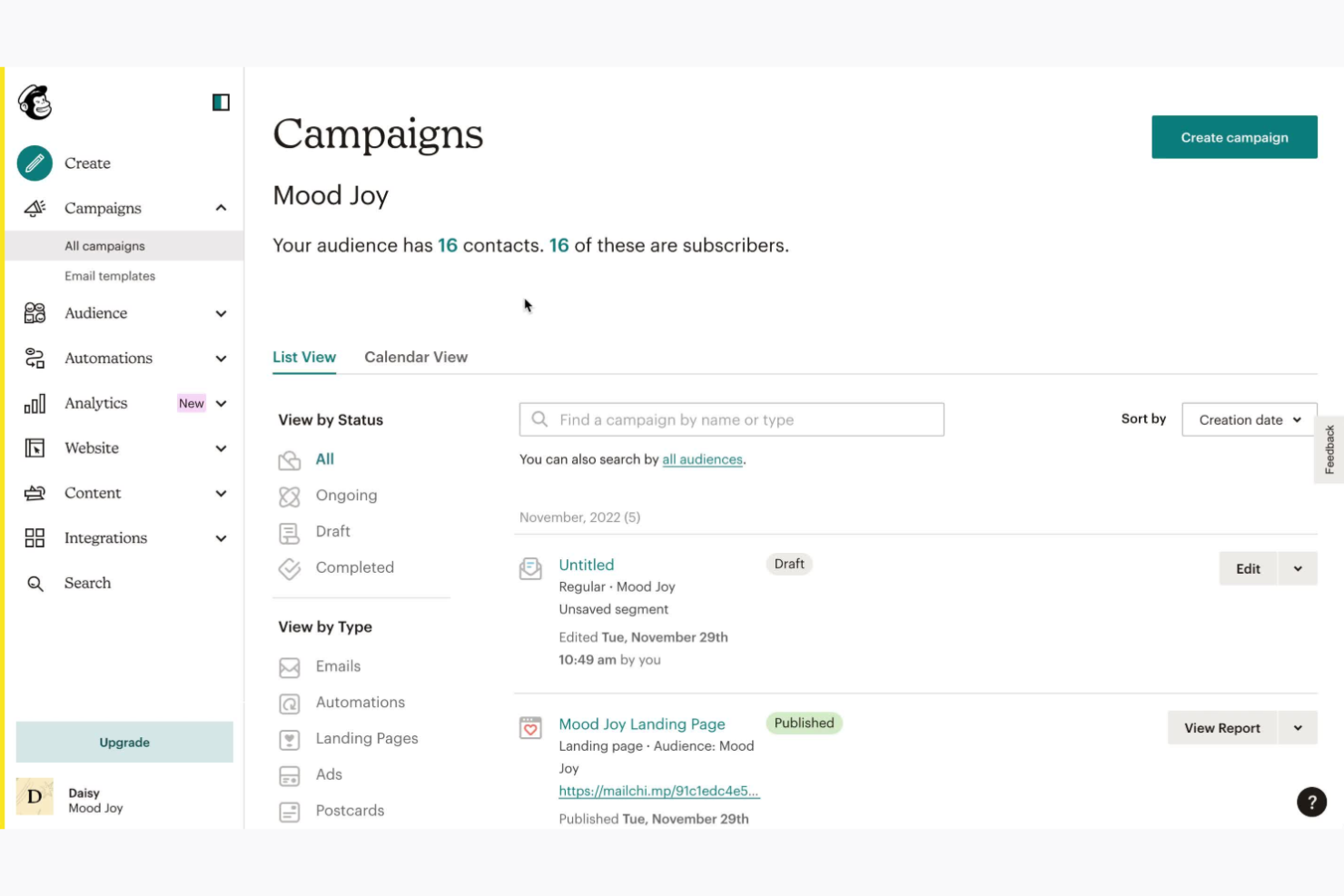
Mailchimp is a marketing automation platform which is well-suited for startups and small businesses. It helps teams manage email marketing campaigns, offering tools for design, automation, and analytics.
Why I picked Mailchimp: Mailchimp offers a simple yet effective platform for managing email campaigns. The drag-and-drop email editor allows you to create professional-looking emails without any coding skills. Automation features enable you to set up workflows that save time and enhance marketing efficiency. Its analytics provide valuable insights to help you understand your audience better and make informed decisions.
Standout features & integrations:
Features include a drag-and-drop editor that simplifies email creation. You can use automation features to create workflows that handle repetitive tasks. The platform also provides analytics that offer insights into campaign performance and audience engagement.
Integrations include Shopify, WooCommerce, QuickBooks, Salesforce, WordPress, Zapier, Stripe, Eventbrite, Google Analytics, and Slack.
Pros and Cons
Pros:
- Reliable deliverability rates
- Useful automation workflows
- Easy drag-and-drop email editor
Cons:
- Limited customer support options
- Can be complex for beginners

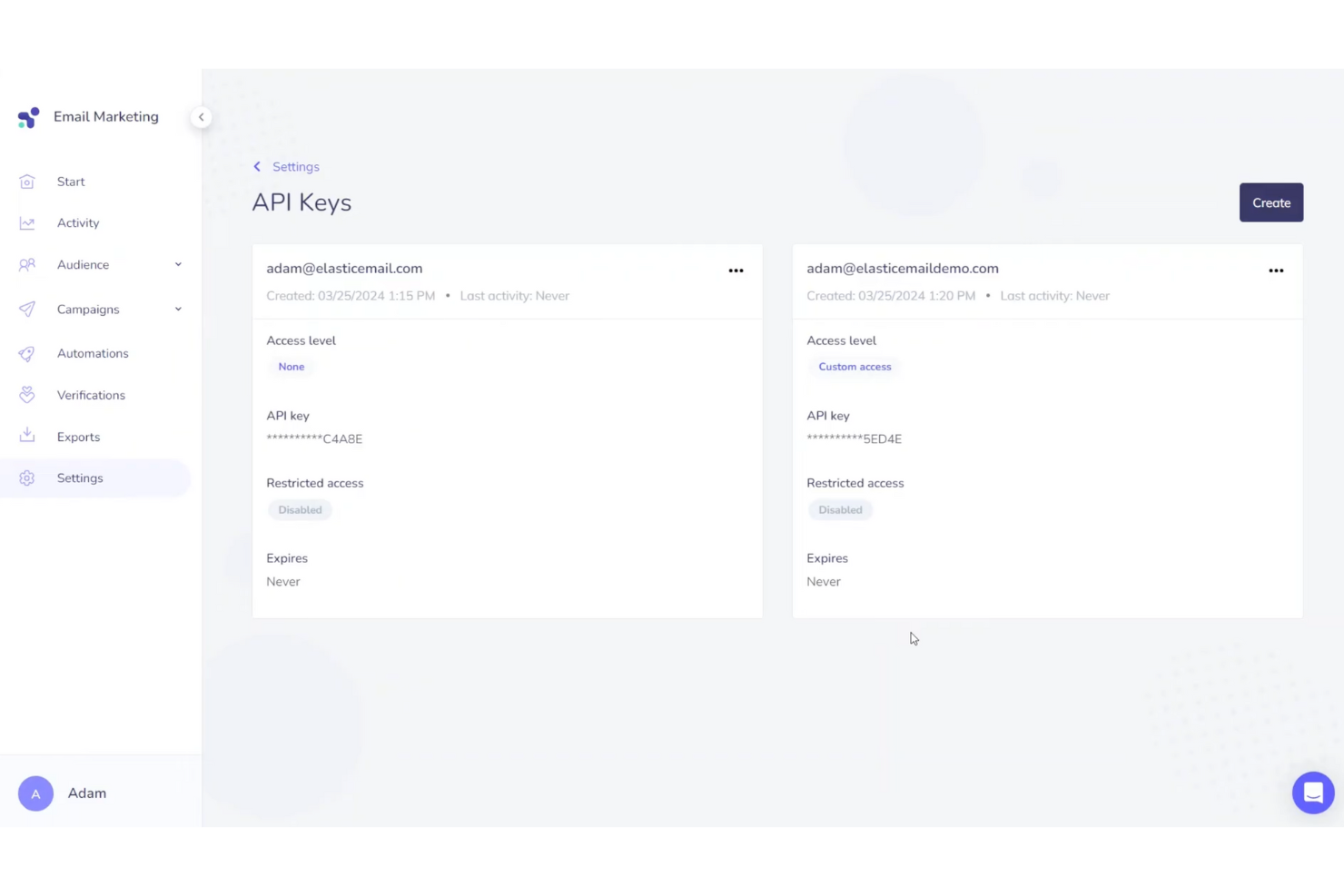
Elastic Email serves as a comprehensive solution for businesses seeking to enhance their email communication capabilities. It is particularly appealing to companies that need secure API integration to deliver reliable transactional emails, automate notifications, and send critical messages. With its secure API integration and customizable templates, Elastic Email addresses the need for efficient communication and data protection, helping businesses maintain secure and consistent email delivery.
Why I Picked Elastic Email
I picked Elastic Email for its secure API integration, which lets you seamlessly integrate transactional email capabilities directly into your applications. This ensures that your critical messages are automated and delivered reliably. Additionally, the platform's high-level security measures, including two-factor authentication and SSL/TLS encryption, provide peace of mind by safeguarding sensitive data. These capabilities make Elastic Email a solid choice for businesses that prioritize secure, seamless communication.
Elastic Email Key Features
In addition to secure API integration, Elastic Email offers:
- SMTP Service: Ensures reliable email delivery by allowing integration with various third-party services.
- Delivery Analytics: Provides detailed reports on email performance, including open and click rates, to help you optimize your email strategies.
- Email Designer and HTML Editor: Offers tools for creating customizable email templates to maintain brand consistency.
- SMS API: Enables you to send text messages globally, expanding your communication capabilities beyond email.
Elastic Email Integrations
Integrations include HubSpot, PayPal, Shopify, WordPress, Magento, WooCommerce, Google Analytics, Zapier, Mailchimp, and Salesforce. Elastic Email also offers an API for custom integrations.
Pros and Cons
Pros:
- Reliable delivery for important messages
- Easy to customize templates
- Has comprehensive analytics tools
Cons:
- Some users report occasional deliverability issues
- Interface may feel less polished compared to competitors

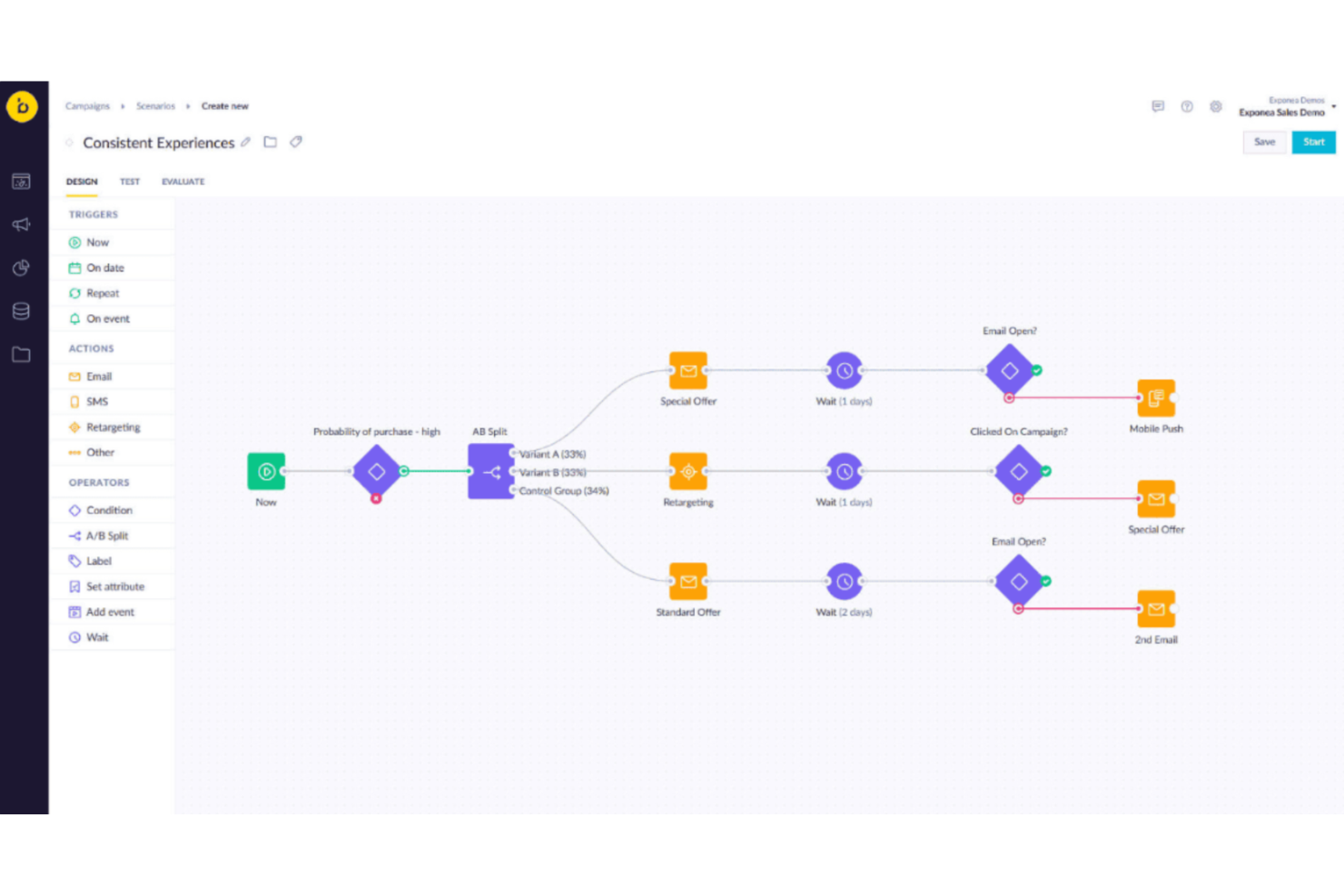
Bloomreach is an AI-driven platform designed for businesses that seek to enhance their email marketing strategies with personalized, transactional communications. It appeals to industries that require precise, real-time customer interactions, such as retail and e-commerce. By leveraging Bloomreach, your team can address challenges like improving customer engagement and driving revenue growth through targeted, automated email campaigns.
Why I Picked Bloomreach
I picked Bloomreach for its AI-driven personalization capabilities, which are crucial in transactional email software. The platform's ability to automate real-time customer communications ensures that your transactional emails, such as order confirmations and shipping notifications, are timely and relevant. Additionally, Bloomreach's robust API allows for seamless integration with existing systems, making it a versatile choice for businesses looking to enhance their email marketing strategies.
Bloomreach Key Features
In addition to its AI-driven personalization and API capabilities, Bloomreach offers:
- Email Template Customization: Allows you to design and personalize templates for various transactional emails.
- Email Tracking and Analytics: Provides insights into email performance, engagement, and revenue attribution.
- Fallback Mechanism: Ensures email delivery even if one service provider fails by using alternative integrations.
- Jinja for Personalization: Supports advanced personalization in email templates through Jinja scripting.
Bloomreach Integrations
Integrations include Shopify, Magento, Salesforce Commerce Cloud, BigCommerce, Snowflake, Google BigQuery, Databricks, and other marketing and data platforms.
Pros and Cons
Pros:
- AI-driven campaign agents automate email workflows
- Supports omnichannel campaigns across email, SMS, and web
- Advanced audience segmentation for targeted messaging
Cons:
- Pricing is not transparent or self-serve
- Reporting dashboards lack deep customization

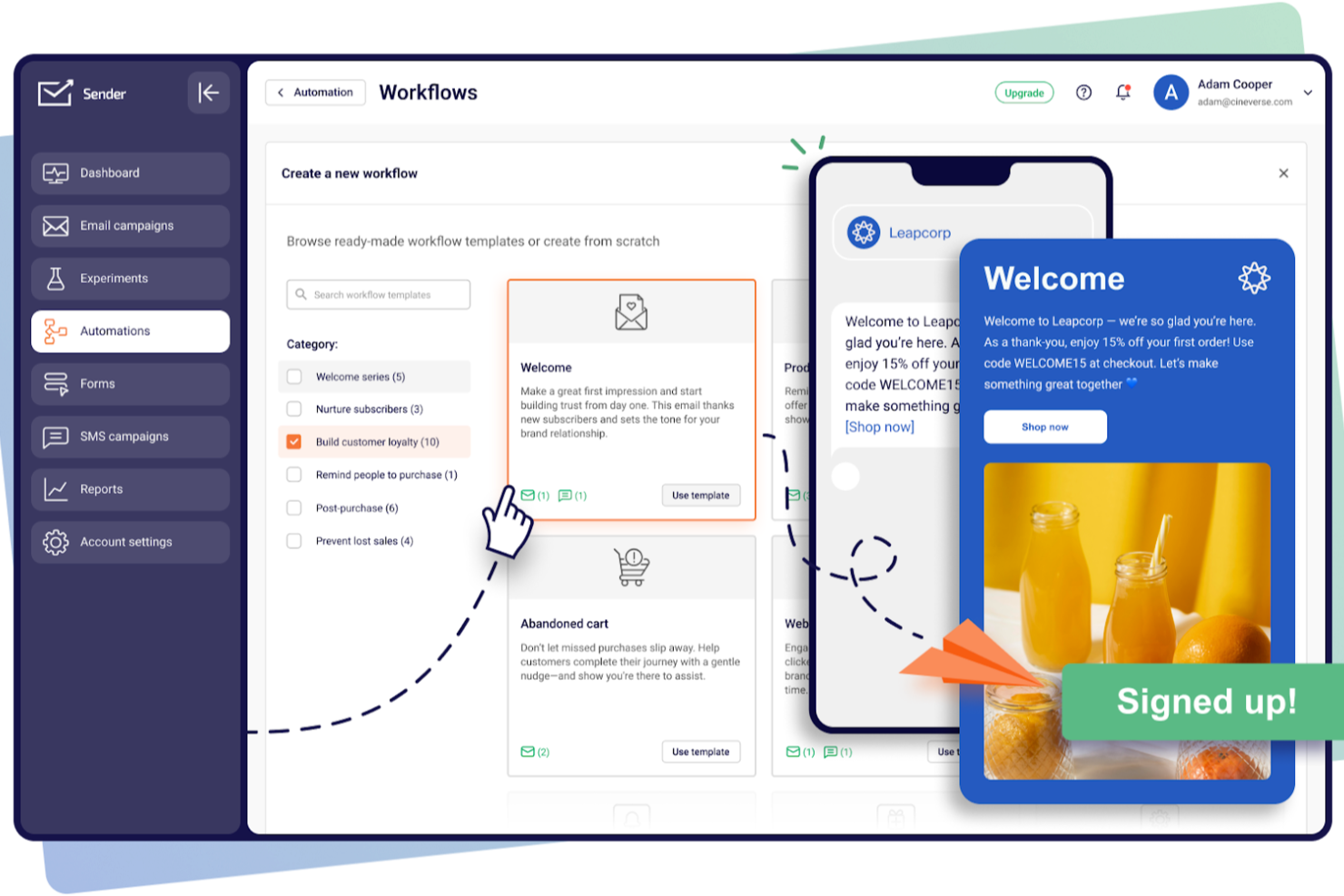
Sender offers a comprehensive solution for businesses looking to enhance their email communication strategies. As a versatile platform, it caters to a wide audience, from startups to large enterprises, by providing tools that simplify the process of creating, automating, and managing transactional emails. Whether you're in retail, services, or any industry that relies on timely email communication, Sender addresses the need for efficient and compliant messaging with its robust suite of features.
Why I Picked Sender
I picked Sender for its standout ability to seamlessly integrate transactional email capabilities into its email marketing platform. The inclusion of a drag-and-drop email builder allows your team to create visually appealing emails without needing extensive design skills. Additionally, Sender's library of over 1,600 mobile-responsive templates ensures that your emails will look great on any device. These features, combined with the ability to personalize content based on subscriber behavior, make Sender a strong choice for businesses looking to enhance their transactional email strategy.
Sender Key Features
In addition to its intuitive design tools, Sender offers several other key features that enhance its utility as a transactional email software:
- Unlimited Automation: Automate your email campaigns to ensure timely and relevant communication with your subscribers.
- Real-time Analytics: Track the performance of your emails in real-time to make data-driven decisions and optimize your strategies.
- A/B Testing: Test different versions of your emails to determine which performs best with your audience.
- Lead Capture: Use tools to effectively gather and manage leads, integrating them into your email marketing campaigns.
Sender Integrations
Integrations include WordPress, WooCommerce, and custom API-based integrations.
Pros and Cons
Pros:
- Includes real-time reporting and analytics
- Offers SMTP relay and REST API access
- Supports both marketing and transactional emails
Cons:
- Advanced customization options are somewhat restricted
- Limited native integrations available

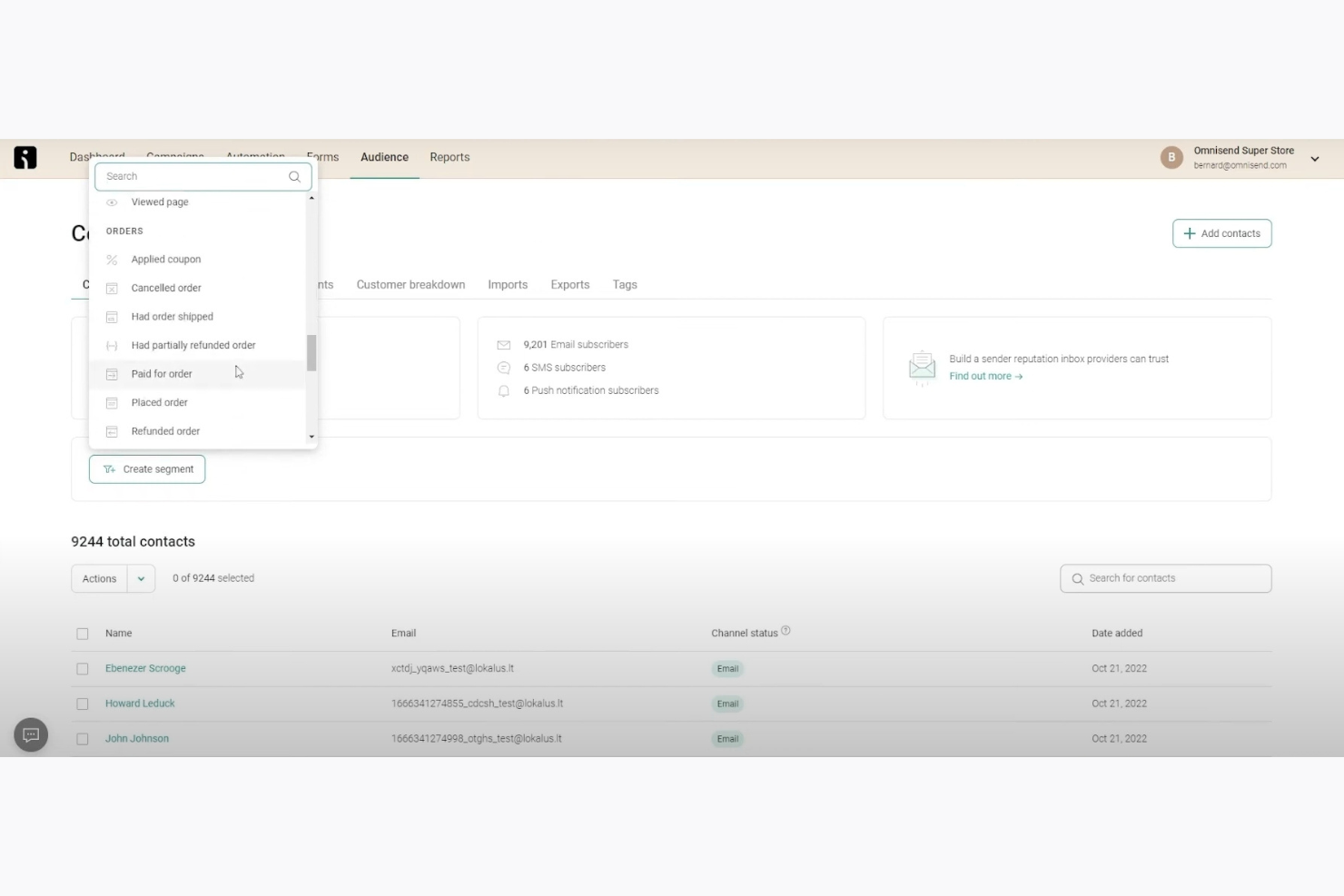
Omnisend is a marketing automation platform tailored for e-commerce businesses looking to enhance their customer engagement. It provides tools for email marketing, SMS, and more, helping online stores to connect with their audience effectively.
Why I picked Omnisend: Omnisend is ideal for ecommerce brands that want seamless, no-code transactional emails like order confirmations and shipping updates built directly into their store workflows. It is perfect if you want reliable, on-brand transactional messaging without involving a developer. The platform also offers SMS marketing, enabling you to reach customers through multiple channels.
Standout features & integrations:
Features include a drag-and-drop builder for designing branded order confirmations and shipping updates, segmentation tools to personalize messages based on customer behavior, and built-in SMS capabilities to extend transactional communication beyond email.
Integrations include Shopify, WooCommerce, BigCommerce, Magento, PrestaShop, Opencart, Zapier, Salesforce, Mailchimp, and Klaviyo.
Pros and Cons
Pros:
- Multi-channel marketing capabilities
- Effective pre-built automation workflows
- Designed for e-commerce businesses
Cons:
- Can be complex to learn
- Limited advanced reporting features
New Product Updates from Omnisend

Omnisend Enhances Cross-Store Segment Management
Omnisend introduces Copy Segments Across Stores that lets you duplicate and transfer audience segments between stores, helping teams manage multiple stores more efficiently and maintain consistent targeting. For more information, visit Omnisend's official site.
 .
.

SendGrid is an email delivery service designed for businesses that need reliable email communication. It's widely used by teams that prioritize high deliverability rates for their transactional and marketing emails.
Why I picked SendGrid: SendGrid excels in ensuring your emails reach your audience with high deliverability rates. You can use its advanced email analytics to track performance and gain insights. The platform offers a flexible API that allows for easy integration with your existing systems. Its email validation feature helps reduce bounce rates, ensuring your messages get to the intended recipients.
Standout features & integrations:
Features include advanced email analytics that provide insights into your campaign performance. You can use the flexible API to integrate SendGrid with your existing tools and systems. The email validation feature helps you maintain a clean email list, reducing bounce rates and improving deliverability.
Integrations include Salesforce, HubSpot, Zapier, WordPress, Shopify, Magento, Google Analytics, Slack, Twilio, and Microsoft Dynamics 365.
Pros and Cons
Pros:
- Scalable for large volumes
- Email validation reduces bounce rates
- Flexible API for integrations
Cons:
- Limited design customization
- Complex setup process

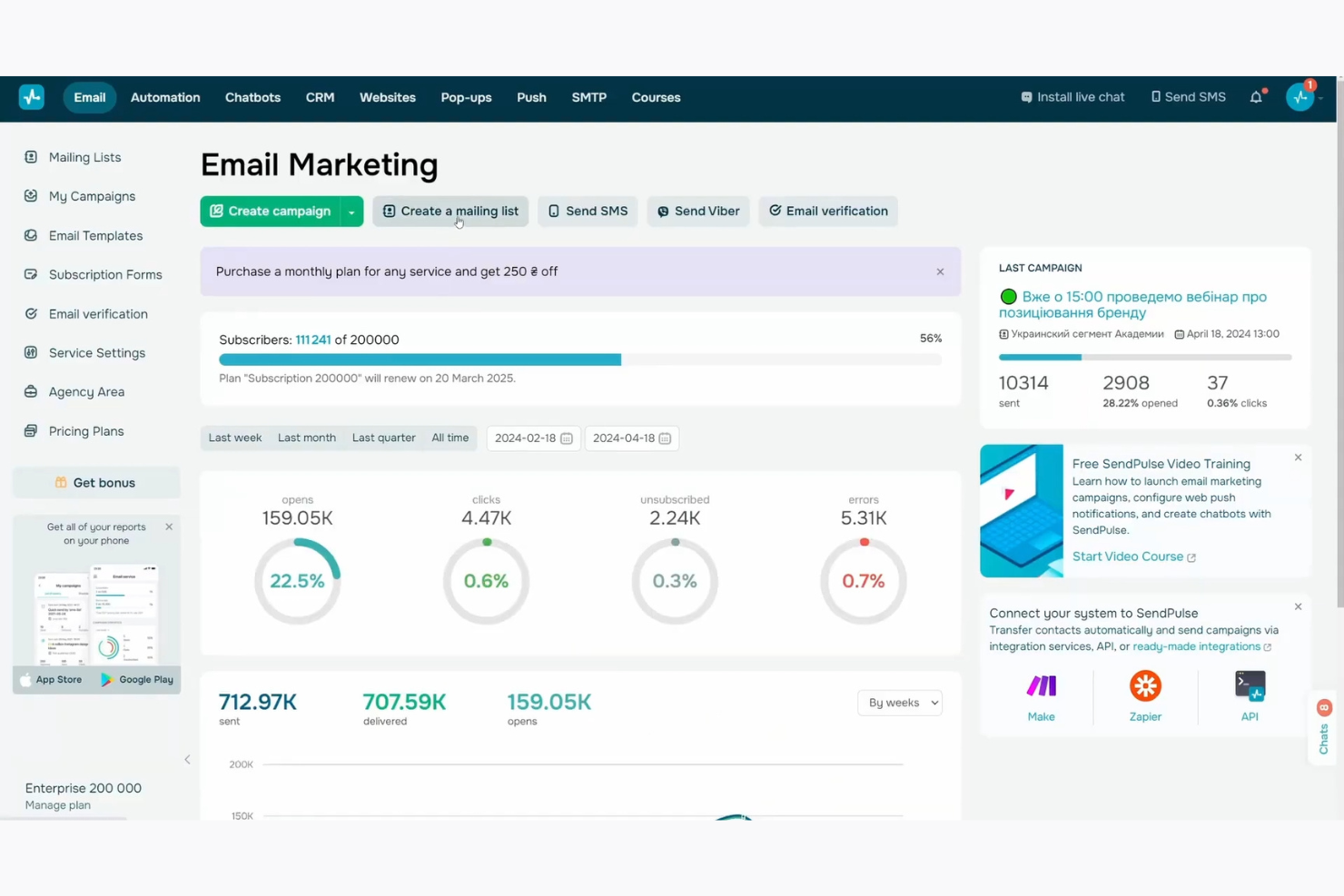
SendPulse is a marketing platform designed for businesses that want to engage their audience through various channels. It's ideal for marketing teams looking to manage email, SMS, and push notifications from one place.
Why I picked SendPulse: With its multi-channel capabilities, SendPulse lets your team communicate across email, SMS, and web push notifications. This flexibility means you can reach your audience wherever they are. You can automate your campaigns and personalize messages for each channel. Its user-friendly interface makes managing multiple channels straightforward and efficient.
Standout features & integrations:
Features include an intuitive drag-and-drop editor for creating email campaigns effortlessly. You can use the SMS service to connect with your audience via mobile devices. The platform also allows you to set up web push notifications to engage users on their browsers.
Integrations include Zapier, WordPress, WooCommerce, Shopify, Salesforce, Pipedrive, Typeform, Slack, Google Analytics, and PayPal.
Pros and Cons
Pros:
- Intuitive drag-and-drop editor
- Easy automation setup
- Supports multi-channel communication
Cons:
- Learning curve for new users
- Basic reporting features

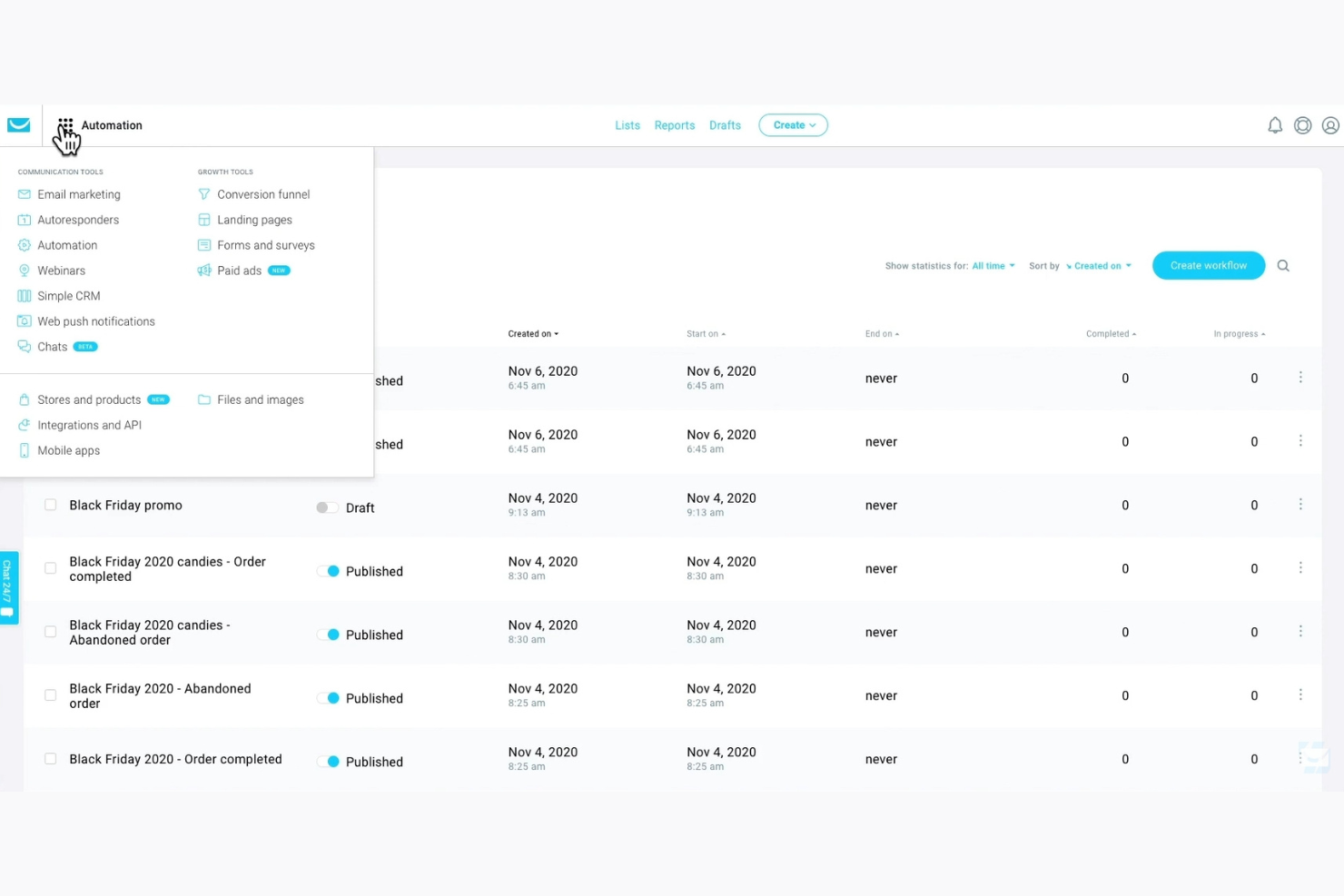
GetResponse is an email marketing platform tailored for small businesses looking to enhance their email campaigns. It provides essential tools for automating email marketing and engaging with customers effectively.
Why I picked GetResponse: GetResponse works well for small businesses that send transactional emails like confirmations, notifications, and receipts. You can create email sequences that trigger based on user actions, which is great for keeping customers informed without manual effort. Its SMTP service lets your team send high-volume transactional emails directly from your app or website. You’ll also find email templates built for time-sensitive messages like orders or updates.
Standout features & integrations:
Features include deliverability tracking to help you monitor how your transactional emails are performing. You can set up autoresponders based on user behavior, like clicks or purchases. The email analytics dashboard shows open rates, click data, and delivery metrics all in one place.
Integrations include Salesforce, Shopify, Magento, WordPress, WooCommerce, Zapier, Stripe, PayPal, Google Analytics, and HubSpot.
Pros and Cons
Pros:
- Customizable email templates
- Easy to use for beginners
- Effective marketing automation
Cons:
- Occasional slow interface
- Limited advanced features

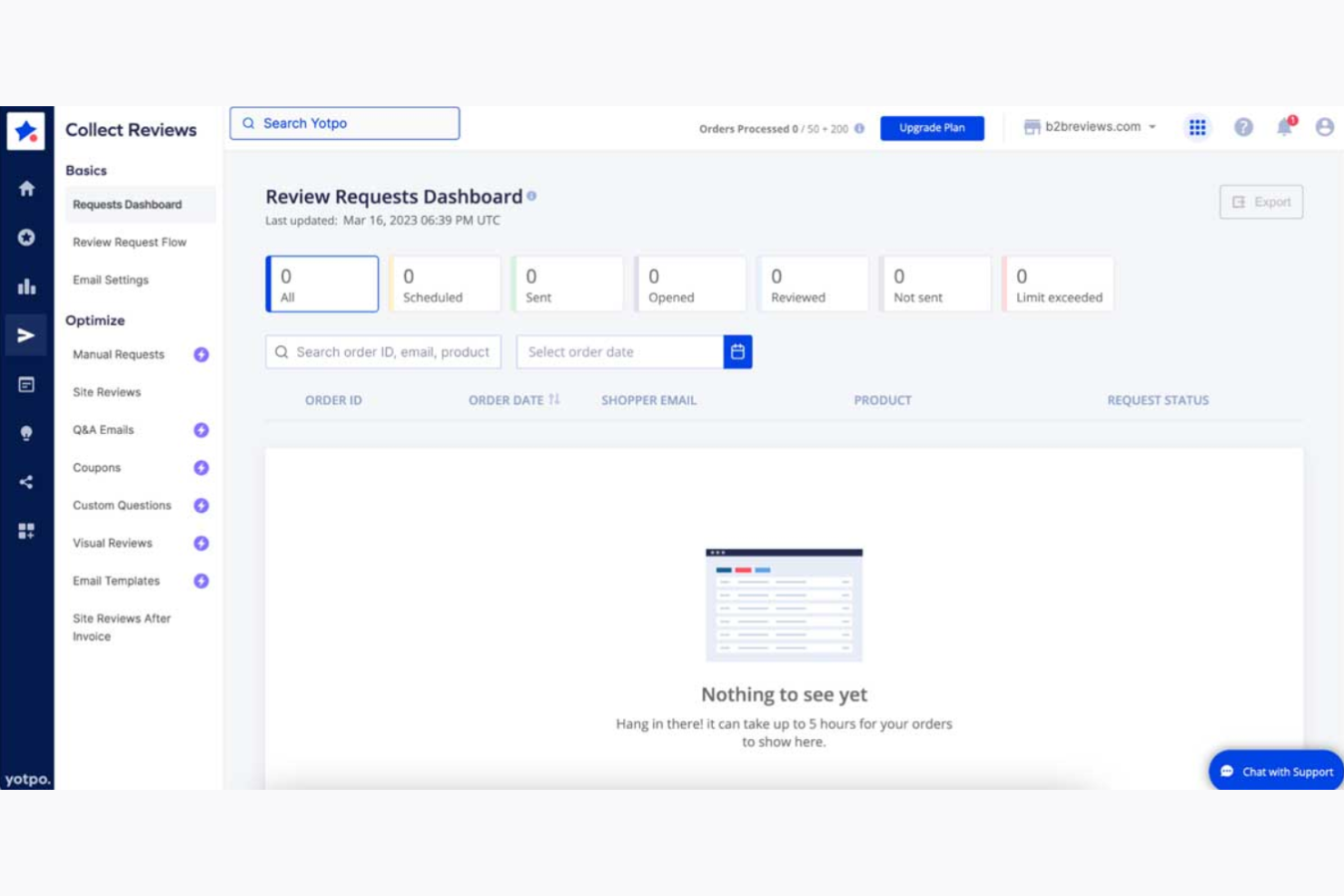
Yotpo is a marketing platform designed for businesses that want to leverage customer reviews in their email campaigns. It's particularly useful for e-commerce brands looking to build trust and drive sales through authentic customer feedback.
Why I picked Yotpo: Yotpo excels at integrating customer reviews into your email marketing strategy. You can embed reviews directly into your email templates, helping you showcase social proof. The platform offers tools to collect and display user-generated content, enhancing engagement. Its focus on customer feedback makes it a great choice for businesses aiming to build credibility and trust with their audience.
Standout features & integrations:
Features include the ability to embed customer reviews into your email templates, providing social proof to your audience. You can use tools to collect user-generated content and display it across your campaigns. The platform also offers customizable templates that allow you to tailor your messages to your brand's style.
Integrations include Shopify, BigCommerce, Magento, WooCommerce, Salesforce, HubSpot, Google Analytics, Facebook, Instagram, and Klaviyo.
Pros and Cons
Pros:
- Customizable email templates
- Supports user-generated content
- Easy review integration
Cons:
- Learning curve for new users
- Requires setup time

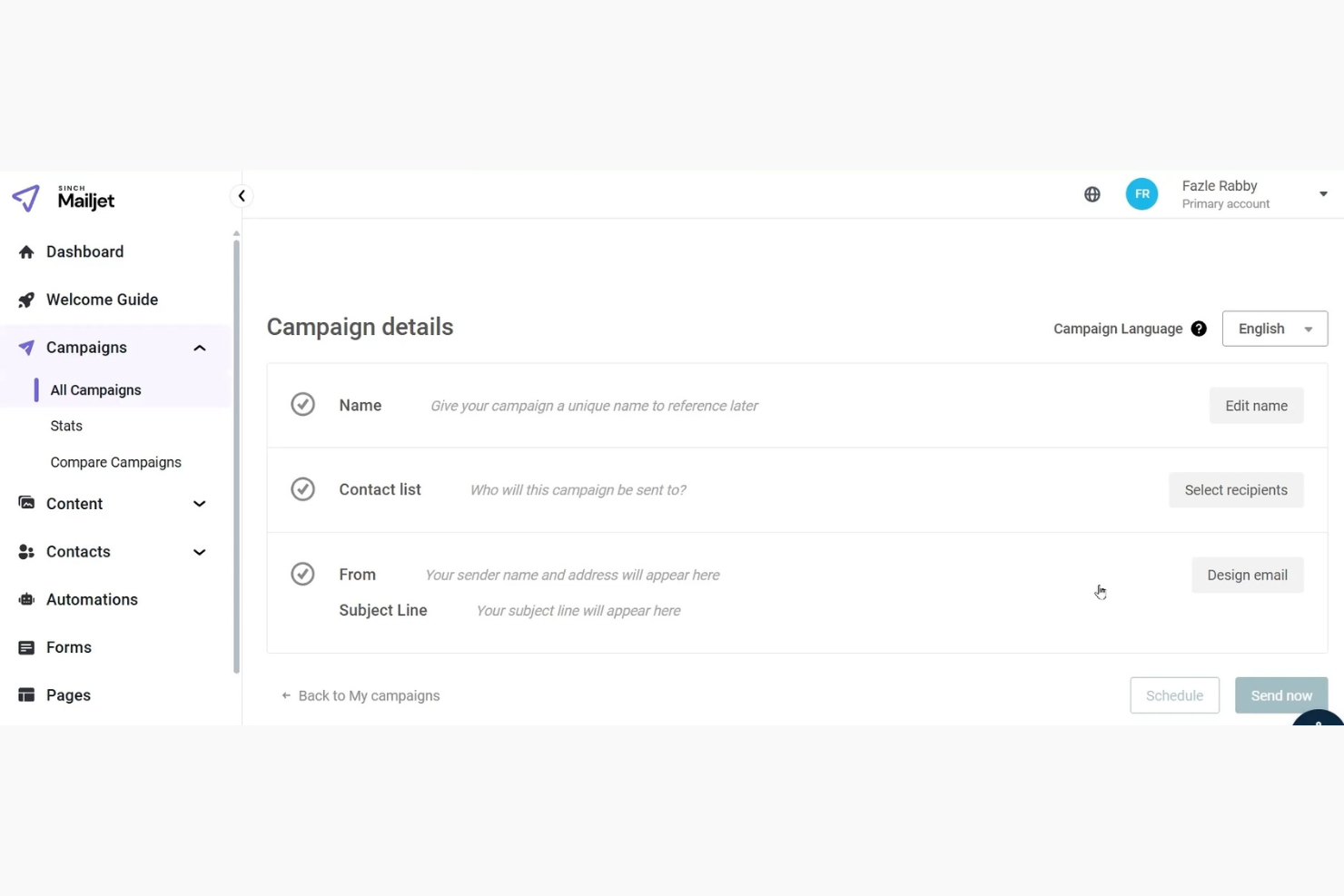
Mailjet is an email service platform designed for businesses that need efficient email communication. It's especially useful for teams that require collaborative tools to manage and execute email campaigns effectively.
Why I picked Mailjet: Mailjet offers features that cater to team collaboration, making it easy for multiple users to work together. You can use the platform's collaboration tools to edit emails in real time, ensuring everyone stays on the same page. Mailjet also provides permission management, so you can control who can access different parts of your email campaigns. Its user-friendly interface supports effective team coordination, which is crucial for collaborative environments.
Standout features & integrations:
Features include an intuitive drag-and-drop email editor, which simplifies the creation process for your team. You can use the A/B testing feature to optimize your email campaigns and improve performance. The platform also offers detailed analytics, giving you insights into how your emails are performing.
Integrations include Salesforce, WordPress, Magento, Zapier, Shopify, HubSpot, Microsoft Dynamics 365, Google Analytics, Slack, and PrestaShop.
Pros and Cons
Pros:
- Supports A/B testing
- Permission management features
- Real-time collaboration tools
Cons:
- No phone support
- Limited advanced automation
Other Transactional Email Software
Here are some additional transactional email software options that didn’t make it onto my shortlist, but are still worth checking out:
- Klaviyo
For personalized emails
- Brevo
For transactional emails
- Airship
For behavior-based transactional messages
- MailChannels
For email security
- Customer.io
For targeted messaging
- WebEngage
For customer retention
- Netcore Cloud
For large-scale campaigns
- Postmark
For fast email delivery
- Dotdigital
For data-driven marketing


Transactional Email Software Selection Criteria
When selecting the best transactional email software to include in this list, I considered common buyer needs and pain points like ensuring high deliverability rates and reliable email performance. I also used the following framework to keep my evaluation structured and fair:
Core Functionality (25% of total score)
To be considered for inclusion in this list, each solution had to fulfill these common use cases:
- Send automated transactional emails
- Ensure high deliverability rates
- Provide detailed email analytics
- Support scalable email volumes
- Manage email templates
Additional Standout Features (25% of total score)
To help further narrow down the competition, I also looked for unique features, such as:
- Advanced segmentation capabilities
- Real-time email tracking
- Customizable automation workflows
- Integration with multiple platforms
- Personalization options
Usability (10% of total score)
To get a sense of the usability of each system, I considered the following:
- Intuitive user interface
- Ease of navigation
- Minimal learning curve
- Customization options
- Aesthetic design
Onboarding (10% of total score)
To evaluate the onboarding experience for each platform, I considered the following:
- Availability of training videos
- Interactive product tours
- Access to webinars
- Comprehensive templates
- Responsive chatbots
Customer Support (10% of total score)
To assess each software provider’s customer support services, I considered the following:
- Availability of live chat support
- 24/7 email assistance
- Access to phone support
- Detailed help documentation
- Active user community
Value For Money (10% of total score)
To evaluate the value for money of each platform, I considered the following:
- Competitive pricing
- Feature set relative to cost
- Availability of free trials
- Flexible pricing plans
- Return on investment
Customer Reviews (10% of total score)
To get a sense of overall customer satisfaction, I considered the following when reading customer reviews:
- Feedback on reliability
- Comments on ease of use
- Opinions on customer support
- Ratings on feature effectiveness
- General satisfaction levels
How to Choose Transactional Email Software
It’s easy to get bogged down in long feature lists and complex pricing structures. To help you stay focused as you work through your unique software selection process, here’s a checklist of factors to keep in mind:
| Factor | What to Consider |
| Scalability | Can the software handle your email volume as you grow? Look for tools that scale with your business without a hefty price increase. |
| Integrations | Does it connect with the tools you already use? Check for easy integration with your CRM, e-commerce platform, and analytics tools. |
| Customizability | Can you tailor the software to fit your needs? Evaluate how much you can customize workflows, templates, and automation rules. |
| Ease of use | Is the interface intuitive for your team? Ensure it doesn't require extensive training or technical expertise to operate effectively. |
| Implementation and onboarding | How quick is the setup process? Look for software with a straightforward onboarding experience that includes tutorials and support to get you up and running fast. |
| Cost | Does the pricing fit your budget? Consider not just the base price but also any additional costs for extra features or higher email volumes. |
| Security safeguards | Are there adequate security measures in place? Ensure the software offers encryption, spam protection, and compliance with data privacy regulations. |
| Support availability | What support options are available? Check for 24/7 support channels like chat, email, or phone, and consider the quality of their customer service. |
What Is Transactional Email Software?
Transactional email software is designed to automate the sending of emails triggered by user actions or specific events.
Marketing managers, e-commerce professionals, and customer service teams commonly use these tools to ensure timely and relevant communication with customers. Automation, real-time analytics, and integration capabilities help with managing high volumes, personalizing content, and tracking performance. Overall, these tools enhance customer engagement and operational efficiency.
Features of Transactional Email Software
When selecting transactional email software, keep an eye out for the following key features:
- Automation: Automates the sending of emails based on user actions, saving time and ensuring timely communication.
- Real-time analytics: Provides insights into email performance, helping you optimize campaigns and track engagement.
- Integration capabilities: Connects with other tools like CRMs and e-commerce platforms to streamline workflows and data sharing.
- Advanced segmentation: Allows you to target specific audience groups based on behavior, improving personalization and engagement.
- Email validation: Reduces bounce rates by ensuring emails are sent to valid addresses, maintaining sender reputation.
- Customizability: Lets you tailor templates and workflows to fit your brand and specific business needs.
- Security safeguards: Offers protection against spam and data breaches, ensuring secure communication.
- Scalability: Handles increasing email volumes as your business grows, without compromising performance.
- A/B testing: Enables you to test different email versions to find the most effective content and design.
- User-friendly interface: Ensures ease of use with an intuitive design, reducing the learning curve for new users.
Benefits of Transactional Email Software
Implementing transactional email software provides several benefits for your team and your business. Here are a few you can look forward to:
- Time savings: Automation reduces manual tasks, allowing your team to focus on more strategic activities.
- Improved engagement: Personalization and advanced segmentation ensure emails are relevant, boosting customer interaction.
- Enhanced deliverability: Email validation and security safeguards help maintain sender reputation and ensure emails reach inboxes.
- Better insights: Real-time analytics provide data on email performance, helping refine strategies and improve results.
- Growth support: Scalability ensures the software can handle increased email volumes as your business expands.
- Increased efficiency: Integration capabilities allow for smooth data flow between systems, optimizing workflows.
Costs and Pricing of Transactional Email Software
Selecting transactional email software requires an understanding of the various pricing models and plans available. Costs vary based on features, team size, add-ons, and more. The table below summarizes common plans, their average prices, and typical features included in transactional email software solutions:
Plan Comparison Table for Transactional Email Software
| Plan Type | Average Price | Common Features |
| Free Plan | $0 | Basic email sending, limited templates, and basic analytics. |
| Personal Plan | $5-$25/user/month | Enhanced templates, basic automation, and priority support. |
| Business Plan | $30-$75/user/month | Advanced automation, detailed analytics, and integration capabilities. |
| Enterprise Plan | $100+/user/month | Custom solutions, dedicated support, personalized onboarding, and full integration options. |
Transactional Email Software FAQs
Here are some answers to common questions about transactional email software:
Do transactional emails need an unsubscribe link?
Transactional emails typically don’t need an unsubscribe link because they’re sent to facilitate a transaction or update a customer on an existing one. However, it’s important to ensure the email content strictly adheres to transactional purposes and doesn’t include promotional material, which would require an unsubscribe option.
What is the difference between bulk email and transactional email?
Transactional emails are specific to a user’s action, providing information about a transaction, like a receipt. Bulk emails are promotional and sent to multiple recipients at once. Understanding this distinction helps ensure compliance with email regulations and improves customer communication.
What should I consider when choosing transactional email software?
When selecting transactional email software, consider factors like scalability, integration capabilities, and security. Evaluate how well the software can grow with your business, connect with existing tools, and protect your data. These considerations will help you choose a solution that fits your needs.
Can transactional emails include marketing content?
Transactional emails should focus on delivering information related to a transaction or user action. Including marketing content can blur the lines and require an unsubscribe option. It’s crucial to maintain clarity between transactional and promotional emails to comply with regulations and respect customer preferences.
What’s Next:
If you're in the process of researching transactional email software, connect with a SoftwareSelect advisor for free recommendations.
You fill out a form and have a quick chat where they get into the specifics of your needs. Then you'll get a shortlist of software to review. They'll even support you through the entire buying process, including price negotiations.