

Google Analytics vs. Google Ads: 2026 Comparison


Google Analytics helps you understand what your audience does on your site, while Google Ads puts your brand in front of new prospects—so choosing between these digital marketing software options often comes down to whether you need deeper insights or more reach. If you’re weighing where to invest your time and budget, you’re not alone. Marketers everywhere face the challenge of connecting the dots between campaign performance and user behavior, and both tools promise to fill different gaps. In this article, you’ll get a clear, side-by-side look at digital marketing software from Google, with expert insights to help you decide which platform fits your strategy, goals, and reporting needs
Google Analytics helps you understand what your audience does on your site, while Google Ads puts your brand in front of new prospects—so choosing between these digital marketing software options often comes down to whether you need deeper insights or more reach. If you’re weighing where to invest your time and budget, you’re not alone. Marketers everywhere face the challenge of connecting the dots between campaign performance and user behavior, and both tools promise to fill different gaps. In this article, you’ll get a clear, side-by-side look at digital marketing software from Google, with expert insights to help you decide which platform fits your strategy, goals, and reporting needs.
Google Analytics vs. Google Ads: An Overview
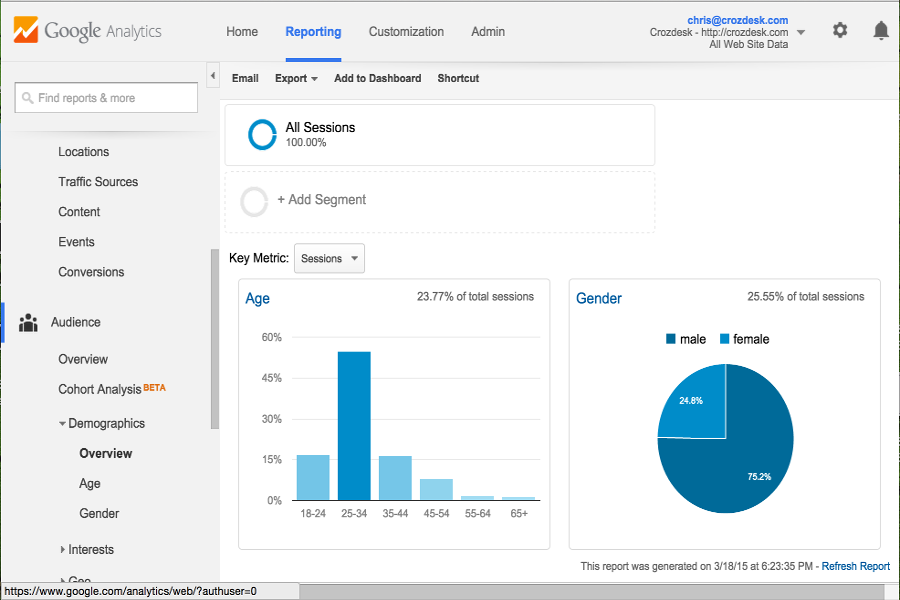
Google Analytics

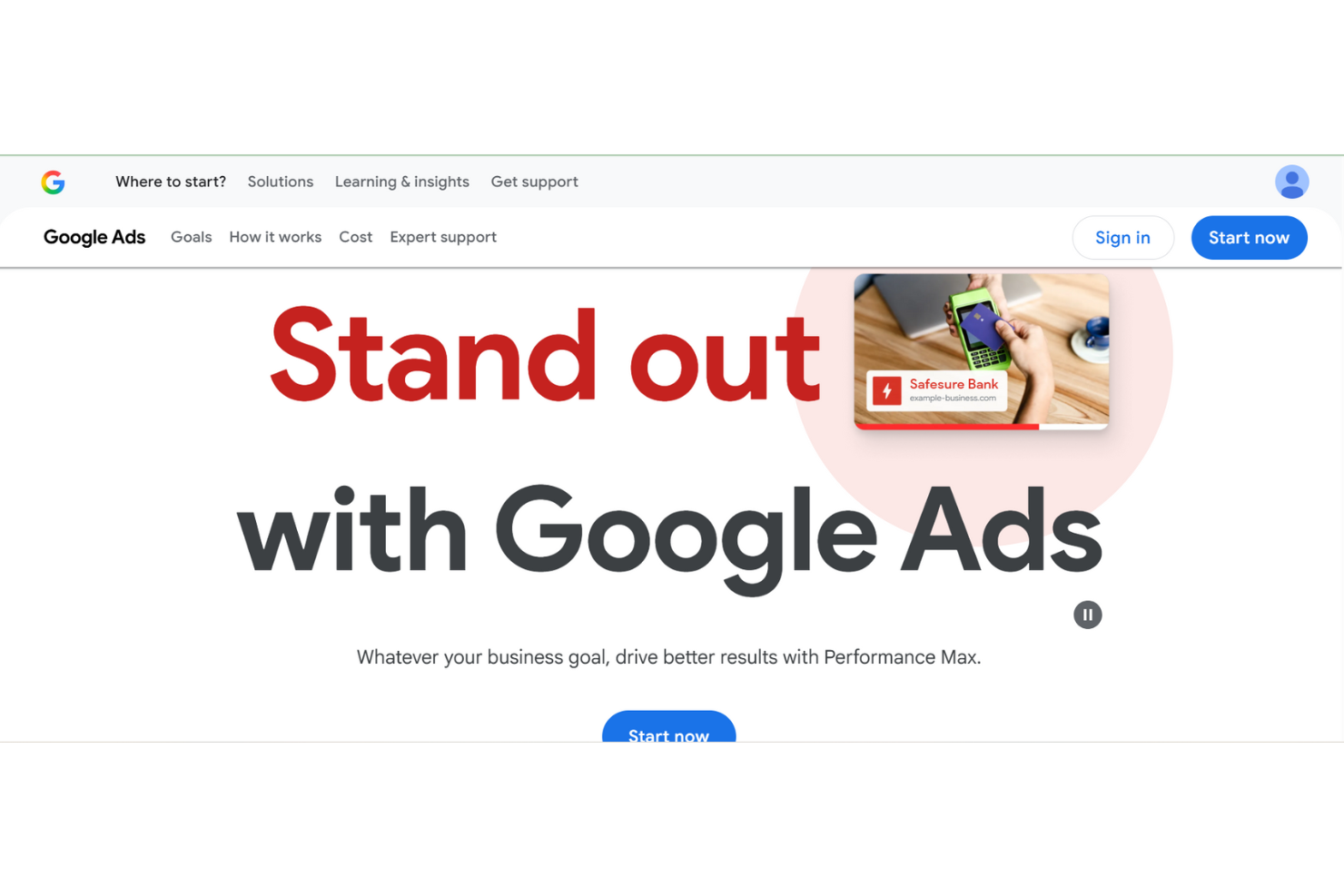
Google Ads
Why Trust Our Software Reviews
Google Analytics vs. Google Ads Pricing Comparison
| Google Analytics | Google Ads | |
|---|---|---|
| Free Trial | Free plan available | Not available |
| Pricing | Pricing upon request | No base cost; pricing depends on ad campaign budget |
Google Analytics vs. Google Ads Pricing & Hidden Costs
Google Analytics offers a free version with core features, while its premium tier targets enterprise users with advanced analytics and support. Google Ads, on the other hand, operates on a pay-per-click model, so costs depend on your ad spend, bidding strategy, and competition for keywords. With both tools, you might encounter hidden costs—like implementation resources, integration with other platforms, or the need for expert help to get the most out of advanced features.
To choose the right pricing model, look beyond the sticker price and consider your team’s technical skills, campaign goals, and the level of support you’ll need. Evaluate how each tool’s pricing structure fits with your expected usage, reporting requirements, and the complexity of your marketing efforts. It’s also smart to factor in the potential costs of training, third-party integrations, and scaling up as your needs grow.
Google Analytics vs. Google Ads Feature Comparison
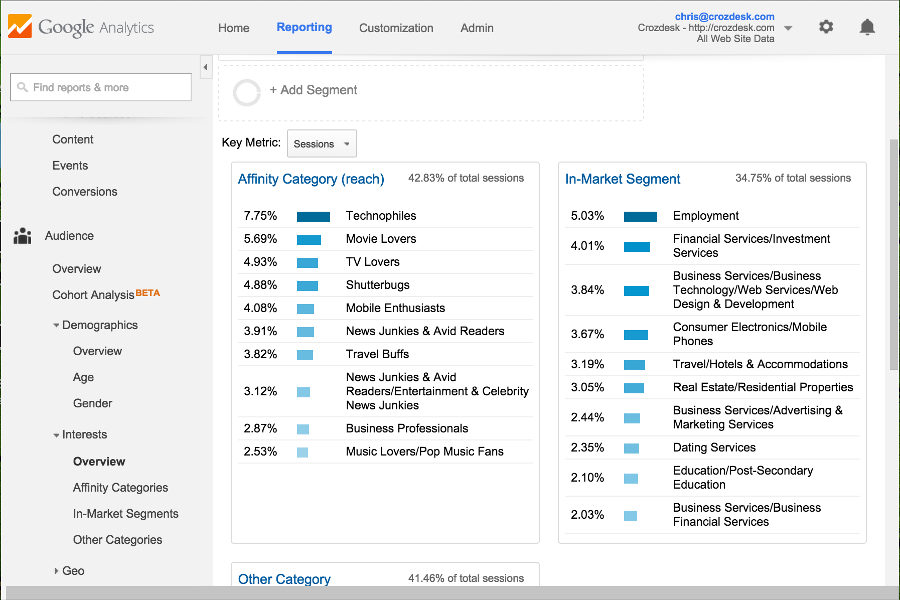
Google Analytics gives you detailed traffic analysis and user journey tracking, helping you spot trends and optimize site content based on real visitor behavior. In contrast, Google Ads lets you create, manage, and refine ad campaigns with tools for keyword targeting and performance tracking, so you can reach new audiences and adjust spend in real time.
| Google Analytics | Google Ads | |
|---|---|---|
| A/B Testing | ||
| API | ||
| Analytics | ||
| Campaign Management | ||
| Conversion Tracking | ||
| Data Export | ||
| Data Import | ||
| External Integrations | ||
| Keyword Tracking | ||
| Landing Pages | ||
| Link Tracking | ||
| Multi-User | ||
| Notifications |
Google Analytics vs. Google Ads Integrations
| Integration | Google Analytics | Google Ads |
|---|---|---|
| Google Tag Manager | ✅ | ✅ |
| Salesforce | ✅ | ✅ |
| HubSpot | ✅ | ✅ |
| Shopify | ✅ | ❌ |
| WordPress | ✅ | ❌ |
| Mailchimp | ✅ | ❌ |
| Facebook Ads | ✅ | ✅ |
| LinkedIn Ads | ✅ | ✅ |
| API | ✅ | ✅ |
| Zapier | ✅ | ✅ |
Connecting Google Analytics with Shopify lets you track ecommerce performance and user behavior in one place, making it easier to spot what’s driving sales. Meanwhile, integrating Google Ads with Salesforce helps you link ad campaigns directly to lead and revenue data, so you can see which ads actually drive business results.
Google Analytics vs. Google Ads Security, Compliance & Reliability
| Factor | Google Analytics | Google Ads |
|---|---|---|
| Data Privacy | Offers IP anonymization, customizable data retention, and consent mode for GDPR. | Limits personal data use and provides privacy controls for ad targeting. |
| Regulatory Compliance | Supports GDPR, CCPA, and integrates with consent management tools. | Enforces compliance with ad policies and aligns with global ad regulations. |
| Access Controls | Uses role-based permissions and detailed audit logs for user actions. | Provides multi-user access with customizable permission levels. |
| Data Encryption | Encrypts all data in transit and at rest using industry standards. | Secures ad data with encryption both in transit and at rest. |
| Service Reliability | Maintains high uptime and offers real-time status dashboards for transparency. | Delivers consistent uptime and communicates incidents through status pages. |
Google Analytics gives you more granular privacy and access controls, while Google Ads is recognized for its strict regulatory compliance and reliable uptime. In my experience, Google Analytics stands out for its detailed user management and privacy features, while Google Ads is trusted for its policy enforcement and consistent service reliability.
Google Analytics vs. Google Ads Ease of Use
| Factor | Google Analytics | Google Ads |
|---|---|---|
| User Interface | Features a data-rich dashboard with customizable reports, but can feel overwhelming to new users. | Offers a guided, campaign-focused interface that’s straightforward for launching and managing ads. |
| Onboarding | Provides step-by-step setup guides and in-app tips, but advanced features require extra learning. | Includes interactive tutorials and recommendations for first-time advertisers. |
| Setup Process | Requires code installation and property configuration, which may need technical support. | Lets you launch campaigns quickly with pre-set templates and automated suggestions. |
| Ongoing Support | Offers a help center, community forums, and email support for troubleshooting. | Provides live chat, phone support, and a robust help center for campaign issues. |
| Customization | Allows deep customization of dashboards and reports for granular analysis. | Enables ad and audience customization, but reporting is less flexible than Analytics. |
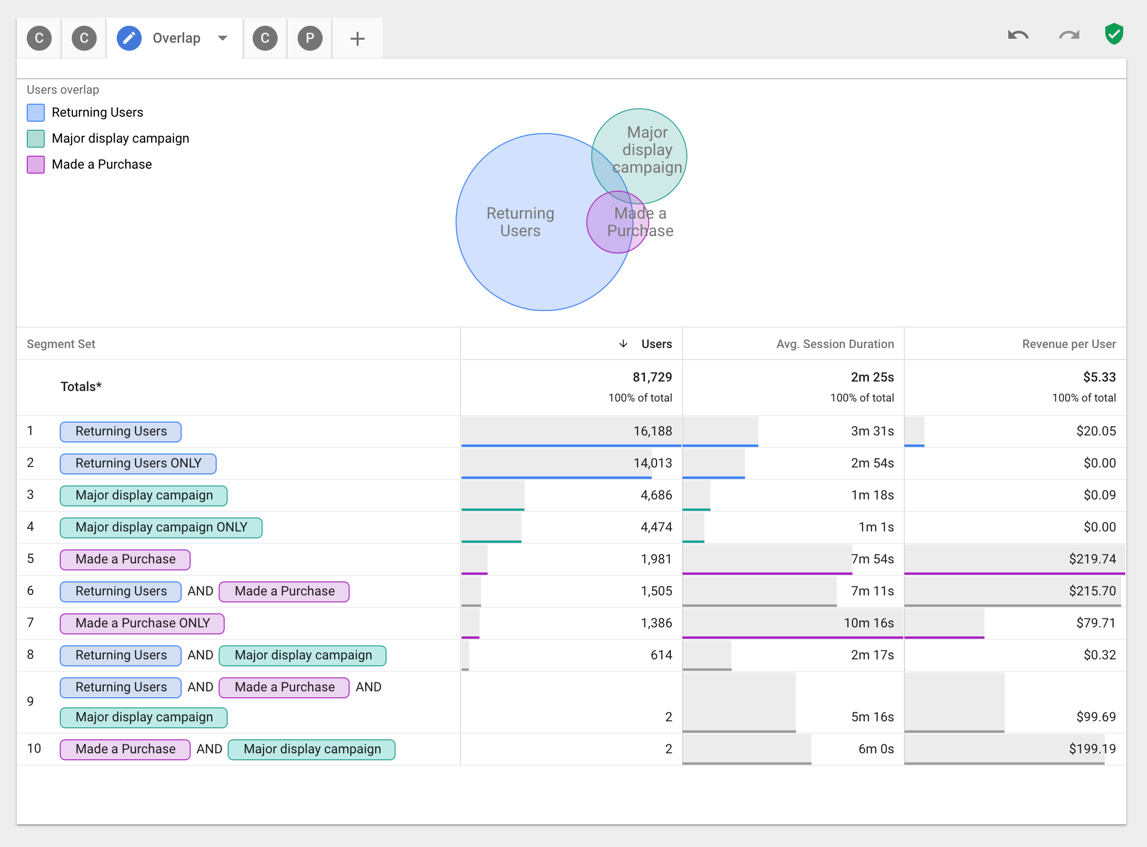
Google Ads is generally easier for beginners to pick up, while Google Analytics offers more customization but comes with a steeper learning curve. Google Analytics shines for users who want to dig into data and tailor reports, while Google Ads is built for quick campaign setup and hands-on guidance.
Google Analytics vs Google Ads: Pros & Cons
Google Analytics
- Real-time data helps your team make timely decisions.
- It offers customizable reports to fit your team's specific needs.
- You can track detailed user behavior to refine your marketing strategies.
- Limited customer support options can leave your team waiting for help.
- Advanced features may require a steep learning curve for your team.
- The interface can overwhelm new users with its complexity.
Google Ads
- Strong optimization tools and real-time performance insights
- Extensive reach through Google Search, YouTube, and partner sites
- Precise targeting across audience segments and search intent
- Ongoing optimization is required to control ad spend
- Customer support response times can vary
- Complex interface that can overwhelm beginners
Best Use Cases for Google Analytics and Google Ads
Google Analytics
- Content Creators Understand audience engagement and tailor your content strategy to what resonates most with viewers.
- Tech Companies Use customizable reports to focus on specific metrics that matter to your innovation-driven goals.
- Retail Industry Analyze in-store and online data together to enhance your customer experience.
- E-commerce Platforms Track customer journeys and conversions to optimize your sales funnel with ease.
- Small Businesses Google Analytics offers cost-effective insights that help you understand your audience without breaking the bank.
- Digital Marketing Teams You can leverage detailed user behavior tracking to refine campaigns and improve ROI.
Google Ads
- Travel Agencies Promote packages to users actively researching trips across search engine networks.
- Tech Startups Support rapid lead generation and brand awareness through scalable PPC campaigns.
- Local Businesses Attract nearby customers using location targeting, extensions, and phone number visibility.
- Marketing Agencies Manage multiple ad groups, audience segments, and Google Ads accounts from a single dashboard.
- E-commerce Platforms Drive sales by directing traffic to optimized landing page experiences.
- Retail Businesses Reach high-intent shoppers through search ads tied to Google Search queries.
Who Should Use Google Analytics, and Who Should Use Google Ads?
Google Analytics is the right fit for data-driven marketers, analysts, and teams who need to understand user behavior, optimize digital experiences, and report on website or app performance. It’s especially valuable for ecommerce, content, and SaaS businesses that rely on deep insights to guide strategy. Google Ads, on the other hand, is best for growth-focused teams, agencies, and brands looking to drive immediate traffic, leads, or sales through targeted advertising. If your priority is reaching new audiences and scaling campaigns quickly, Google Ads is the tool to put at the center of your digital marketing stack.
Differences Between Google Analytics and Google Ads
| Google Analytics | Google Ads | |
|---|---|---|
| Automation | Automates data collection and reporting, but requires manual setup for most insights. | Automates bidding, targeting, and budget allocation for campaigns. |
| Core Functionality | Provides detailed traffic analysis, conversion tracking, and custom reporting. | Delivers ad creation, keyword targeting, and real-time campaign management. |
| Pricing Model | Offers a free tier and enterprise pricing for advanced analytics. | Uses a pay-per-click or pay-per-impression ad spend model. |
| Primary Platform Focus | Focuses on tracking, analyzing, and reporting user behavior and site performance. | Designed for creating, managing, and optimizing paid ad campaigns. |
| User Interface | Data-rich dashboards with customizable reports, but a steeper learning curve. | Guided, campaign-focused interface designed for quick setup and adjustments. |
| Read Google Analytics ReviewOpens new window | Read Google Ads ReviewOpens new window |
Similarities Between Google Analytics and Google Ads
| API Access | Each platform provides robust APIs, enabling custom integrations and automated data transfers to other tools. |
|---|---|
| Data Visualization | Each provides real-time data—Analytics for live user activity, Ads for up-to-the-minute campaign performance—helping teams make timely decisions. |
| Google Ecosystem | Both integrate natively with other Google products like Google Tag Manager and Google Data Studio, streamlining workflows for marketing teams. |
| Reporting | Both offer customizable reporting tools, allowing users to tailor dashboards and export data for deeper analysis. |
| User Permissions | Both support role-based access controls, so teams can manage who can view, edit, or administer accounts and data. |
| Read Google Analytics ReviewOpens new window Read Google Ads ReviewOpens new window | |