


WebinarGeek vs. Zoom Webinars: Comparison and Expert Reviews for 2026


Choosing between WebinarGeek and Zoom Webinars isn’t as straightforward as it sounds. You might be trying to run high-converting marketing webinars, host internal events at scale, or simply find a platform that doesn’t frustrate your team or audience. The problem is, these tools are built for slightly different goals—and picking the wrong one can cost you time, leads, and engagement.
In this article, you’ll get a side-by-side look at how these two webinar software solutions compare, so you can confidently pick the platform that matches your goals, audience, and workflow.
WebinarGeek vs. Zoom: An Overview
WebinarGeek
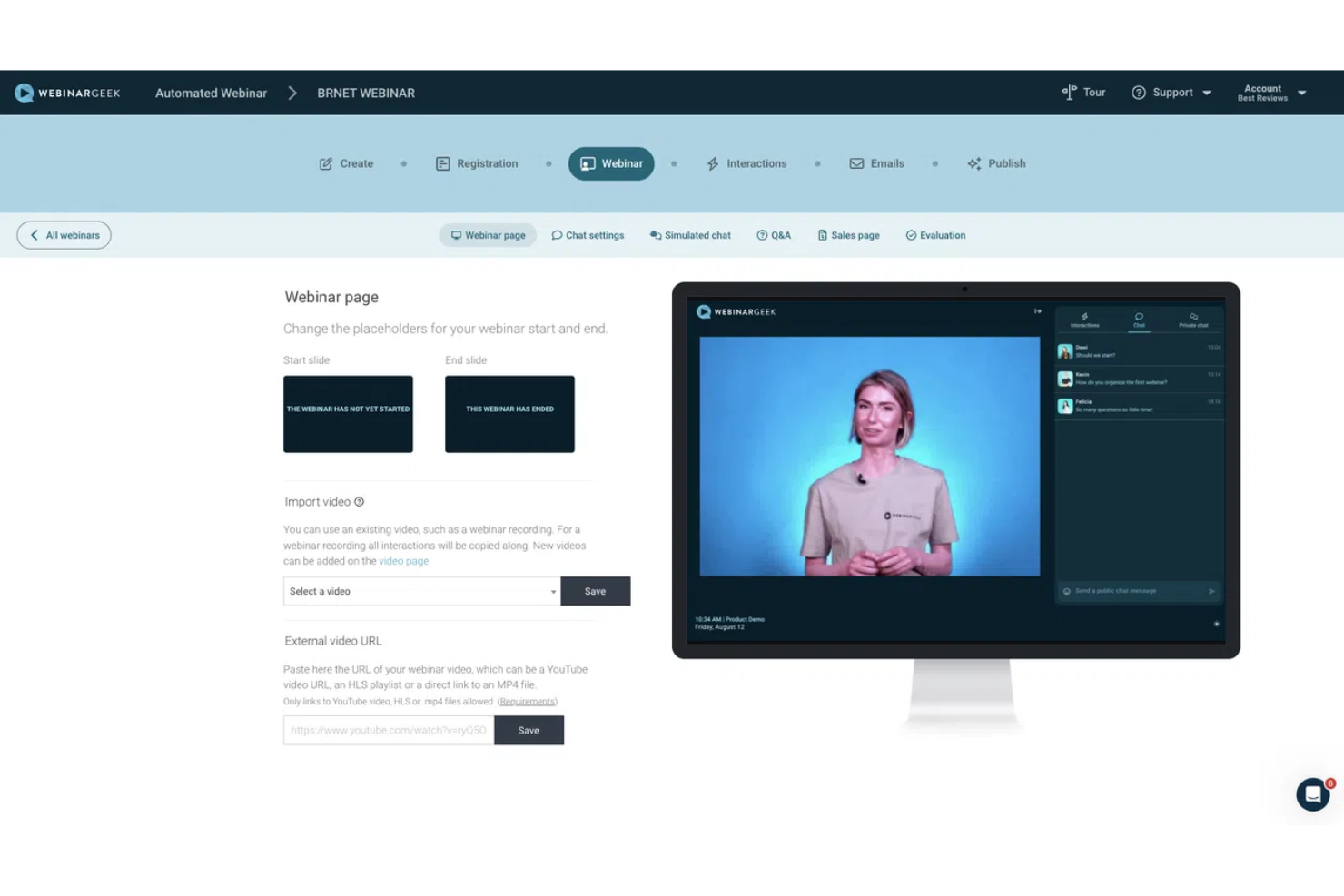
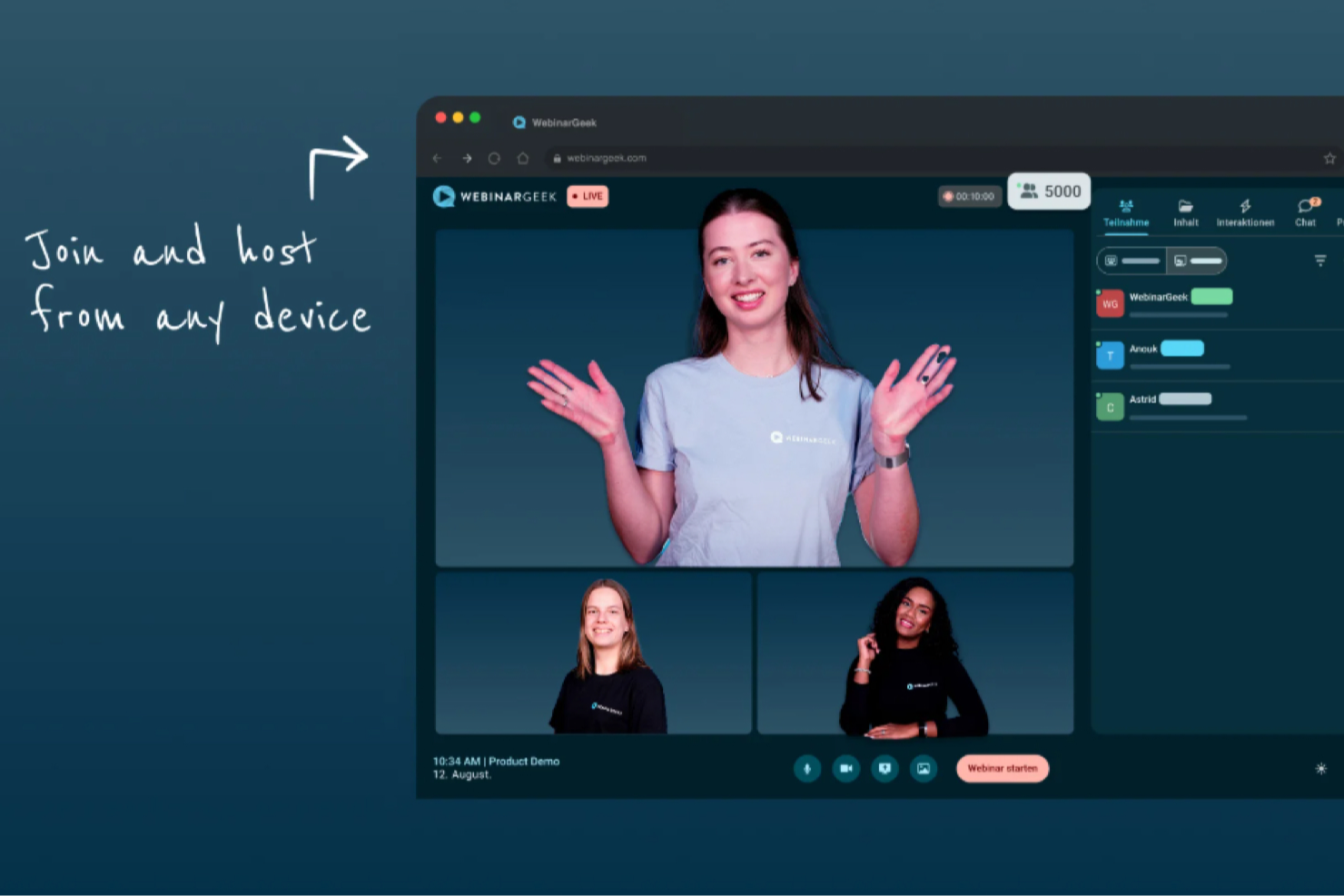
Zoom
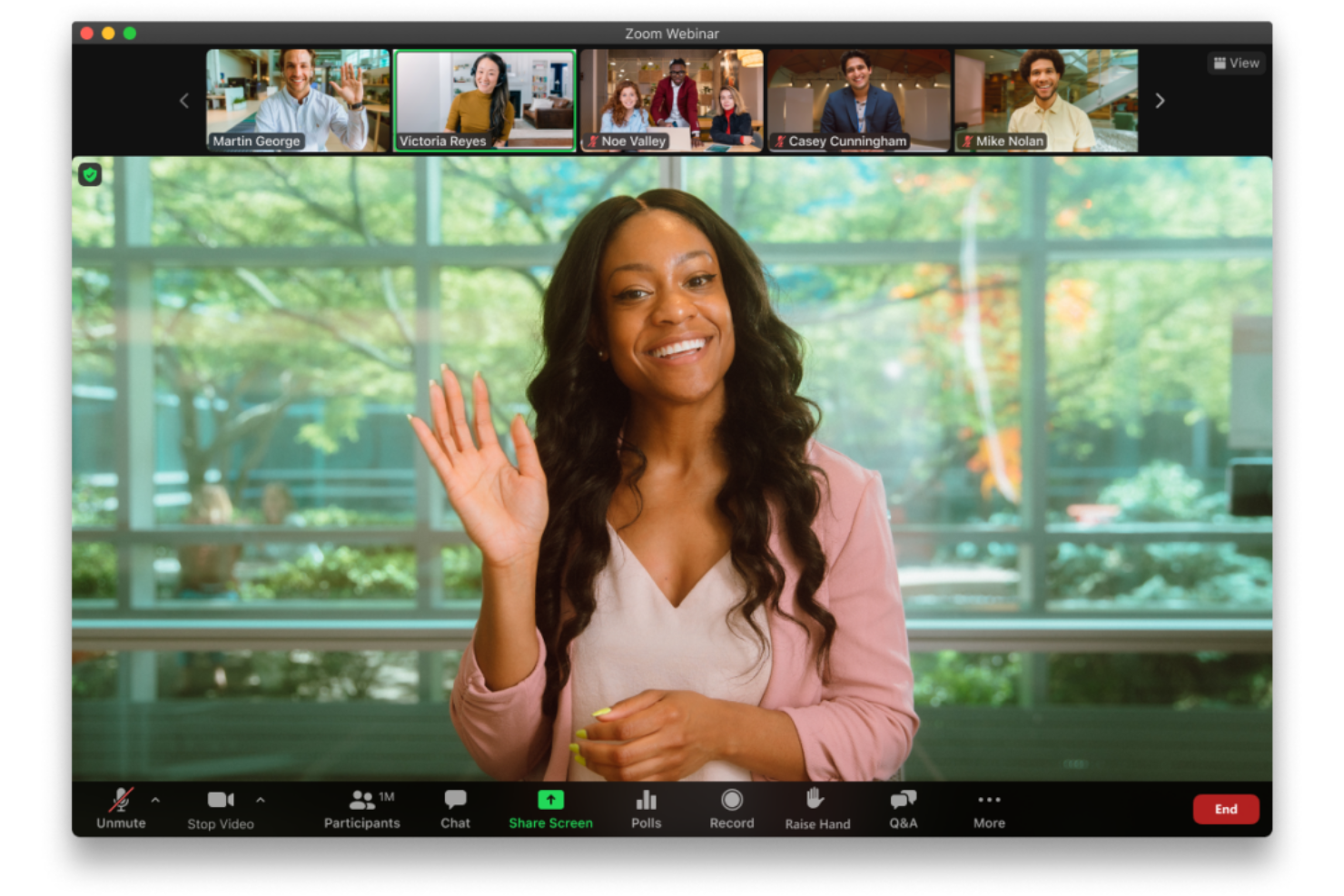
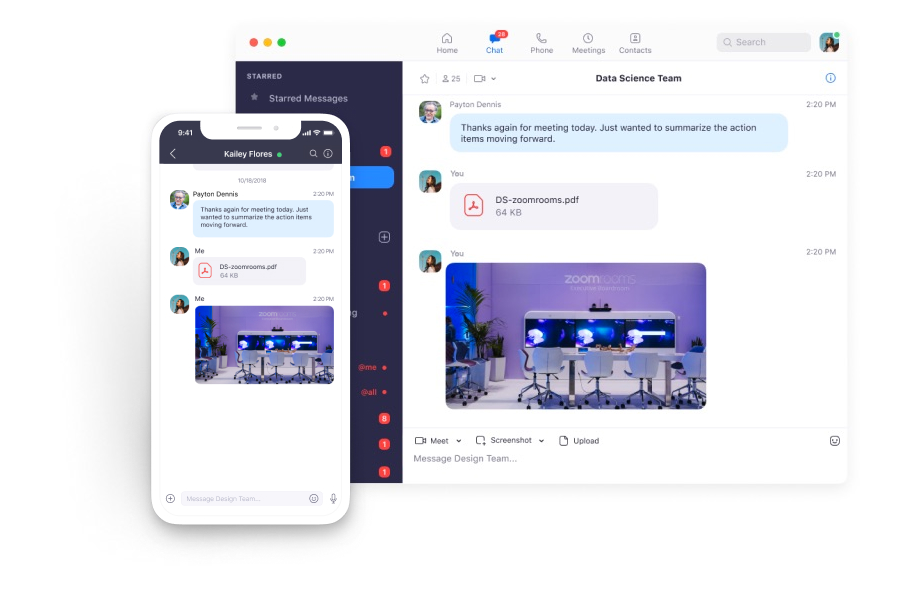
Why Trust Our Software Reviews
We’ve been testing and reviewing marketing software since 2022. As marketing experts ourselves, we know how critical and difficult it is to make the right decision when selecting software.
We invest in deep research to help our audience make better software purchasing decisions. We’ve tested more than 2,000 tools for different marketing use cases and written over 1,000 comprehensive software reviews. Learn how we stay transparent & our software review methodology.
WebinarGeek vs. Zoom Pricing Comparison
| WebinarGeek | Zoom | |
|---|---|---|
| Free Trial | 14-day free trial | Free plan available |
| Pricing | From $65/month (billed annually) | From $14.16/user/month (billed annually) |
WebinarGeek vs. Zoom Webinars Pricing & Hidden Costs
WebinarGeek uses a tiered subscription model based on the number of live viewers and included features, with optional add-ons for advanced capabilities like extra users, branding profiles, integrations, and RTMP streaming.
Zoom Webinars also follows a tiered pricing structure based on attendee capacity, but it typically requires a paid Zoom Workplace plan (such as Pro) as a prerequisite. Pricing can vary significantly depending on whether you choose Zoom Webinars, Webinars Plus, or Zoom Events—each adding more advanced production, analytics, and event management capabilities.
The best way to choose is to get clear on what you actually need—how big your webinars are, how often you run them, and which features matter most. From there, look past the base price and factor in any extras like integrations, branding, or analytics. Understanding what’s included (and what’s not) upfront can save you from surprises later and help you pick a platform that grows with you.
WebinarGeek vs. Zoom Feature Comparison
When it comes to core functionality, both WebinarGeek and Zoom Webinars deliver the basics—real-time webinar hosting, audience interaction tools, and reporting on attendee behavior. They also each support flexible formats, allowing you to run live sessions or repurpose content for on-demand webinars.
Where they differ is in their standout strengths. WebinarGeek sets itself apart with simulated engagement for automated webinars and built-in marketing tools like customizable branding and email automation, while Zoom Webinars stands out with advanced event production features, breakout rooms, and the ability to support large-scale, multi-session events.
| WebinarGeek | Zoom | |
|---|---|---|
| API | ||
| Calendar Management | ||
| Chat | ||
| Contact Management | ||
| Contact Sharing | ||
| External Integrations | ||
| History/Version Control | ||
| Multi-User | ||
| Notifications | ||
| Scheduling |
WebinarGeek vs. Zoom Webinars Integrations
| Integration | WebinarGeek | Zoom Webinars |
| HubSpot | ✅ | ✅ |
| Mailchimp | ✅ | ❌ |
| Salesforce | ✅ | ✅ |
| ActiveCampaign | ✅ | ❌ |
| Microsoft Teams | ❌ | ✅ |
| Slack | ❌ (via Zapier) | ✅ |
| Marketo | ✅ | ✅ |
| Pipedrive | ✅ | ✅ |
| API | ✅ | ✅ |
| Zapier | ✅ | ✅ |
Both providers support key integrations with marketing and CRM tools, ensuring your webinar data can flow into your broader tech stack. Zoom Webinars goes further with a wider set of native enterprise integrations, which may reduce the need for workarounds in more complex environments. However, with API access and Zapier support available on both platforms, you still have the flexibility to build custom workflows and connect with most tools as needed.
WebinarGeek vs. Zoom Webinars Security, Compliance & Reliability
| Factor | WebinarGeek | Zoom Webinars |
| Data Privacy | Stores data in the EU and is designed to be GDPR-compliant, with data processing agreements available. | Offers global data centers and supports GDPR, CCPA, and other standards. |
| Encryption | Uses end-to-end encryption for all webinar streams and recordings. | Provides 256-bit AES encryption for meetings and webinars. |
| Regulatory Compliance | Focuses on GDPR compliance, with options for custom DPAs and EU data residency. | Meets multiple international standards, including SOC 2 Type II and supports HIPAA (with appropriate plans/configuration). |
| Uptime Guarantee | Reports high uptime with internal monitoring, but published targets vary (e.g., ~99.95% to 99.99% depending on the plan). | Built on enterprise-grade infrastructure with high availability and strong reliability track record. |
Zoom Webinars offers enterprise-grade compliance and reliability, while WebinarGeek stands out for its strong GDPR focus and EU data residency. Zoom is a strong option for organizations that require extensive certifications and documented security controls, while WebinarGeek is a solid choice for teams prioritizing GDPR alignment and simpler compliance needs.
WebinarGeek vs. Zoom Webinars Ease of Use
| Factor | WebinarGeek | Zoom Webinars |
| User Interface | Features a clean, user-friendly dashboard designed for quick webinar setup. | Offers a familiar interface for anyone who’s used Zoom’s meeting tool. |
| Onboarding | Provides guided onboarding with demo webinars, walkthroughs, and in-app guidance to help new users get started quickly. | Benefits from existing Zoom familiarity, though advanced webinar features may still require some setup learning. |
| Setup Process | Streamlines webinar creation with step-by-step prompts, making it easy to launch your first webinar quickly. | Allows fast setup for basic webinars, but more advanced configurations can add complexity. |
| Customer Support | Offers live chat and help center support during business hours, with additional onboarding support on higher plans. | Provides extensive documentation and tiered support options, including 24/7 support on enterprise plans. |
WebinarGeek is designed to be easy to pick up, especially for first-time hosts, thanks to its guided onboarding and structured setup process. Zoom Webinars, on the other hand, feels more familiar for teams already using Zoom, though more advanced features can introduce additional complexity. The better choice depends on whether you value a guided, beginner-friendly experience or continuity with tools your team already knows.
WebinarGeek vs Zoom: Pros & Cons
WebinarGeek
- Provides detailed viewer-level analytics and performance insights within the webinar tool.
- Strong branding and customization options (pages, emails, domains).
- Supports multiple webinar formats, including live, automated, hybrid, and on-demand.
- The number of features can feel overwhelming for first-time users, though the basic plan lets you start small.
- No native breakout rooms (workarounds required).
- Some key integrations (e.g., HubSpot, Salesforce) require paid add-ons on lower-tier plans.
Zoom
- Provides reliable HD video quality and audio streaming.
- Offers polished production tools and branded event pages.
- Supports up to 100,000 live attendees per event.
- Pricing can be high for small or infrequent events.
- Lacks built-in marketing automation and evergreen webinar tools.
- Limited attendee interaction compared to some competitors.
Best Use Cases for WebinarGeek and Zoom
WebinarGeek
- Demand Generation & Sales Teams WebinarGeek is well-suited for generating and nurturing leads through webinars, with built-in registration pages, automated emails, integrations, and analytics that help track engagement and conversion.
- Customer Enablement Teams can use live or hybrid webinars to deliver product demos, onboard customers, and share knowledge at scale, combining pre-recorded content with live interaction where needed.
- Evergreen Webinar Programs Automated and on-demand professional webinars—enhanced with simulated chat and interactions—make it easier to scale repeatable content while maintaining an engaging experience.
- Education & Training Interactive features like polls, Q&A, and assessments support learning and participation, making WebinarGeek a good fit for training programs, courses, and internal knowledge sharing.
- Internal Communication WebinarGeek can be used for internal updates, live event town halls, and company-wide communication, especially when broadcasting to larger audiences is more important than small-group collaboration.
- Healthcare & Professional Services Webinars provide a low-cost, accessible way to share expertise, connect with peers, and deliver live streaming and informational sessions without requiring in-person events.
Zoom
- Higher Education Universities can host large-scale lectures and virtual graduations with ease.
- Enterprise Marketing Marketing teams can run high-attendance product launches and thought leadership events.
- Corporate Virtual Meeting Requirements HR and internal comms can deliver company-wide town halls and updates.
- Healthcare Training Medical organizations can provide continuing education to large groups securely.
- Government Agencies Public sector teams can broadcast policy updates and community forums reliably.
- Event Production Teams Professional event planners can manage branded, high-quality virtual conferences.
Who Should Use WebinarGeek, and Who Should Use Zoom Webinars?
If you run a small business or mid-sized organization and want to adopt webinar programs for marketing, internal training/meetings, or general education purposes, WebinarGeek is a great fit. If you need strong branding, built-in automation, and tools to drive engagement and conversions, it’s designed to support that without requiring a complex setup. It’s especially useful if you want an all-in-one platform to manage the full webinar lifecycle—from registration to follow-up.
Zoom’s webinar platform is a better fit for organizations that are already embedded in the Zoom ecosystem or need to support larger, more complex events. If you’re hosting internal communications, large-scale presentations, or multi-session events with advanced production needs, Zoom’s flexibility and familiarity make it a strong option. It also works well for teams that prioritize scalability and enterprise-level integrations.
Differences Between WebinarGeek and Zoom
| WebinarGeek | Zoom | |
|---|---|---|
| AI Capabilities | AI is focused on improving webinar performance and engagement, with features like performance analysis, AI email writing, live translation, and replay enhancements. | AI is broader and more production-focused, with tools for content generation (text, images, video), webinar summaries, chat assistance, and automated event setup. |
| Attendee Capacity | Supports scalable audiences (up to ~5,000 depending on plan). | Supports very large audiences (up to one hundred thousand), suited for enterprise-scale virtual events. |
| Breakout Rooms | Not natively supported (requires workaround). | Native breakout rooms available. |
| Compliance | GDPR-focused with EU data residency and data processing agreements. | Broad compliance coverage, including SOC 2 and support for multiple global standards. |
| Visit WebinarGeekOpens new window | Read Zoom ReviewOpens new window | |
| Integration Options | Strong integrations with CRM and marketing tools, plus API and Zapier. | More extensive native integrations across enterprise, productivity, and event ecosystems. |
| Marketing Features | Built-in email marketing automation, registration pages, and lead capture. | Includes registration and reminders, but focuses more on event delivery than marketing workflows. |
| Visit WebinarGeekOpens new window | Read Zoom ReviewOpens new window |
Similarities Between WebinarGeek and Zoom
| Browser-Based Access | Attendees can join webinars without installing software, making access simple. |
|---|---|
| Engagement Tools | Both include interactive features like chat, polls, and Q&A to engage attendees during webinars. |
| Live Streaming | Both platforms support high-quality live webinars, with stable video, screen sharing, and audio performance. |
| Registration Process | Both offer customizable registration forms and automated confirmation emails to streamline attendee sign-up. |
| Reporting & Analytics | Each provides analytics dashboards to track attendance, engagement, and performance metrics post-event. |
| Visit WebinarGeekOpens new window Read Zoom ReviewOpens new window | |