Todoist Review: Pros, Cons, Features and Pricing


Todoist is a marketing planning software that helps teams manage tasks and projects efficiently. It best serves small businesses, creative teams, and marketing departments needing straightforward task management, such as content creators and project managers. Todoist simplifies collaboration and enhances productivity with its intuitive interface and cross-platform capabilities.
Todoist tackles task overload and deadline management for creative teams and marketing departments. In this article, I'll cover Todoist's features, pros and cons, use cases, pricing, and more to help you decide if it meets your specific needs and goals.
Todoist Evaluation Summary
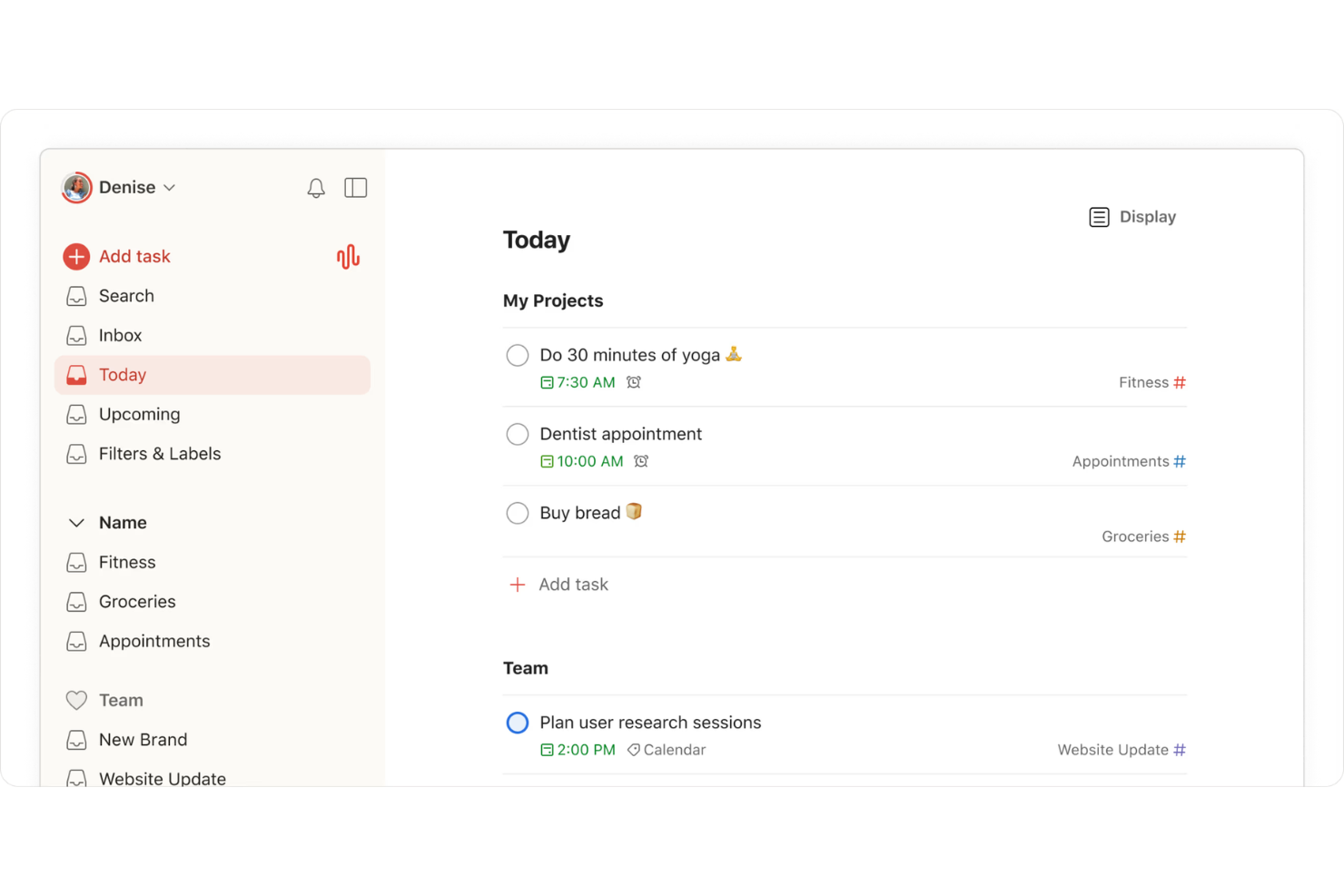
- From $5/user/month (billed annually)
- Free plan available
Why Trust Our Software Reviews
Todoist Overview
In my opinion, Todoist is a reliable marketing planning software for teams needing efficient task management with minimal fuss. It shines in its ease of use and cross-platform support, making it accessible for teams of all sizes. However, it might lack the advanced features that larger organizations might seek in more comprehensive tools. Todoist is best suited for small to medium-sized teams or freelancers who value simplicity and accessibility in task management. While it competes well on price and usability, those needing extensive integrations or complex project tracking might find it limited. For straightforward task management, Todoist is a solid choice.
pros
-
It offers effective task prioritization and organization features.
-
You can access it on multiple devices seamlessly.
-
It's easy to use with a clean, intuitive interface.
cons
-
It doesn't offer built-in time tracking, which can be a drawback for detailed scheduling.
-
Your team might find the customization options limited.
-
It lacks advanced project management features that some teams might need.


How We Test & Score Tools
We’ve spent years building, refining, and improving our software testing and scoring system. The rubric is designed to capture the nuances of software selection and what makes a tool effective, focusing on critical aspects of the decision-making process.
Below, you can see exactly how our testing and scoring works across seven criteria. It allows us to provide an unbiased evaluation of the software based on core functionality, standout features, ease of use, onboarding, customer support, integrations, customer reviews, and value for money.
Core Functionality (25% of final scoring)
The starting point of our evaluation is always the core functionality of the tool. Does it have the basic features and functions that a user would expect to see? Are any of those core features locked to higher-tiered pricing plans? At its core, we expect a tool to stand up against the baseline capabilities of its competitors.
Standout Features (25% of final scoring)
Next, we evaluate uncommon standout features that go above and beyond the core functionality typically found in tools of its kind. A high score reflects specialized or unique features that make the product faster, more efficient, or offer additional value to the user.
We also evaluate how easy it is to integrate with other tools typically found in the tech stack to expand the functionality and utility of the software. Tools offering plentiful native integrations, 3rd party connections, and API access to build custom integrations score best.
Ease of Use (10% of final scoring)
We consider how quick and easy it is to execute the tasks defined in the core functionality using the tool. High scoring software is well designed, intuitive to use, offers mobile apps, provides templates, and makes relatively complex tasks seem simple.
Onboarding (10% of final scoring)
We know how important rapid team adoption is for a new platform, so we evaluate how easy it is to learn and use a tool with minimal training. We evaluate how quickly a team member can get set up and start using the tool with no experience. High scoring solutions indicate little or no support is required.
Customer Support (10% of final scoring)
We review how quick and easy it is to get unstuck and find help by phone, live chat, or knowledge base. Tools and companies that provide real-time support score best, while chatbots score worst.
Customer Reviews (10% of final scoring)
Beyond our own testing and evaluation, we consider the net promoter score from current and past customers. We review their likelihood, given the option, to choose the tool again for the core functionality. A high scoring software reflects a high net promoter score from current or past customers.
Value for Money (10% of final scoring)
Lastly, in consideration of all the other criteria, we review the average price of entry level plans against the core features and consider the value of the other evaluation criteria. Software that delivers more, for less, will score higher.
Core Features
Task Management
You can easily create, prioritize, organize, and share tasks in a to-do list to keep your team on track. The intuitive interface makes it simple to focus on what's important.
Project Organization
Todoist lets you break down projects into recurring tasks and sub-tasks, and you can use templates to set up repeatable project structures. This structure keeps your work organized.
Due Dates and Reminders
Set deadlines and get reminders and notifications so you never miss a task. This feature supports time blocking, allowing your team to stay on schedule.
Labels and Filters
You can use Todoist to create labels and custom filters to categorize and find tasks quickly. This helps your team locate important tasks without delay.
Collaborative Tasks
Assign tasks to team members and track progress. It fosters accountability and teamwork within your projects.
Priority Levels
Mark tasks with priority levels to focus on urgent work. This helps your team manage time and resources efficiently.
Ease of Use
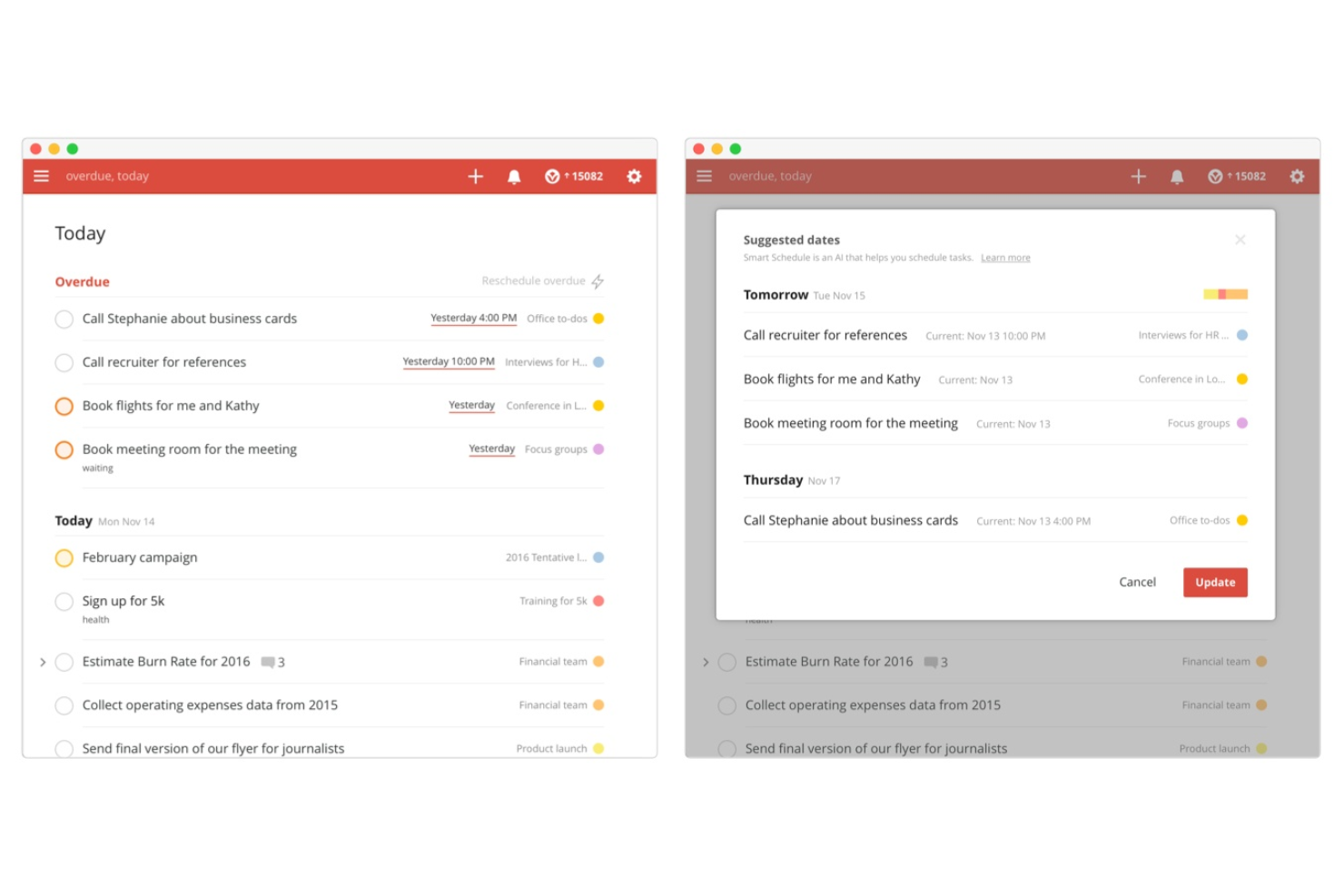
Todoist is incredibly user-friendly, making it simple for your team to pick up and use without extensive training. Its clean interface and intuitive design let you focus on tasks without getting bogged down in complexity. Setting up projects and assigning tasks is straightforward, and the cross-platform access ensures everyone stays connected. Compared to other tools, Todoist stands out for its simplicity and accessibility, making it ideal for teams that value ease of use.
Integrations
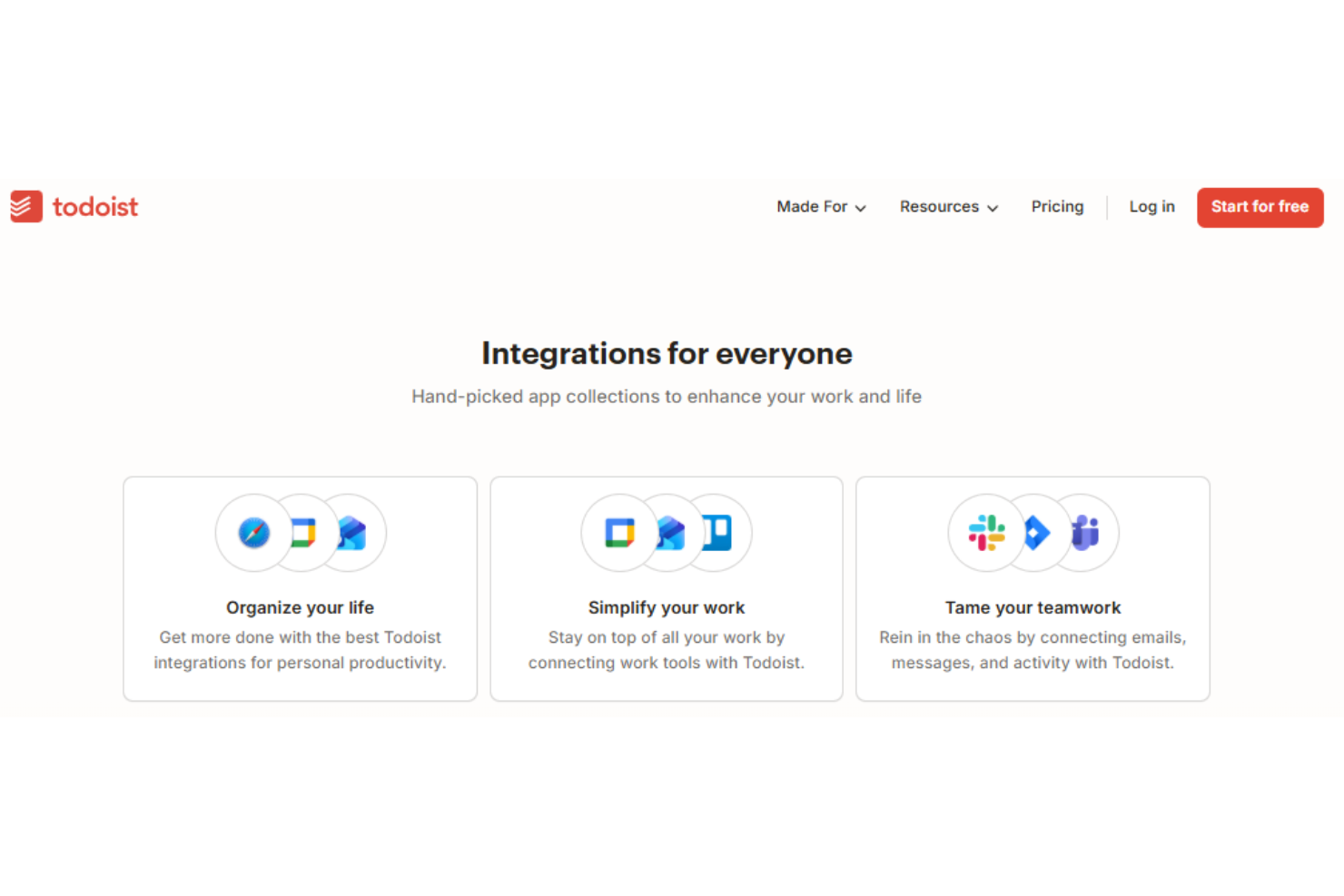
Todoist integrates with Outlook Mail, Google Calendar, Jira, Slack, Toggl Track, Evernote, Pleexy, and Microsoft Edge.
Todoist also offers an API and connects with thousands of apps through automation partners like Zapier.
New Product Updates from Todoist

Todoist Launches Ramble for Voice-Based Task Capture
Todoist adds Ramble, a voice input feature that converts spoken thoughts into organized tasks with projects, dates, and priorities. This update speeds up task capture and reduces manual typing during idea collection. Here are the details of the update:
- Voice Task Capture: Automatically converts spoken input into structured tasks.
- Real-Time Task Editing: Allows users to adjust or remove tasks while speaking.
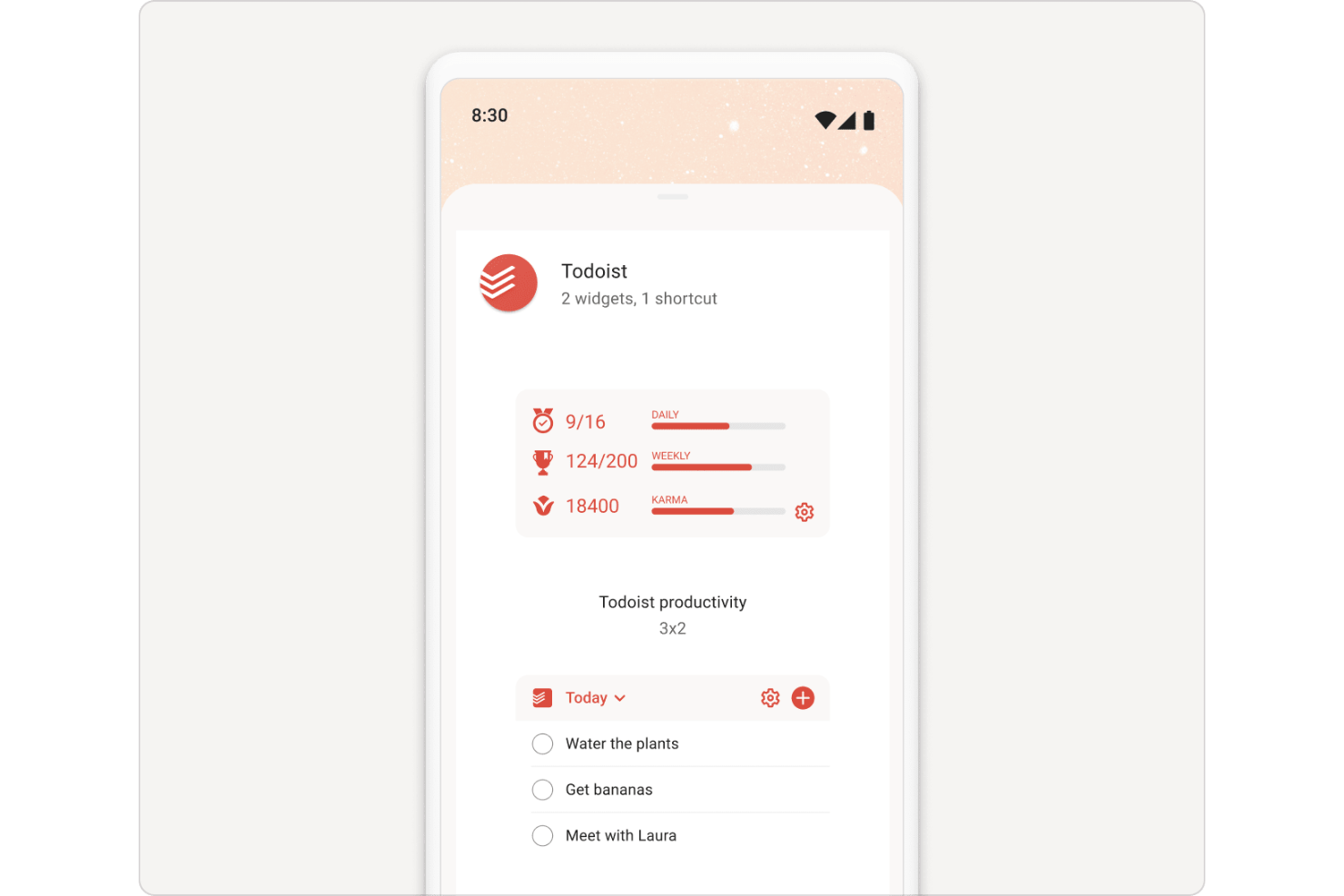
- Mobile Shortcuts Support: Provides quick access through widgets and device shortcuts.
Visit Todoist's official site for more details.
 for more details.
Todoist Adds Shared Team Filters and Mobile Team Access
Todoist adds Team Filters, refines Project Insights controls, and brings the team workspace directly into the mobile navigation, making it easier for teams to track work and stay aligned. Together, these updates reduce friction when viewing shared tasks, monitoring project health, and accessing team activity on the go. Highlights include:
- Team Filters: Create and share custom task views across the team with updates synced in real time.
- Project Insights Enhancements: View focused health summaries, filter tasks by assignee, and control insights per project.
- Mobile Team Access: Pin the team workspace to the mobile navigation bar for faster, one-tap access.
Visit Todoist’s official site for more details.

Todoist Introduces Ramble Beta
Todoist's new Ramble beta feature simplifies task management by allowing users to capture tasks effortlessly with their voice. This update enhances productivity by converting natural speech into detailed tasks, addressing multiple project needs. Here are the details of the update:
- Speech-to-Task Conversion: Ramble lets users articulate tasks and converts them into structured tasks with ease.
- Multilingual Support: This feature supports voice recognition in 38 languages, making it accessible worldwide.
- Detailed Task Structuring: Automatically assigns projects, deadlines, and priorities without manual input.
- Secure Audio Processing: Maintains user privacy with state-of-the-art secure processing of voice inputs.
Visit Todoist's official site for more details.

Todoist Enhances Team Management and Security Compliance
Todoist has launched a series of updates aimed at enhancing team collaboration and security. These updates provide value by streamlining project management and ensuring robust data protection for teams. Here are the details of the update:
- Customizable Project Views: Users can now set individual project views and use the 'Save for everyone' option to synchronize them across the team, improving project visibility and alignment.
- Default Project Access and Collaborator Settings: Default settings for project access and collaborator roles simplify the setup of new projects, enhancing efficiency.
- SOC 2 Type I Compliance: Achieving SOC 2 Type I compliance ensures enterprise-level data security, building trust with users.
Visit Todoist's official site for more details.

Todoist Introduces Project Insights for Team Performance Trackings
Todoist has rolled out Project Insights, a new feature for Business teams that automatically summarizes project progress and performance. It gives managers quick visibility into activity trends, overdue tasks, and completion rates to help teams stay aligned and productive. Here are the details of the update:
- Automatic Project Health Summaries: To give teams insight into project status without manual effort.
- Completion and Progress Metrics: Enable easy tracking of how projects and individual team members are performing in real-time.
- Task Assignment Overviews: To help managers see workload distribution and ensure tasks are evenly allocated.
- Workspace-Wide View of Project Health: Offering a comprehensive view to understand overall project development and potential bottlenecks before they hinder progress.
Visit Todoist's official site for more details.
Todoist Specs
- API
- Calendar Management
- Collaboration Support
- Dashboards
- Data Export
- Data Import
- External Integrations
- File Sharing
- Gantt Charts
- Kanban Boards
- Mobile App
- Multi-User
- Notifications
- Prioritization
- Project Management
- Status Notifications
- Task Scheduling/Tracking
- Time Management