


Hostinger vs. SiteGround: Comparison and Expert Reviews for 2026


Launching a website sounds simple, until you’re stuck piecing together different tools for building, hosting, and managing it. Instead of focusing on your site, you’re dealing with setup friction, mismatched platforms, and decisions that slow you down before launch. It’s no surprise you’re now looking for a website builder and hosting solution that can handle everything in one place.
Hostinger and SiteGround both promise to make launching your site easy, but each takes a different approach to helping you stand out online. Hostinger is known for its beginner-friendly tools and affordable plans, while SiteGround focuses on speed, security, and expert support.
In this guide, you’ll see how these two website builder software solutions compare—so you can confidently choose the platform that fits your goals, budget, and growth plans.
Hostinger Horizons vs. SiteGround: An Overview
Hostinger Horizons
SiteGround

Why Trust Our Software Reviews
We’ve been testing and reviewing marketing software since 2022. As marketing experts ourselves, we know how critical and difficult it is to make the right decision when selecting software.
We invest in deep research to help our audience make better software purchasing decisions. We’ve tested more than 2,000 tools for different marketing use cases and written over 1,000 comprehensive software reviews. Learn how we stay transparent & our software review methodology.
Hostinger Horizons vs. SiteGround Pricing Comparison
| Hostinger Horizons | SiteGround | |
|---|---|---|
| Free Trial | 30-day money-back guarantee | Premium |
| Pricing | From $1.99/month | $3.99/month |
Hostinger vs. SiteGround Pricing & Hidden Costs
Hostinger uses a tiered pricing model for its different services, as well as optional add-ons. You’ll find that most essentials are included, but some advanced features—like daily backups or priority support—may require an upgrade or add-on. SiteGround also offers tiered plans, but places a stronger emphasis on premium support and performance features. Some tools, such as advanced security or site migration, may come with extra fees depending on your plan.
To choose the right vendor, look beyond the headline price and consider what’s included in each plan. Review which features are essential for your site’s launch and growth, and check for any add-ons or upgrade costs that could impact your total spend over time. Compare the renewal rates, support options, and upgrade flexibility to make sure you’re not caught off guard by future expenses as your needs evolve.
Hostinger Horizons vs. SiteGround Feature Comparison
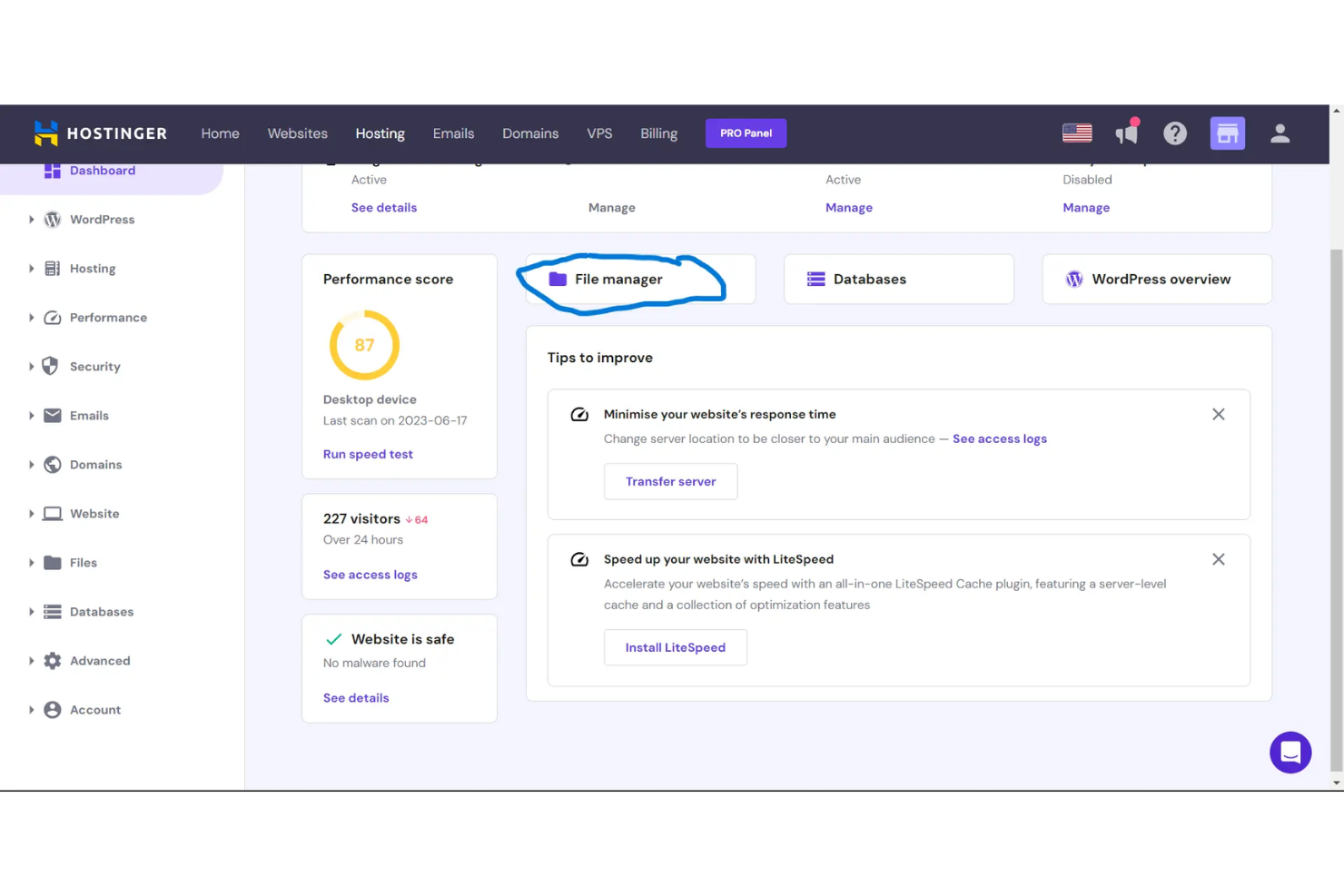
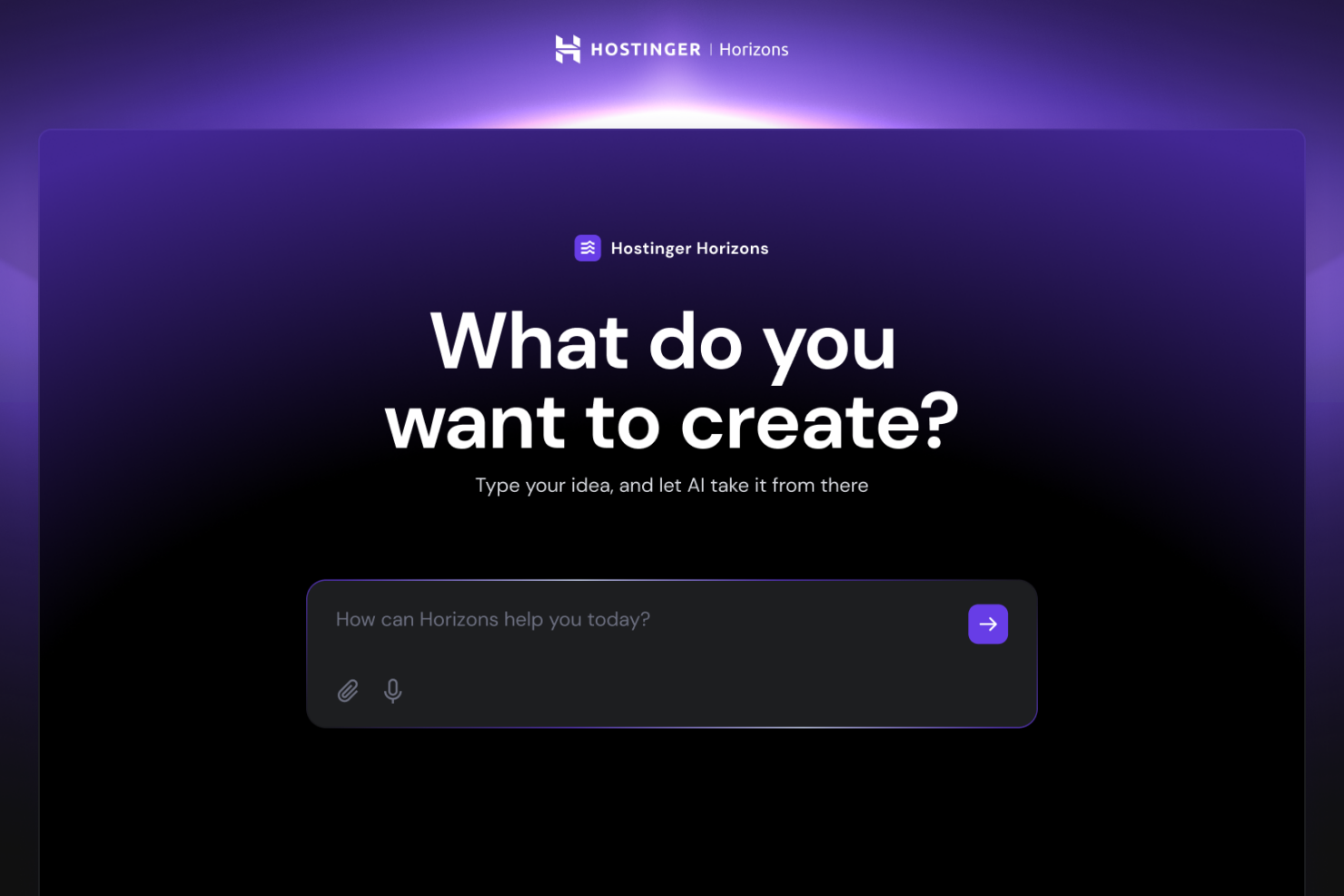
Hostinger’s intuitive drag-and-drop editor and AI-powered site creation tools help you quickly build and update your site, making daily edits and content changes simple even if you’re new to web design. SiteGround stands out with its automated daily backups and integrated security features, giving you peace of mind and saving time on routine maintenance as your site grows.
| Hostinger Horizons | SiteGround | |
|---|---|---|
| API | ||
| External Integrations | ||
| Multi-User |
Hostinger vs. SiteGround Integrations
| Integration | Hostinger | SiteGround |
|---|---|---|
| WordPress | ✅ | ✅ |
| WooCommerce | ✅ | ✅ |
| Cloudflare | ✅ | ✅ |
| Google Analytics | ✅ | ✅ |
| Elementor | ✅ | ✅ |
| Weebly | ❌ | ✅ |
| Joomla | ✅ | ✅ |
| Drupal | ✅ | ✅ |
| API | ✅ | ✅ |
| Zapier | ✅ | ✅ |
Both Hostinger and SiteGround support popular website builder integrations, along with API and Zapier access for connecting your tools. This gives both platforms strong flexibility for building custom workflows and managing your marketing and site operations more efficiently.
Hostinger vs. SiteGround Security, Compliance & Reliability
| Factor | Hostinger | SiteGround |
|---|---|---|
| SSL Certificates | Free SSL certificates included with all plans for secure connections. | Free SSL certificates and automatic renewal for every site. |
| Daily Backups | Automated weekly backups on basic plans, daily backups on higher tiers. | Daily automated backups included on all plans, with easy one-click restore. |
| Malware Protection | Built-in malware scanner and removal tools for site safety. | AI-powered anti-bot system and proactive malware monitoring. |
| Data Privacy | GDPR-compliant data handling and privacy policies. | GDPR-compliant with additional data center location options in the EU. |
| Uptime Guarantee | 99.9% uptime guarantee with global data centers for reliability. | 99.9% uptime guarantee and custom monitoring for high availability. |
Both Hostinger and SiteGround offer strong security features, including reliable uptime, backups, and malware protection. While their approaches differ slightly, both platforms provide solid protection and monitoring to keep your site secure and running smoothly.
Hostinger vs. SiteGround Ease of Use
| Factor | Hostinger | SiteGround |
|---|---|---|
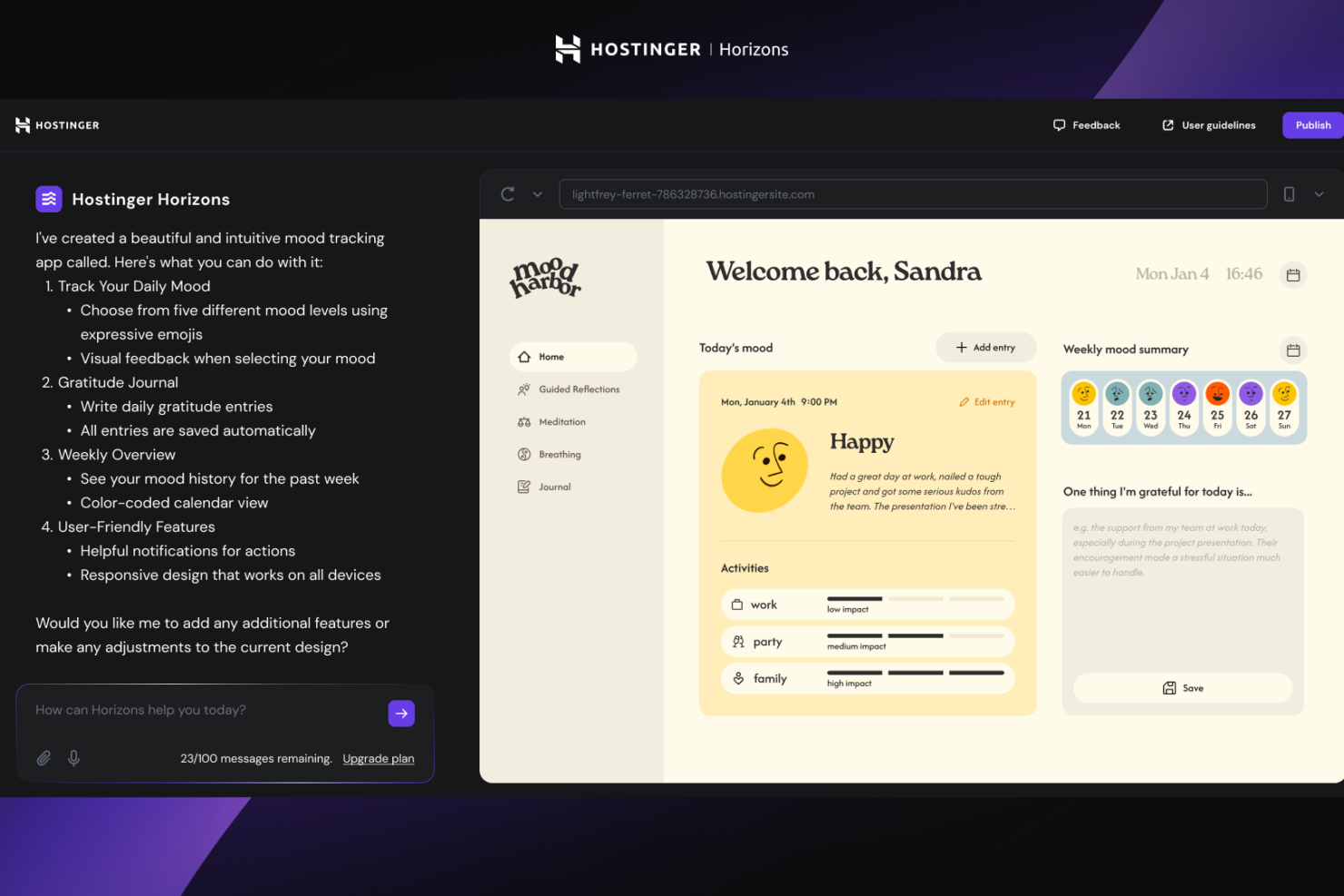
| User Interface | Clean, modern dashboard with drag-and-drop editing for quick site changes. | Intuitive control panel with clear navigation and helpful tooltips. |
| Onboarding | Guided setup wizard and AI site builder for fast launches. | Step-by-step onboarding with video tutorials and knowledge base articles. |
| Setup Process | One-click installs and automated domain connection streamline setup. | Easy site migration and automatic WordPress installation simplify setup. |
| Customer Support | 24/7 live chat with fast response times for troubleshooting. | 24/7 expert support with deep technical knowledge and proactive guidance. |
| Learning Curve | Designed for beginners, minimal technical skills required. | Slightly steeper learning curve, but more advanced options for power users. |
Hostinger is easier for beginners thanks to its simple interface and guided setup, while SiteGround appeals to users who want more control and expert support as they grow. If you want to get online fast with minimal fuss, Hostinger is a great pick; if you value in-depth help and advanced features, SiteGround is worth it if you’re willing to undergo the extra learning curve.
Hostinger Horizons vs SiteGround: Pros & Cons
Hostinger Horizons
- Affordable long-term pricing with free domain and hosting included
- Built-in ecommerce supports up to 1,000 products
- AI-powered tools generate content, images, and layouts quickly
- Limited advanced design and coding flexibility
- Cannot switch templates after starting a site
- No app or plugin marketplace like other platforms
SiteGround
- Modern PHP versions and server configurations for speed
- Advanced caching optimizer for superior performance
- Reliable uptime and fast site loading speeds with built-in CDN
- Storage and site limits on lower-tier shared hosting plans
- Limited advanced design and customization options
- Renewal pricing increases significantly after first term
Best Use Cases for Hostinger Horizons and SiteGround
Hostinger Horizons
- Small Retail Stores Hostinger’s ecommerce features support up to 1,000 products with no extra fees.
- Freelancers AI content and image tools help freelancers build sites fast for clients.
- Nonprofits Affordable plans and free domain make it easy for nonprofits to get online.
- Local Service Providers Booking and contact form features help service businesses capture leads.
- Marketing Teams Built-in SEO and analytics tools support campaign tracking and optimization.
- Educational Projects Simple drag-and-drop builder is ideal for school or student websites.
SiteGround
- Small Businesses SiteGround's managed hosting services and simple site tools reduce IT overhead while providing enterprise-grade functionality.
- Marketing Teams Fast site speeds powered by CDN and optimizer tools, combined with daily backups, support campaign reliability and performance.
- Creative Agencies Multiple site management through intuitive site tools and client support features are included across hosting plans.
- Nonprofits Affordable shared hosting plans and responsive support help limited-resource teams maintain professional web presence.
- Educational Institutions Easy onboarding for beginners and security features protect student and staff sites across shared and cloud hosting environments.
- Freelancers Straightforward setup with beginner-friendly site tools and 24/7 support help solo professionals stay online.
Who Should Use Hostinger, and Who Should Use SiteGround?
Hostinger is a smart choice for solo marketers, small businesses, and anyone who wants a fast, affordable way to launch a professional site without technical headaches. If you’re focused on simplicity, budget, and quick setup, Hostinger’s user-friendly tools will help you get online with minimal effort. SiteGround is better suited for growing teams, agencies, or organizations that need advanced security, deeper integrations, and hands-on support as their site scales. If your work demands reliability, compliance, and expert guidance, SiteGround’s feature set and service culture will give you the confidence to grow.
Differences Between Hostinger Horizons and SiteGround
| Hostinger Horizons | SiteGround | |
|---|---|---|
| Automation | Offers advanced AI-powered features for asset creation, website building, and OpenClaw access. | Automations regulated to email marketing. |
| Pricing Structure | Lower entry-level pricing for services with paid add-ons for advanced tools. | Higher starting price, but more features included in each tier. |
| Site Builder Tools | AI-powered builder and drag-and-drop editor for easy creation. | Focus mainly on WordPress and Weebly integration for site building. |
| User Experience | Beginner-friendly dashboard and guided setup for fast launches. | More advanced controls and expert support for growing teams. |
| Visit Hostinger HorizonsOpens new window | Read SiteGround ReviewOpens new window |
Similarities Between Hostinger Horizons and SiteGround
| 24/7 Customer Support | Both provide round-the-clock customer support, with Hostinger focusing on live chat and SiteGround offering expert technical assistance. |
|---|---|
| Automated Backups | Both offer automated backups, with Hostinger providing weekly or daily options depending on your plan, and SiteGround including daily backups for all users. |
| Free SSL | Both include free SSL certificates on all plans, ensuring secure connections for every website you launch. |
| Uptime Guarantee | Both promise a 99.9% uptime guarantee, using global data centers and monitoring to keep your site reliably online. |
| WordPress Support | Both offer one-click WordPress installation and optimized hosting environments, making it easy to build and manage WordPress sites. |
| Visit Hostinger HorizonsOpens new window Read SiteGround ReviewOpens new window | |