


Hostinger vs. GoDaddy: Comparison and Expert Reviews for 2026


Building a website should be straightforward, but it rarely feels that way when you’re piecing together multiple tools. Without a unified solution, you’re left managing different platforms, dealing with compatibility issues, and second-guessing your setup decisions before your site is even live. Which is probably why you're looking for a new website builder software and hosting tool for your next project.
Choosing between Hostinger and GoDaddy can feel overwhelming when you need a platform that’s easy to use, affordable, and powerful enough to bring your vision to life. Hostinger stands out for its intuitive design tools and budget-friendly plans, while GoDaddy is known for its fast setup and strong customer support.
In this guide, you’ll get a clear, side-by-side look at how each platform performs so you can confidently decide which website builder will help you reach your goals.n text goes here.
Hostinger Horizons vs. GoDaddy: An Overview
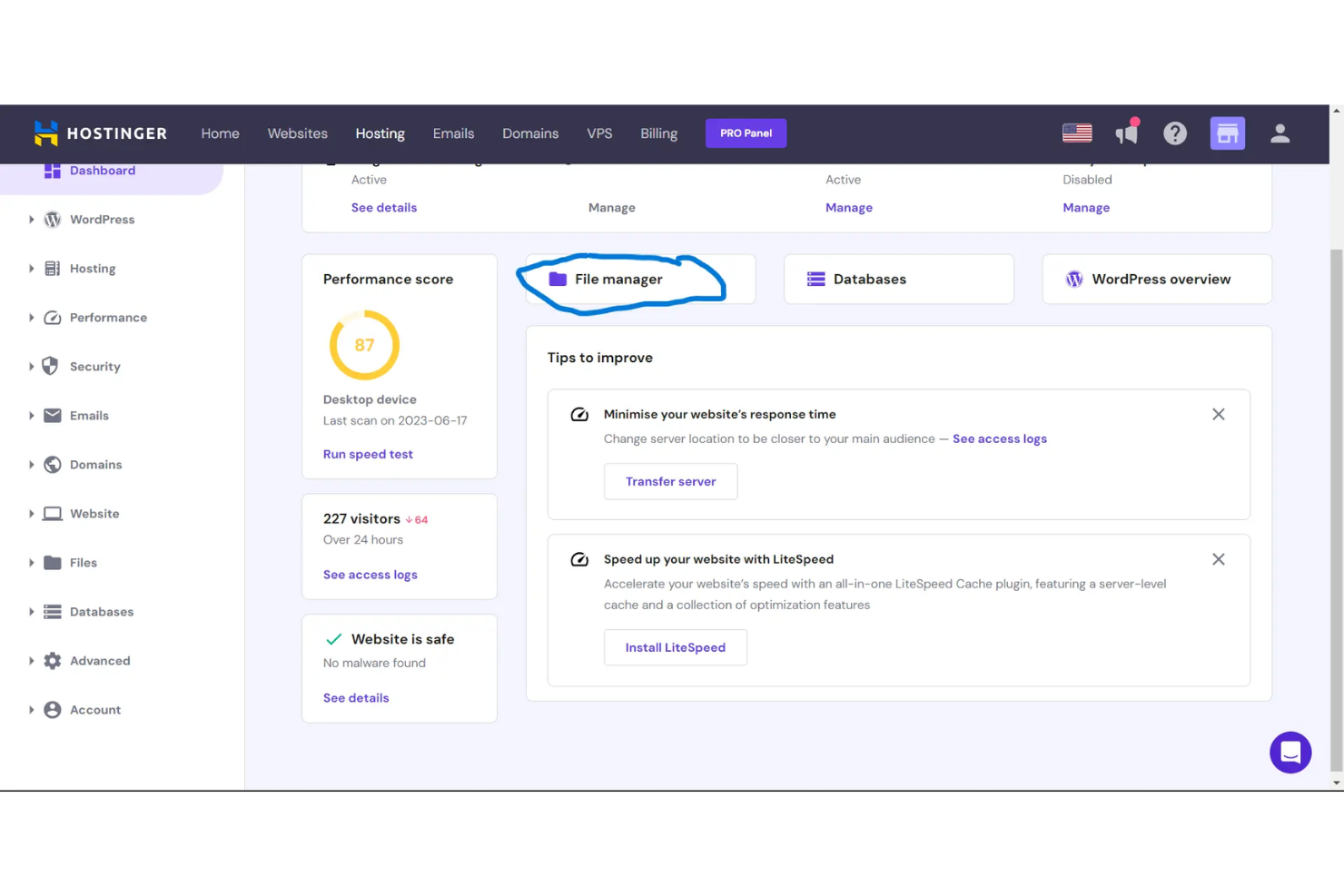
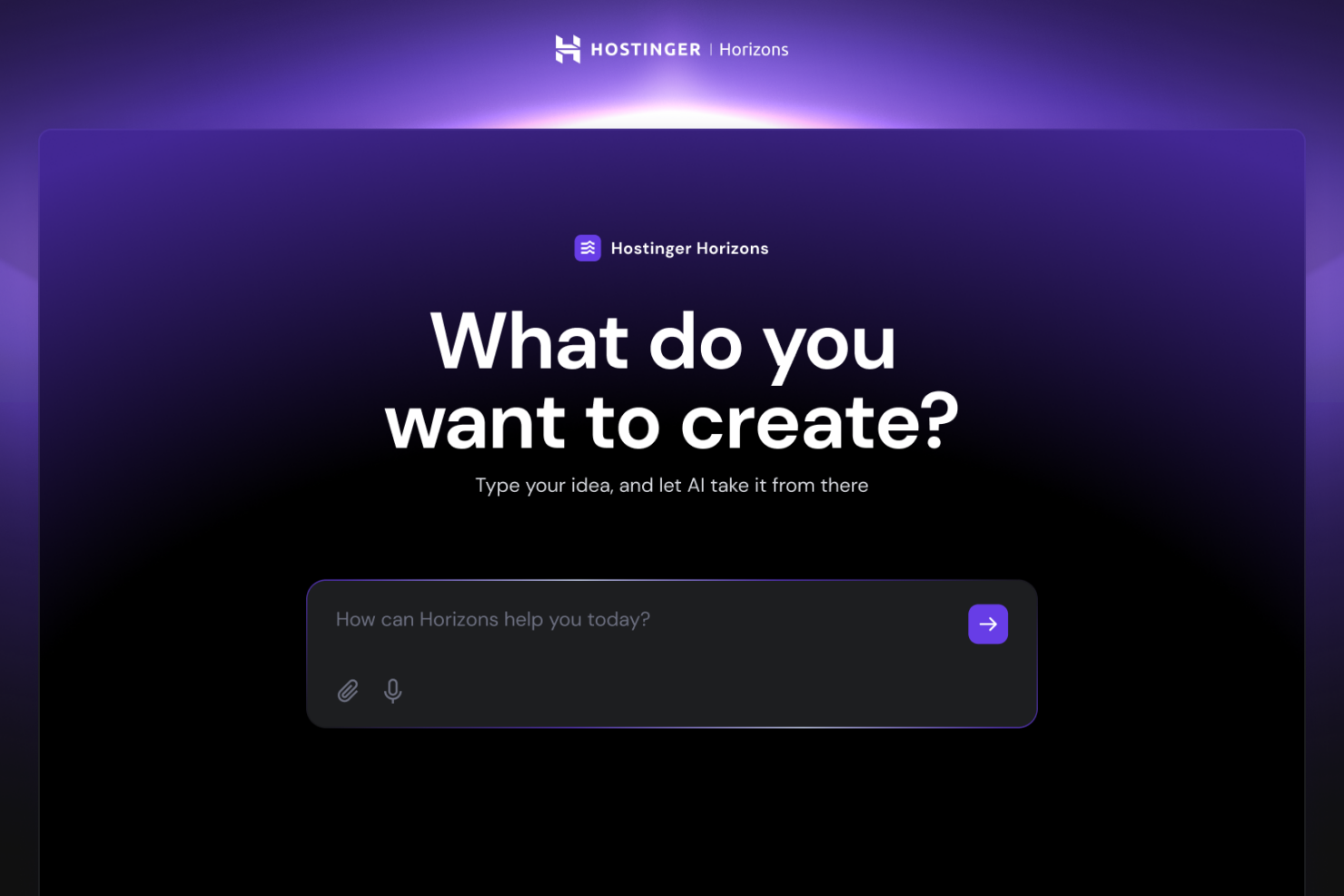
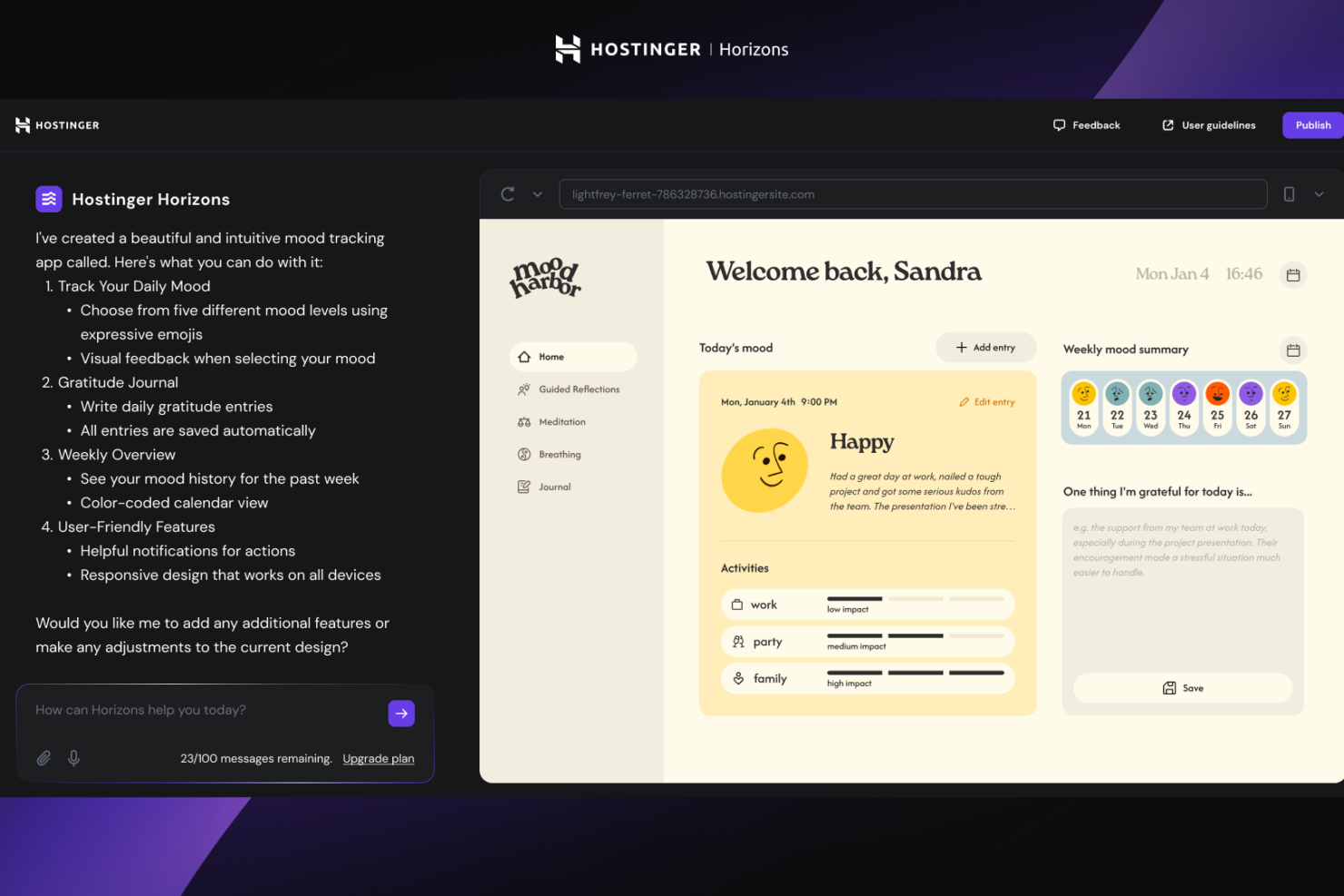
Hostinger Horizons
GoDaddy
Why Trust Our Software Reviews
Hostinger Horizons vs. GoDaddy Pricing Comparison
| Hostinger Horizons | GoDaddy | |
|---|---|---|
| Free Trial | 30-day money-back guarantee | Free trial available |
| Pricing | From $1.99/month | From $4.99/year |
Hostinger vs. GoDaddy Pricing & Hidden Costs
Hostinger uses a tiered pricing model for the different services it offers, with optional add-ons also available. You’ll find that most essentials are included, but some advanced features—like priority support or certain integrations—may require an upgrade. GoDaddy also offers multiple plans, but often bundles add-ons like SSL certificates, email, or marketing tools as separate purchases, which can increase your total cost over time.
To choose the right vendor, look beyond the base price and consider what’s included in each plan. Review which features are truly essential for your website, and check if you’ll need to pay extra for things like backups, security, or ecommerce tools. Compare the upgrade paths and cancellation policies, and factor in any long-term commitments or renewal rates. This approach helps you avoid surprises and ensures you’re investing in a solution that fits your actual needs.
Hostinger Horizons vs. GoDaddy Feature Comparison
Hostinger’s drag-and-drop editor and built-in AI tools make it easy for you to launch and update your site quickly, even if you’re new to building websites. GoDaddy’s fast setup process and mobile-responsive templates help you get online fast, but you may find customization options more limited compared to Hostinger.
| Hostinger Horizons | GoDaddy | |
|---|---|---|
| A/B Testing | ||
| API | ||
| External Integrations | ||
| Multi-User | ||
| Third-Party Plugins/Add-Ons |
Hostinger vs. GoDaddy Integrations
| Integration | Hostinger | GoDaddy |
| Google Analytics | ✅ | ✅ |
| Mailchimp | ✅ | ✅ |
| PayPal | ✅ | ✅ |
| Stripe | ✅ | ✅ |
| Facebook Pixel | ✅ | ✅ |
| Shopify | ❌ | ✅ |
| WooCommerce | ✅ | ❌ |
| Google Workspace | ✅ | ✅ |
| API | ✅ | ✅ |
| Zapier | ✅ | ❌ |
Hostinger and GoDaddy both cover the most popular integrations, but Hostinger stands out by offering WooCommerce, and Zapier connections, giving you more flexibility to connect with other tools. If you need advanced automation or custom integrations, Hostinger is likely to meet your needs better, while GoDaddy focuses on core integrations and ecommerce basics.
Hostinger vs. GoDaddy Security, Compliance & Reliability
| Factor | Hostinger | GoDaddy |
| SSL Certificates | Free SSL included with all plans for secure data transmission. | Free SSL included on most plans, with easy setup for all domains. |
| Data Backups | Automated daily or weekly backups, with easy restore options. | Daily backups available on higher-tier plans, manual backups on others. |
| Uptime Guarantee | 99.9% uptime guarantee, supported by global data centers. | 99.9% uptime guarantee, with a strong track record and monitoring. |
| GDPR Compliance | GDPR-compliant data handling and privacy policies for EU users. | GDPR-compliant processes and privacy controls for customer data. |
| DDoS Protection | Built-in DDoS protection and server monitoring to prevent attacks. | Advanced DDoS protection and 24/7 security monitoring. |
Both Hostinger and GoDaddy deliver strong security and compliance, but GoDaddy’s advanced DDoS protection and 24/7 monitoring give it a slight edge for users with higher security needs. Hostinger’s automated backups and straightforward SSL setup make it a reliable choice for most small businesses and creators.
Hostinger vs. GoDaddy Ease of Use
| Factor | Hostinger | GoDaddy |
| User Interface | Clean, modern dashboard with intuitive drag-and-drop editing. | Simple, step-by-step builder designed for quick site launches. |
| Onboarding | Guided setup walks you through each step, ideal for beginners. | Fast onboarding with pre-built templates and minimal setup required. |
| Customization | Flexible design options and AI tools for personalized sites. | Limited customization but easy-to-use templates for fast results. |
| Customer Support | 24/7 live chat support with helpful tutorials and resources. | 24/7 phone and chat support, plus a large knowledge base. |
Hostinger offers more flexibility and customization, while GoDaddy is the go-to for users who want to get online fast with minimal effort. Hostinger’s interface and AI tools make it easy to create a unique site, but GoDaddy’s streamlined setup is perfect if you value speed and simplicity.
Hostinger Horizons vs GoDaddy: Pros & Cons
Hostinger Horizons
- Affordable long-term pricing with free domain and hosting included
- Built-in ecommerce supports up to 1,000 products
- AI-powered tools generate content, images, and layouts quickly
- Limited advanced design and coding flexibility
- Cannot switch templates after starting a site
- No app or plugin marketplace like other platforms
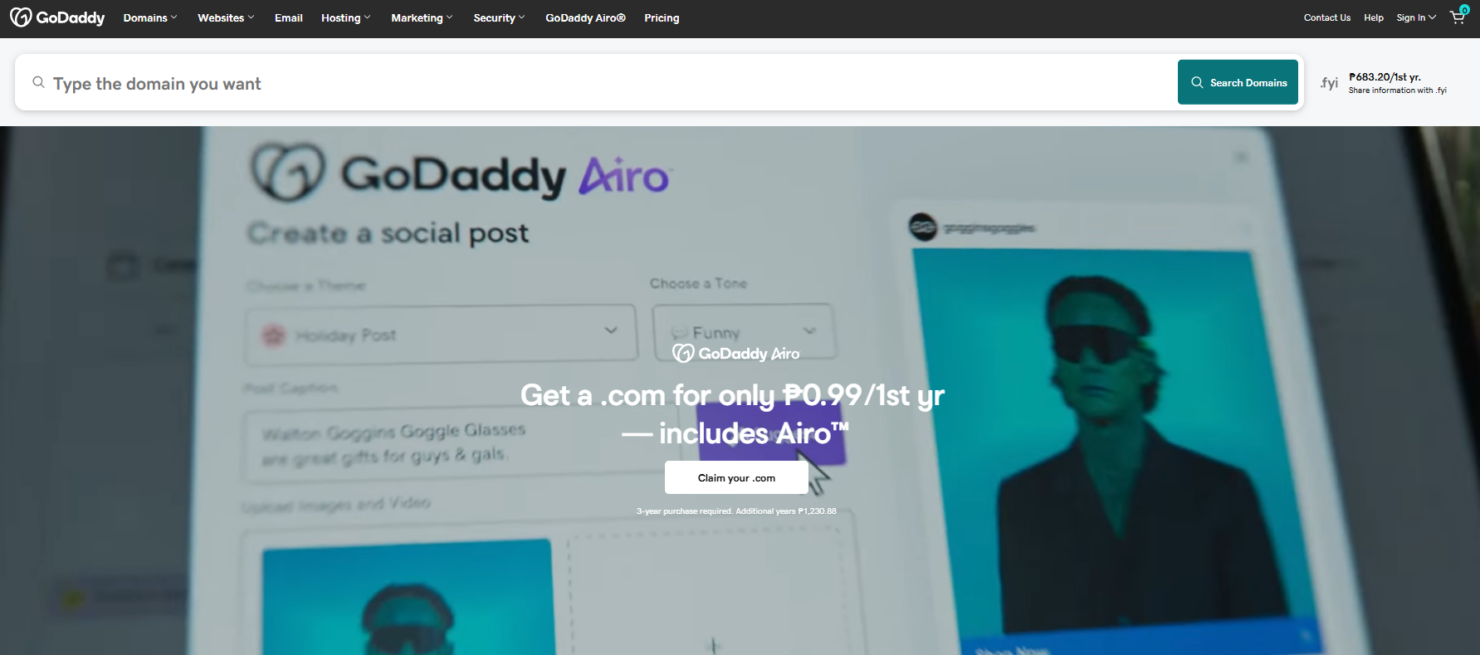
GoDaddy
- 24/7 customer support with live chat and phone
- Fast site publishing with guided setup and templates
- Built-in marketing tools like email and social posts
- Fewer third-party app options than some competitors
- No access to underlying site code or advanced CSS
- Limited control over mobile site design options
Best Use Cases for Hostinger Horizons and GoDaddy
Hostinger Horizons
- Small Retail Stores Hostinger’s ecommerce features support up to 1,000 products with no extra fees.
- Freelancers AI content and image tools help freelancers build sites fast for clients.
- Nonprofits Affordable plans and free domain make it easy for nonprofits to get online.
- Local Service Providers Booking and contact form features help service businesses capture leads.
- Marketing Teams Built-in SEO and analytics tools support campaign tracking and optimization.
- Educational Projects Simple drag-and-drop builder is ideal for school or student websites.
GoDaddy
- Local Retail Stores GoDaddy’s templates and built-in appointment booking help small shops get online fast.
- Solo Entrepreneurs The platform’s guided setup and bundled marketing tools support one-person businesses.
- Nonprofit Organizations Easy donation buttons and event promotion features suit nonprofits with limited resources.
- Real Estate Agents Property listing templates and contact forms simplify site creation for agents.
- Marketing Departments Integrated email marketing and social posting tools support campaign launches.
- Event Planners Pre-built event pages and RSVP forms make event sites quick to launch.
Who Should Use Hostinger, and Who Should Use GoDaddy?
Hostinger and GoDaddy both appeal to similar users, and both offer quick, easy setup—it really comes down to preference. Hostinger leans toward more design flexibility and customization, while GoDaddy focuses on a more guided, streamlined experience. If you want more control, Hostinger may suit you better, whereas GoDaddy is ideal if you prefer a more hands-off approach.
Differences Between Hostinger Horizons and GoDaddy
| Hostinger Horizons | GoDaddy | |
|---|---|---|
| Automation | Built-in AI tools for content and design automation. | Minimal automation, prioritizing manual setup and editing. |
| Customization | Offers flexible design tools and AI-powered asset and website creation. | Focuses on pre-built templates with limited customization. |
| Onboarding | Step-by-step guided setup for beginners and pros alike. | Fast, template-driven onboarding for quick site launches. |
| Pricing Model | Tiered plans with most essentials included up front. | Add-ons like email and SSL may require extra fees. |
| Visit Hostinger HorizonsOpens new window | Read GoDaddy ReviewOpens new window |
Similarities Between Hostinger Horizons and GoDaddy
| Analytics Integration | Both integrate with Google Analytics, letting you track site performance and visitor behavior easily. |
|---|---|
| Customer Support | Hostinger and GoDaddy both offer 24/7 customer support, with live chat and phone options for quick help. |
| Mobile Responsiveness | Both offer mobile-friendly templates, so your site looks great on any device with minimal extra effort. |
| SSL Certificates | Each includes free SSL certificates on most plans, making it easy to secure your website and user data. |
| Website Hosting | Both provide reliable website hosting with 99.9% uptime guarantees, ensuring your site stays accessible. |
| Visit Hostinger HorizonsOpens new window Read GoDaddy ReviewOpens new window | |