


Google Analytics vs. Semrush: Comparison and Expert Reviews for 2026



Choosing between Google Analytics and Semrush can feel overwhelming when you’re under pressure to prove ROI and make sense of your data. You need marketing analytics software that not only tracks performance but also helps you uncover actionable insights, streamline reporting, and support smarter decisions. If you’re struggling to decide which platform will help you hit your goals, you’re not alone.
In this article, you’ll get a clear, side-by-side comparison of Google Analytics and Semrush. I’ll break down the pros and cons, use cases, pricing, security, and usability so you can confidently pick the right tool for your team.
Google Analytics vs. Semrush: An Overview
Google Analytics

Semrush
Why Trust Our Software Reviews
We’ve been testing and reviewing marketing software since 2022. As marketing experts ourselves, we know how critical and difficult it is to make the right decision when selecting software.
We invest in deep research to help our audience make better software purchasing decisions. We’ve tested more than 2,000 tools for different marketing use cases and written over 1,000 comprehensive software reviews. Learn how we stay transparent & our software review methodology.
Google Analytics vs. Semrush Pricing Comparison
| Google Analytics | Semrush | |
|---|---|---|
| Free Trial | Free plan available | 7-day free trial + free demo available |
| Pricing | Free | From $117.33/month (billed annually) |
Google Analytics vs. Semrush Pricing & Hidden Costs
Google Analytics offers a free version with core features, while its premium tier, Google Analytics 360, is designed for enterprise needs and comes with advanced capabilities and support. Semrush uses a tiered subscription model, with different plans based on feature access, user seats, and reporting limits. Both tools may introduce extra costs for add-ons, integrations, or exceeding usage limits, so it’s important to review what’s included in each plan.
To choose the right pricing model, start by mapping your team’s must-have features and expected usage against each tool’s plan details. Consider how your data volume, number of users, and integration needs might grow over time. Ask vendors for clarity on overage fees, contract flexibility, and support levels so you avoid surprises as your marketing analytics needs evolve.
Google Analytics vs. Semrush Feature Comparison
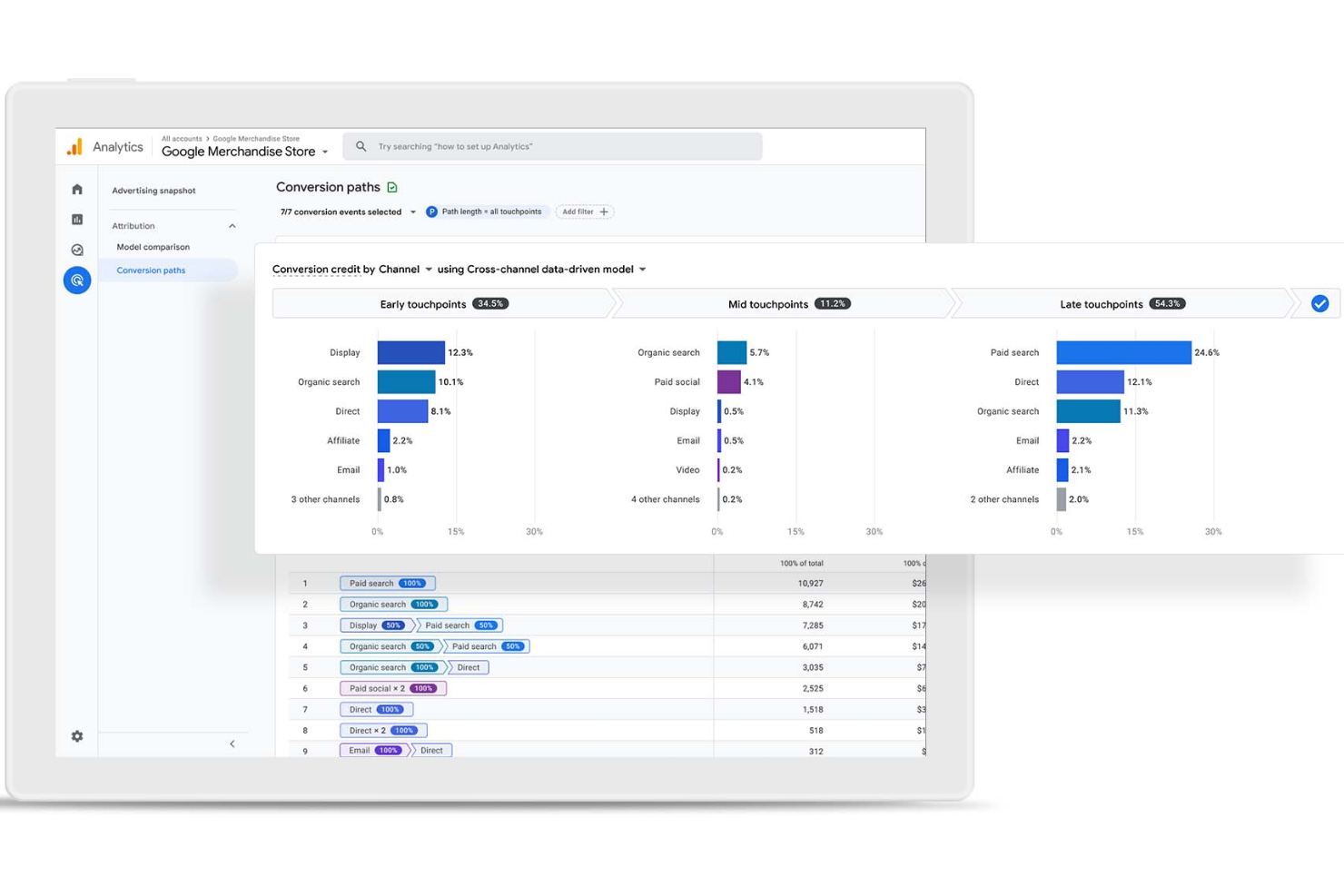
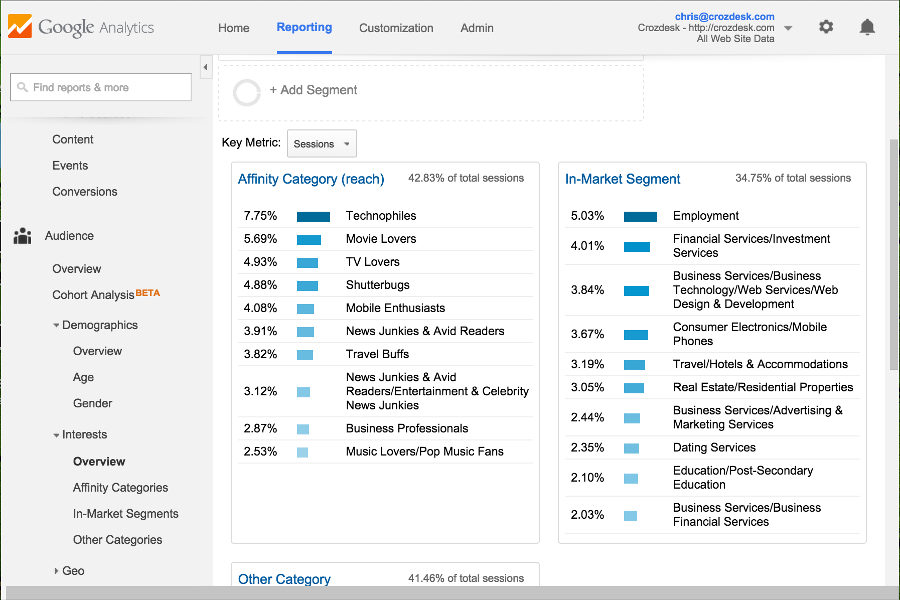
Both Google Analytics and Semrush offer essential features like website traffic tracking, audience segmentation, and customizable reporting dashboards. You can monitor user behavior, set goals, and analyze campaign performance with either platform, making them reliable choices for measuring marketing impact.
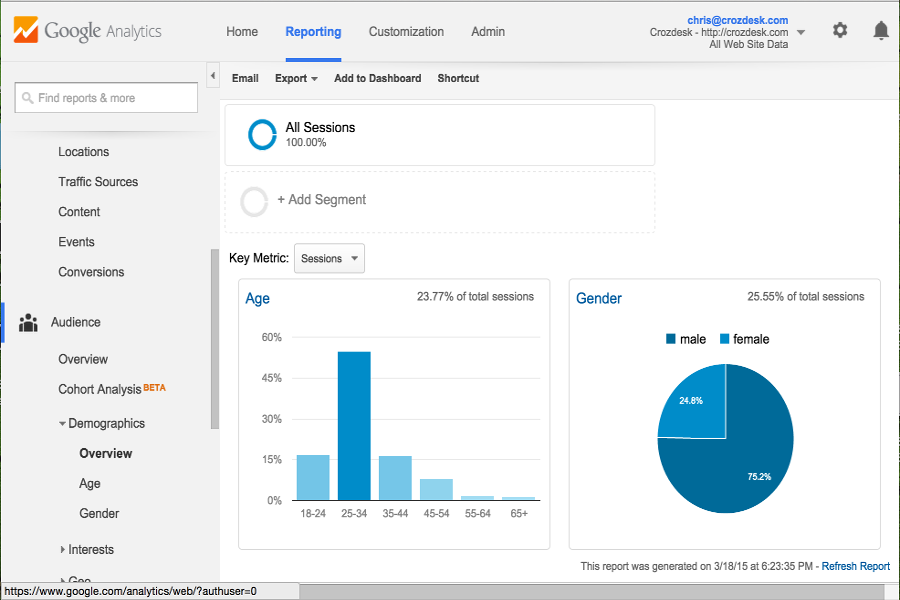
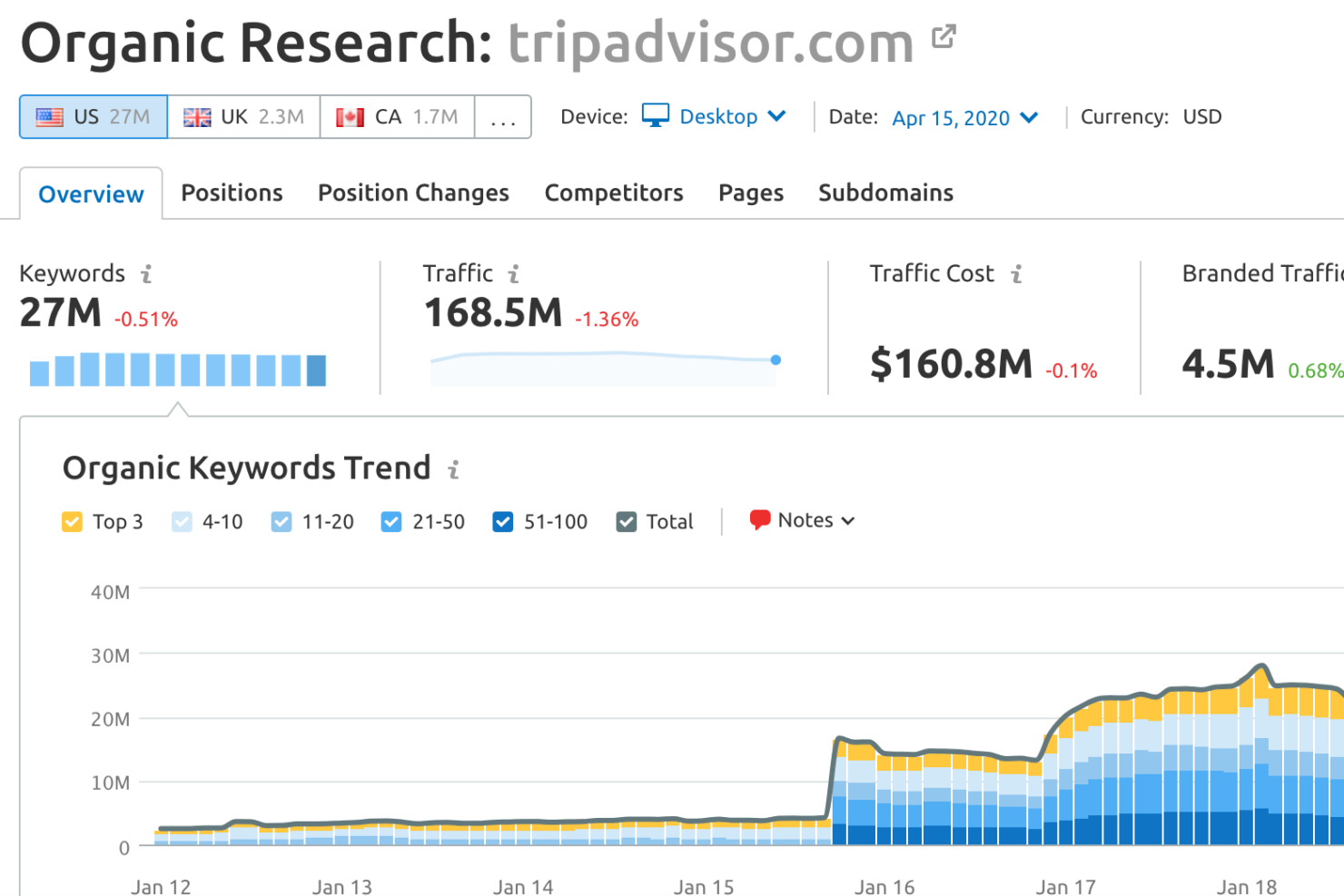
Google Analytics stands out with its deep integration into the Google ecosystem and advanced event tracking for granular user insights. Semrush, on the other hand, shines with its robust search engine optimization (SEO) toolkit and competitive analysis features, letting you track keyword rankings, audit sites, and uncover competitor strategies—all in one place.
| Google Analytics | Semrush | |
|---|---|---|
| API | ||
| Conversion Tracking | ||
| Dashboard | ||
| Data Export | ||
| Data Import | ||
| Data Visualization | ||
| External Integrations | ||
| Keyword Tracking | ||
| Link Tracking | ||
| Multi-User | ||
| Notifications |
Google Analytics vs. Semrush Integrations
| Integration | Google Analytics | Semrush |
| Google Ads | ✅ | ✅ |
| Google Search Console | ✅ | ✅ |
| Google Data Studio | ✅ | ✅ |
| Google Cloud | ✅ | ✅ |
| Facebook Ads | ✅ | ✅ |
| HubSpot | ✅ | ✅ |
| Shopify | ✅ | ✅ |
| WordPress | ✅ | ✅ |
| API | ✅ | ✅ |
| Zapier | ✅ | ✅ |
Both Google Analytics and Semrush offer integrations with a wide range of popular marketing tools, including advertising platforms, CMSs, and analytics solutions. They each support connections like Google Ads, Search Console, Shopify, WordPress, APIs, and Zapier, making it easy to fit into most marketing stacks. Overall, their integration capabilities are comparable, and most teams will find that either platform connects well with the tools they already use.
Google Analytics vs. Semrush Security, Compliance & Reliability
| Factor | Google Analytics | Semrush |
| Data Privacy | Offers granular data controls and supports IP anonymization for GDPR compliance. | Provides user access controls and complies with GDPR and CCPA standards. |
| Regulatory Compliance | Regularly updated to align with global privacy laws and industry regulations. | Maintains compliance with major data protection laws and industry norms. |
| Data Encryption | Encrypts data in transit and at rest using industry-standard protocols. | Uses encryption for data in transit and at rest to protect user data. |
| Uptime & Reliability | Backed by Google’s global infrastructure for high availability and uptime. | Delivers reliable service with regular backups and strong uptime SLAs. |
Both Google Analytics and Semrush take security and compliance seriously, but Google Analytics benefits from Google’s robust infrastructure and advanced privacy controls, while Semrush offers strong compliance and user access management. Google Analytics stands out for its enterprise-grade reliability, while Semrush’s straightforward compliance features make it easy for marketing teams to stay protected.
Google Analytics vs. Semrush Ease of Use
| Factor | Google Analytics | Semrush |
| User Interface | Offers a clean dashboard but can feel complex for new users due to deep menus. | Features an intuitive, visually guided interface that’s easy to navigate. |
| Onboarding | Provides guided tours and documentation, but setup can be technical for beginners. | Offers step-by-step onboarding and in-app tips for a smoother start. |
| Reporting | Custom reports are powerful but require some learning to master. | Pre-built reports and templates make insights accessible right away. |
| Support | Extensive help center and community forums, but direct support is limited. | Includes live chat and responsive customer support on paid plans. |
Semrush is generally easier for new users to pick up, while Google Analytics offers more customization but comes with a steeper learning curve. Google Analytics is more ideal for teams that want deep, customizable insights, while Semrush’s approachable interface and hands-on support will be better if you want to get started quickly.
Google Analytics vs Semrush: Pros & Cons
Google Analytics
- Free tier offers advanced analytics for most users
- Deep audience segmentation and funnel analysis tools
- Free tier offers advanced analytics for most users
- Data sampling can limit accuracy for large datasets
- Privacy and consent management require extra configuration
- Real-time reporting is limited compared to some competitors
Semrush
- You get comprehensive keyword research tools that boost your SEO strategy.
- Competitive analysis features help your team stay ahead in the market.
- The platform provides detailed reports that enhance your decision-making.
- The interface can feel overwhelming for new users.
- It has a steep learning curve compared to simpler tools.
- Semrush's pricing may be on the higher side for small businesses or startups.
Best Use Cases for Google Analytics and Semrush
Google Analytics
- Large Enterprises Leverage custom dashboards and advanced reporting for multiple business units.
- Content Publishers Measure audience growth, top content, and referral traffic sources.
- Higher Education Analyze student recruitment campaigns and website engagement by source.
- SaaS Companies Monitor user engagement, onboarding flows, and conversion events.
- Digital Marketing Agencies Manage multiple client accounts and compare campaign performance across channels.
- Ecommerce Brands Track sales funnels, product performance, and customer journeys in detail.
Semrush
- E-commerce Businesses Semrush excels in helping your e-commerce team optimize product listings and drive traffic through effective keyword strategies.
- Content Creators Your content team can leverage Semrush’s insights to craft engaging, SEO-friendly articles that resonate with your audience.
- Advertising Agencies Agencies benefit from Semrush’s competitive analysis tools, enabling you to design campaigns that outperform rivals.
- SEO Specialists You can rely on Semrush for comprehensive keyword research and tracking, crucial for improving search engine rankings.
- Marketing Departments Semrush offers detailed analytics and reports, empowering your team to refine strategies and demonstrate ROI.
- Small Agencies Even with limited resources, your agency can use Semrush to deliver high-quality SEO and marketing services efficiently.
Who Should Use Google Analytics, and Who Should Use Semrush?
Google Analytics is best for businesses that want deep insights into website and app performance. It’s ideal if your team’s marketing strategy is focused on user behavior, traffic analysis, and conversion tracking, especially if you need a free tool or low-cost solution. It works particularly well for data-driven marketers, analysts, and developers who are comfortable with setup and customization.
Semrush is better suited for marketers and businesses focused on organic search, content marketing, and competitive research. It’s ideal for teams that want to optimize search rankings for their own website, analyze competitors, and manage campaigns from a single platform without needing advanced technical setup. Agencies, content teams, and growth marketers will benefit most from its all-in-one marketing toolkit.
Differences Between Google Analytics and Semrush
| Google Analytics | Semrush | |
|---|---|---|
| Automation | Limited automation; relies on manual setup for reports, events, and analysis. | Strong automation for SEO audits, keyword tracking, and scheduled reporting. |
| Core Focus | Specializes in website performance and app analytics, focusing on user behavior and performance tracking. | Focuses on SEO, keyword research, content marketing, and competitive intelligence. |
| Data Ownership | Tracks first-party data collected directly from your website or app. | Primarily uses third-party data and external datasets for insights. |
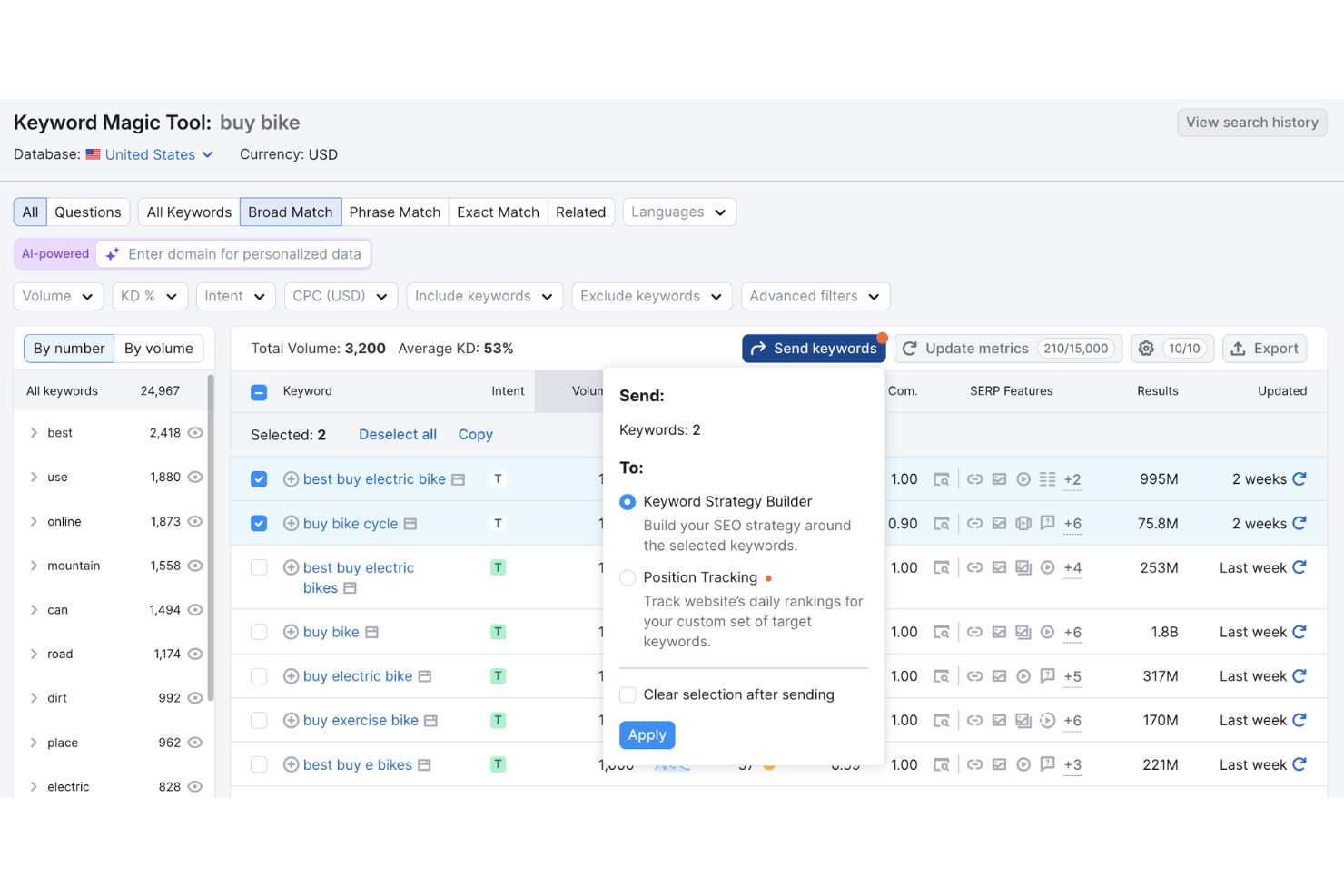
| SEO Tools | Very limited built-in SEO strategy functionality (relies on integrations like Search Console). | Comprehensive SEO toolkit including keyword research tools (search volume, keyword difficulty, PPC research, etc.), backlink analysis, site audit tools, competitor analysis, and rank tracking. |
| User Interface | Powerful but often complex and less intuitive for beginners. | More user-friendly with guided tools and simplified dashboards. |
| Read Google Analytics ReviewOpens new window | Read Semrush ReviewOpens new window |
Similarities Between Google Analytics and Semrush
| Audience Insights | Both provide data related to audience behavior, user engagement, demographics, location, and device usage (directly or via estimates). |
|---|---|
| Data Visualization | Both offer in-depth, real-time dashboards, charts, and reports to make data easier to interpret and share. |
| Integration Support | Each integrates with popular tools (e.g., Google Ads, Search Console, APIs, Zapier). |
| Reporting | Each allows users to generate and customize reports for tracking site performance metrics. |
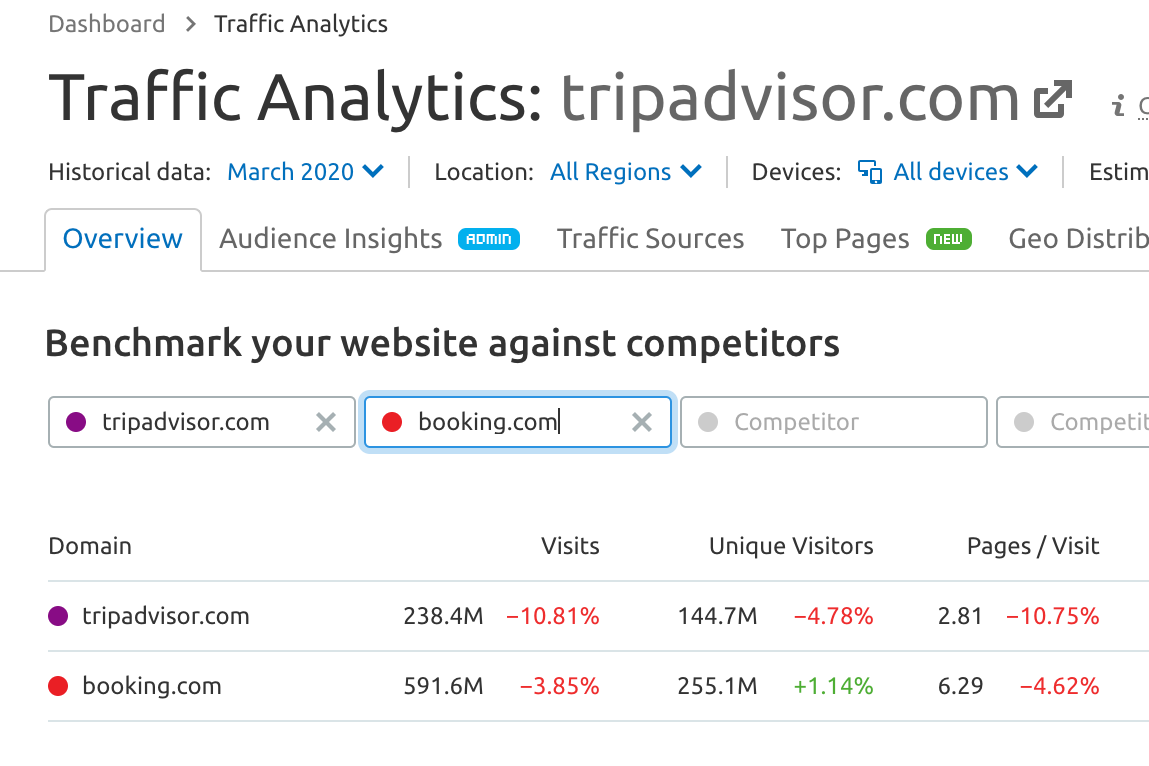
| Traffic Analytics | Both provide analysis tools for website traffic, including sources, trends, and performance over time. |
| Read Google Analytics ReviewOpens new window Read Semrush ReviewOpens new window | |