Canva Review: Pros, Cons, Features, and Pricing Explained


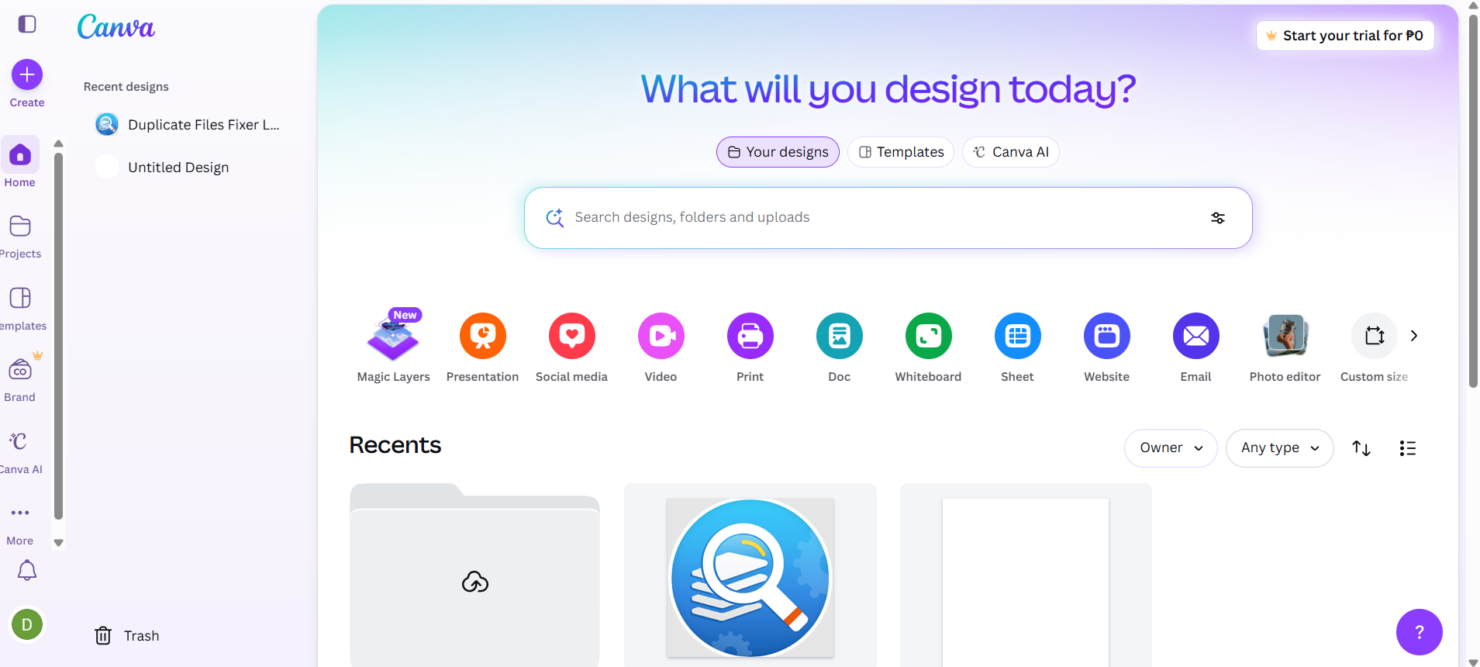
Canva is a creative AI marketing tool designed to help marketing teams create, edit, and manage visual content quickly, even without graphic design expertise. For marketing leaders juggling tight deadlines, limited design resources, and the need for brand consistency, Canva offers a user-friendly platform with AI-powered features that speed up content production and support collaboration. In this review, you’ll find a detailed look at Canva’s features, best and worst use cases, pros and cons, and pricing—so you can decide if it fits your team’s marketing workflow.
Canva Evaluation Summary
- From $15/month (billed annually)
- Free plan available
Why Trust Our Software Reviews
Canva Overview
Teams typically use Canva for its intuitive interface, fast onboarding, and broad template library, which make it a top pick if you need quick, polished visuals. Pricing is accessible , and integrations with social and productivity platforms add flexibility. While its AI features simplify design, they may feel basic for advanced marketers seeking deep automation or analytics. Canva excels for small to mid-sized teams, agencies, and non-designers who value speed and ease over granular control. If you’re selecting a tool for rapid campaign assets, video editing, collaborative brand management, or need to simply resize an image, Canva is a strong contender.
pros
-
Magic Media creates images and videos from text prompts
-
Brand Kit ensures consistent visual identity across campaigns
-
AI-powered Magic Write generates marketing copy and captions fast
cons
-
Advanced automation for multi-channel campaigns is missing
-
Generated content sometimes lacks originality or nuance
-
Lacks deep flexibility for advanced graphic designs and animations
-

Eloqua
Visit WebsiteThis is an aggregated rating for this tool including ratings from Crozdesk users and ratings from other sites.4.3 -
Optimizely
Visit WebsiteThis is an aggregated rating for this tool including ratings from Crozdesk users and ratings from other sites.4.2 -
Uberflip
Visit WebsiteThis is an aggregated rating for this tool including ratings from Crozdesk users and ratings from other sites.4.3





How We Test & Score Tools
We’ve spent years building, refining, and improving our software testing and scoring system. The rubric is designed to capture the nuances of software selection and what makes a tool effective, focusing on critical aspects of the decision-making process.
Below, you can see exactly how our testing and scoring works across seven criteria. It allows us to provide an unbiased evaluation of the software based on core functionality, standout features, ease of use, onboarding, customer support, integrations, customer reviews, and value for money.
Core Functionality (25% of final scoring)
The starting point of our evaluation is always the core functionality of the tool. Does it have the basic features and functions that a user would expect to see? Are any of those core features locked to higher-tiered pricing plans? At its core, we expect a tool to stand up against the baseline capabilities of its competitors.
Standout Features (25% of final scoring)
Next, we evaluate uncommon standout features that go above and beyond the core functionality typically found in tools of its kind. A high score reflects specialized or unique features that make the product faster, more efficient, or offer additional value to the user.
We also evaluate how easy it is to integrate with other tools typically found in the tech stack to expand the functionality and utility of the software. Tools offering plentiful native integrations, 3rd party connections, and API access to build custom integrations score best.
Ease of Use (10% of final scoring)
We consider how quick and easy it is to execute the tasks defined in the core functionality using the tool. High scoring software is well designed, intuitive to use, offers mobile apps, provides templates, and makes relatively complex tasks seem simple.
Onboarding (10% of final scoring)
We know how important rapid team adoption is for a new platform, so we evaluate how easy it is to learn and use a tool with minimal training. We evaluate how quickly a team member can get set up and start using the tool with no experience. High scoring solutions indicate little or no support is required.
Customer Support (10% of final scoring)
We review how quick and easy it is to get unstuck and find help by phone, live chat, or knowledge base. Tools and companies that provide real-time support score best, while chatbots score worst.
Customer Reviews (10% of final scoring)
Beyond our own testing and evaluation, we consider the net promoter score from current and past customers. We review their likelihood, given the option, to choose the tool again for the core functionality. A high scoring software reflects a high net promoter score from current or past customers.
Value for Money (10% of final scoring)
Lastly, in consideration of all the other criteria, we review the average price of entry level plans against the core features and consider the value of the other evaluation criteria. Software that delivers more, for less, will score higher.
Core Features
Magic Write
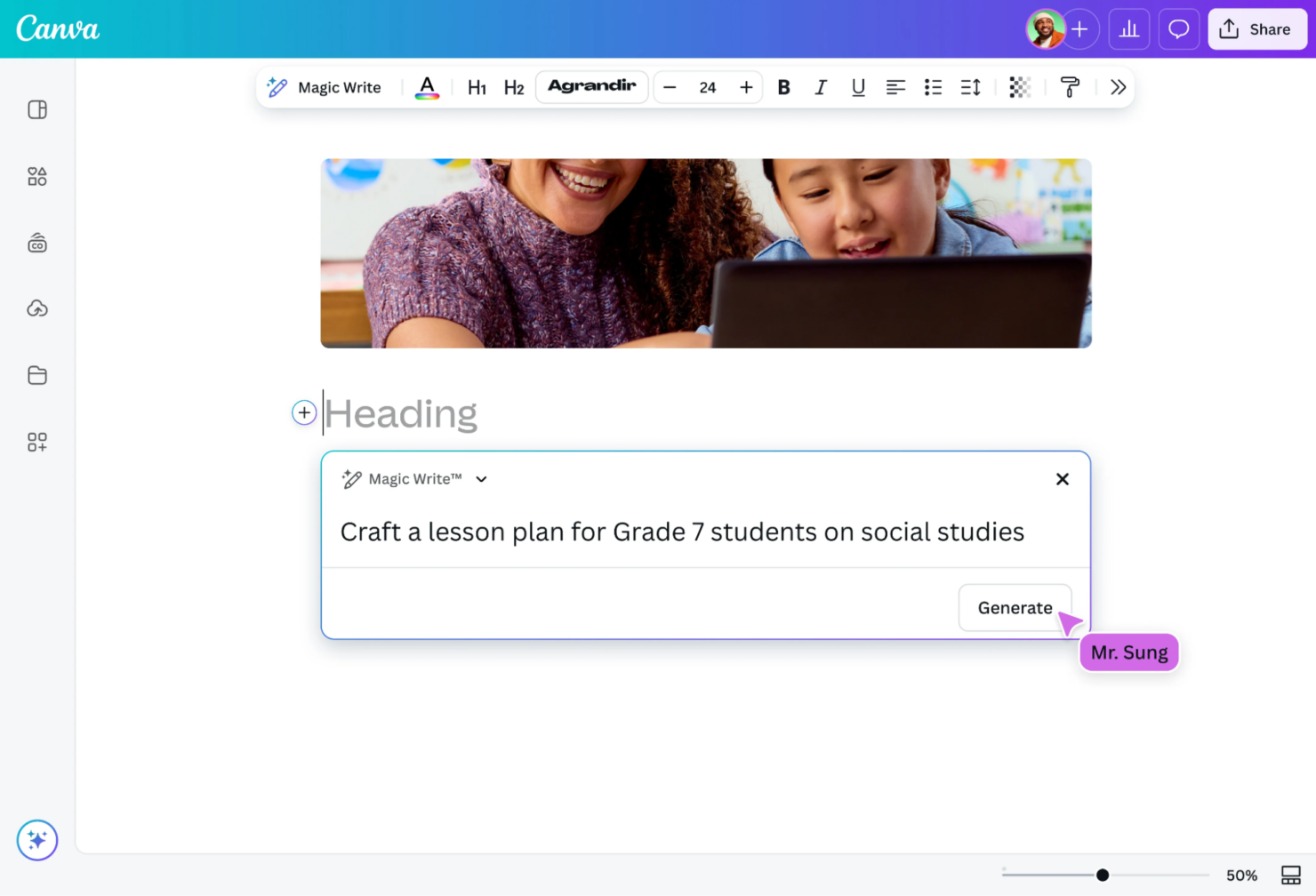
Generate marketing copy, captions, and headlines using AI-powered text prompts. This tool helps teams quickly draft content for social posts, ads, and emails.
Magic Media
Create images and short videos from text descriptions with AI. Users can turn campaign ideas into visuals without needing stock photos or video editors.
Brand Kit
Store marketing materials, like logos, fonts, and color palettes, for consistent branding across all designs. Teams can lock brand elements to ensure every asset matches guidelines.
AI-Powered Design Suggestions
Get instant layout, color, and style recommendations based on your content. This feature helps non-designers produce polished, on-brand visuals.
Bulk Create
Generate multiple versions of marketing assets at once using data from spreadsheets. Ideal for campaigns needing personalized graphics or localized content.
AI Background Remover
Remove backgrounds from images with one click using AI detection. This speeds up creating product shots, profile images, and ad creatives.
Ease of Use
Canva is widely recognized for its intuitive drag-and-drop interface and minimal onboarding requirements, making it accessible to users with no design background or basic design skills. AI features like Magic Write and Magic Media are clearly labeled and easy to activate, so teams can generate content with just a few clicks with little to no learning curve involved. User reviews consistently highlight how quickly new users can start producing polished marketing assets, which sets Canva apart from more complex, feature-heavy AI marketing tools.
Integrations
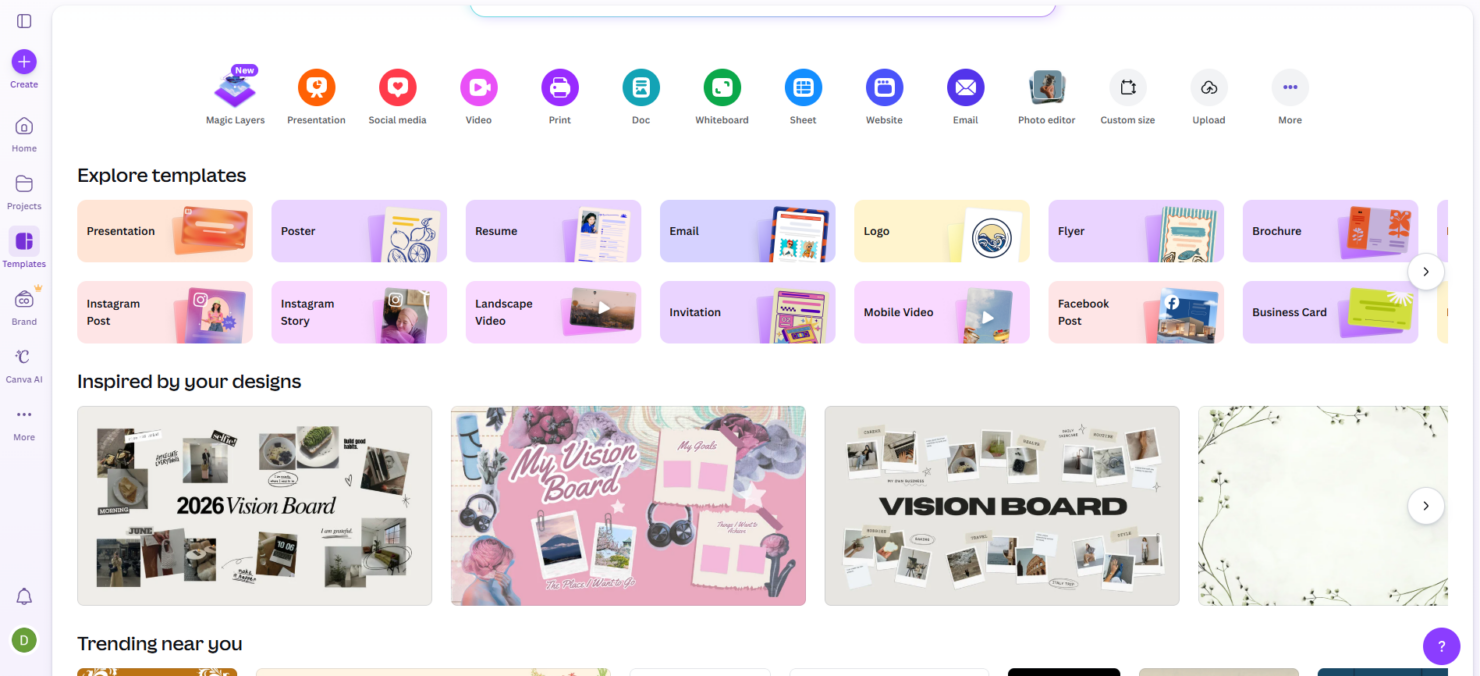
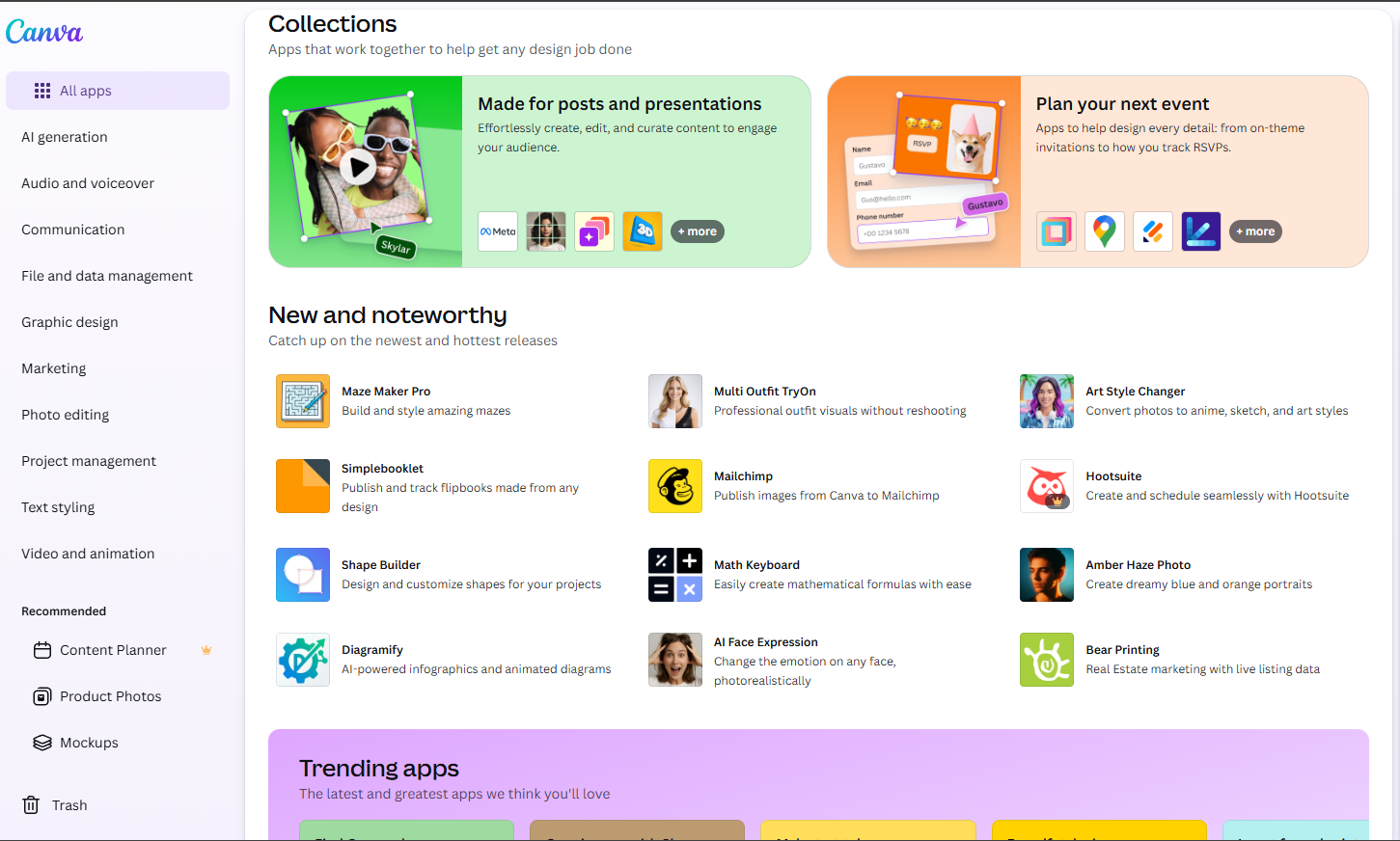
Canva integrates with Google Drive, Dropbox, Meta (Facebook), Instagram, Slack, HubSpot, Mailchimp, LinkedIn, YouTube, and Google Photos, among others.
Canva also offers an API and connects with third-party integration tools like Zapier for expanded automation and workflow options.
Canva Specs
- CAD Tools
- Data Export
- Data Import
- Multi-User
- Pixel Graphics
- Third-Party Plugins/Add-Ons
- Vector File Support
- Video