

Basecamp Review: Pros, Cons, Features and Pricing


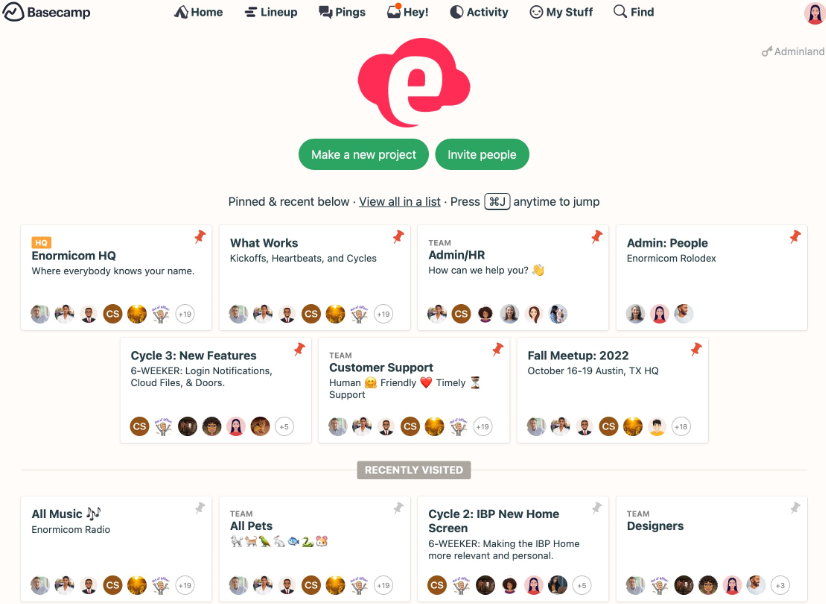
Basecamp is a marketing project management software and collaboration tool that helps you simplify project tracking through to-do lists, message boards, and chats. In my opinion, Basecamp best serves small businesses and growing companies that need a tool to centralize work and improve transparency. Its value lies in offering an easy-to-learn interface for organizing tasks and reducing external communication tools.
Basecamp addresses common issues like scattered communication and lack of task organization for teams like marketing and project management. In this article, I'll cover Basecamp's features, pros and cons, use cases, pricing, and more so you can decide if it aligns with your project management needs and goals.
Basecamp Evaluation Summary
- From $15/user/month
- 30-day free trial + + free plan + free demo available
Why Trust Our Software Reviews
Basecamp Overview
In my opinion, Basecamp is a solid choice for small to mid-sized teams looking for straightforward project management. It excels in ease of use and offers a seamless onboarding experience, making it ideal for teams without a dedicated IT department. However, it might not satisfy larger enterprises that require advanced features and integrations. Basecamp's pricing and simplicity are appealing, but it lacks the depth found in more sophisticated tools like Asana or Trello. If you're seeking a no-frills, intuitive platform to organize tasks and communications, Basecamp is worth considering.
pros
-
It centralizes communication, replacing multiple external tools for your team.
-
The seamless onboarding process helps you start managing projects without hassle.
-
Basecamp's interface is user-friendly, making it easy for your team to adopt quickly.
cons
-
Your team might find the limited customization options restrictive.
-
It doesn't offer detailed reporting tools found in other project management software.
-
Basecamp lacks advanced features that might be necessary for larger projects.


How We Test & Score Tools
We’ve spent years building, refining, and improving our software testing and scoring system. The rubric is designed to capture the nuances of software selection and what makes a tool effective, focusing on critical aspects of the decision-making process.
Below, you can see exactly how our testing and scoring works across seven criteria. It allows us to provide an unbiased evaluation of the software based on core functionality, standout features, ease of use, onboarding, customer support, integrations, customer reviews, and value for money.
Core Functionality (25% of final scoring)
The starting point of our evaluation is always the core functionality of the tool. Does it have the basic features and functions that a user would expect to see? Are any of those core features locked to higher-tiered pricing plans? At its core, we expect a tool to stand up against the baseline capabilities of its competitors.
Standout Features (25% of final scoring)
Next, we evaluate uncommon standout features that go above and beyond the core functionality typically found in tools of its kind. A high score reflects specialized or unique features that make the product faster, more efficient, or offer additional value to the user.
We also evaluate how easy it is to integrate with other tools typically found in the tech stack to expand the functionality and utility of the software. Tools offering plentiful native integrations, 3rd party connections, and API access to build custom integrations score best.
Ease of Use (10% of final scoring)
We consider how quick and easy it is to execute the tasks defined in the core functionality using the tool. High scoring software is well designed, intuitive to use, offers mobile apps, provides templates, and makes relatively complex tasks seem simple.
Onboarding (10% of final scoring)
We know how important rapid team adoption is for a new platform, so we evaluate how easy it is to learn and use a tool with minimal training. We evaluate how quickly a team member can get set up and start using the tool with no experience. High scoring solutions indicate little or no support is required.
Customer Support (10% of final scoring)
We review how quick and easy it is to get unstuck and find help by phone, live chat, or knowledge base. Tools and companies that provide real-time support score best, while chatbots score worst.
Customer Reviews (10% of final scoring)
Beyond our own testing and evaluation, we consider the net promoter score from current and past customers. We review their likelihood, given the option, to choose the tool again for the core functionality. A high scoring software reflects a high net promoter score from current or past customers.
Value for Money (10% of final scoring)
Lastly, in consideration of all the other criteria, we review the average price of entry level plans against the core features and consider the value of the other evaluation criteria. Software that delivers more, for less, will score higher.
Core Features
To-Do Lists
Basecamp helps you organize tasks with simple to-do lists, allowing your team members to check off completed items easily. This keeps everyone on the same page and boosts productivity.
Message Boards
You can centralize discussions with message boards, making it easy to track conversations and decisions. It reduces the need for endless email chains.
Card Table
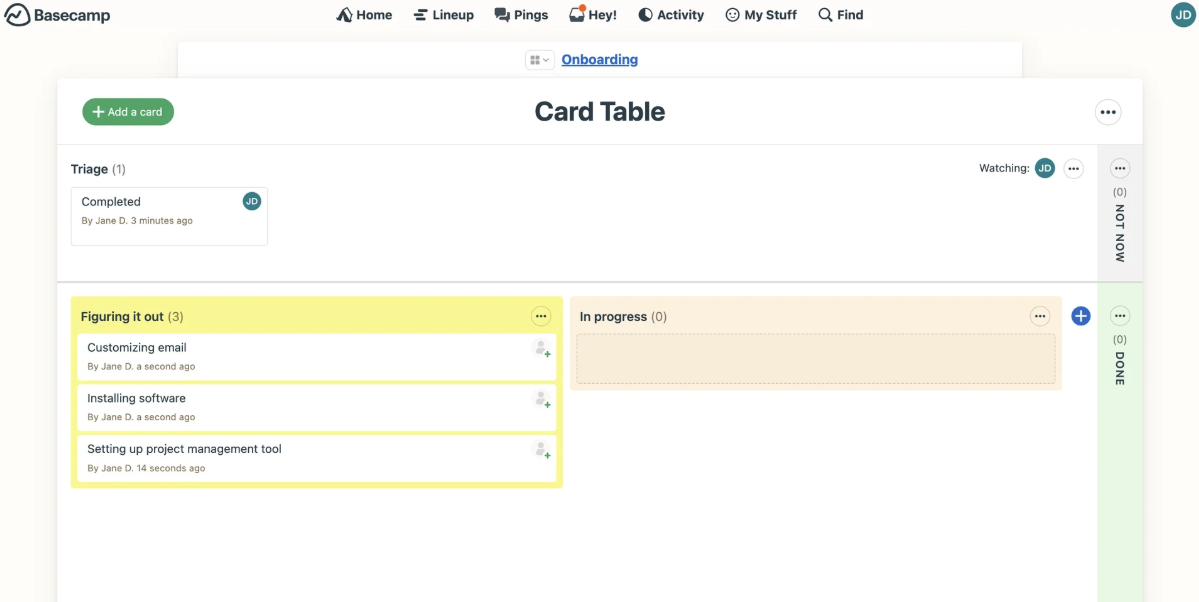
Basecamp includes a Card Table feature that functions similarly to Kanban boards, allowing your team to visualize progress and assign tasks. This provides a flexible way to manage workflows.
File Storage
Store and share files directly in Basecamp, keeping all your necessary documents in one place. It simplifies access and collaboration.
Group Chat
Basecamp's chat feature lets your team communicate in real time, facilitating quick discussions and decisions. It’s perfect for instant feedback and updates.
Automatic Check-ins
You can use automatic check-ins to gather regular updates from your team without scheduling meetings. This saves time and keeps everyone informed.
Ease of Use
Basecamp is easy for your team to pick up, thanks to its intuitive interface and simple navigation. You don't need extensive training to start managing projects, making it ideal for teams without tech expertise. The user-friendly design helps you focus on tasks rather than figuring out complex systems. Basecamp's straightforward features like to-do lists and message boards ensure your work stays organized and accessible, enhancing overall productivity.
Integrations
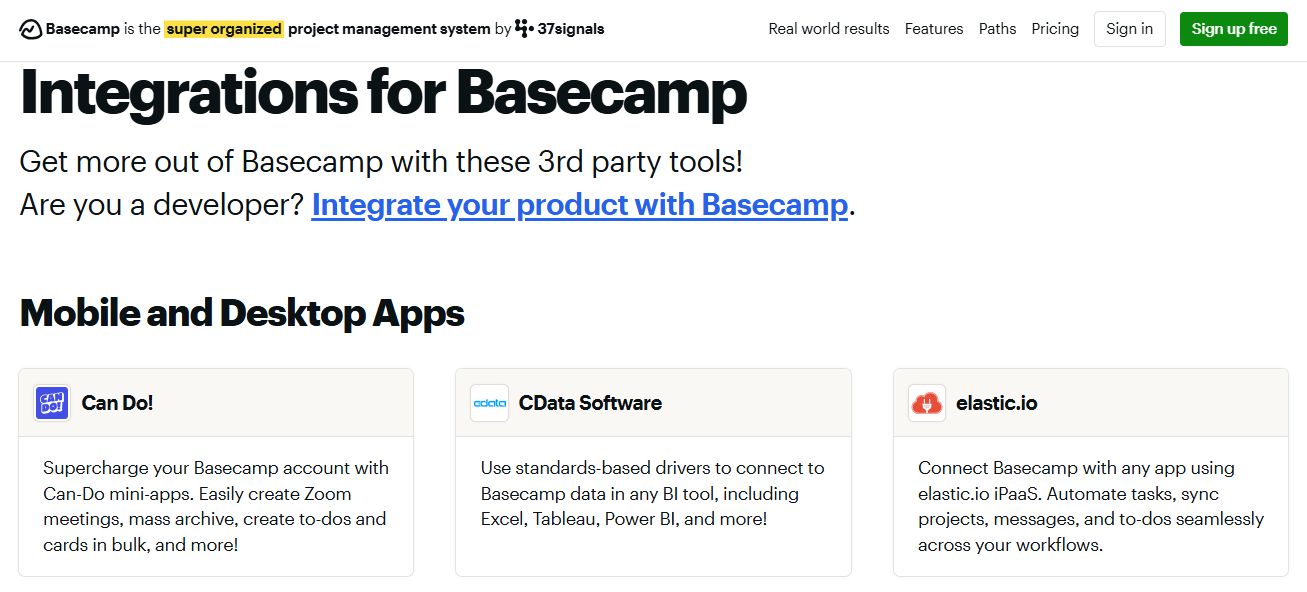
Basecamp integrates with Miro, Hubspot, Adobe Creative Cloud, Slack, Notion, Salesforce, Zendesk, and Calendly.
Basecamp also offers an API and connects with third-party integration tools.
Basecamp Specs
- API
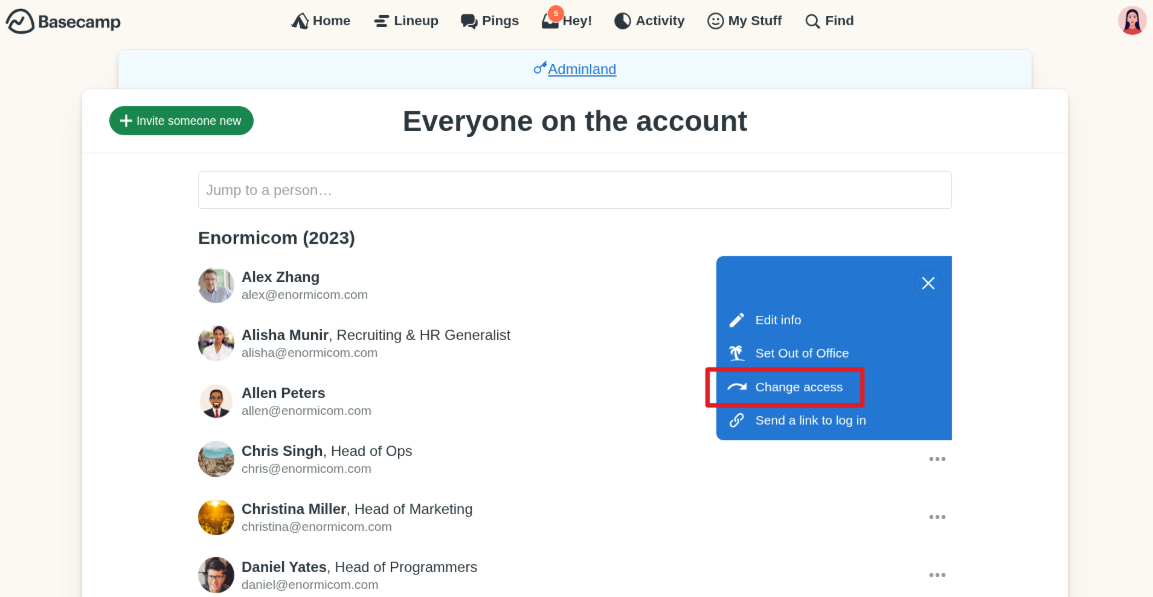
- Batch Permissions & Access
- Budgeting
- Calendar Management
- Collaboration Support
- Contact Management
- Contact Sharing
- Customer Management
- Dashboard
- Dashboards
- Data Export
- Data Import
- Data Visualization
- Dependency Tracking
- Document Sharing
- Expense Tracking
- External Integrations
- File Sharing
- Gantt Charts
- Kanban Boards
- Multi-User
- Notifications
- Project Management
- Resource Management
- Scheduling
- Task Scheduling/Tracking
- Third-Party Plugins/Add-Ons
- Time Management
- Travel Management
- Workflow Management


