

An AI logo generator is a digital tool that uses artificial intelligence to create custom logo designs in minutes. If you're searching for the best AI logo generator, you're probably focused on getting a professional look fast—without hiring a designer or wrestling with complicated software.
In this guide, you'll find my top picks for 2026, with a clear look at features, creative control, and what sets each tool apart. Whether you need a full brand kit or a quick logo for your site, you’ll see which AI logo makers actually deliver on quality and ease of use.
Why Trust Our Software Recommendations
6,700+
Reviews
20
Industry experts
16+
Evaluation factors
14
Years
Our team has been testing and reviewing software since 2012. As marketing leaders ourselves, we know how difficult—and important—it is to choose the right software.
For this guide, we evaluated tools using hands-on testing and independent research, scoring tools using our selection criteria.
Our reviews reflect our human editorial judgment, not a sales pitch.
Expert reviewers:
 Gui DrusinaCreative Director
- Shriya GhateSenior Marketing Lead
 Amanda JacquesMarketing Ops Leader

Comparison Table: AI Logo Generator
This comparison table summarizes pricing details for my top AI logo generator selections.
| Tool | Best For | Trial Info | Price | ||
|---|---|---|---|---|---|
| 1 | Best for template-based logo editing | Free plan available | From $7.99/user/month (billed annually) | Website | |
| 2 | Best for free logo downloads | Free plan available | Pricing upon request | Website | |
| 3 | Best for logo customization options | Not available | Pricing upon request | Website | |
| 4 | Best for business-ready branding assets | Free plan + 30-day free trial available | From $199/year | Website | |
| 5 | Best for website and logo integration | Free plan available | From $9/month | Website | |
| 6 | Best for full brand kits with logo downloads | Free plan available | From $96/year | Website | |
| 7 | Best for exporting logos in multiple formats | Free plan available | From $9.90/month | Website | |
| 8 | Best for generating unique logo styles | Not available | From $35/one-time logo | Website | |
| 9 | Best for multi-language branding support | Free demo available | From $29/month | Website | |
| 10 | Best for automated logo creation workflows | Not available | Pricing upon request | Website |


Best AI Logo Generator Reviews
Below are my detailed summaries of the best AI logo generators that made it onto my shortlist. My reviews offer a detailed look at the features, creative capabilities, and pricing of each tool to help you find the best one for you.
 Best for template-based logo editing
- Free plan available
- From $7.99/user/month (billed annually)
Visit WebsiteCustomer Rating:4.5/5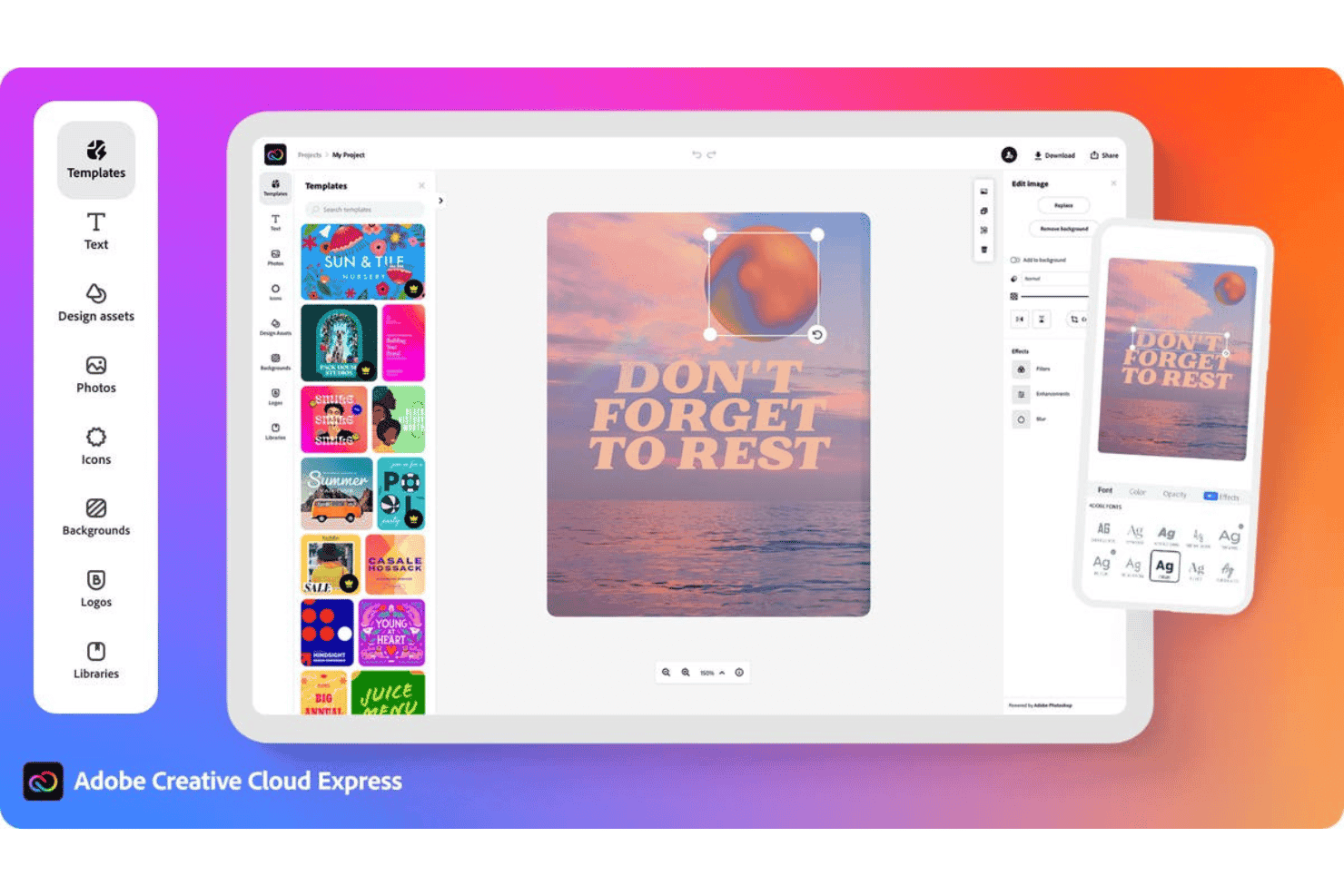
Adobe Express offers a web-based design editor with templates, text, photos, icons, and font editing tools for creating social media graphics. Adobe Express is a design platform with a built-in AI logo maker that combines Firefly-powered generative AI with an extensive template library, letting you create, customize, and animate logos alongside broader brand assets.
Who Is Adobe Express Best For?
Adobe Express is a natural fit for startup founders and small business owners who need to build brand visuals quickly without a dedicated design background.
Why I Picked Adobe Express
Adobe Express earns its spot on my shortlist because the template library gives you a strong creative foundation before the AI even touches your logo. I like how you can upload reference images to guide Firefly's generation, so the output actually reflects your intended style rather than producing random AI interpretations. The one-click Resize then adapts your finished logo across channel formats without rebuilding anything from scratch.
Adobe Express Key Features
- Brand input prompts: Collects brand name, style preferences, and reference images to personalize the AI generation process.
- Template-based logo generator: Lets you start from thousands of design variants tailored to your industry or style.
- Brand Kit integration: Creates and applies colour palettes, typography, and logo variants across all design projects within the platform.
- Multi-format export options: Exports logos as PNG, JPG, PDF, or MP4 files for use in digital and print channels.
Adobe Express Integrations
Adobe Express integrates natively with Adobe Creative Cloud and offers direct publishing to platforms like TikTok, Google Drive, and Facebook. An API for custom integrations is not clearly documented.
Pros and Cons
Pros:
- Animate logos directly within the platform
- Firefly AI generates on-brand logo concepts
- Massive library of customizable logo templates
Cons:
- Requires extra steps for standalone logos
- Not purpose-built for logo creation alone
Learn more about Adobe Express: Best for free logo downloads
- Free plan available
- Pricing upon request
Visit WebsiteCustomer Rating:4.3/5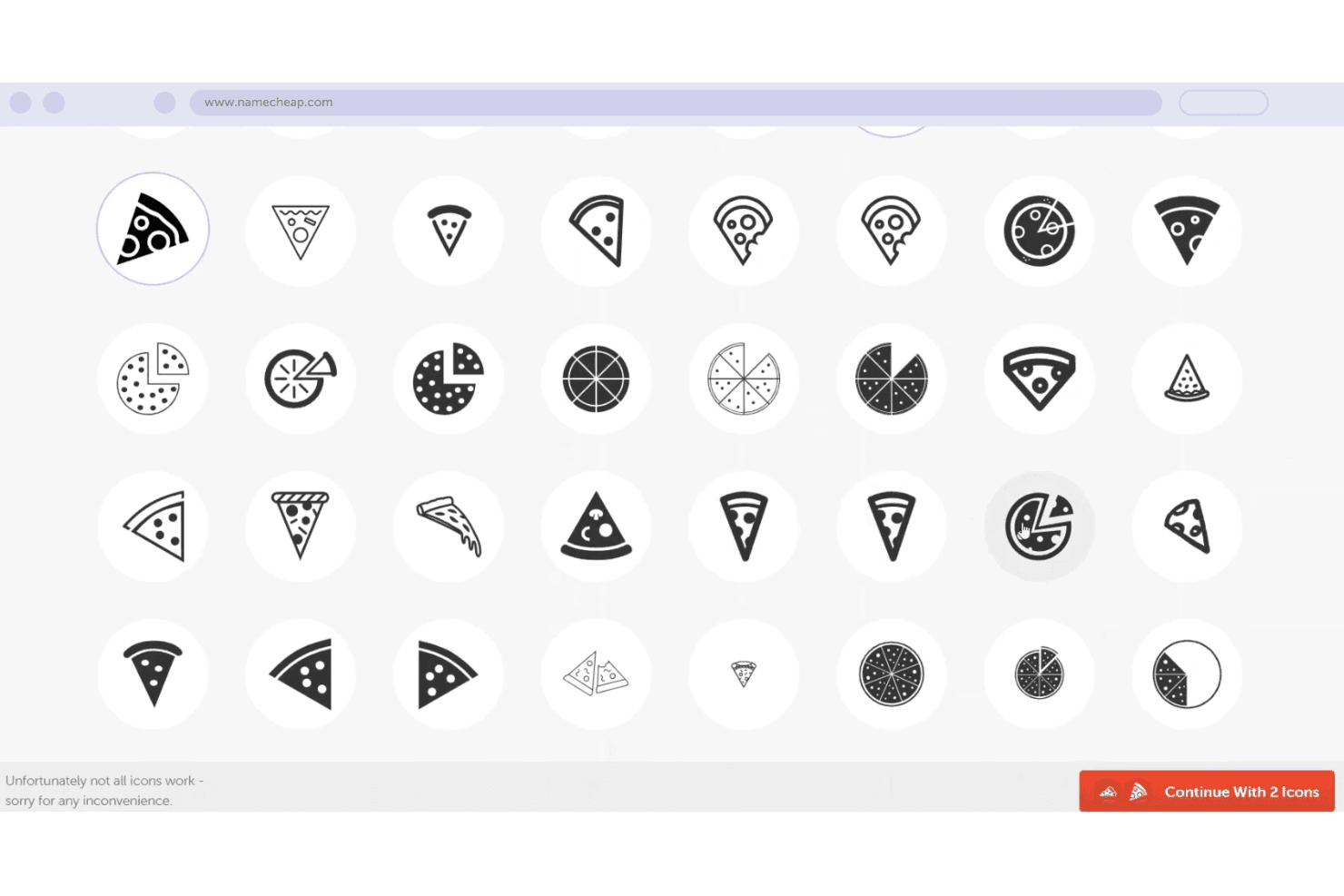
Namecheap offers a pizza-themed icon selection tool with multiple style variations to choose for a logo or domain branding. Namecheap Logo Maker is a free AI logo generator that creates original logo designs from brand inputs like business name, industry, and style preferences, with customization controls for fonts, colours, icons, and layouts.
Who Is namecheap Best For?
Namecheap Logo Maker suits startup founders and solo entrepreneurs who need a professional-looking logo without a design budget.
Why I Picked namecheap
I picked Namecheap Logo Maker because it's one of the few AI logo generators that gives you actual SVG vector files completely free, with no watermarks attached. Most free tools lock vector exports behind a paywall. I've downloaded logos in both PNG and SVG formats without hitting a single upgrade prompt, and there's no cap on how many versions I can generate and download.
namecheap Key Features
- AI-powered logo design: Generates original logos based on your business name, industry, and style selections.
- Custom colour palettes: Lets you apply and edit preset or custom colour schemes directly in the editor.
- Icon library access: Offers thousands of built-in icons to personalize your logo concept.
- Realistic mockup previews: Displays how your logo looks on T-shirts, business cards, and websites before download.
namecheap Integrations
Native integrations are not clearly documented for Namecheap Logo Maker, and there is no mention of Zapier or an API for custom integrations.
Pros and Cons
Pros:
- No payment information required to download
- Generates 100+ logo variations instantly
- SVG and PNG downloads are completely free
Cons:
- No social media size variants on export
- Custom export sizes are not supported
Learn more about namecheap: Best for logo customization options
- Not available
- Pricing upon request
Visit WebsiteCustomer Rating:2.8/5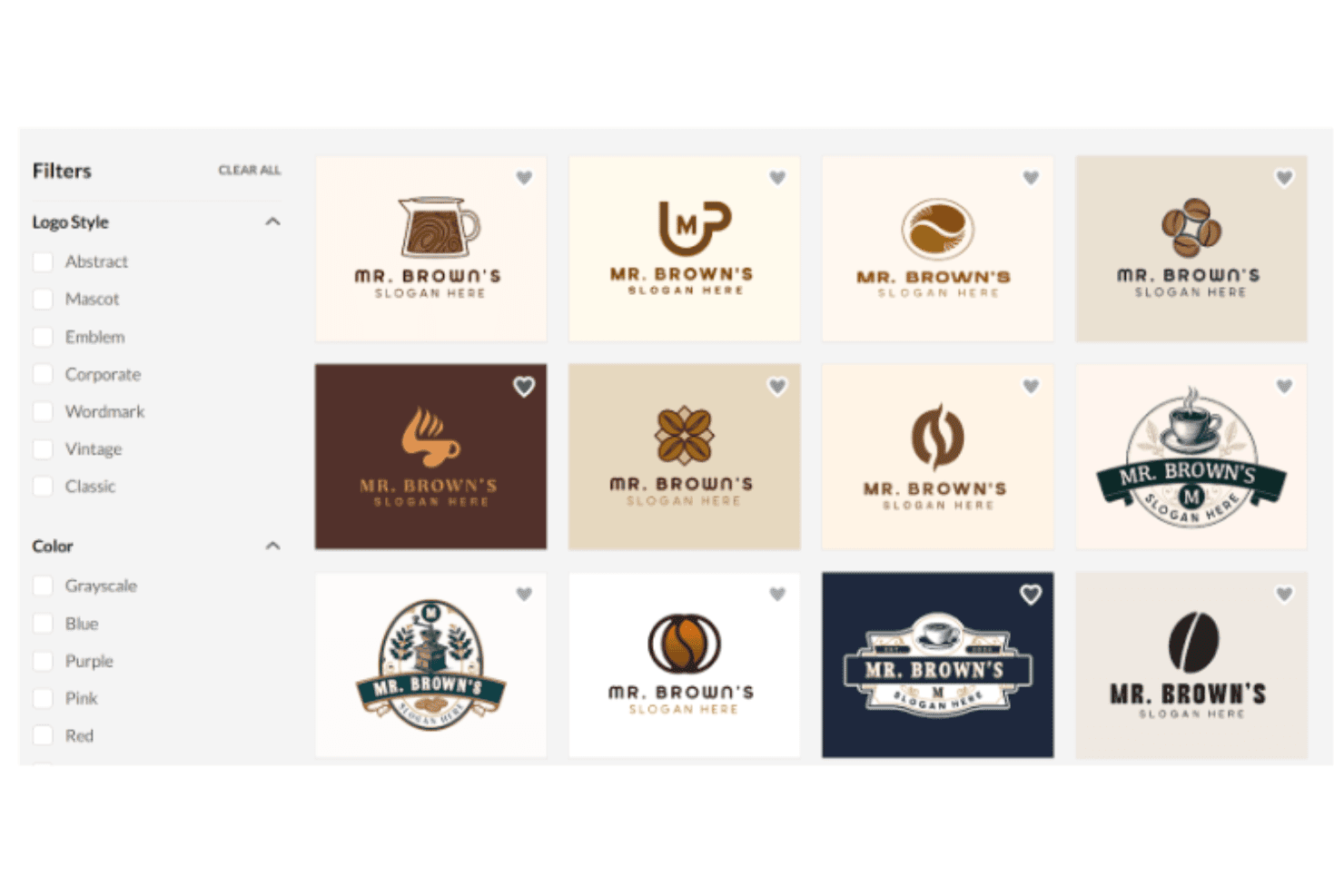
BrandCrowd offers a logo maker interface with filterable coffee shop logo templates displayed in a grid layout. BrandCrowd is an AI logo generator that combines a library of 380,000+ designer-created templates with AI-powered matching, a drag-and-drop logo editor, and a suite of brand asset tools covering everything from social media graphics to business cards.
Who Is BrandCrowd Best For?
BrandCrowd is a good fit for startup founders and small business owners who need to produce a polished logo and supporting brand assets without a design background.
Why I Picked BrandCrowd
BrandCrowd earns its spot on my shortlist because the depth of its logo editor is unlike most AI logo tools I've used. I can adjust fonts, colours, icons, and layouts, and layer in gradients, curved text, and taglines all within the same session. The AI chat editor also lets me type direct requests like "make the icon larger" or "switch to a darker palette" and see changes applied immediately, which makes iterating on a design far faster than rebuilding from scratch.
BrandCrowd Key Features
- Production-ready vector file exports: Download logos in SVG, EPS, and PDF formats for use across print, web, and merchandise.
- Full brand asset kit generation: Automatically generate business cards, social media templates, letterheads, and email signatures from any chosen logo.
- Industry and style conditioning: Select from preset industry categories and style keywords to surface relevant logo templates aligned with your brand.
- Trademark screening process: Logos undergo intellectual property checks to help reduce trademark risk before commercial use.
BrandCrowd Integrations
Native integrations are not clearly documented. BrandCrowd offers an API for custom integrations.
Pros and Cons
Pros:
- Auto-creates physical product mockup previews
- Built-in artificial intelligence chat editor
- Huge template library with 380,000+ designs
Cons:
- Requires purchase to download high-res files
- AI generation less original than competitors
Learn more about BrandCrowd: Best for business-ready branding assets
- Free plan + 30-day free trial available
- From $199/year
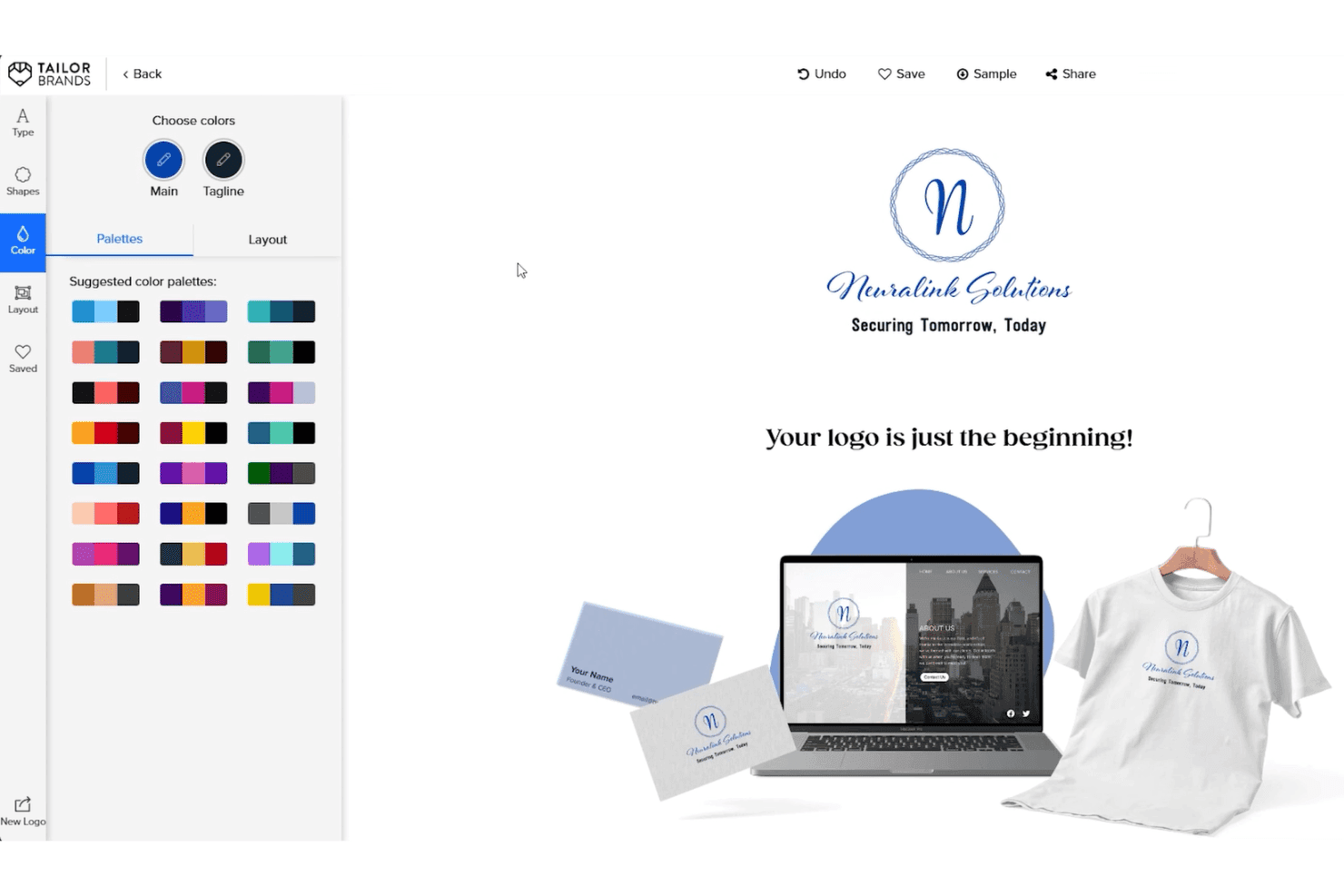
Tailor Brands offers a logo color palette customization tool with real-time previews on business cards, websites, and apparel. Tailor Brands is an AI logo generator that pairs its logo creation engine with a complete branding toolkit, including brand books, social media assets, business cards, and LLC formation services.
Who Is Tailor Brands Best For?
Tailor Brands suits startup founders and small business owners who need a logo and supporting brand assets ready to use from day one.
Why I Picked Tailor Brands
I've included Tailor Brands in my top picks because the AI logo generator doesn't stop at the logo itself. Once you finalize a design, the platform outputs a brand book, letterheads, business cards, and 21 pre-resized social media formats alongside your vector files (EPS and SVG) with full commercial rights. I particularly like the seasonal logo feature, which lets me adapt the brand mark for specific campaigns without starting the design process from scratch.
Tailor Brands Key Features
- Logo style selection: Choose between wordmark, monogram, and icon-driven logo types to guide the AI’s creation process.
- Brand questionnaire intake: Enter business name, type, description, industry, and style preferences to direct logo generation.
- 21 social media logo formats: Instantly receive downloads in platform-specific dimensions for direct social posting.
- Transparent background vector exports: Download logos in high-resolution SVG and EPS with transparent backgrounds for versatile use.
Tailor Brands Integrations
Native integrations are not clearly documented. An API for custom integrations is not advertised.
Pros and Cons
Pros:
- Exports vector files with commercial rights
- Includes seasonal logo variation feature
- Outputs a full brand kit alongside logos
Cons:
- No offline logo design or document editing
- AI outputs rely on a limited icon library
Learn more about Tailor Brands:
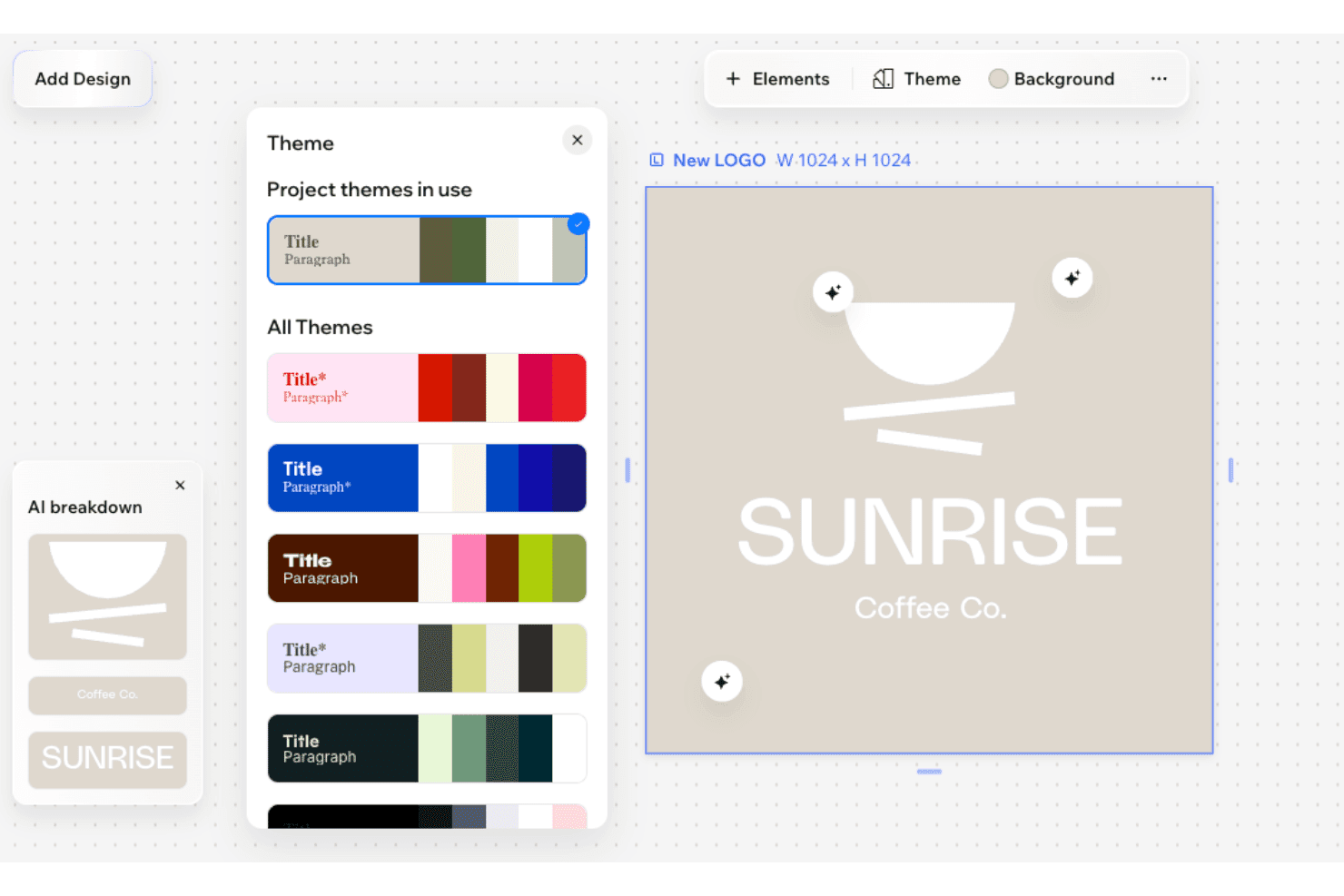
Wix Wixel displays a Theme panel with color palettes and an AI-generated logo for 'Sunrise Coffee Co.' on a beige background. Wix Wixel is an AI-powered visual design platform that generates logos, brand kits, and multi-format creative assets using a selectable mix of AI models including OpenAI, Gemini, Recraft, and Ideogram.
Who Is Wix Wixel Best For?
Wix Wixel suits early-stage founders and small business owners who need logo creation and a website presence from a single platform.
Why I Picked Wix Wixel
Wix Wixel earns its spot on my shortlist because of how tightly the logo builder connects to a full website launch. On the yearly Pro plan, I get a free Wix Light Premium plan and a domain voucher bundled in, so I can move from logo concept to live site without switching tools. I also like that Wixel's AI generates a complete brand theme from my logo, including colours and typography, and applies it across every creative asset I build in the suite.
Wix Wixel Key Features
- Multi-model AI engine selection: Lets you choose from OpenAI, Gemini, ByteDance, Recraft, or Ideogram to generate design assets.
- Brand input-driven logo creation: Collects business name, industry, and style preferences to tailor logo generation.
- Manual logo editing tools: Supports in-canvas customization of fonts, colours, icons, and layout on AI-generated logos.
- Vector and transparent downloads: Enables downloads in SVG, PNG, and JPG formats with transparent backgrounds for versatile use.
Wix Wixel Integrations
Native integrations are not clearly documented. An API for custom integrations is not advertised.
Pros and Cons
Pros:
- Multiple AI models available for generation
- Choice of top artificial intelligence models
- Logo syncs directly to Wix website builder
Cons:
- Best value tied to a website subscription
- Logo editing tools less advanced than competitors
Learn more about Wix Wixel:

Looka offers a logo design editor with layout variations, color schemes, and a live preview of customizable wedding or couples' branding. Looka is an AI logo generator that creates logos from brand inputs like name, industry, style preferences, and colour choices, and pairs every logo with a full brand kit of supporting visual assets.
Who Is Looka Best For?
Looka is a strong fit for startup founders and small business owners who need a complete visual brand identity without working with a professional designer.
Why I Picked Looka
Looka earns its spot on my shortlist because no other AI logo tool I've used matches its Brand Kit depth. After finalizing a logo, I get colour palettes, typography pairings, brand guidelines, and 300+ ready-to-use templates covering everything from social post formats to letterheads and invoices. The file download options are also thorough: PNG, SVG, PDF, and EPS files with transparent backgrounds and multiple colour variations come bundled in the Premium package.
Looka Key Features
- AI-powered logo generation: Generates multiple original logos based on your business name, industry, style, and symbol preferences.
- Customizable design controls: Lets you edit fonts, colours, icons, and layouts directly in the platform before finalizing your design.
- Multi-format logo downloads: Exports high-resolution files in PNG, SVG, PDF, and EPS formats for instant brand use.
- Style and variation filters: Offers style descriptors and filters to refine and regenerate logo concepts until you find the right fit.
Looka Integrations
Native integrations are not clearly documented. An API is available for custom integrations.
Pros and Cons
Pros:
- Full brand kit access requires an ongoing subscription
- Company name is locked after purchase
- Icons are shared across all Looka-generated logos
Cons:
- Lack custom code export for built websites
- No free vector download on basic tier
Learn more about Looka: Best for exporting logos in multiple formats
- Free plan available
- From $9.90/month
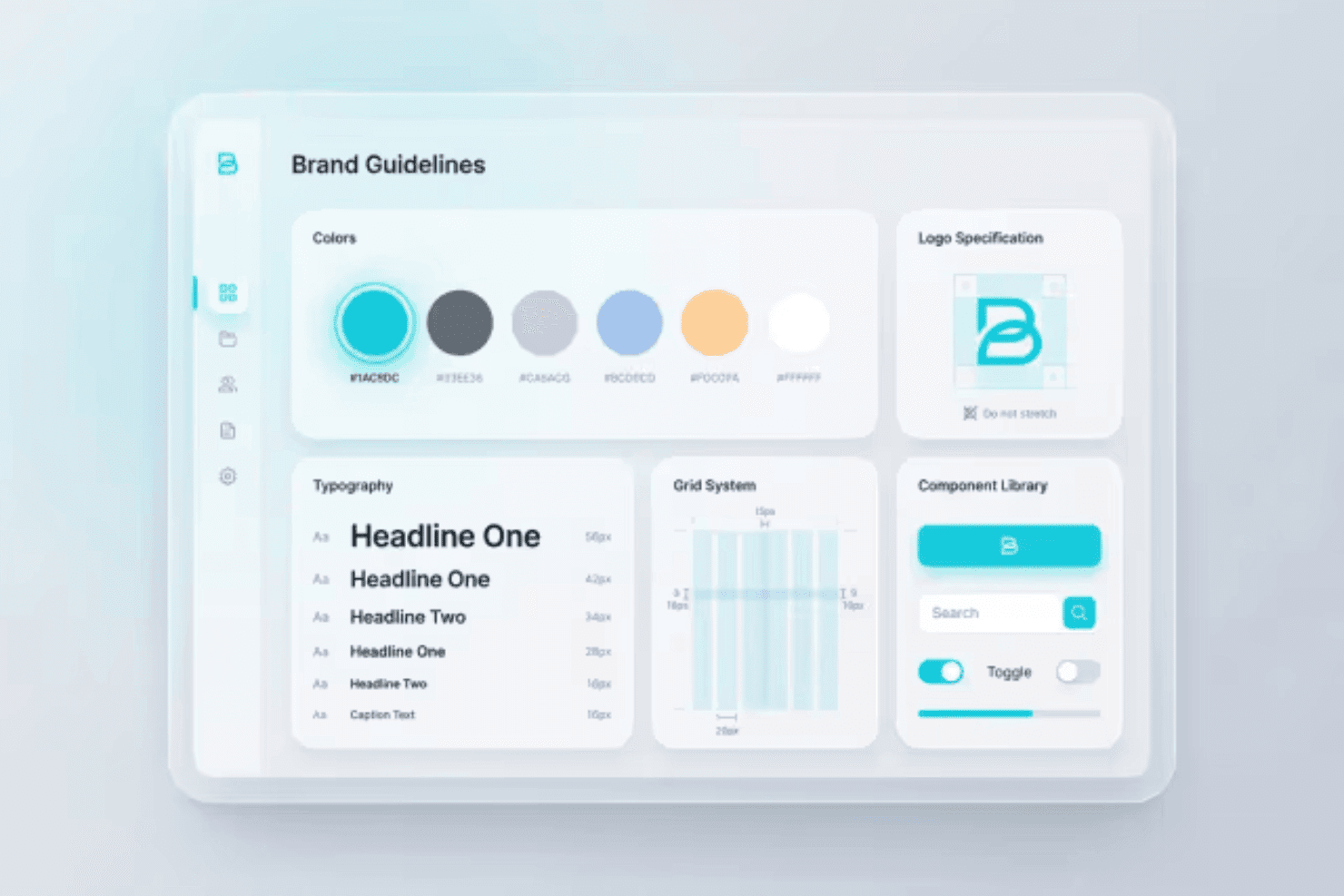
Designs.ai displays a Brand Guidelines dashboard featuring color palettes, typography scales, logo specifications, grid systems, and a component library. Designs.ai Logomaker is an AI-powered branding tool that generates logo concepts from brand inputs, delivers multi-format exports, and produces a complete brand kit including colour palettes, typography pairings, and logo variants.
Who Is Designs.ai Best For?
Designs.ai Logomaker suits startup founders and small business owners who need a complete brand identity package without a dedicated design team.
Why I Picked Designs.ai
Designs.ai Logomaker earns its spot on my shortlist because of how far its export capabilities stretch. When I finish a logo, I can download it in PNG, SVG, and PDF formats, with transparent background versions and print-ready specs included in a single package. On top of that, the brand kit output bundles social media logo sizes and branded merchandise mockups alongside those files, so I'm not manually resizing assets after the fact.
Designs.ai Key Features
- AI-powered logo generation: Creates original logos using your brand name, industry, and style preferences as input.
- Brand kit builder: Automatically generates coordinated colour palettes, typography, and logo variants from your chosen logo.
- Bulk design creation: Produces large sets of logo and brand asset variations in a single workflow.
- Integrated design suite: Connects logo output directly to other tools for creating videos, presentations, and social media designs.
Designs.ai Integrations
Native integrations are not clearly documented. An API is available for custom integrations.
Pros and Cons
Pros:
- High-speed creation of bulk assets
- Direct connection to visual editor
- Quick generation of matching graphics
Cons:
- No dedicated mobile app for on-the-go edits
- Logo outputs look generic across industries
Learn more about Designs.ai:
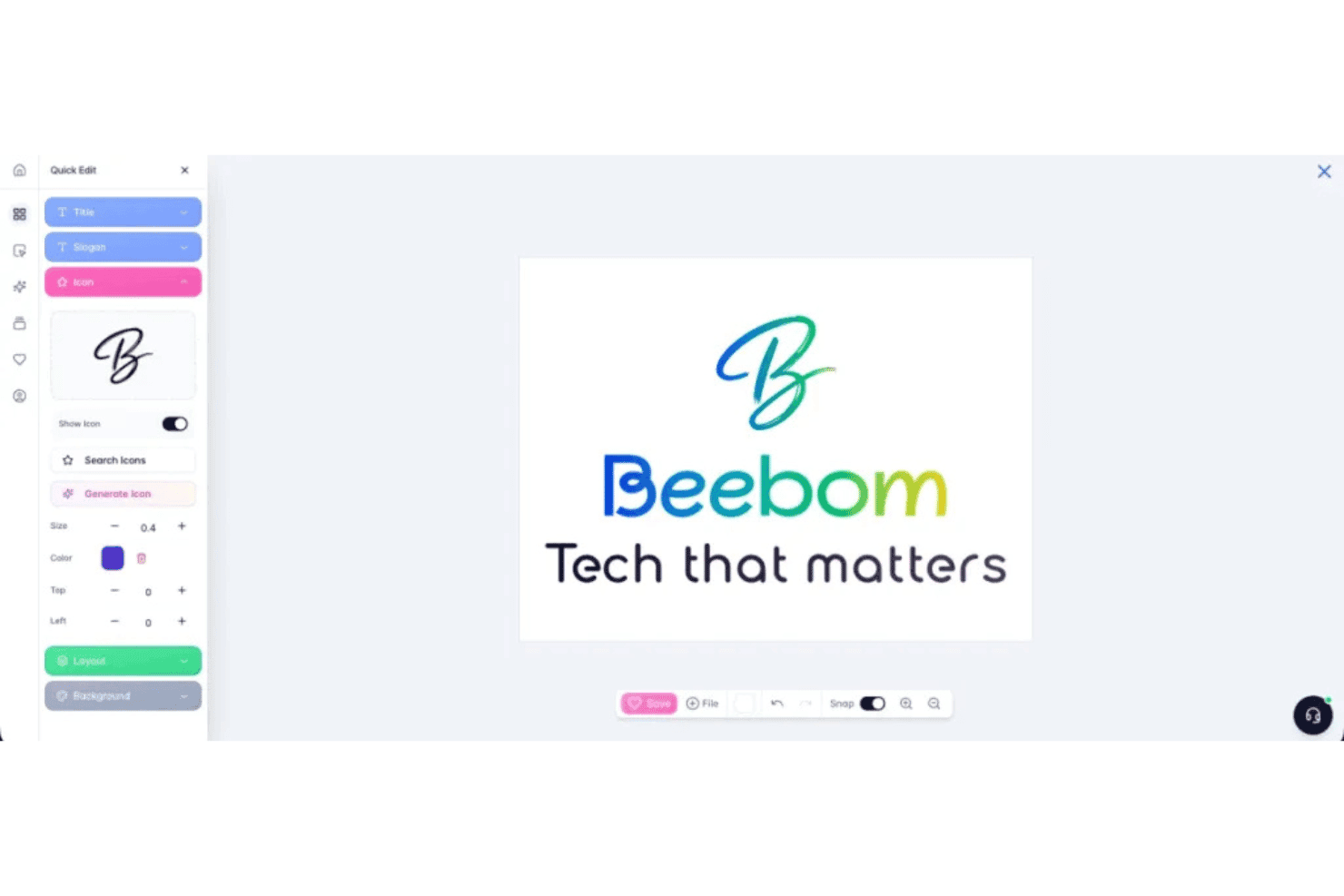
Brandmark allows users to customize logos with quick edit tools for title, slogan, icon, layout, and background settings. Brandmark is an AI logo generator that combines deep learning with hand-crafted design elements to produce logos, colour palettes, typography, and a full suite of brand assets from keyword and style inputs.
Who Is Brandmark Best For?
Brandmark is a strong fit for startup founders and small business owners who need a complete brand identity without a design background or agency budget.
Why I Picked Brandmark
I picked Brandmark as one of the best because its deep learning model, trained on over a million logo images, produces genuinely varied style outputs rather than recycled templates. The hybrid approach, combining generative AI icons with hand-crafted typography, is what gives each logo its distinctiveness. I also rely on the Logo Rank tool to assess originality scores and flag whether any generated icons are pulled from stock sources.
Brandmark Key Features
- Brand kit generator: Auto-generates a full suite of brand assets including colour palettes, typography, business cards, and presentation templates.
- Multi-format exports: Lets you download logos in SVG, PNG, and PDF for production use across web, print, and merchandise.
- Unlimited post-purchase revisions: Permits ongoing editing of your logo and brand assets even after initial purchase.
- In-browser logo editor: Allows direct, no-software-required modifications of text, fonts, colours, and icons within your browser.
Brandmark Integrations
Native integrations are not clearly documented. An API is available for custom integrations.
Pros and Cons
Pros:
- One-time purchase includes full vector file formats
- Generates varied style outputs across multiple categories
- Logo Rank tool scores originality before download
Cons:
- No free plan to test outputs before purchasing
- In-canvas editing controls are limited for complex adjustments
Learn more about Brandmark:
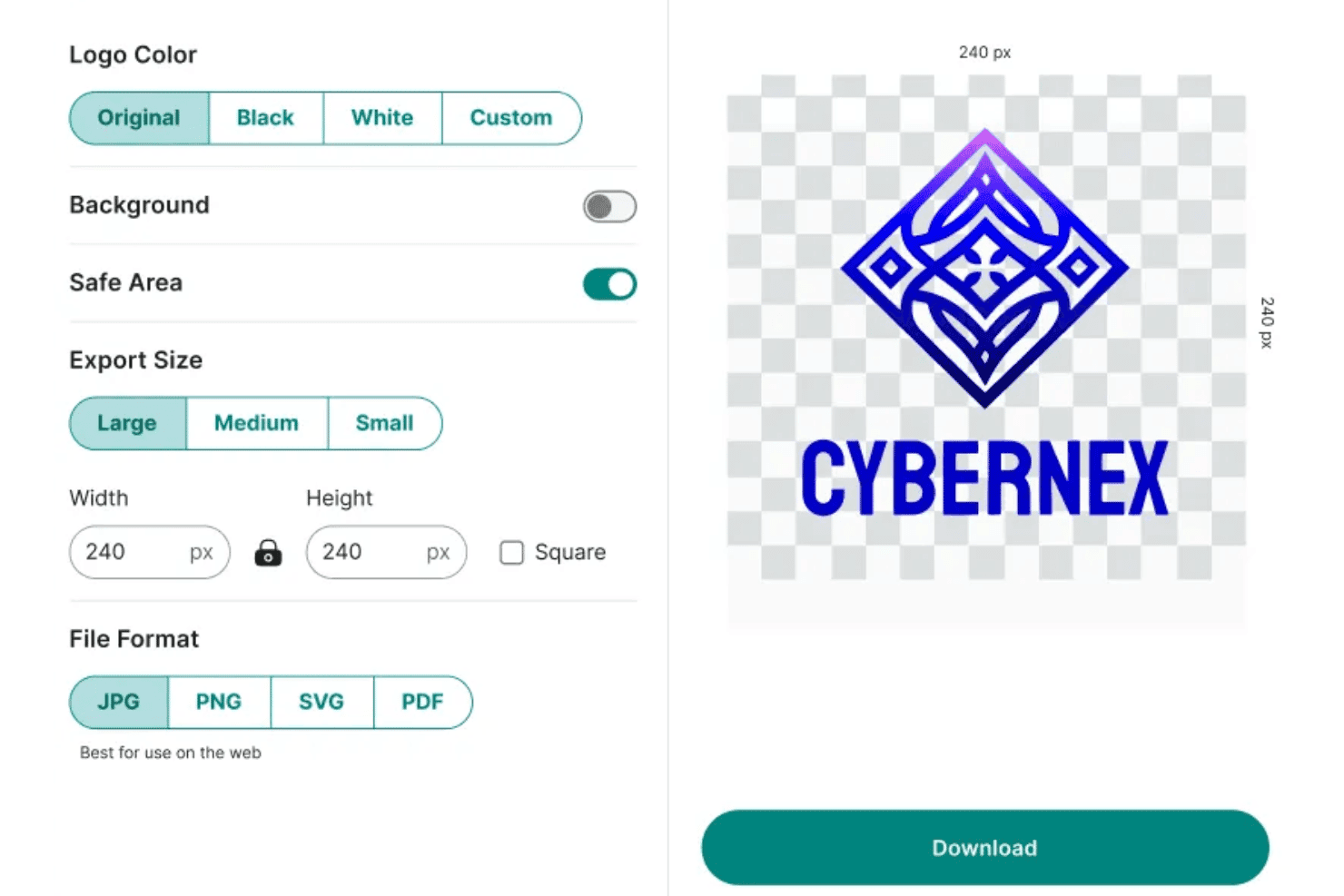
Zoviz offers logo export settings including color options, background toggle, size selection, and file format choices for downloading a custom logo. Zoviz is an AI logo generator that produces original logos from brand inputs using human-designed, AI-customized templates, and delivers a complete brand kit including assets, typography, colour palettes, and brand guidelines.
Who Is Zoviz Best For?
Zoviz is a strong fit for startup founders and small business marketers building brand identities for multilingual or international audiences.
Why I Picked Zoviz
I picked Zoviz as one of the best because its multi-language support goes well beyond a simple translation layer. It has dedicated logo makers for 12+ specific language markets, including Arabic, Chinese, Japanese, and Korean, so typography and layout are built around each language's character sets from the start. I also like that every logo comes with a full Brand Book, giving a business expanding into a new market its colour codes, font rules, and layout guidelines in one download.
Zoviz Key Features
- SVG, EPS, and PDF export: Download logos in multiple vector formats for print and digital use.
- In-app brand kit generator: Instantly create business cards, letterheads, favicons, and social media assets from your finished logo.
- Style-driven AI templates: Guide logo creation with industry categories and style descriptors like minimalist, vintage, or mascot.
- Logo editing controls: Adjust icons, text, fonts, colours, and layout directly in the platform without needing to regenerate designs.
Zoviz Integrations
Native integrations are not clearly documented. An API is available for custom integrations.
Pros and Cons
Pros:
- Creates matching email signatures instantly
- Full brand book ships with every logo
- Dedicated logo makers for 12+ languages
Cons:
- No trademark conflict scanning available
- AI outputs can feel template-dependent
Learn more about Zoviz:
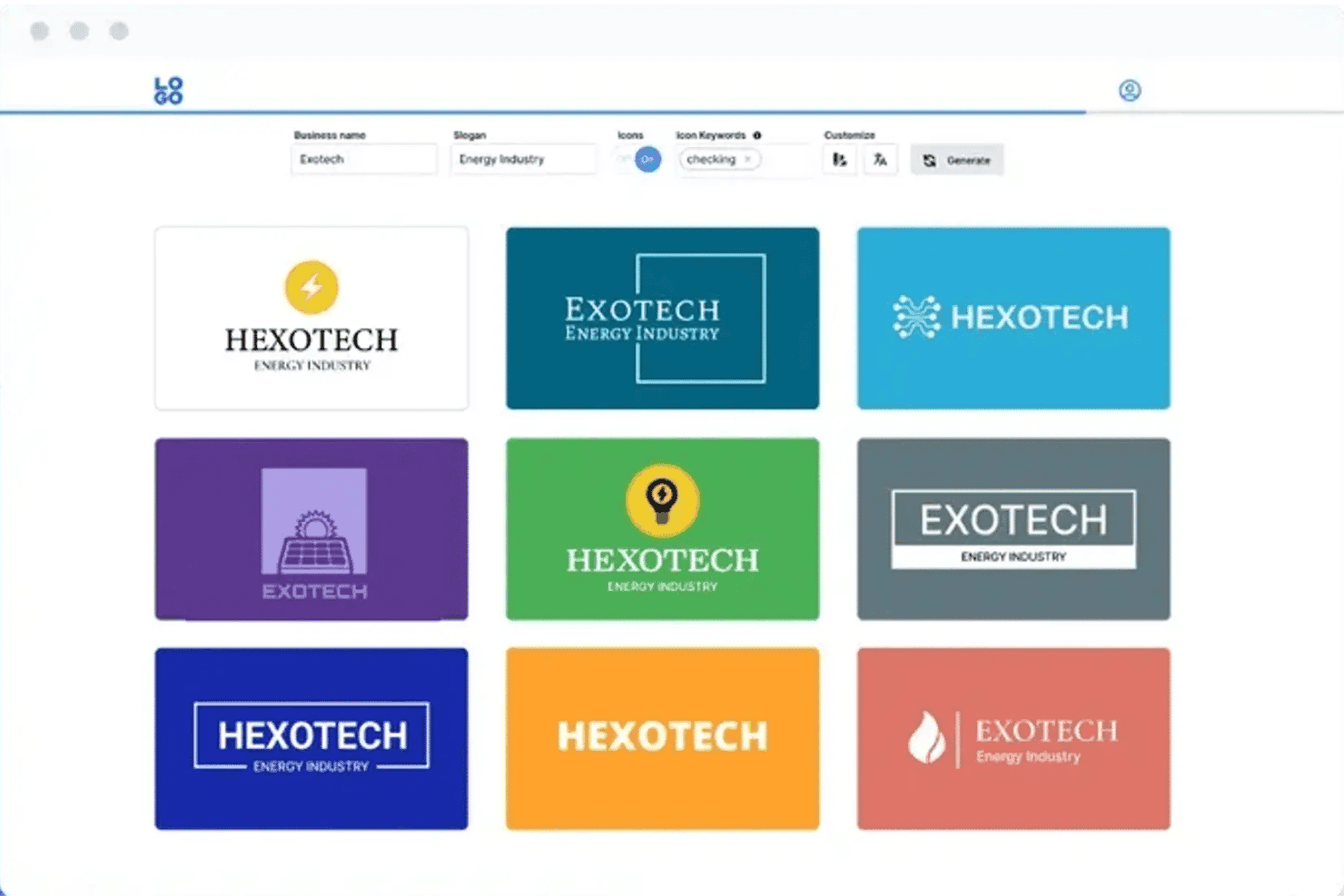
Logo.com offers an AI-powered logo generator that displays multiple logo design variations with customizable business name, slogan, and icon options. Logo.com is an AI logo generator that creates fully custom, AI-drawn vector logos from a short text prompt, and pairs them with a complete brand asset kit including social media files, typography, and brand guidelines.
Who Is Logo.com Best For?
Logo.com fits early-stage founders and small business owners who need to go from zero to a full brand identity without a designer on staff.
Why I Picked Logo.com
Logo.com earns its spot on my shortlist because of how far the automated workflow actually goes. I've generated a logo and walked away with 250+ production-ready files, including pre-formatted social assets for platforms like Instagram, LinkedIn, and TikTok, all in a single session. What separates it from most competitors is that the AI draws fully custom icons as true vector SVGs rather than pulling from a recycled stock icon library, so each output is genuinely unique to the brand.
Logo.com Key Features
- Brand input questionnaire: Collects your business name, industry, and style preferences before generating logos.
- Multi-format export: Lets you download logos in PNG, JPG, WebP, SVG, AI, and PDF file types.
- Pre-sized social media assets: Provides ready-made logo files formatted for platforms like Facebook, Instagram, and LinkedIn.
- Comprehensive brand kit output: Generates colour palettes, font files, and multiple logo lockups for brand consistency.
Logo.com Integrations
Native integrations are not clearly documented. An API is available for custom integrations.
Pros and Cons
Pros:
- Free plan includes usable low-res logo downloads
- Delivers 250+ production-ready files per session
- Generates fully unique AI-drawn vector SVG icons
Cons:
- No built-in trademark checking service
- Basic downloads limited to low resolution
Learn more about Logo.com:
Other AI Logo Generators
Here are some additional AI logo generator options that didn’t make it onto my shortlist, but are still worth checking out:
- 11Design.comBest for generating industry-specific logos
- 12Sketch Logo AIBest for editable vector logo files
- 13CanvaBest for collaborative logo editing
- 14DesignEvoBest for extensive icon and template library
- 15logomakerr.aiBest for logo previews with brand assets
- 16Logomaster.aiBest for guided step-by-step logo creation
- 17SologoAIBest for one-click professional logo outputs
Related Reviews
How I Evaluate AI Logo Generators
To make my shortlist, an AI logo generator needs to go beyond template swaps and actually produce original, brand-aligned designs from a simple prompt. I evaluate in two layers: the core functionality a tool needs to qualify, and the differentiators that separate the best from the rest.
Core Functionality (Table Stakes for This List)
When I'm selecting tools for my list, I rank each one on a scale from 0 (does not offer the functionality) to 5 (excels in this area) for each core functionality listed below. Then, I calculate the tool's total score as a percentage. Each tool needs to achieve a minimum total score of 65% to be considered for inclusion.
- AI Logo Generation: I evaluate whether the tool creates original designs from prompts rather than just shuffling pre-made templates and clip art.
- Customization Controls: The ability to adjust fonts, colours, icons, layout, and spacing matters—especially when a client needs precise brand alignment.
- Brand Input Intake: I look for tools that collect your business name, industry, style preferences, and keywords to shape more relevant outputs.
- Multi-Format Export: Marketing teams need files that work everywhere, so I check for PNG, SVG, PDF, and EPS download options with transparent backgrounds.
- Style & Variation Options: A good tool generates multiple distinct concepts per prompt, giving you real creative directions to compare—not slight tweaks of one idea.
- Brand Asset Kit Output: I look for tools that go beyond the logo itself to deliver colour palettes, typography pairings, and logo variants like favicons or stacked lockups.
Once I have a list of tools that meet the criteria, I consider what sets each platform apart.
Differentiating Factors (What Sets Vendors Apart)
Here's how I compare and contrast different vendors:
Standout Features
Style conditioning is a big differentiator—I look for tools that let you guide outputs with descriptors like "minimalist" or "vintage," or even upload reference images, so you're not stuck with random results. Trademark and uniqueness checks also matter, especially if you're building a brand you plan to register. Tools like Looka and Brandmark handle iterative editing differently, so I evaluate how much you can refine icons, typography, and layout directly on canvas without regenerating from scratch each time.
Beyond Features
Commercial usage rights are a big one—I check whether full copyright transfers to you on purchase or stays with the platform, since that affects everything from trademark registration to printing merch. Pricing structure matters too: some tools let you preview logos for free but lock vector downloads behind a paywall, while others bundle brand kits into a one-time fee. I also evaluate ease of use, especially guided prompt workflows that help founders and marketers who aren't trained designers get to a polished result fast.
How to Choose an AI Logo Generator
It’s easy to get bogged down in long feature lists and complex pricing structures. To help you stay focused as you work through your unique software selection process, here’s a checklist of factors to keep in mind:
| Factor | What to Consider |
|---|---|
| FactorScalability | What to ConsiderWill the tool handle increased demand for new brands, sub-brands, or campaigns as your business grows? Check if there are limits on projects or exports. |
| FactorIntegrations | What to ConsiderDoes it connect with design suites, CMS platforms, or merch printers used by your team? Direct integration saves time when rolling out new branding. |
| FactorCustomizability | What to ConsiderCan you adapt the AI logo outputs to suit niche, industry-specific, or multi-channel needs? Avoid tools that lock outputs too tightly to generic options. |
| FactorEase of use | What to ConsiderIs the interface intuitive for non-designers? Look for tools with guided workflows and clear editing controls that won’t require design training. |
| FactorImplementation and onboarding | What to ConsiderHow long will it take for your team to get up to speed? Consider if onboarding resources or support are available for a smooth setup. |
| FactorCost | What to ConsiderDoes the pricing align to your budget, especially for high-res downloads or brands needing multiple assets? Watch for hidden fees with add-on exports. |
| FactorSecurity safeguards | What to ConsiderHow does the platform protect brand assets and user data? Confirm data privacy, copyright policy, and secure exporting—especially for sensitive brands. |
| FactorInternal resourcing needs | What to ConsiderWill you need someone with design skills, or can anyone in marketing handle it? Factor in team bandwidth when evaluating potential learning curves. |
What Are AI Logo Generators?
AI logo generators are digital tools that use artificial intelligence to create original logo designs based on your brand name, industry, and style preferences. These platforms generate multiple design options and let you edit fonts, colours, and layouts before exporting your finished logo in various file formats for use across print and digital channels.
Features
When selecting an AI logo generator, keep an eye out for the following key features:
- AI-driven design engine: Uses generative AI to create custom logos from scratch based on your brand details, instead of offering just templates.
- Brand input intake: Gathers your business name, industry, style preferences, and keywords to guide the logo creation process for more relevant results.
- Customization controls: Let you tweak fonts, colours, icons, and layout so you can fine-tune your logo to align with your brand identity.
- Multi-format export: Allows you to download your logo in formats like PNG, SVG, PDF, or EPS—ready for both web and print uses.
- Style and variation options: Generates multiple distinct logo concepts from a single prompt, providing creative options to compare and choose from.
- Brand asset kit output: Produces supporting files such as colour palettes, font pairings, and logo variants for consistent branding across different channels.
- Iterative on-canvas editing: Lets you refine the AI-generated logo directly in the editor, making real-time adjustments without starting over.
- Trademark and uniqueness checks: Scans for potential intellectual property conflicts with existing logos before you commit to a design.
- Guided onboarding workflow: Offers step-by-step prompts to help non-designers quickly go from idea to a finalized, professional logo.
- Secure asset storage: Provides a secure way to save, access, or share your logos and related brand assets for future projects.
Benefits
Implementing an AI logo generator provides several benefits for your team and your business. Here are a few you can look forward to:
- Faster design turnaround: Generate and refine custom logos within minutes, without waiting on external designers or agencies.
- Affordable brand assets: Produce high-quality, on-brand visuals at a fraction of the cost of hiring a professional designer.
- Creative flexibility: Explore multiple logo styles, variations, and colour palettes easily so you can assess what fits your brand best.
- Consistent brand kit output: Instantly access logo variants, colour codes, and typography to keep branding uniform across all channels and materials.
- Easy editing and iteration: Quickly adjust fonts, colours, and layouts to respond to feedback or new ideas, all in one platform.
- Accessible for non-designers: Direct prompts and guided workflows help anyone create professional logos, regardless of design experience.
- Ready-for-anywhere formats: Download logos in web, print, and vector formats to use across digital campaigns, social media, merchandise, and more.
Costs & Pricing
Selecting an AI logo generator requires an understanding of the various pricing models and plans available. Costs vary based on features, team size, add-ons, and more. The table below summarizes common plans, their average prices, and typical features included in AI logo generator solutions:
Plan Comparison Table for AI Logo Generators
| Plan Type | Average Price | Common Features |
|---|---|---|
| Plan TypeFree Plan | Average Price$0 | Common FeaturesBasic logo generation, limited downloads, watermarked assets, and minimal export options. |
| Plan TypePersonal Plan | Average Price$10-$25/user/month | Common FeaturesUnwatermarked logo downloads, limited vector exports, basic brand kits, and standard customization tools. |
| Plan TypeBusiness Plan | Average Price$25-$50/user/month | Common FeaturesMultiple brand projects, advanced editing, full brand kits, team sharing, and all file formats. |
| Plan TypeEnterprise Plan | Average Price$50-$150/user/month | Common FeaturesCustom branding support, priority service, IP transfer, integrations, and dedicated onboarding assistance. |
AI Logo Generator FAQs
Here are some answers to common questions about AI logo generators:
Can I trademark a logo made with an AI logo generator?
Yes, you can often trademark an AI logo design if it’s unique, intended for commercial use, and meets regional requirements. Always check if the AI logo creator offers logo inspiration checks or guidance, and confirm you receive full copyright or IP transfer after purchase.
Do AI logo generators provide vector files?
Yes, most platforms act as a free AI logo generator offering vector logo formats like SVG, PDF, or EPS so your custom logo scales cleanly for print or digital marketing materials. Always verify which formats, like a transparent PNG or JPG, are included in your plan.
Are logos made with AI generators truly original?
AI logo generators produce new designs by combining style inputs, stock icons, and premium fonts, but results may sometimes resemble existing logos, whether crafting a wordmark or visual icon. For complete brand safety, choose a tool that provides uniqueness checking or compares outputs against trademark databases.
What skills do I need to use an AI logo generator?
You don’t need any design experience—most platforms guide you through prompts, offer curated logo ideas and a colour palette, and make edits simple with drag-and-drop controls. Marketers, founders, or anyone can create a professional-looking logo without special training.
Can I edit my logo after exporting it?
Some platforms feature an intuitive logo editor that lets you return and make changes after export, adjust logo variations, or update email signatures and t-shirt branding. Others lock edits behind one-time download limits or paid plans, so check policies before finalizing your choice.