

Mailjet Review 2026: Pros, Cons, Features, and Pricing
I look beyond Mailjet’s feature list to weigh its pricing and trade-offs—and show which email teams it suits best, and who may need more.

We review tools independently, and commissions help fund our testing. See our transparency policy, our methodology, or suggest a tool.
Mailjet is email marketing software for teams that manage marketing campaigns and transactional email in one platform. If your team has a large contact list but sends on a measured cadence, Mailjet can be a better fit than Mailchimp: its paid plans charge by email volume rather than audience size. The editor also lets teammates collaborate on campaigns in real time.
Mailjet Evaluation Summary
4.1/5
- From $9/month
- Free plan available
Why Trust Our Software Recommendations
6,700+
Reviews
20
Industry experts
16+
Evaluation factors
14
Years
Our team has been testing and reviewing software since 2012. As marketing leaders ourselves, we know how difficult—and important—it is to choose the right software.
For this guide, we evaluated tools using hands-on testing and independent research, scoring tools using our selection criteria.
Our reviews reflect our human editorial judgment, not a sales pitch.
Expert reviewers:
 Gui DrusinaCreative Director
- Shriya GhateSenior Marketing Lead
 Amanda JacquesMarketing Ops Leader

Mailjet Overview
Mailjet is a good choice when you’re comparing email platforms for both campaigns and transactional messages. Its volume-based paid pricing can suit a large list with a measured send cadence, while the drag-and-drop editor, real-time co-editing, and 100+ integrations cover common team workflows. For example, marketing can review a newsletter together while developers send transactional email through the API or SMTP relay. I’d weigh that flexibility against monthly sending caps and automations reserved for higher tiers; support also improves with plan level, and hands-on onboarding is for custom plans. Choose Mailjet for practical collaboration and mixed email needs, not elaborate lifecycle automation.
Pros
- Volume-based pricing favors large lists with lower send volumes.
- Real-time co-editing, comments, and approvals support shared campaign reviews.
- Users report dependable delivery for marketing and transactional email.
Cons
- Automation is limited to higher tiers and less advanced than lifecycle tools.
- Monthly send caps and expiring credits penalize uneven campaign schedules.
- Users report account suspensions and strict spam controls.
Is Mailjet Right For Your Needs?
Who Would be a Good Fit for Mailjet?
Mailjet suits smaller teams that need campaign and transactional email, straightforward collaboration, and predictable entry-level pricing. Its drag-and-drop editor, real-time comments, API, and integrations support a range of common marketing workflows. It’s a better fit when your team can work within its template options and doesn’t need advanced automation on a lower-tier plan.
- Small BusinessesThe free plan includes up to 1,000 contacts and 6,000 emails monthly, while Starter offers 8,000 emails for $9 per month.
- Ecommerce TeamsEcommerce marketers can connect Mailjet with Shopify and use campaigns to reach their contact lists.
- SaaS CompaniesSaaS teams can use Mailjet’s API for transactional email alongside its campaign tools.
- Collaborative TeamsMarketing teams that review campaigns together can use real-time comments and responsive previews in the editor.
- Segmentation TeamsTeams that need to segment contacts can access segmentation on the Essential plan, which starts at $19 per month.
- Budget-Conscious StartupsStartups can begin with a free plan and move to paid options as email volume or feature needs grow.
Who Would be a Bad Fit for Mailjet?
Mailjet is a weaker choice when your workflow depends on extensive design customization, advanced automation on a lower-cost plan, or readily available hands-on support. Automations and advanced statistics start on Premium at $29 per month, and Custom plans are required for hands-on onboarding. It may also be a poor fit if your team frequently merges contact lists or needs prompt help for urgent issues, since reviewers report list-merging difficulty and slow ticket replies.
- Complex AutomationTeams that need automations on an entry-level plan won’t find them until Premium, which starts at $29 per month.
- Bespoke DesignDesign-led brands that need extensive template customization may be frustrated by reviewer reports of limited customization.
- Frequent List MergingTeams that regularly combine contact lists should note that some G2 reviewers report difficulty merging them in Mailjet.
- Urgent SupportTeams that need dependable, rapid assistance may find Mailjet’s support a poor fit, since reviewers report slow ticket replies and support options vary by tier.
- Hands-On OnboardingOrganizations that require guided implementation won’t get hands-on onboarding unless they choose a Custom plan.
- Advanced AnalyticsAnalytics teams that need advanced statistics on a lower-cost subscription must account for that feature being limited to Premium at $29 per month.
How We Test & Score Tools
We’ve spent years building, refining, and improving our software testing and scoring system. The rubric is designed to capture the nuances of software selection and what makes a tool effective, focusing on critical aspects of the decision-making process.
Below, you can see exactly how our testing and scoring works across seven criteria. It allows us to provide an unbiased evaluation of the software based on core functionality, standout features, ease of use, onboarding, customer support, integrations, customer reviews, and value for money.
Core Functionality (25% of final scoring)
The starting point of our evaluation is always the core functionality of the tool. Does it have the basic features and functions that a user would expect to see? Are any of those core features locked to higher-tiered pricing plans? At its core, we expect a tool to stand up against the baseline capabilities of its competitors.
Standout Features (25% of final scoring)
Next, we evaluate uncommon standout features that go above and beyond the core functionality typically found in tools of its kind. A high score reflects specialized or unique features that make the product faster, more efficient, or offer additional value to the user.
We also evaluate how easy it is to integrate with other tools typically found in the tech stack to expand the functionality and utility of the software. Tools offering plentiful native integrations, 3rd party connections, and API access to build custom integrations score best.
Ease of Use (10% of final scoring)
We consider how quick and easy it is to execute the tasks defined in the core functionality using the tool. High scoring software is well designed, intuitive to use, offers mobile apps, provides templates, and makes relatively complex tasks seem simple.
Onboarding (10% of final scoring)
We know how important rapid team adoption is for a new platform, so we evaluate how easy it is to learn and use a tool with minimal training. We evaluate how quickly a team member can get set up and start using the tool with no experience. High scoring solutions indicate little or no support is required.
Customer Support (10% of final scoring)
We review how quick and easy it is to get unstuck and find help by phone, live chat, or knowledge base. Tools and companies that provide real-time support score best, while chatbots score worst.
Customer Reviews (10% of final scoring)
Beyond our own testing and evaluation, we consider the net promoter score from current and past customers. We review their likelihood, given the option, to choose the tool again for the core functionality. A high scoring software reflects a high net promoter score from current or past customers.
Value for Money (10% of final scoring)
Lastly, in consideration of all the other criteria, we review the average price of entry level plans against the core features and consider the value of the other evaluation criteria. Software that delivers more, for less, will score higher.
Core Features
Email Campaign Editor
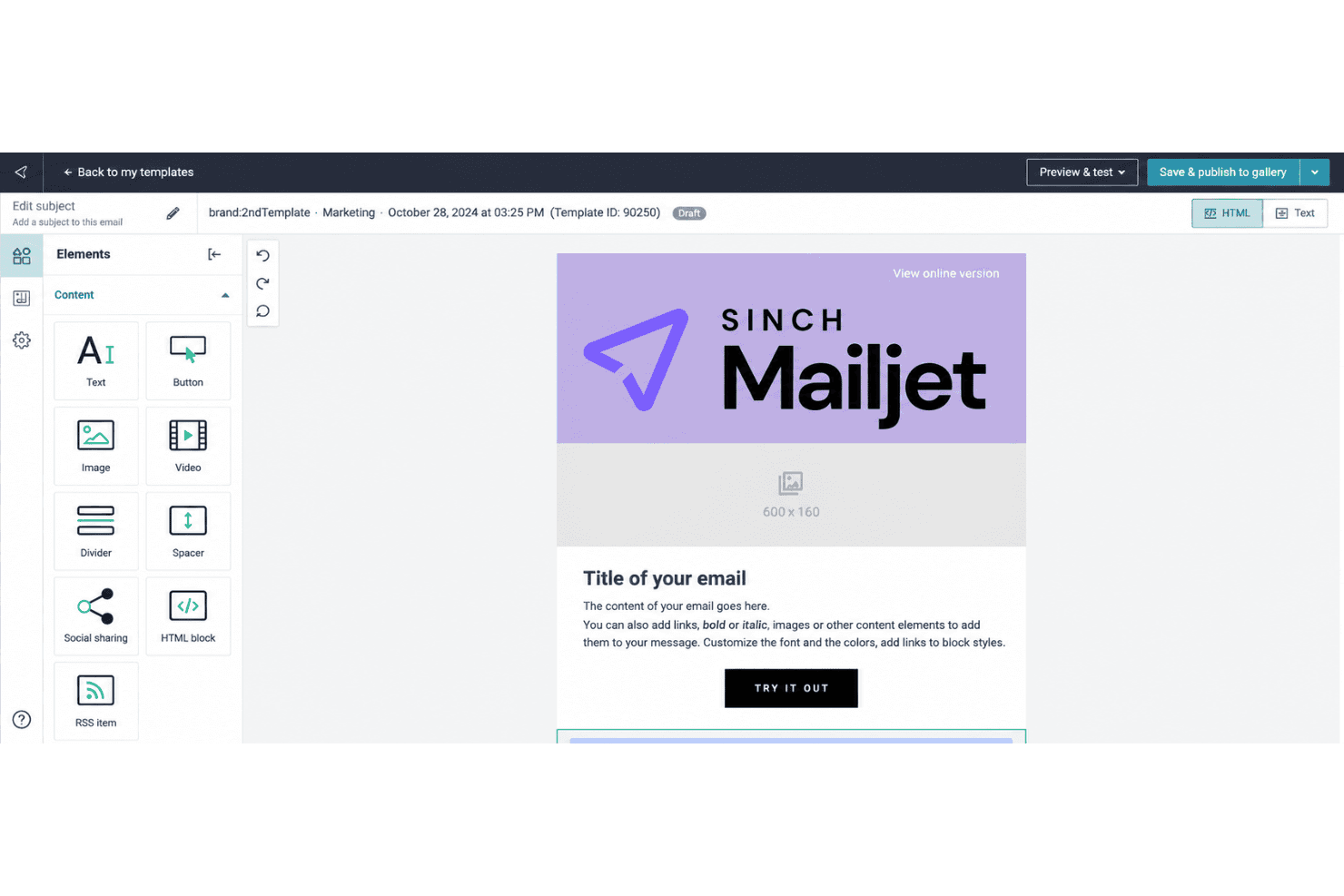
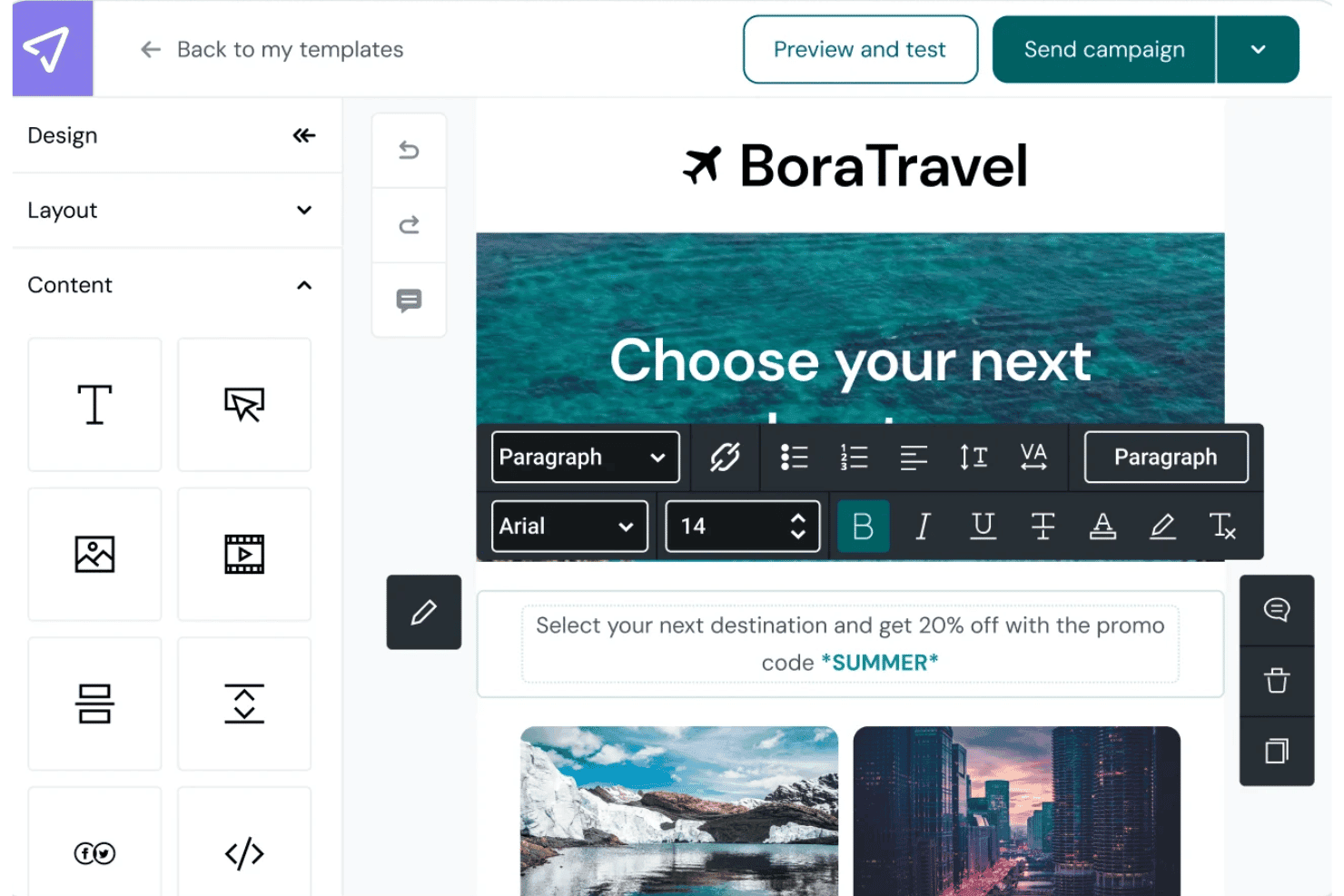
Mailjet’s drag-and-drop editor lets you build campaigns from templates or add text, images, links, and GIFs; responsive previews help you check how they’ll appear across devices and email clients. Teammates can edit and comment together, while saved sections help keep recurring newsletters on brand.
Contact List Management
Collect sign-ups with a website subscription widget or upload contacts using CSV, TXT, or XLS files; Mailjet checks uploads for errors and duplicate addresses. This gives you one place to maintain campaign lists and catch common data issues before sending.
Audience Segmentation
Create segments using contact attributes such as location, or behavior such as opens and clicks during a chosen period. You can send a product update to interested subscribers, for example, or target less active contacts with a re-engagement message.
Marketing Automation
Build no-code email workflows with event, timer, action, and condition blocks, using templates or your own sequence. A welcome journey can send an initial email after sign-up and branch based on a contact’s activity; advanced automation is reserved for higher tiers.
A/B Testing
Test up to 10 campaign versions at once, comparing elements such as subject lines, images, content, or calls to action. Set success criteria and send the winning version to the rest of your list to apply test results within the same campaign.
Campaign Analytics
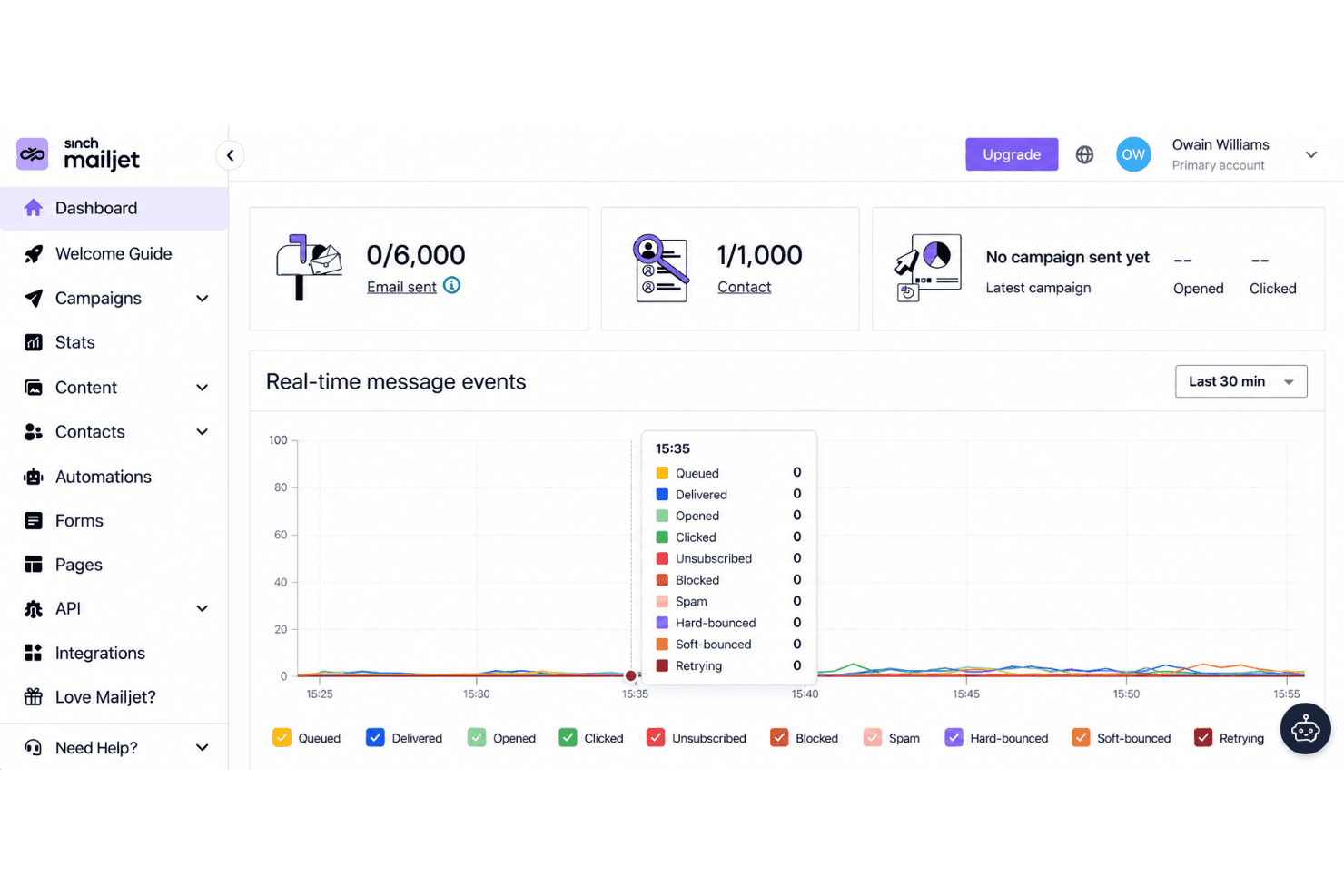
The Statistics Dashboard tracks delivery, opens, clicks, bounces, unsubscribes, and spam rates, with bot activity excluded from engagement analytics. Use the click map to see which links drew attention, or compare campaigns to guide your next send.
Ease of Use
Mailjet is easy to get started with: its drag-and-drop editor, responsive previews, and real-time comments make campaign creation and review straightforward. G2 reviewers praise its setup and ease of use, though some report limited template customization and difficulty merging contact lists. I’d call it approachable for routine campaigns, but less flexible when you need extensive design control or more advanced automation, which sits on higher tiers.
Integrations
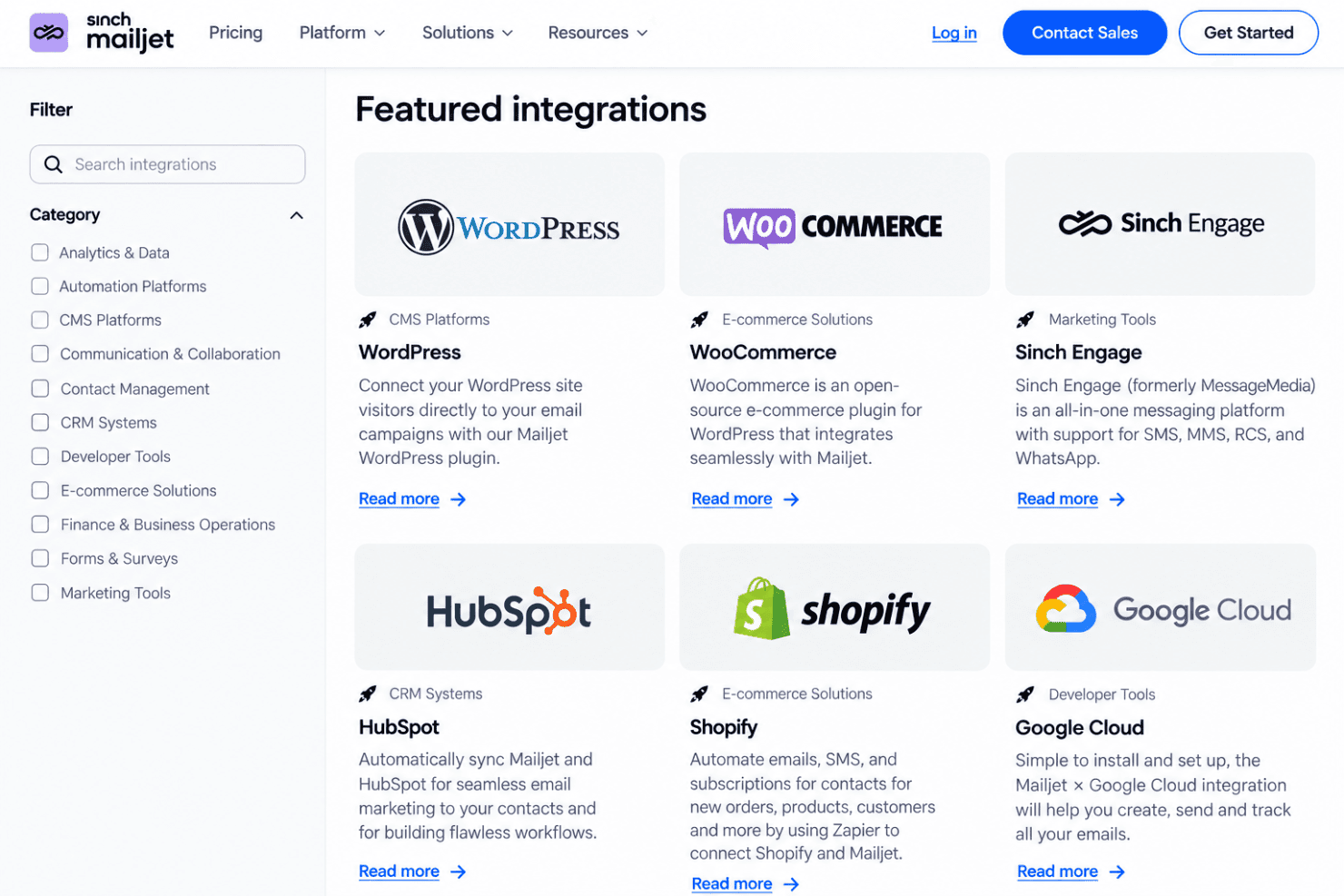
Mailjet integrates with Shopify, WordPress, HubSpot, Salesforce, Segment, WooCommerce, PrestaShop, and Google Cloud, among others.
Mailjet also offers an API for custom integrations and connects with third-party integration tools, including Zapier, Make, n8n, and Pipedream.
Mailjet Specs
- A/B Testing: Yes
- API: Yes
- Audience Targeting: Yes
- Brand Management: Yes
- Calendar Management: No
- Campaign Management: Yes
- Compliance Tracking: No
- Contact Management: Yes
- Contact Sharing: No
- Conversion Tracking: No
- CRM Integration: Yes
- Customer Management: No
- Dashboard: Yes
- Data Export: Yes
- Data Import: Yes
- Data Visualization: Yes
- Email Integration: Yes
- External Integrations: Yes
- Google Apps Integration: Yes
- Lead Management: No
- Lead Scoring: No
- Link Tracking: Yes
- Marketing Automation: Yes
- Multi-User: Yes
- Notifications: Yes
- Scheduling: Yes
- Social-Media Integration: No
- Third-Party Plugins/Add-Ons: Yes


