
Drupal Review 2026: Pros, Cons, Features, and Pricing
I see Drupal as a powerful, highly configurable CMS for complex sites—if your team can handle its steeper learning curve and more hands-on implementation.

We review tools independently, and commissions help fund our testing. See our transparency policy, our methodology, or suggest a tool.
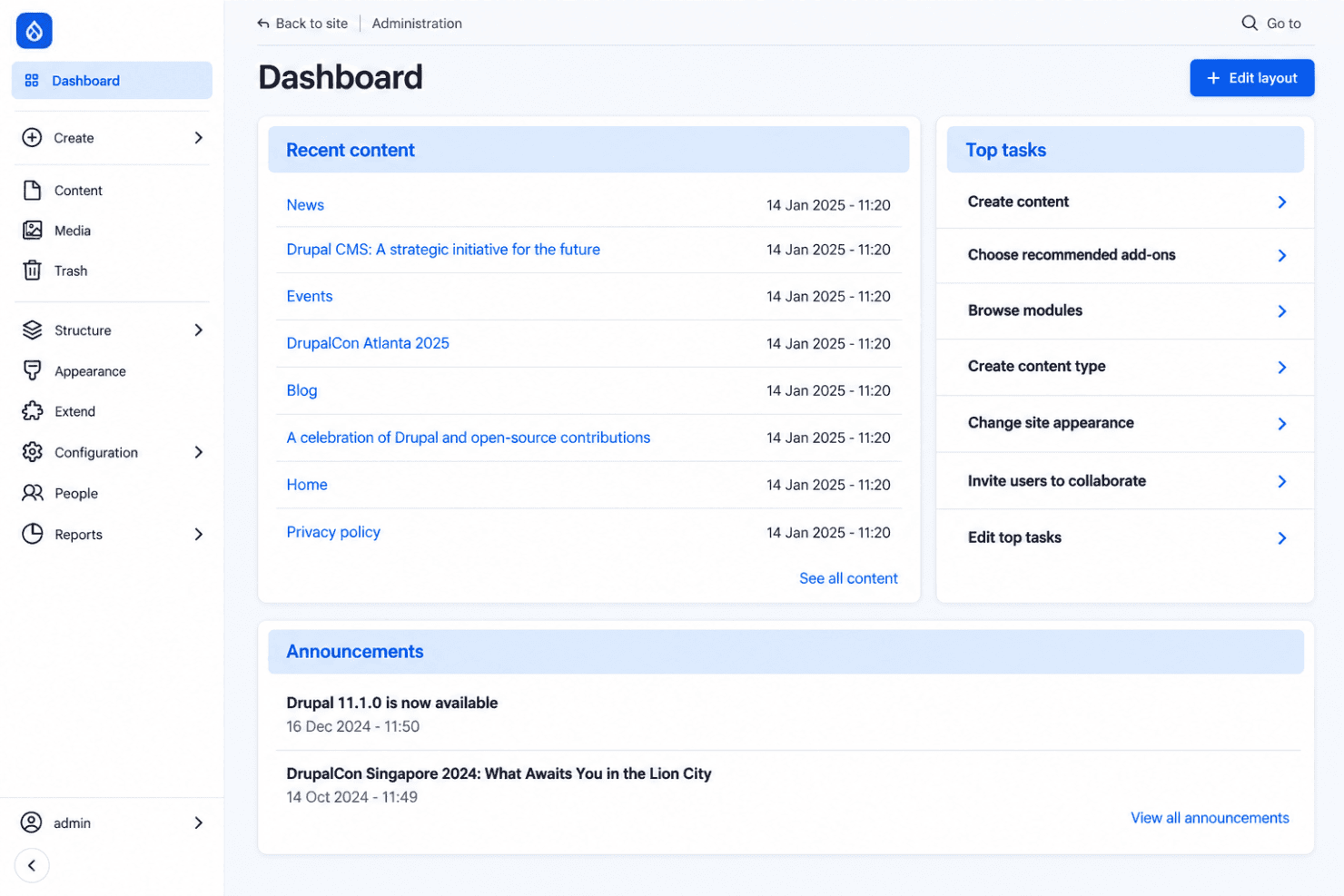
Drupal is open-source content management software for organizations that need structured content, granular permissions, multilingual publishing, and tailored digital experiences. I’d choose Drupal over WordPress for complex websites with multiple content types, editorial workflows, and strict access controls because it offers deeper configuration for those requirements.
Drupal Evaluation Summary
4.1/5
- Free and open-source
- Free forever plan
Why Trust Our Software Recommendations
6,700+
Reviews
20
Industry experts
16+
Evaluation factors
14
Years
Our team has been testing and reviewing software since 2012. As marketing leaders ourselves, we know how difficult—and important—it is to choose the right software.
For this guide, we evaluated tools using hands-on testing and independent research, scoring tools using our selection criteria.
Our reviews reflect our human editorial judgment, not a sales pitch.
Expert reviewers:
 Gui DrusinaCreative Director
- Shriya GhateSenior Marketing Lead
 Amanda JacquesMarketing Ops Leader

Drupal Overview
I’d choose Drupal for complex websites that need structured content, granular permissions, multilingual publishing, custom workflows, and extensive integrations. Its open-source pricing avoids license fees, but hosting, development, maintenance, and specialist support can make the total cost higher than simpler alternatives. The interface and onboarding take longer to learn, yet experienced teams gain finer control over content models, access rules, and digital experiences. In my view, Drupal outperforms competitors on flexibility and governance but underperforms on setup simplicity. It’s best suited to organizations with technical resources and demanding, long-term publishing requirements.
Pros
- Structured content models handle complex, reusable publishing requirements.
- Granular roles and workflows support controlled, multilingual editorial operations.
- Open-source licensing avoids fees and supports extensive configuration.
Cons
- Administrative screens and layout tools can feel clunky for marketers.
- Major upgrades often require specialist developers and manual maintenance.
- Large datasets or customizations can create performance and hosting demands.


How We Test & Score Tools
We’ve spent years building, refining, and improving our software testing and scoring system. The rubric is designed to capture the nuances of software selection and what makes a tool effective, focusing on critical aspects of the decision-making process.
Below, you can see exactly how our testing and scoring works across seven criteria. It allows us to provide an unbiased evaluation of the software based on core functionality, standout features, ease of use, onboarding, customer support, integrations, customer reviews, and value for money.
Core Functionality (25% of final scoring)
The starting point of our evaluation is always the core functionality of the tool. Does it have the basic features and functions that a user would expect to see? Are any of those core features locked to higher-tiered pricing plans? At its core, we expect a tool to stand up against the baseline capabilities of its competitors.
Standout Features (25% of final scoring)
Next, we evaluate uncommon standout features that go above and beyond the core functionality typically found in tools of its kind. A high score reflects specialized or unique features that make the product faster, more efficient, or offer additional value to the user.
We also evaluate how easy it is to integrate with other tools typically found in the tech stack to expand the functionality and utility of the software. Tools offering plentiful native integrations, 3rd party connections, and API access to build custom integrations score best.
Ease of Use (10% of final scoring)
We consider how quick and easy it is to execute the tasks defined in the core functionality using the tool. High scoring software is well designed, intuitive to use, offers mobile apps, provides templates, and makes relatively complex tasks seem simple.
Onboarding (10% of final scoring)
We know how important rapid team adoption is for a new platform, so we evaluate how easy it is to learn and use a tool with minimal training. We evaluate how quickly a team member can get set up and start using the tool with no experience. High scoring solutions indicate little or no support is required.
Customer Support (10% of final scoring)
We review how quick and easy it is to get unstuck and find help by phone, live chat, or knowledge base. Tools and companies that provide real-time support score best, while chatbots score worst.
Customer Reviews (10% of final scoring)
Beyond our own testing and evaluation, we consider the net promoter score from current and past customers. We review their likelihood, given the option, to choose the tool again for the core functionality. A high scoring software reflects a high net promoter score from current or past customers.
Value for Money (10% of final scoring)
Lastly, in consideration of all the other criteria, we review the average price of entry level plans against the core features and consider the value of the other evaluation criteria. Software that delivers more, for less, will score higher.
Core Features
Content Types And Fields
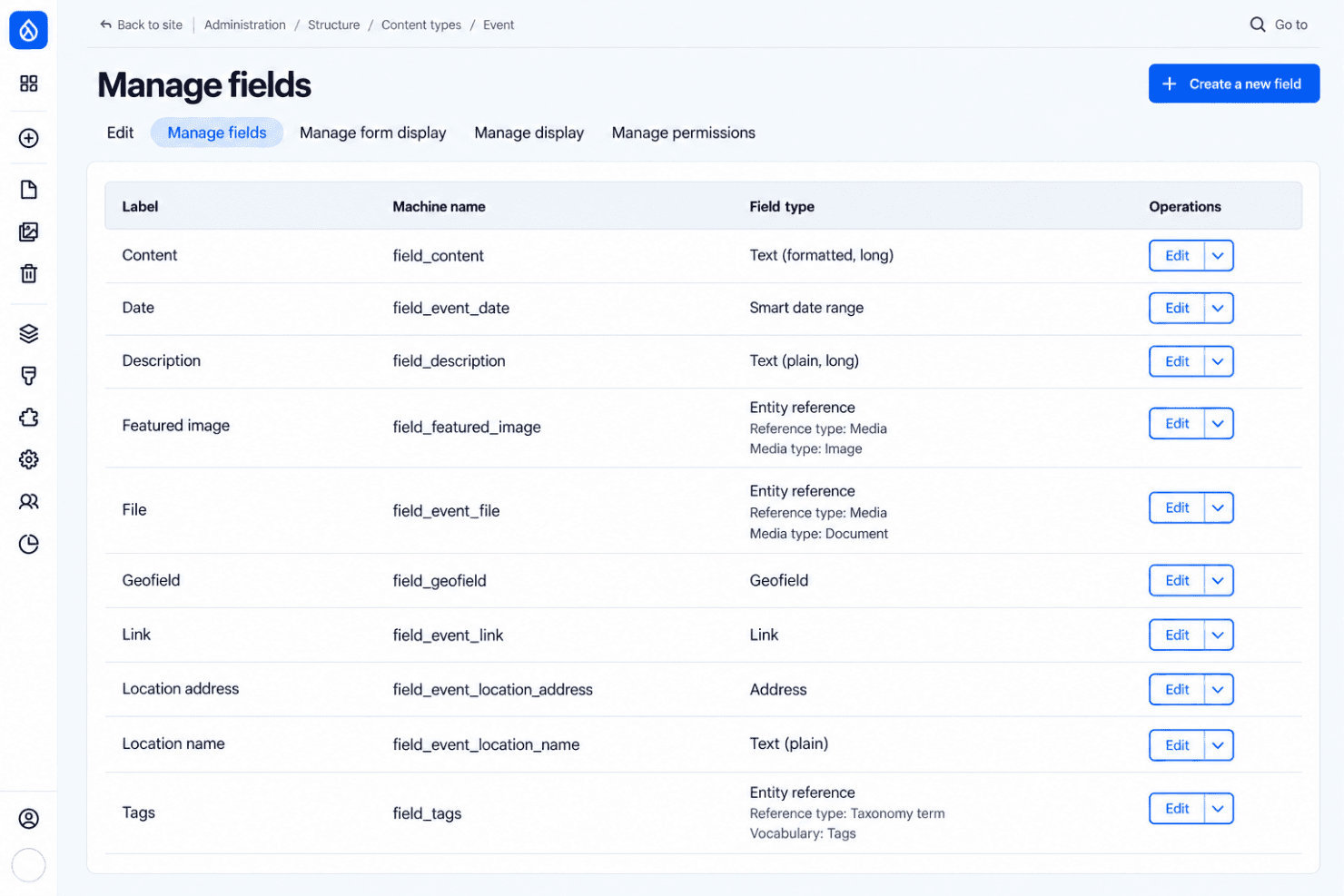
Drupal lets you define content types with custom fields, such as author, publication date, location, or campaign category. This structure supports reusable content across landing pages, articles, directories, and other digital experiences.
Taxonomy
Drupal’s taxonomy system organizes content with hierarchical vocabularies and terms, such as product categories, regions, or audience segments. Editors can tag content consistently and build filtered listings from those terms.
Media Management
Drupal’s Media module lets teams manage reusable images, video, documents, and other assets separately from page content. The Media Library provides a central place to search, select, and reuse approved assets across campaigns.
Roles And Permissions
Drupal lets administrators create roles and assign granular permissions for actions such as creating, editing, publishing, or deleting content. You can give contributors access to drafts while reserving publishing rights for editors.
Editorial Workflows And Revisions
Drupal’s Workflows and Content Moderation modules support review stages such as draft, review, and published, while revisions preserve earlier versions. Teams can route campaign content through approvals and restore a previous version when needed.
Multilingual Publishing
Drupal’s multilingual modules support translated content, interface text, configuration, and language-aware publishing controls. Marketing teams can manage localized versions of product pages while keeping language variants connected.
Ease of Use
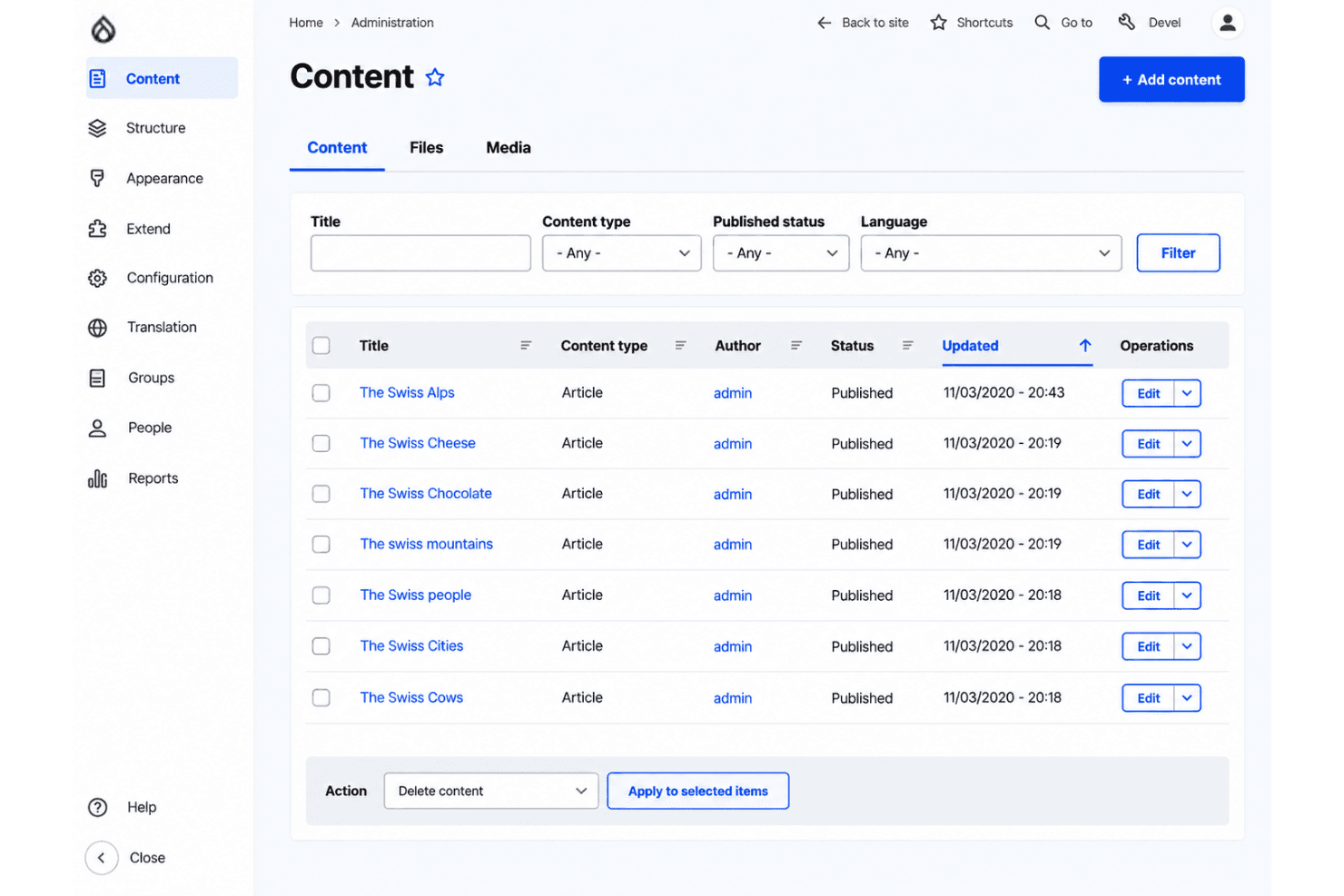
Drupal is highly configurable but has a steep learning curve. User reviews praise its content modeling, permissions, revisions, and multilingual tools, while criticizing the messy administration interface and developer-heavy upgrades. I find it less approachable than simpler CMS platforms because marketers often need training to manage layouts and workflows. Still, teams with technical support gain precise control over structured content and editorial governance.
Integrations
Drupal integrates with Salesforce, Mailchimp, HubSpot, Google Analytics, Shopify, Tableau, Smartling, Brightcove, and Real-time SEO for Drupal (powered by Yoast), among others.
Drupal also provides REST and JSON support through its core web services modules and connects with third-party automation platforms such as Zapier.
Drupal Specs
- A/B Testing: Yes
- Analytics: Yes
- API: Yes
- Audience Targeting: Yes
- Automated Conversion: No
- Batch Permissions & Access: No
- Behavioral Tracking: Yes
- Brand Management: No
- Campaign Management: No
- Contact Management: No
- Contact Sharing: No
- Conversion Tracking: Yes
- CRM Integration: Yes
- Customer Management: No
- Dashboards: Yes
- Data Export: No
- Data Import: Yes
- Email Integration: Yes
- External Integrations: Yes
- Keyword Tracking: No
- Landing Pages: Yes
- Lead Management: No
- Lead Scoring: No
- Link Tracking: No
- Marketing Automation: Yes
- Multi-User: Yes
- Notifications: Yes
- Password & Access Management: Yes
- Social-Media Integration: Yes


