

Asana Review: Pros, Cons, Features, and Pricing
Asana shines in managing team projects with its intuitive interface, making it a favorite among marketing teams for its flexibility and efficiency.

We review tools independently, and commissions help fund our testing. See our transparency policy, our methodology, or suggest a tool.
Asana is a marketing resource management software for marketing teams that need to plan, track, and coordinate campaigns, creative workflows, and cross-functional projects in a single workspace. I'd consider it if you want more structured workflow management and task visibility than monday.com offers, without the setup complexity that comes with enterprise-grade platforms.
Asana Evaluation Summary
4.4/5
- From $10.99/user/month (billed annually)
- Free plan available
Why Trust Our Software Recommendations
6,700+
Reviews
20
Industry experts
16+
Evaluation factors
14
Years
Our team has been testing and reviewing software since 2012. As marketing leaders ourselves, we know how difficult—and important—it is to choose the right software.
For this guide, we evaluated tools using hands-on testing and independent research, scoring tools using our selection criteria.
Our reviews reflect our human editorial judgment, not a sales pitch.
Expert reviewers:
 Gui DrusinaCreative Director
- Shriya GhateSenior Marketing Lead
 Amanda JacquesMarketing Ops Leader

Asana Overview
In my opinion, Asana excels as a marketing resource management software with its user-friendly interface and effective task management features. It stands out with useful integrations and visual project planning abilities. However, its pricing, especially for advanced features, can be a setback compared to Asana alternatives such as ClickUp, Trello, or monday.com. Asana is ideal for teams that prioritize ease of use and task management but might not suit those needing extensive resource management without upgrading to a higher plan. If you're choosing a project management software for marketing or creative teams with a focus on collaboration and task tracking, Asana is a strong contender.
Pros
- The intuitive interface allows you to track tasks and due dates without effort.
- Your team can customize workflows to suit project needs.
- Visual project planning helps your team stay organized.
Cons
- Your team might find the advanced features overwhelming.
- You may experience occasional delays in customer support.
- Task dependencies can be tricky to manage effectively.
Is Asana Right For Your Needs?
Who Would be a Good Fit for Asana?
Asana’s project management features are perfect for marketing teams, creative agencies, and project managers who need to track tasks and manage deadlines. If your team values key features such as visual project planning and customizable workflows, Asana's interface supports these needs well. It's especially useful if your work involves collaboration and task management. Its features help keep everyone on the same page, making it a great choice for teams focused on organization and productivity.
- Creative AgenciesYour team can customize workflows to manage client projects smoothly.
- Marketing TeamsVisual task tracking helps you coordinate campaigns and deadlines.
- Project ManagersYou can use Asana to assign tasks and track the progress of specific projects with the intuitive interface.
- Small BusinessesAsana offers flexibility to manage tasks and subtasks without overwhelming your team.
- Remote TeamsYou can keep everyone connected and organized, no matter where they are.
- Small Teams and Tech StartupsAsana supports fast-paced environments with its agile task management features.
Who Would be a Bad Fit for Asana?
Asana might not suit large enterprises with complex resource management needs or teams requiring intricate task dependencies. If your role involves detailed resource allocation or extensive reporting, Asana's work management functionalities might fall short. Teams that need highly specialized features for industry-specific tasks may find Asana lacking. Its simplicity, while a strength, can be a limitation for those needing more advanced project management tools.
- Large EnterprisesYour complex resource management needs may exceed Asana's capabilities.
- Construction ProjectsYou might find Asana's task dependencies inadequate for detailed planning.
- Finance DepartmentsYour need for intricate reporting could make Asana a poor fit.
- Legal TeamsAsana lacks features tailored for managing legal cases and documents.
- Manufacturing CompaniesYour industry-specific tracking needs may not align with Asana's offerings.
- Healthcare FacilitiesAsana's functionalities might not support the regulatory and compliance demands of the healthcare industry.
How We Test & Score Tools
We’ve spent years building, refining, and improving our software testing and scoring system. The rubric is designed to capture the nuances of software selection and what makes a tool effective, focusing on critical aspects of the decision-making process.
Below, you can see exactly how our testing and scoring works across seven criteria. It allows us to provide an unbiased evaluation of the software based on core functionality, standout features, ease of use, onboarding, customer support, integrations, customer reviews, and value for money.
Core Functionality (25% of final scoring)
The starting point of our evaluation is always the core functionality of the tool. Does it have the basic features and functions that a user would expect to see? Are any of those core features locked to higher-tiered pricing plans? At its core, we expect a tool to stand up against the baseline capabilities of its competitors.
Standout Features (25% of final scoring)
Next, we evaluate uncommon standout features that go above and beyond the core functionality typically found in tools of its kind. A high score reflects specialized or unique features that make the product faster, more efficient, or offer additional value to the user.
We also evaluate how easy it is to integrate with other tools typically found in the tech stack to expand the functionality and utility of the software. Tools offering plentiful native integrations, 3rd party connections, and API access to build custom integrations score best.
Ease of Use (10% of final scoring)
We consider how quick and easy it is to execute the tasks defined in the core functionality using the tool. High scoring software is well designed, intuitive to use, offers mobile apps, provides templates, and makes relatively complex tasks seem simple.
Onboarding (10% of final scoring)
We know how important rapid team adoption is for a new platform, so we evaluate how easy it is to learn and use a tool with minimal training. We evaluate how quickly a team member can get set up and start using the tool with no experience. High scoring solutions indicate little or no support is required.
Customer Support (10% of final scoring)
We review how quick and easy it is to get unstuck and find help by phone, live chat, or knowledge base. Tools and companies that provide real-time support score best, while chatbots score worst.
Customer Reviews (10% of final scoring)
Beyond our own testing and evaluation, we consider the net promoter score from current and past customers. We review their likelihood, given the option, to choose the tool again for the core functionality. A high scoring software reflects a high net promoter score from current or past customers.
Value for Money (10% of final scoring)
Lastly, in consideration of all the other criteria, we review the average price of entry level plans against the core features and consider the value of the other evaluation criteria. Software that delivers more, for less, will score higher.
Core Features
Project Management
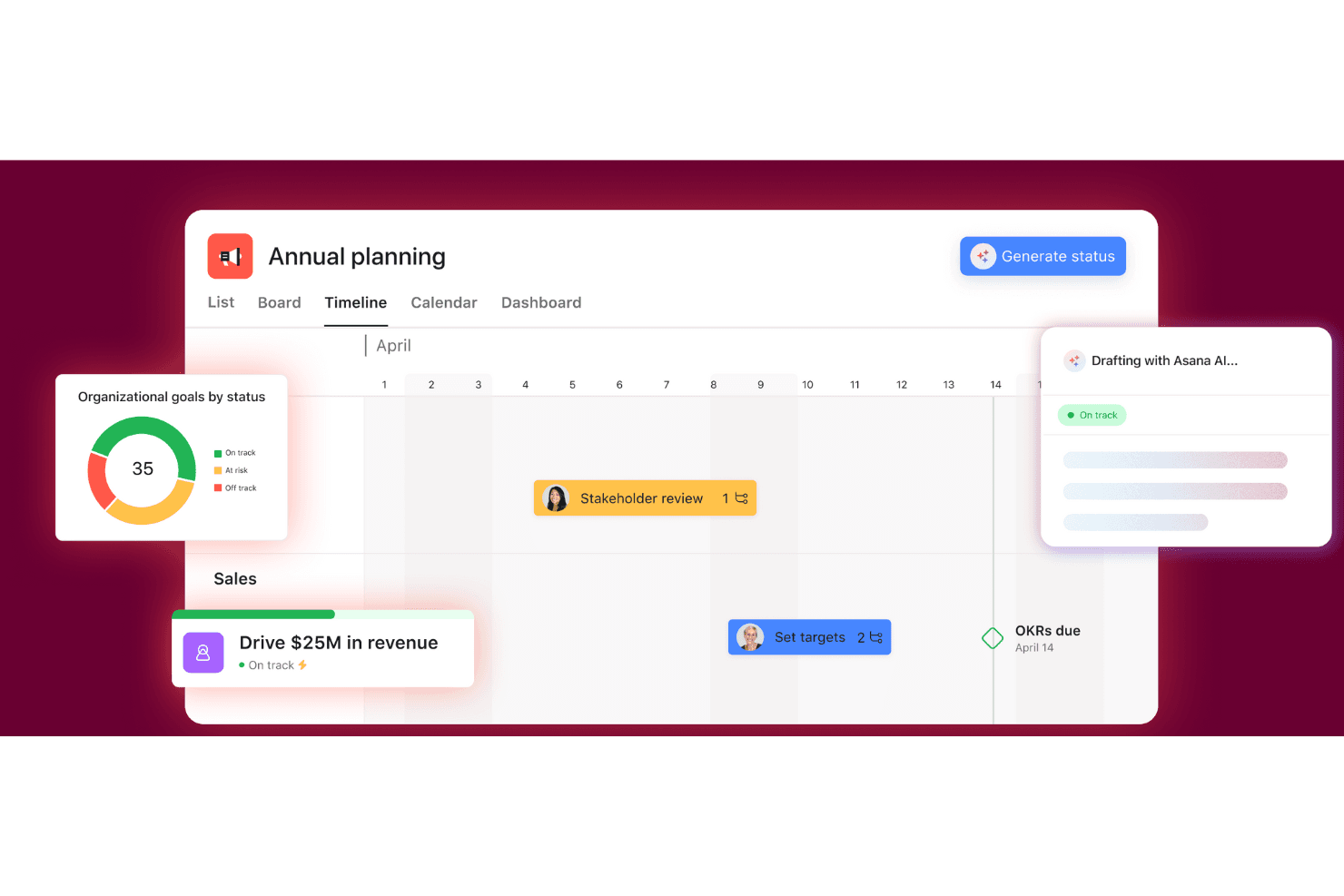
Helps teams plan and deliver work day-to-day using tasks, projects, different views (like timeline/Gantt/Kanban), updates, and personal inbox/task lists so everyone knows what’s happening and who owns what.
Goals and Reporting
Connects work to company targets and shows progress in one place using goals, portfolios, and dashboards so leaders can track results without chasing updates.
Workflows and Automation
Standardizes how work comes in and moves forward using forms, rules, bundles, and templates so repeatable processes run faster with less manual follow-up.
Resource Management
Gives visibility into who has time and who’s overloaded using workload and capacity planning so you can balance assignments and avoid burnout or missed deadlines.
Admin and Security
Controls access, privacy, and governance with admin tools, permissions, audits, and guest settings so teams can collaborate safely and stay compliant.
Ease of Use
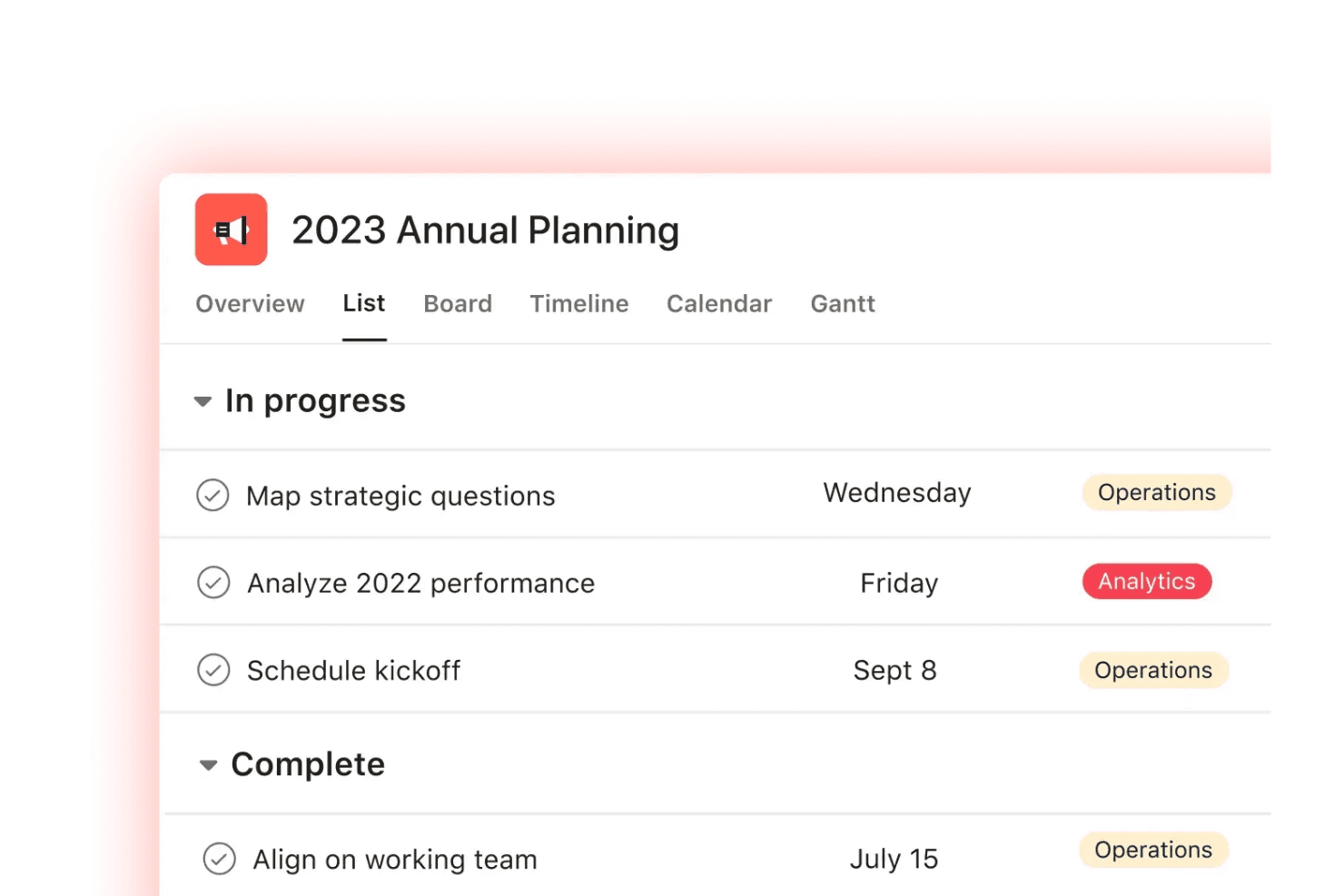
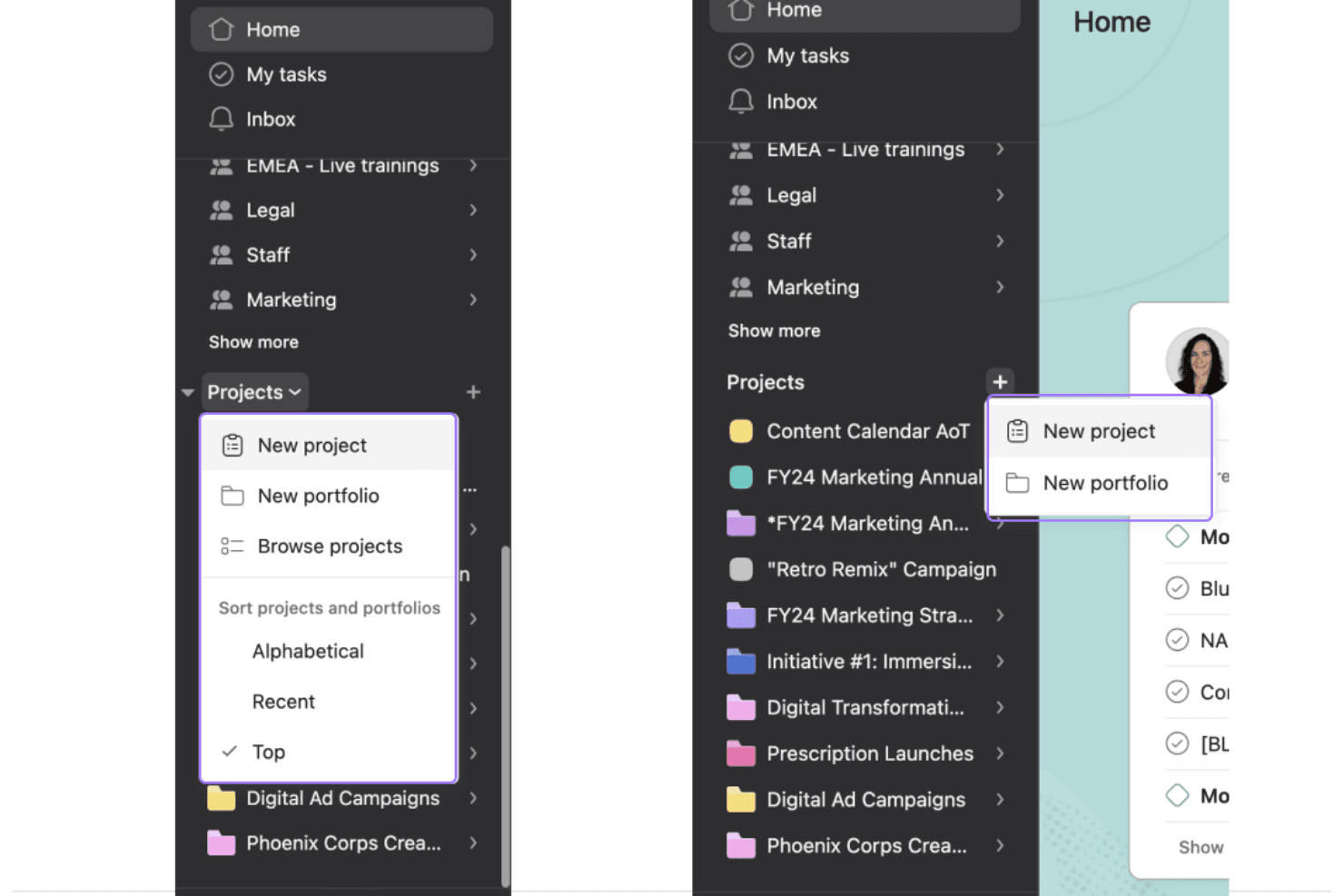
Asana shines in user-friendliness with its intuitive interface that makes it easy for your team to jump right in. The clear layout and drag-and-drop functionality simplify task management and project planning. You don't need extensive training to get started, which saves time and effort. Its design focuses on boosting your team's productivity, making it a preferred choice for those seeking a straightforward project management tool. Users appreciate how it organizes their workflows without unnecessary complexity, while routine task automation saves time.
Integrations
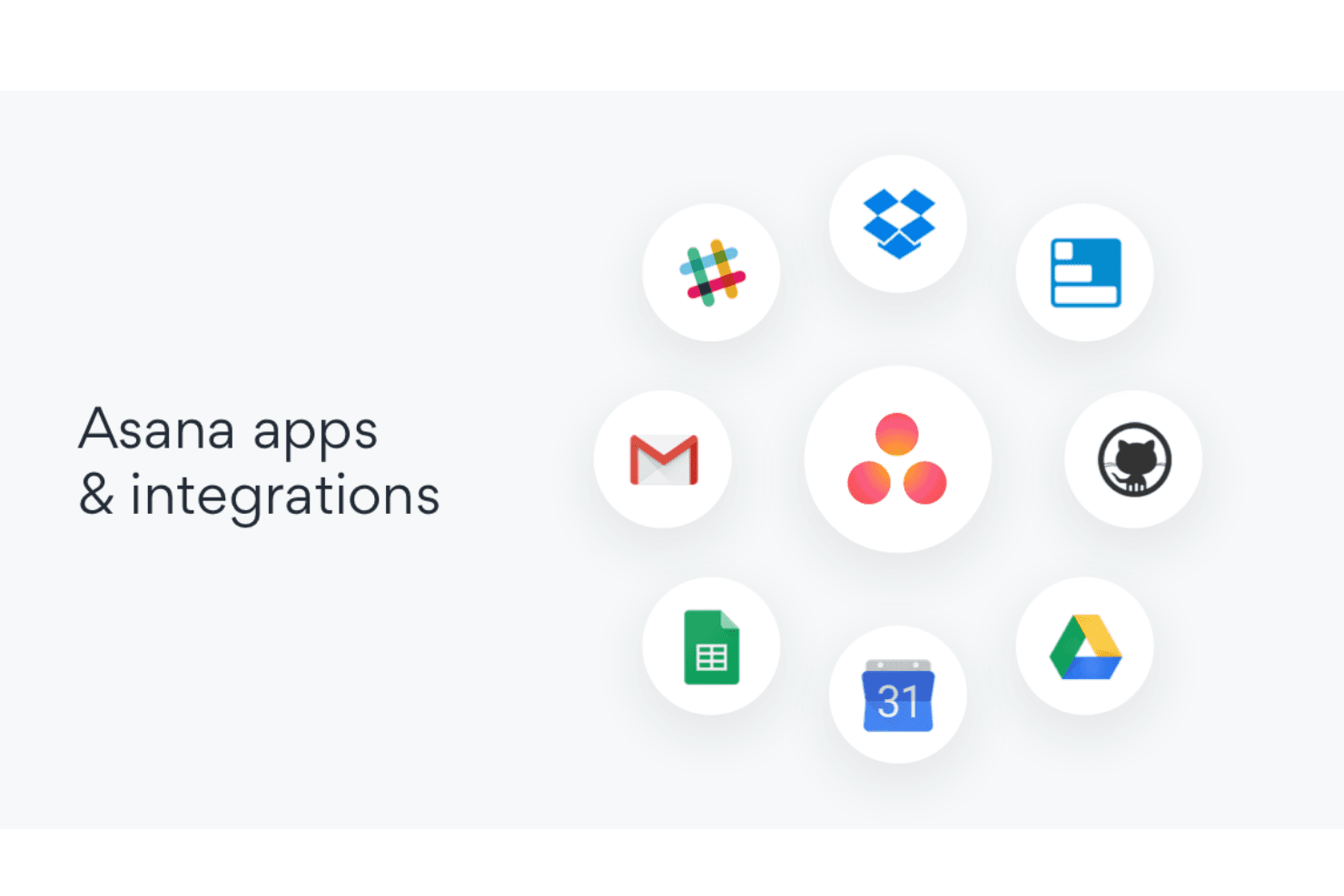
Asana has a large app directory, so you can connect the tools your team already uses communication, file storage, video calls, CRM, and developer tools. Common examples include Slack, Microsoft (Teams/Outlook), Google (Drive), Zoom, Dropbox, Salesforce, GitHub, and tools like Jira (by Atlassian).
For more flexibility, Asana also supports custom connections through its developer API and third-party connectors.
Asana Specs
- API: Yes
- Batch Permissions & Access: Yes
- Budgeting: Yes
- Calendar Management: Yes
- Collaboration Support: Yes
- Contact Management: Yes
- Contact Sharing: No
- Customer Management: No
- Dashboard: Yes
- Dashboards: Yes
- Data Export: Yes
- Data Import: Yes
- Data Visualization: Yes
- Dependency Tracking: Yes
- Document Sharing: Yes
- Expense Tracking: Yes
- External Integrations: Yes
- File Sharing: Yes
- Gantt Charts: Yes
- Kanban Boards: Yes
- Multi-User: Yes
- Notifications: Yes
- Project Management: Yes
- Resource Management: No
- Scheduling: Yes
- Task Scheduling/Tracking: Yes
- Third-Party Plugins/Add-Ons: Yes
- Time Management: Yes
- Travel Management: No
- Workflow Management: Yes


