
Recensione Moz: Pro, Contro, Caratteristiche e Prezzi Spiegati
Moz si distingue per i suoi strumenti SEO intuitivi e dati affidabili, rendendolo ideale per principianti e piccoli team, anche se gli utenti avanzati potrebbero trovare le sue funzionalità meno robuste rispetto ad alcuni concorrenti.

Recensiamo gli strumenti in modo indipendente, e le commissioni aiutano a finanziare i nostri test. Consulta la nostra politica sulla trasparenza, la nostra metodologia o suggerisci uno strumento.
Moz is an SEO tool built for marketing teams that need keyword research, rank tracking, link analysis, and on-page site auditing. I'd recommend it if you want more approachable reporting and a cleaner interface than Semrush, without giving up the data depth your team needs to make informed decisions.
Moz Evaluation Summary
4.4/5
- From $79/month (billed annually)
- 7-day free trial
Perché fidarsi dei nostri consigli sui software
6,700+
Reviews
20
Industry experts
16+
Evaluation factors
14
Years
Il nostro team testa e recensisce software dal 2012. In quanto leader del marketing noi stessi, sappiamo quanto sia difficile — e importante — scegliere il software giusto.
Per questa guida, abbiamo valutato gli strumenti attraverso test pratici e ricerche indipendenti, assegnando un punteggio agli strumenti in base ai nostri criteri di selezione.
Le nostre recensioni riflettono il nostro giudizio editoriale umano, non un discorso di vendita.
Revisori esperti:
 Gui DrusinaDirettore creativo
- Shriya GhateSenior Marketing Lead
 Amanda JacquesResponsabile Marketing Ops

Moz Overview
When judging Moz as a SEO solution, its clean interface, strong keyword research, and reliable site audits make it a top pick for teams new to SEO or those seeking a straightforward SEO platform. Pricing is competitive, and onboarding is simple, but integrations and advanced reporting are less extensive than some alternatives. If you're selecting a toolkit for in-house marketing or small agencies that value ease of use and responsive support, Moz is a smart choice. For example, its Keyword Explorer surfaces useful keyword suggestions and is easy to learn, while the Link Explorer offers clear, actionable insights for link building.
Pros
- Keyword Explorer provides accurate, up-to-date keyword data
- Site audits identify technical SEO issues with clear recommendations
- Link Explorer offers detailed backlink analysis and metrics
Cons
- Rank tracking updates less frequently than some competitors
- Limited advanced reporting and data export options
- Fewer integrations with third-party marketing platforms
Is Moz Right For Your Needs?
Who Would be a Good Fit for Moz?
Moz is a strong choice for teams that need reliable keyword research, clear site audits, and accessible SEO data without a steep learning curve. Its functions are especially useful for smaller organizations, agencies, and marketing departments that want actionable insights and straightforward reporting. If you're a business owner or a marketing leader in a role where SEO matters but you don't need highly advanced integrations or custom reporting, Moz's platform and support can help you strengthen your online presence and improve visibility.
- Small Marketing TeamsMoz's simple interface and clear reporting help teams with limited resources.
- Local BusinessesLocal SEO tools and citation management support location-based marketing.
- Digital AgenciesWhite-label reporting and site audits fit agency client needs.
- Content MarketersKeyword Explorer and SERP analysis support content planning and optimization.
- E-Commerce StartupsSite audits and backlink tracking help new stores build authority.
- Higher EducationMoz's educational resources and clear metrics support non-technical users.
Who Would be a Bad Fit for Moz?
Moz may not be the best option for large enterprises, highly technical SEO teams, or organizations that require deep integrations and advanced analytics. If your business relies on custom workflows, frequent rank tracking, or complex reporting, you may find Moz's feature set limiting compared to other platforms with broader capabilities.
- Large EnterprisesMoz lacks advanced workflow automation and enterprise-level integrations.
- Technical SEO TeamsLimited crawl customization and fewer technical diagnostics restrict flexibility.
- International BrandsMoz's keyword data and local SEO tools focus mainly on US markets.
- Data AnalystsReporting and export options are less robust than analytics-focused tools.
- Multi-Channel RetailersFew integrations with paid media or CRM platforms limit cross-channel insights.
- In-House IT DepartmentsMoz's platform is not built for custom development or API-heavy environments.
Come Testiamo e Valutiamo gli Strumenti
Abbiamo passato anni a costruire, perfezionare e migliorare il nostro sistema di test e valutazione del software. Il nostro metodo è progettato per cogliere le sfumature nella selezione del software e ciò che rende uno strumento efficace, concentrandoci sugli aspetti critici del processo decisionale. Qui sotto puoi vedere esattamente come funziona il nostro sistema di test e valutazione su sette criteri. Questo ci permette di offrire una valutazione imparziale del software basata su funzionalità principali, funzioni distintive, facilità d’uso, onboarding, supporto clienti, integrazioni, recensioni dei clienti e rapporto qualità-prezzo.
Funzionalità principali (25% del punteggio finale)
Il punto di partenza della nostra valutazione è sempre la funzionalità principale dello strumento. Include le caratteristiche e le funzioni basilari che un utente si aspetterebbe di trovare? Alcune di queste funzionalità sono bloccate nei piani premium? Ci aspettiamo che ogni strumento soddisfi almeno le capacità di base dei suoi concorrenti.
Funzionalità distintive (25% del punteggio finale)
Successivamente, valutiamo le funzionalità uniche che vanno oltre la normale funzionalità principale, quelle poco comuni negli strumenti simili. Un punteggio alto riflette caratteristiche specializzate o uniche che rendono il prodotto più veloce, efficiente o offrono un valore aggiunto all’utente. Valutiamo anche quanto sia semplice integrare il software con altri strumenti abitualmente usati in una tech stack, per espandere le funzionalità e l’utilità del prodotto. Sono valutate positivamente soluzioni con molte integrazioni native, connessioni di terze parti e API per creare integrazioni personalizzate.
Facilità d’uso (10% del punteggio finale)
Consideriamo la rapidità e semplicità con cui si possono eseguire le attività principali tramite lo strumento. I software con punteggio più alto sono ben progettati, intuitivi, dispongono di app mobili, offrono template e semplificano compiti complessi.
Onboarding (10% del punteggio finale)
Sappiamo quanto sia importante l’adozione rapida in azienda, quindi valutiamo la facilità di apprendimento e utilizzo di uno strumento con formazione minima. Analizziamo quanto velocemente un utente senza esperienza può iniziare a usare il software. Le soluzioni migliori richiedono poco o nessun supporto.
Supporto clienti (10% del punteggio finale)
Analizziamo la rapidità e facilità nel trovare aiuto tramite telefono, chat dal vivo o knowledge base. Gli strumenti che offrono supporto in tempo reale ottengono il punteggio migliore: i chatbot invece i peggiori.
Recensioni dei clienti (10% del punteggio finale)
Oltre ai nostri test, consideriamo il net promoter score di attuali ed ex clienti. Valutiamo la probabilità che, potendo scegliere, l’utente decida di utilizzare ancora quello strumento per le funzionalità principali. Un software con un punteggio alto corrisponde ad un alto net promoter score tra clienti attuali o passati.
Rapporto qualità-prezzo (10% del punteggio finale)
Infine, tenendo conto di tutti gli altri criteri, confrontiamo il prezzo medio dei piani base rispetto alle funzionalità principali e agli altri fattori di valutazione. I software che offrono di più, a meno, ottengono i punteggi più alti.
Core Features
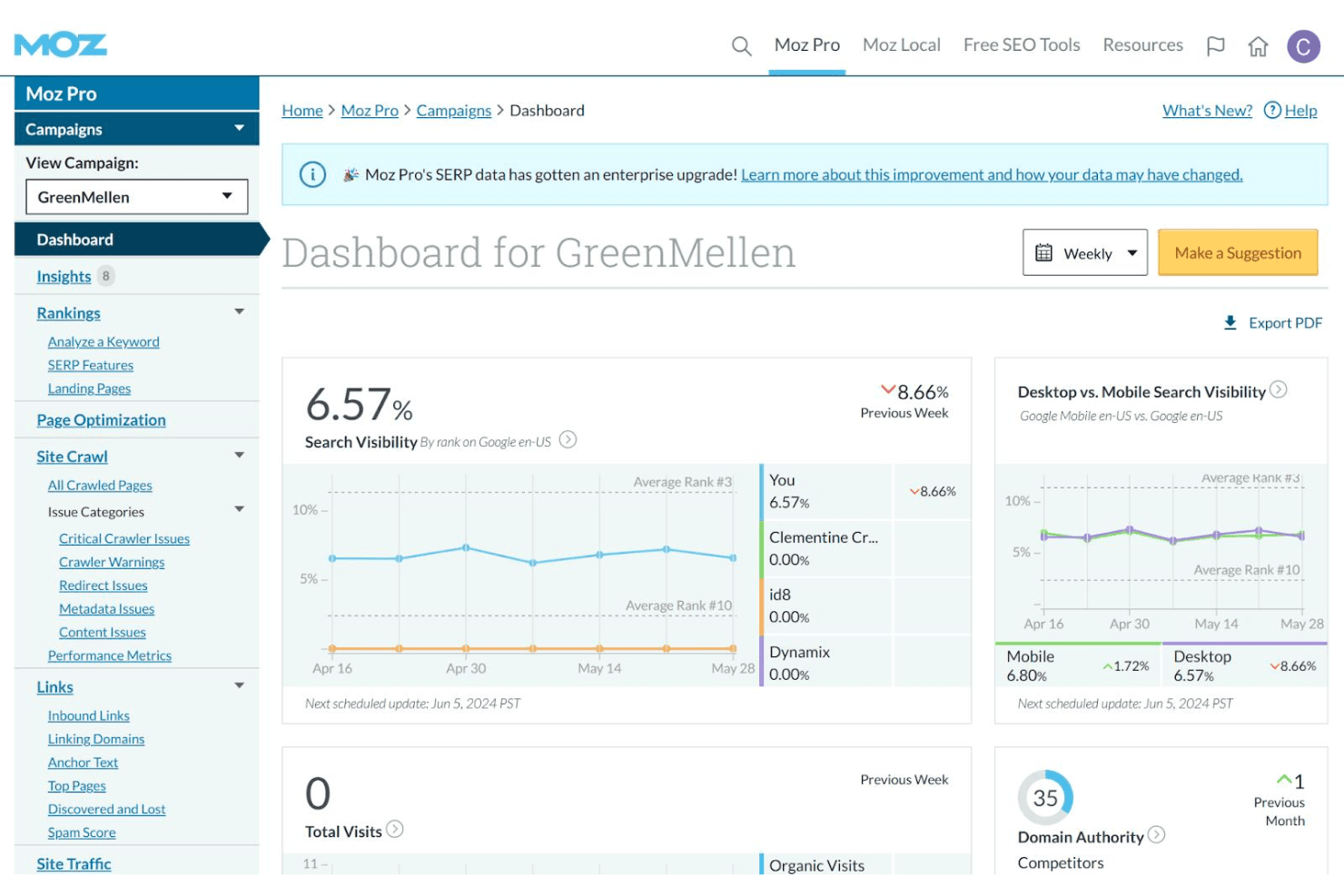
Keyword Explorer
Research keyword opportunities, analyze search volume, and assess difficulty scores. Users can build and save keyword lists for ongoing SEO campaigns.
Site Crawler
Scan websites for technical SEO issues like broken links and duplicate content. The tool provides prioritized recommendations for fixes.
Link Explorer
Analyze backlink profiles, track new and lost links, and evaluate domain authority. Users can compare their link metrics to competitors.
Rank Tracking
Monitor keyword rankings across search engines and locations. Scheduled reports show changes in position over time.
On-Page Optimization
Get page-level suggestions for improving SEO elements like titles, meta descriptions, and headings. The tool highlights specific issues and opportunities.
Local SEO Tools
Manage business listings, track local rankings, and monitor reviews. Moz helps users optimize for location-based searches and citations.
Ease of Use
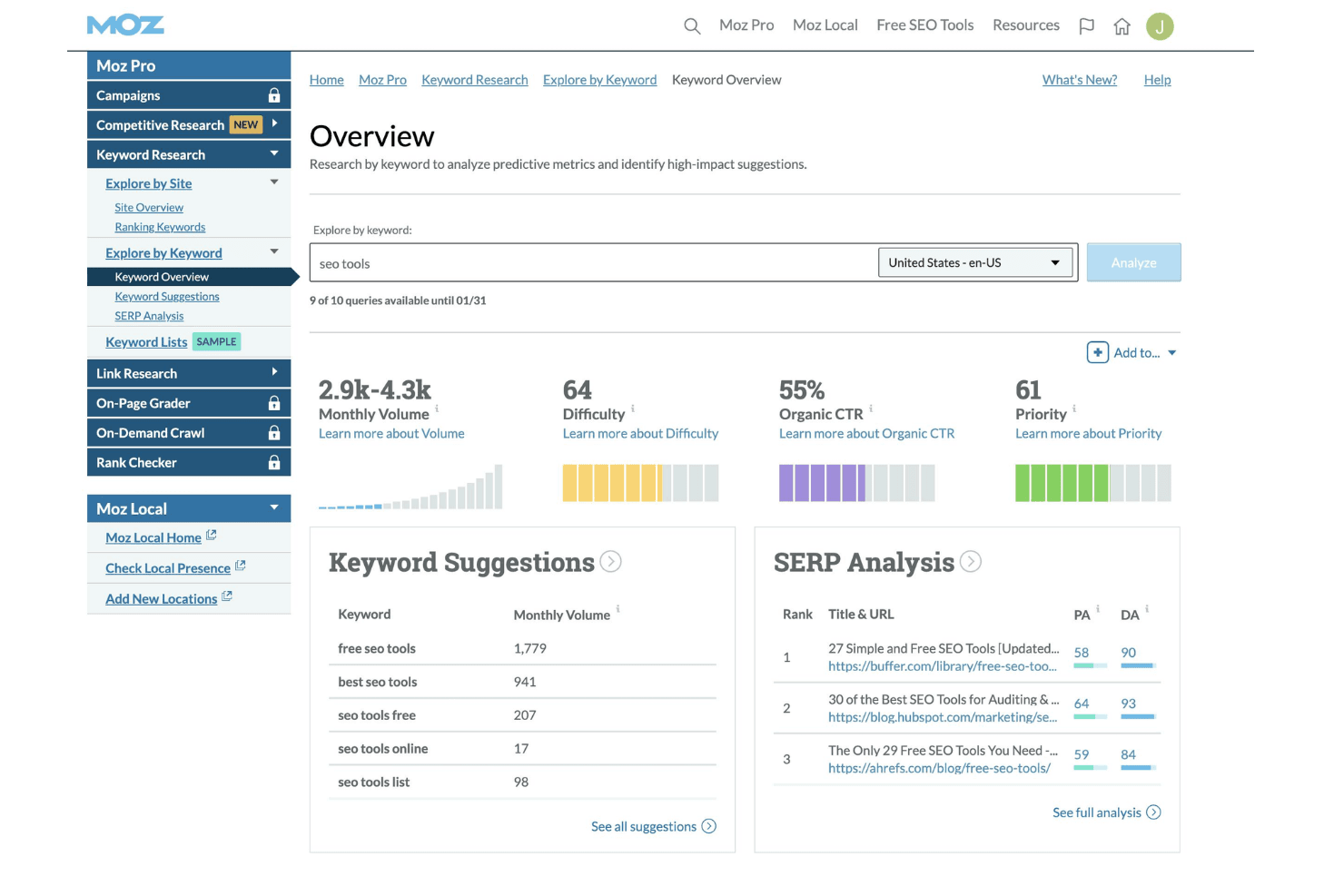
Moz is widely recognized for its intuitive interface and clear navigation, making it approachable for users with varying SEO experience. Most features are easy to find, and setup is straightforward, with helpful tooltips and onboarding guides. Users often mention that reports are simple to interpret and actionable, which reduces time spent on training. While some advanced features are less customizable, Moz's focus on clarity and accessibility sets it apart for teams seeking a no-fuss SEO solution.
Integrations
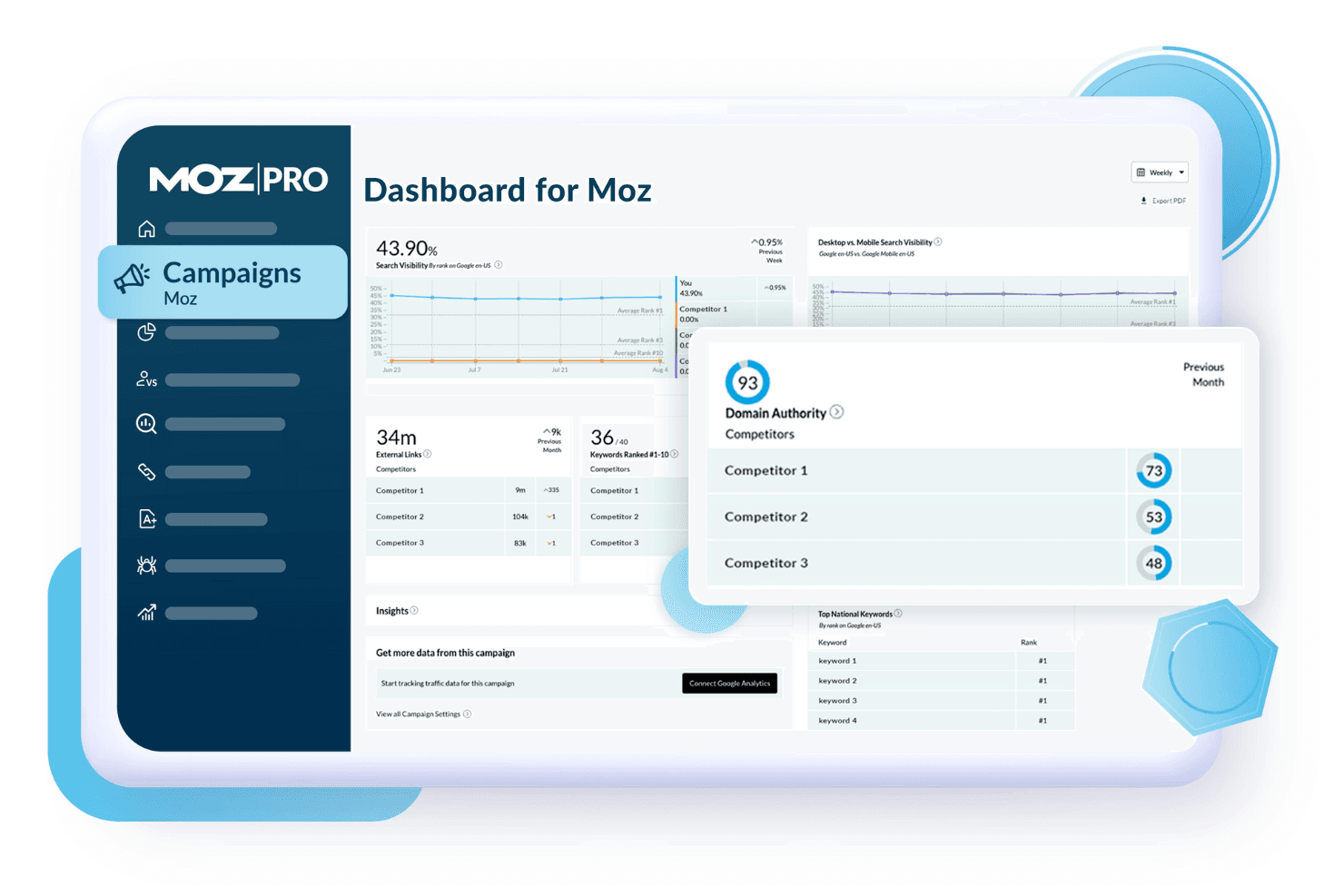
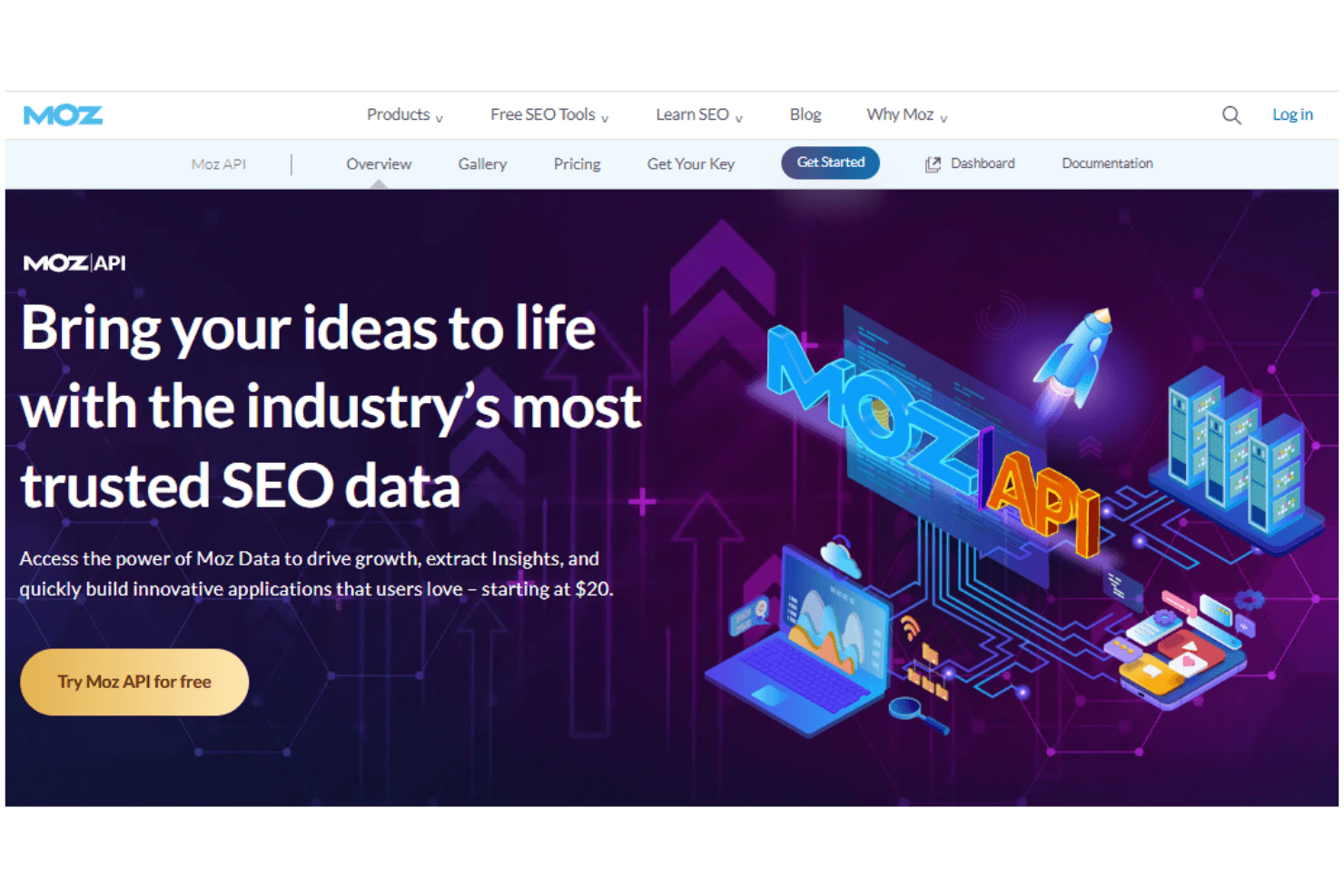
Moz integrates with Google Analytics, Google Search Console, and Google Data Studio for reporting and performance tracking. It also offers an API for custom integrations and data extraction.
Native integrations are limited, and there is no dedicated marketplace or broad third-party connector ecosystem.
Moz Specs
- API: Yes
- Audience Targeting: Yes
- Brand Management: Yes
- Conversion Tracking: Yes
- Data Export: Yes
- Data Import: Yes
- External Integrations: Yes
- Keyword Tracking: Yes
- Lead Management: Yes
- Lead Scoring: Yes
- Link Tracking: Yes
- Marketing Automation: Yes
- Multi-User: Yes
- Net Promoter Score: Yes
- Notifications: Yes
- Social-Media Integration: Yes
Alternatives to Moz


- I 10 migliori software per la promozione da parte dei clienti per il 2026Opens new window
- I 10 migliori software per la promozione da parte dei dipendenti nel 2026Opens new window
- Le 10 migliori alternative a Moz recensite nel 2026Opens new window
- Recensione Moz: Pro, Contro, Caratteristiche e Prezzi SpiegatiOpens new window