

Reseña de GoTo Webinar: Ventajas, Desventajas, Características y Precios Explicados
GoTo Webinar destaca por su fiabilidad y facilidad de uso, lo que lo hace ideal para empresas que necesitan webinars a gran escala sin complicaciones.

Revisamos herramientas de manera independiente, y las comisiones ayudan a financiar nuestras pruebas. Consulta nuestra política de transparencia, nuestra metodología o sugiere una herramienta.
GoTo Webinar is a webinar software built for marketing and events teams that need to host live, recorded, or automated webinars with built-in registration pages, attendee analytics, and post-event follow-up automation. I'd consider it a stronger fit than Zoom Webinars if your team runs webinars as a core demand generation channel rather than an occasional add-on to video meetings—its dedicated feature set gives you more control over the full attendee experience without piecing together separate tools.
GoTo Webinar Evaluation Summary
4.2/5
- From $59/month (billed annually)
- Free trial + free demo available
Por qué confiar en nuestras recomendaciones de software
6,700+
Reviews
20
Industry experts
16+
Evaluation factors
14
Years
Nuestro equipo lleva probando y evaluando software desde 2012. Como líderes de marketing, sabemos lo difícil —y lo importante— que es elegir el software adecuado.
Para esta guía, evaluamos las herramientas mediante pruebas prácticas e investigación independiente, puntuando las herramientas según nuestros criterios de selección.
Nuestras reseñas reflejan nuestro criterio editorial humano, no un discurso de ventas.
Revisores expertos:
 Gui DrusinaDirector creativo
- Shriya GhateSenior Marketing Lead
 Amanda JacquesLíder de Marketing Ops

GoTo Webinar Overview
When judging webinar software, GoTo Webinar consistently impresses with its intuitive interface, dependable live event performance, and responsive support. Its pricing is mid-range, reflecting strong reliability and a mature feature set, though it lacks some advanced branding and automation options found elsewhere. Selecting GoTo Webinar makes sense for teams prioritizing ease of onboarding, straightforward integrations, and large-scale event delivery. For example, marketing managers running recurring product demos or training sessions will appreciate its stable experience, while those needing deep customization or complex workflows may find it less flexible than some alternatives.
Pros
- Reliable performance for large-scale live webinars.
- Built-in analytics and reporting for attendee engagement.
- Interactive features like polls, Q&A, and breakout rooms.
Cons
- Dated interface compared to newer webinar platforms.
- Limited automation for follow-up and nurture workflows.
- Fewer branding options for registration and event pages.
Is GoTo Webinar Right For Your Needs?
Who Would be a Good Fit for GoTo Webinar?
GoTo Webinar is a strong choice for organizations that need reliable webinar hosting. It lets you deliver large-scale webinars with interactive features and straightforward attendee management. Its stable performance and user experience, built-in analytics, and easy onboarding make it especially useful for teams that prioritize consistency and need to engage large audiences without complex setup. Industries and roles that rely on recurring training, product demos, or educational sessions will find its feature set well-matched to their needs.
- Enterprise TrainingGoTo Webinar supports high attendee counts and robust video conferencing registration management.
- Higher EducationThe platform’s Q&A, polls, and breakout rooms enhance virtual lectures.
- Marketing TeamsBuilt-in analytics and lead capture tools support campaign measurement.
- Healthcare ProvidersHIPAA-compliant options and secure access suit patient education events.
- HR DepartmentsAutomated reminders and attendance tracking simplify onboarding webinars.
- Professional AssociationsReliable large-event hosting fits member updates and certification sessions.
Who Would be a Bad Fit for GoTo Webinar?
GoTo Webinar may not suit organizations that need deep branding, advanced automation, or highly customized attendee experiences. Teams seeking modern interfaces, complex integrations, or niche webinar formats may find its feature set limiting. For those prioritizing visual customization, multi-language support, or advanced marketing automation, other platforms may be a better match.
- Creative AgenciesLimited branding options restrict visual customization for client events.
- Small StartupsPricing and feature set may exceed needs for basic webinars.
- International TeamsLack of robust multi-language support can hinder global reach.
- SaaS Product DemosMinimal automation for follow-up limits nurture workflows.
- Event Production FirmsDated interface and fewer production tools limit event polish.
- Nonprofits With Tight BudgetsSubscription costs may not align with infrequent webinar needs.
Cómo Probamos y Puntuamos las Herramientas
Hemos dedicado años a construir, refinar y mejorar nuestro sistema de prueba y puntuación de software. El marco está diseñado para captar los matices de la selección de software y lo que hace a una herramienta eficaz, enfocándose en los aspectos críticos del proceso de decisión. A continuación, puedes ver exactamente cómo funcionan nuestras pruebas y puntuaciones en siete criterios. Esto nos permite brindar una evaluación imparcial de los programas basada en la funcionalidad principal, características destacadas, facilidad de uso, integración, soporte al cliente, reseñas de clientes y relación calidad-precio.
Funcionalidad Principal (25% de la puntuación final)
El punto de partida de nuestra evaluación siempre es la funcionalidad principal de la herramienta. ¿Cuenta con las funciones básicas que un usuario esperaría? ¿Alguna de esas funciones está reservada solo para planes de pago avanzados? Esperamos que, en esencia, una herramienta se mantenga al nivel de las capacidades mínimas de sus competidores.
Características Destacadas (25% de la puntuación final)
Después, evaluamos las características poco comunes y destacadas que van más allá de la funcionalidad típica de herramientas similares. Una puntuación alta refleja funciones especializadas o únicas que hacen el producto más rápido, eficiente o aportan un valor adicional al usuario. También evaluamos qué tan fácil es integrarse con otras herramientas habituales en el entorno tecnológico para expandir la funcionalidad del software. Las herramientas que ofrecen muchas integraciones nativas, conexiones de terceros y acceso a API para crear integraciones personalizadas tienen la mejor puntuación.
Facilidad de Uso (10% de la puntuación final)
Consideramos cuán rápido y fácil es ejecutar las tareas definidas en la funcionalidad central utilizando la herramienta. El software mejor puntuado está bien diseñado, es intuitivo, ofrece aplicaciones móviles, proporciona plantillas y hace que tareas relativamente complejas parezcan sencillas.
Incorporación (10% de la puntuación final)
Sabemos lo importante que es que un equipo adopte rápidamente una nueva plataforma, por eso evaluamos lo fácil que es aprender y usar una herramienta con la menor formación posible. Analizamos lo rápido que un integrante puede comenzar a usar la herramienta sin experiencia previa. Las soluciones mejor puntuadas requieren poco o ningún soporte.
Soporte al Cliente (10% de la puntuación final)
Vemos cuán rápido y sencillo es obtener ayuda por teléfono, chat en vivo o base de conocimientos. Las empresas y herramientas que ofrecen soporte en tiempo real logran la mejor puntuación, mientras que los chatbots obtienen la peor.
Reseñas de Clientes (10% de la puntuación final)
Más allá de nuestras propias pruebas y evaluaciones, consideramos el puntaje de recomendación de clientes actuales y anteriores. Revisamos la probabilidad de que, de poder elegir de nuevo, seleccionarían la herramienta por su funcionalidad principal. Un software con alta puntuación refleja una elevada recomendación de sus usuarios.
Relación Calidad-Precio (10% de la puntuación final)
Finalmente, considerando todos los demás criterios, revisamos el precio promedio de los planes básicos frente a las funciones y el valor de los demás factores de evaluación. El software que ofrece más por menos obtiene mejor puntuación.
Core Features
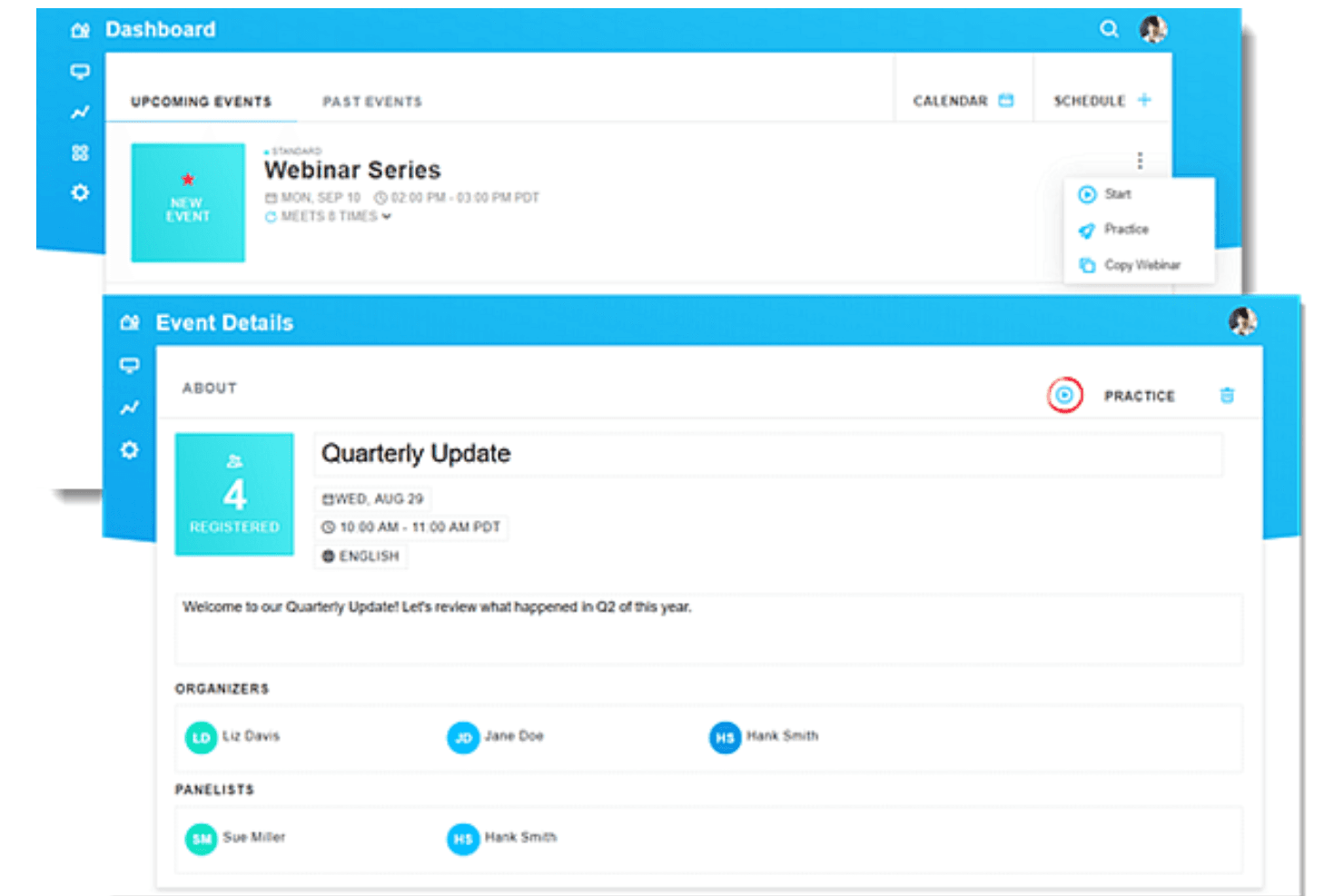
Practice Mode
Hosts can rehearse webinars privately before live streaming. This functionality reduces technical surprises and helps presenters feel prepared.
Custom Registration Pages
Create branded landing pages and registration forms to capture attendee data. This supports lead generation and tailored event branding.
Simulive Events
Pre-record content and broadcast it as if live. This allows for interactive elements like polls and Q&A during playback.
Interactive Engagement Tools
Use live polls, Q&A, screen sharing and breakout rooms to engage attendees. These engagement features boost participation and audience feedback.
Automated Email Reminders
Schedule invitations, confirmations, and reminders for registrants. This helps maximize attendance and reduces manual follow-up.
Analytics and Reporting
Access detailed reports on attendance and engagement. These insights help measure event success and inform future planning.
Ease of Use
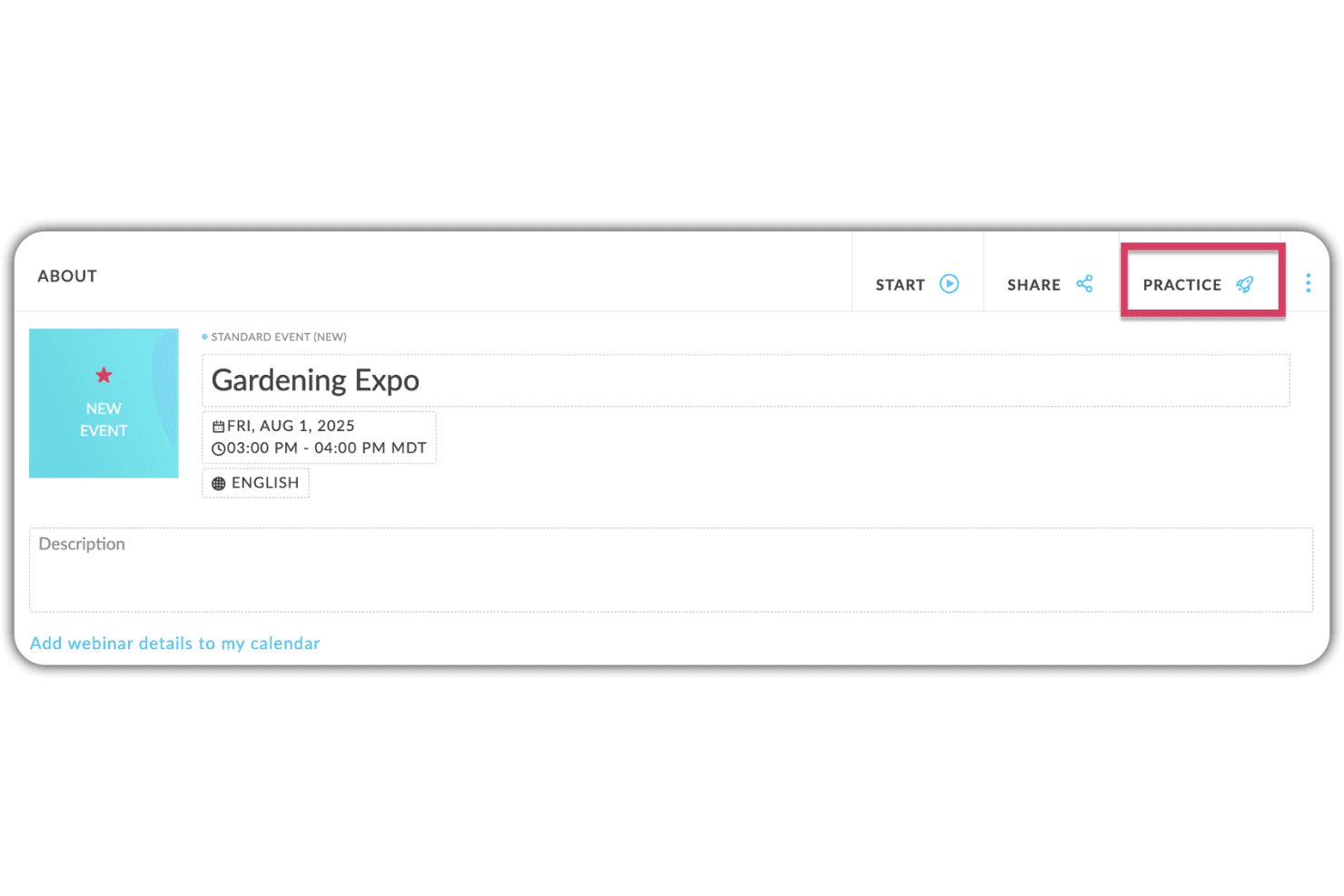
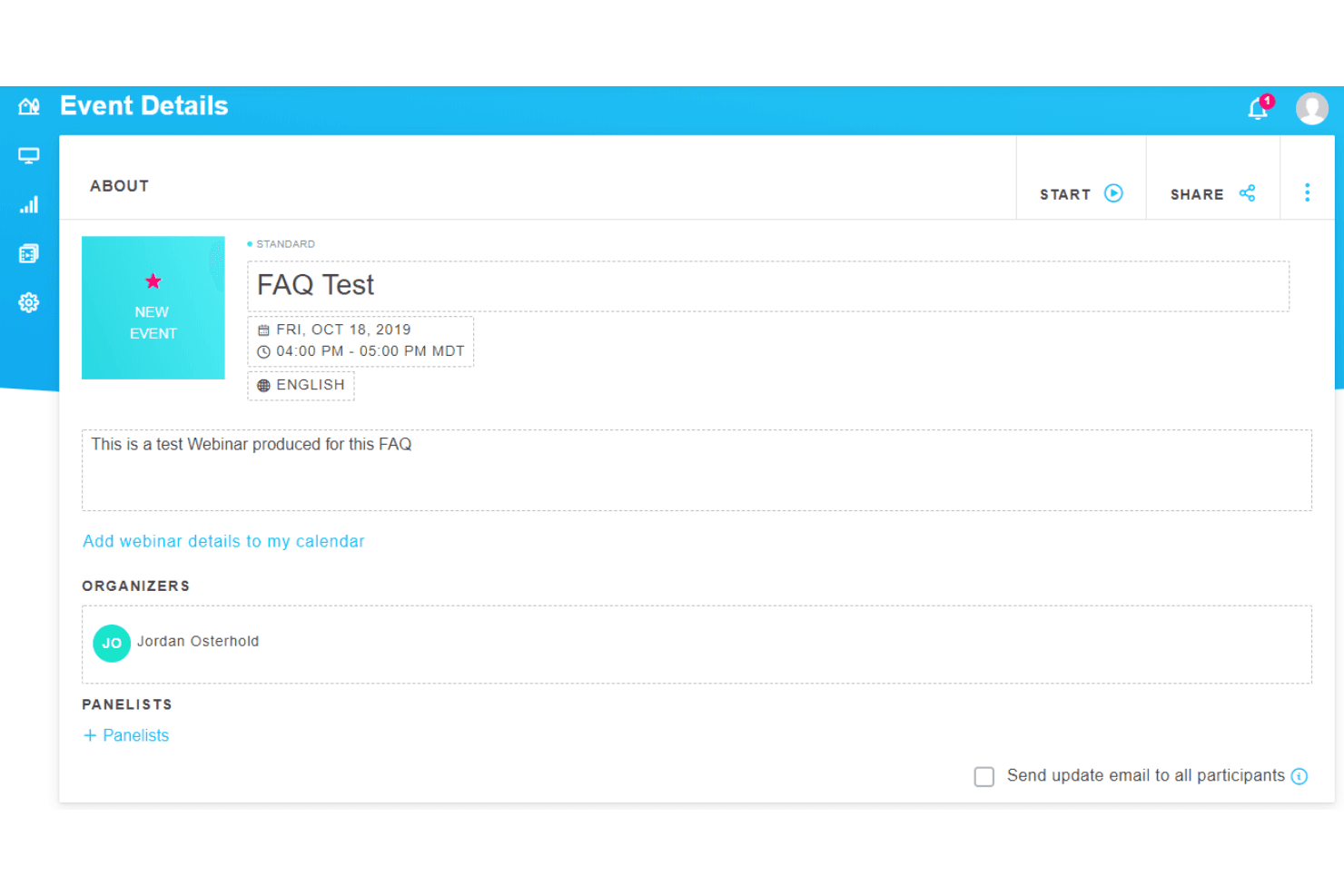
GoTo Webinar is widely recognized for its user-friendly setup and intuitive controls, making it accessible even for first-time hosts. Users consistently mention the clear dashboard, simple scheduling, and reliable live event management. While the interface feels dated compared to newer platforms, its predictability and lack of clutter help reduce mistakes during high-stakes webinars.
Integrations
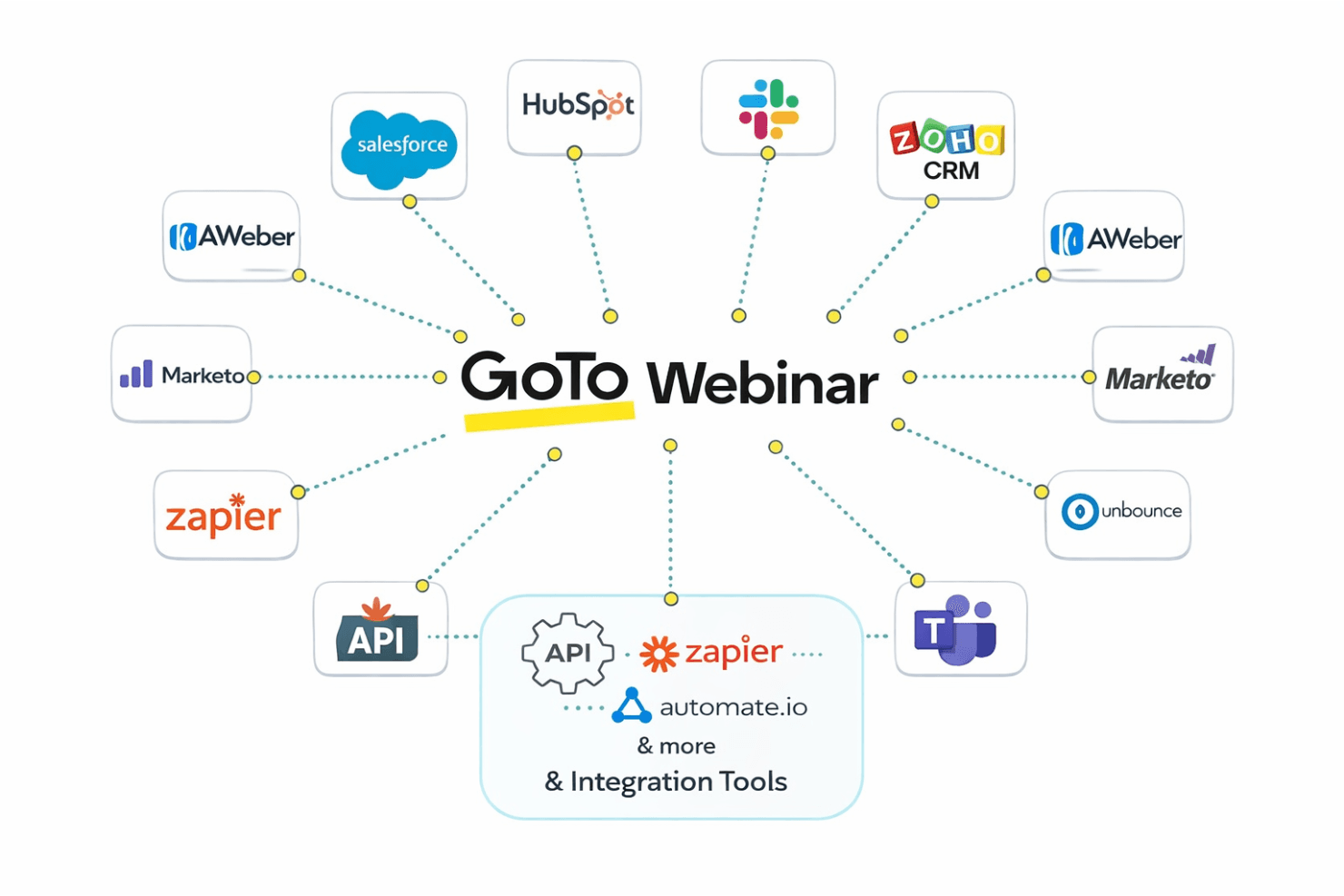
GoTo Webinar integrates with Salesforce, HubSpot, Slack, Zoho CRM, Aweber, Unbounce, Automate.io, Marketo, Zapier, and Microsoft Teams, among others.
GoTo Webinar also offers an API and connects with third-party integration tools for expanded automation and workflow options.
GoTo Webinar Specs
- API: No
- Calendar Management: No
- Chat: Yes
- Contact Management: Yes
- Contact Sharing: No
- Email Integration: Yes
- External Integrations: Yes
- Google Apps Integration: No
- History/Version Control: No
- Multi-User: Yes
- Notifications: No
- Project Management: No
- Scheduling: Yes


