

Un generador de logotipos con IA es una herramienta digital que utiliza inteligencia artificial para crear diseños de logotipos personalizados en cuestión de minutos. Si estás buscando el mejor generador de logotipos con IA, probablemente te interese conseguir un aspecto profesional rápidamente, sin contratar a un diseñador ni lidiar con software complicado.
En esta guía encontrarás mis mejores opciones para 2026, con una visión clara de las funciones, el control creativo y lo que diferencia a cada herramienta. Tanto si necesitas un kit de marca completo como un logotipo rápido para tu sitio web, podrás ver qué generadores de logotipos con IA ofrecen realmente calidad y facilidad de uso.
Por qué confiar en nuestras recomendaciones de software
6,700+
Reviews
20
Industry experts
16+
Evaluation factors
14
Years
Nuestro equipo lleva probando y evaluando software desde 2012. Como líderes de marketing, sabemos lo difícil —y lo importante— que es elegir el software adecuado.
Para esta guía, evaluamos las herramientas mediante pruebas prácticas e investigación independiente, puntuando las herramientas según nuestros criterios de selección.
Nuestras reseñas reflejan nuestro criterio editorial humano, no un discurso de ventas.
Revisores expertos:
 Gui DrusinaDirector creativo
- Shriya GhateSenior Marketing Lead
 Amanda JacquesLíder de Marketing Ops

Tabla comparativa: generadores de logotipos con IA
Esta tabla comparativa resume los detalles de precios de mis principales selecciones de generadores de logotipos con IA.
| Tool | Best For | Trial Info | Price | ||
|---|---|---|---|---|---|
| 1 | El mejor para edición de logotipos basada en plantillas | Prueba gratuita de 7 días + plan gratuito disponible | Desde $10.99/mes | Website | |
| 2 | Ideal para descargas gratuitas de logotipos | Plan gratuito disponible | Precio a consultar | Website | |
| 3 | Lo mejor para opciones de personalización de logotipos | No disponible | Precios a consultar | Website | |
| 4 | Lo mejor para activos de branding listos para negocios | Plan gratuito + prueba gratuita de 30 días disponible | Desde $199/año | Website | |
| 5 | Mejor para integración de sitio web y logotipo | Plan gratuito disponible | Desde $9/mes | Website | |
| 6 | Ideal para kits de marca completos con descargas de logotipos | Plan gratuito disponible | Precios a consultar | Website | |
| 7 | Ideal para exportar logotipos en múltiples formatos | No disponible | Desde $8.30/mes (facturado anualmente) | Website | |
| 8 | Ideal para generar estilos de logotipo únicos | No disponible | Desde $35/pago único por logotipo | Website | |
| 9 | Mejor soporte para branding multilingüe | Demo gratis disponible | Desde $29/mes | Website | |
| 10 | Ideal para flujos de trabajo automatizados de creación de logotipos | No disponible | Precio a consultar | Website |


Opiniones sobre los mejores generadores de logotipos con IA
A continuación encontrarás mis resúmenes detallados de los mejores generadores de logotipos con IA que llegaron a mi selección. Mis reseñas ofrecen una visión detallada de las funciones, las capacidades creativas y los precios de cada herramienta para ayudarte a encontrar la mejor opción para ti.
 El mejor para edición de logotipos basada en plantillas
- Prueba gratuita de 7 días + plan gratuito disponible
- Desde $10.99/mes
Visit WebsiteCustomer Rating:4.5/5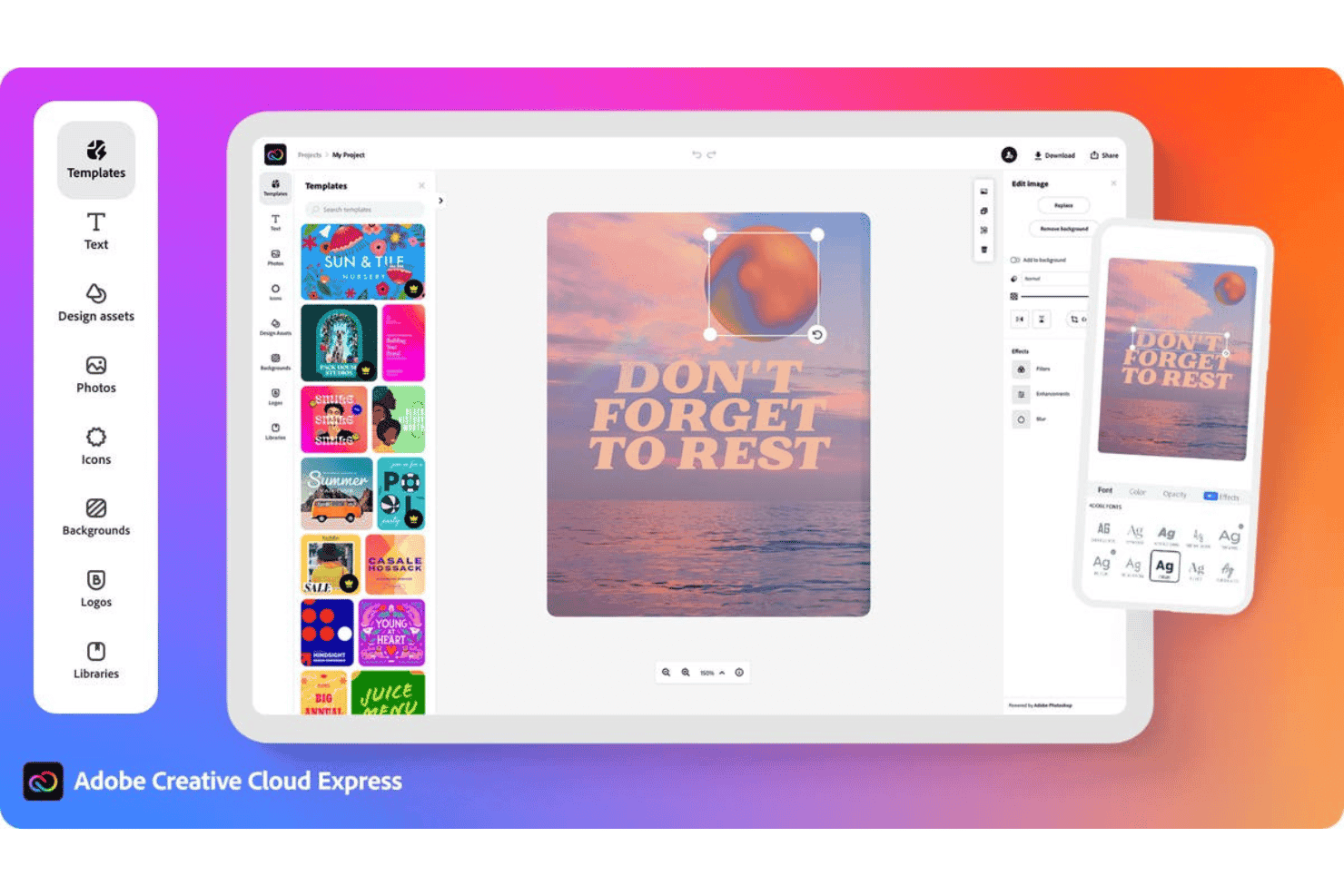
Adobe Express ofrece un editor de diseño basado en la web con plantillas, texto, fotos, íconos y herramientas de edición de fuentes para crear gráficos para redes sociales. Adobe Express es una plataforma de diseño con un creador de logotipos con IA incorporado que combina la IA generativa impulsada por Firefly con una extensa biblioteca de plantillas, permitiéndote crear, personalizar y animar logotipos junto con otros elementos de marca.
¿Para Quién es Mejor Adobe Express?
Adobe Express es ideal para fundadores de startups y propietarios de pequeñas empresas que necesitan construir visuales de marca rápidamente sin una formación en diseño dedicada.
Por Qué Elegí Adobe Express
Adobe Express merece estar en mi lista porque la biblioteca de plantillas te brinda una base creativa sólida antes de que la IA toque tu logotipo. Me gusta que puedes subir imágenes de referencia para guiar la generación de Firefly, de manera que el resultado realmente refleje el estilo que buscas en lugar de crear interpretaciones aleatorias de la IA. La función de Redimensionar con un clic adapta tu logotipo terminado a diferentes formatos de canal sin tener que rehacer nada desde cero.
Características Clave de Adobe Express
- Solicitudes de entrada de marca: Recoge el nombre de la marca, preferencias de estilo e imágenes de referencia para personalizar el proceso de generación de la IA.
- Generador de logotipos basado en plantillas: Te permite empezar a partir de miles de variantes de diseño adaptadas a tu industria o estilo.
- Integración del Brand Kit: Crea y aplica paletas de colores, tipografía y variantes de logotipo en todos los proyectos de diseño dentro de la plataforma.
- Opciones de exportación en múltiples formatos: Exporta logotipos como archivos PNG, JPG, PDF o MP4 para su uso en canales digitales e impresos.
Integraciones de Adobe Express
Adobe Express se integra de forma nativa con Adobe Creative Cloud y ofrece publicación directa en plataformas como TikTok, Google Drive y Facebook. No se documenta claramente una API para integraciones personalizadas.
Pros and Cons
Pros:
- Enorme biblioteca de plantillas de logotipos personalizables
- Firefly AI genera conceptos de logotipo alineados con la marca
- Anima logotipos directamente dentro de la plataforma
Cons:
- No está diseñado exclusivamente para la creación de logotipos
- Requiere pasos extra para logotipos independientes
Learn more about Adobe Express: Ideal para descargas gratuitas de logotipos
- Plan gratuito disponible
- Precio a consultar
Visit WebsiteCustomer Rating:4.3/5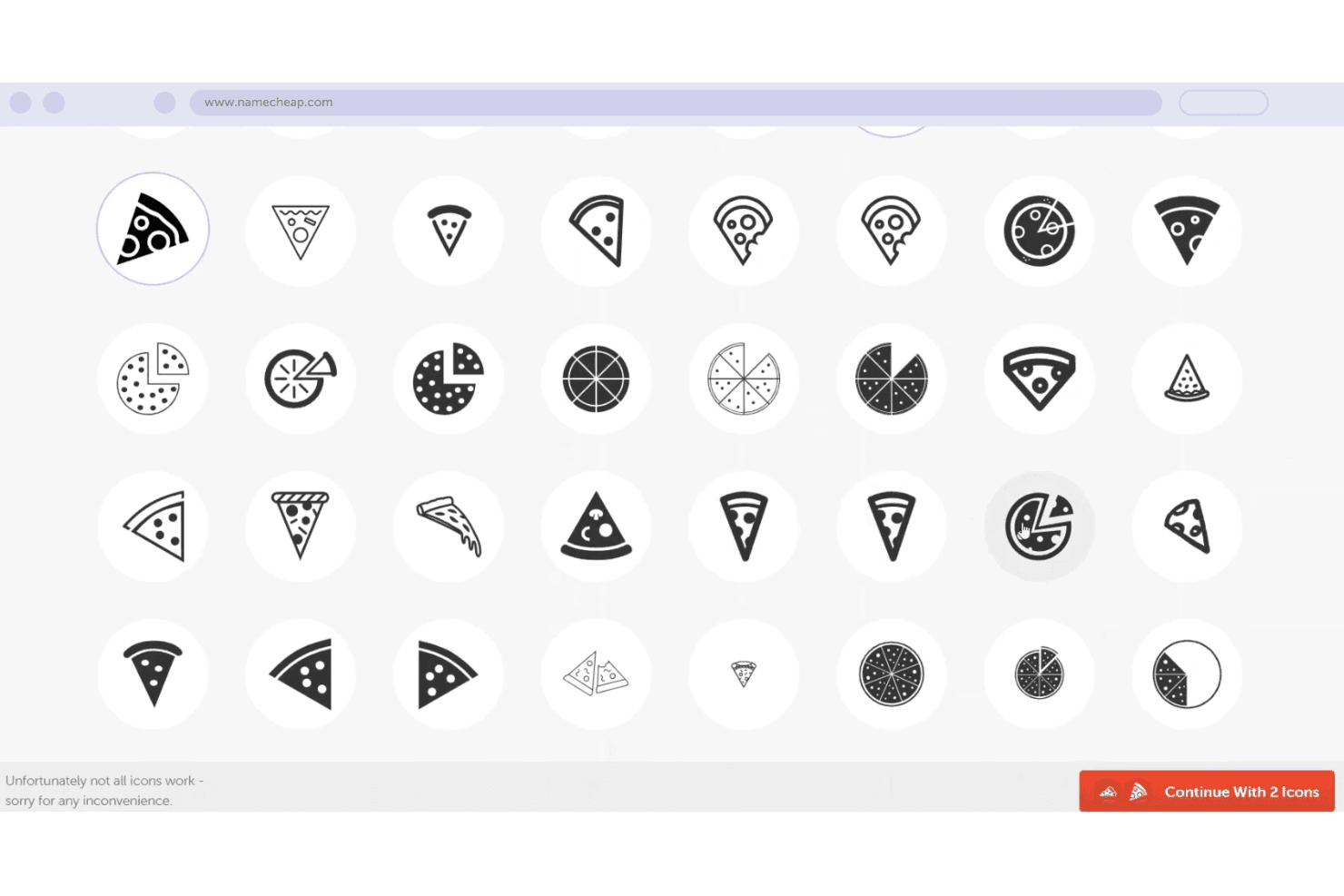
Namecheap ofrece una herramienta de selección de íconos temáticos de pizza con múltiples variaciones de estilo para elegir como logotipo o para la identidad de un dominio. El Creador de Logotipos de Namecheap es un generador de logotipos gratuito impulsado por IA que crea diseños originales a partir de datos de marca como el nombre del negocio, el sector y preferencias de estilo, con controles de personalización para fuentes, colores, íconos y disposiciones.
¿Para quién es mejor Namecheap?
El Creador de Logotipos de Namecheap es ideal para fundadores de startups y emprendedores independientes que necesitan un logotipo profesional sin contar con presupuesto de diseño.
Por qué elegí Namecheap
Elegí el Creador de Logotipos de Namecheap porque es uno de los pocos generadores de logotipos con IA que te entrega archivos vectoriales SVG completamente gratis, sin marcas de agua. La mayoría de herramientas gratuitas restringen la descarga de vectores a planes de pago. He descargado logotipos en formatos PNG y SVG sin toparme con ninguna solicitud de mejora, y no hay límite en la cantidad de versiones que puedo crear y descargar.
Características clave de Namecheap
- Diseño de logotipos con IA: Genera logotipos originales en función del nombre, sector y preferencias de estilo de tu empresa.
- Paletas de colores personalizadas: Permite aplicar y editar esquemas de color predefinidos o personalizados directamente en el editor.
- Acceso a biblioteca de íconos: Ofrece miles de íconos integrados para personalizar el concepto de tu logotipo.
- Vistas previas realistas: Muestra cómo lucirá tu logotipo en camisetas, tarjetas de presentación y sitios web antes de la descarga.
Integraciones de Namecheap
No se documentan claramente integraciones nativas para el Creador de Logotipos de Namecheap, y no se menciona Zapier ni una API para integraciones personalizadas.
Pros and Cons
Pros:
- Las descargas en SVG y PNG son totalmente gratuitas
- Genera más de 100 variaciones de logotipo al instante
- No se requiere información de pago para descargar
Cons:
- No admite tamaños personalizados de exportación
- No permite exportar variantes en tamaño para redes sociales
Learn more about namecheap: Lo mejor para opciones de personalización de logotipos
- No disponible
- Precios a consultar
Visit WebsiteCustomer Rating:2.8/5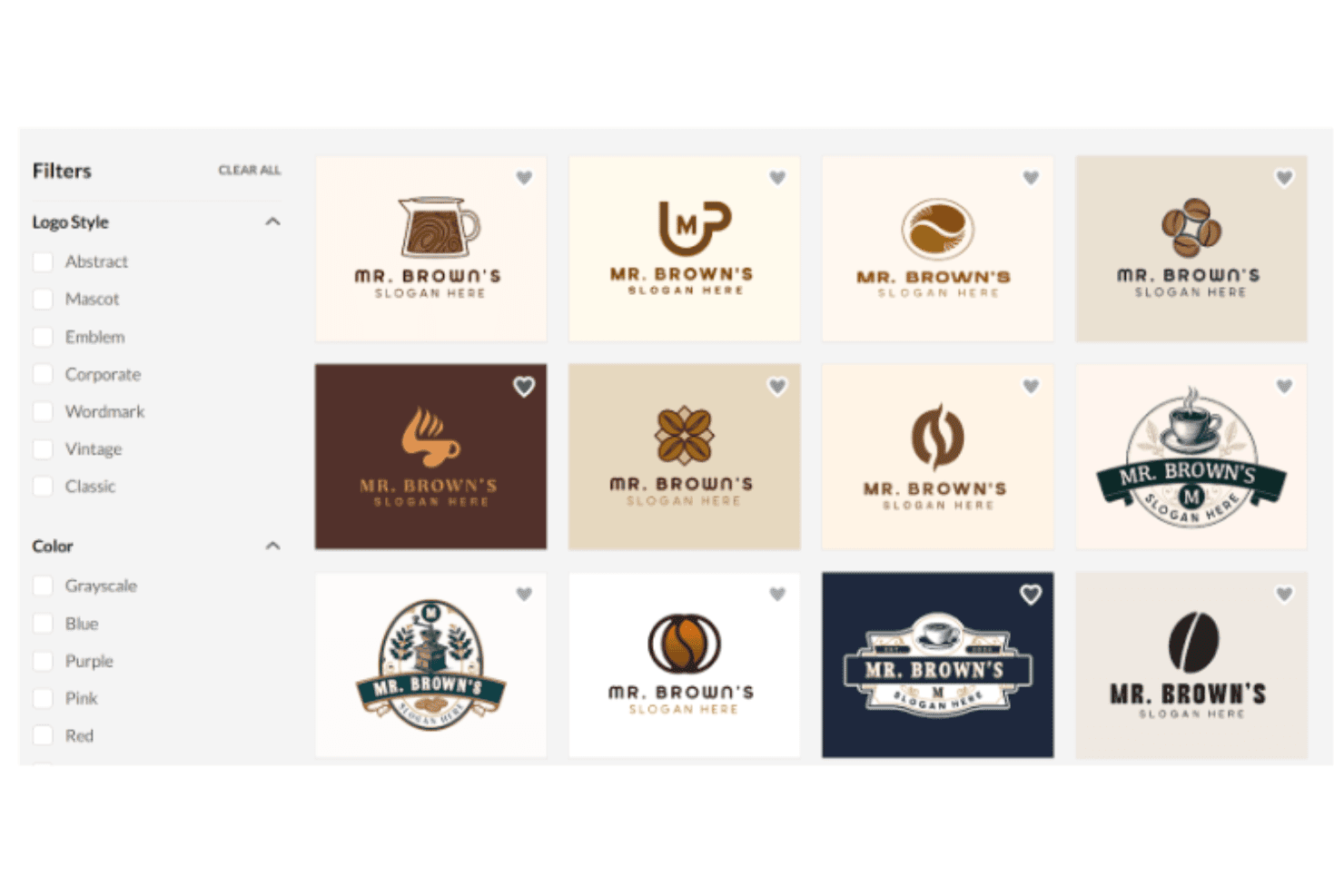
BrandCrowd ofrece una interfaz para crear logotipos con plantillas filtrables para cafeterías mostradas en un diseño de cuadrícula. BrandCrowd es un generador de logotipos con IA que combina una biblioteca de más de 380.000 plantillas creadas por diseñadores con emparejamiento impulsado por IA, un editor de logotipos de arrastrar y soltar y un conjunto de herramientas de activos de marca que cubren todo, desde gráficos para redes sociales hasta tarjetas de visita.
¿Para Quién es Mejor BrandCrowd?
BrandCrowd es ideal para fundadores de startups y propietarios de pequeñas empresas que necesitan crear un logotipo pulido y activos de marca de apoyo sin tener experiencia en diseño.
Por Qué Elegí BrandCrowd
BrandCrowd merece su lugar en mi lista corta porque la profundidad de su editor de logotipos no se parece a la mayoría de herramientas de logotipos con IA que he utilizado. Puedo ajustar fuentes, colores, iconos y diseños, y añadir gradientes, texto curvo y lemas —todo dentro de la misma sesión. El editor de chat por IA también me permite escribir solicitudes directas como “haz el icono más grande” o “cambia a una paleta más oscura” y ver los cambios aplicados de inmediato, lo que hace que iterar sobre un diseño sea mucho más rápido que reconstruir desde cero.
Características Clave de BrandCrowd
- Exportaciones de archivos vectoriales listas para producción: Descarga logotipos en formatos SVG, EPS y PDF para usar en impresión, web y merchandising.
- Generación completa de kit de activos de marca: Genera automáticamente tarjetas de presentación, plantillas para redes sociales, membretes y firmas de correo electrónico a partir de cualquier logotipo elegido.
- Condicionamiento por industria y estilo: Selecciona entre categorías industriales predefinidas y palabras clave de estilo para mostrar plantillas de logotipos relevantes alineadas con tu marca.
- Proceso de revisión de marcas registradas: Los logotipos pasan por revisiones de propiedad intelectual para ayudar a reducir el riesgo de marca registrada antes de su uso comercial.
Integraciones de BrandCrowd
Las integraciones nativas no están claramente documentadas. BrandCrowd ofrece una API para integraciones personalizadas.
Pros and Cons
Pros:
- Enorme biblioteca de plantillas con más de 380.000 diseños
- Editor de chat con inteligencia artificial incorporado
- Crea automáticamente vistas previas de productos físicos simulados
Cons:
- La generación por IA es menos original que la de la competencia
- Requiere compra para descargar archivos en alta resolución
Learn more about BrandCrowd: Lo mejor para activos de branding listos para negocios
- Plan gratuito + prueba gratuita de 30 días disponible
- Desde $199/año
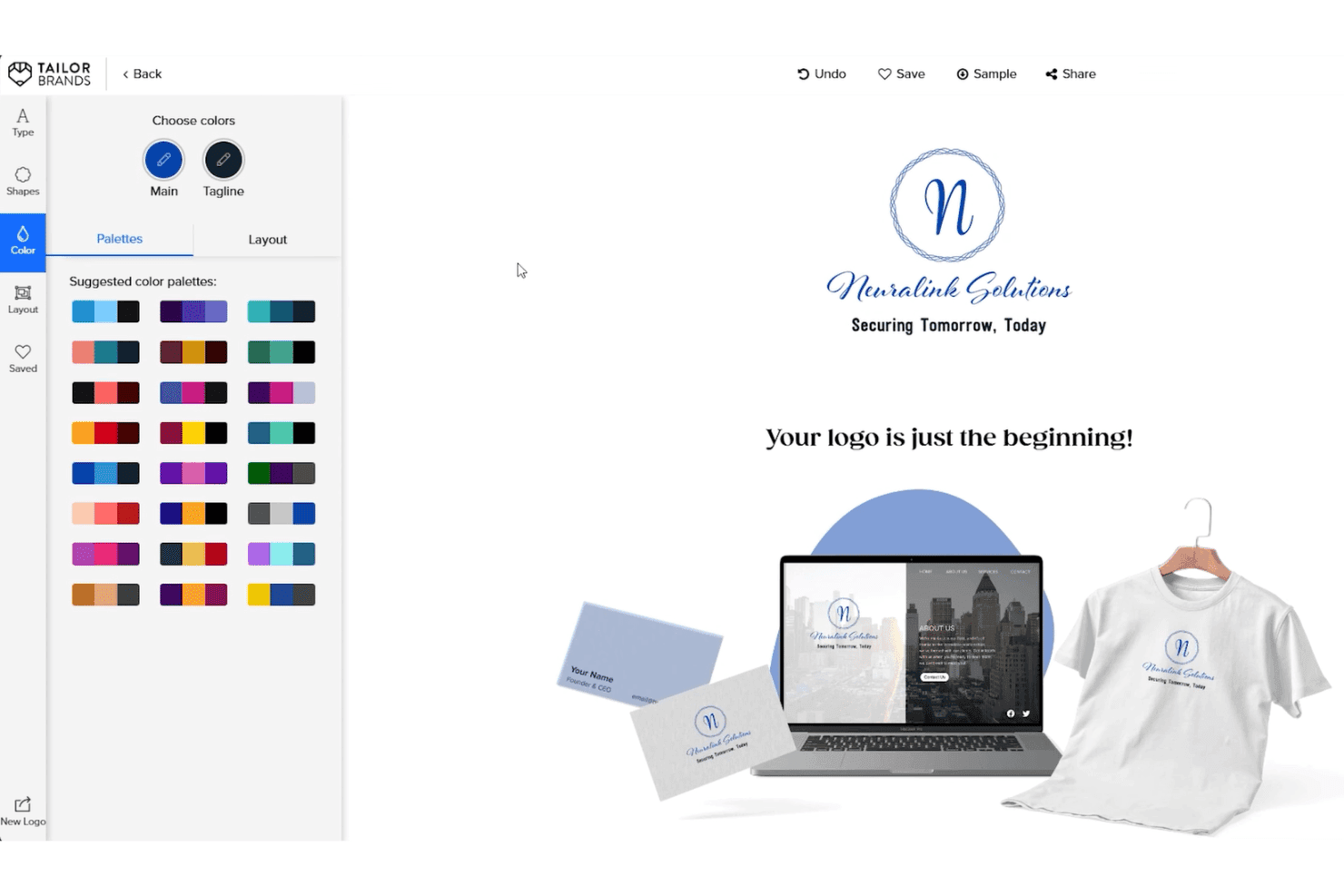
Tailor Brands ofrece una herramienta de personalización de paleta de colores de logotipo con vista previa en tiempo real en tarjetas de presentación, sitios web y prendas. Tailor Brands es un generador de logos con IA que combina su motor de creación de logotipos con un completo kit de herramientas de branding, incluyendo manuales de marca, recursos para redes sociales, tarjetas de presentación y servicios de constitución de LLC.
¿Para quién es mejor Tailor Brands?
Tailor Brands es ideal para fundadores de startups y dueños de pequeñas empresas que necesitan un logotipo y activos de marca listos para usar desde el primer día.
Por qué elegí Tailor Brands
He incluido Tailor Brands en mis principales opciones porque el generador de logos con IA no se detiene en el propio logotipo. Una vez finalizado el diseño, la plataforma genera un manual de marca, papelería, tarjetas de presentación y 21 formatos pre-redimensionados para redes sociales junto con tus archivos vectoriales (EPS y SVG) con derechos comerciales completos. Me gusta especialmente la función de logotipo estacional, que me permite adaptar el símbolo de la marca para campañas específicas sin tener que comenzar de cero el proceso de diseño.
Características clave de Tailor Brands
- Selección de estilo de logo: Elige entre logotipo tipográfico, monograma y tipo guiado por icono para orientar el proceso de creación de la IA.
- Cuestionario de marca: Ingresa el nombre del negocio, tipo, descripción, industria y preferencias de estilo para dirigir la generación del logotipo.
- 21 formatos de logo para redes sociales: Recibe descargas al instante en dimensiones específicas para cada plataforma para publicaciones directas.
- Exportaciones vectoriales con fondo transparente: Descarga logotipos en SVG y EPS en alta resolución con fondos transparentes para un uso versátil.
Integraciones de Tailor Brands
Las integraciones nativas no están claramente documentadas. No se anuncia una API para integraciones personalizadas.
Pros and Cons
Pros:
- Genera un kit de marca completo junto a los logotipos
- Incluye función de variación estacional del logotipo
- Exporta archivos vectoriales con derechos comerciales
Cons:
- Los resultados de la IA dependen de una biblioteca de iconos limitada
- No permite diseño de logotipos ni edición de documentos sin conexión
Learn more about Tailor Brands: Mejor para integración de sitio web y logotipo
- Plan gratuito disponible
- Desde $9/mes
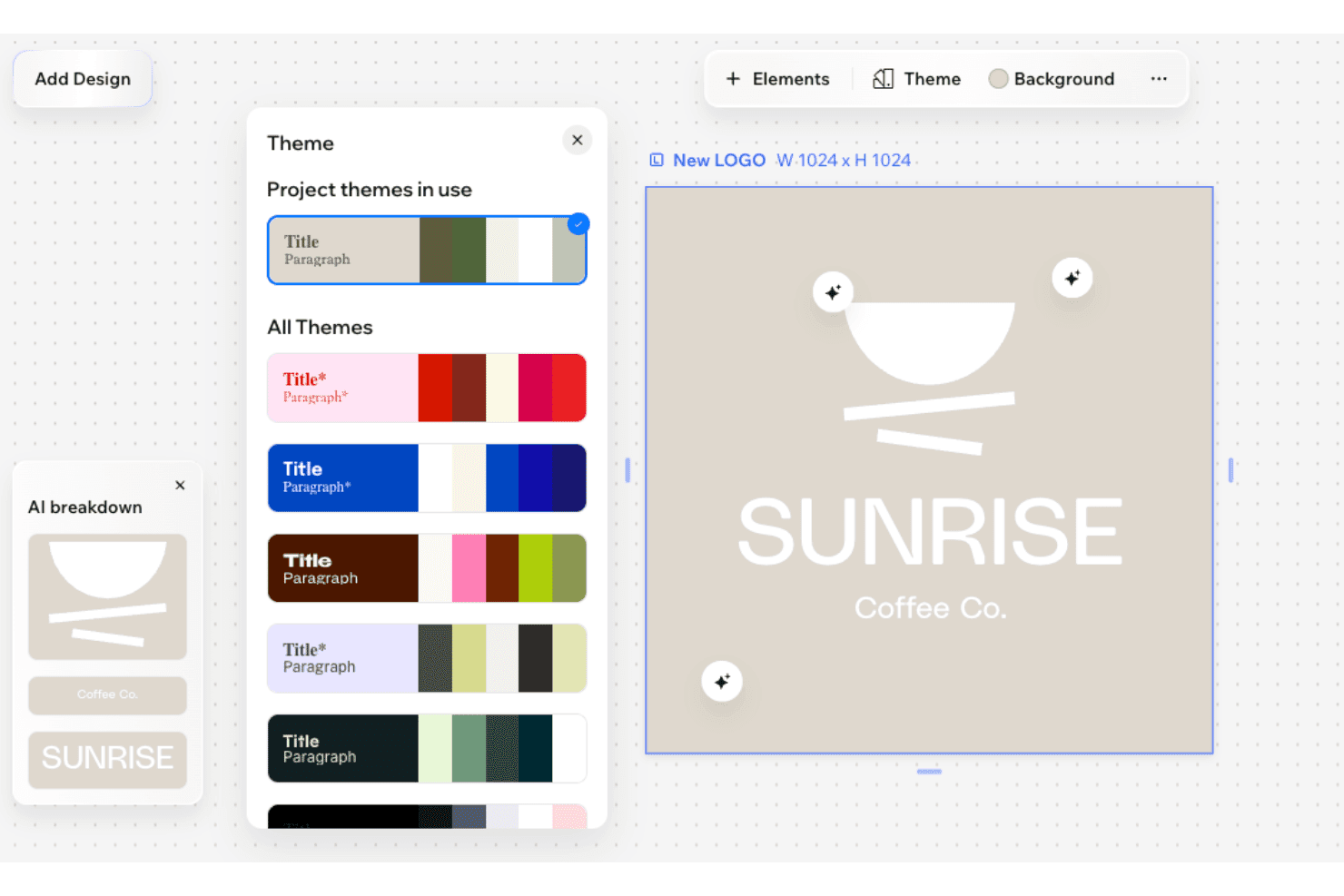
Wix Wixel muestra un panel de Temas con paletas de colores y un logotipo generado por IA para 'Sunrise Coffee Co.' sobre un fondo beige. Wix Wixel es una plataforma de diseño visual impulsada por IA que genera logotipos, kits de marca y activos creativos en múltiples formatos utilizando una combinación seleccionable de modelos de IA como OpenAI, Gemini, Recraft e Ideogram.
¿Para quién es mejor Wix Wixel?
Wix Wixel es ideal para fundadores en etapas iniciales y propietarios de pequeñas empresas que necesitan crear un logotipo y tener presencia web desde una sola plataforma.
Por qué elegí Wix Wixel
Wix Wixel merece su lugar en mi lista por lo bien que el generador de logotipos se conecta con el lanzamiento completo de un sitio web. En el plan Pro anual, obtengo un plan gratuito Wix Light Premium y un cupón para dominio incluidos, por lo que puedo pasar de la idea del logotipo al sitio web en vivo sin cambiar de herramientas. También me gusta que la IA de Wixel genera un tema de marca completo a partir de mi logotipo, incluyendo colores y tipografía, y lo aplica a todos los activos creativos que construyo en la suite.
Características clave de Wix Wixel
- Selección de motor de IA multimodelo: Permite elegir entre OpenAI, Gemini, ByteDance, Recraft o Ideogram para generar activos de diseño.
- Creación de logotipos basada en información de marca: Recopila nombre de la empresa, industria y preferencias de estilo para personalizar la generación del logotipo.
- Herramientas manuales de edición de logotipos: Permite la personalización en el lienzo de fuentes, colores, iconos y el diseño en logotipos generados por IA.
- Descargas vectoriales y con fondo transparente: Permite descargar en formatos SVG, PNG y JPG con fondos transparentes para un uso versátil.
Integraciones de Wix Wixel
Las integraciones nativas no están claramente documentadas. No se anuncia una API para integraciones personalizadas.
Pros and Cons
Pros:
- El logotipo se sincroniza directamente con el constructor de sitios web de Wix
- Elección de los principales modelos de inteligencia artificial
- Múltiples modelos de IA disponibles para la generación
Cons:
- Las herramientas de edición de logotipos son menos avanzadas que las de la competencia
- El mejor valor está ligado a una suscripción de sitio web
Learn more about Wix Wixel: Ideal para kits de marca completos con descargas de logotipos
- Plan gratuito disponible
- Precios a consultar

Looka ofrece un editor de diseño de logotipos con variaciones de disposición, esquemas de color y una vista previa en vivo de la personalización de branding para bodas o parejas. Looka es un generador de logotipos con IA que crea logotipos a partir de datos de la marca como el nombre, la industria, las preferencias de estilo y los colores, y combina cada logotipo con un kit completo de marca que incluye activos visuales de soporte.
¿Para quién es mejor Looka?
Looka es ideal para fundadores de startups y propietarios de pequeñas empresas que necesitan una identidad visual de marca completa sin trabajar con un diseñador profesional.
Por qué elegí Looka
Looka se gana su lugar en mi lista porque ninguna otra herramienta de logotipos con IA que he usado iguala la profundidad de su Kit de Marca. Después de finalizar un logotipo, obtengo paletas de colores, combinaciones tipográficas, guías de marca y más de 300 plantillas listas para usar que abarcan desde formatos para publicaciones en redes sociales hasta membretes y facturas. Las opciones de descarga de archivos también son completas: los archivos PNG, SVG, PDF y EPS con fondos transparentes y múltiples variaciones de color se incluyen en el paquete Premium.
Funciones clave de Looka
- Generación de logotipos con IA: Genera múltiples logotipos originales según el nombre de tu empresa, industria, estilo y preferencias de símbolos.
- Controles de diseño personalizables: Permite editar fuentes, colores, iconos y composiciones directamente en la plataforma antes de finalizar tu diseño.
- Descarga de logotipos en varios formatos: Exporta archivos de alta resolución en formatos PNG, SVG, PDF y EPS para un uso inmediato de tu marca.
- Filtros de estilo y variaciones: Ofrece descriptores de estilo y filtros para refinar y regenerar conceptos de logotipo hasta que encuentres el adecuado.
Integraciones de Looka
Las integraciones nativas no están claramente documentadas. Hay una API disponible para integraciones personalizadas.
Pros and Cons
Pros:
- Los iconos se comparten entre todos los logotipos generados por Looka
- El nombre de la empresa queda fijado tras la compra
- El acceso al kit completo de marca requiere una suscripción continua
Cons:
- No hay descarga gratuita de vectores en el plan básico
- No permite exportar código personalizado para sitios web ya creados
Learn more about Looka: Ideal para exportar logotipos en múltiples formatos
- No disponible
- Desde $8.30/mes (facturado anualmente)
Designs.ai muestra un panel de Directrices de Marca con paletas de color, escalas tipográficas, especificaciones del logotipo, sistemas de cuadrícula y una biblioteca de componentes. Logomaker de Designs.ai es una herramienta de branding impulsada por IA que genera conceptos de logotipos a partir de datos de la marca, ofrece exportaciones en múltiples formatos y produce un kit de marca completo incluyendo paletas de colores, combinaciones tipográficas y variantes de logotipo.
¿Para quién es mejor Designs.ai?
Logomaker de Designs.ai es ideal para fundadores de startups y dueños de pequeños negocios que necesitan un paquete de identidad de marca completo sin contar con un equipo de diseño dedicado.
Por qué elegí Designs.ai
Logomaker de Designs.ai merece su puesto en mi lista por el alcance de sus capacidades de exportación. Cuando finalizo un logotipo, puedo descargarlo en formatos PNG, SVG y PDF, con versiones de fondo transparente y especificaciones listas para impresión incluidas en un solo paquete. Además, el kit de marca agrupa archivos con tamaños para redes sociales y maquetas de productos de merchandising de la marca, así que no tengo que redimensionar activos manualmente después.
Características clave de Designs.ai
- Generación de logotipos con IA: Crea logotipos originales utilizando el nombre de tu marca, industria y preferencias de estilo como entrada.
- Creador de kit de marca: Genera automáticamente paletas de colores coordinadas, tipografía y variantes de logotipo a partir del logotipo elegido.
- Creación de diseños en masa: Produce grandes conjuntos de variantes de logotipos y activos de marca en un solo flujo de trabajo.
- Suite de diseño integrada: Conecta la salida de logotipos directamente con otras herramientas para crear videos, presentaciones y diseños para redes sociales.
Integraciones de Designs.ai
Las integraciones nativas no están claramente documentadas. Hay una API disponible para integraciones personalizadas.
Pros and Cons
Pros:
- Generación rápida de gráficos a juego
- Conexión directa con el editor visual
- Creación rápida de activos en masa
Cons:
- Los logotipos exportados lucen genéricos entre industrias
- Sin aplicación móvil dedicada para ediciones en movimiento
Learn more about Designs.ai: Ideal para generar estilos de logotipo únicos
- No disponible
- Desde $35/pago único por logotipo
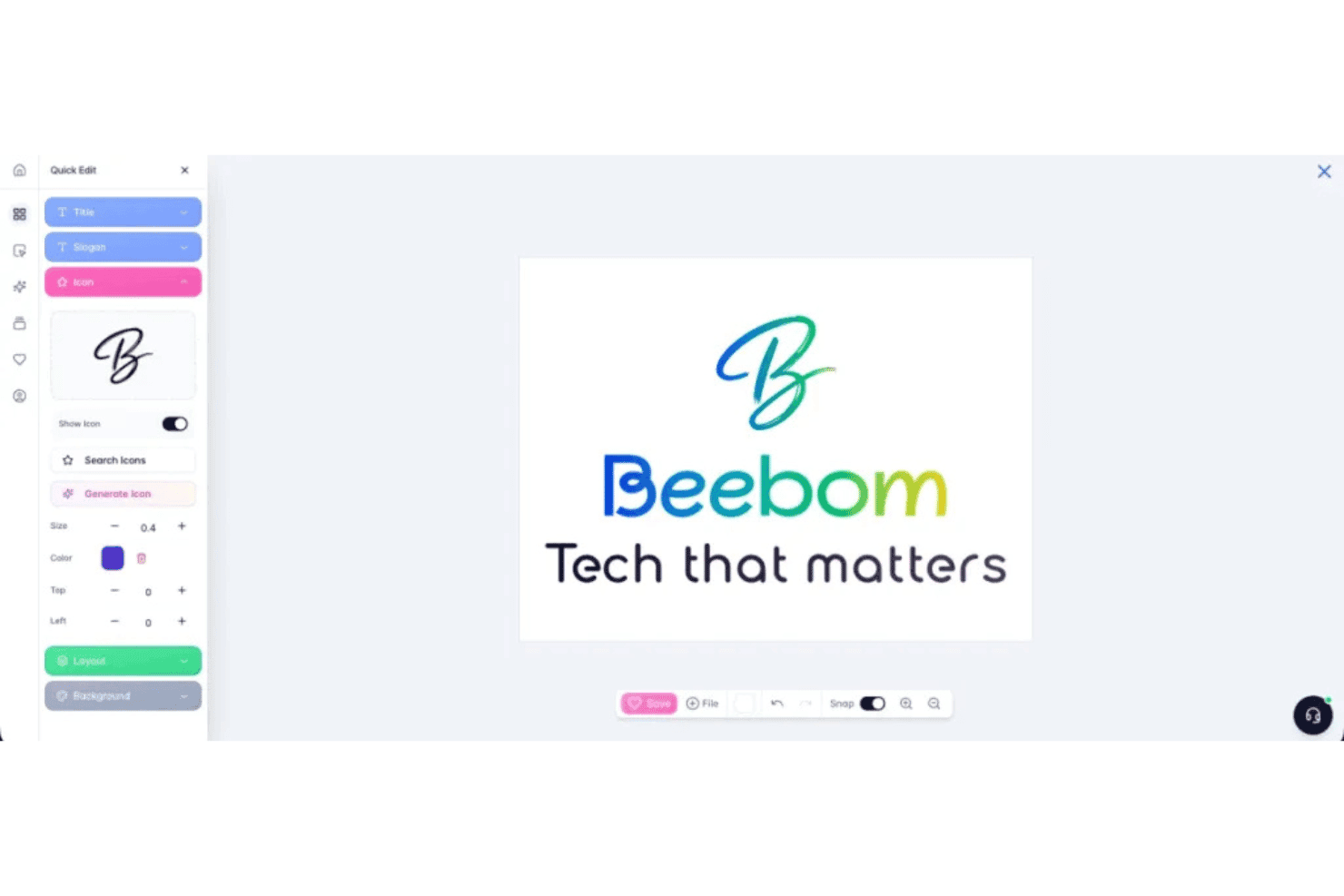
Brandmark permite a los usuarios personalizar logotipos con herramientas de edición rápidas para el título, eslogan, icono, diseño y configuraciones de fondo. Brandmark es un generador de logotipos con IA que combina aprendizaje profundo con elementos de diseño elaborados a mano para producir logotipos, paletas de colores, tipografías y un conjunto completo de activos de marca a partir de palabras clave y preferencias de estilo.
¿Para quién es mejor Brandmark?
Brandmark es ideal para fundadores de startups y propietarios de pequeñas empresas que necesitan una identidad de marca completa sin conocimientos de diseño ni presupuesto de agencia.
Por qué elegí Brandmark
Seleccioné Brandmark como uno de los mejores porque su modelo de aprendizaje profundo, entrenado con más de un millón de imágenes de logotipos, genera resultados de estilo realmente variados en lugar de plantillas recicladas. El enfoque híbrido, que combina iconos generados por IA con tipografía artesanal, es lo que le da a cada logotipo su carácter distintivo. Además, confío en la herramienta Logo Rank para evaluar la originalidad y señalar si algún icono generado proviene de fuentes de stock.
Características clave de Brandmark
- Generador de kit de marca: Crea automáticamente un conjunto completo de activos de marca, incluyendo paletas de colores, tipografía, tarjetas de presentación y plantillas para presentaciones.
- Exportaciones en múltiples formatos: Permite descargar logotipos en SVG, PNG y PDF para su uso en web, impresión y productos promocionales.
- Revisiones ilimitadas tras la compra: Ofrece la edición continua de tu logotipo y activos de marca incluso después de la compra inicial.
- Editor de logotipos en el navegador: Permite modificar directamente texto, fuentes, colores e iconos desde tu navegador, sin necesidad de software adicional.
Integraciones de Brandmark
Las integraciones nativas no están claramente documentadas. Hay una API disponible para integraciones personalizadas.
Pros and Cons
Pros:
- La herramienta Logo Rank evalúa la originalidad antes de la descarga
- Genera resultados de estilo variados en múltiples categorías
- La compra única incluye todos los formatos de archivo vectorial
Cons:
- Los controles de edición sobre el lienzo son limitados para ajustes complejos
- No hay plan gratuito para probar los resultados antes de comprar
Learn more about Brandmark:
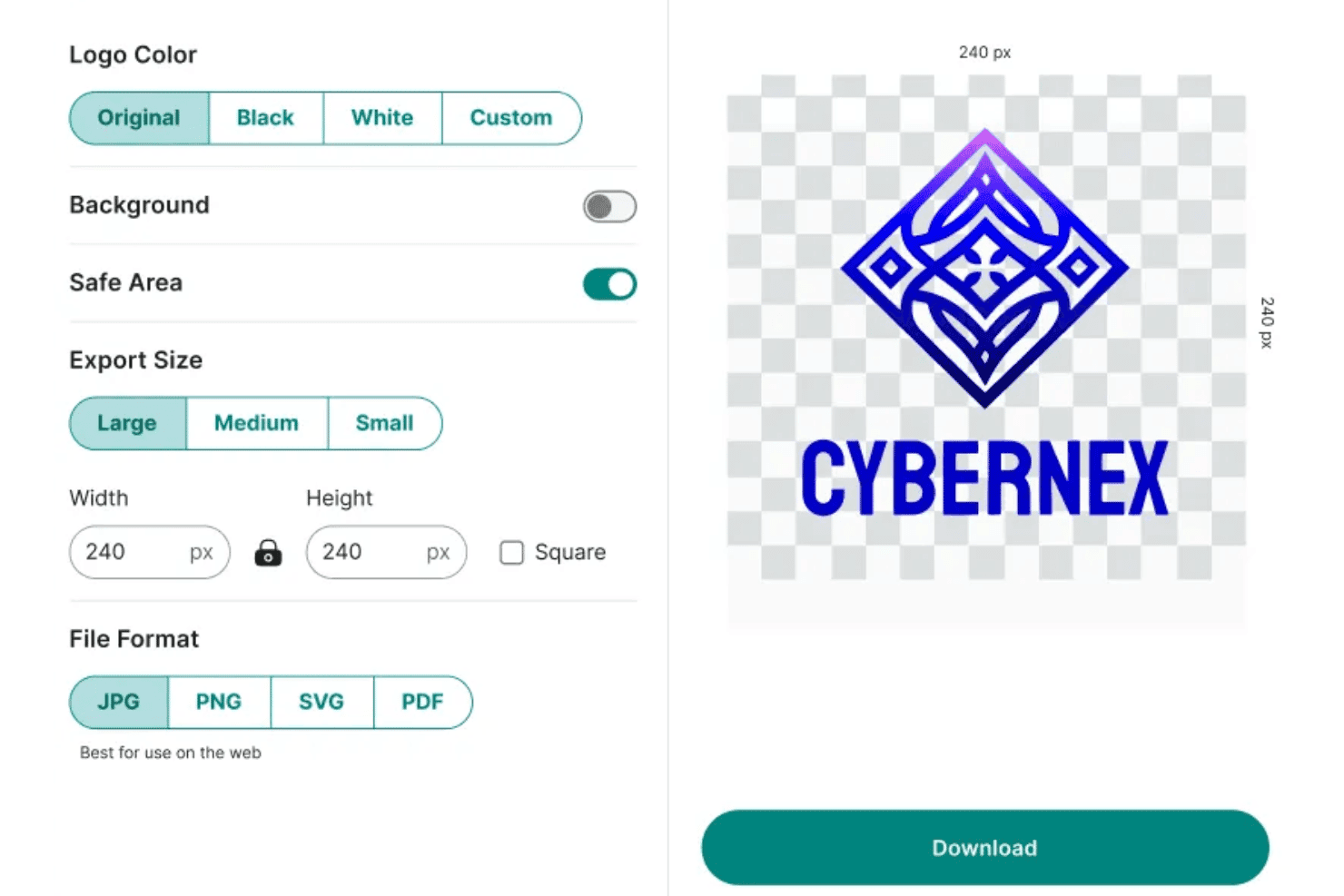
Zoviz ofrece configuraciones de exportación de logotipos que incluyen opciones de color, activación de fondo, selección de tamaño y tipo de archivo para descargar un logo personalizado. Zoviz es un generador de logotipos con IA que produce logos originales a partir de la información de la marca utilizando plantillas diseñadas por humanos y personalizadas por IA, y entrega un kit de marca completo que incluye recursos, tipografía, paletas de colores y guías de marca.
¿Para quién es mejor Zoviz?
Zoviz es ideal para fundadores de startups y responsables de marketing de pequeñas empresas que están construyendo identidades de marca para audiencias multilingües o internacionales.
Por qué elegí Zoviz
Elegí Zoviz como uno de los mejores porque su soporte multilingüe va mucho más allá de una simple capa de traducción. Cuenta con creadores de logos dedicados para más de 12 mercados de idiomas específicos, incluyendo árabe, chino, japonés y coreano, por lo cual la tipografía y el diseño están construidos desde el inicio en torno a los conjuntos de caracteres de cada idioma. También me gusta que cada logo viene con un Brand Book completo, ofreciendo a una empresa que se expande a un nuevo mercado los códigos de color, normas de fuentes y directrices de diseño en una sola descarga.
Características clave de Zoviz
- Exportación en SVG, EPS y PDF: Descarga logotipos en múltiples formatos vectoriales para uso digital e impreso.
- Generador de kit de marca en la app: Crea instantáneamente tarjetas de presentación, hojas membretadas, favicons y recursos para redes sociales a partir de tu logotipo finalizado.
- Plantillas de IA orientadas al estilo: Guía la creación del logo con categorías de industria y descriptores de estilo como minimalista, vintage o mascota.
- Controles de edición del logotipo: Ajusta iconos, texto, fuentes, colores y diseño directamente en la plataforma sin necesidad de regenerar los diseños.
Integraciones de Zoviz
Las integraciones nativas no están claramente documentadas. Hay una API disponible para integraciones personalizadas.
Pros and Cons
Pros:
- Creadores de logotipos dedicados para más de 12 idiomas
- El Brand Book completo se entrega con cada logo
- Crea firmas de correo electrónico a juego de forma instantánea
Cons:
- Las salidas de IA pueden sentirse dependientes de plantillas
- No ofrece escaneo de conflictos de marcas registradas
Learn more about Zoviz: 10Ideal para flujos de trabajo automatizados de creación de logotipos
Logo.com
- No disponible
- Precio a consultar
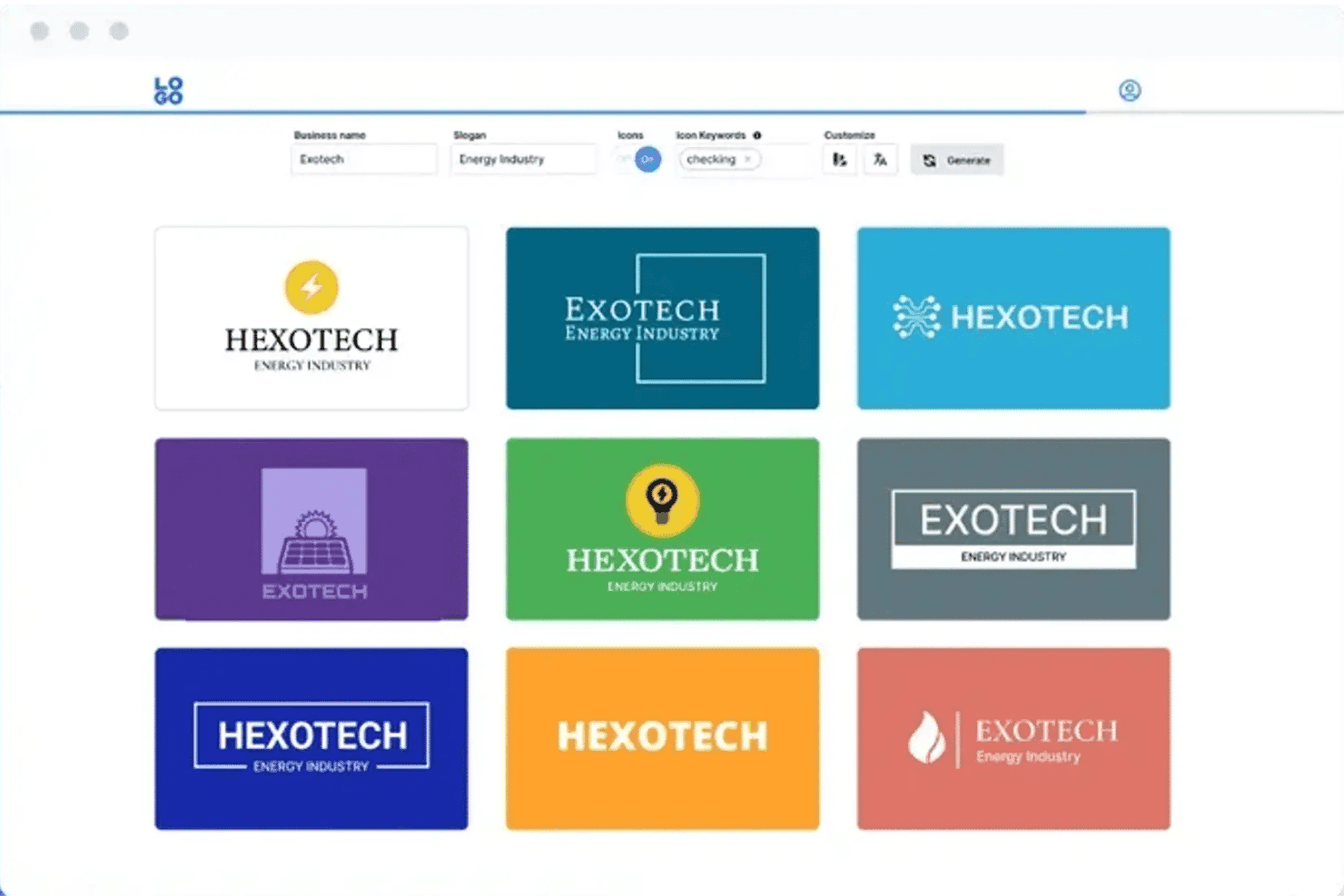
Logo.com ofrece un generador de logotipos impulsado por IA que muestra múltiples variaciones de diseño de logotipos con opciones personalizables para nombre de empresa, eslogan e icono. Logo.com es un generador de logotipos con IA que crea logotipos vectoriales totalmente personalizados y dibujados por IA a partir de una breve descripción de texto, y los acompaña con un kit completo de activos de marca que incluye archivos para redes sociales, tipografía y directrices de marca.
¿Para Quién Es Mejor Logo.com?
Logo.com es ideal para fundadores en etapas iniciales y propietarios de pequeñas empresas que necesitan pasar de cero a una identidad de marca completa sin tener un diseñador en plantilla.
Por Qué Elegí Logo.com
Logo.com se gana su lugar en mi lista corta por lo lejos que llega realmente el flujo de trabajo automatizado. He generado un logotipo y terminado con más de 250 archivos listos para producción, incluyendo recursos sociales preformateados para plataformas como Instagram, LinkedIn y TikTok, todo en una sola sesión. Lo que lo diferencia de la mayoría de los competidores es que la IA dibuja iconos totalmente personalizados como verdaderos SVG vectoriales en lugar de extraerlos de una biblioteca de iconos reciclados, por lo que cada resultado es realmente único para la marca.
Funciones Clave de Logo.com
- Cuestionario de entrada de marca: Recopila el nombre de tu empresa, industria y preferencias de estilo antes de generar logotipos.
- Exportación en múltiples formatos: Te permite descargar logotipos en archivos PNG, JPG, WebP, SVG, AI y PDF.
- Recursos para redes sociales preformateados: Proporciona archivos de logotipo listos y preformateados para plataformas como Facebook, Instagram y LinkedIn.
- Kit de marca completo: Genera paletas de colores, archivos de fuentes y múltiples variantes del logotipo para mantener la coherencia de la marca.
Integraciones de Logo.com
Las integraciones nativas no están claramente documentadas. Hay una API disponible para integraciones personalizadas.
Pros and Cons
Pros:
- Genera iconos SVG vectoriales únicos dibujados por IA
- Entrega más de 250 archivos listos para producción por sesión
- El plan gratuito incluye descargas de logotipos en baja resolución utilizables
Cons:
- Las descargas básicas están limitadas a baja resolución
- No cuenta con un servicio de verificación de marca incluida
Learn more about Logo.com:
Otros generadores de logotipos con IA
Estas son algunas opciones adicionales de generadores de logotipos con IA que no llegaron a mi selección, pero que aún merece la pena probar:
- 11Design.comIdeal para generar logotipos específicos para cada industria
- 12Sketch Logo AIIdeal para archivos de logos vectoriales editables
- 13CanvaMejor para la edición colaborativa de logotipos
- 14DesignEvoIdeal para una amplia biblioteca de iconos y plantillas
- 15logomakerr.aiIdeal para previsualizaciones de logotipos con recursos de marca
- 16Logomaster.aiIdeal para crear logotipos con una guía paso a paso
- 17SologoAIIdeal para obtener logotipos profesionales con un solo clic
Wie ich KI-Logo-Generatoren bewerte
Um es auf meine Auswahlliste zu schaffen, muss ein KI-Logo-Generator mehr leisten als nur Vorlagen auszutauschen und tatsächlich originelle, markengerechte Designs aus einem einfachen Prompt erstellen. Ich prüfe dies in zwei Ebenen: die Kernfunktionen, die ein Tool erfüllen muss, und die Unterscheidungsmerkmale, die die Besten von den anderen abheben.
Kernfunktionen (Grundanforderungen für diese Liste)
Wenn ich Tools für meine Liste auswähle, bewerte ich jedes auf einer Skala von 0 (bietet die Funktion nicht) bis 5 (hervorragend in diesem Bereich) für jede nachfolgend aufgelistete Kernfunktionalität. Anschließend berechne ich die Gesamtpunktzahl des Tools als Prozentsatz. Jedes Tool muss mindestens eine Gesamtnote von 65% erreichen, um berücksichtigt zu werden.
- KI-Logo-Generierung: Ich prüfe, ob das Tool originelle Designs anhand von Prompts erstellt und nicht nur vorhandene Vorlagen und Cliparts neu kombiniert.
- Anpassungsoptionen: Die Möglichkeit, Schriftarten, Farben, Symbole, Layout und Abstände zu verändern, ist wichtig – besonders, wenn ein Kunde eine genaue Ausrichtung auf seine Marke benötigt.
- Erfassung von Markeninformationen: Ich achte darauf, ob Tools Ihren Firmennamen, Ihre Branche, Stilpräferenzen und Keywords abfragen, um relevantere Ergebnisse zu erzeugen.
- Export in mehreren Formaten: Marketing-Teams benötigen Dateien, die überall funktionieren. Deshalb prüfe ich, ob PNG-, SVG-, PDF- und EPS-Downloads mit transparentem Hintergrund möglich sind.
- Stil- & Variationsoptionen: Ein gutes Tool generiert pro Prompt mehrere deutlich unterschiedliche Entwürfe, sodass Sie echte kreative Richtungen vergleichen können – nicht nur kleine Varianten einer Idee.
- Ausgabe eines Marken-Kits: Ich achte darauf, ob Tools mehr als nur das Logo bieten, etwa Farbpaletten, Typografie-Kombinationen und Logo-Varianten wie Favicons oder gestapelte Lockups.
Wenn ich eine Liste mit Tools habe, die die Kriterien erfüllen, schaue ich, wodurch sich die einzelnen Plattformen abheben.
Unterscheidungsmerkmale (Was Anbieter voneinander abhebt)
So vergleiche und kontrastiere ich verschiedene Anbieter:
Herausragende Funktionen
Stil-Konditionierung ist ein wichtiger Unterschied – ich suche nach Tools, die Ihnen erlauben, das Ergebnis gezielt mit Begriffen wie "minimalistisch" oder "vintage" zu steuern, oder sogar Referenzbilder hochzuladen, sodass Sie nicht auf zufällige Ergebnisse angewiesen sind. Prüfungen auf Einzigartigkeit und Markenrecht sind ebenso wichtig, vor allem, wenn Sie eine Marke schaffen, die Sie eintragen lassen möchten. Tools wie Looka und Brandmark gehen bei der schrittweisen Bearbeitung unterschiedlich vor, daher bewerte ich, wie weit sich Icons, Typografie und Layout direkt auf der Arbeitsfläche verfeinern lassen, ohne jedes Mal komplett neu generieren zu müssen.
Über Funktionen hinaus
Kommerzielle Nutzungsrechte sind sehr wichtig – ich prüfe, ob das volle Urheberrecht beim Kauf auf Sie übergeht oder bei der Plattform bleibt, denn das beeinflusst alles, vom Markenrecht bis zum Drucken von Merchandising-Artikeln. Auch die Preisstruktur spielt eine Rolle: Einige Tools lassen Sie Logos kostenlos ansehen, verlangen aber für den Download von Vektordateien eine Gebühr, während andere Markenkits in einer einmaligen Zahlung bündeln. Ich bewerte auch die Benutzerfreundlichkeit, besonders geführte Prompt-Workflows, die Gründern und Marketern ohne Design-Ausbildung schnell zu einem professionellen Ergebnis verhelfen.
Cómo elegir un generador de logotipos con IA
Es fácil perderse entre largas listas de funciones y estructuras de precios complejas. Para ayudarte a mantener la atención mientras avanzas en tu proceso particular de selección de software, aquí tienes una lista de factores que debes tener en cuenta:
| Factor | Qué tener en cuenta |
|---|---|
| FactorEscalabilidad | Qué tener en cuenta¿La herramienta podrá gestionar una mayor demanda de nuevas marcas, submarcas o campañas a medida que crezca tu negocio? Comprueba si existen límites en cuanto a proyectos o exportaciones. |
| FactorIntegraciones | Qué tener en cuenta¿Se conecta con suites de diseño, plataformas CMS o impresores de productos promocionales utilizados por tu equipo? La integración directa ahorra tiempo al implementar una nueva identidad de marca. |
| FactorPersonalización | Qué tener en cuenta¿Puedes adaptar los logotipos generados por IA para satisfacer necesidades específicas de nichos, sectores o múltiples canales? Evita las herramientas que limitan demasiado los resultados a opciones genéricas. |
| FactorFacilidad de uso | Qué tener en cuenta¿La interfaz es intuitiva para quienes no son diseñadores? Busca herramientas con flujos de trabajo guiados y controles de edición claros que no requieran formación en diseño. |
| FactorImplementación e incorporación | Qué tener en cuenta¿Cuánto tardará tu equipo en familiarizarse con la herramienta? Comprueba si hay recursos de incorporación o asistencia disponibles para facilitar la configuración. |
| FactorCoste | Qué tener en cuenta¿El precio se ajusta a tu presupuesto, especialmente en el caso de descargas de alta resolución o marcas que necesitan varios recursos? Presta atención a las tarifas ocultas de las exportaciones adicionales. |
| FactorMedidas de seguridad | Qué tener en cuenta¿Cómo protege la plataforma los recursos de marca y los datos de los usuarios? Confirma la privacidad de los datos, la política de derechos de autor y la exportación segura, especialmente en el caso de marcas sensibles. |
| FactorNecesidades de recursos internos | Qué tener en cuenta¿Necesitarás a alguien con conocimientos de diseño o cualquier persona del equipo de marketing podrá encargarse? Ten en cuenta la disponibilidad del equipo al evaluar las posibles curvas de aprendizaje. |
¿Qué son los generadores de logotipos con IA?
Los generadores de logotipos con IA son herramientas digitales que utilizan inteligencia artificial para crear diseños de logotipos originales basados en el nombre de tu marca, tu sector y tus preferencias de estilo. Estas plataformas generan varias opciones de diseño y te permiten editar las fuentes, los colores y las composiciones antes de exportar el logotipo terminado en distintos formatos de archivo para utilizarlo en canales impresos y digitales.
Características
Al seleccionar un generador de logotipos con IA, presta atención a las siguientes características clave:
- Motor de diseño basado en IA: Utiliza IA generativa para crear logotipos personalizados desde cero a partir de los detalles de tu marca, en lugar de ofrecer únicamente plantillas.
- Recopilación de información de la marca: Recopila el nombre de tu empresa, el sector, las preferencias de estilo y las palabras clave para orientar el proceso de creación del logotipo y obtener resultados más relevantes.
- Controles de personalización: Te permiten ajustar las fuentes, los colores, los iconos y la composición para perfeccionar el logotipo y alinearlo con la identidad de tu marca.
- Exportación en varios formatos: Te permite descargar el logotipo en formatos como PNG, SVG, PDF o EPS, listo para su uso tanto en la web como en impresión.
- Opciones de estilo y variaciones: Genera varios conceptos de logotipo distintos a partir de una sola indicación, proporcionando opciones creativas para comparar y elegir.
- Generación de un kit de recursos de marca: Produce archivos complementarios, como paletas de colores, combinaciones de fuentes y variantes del logotipo, para mantener una imagen de marca coherente en distintos canales.
- Edición iterativa en el lienzo: Te permite perfeccionar directamente en el editor el logotipo generado por IA y realizar ajustes en tiempo real sin tener que empezar de nuevo.
- Comprobaciones de marca registrada y singularidad: Busca posibles conflictos de propiedad intelectual con logotipos existentes antes de que te comprometas con un diseño.
- Flujo de incorporación guiado: Ofrece indicaciones paso a paso para ayudar a quienes no son diseñadores a pasar rápidamente de la idea a un logotipo profesional finalizado.
- Almacenamiento seguro de recursos: Proporciona una forma segura de guardar, acceder a tus logotipos y recursos de marca relacionados o compartirlos para futuros proyectos.
Ventajas
Implementar un generador de logotipos con IA ofrece varias ventajas para tu equipo y tu empresa. Estas son algunas de las que puedes esperar:
- Diseño más rápido: Genera y perfecciona logotipos personalizados en cuestión de minutos, sin tener que esperar a diseñadores o agencias externas.
- Recursos de marca asequibles: Produce elementos visuales de alta calidad y coherentes con la marca por una fracción del coste de contratar a un diseñador profesional.
- Flexibilidad creativa: Explora fácilmente varios estilos de logotipo, variaciones y paletas de colores para evaluar cuál se adapta mejor a tu marca.
- Generación coherente del kit de marca: Accede al instante a variantes del logotipo, códigos de color y tipografías para mantener una imagen de marca uniforme en todos los canales y materiales.
- Edición e iteración sencillas: Ajusta rápidamente las fuentes, los colores y los diseños para responder a los comentarios o a nuevas ideas, todo en una misma plataforma.
- Accesible para personas no diseñadoras: Las indicaciones directas y los flujos de trabajo guiados ayudan a cualquiera a crear logotipos profesionales, independientemente de su experiencia en diseño.
- Formatos listos para cualquier uso: Descarga logotipos en formatos para web, impresión y vectoriales, y utilízalos en campañas digitales, redes sociales, productos y mucho más.
Costes y precios
Para seleccionar un generador de logotipos con IA es necesario comprender los distintos modelos de precios y planes disponibles. Los costes varían en función de las características, el tamaño del equipo, los complementos y otros factores. La siguiente tabla resume los planes habituales, sus precios medios y las funciones que suelen incluir las soluciones de generación de logotipos con IA:
Tabla comparativa de planes para generadores de logotipos con IA
| Tipo de plan | Precio medio | Funciones habituales |
|---|---|---|
| Tipo de planPlan gratuito | Precio medio$0 | Funciones habitualesGeneración básica de logotipos, descargas limitadas, recursos con marca de agua y opciones de exportación mínimas. |
| Tipo de planPlan personal | Precio medio$10-$25/usuario/mes | Funciones habitualesDescargas de logotipos sin marca de agua, exportaciones vectoriales limitadas, kits de marca básicos y herramientas de personalización estándar. |
| Tipo de planPlan para empresas | Precio medio$25-$50/usuario/mes | Funciones habitualesMúltiples proyectos de marca, edición avanzada, kits de marca completos, uso compartido con el equipo y todos los formatos de archivo. |
| Tipo de planPlan empresarial | Precio medio$50-$150/usuario/mes | Funciones habitualesAsistencia para la personalización de la marca, servicio prioritario, transferencia de la propiedad intelectual, integraciones y asistencia de incorporación personalizada. |
Preguntas frecuentes sobre el generador de logotipos con IA
Estas son algunas respuestas a preguntas frecuentes sobre los generadores de logotipos con IA:
¿Puedo registrar como marca un logotipo creado con un generador de logotipos con IA?
Sí, a menudo puedes registrar como marca un diseño de logotipo creado con IA si es único, está destinado a un uso comercial y cumple los requisitos regionales. Comprueba siempre si el creador de logotipos con IA ofrece comprobaciones o asesoramiento sobre la inspiración del logotipo, y confirma que recibes la transferencia completa de los derechos de autor o de propiedad intelectual después de la compra.
¿Los generadores de logotipos con IA proporcionan archivos vectoriales?
Sí, la mayoría de las plataformas funcionan como generadores gratuitos de logotipos con IA y ofrecen formatos vectoriales como SVG, PDF o EPS, para que tu logotipo personalizado se escale correctamente en materiales impresos o de marketing digital. Comprueba siempre qué formatos, como PNG o JPG con fondo transparente, están incluidos en tu plan.
¿Los logotipos creados con generadores de IA son realmente originales?
Los generadores de logotipos con IA producen diseños nuevos combinando indicaciones de estilo, iconos de archivo y fuentes premium, pero los resultados a veces pueden parecerse a logotipos existentes, tanto si se crea un logotipo tipográfico como un icono visual. Para garantizar la seguridad de la marca, elige una herramienta que ofrezca comprobaciones de originalidad o compare los resultados con bases de datos de marcas registradas.
¿Qué conocimientos necesito para utilizar un generador de logotipos con IA?
No necesitas experiencia en diseño; la mayoría de las plataformas te guían mediante indicaciones, ofrecen ideas de logotipos seleccionadas y una paleta de colores, y facilitan las ediciones con controles de arrastrar y soltar. Los profesionales del marketing, los fundadores o cualquier otra persona pueden crear un logotipo de aspecto profesional sin formación especializada.
¿Puedo editar mi logotipo después de exportarlo?
Algunas plataformas cuentan con un editor de logotipos intuitivo que te permite volver atrás y realizar cambios después de exportarlo, ajustar las variaciones del logotipo o actualizar las firmas de correo electrónico y la imagen de marca de las camisetas. Otras bloquean las ediciones tras alcanzar los límites de descarga única o las reservan para los planes de pago, así que consulta las políticas antes de tomar una decisión definitiva.