
Midjourney Review: Pros, Cons, Features and Pricing
Midjourney excels with intuitive AI-driven image generation that supports marketing teams with on-brand visuals.

We review tools independently, and commissions help fund our testing. See our transparency policy, our methodology, or suggest a tool.
Midjourney is an AI content marketing tool built around text-to-image generation. It's worth considering if your team needs original visual assets—campaign imagery, social graphics, or concept art—without depending on stock libraries or a dedicated designer. Compared to Adobe Firefly, Midjourney produces more artistically refined outputs with greater stylistic range, making it the stronger choice if visual quality matters more to you than tight integration with the Adobe suite.
Midjourney Evaluation Summary
4.4/5
- From $10/month
- Not available
Why Trust Our Software Recommendations
6,700+
Reviews
20
Industry experts
16+
Evaluation factors
14
Years
Our team has been testing and reviewing software since 2012. As marketing leaders ourselves, we know how difficult—and important—it is to choose the right software.
For this guide, we evaluated tools using hands-on testing and independent research, scoring tools using our selection criteria.
Our reviews reflect our human editorial judgment, not a sales pitch.
Expert reviewers:
 Gui DrusinaCreative Director
- Shriya GhateSenior Marketing Lead
 Amanda JacquesMarketing Ops Leader

Midjourney Overview
Midjourney is a strong AI tool for marketing teams, offering a user-friendly interface, fast onboarding, and solid features at a competitive price. It helps teams create on-brand visuals quickly, explore creative directions, reduce design bottlenecks, test and iterate asset variants, and extend content libraries with prompt templates and guardrails. It’s useful when speed, cost efficiency, and experimentation matter, especially for campaigns, social media content, and A/B testing. It empowers non-design marketers to produce credible first passes for design leads to refine.
It’s less ideal for complex martech stacks requiring deep DAM, CMS, CDP, or rights management integrations or advanced automation scenarios involving asset routing or metadata orchestration.
Pros
- The onboarding process is excellent.
- Intuitive UI makes it easy to manage tasks.
- Reports provide valuable insights for your team.
Cons
- Not ideal if you want to reduce the number of tools you use.
- Some integrations can fail or not update at times.
- It might not suit teams needing extensive custom integrations.
Is Midjourney Right For Your Needs?
Who Would be a Good Fit for Midjourney?
Midjourney is best suited for marketing teams that need fast, intuitive AI image generation and video generation capabilities. If your team values ease of use and quick onboarding, you'll appreciate Midjourney's user-friendly design. Small to medium-sized companies looking for efficient content creation will find Midjourney especially beneficial.
- Small BusinessesMidjourney's easy setup and user-friendly interface make it an excellent choice for small businesses without dedicated IT support.
- Marketing DepartmentsMidjourney helps marketing teams streamline operations with its intuitive task management features. Beyond still images, teams can experiment with simple animation and AI video clips derived and produce compelling AI‑generated art that fits brand guidelines.
- Creative AgenciesAgencies benefit from Midjourney's ability to provide multiple iterations, especially as they experiment with different artistic styles powered by its underlying AI model.
- StartupsStartups appreciate Midjourney's quick onboarding process, allowing them to focus on growth.
- NonprofitsNonprofits can maximize their marketing efforts with Midjourney's cost-effective, insightful tools.
Who Would be a Bad Fit for Midjourney?
Midjourney AI might not suit large enterprises needing extensive custom integrations and complex marketing solutions. If your team relies heavily on integrating multiple tools and custom workflows, you might find Midjourney lacking. Its integration capabilities are limited compared to some competitors, making it less ideal for tech-heavy environments. Additionally, businesses requiring a high level of customization might want to explore Midjourney alternatives.
- Large EnterprisesMidjourney's limited integration options may not meet the complex needs of large enterprises.
- Tech CompaniesTech companies needing custom workflows might find Midjourney's features too rigid.
- Finance DepartmentsFinance teams requiring advanced data security might find Midjourney lacking in specialized compliance features.
- Healthcare ProvidersHealthcare providers could struggle with Midjourney's lack of industry-specific compliance tools.
- Manufacturing FirmsManufacturing firms needing intricate supply chain integrations might find Midjourney insufficient.
- Government AgenciesGovernment agencies may require more robust security and compliance features than Midjourney offers.
How We Test & Score Tools
We’ve spent years building, refining, and improving our software testing and scoring system. The rubric is designed to capture the nuances of software selection and what makes a tool effective, focusing on critical aspects of the decision-making process.
Below, you can see exactly how our testing and scoring works across seven criteria. It allows us to provide an unbiased evaluation of the software based on core functionality, standout features, ease of use, onboarding, customer support, integrations, customer reviews, and value for money.
Core Functionality (25% of final scoring)
The starting point of our evaluation is always the core functionality of the tool. Does it have the basic features and functions that a user would expect to see? Are any of those core features locked to higher-tiered pricing plans? At its core, we expect a tool to stand up against the baseline capabilities of its competitors.
Standout Features (25% of final scoring)
Next, we evaluate uncommon standout features that go above and beyond the core functionality typically found in tools of its kind. A high score reflects specialized or unique features that make the product faster, more efficient, or offer additional value to the user.
We also evaluate how easy it is to integrate with other tools typically found in the tech stack to expand the functionality and utility of the software. Tools offering plentiful native integrations, 3rd party connections, and API access to build custom integrations score best.
Ease of Use (10% of final scoring)
We consider how quick and easy it is to execute the tasks defined in the core functionality using the tool. High scoring software is well designed, intuitive to use, offers mobile apps, provides templates, and makes relatively complex tasks seem simple.
Onboarding (10% of final scoring)
We know how important rapid team adoption is for a new platform, so we evaluate how easy it is to learn and use a tool with minimal training. We evaluate how quickly a team member can get set up and start using the tool with no experience. High scoring solutions indicate little or no support is required.
Customer Support (10% of final scoring)
We review how quick and easy it is to get unstuck and find help by phone, live chat, or knowledge base. Tools and companies that provide real-time support score best, while chatbots score worst.
Customer Reviews (10% of final scoring)
Beyond our own testing and evaluation, we consider the net promoter score from current and past customers. We review their likelihood, given the option, to choose the tool again for the core functionality. A high scoring software reflects a high net promoter score from current or past customers.
Value for Money (10% of final scoring)
Lastly, in consideration of all the other criteria, we review the average price of entry level plans against the core features and consider the value of the other evaluation criteria. Software that delivers more, for less, will score higher.
Core Features
AI Image Generation: Create high‑quality AI-generated images from text prompts, with controls for style, composition, and aspect ratios. Teams can rapidly generate images that meet campaign needs.
Prompting & Parameters: Use modifiers (e.g., stylize, chaos, quality) to refine outputs and manage consistency across variants.
Variations & Upscaling: Generate multiple variations, upscale selected images for sharper detail, and iterate to deliver high-quality images quickly.
Style Consistency: Save and reuse prompt templates and seeds to maintain brand or campaign‑specific visual styles.
Multi‑Image Prompting: Blend or reference multiple images to guide aesthetics, layout, or brand elements.
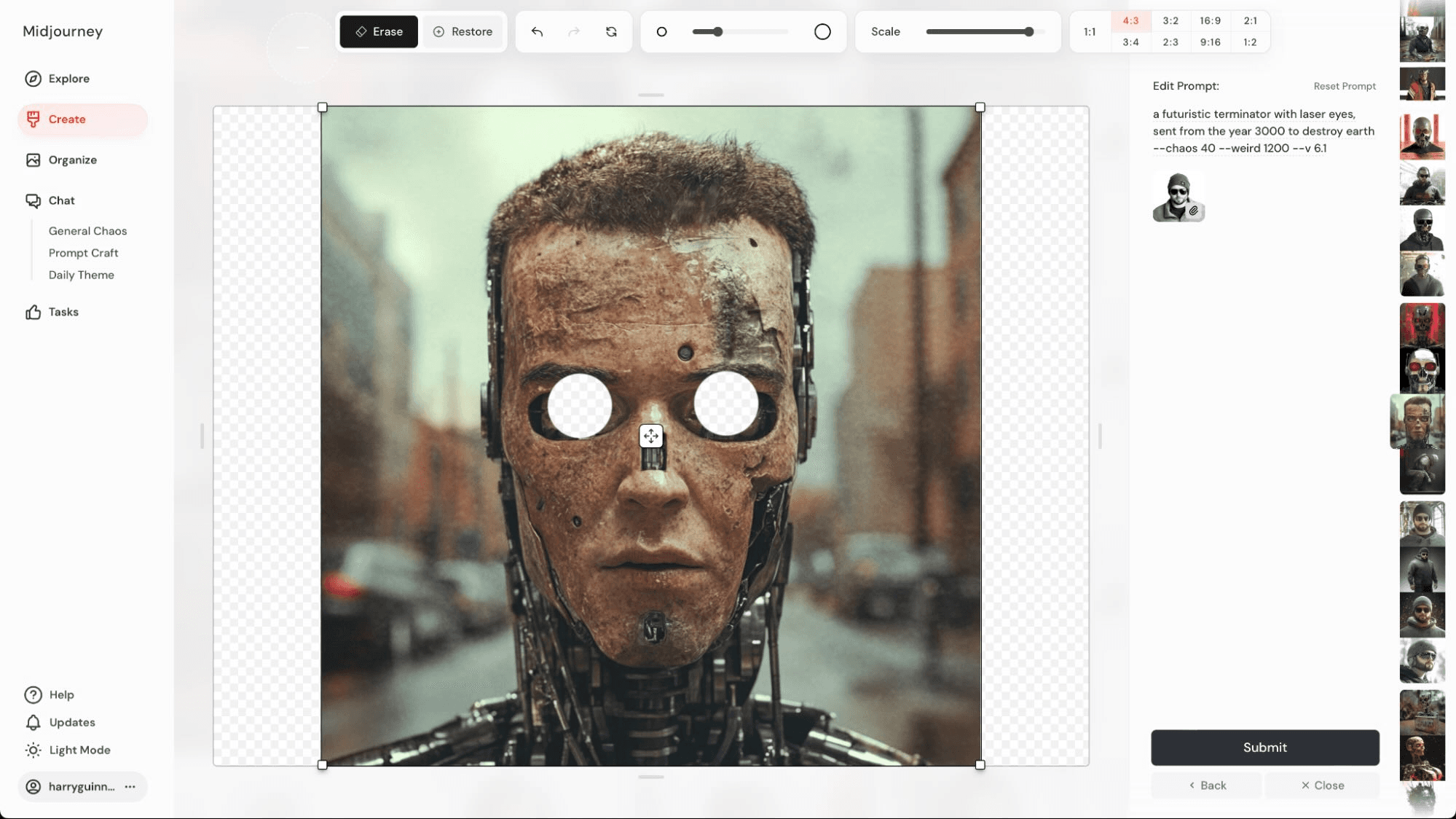
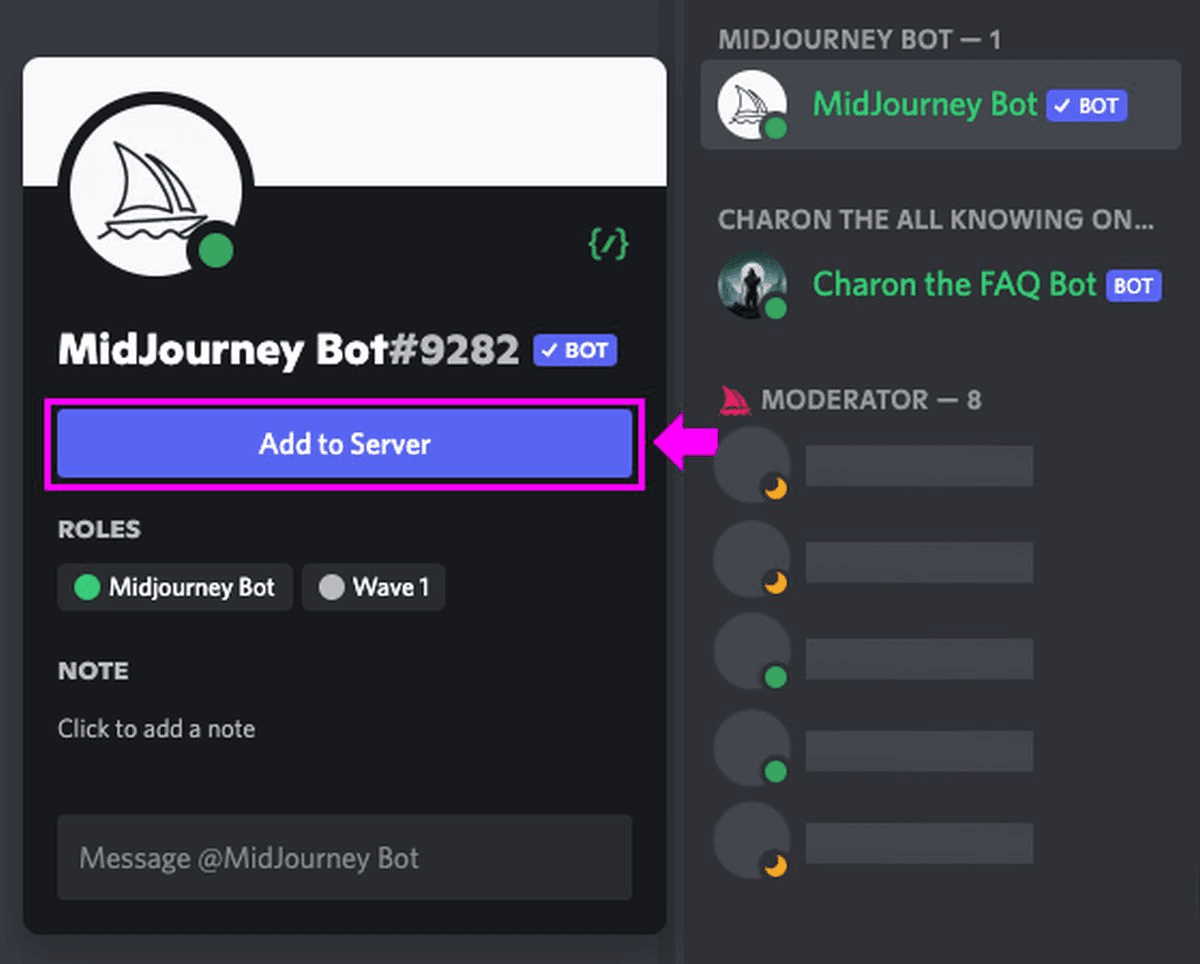
Web Interface & Discord Bot: Access generation tools via the web app or Discord server, depending on team preferences.
Licensing & Usage Settings: Configure plan‑based usage rights and privacy options to manage how images are stored and shared.
Ease of Use
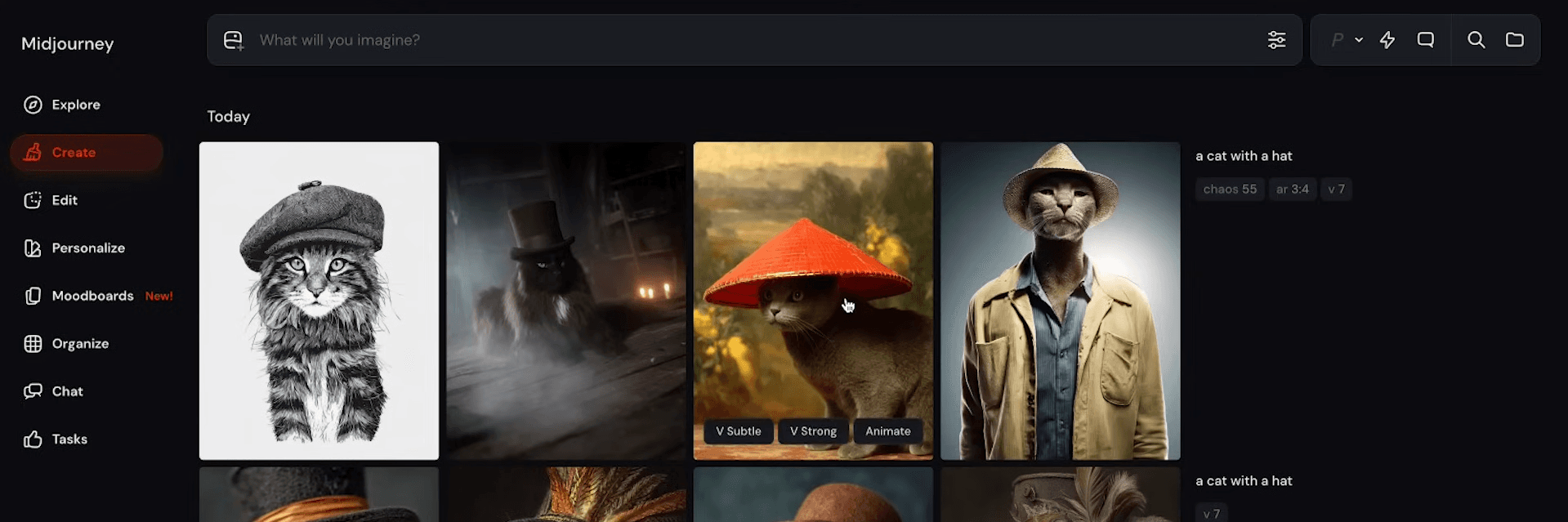
Midjourney is incredibly user-friendly, making it easy for your team to navigate and manage tasks efficiently. Its intuitive interface simplifies campaign management, allowing you to focus on strategy rather than technical hurdles. The seamless onboarding process means you can get up and running quickly, without a steep learning curve. Users appreciate the straightforward UI, which helps reduce training time and enhances productivity within your marketing efforts.
Integrations
Midjourney does not provide an official API, but it connects to apps like 1min.AI, Krater.ai, GlobalGPT, IPFoxy, Coursiv, Titan CMS, AIPRM, and PromptPerfect with third-party integration tools like Appy Pie Automate or Zapier.
Midjourney Specs
- A/B Testing: No
- AI Integration: Yes
- Analytics: No
- API: No
- Calendar Management: No
- Comparative Reporting: No
- Custom Reports: No
- Dashboard: No
- Data Export: Yes
- Data Import: Yes
- Data Mining: No
- Data Visualization: No
- External Integrations: No
- Forecasting: No
- Historical Data Analysis: No
- Multi-User: No
- Notifications: No
- Process Reporting: No
- Real-time Alerts: No
- Scenario Planning: No
- Scheduling: No
- Sentiment Analysis: No
- SEO: No
- Time Series Modeling: No
- Workflow Management: No