


Mailchimp vs. Constant Contact: Full Comparison and Expert Reviews for 2026

We review tools independently, and commissions help fund our testing. See our transparency policy, our methodology, or suggest a tool.
Running effective marketing campaigns today often means juggling emails, landing pages, social posts, and audience data—all while trying to keep everything consistent and on schedule. If you’re feeling overwhelmed by disconnected tools or unsure which platform can actually bring everything together without adding more complexity, you’re not alone. Both Mailchimp and Constant Contact aim to simplify this by offering all-in-one marketing platforms with email builders, automation, and audience management in one place.
This article breaks it all down so you can quickly see which platform will make your day-to-day marketing easier and which one aligns with your goals, team, and budget.
Mailchimp
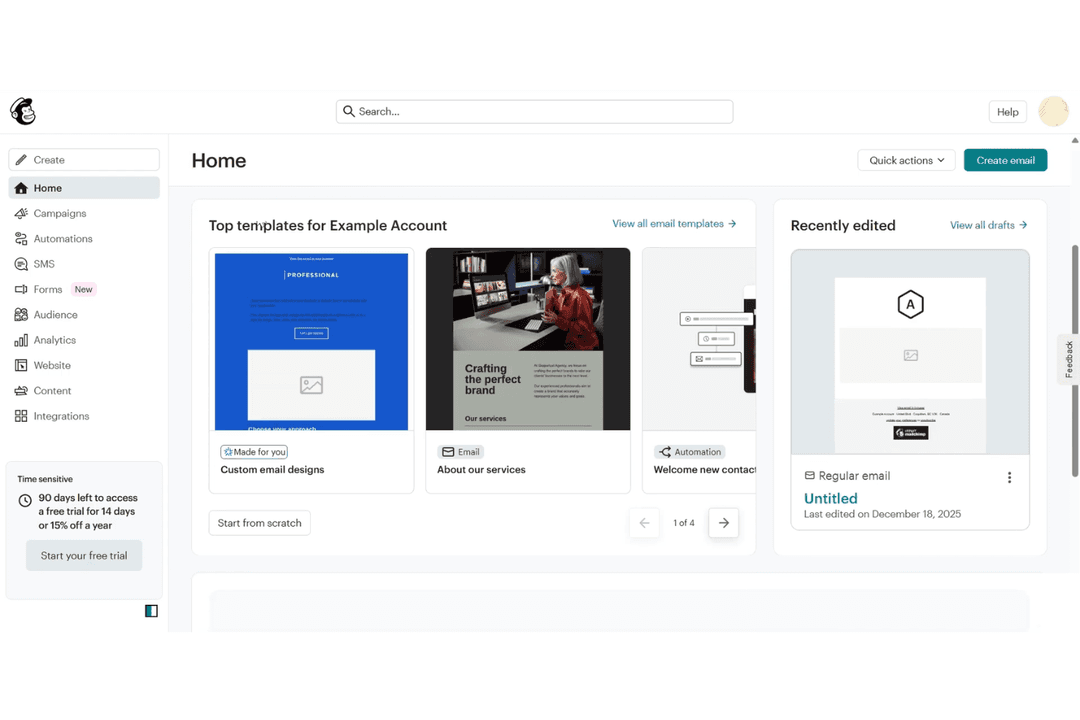
4.5/5
- Free plan available
- From $10.70/month (billed annually)
Constant Contact
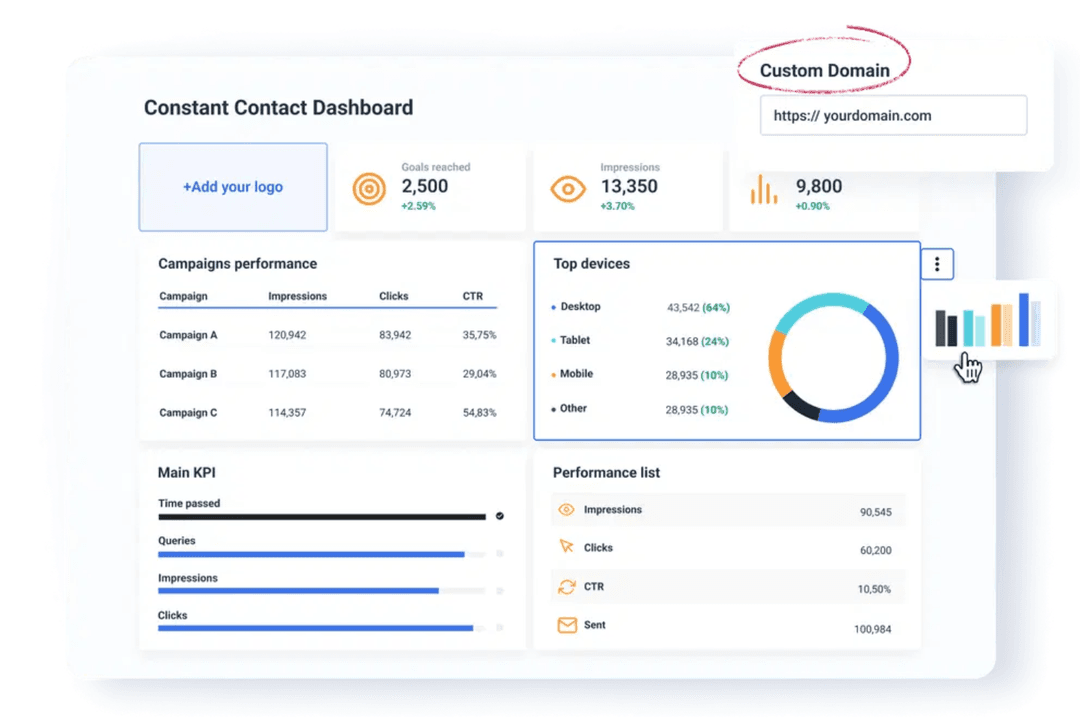
4.2/5
- 14-day free trial + free demo available
- From $12/month
Why Trust Our Software Recommendations
6,700+
Reviews
20
Industry experts
16+
Evaluation factors
14
Years
Our team has been testing and reviewing software since 2012. As marketing leaders ourselves, we know how difficult—and important—it is to choose the right software.
For this guide, we evaluated tools using hands-on testing and independent research, scoring tools using our selection criteria.
Our reviews reflect our human editorial judgment, not a sales pitch.
Expert reviewers:
 Gui DrusinaCreative Director
- Shriya GhateSenior Marketing Lead
 Amanda JacquesMarketing Ops Leader

| Mailchimp | Constant Contact | |
|---|---|---|
| Free Trial | Free plan available | 14-day free trial + free demo available |
| Pricing | From $10.70/month (billed annually) | From $12/month |
Mailchimp vs. Constant Contact Pricing & Hidden Costs
Both Mailchimp and Constant Contact have similar pricing structures separated by three tiers, with some features, like SMS, as an add-on. Both platforms also structure pricing based on contact count, with more advanced features becoming available on higher-tier plans.
When evaluating pricing, look beyond the base price and consider how your contact list, feature needs, and add-ons will impact costs over time.
At a baseline, both tools give you everything you need to execute campaigns across channels. You can set up A/B testing, build emails, schedule social posts, automate follow-ups, segment contacts, and track engagement from a single platform. They also both support lead capture through forms and landing pages, including embedded and pop-up options to convert visitors.
The biggest difference comes down to specific offerings. Mailchimp provides more advanced automation, with its visual flow builder and predictive data powering a more personalized customer journey. Constant Contact leans into event marketing and promotion, offering built-in tools for managing events, selling tickets, and running coordinated social and ad campaigns.
| Mailchimp | Constant Contact | |
|---|---|---|
| A/B Testing | Yes | Yes |
| API | Yes | Yes |
| Audience Targeting | Yes | Yes |
| Brand Management | No | Yes |
| Calendar Management | Yes | No |
| Campaign Management | Yes | Yes |
| Compliance Tracking | No | No |
| Contact Management | Yes | Yes |
| Contact Sharing | No | Yes |
| Conversion Tracking | Yes | No |
| CRM Integration | Yes | Yes |
| Customer Management | Yes | Yes |
| Dashboard | Yes | Yes |
| Data Export | Yes | Yes |
| Data Import | Yes | Yes |
| Data Visualization | Yes | Yes |
| Email Integration | Yes | Yes |
| External Integrations | Yes | Yes |
| Google Apps Integration | Yes | No |
| Lead Management | Yes | Yes |
| Lead Scoring | Yes | Yes |
| Link Tracking | Yes | Yes |
| Marketing Automation | Yes | Yes |
| Multi-User | Yes | Yes |
| Notifications | Yes | Yes |
| Scheduling | Yes | Yes |
| Social-Media Integration | No | Yes |
| Third-Party Plugins/Add-Ons | Yes | No |
| Integration | Mailchimp | Constant Contact |
| Shopify | ✅ | ✅ |
| Salesforce | ✅ | ✅ |
| WooCommerce | ✅ | ✅ |
| Eventbrite | ✅ | ✅ |
| QuickBooks | ✅ | ❌ |
| Canva | ✅ | ✅ |
| Facebook Ads | ✅ | ✅ |
| Google Analytics | ✅ | ✅ |
| API | ✅ | ✅ |
| Zapier | ✅ | ✅ |
Both Mailchimp and Constant Contact offer a strong integration ecosystem that covers most common marketing, e-commerce, and analytics tools. You can connect platforms like Shopify, Salesforce, Google Analytics, and Canva, as well as use Zapier or API access to extend functionality even further.
In practice, both tools provide enough flexibility to fit into most modern marketing stacks, so the decision is less about integration availability and more about how you plan to use those integrations within your campaigns.
| Factor | Mailchimp | Constant Contact |
| Data Privacy | Supports GDPR and global privacy frameworks, with data processing addendums and privacy controls. | Certified under EU-U.S., UK, and Swiss Data Privacy Frameworks with third-party validation (TrustArc). |
| Encryption | Uses TLS encryption for data in transit; includes hashed passwords and secure infrastructure. | Uses TLS 1.2 encryption for data in transit, including account and payment data. |
| Uptime & Reliability | Provides a public status page and incident tracking; no explicit SLA in standard terms. | Monitors systems 24/7 with intrusion detection, vulnerability scanning, and availability monitoring. |
| Regulatory Compliance | Supports CAN-SPAM, GDPR, and other global email regulations. | Supports CAN-SPAM, GDPR, and certified compliance frameworks with documented controls. |
| Account Security | Offers 2FA, enforced security policies, and role-based access controls. | Includes multi-factor authentication, strong password policies, and access controls. |
Both Mailchimp and Constant Contact offer strong security and compliance foundations, including GDPR support, encryption in transit, and multi-factor authentication. Mailchimp stands out with clearly structured account controls like role-based permissions and enforced 2FA, making it a strong option for teams with stricter governance needs. Constant Contact provides equally robust infrastructure security, with third-party certifications (like TrustArc), and detailed protections across physical, network, and application layers. Overall, both are reliable and well-documented choices for security-conscious teams.
| Factor | Mailchimp | Constant Contact |
| User Interface | Mailchimp offers a modern interface with a wide range of features that can feel overwhelming as you scale. | Features a clean, straightforward interface designed for quick navigation. |
| Onboarding | Provides guided setup steps, tutorials, and in-app recommendations to help you get started. | Delivers step-by-step onboarding with access to live support early on. |
| Campaign Creation | Includes flexible templates and advanced design tools for greater customization. | Uses drag-and-drop editing and pre-built templates for fast campaign creation. |
| Customer Support | Offers email and chat support on paid plans, with phone support on higher tiers. | Provides phone, chat, and email support across plans, depending on tier. |
| Learning Resources | Maintains a comprehensive knowledge base, guides, and video tutorials. | Supplies guides, webinars, and help resources for ongoing learning. |
Constant Contact is generally easy to pick up if you want a simple platform with less to learn as you become an advanced marketer, which means it’s also a little less powerful for more advanced use cases. Mailchimp is also very beginner-friendly, but the key difference is that with a broader feature set and more advanced features, it has maintained its core ease-of-use philosophy. With an easy email builder and an intuitive onboarding checklist, marketers at any stage in their journey can get started quickly.
Mailchimp
- Easy-to-use email builder and templates make campaign creation fast.
- All-in-one platform (email, automation, landing pages, ads, social) reduces tool sprawl.
- 300+ integrations support e-commerce, analytics, and workflow automation.
- Pricing scales quickly as your contact list grows.
- Deeper segmentation and advanced automation require higher-tier plans.
- Unsubscribed and inactive contacts still count toward billing.
Constant Contact
- Its features are user-friendly, even without technical skills.
- It offers helpful and reliable customer support.
- It offers various email marketing features for creating engaging email campaigns.
- It lacks advanced features that some other platforms offer.
- You might find the customization options and email templates limited.
- No free plan is available.
Mailchimp
- Ecommerce BusinessesMailchimp’s integrations with platforms like Shopify and WooCommerce let you sync customer and order data, making it easier to run automations like abandoned cart emails and post-purchase follow-ups.
- Small to Midsize Businesses (SMBs)If you’re looking for an all-in-one marketing platform without a steep learning curve, Mailchimp gives you the core tools—email, automation, and audience management—in a single, easy-to-use system.
- Startups and Lean TeamsWith prebuilt templates, simple signup forms, and guided setup, Mailchimp helps you get campaigns live quickly without needing dedicated marketing ops or technical support.
- Professional Services FirmsMailchimp helps you stay top of mind with clients through newsletters, updates, and automated follow-ups without requiring a complex marketing setup. Its email templates, audience segmentation, and simple automation flows make it easy to nurture relationships.
- Nonprofit OrganizationsEngage supporters with email campaigns, newsletters, and updates using prebuilt templates and simple audience management tools. You can segment donors and subscribers, automate outreach, and run campaigns without needing extensive technical resources.
- Marketing DepartmentsMailchimp allows you to manage email, landing pages, social posts, and ads from one place, making it easier to coordinate campaigns without switching between platforms.
Constant Contact
- Small BusinessesThis email marketing platform allows your team to quickly set up and manage email campaigns without the need for technical expertise.
- NonprofitsYour organization can use Constant Contact to maintain strong relationships with benefactors through its email design tools.
- Retail ShopsThe platform offers simple templates that help you send promotions and engage customers effectively. You can also create pop-up signup forms that appear as people view your website to increase the number of contacts your business acquires.
- Event PlannersYou can efficiently handle event management, from invitations to follow-ups, with Constant Contact's straightforward email features.
- Community GroupsThis user-friendly email builder helps you communicate effectively with members and supporters, even if you're not tech-savvy.
Who Should Use Mailchimp, and Who Should Use Constant Contact?
Mailchimp is a strong fit if you want an all-in-one marketing platform that combines ease of use with room to grow. It’s intuitive for getting started with email campaigns, but also offers more advanced features like automation flows, predictive insights, and multi-channel campaigns as your marketing strategy evolves. If you want a tool that can scale with your marketing without switching platforms later, Mailchimp is a solid choice.
Constant Contact is ideal for small businesses, nonprofits, and teams that prioritize simplicity and quick execution. It makes it easy to launch campaigns, manage contacts, and promote events without needing much setup or technical experience. If your focus is on straightforward email marketing, social posting, and event promotion with strong support along the way, Constant Contact is a great fit.
| Mailchimp | Constant Contact | |
|---|---|---|
| Artificial Intelligence | Mailchimp Includes AI tools like generative content, send-time optimization, and recommendations. | Constant Contact Offers AI primarily for content generation and campaign assistance. |
| Automation | Mailchimp Offers advanced automation workflows with branching logic and detailed triggers. Uses a visual, customizable automation builder. | Constant Contact Provides pre-built marketing automation templates with fewer customization options. |
| Event Marketing | Mailchimp Does not offer native event management or ticketing. | Constant Contact Includes built-in event creation, registration, and payment collection. |
| Predictive Insights | Mailchimp Offers predictive analytics (e.g., lifetime value, purchase likelihood metrics). | Constant Contact Does not offer predictive analytics features. |
| Segmentation | Mailchimp Supports advanced segmentation on a more granular level and behavioral targeting. | Constant Contact Offers segmentation and email list management, with fewer advanced targeting options. |
| Compliance Support | Both help you comply with CAN-SPAM and GDPR, offering built-in tools for consent management and unsubscribes. |
|---|---|
| Email Campaigns | Both let you design, schedule, and send email campaigns using customizable templates, built-in performance tracking, and other email marketing tools, like a drag-and-drop editor. |
| Integrations | Each platform connects with popular tools like Shopify, Salesforce, and Zapier to extend your marketing stack. |
| Reporting & Analytics | Both provide dashboards with metrics like open rates, clicks, and engagement to help optimize campaigns. |
| Social Media Support | Both support social media posting and campaign promotion alongside email marketing. |
| Template Library | Each platform includes a library of pre-built email templates to speed up campaign creation and email design. |