

Grammarly Review: Pros, Cons, Features and Pricing
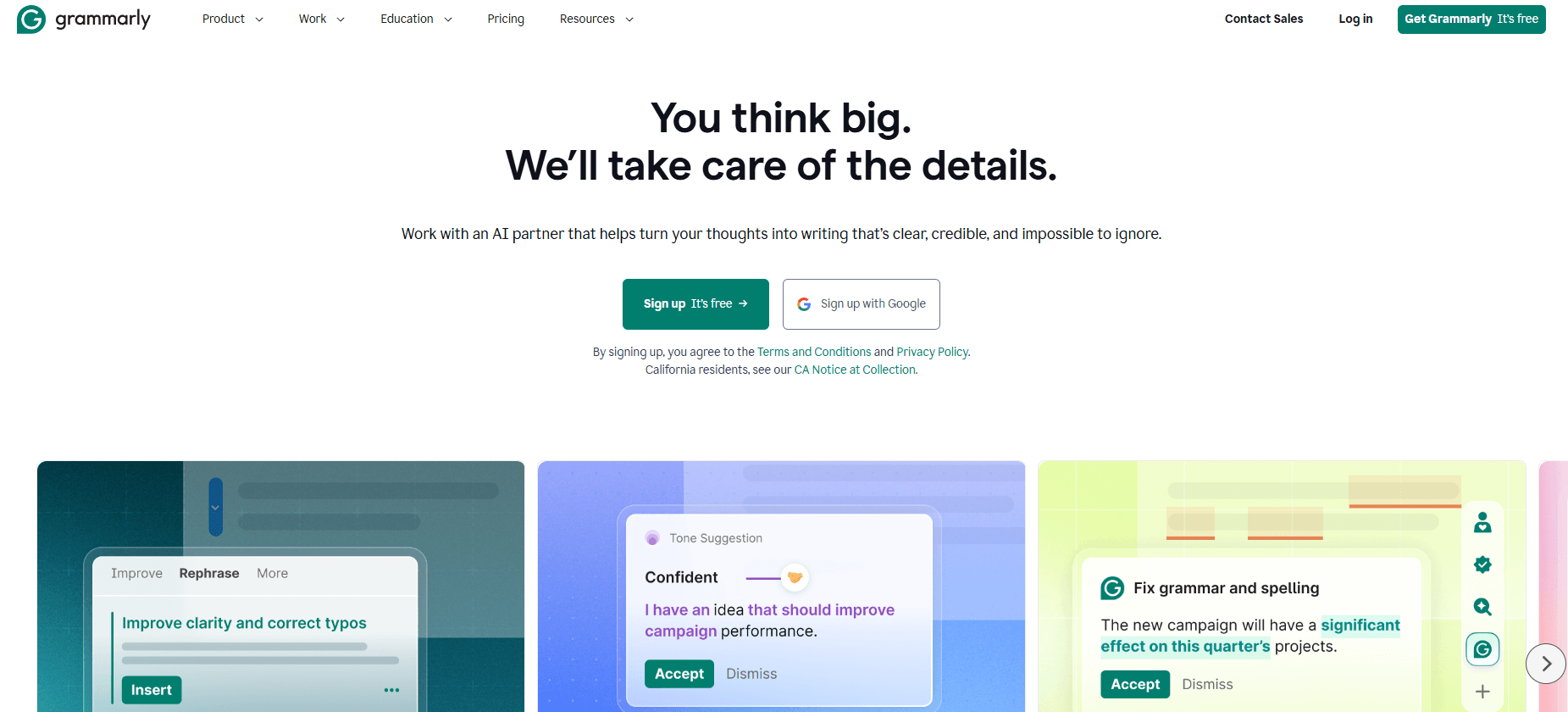
Grammarly stands out as a user-friendly AI writing assistant, excelling at real-time grammar and clarity checks, but it's less robust for advanced content marketing needs compared to specialized tools.

We review tools independently, and commissions help fund our testing. See our transparency policy, our methodology, or suggest a tool.
Grammarly is an AI content marketing tool focused on writing quality—covering grammar, tone, clarity, and style across every platform your team writes in. I'd consider it if your team produces high volumes of content and needs consistent, polished output without constant editorial oversight. Compared to Writer, Grammarly offers a wider range of writing assistance features and deeper cross-platform integrations, making it the stronger pick for teams writing across multiple tools and channels rather than a single, centralized content workflow.
Grammarly Evaluation Summary
4.6/5
- From $12/user/month (billed annually)
- Free trial + free demo available
Why Trust Our Software Recommendations
6,700+
Reviews
20
Industry experts
16+
Evaluation factors
14
Years
Our team has been testing and reviewing software since 2012. As marketing leaders ourselves, we know how difficult—and important—it is to choose the right software.
For this guide, we evaluated tools using hands-on testing and independent research, scoring tools using our selection criteria.
Our reviews reflect our human editorial judgment, not a sales pitch.
Expert reviewers:
 Gui DrusinaCreative Director
- Shriya GhateSenior Marketing Lead
 Amanda JacquesMarketing Ops Leader

Grammarly Overview
When judging Grammarly as an AI content marketing tool, its intuitive interface, fast onboarding, and real-time grammar and tone suggestions make it a top pick for teams prioritizing clarity and consistency. Pricing is competitive for individual users, though advanced marketing features and integrations are limited compared to some alternatives. Grammarly excels for marketing managers seeking quick, reliable copy editing across email, blogs, and social posts, but may underperform for those needing deep content analytics or campaign-level collaboration. If you value ease of use and strong core writing support, Grammarly is a smart choice.
Pros
- Real-time grammar and clarity suggestions for marketing copy
- Brand style guide enforcement for consistent messaging
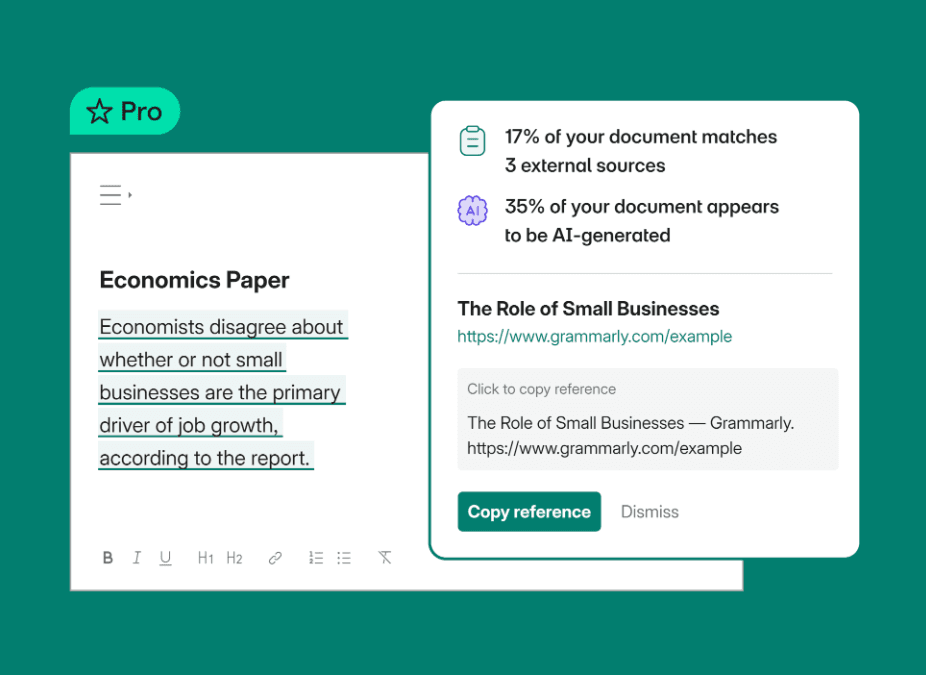
- Plagiarism detection helps avoid duplicate content issues
Cons
- Tone and style suggestions can be repetitive or generic
- Lacks advanced campaign-level content analytics
- Some AI rewrite suggestions may distort intended meaning
Is Grammarly Right For Your Needs?
Who Would be a Good Fit for Grammarly?
Grammarly is a strong choice for teams and professionals who need fast, reliable grammar and clarity checks, especially in industries where written communication is frequent and brand consistency matters. Its brand style guide, plagiarism detection, and real-time suggestions make it ideal for marketing, communications, and content-focused roles. Grammarly works best for small to mid-sized businesses, agencies, and departments that prioritize polished copy over deep analytics or campaign management.
- Marketing AgenciesGrammarly helps maintain consistent brand voice across multiple client projects.
- Small BusinessesIt offers affordable, easy-to-implement writing support for lean teams.
- Content WritersWriters benefit from real-time grammar, clarity, and plagiarism checks.
- PR DepartmentsEnsures press releases and statements are error-free and on-brand.
- Social Media TeamsImproves post quality and tone across fast-paced publishing schedules.
- Customer SupportEnhances professionalism and clarity in customer-facing communications.
Who Would be a Bad Fit for Grammarly?
Grammarly is less suitable for organizations that need advanced content analytics, deep collaboration features, or industry-specific compliance tools. Large enterprises, technical teams, and regulated industries may find its feature set too limited for their workflow needs. If your team requires campaign-level insights, complex approval workflows, or specialized content creation tools, Grammarly may not be the best match.
- Large EnterprisesLacks advanced workflow and multi-level approval features.
- Legal DepartmentsDoes not support legal compliance or contract-specific language checks.
- Healthcare OrganizationsMissing HIPAA compliance and medical terminology support.
- Technical DocumentationLimited support for technical jargon and structured documentation.
- E-commerce AnalyticsNo campaign-level content performance or conversion tracking.
- Financial ServicesDoes not address industry-specific compliance or regulatory needs.
How We Test & Score Tools
We’ve spent years building, refining, and improving our software testing and scoring system. The rubric is designed to capture the nuances of software selection and what makes a tool effective, focusing on critical aspects of the decision-making process.
Below, you can see exactly how our testing and scoring works across seven criteria. It allows us to provide an unbiased evaluation of the software based on core functionality, standout features, ease of use, onboarding, customer support, integrations, customer reviews, and value for money.
Core Functionality (25% of final scoring)
The starting point of our evaluation is always the core functionality of the tool. Does it have the basic features and functions that a user would expect to see? Are any of those core features locked to higher-tiered pricing plans? At its core, we expect a tool to stand up against the baseline capabilities of its competitors.
Standout Features (25% of final scoring)
Next, we evaluate uncommon standout features that go above and beyond the core functionality typically found in tools of its kind. A high score reflects specialized or unique features that make the product faster, more efficient, or offer additional value to the user.
We also evaluate how easy it is to integrate with other tools typically found in the tech stack to expand the functionality and utility of the software. Tools offering plentiful native integrations, 3rd party connections, and API access to build custom integrations score best.
Ease of Use (10% of final scoring)
We consider how quick and easy it is to execute the tasks defined in the core functionality using the tool. High scoring software is well designed, intuitive to use, offers mobile apps, provides templates, and makes relatively complex tasks seem simple.
Onboarding (10% of final scoring)
We know how important rapid team adoption is for a new platform, so we evaluate how easy it is to learn and use a tool with minimal training. We evaluate how quickly a team member can get set up and start using the tool with no experience. High scoring solutions indicate little or no support is required.
Customer Support (10% of final scoring)
We review how quick and easy it is to get unstuck and find help by phone, live chat, or knowledge base. Tools and companies that provide real-time support score best, while chatbots score worst.
Customer Reviews (10% of final scoring)
Beyond our own testing and evaluation, we consider the net promoter score from current and past customers. We review their likelihood, given the option, to choose the tool again for the core functionality. A high scoring software reflects a high net promoter score from current or past customers.
Value for Money (10% of final scoring)
Lastly, in consideration of all the other criteria, we review the average price of entry level plans against the core features and consider the value of the other evaluation criteria. Software that delivers more, for less, will score higher.
Core Features
Grammar and Spelling Checker
Automatically detects and corrects grammar, spelling, and punctuation errors in real time. This feature works across emails, documents, and web forms.
Tone and Clarity Suggestions
Analyzes your writing for tone and clarity, offering suggestions to match your intended audience. It helps ensure your message is both clear and on-brand.
Plagiarism Detection
Checks your content against billions of web pages to flag potential plagiarism. This is especially useful for marketing teams producing original content.
Brand Style Guide
Lets you set custom rules and guidelines for your team's writing. Ensures everyone follows consistent language and tone across all communications.
AI-Powered Rewrites
Offers one-click sentence and paragraph rewrites powered by Grammarly's AI to improve flow and readability. This helps polish drafts quickly without losing your original intent.
AI Detector and Humanizer
Identifies generative AI text and suggests edits to make writing sound more human. Useful for teams balancing automation with authentic brand voice.
Ease of Use
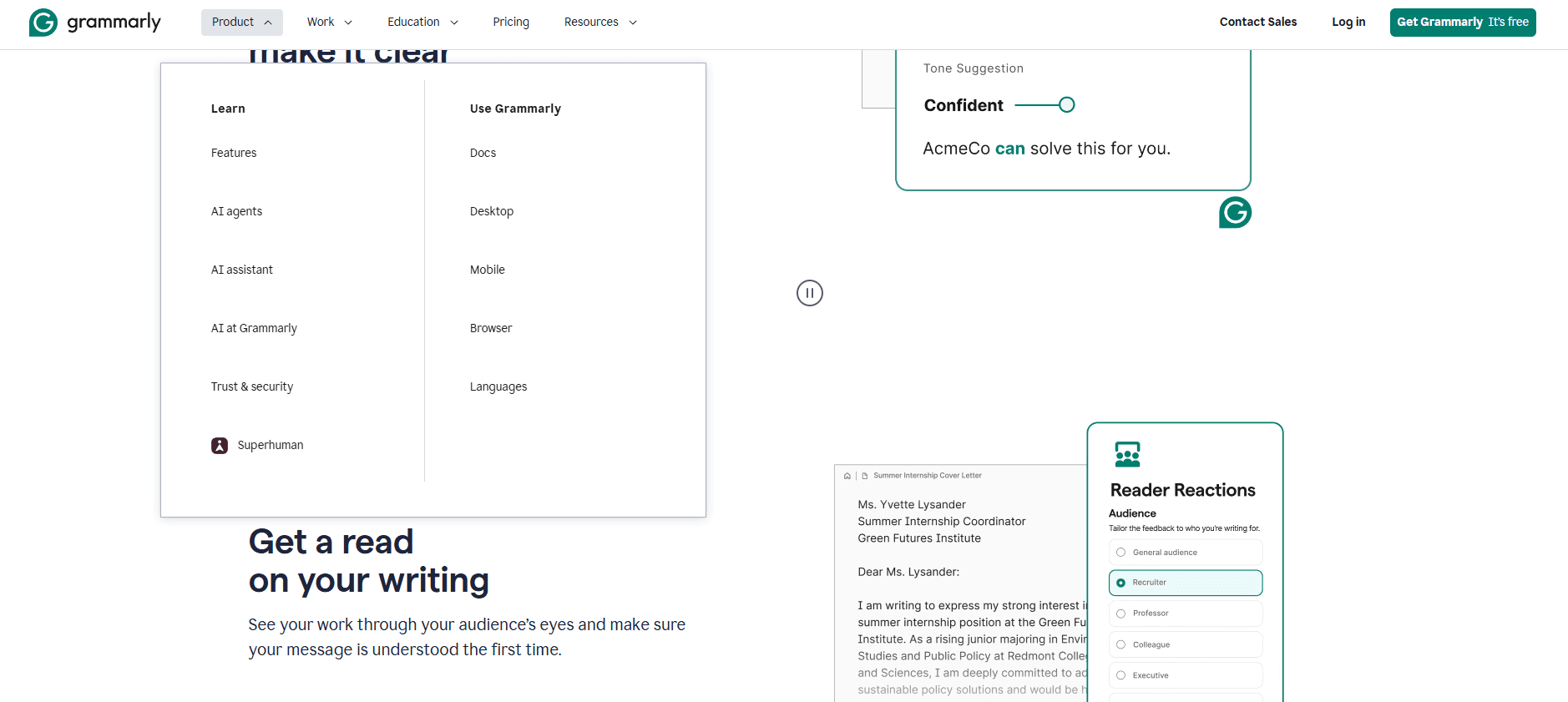
Grammarly is widely recognized for its intuitive interface and minimal onboarding requirements, making it accessible even for non-technical users. Real-time suggestions appear directly in your workflow, whether you're writing in a browser, email, or document editor. Users consistently praise its clear feedback and simple navigation, which speeds up editing without disrupting creative flow. Compared to many AI content marketing tools, Grammarly's usability stands out for its straightforward, distraction-free experience.
Integrations
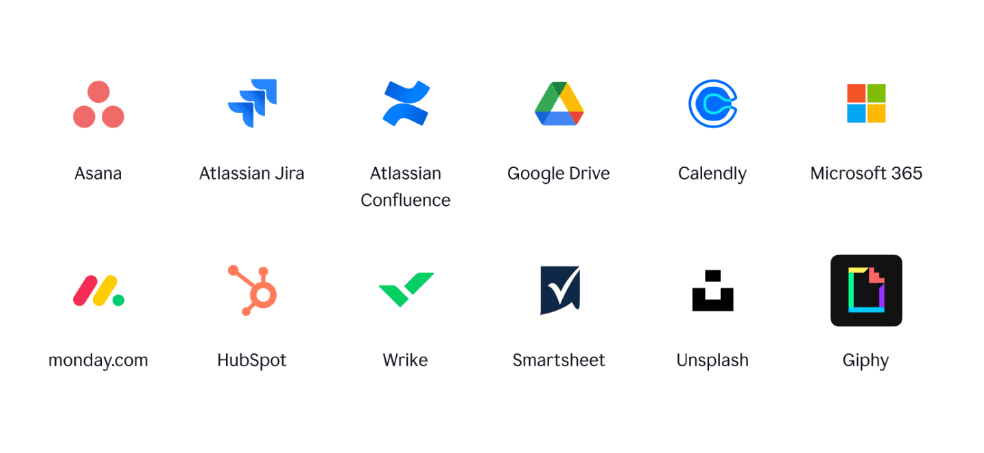
Grammarly integrates with Google Docs, Microsoft Word, Microsoft Outlook, Gmail, Slack, and Figma among others.
Grammarly also offers a browser extension and desktop app, as well as a public API for connections to third-party integration tools.
Grammarly Specs
- API: Yes
- Calendar Management: No
- Data Export: No
- Data Import: No
- Email Integration: Yes
- External Integrations: Yes
- Notifications: Yes
- Scheduling: No


