

Google Ads Review: Pros, Cons, Features and Pricing
Google Ads excels in targeting precision, optimization capabilities, and scalability, making it a top choice for maximizing your marketing reach.

We review tools independently, and commissions help fund our testing. See our transparency policy, our methodology, or suggest a tool.
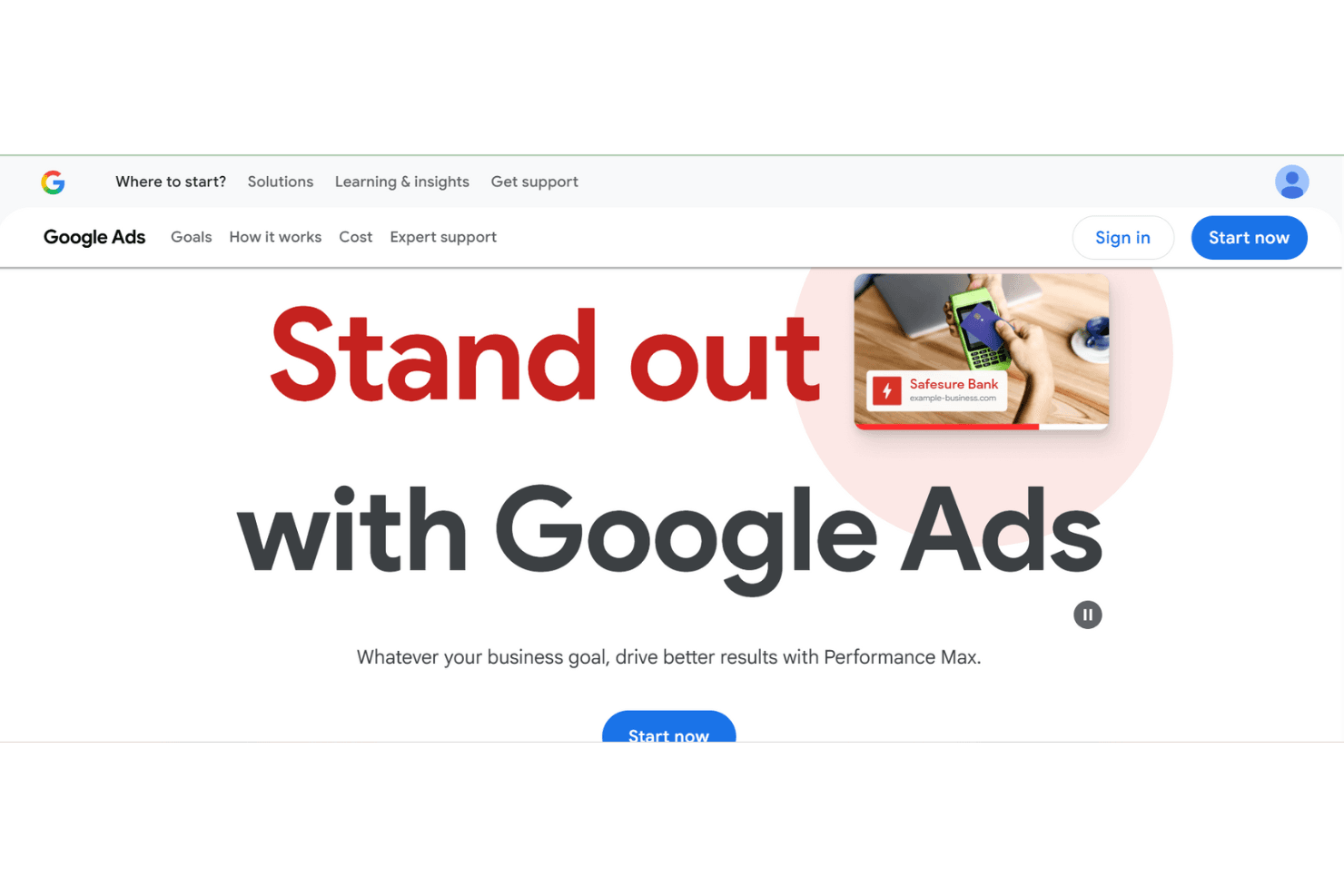
Google Ads is a digital marketing software built around paid search, display, shopping, and video advertising across Google's network. I'd consider it most seriously if you need to reach buyers who are actively searching for what you sell. Compared to Meta Ads, which targets audiences based on interests and behavioral signals, Google Ads puts your ads in front of people at the exact moment they're searching—making it the stronger choice when purchase intent matters more than audience reach.
Google Ads Evaluation Summary
0/5
- Pricing upon request
- Not available
Why Trust Our Software Recommendations
6,700+
Reviews
20
Industry experts
16+
Evaluation factors
14
Years
Our team has been testing and reviewing software since 2012. As marketing leaders ourselves, we know how difficult—and important—it is to choose the right software.
For this guide, we evaluated tools using hands-on testing and independent research, scoring tools using our selection criteria.
Our reviews reflect our human editorial judgment, not a sales pitch.
Expert reviewers:
 Gui DrusinaCreative Director
- Shriya GhateSenior Marketing Lead
 Amanda JacquesMarketing Ops Leader

Google Ads Overview
Google Ads is a powerful digital marketing and online advertising provider for teams looking to scale reach and improve brand awareness. Its strength lies in audience targeting, PPC flexibility, and campaign management depth. While beginners may struggle initially, experienced marketers can drive strong campaign performance through optimization, smart bidding strategies, and detailed analytics. Pricing is flexible, but ad spend can increase quickly without careful oversight. Overall, Google Ads delivers strong value for teams willing to invest time in learning the platform.
Pros
- Precise targeting across audience segments and search intent
- Extensive reach through Google Search, YouTube, and partner sites
- Strong optimization tools and real-time performance insights
Cons
- Complex interface that can overwhelm beginners
- Customer support response times can vary
- Ongoing optimization is required to control ad spend
Is Google Ads Right For Your Needs?
Who Would be a Good Fit for Google Ads?
Google Ads works best for businesses focused on digital marketing, lead generation, and measurable ROI. Retailers, e-commerce platforms, and marketing agencies benefit from granular targeting, flexible pricing, and real-time reporting. Small businesses with some PPC experience can also succeed if they actively manage daily budget limits and bidding strategies. Teams that already use Google Analytics will appreciate the tight integration for tracking campaign performance.
- Retail BusinessesReach high-intent shoppers through search ads tied to Google Search queries.
- E-commerce PlatformsDrive sales by directing traffic to optimized landing page experiences.
- Marketing AgenciesManage multiple ad groups, audience segments, and Google Ads accounts from a single dashboard.
- Local BusinessesAttract nearby customers using location targeting, extensions, and phone number visibility.
- Tech StartupsSupport rapid lead generation and brand awareness through scalable PPC campaigns.
- Travel AgenciesPromote packages to users actively researching trips across search engine networks.
Who Would be a Bad Fit for Google Ads?
Google Ads may not be ideal for organizations without digital marketing resources or time for campaign management. Small businesses with very limited budgets may struggle with pricing and optimization demands. Non-digital companies or those focused solely on offline sales may see minimal return from online advertising efforts.
- Small Local ShopsYou may find it too costly without seeing a significant return on investment.
- Non-Digital BusinessesYour team might not benefit if online presence isn't crucial for your sales.
- New StartupsWith limited marketing budgets, you might struggle to compete in the ad space.
- Non-Profit OrganizationsYou may find it challenging to justify the ad spend without a direct revenue link.
- Traditional Media CompaniesYou might not see value if your focus isn't on digital channels.
How We Test & Score Tools
We’ve spent years building, refining, and improving our software testing and scoring system. The rubric is designed to capture the nuances of software selection and what makes a tool effective, focusing on critical aspects of the decision-making process.
Below, you can see exactly how our testing and scoring works across seven criteria. It allows us to provide an unbiased evaluation of the software based on core functionality, standout features, ease of use, onboarding, customer support, integrations, customer reviews, and value for money.
Core Functionality (25% of final scoring)
The starting point of our evaluation is always the core functionality of the tool. Does it have the basic features and functions that a user would expect to see? Are any of those core features locked to higher-tiered pricing plans? At its core, we expect a tool to stand up against the baseline capabilities of its competitors.
Standout Features (25% of final scoring)
Next, we evaluate uncommon standout features that go above and beyond the core functionality typically found in tools of its kind. A high score reflects specialized or unique features that make the product faster, more efficient, or offer additional value to the user.
We also evaluate how easy it is to integrate with other tools typically found in the tech stack to expand the functionality and utility of the software. Tools offering plentiful native integrations, 3rd party connections, and API access to build custom integrations score best.
Ease of Use (10% of final scoring)
We consider how quick and easy it is to execute the tasks defined in the core functionality using the tool. High scoring software is well designed, intuitive to use, offers mobile apps, provides templates, and makes relatively complex tasks seem simple.
Onboarding (10% of final scoring)
We know how important rapid team adoption is for a new platform, so we evaluate how easy it is to learn and use a tool with minimal training. We evaluate how quickly a team member can get set up and start using the tool with no experience. High scoring solutions indicate little or no support is required.
Customer Support (10% of final scoring)
We review how quick and easy it is to get unstuck and find help by phone, live chat, or knowledge base. Tools and companies that provide real-time support score best, while chatbots score worst.
Customer Reviews (10% of final scoring)
Beyond our own testing and evaluation, we consider the net promoter score from current and past customers. We review their likelihood, given the option, to choose the tool again for the core functionality. A high scoring software reflects a high net promoter score from current or past customers.
Value for Money (10% of final scoring)
Lastly, in consideration of all the other criteria, we review the average price of entry level plans against the core features and consider the value of the other evaluation criteria. Software that delivers more, for less, will score higher.
Core Features
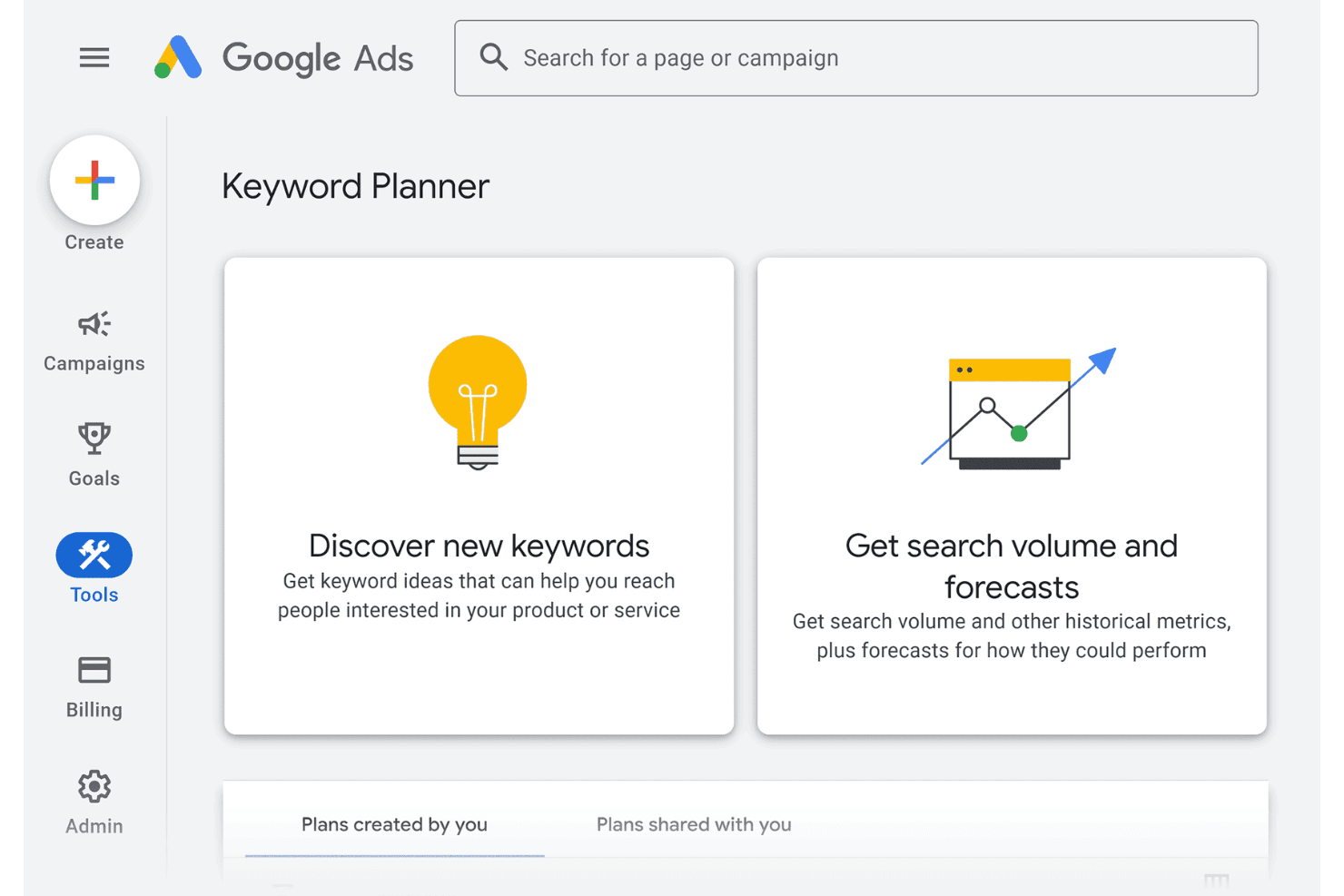
Keyword Planner: Research high-performing keywords to improve ranking and reach users searching on Google Search.
Ad Customization: Choose from multiple ad formats to match campaign goals across display, search ads, and video placements.
Performance Tracking: Monitor campaign performance in real-time with detailed metrics and reporting.
Audience Targeting: Define audience segments based on demographics, interests, and intent.
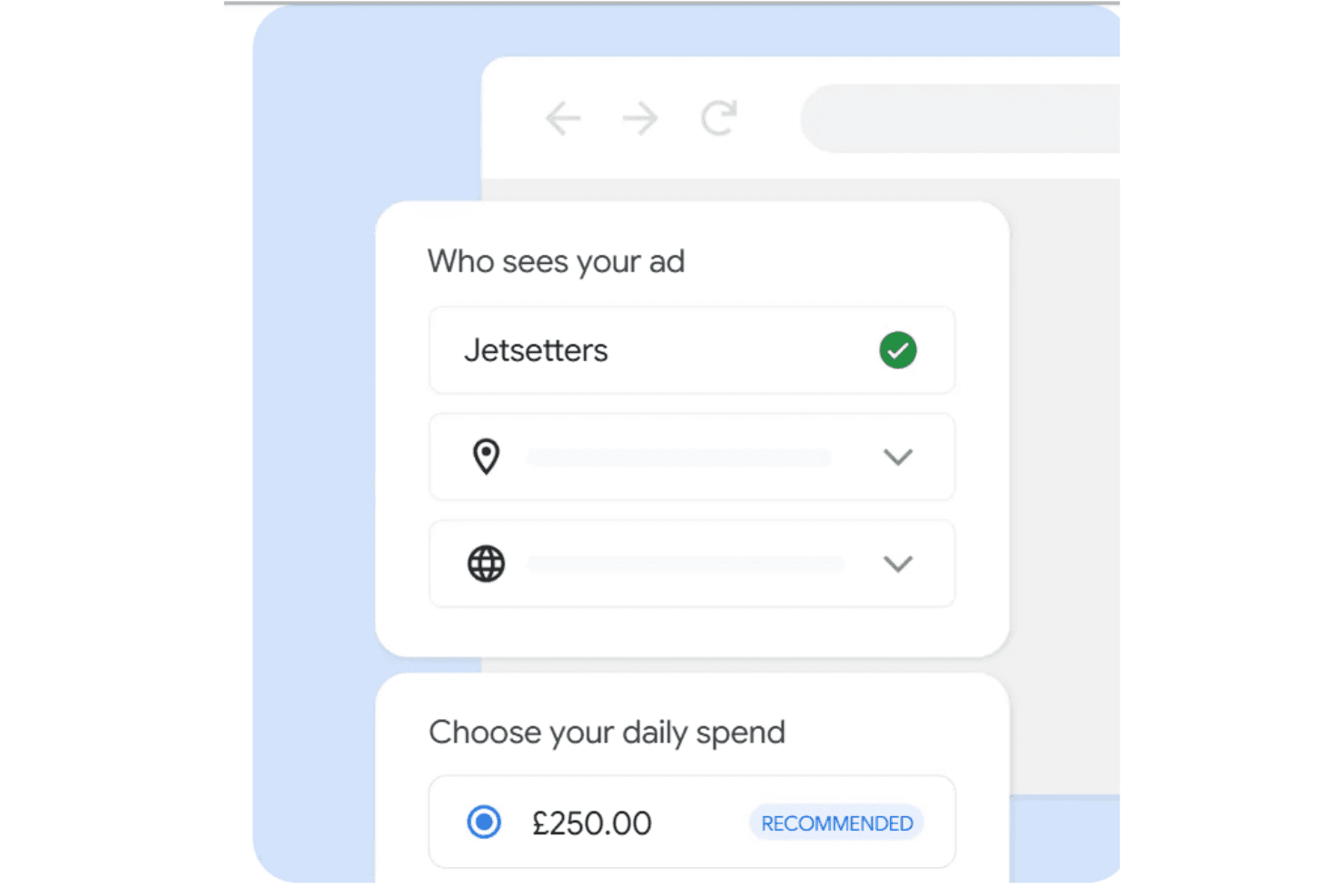
Budget Control: Set a daily budget and control bids to manage pricing and ad spend efficiently.
Conversion Tracking: Track actions on your landing page to measure ROI and lead generation impact.
Standout Features
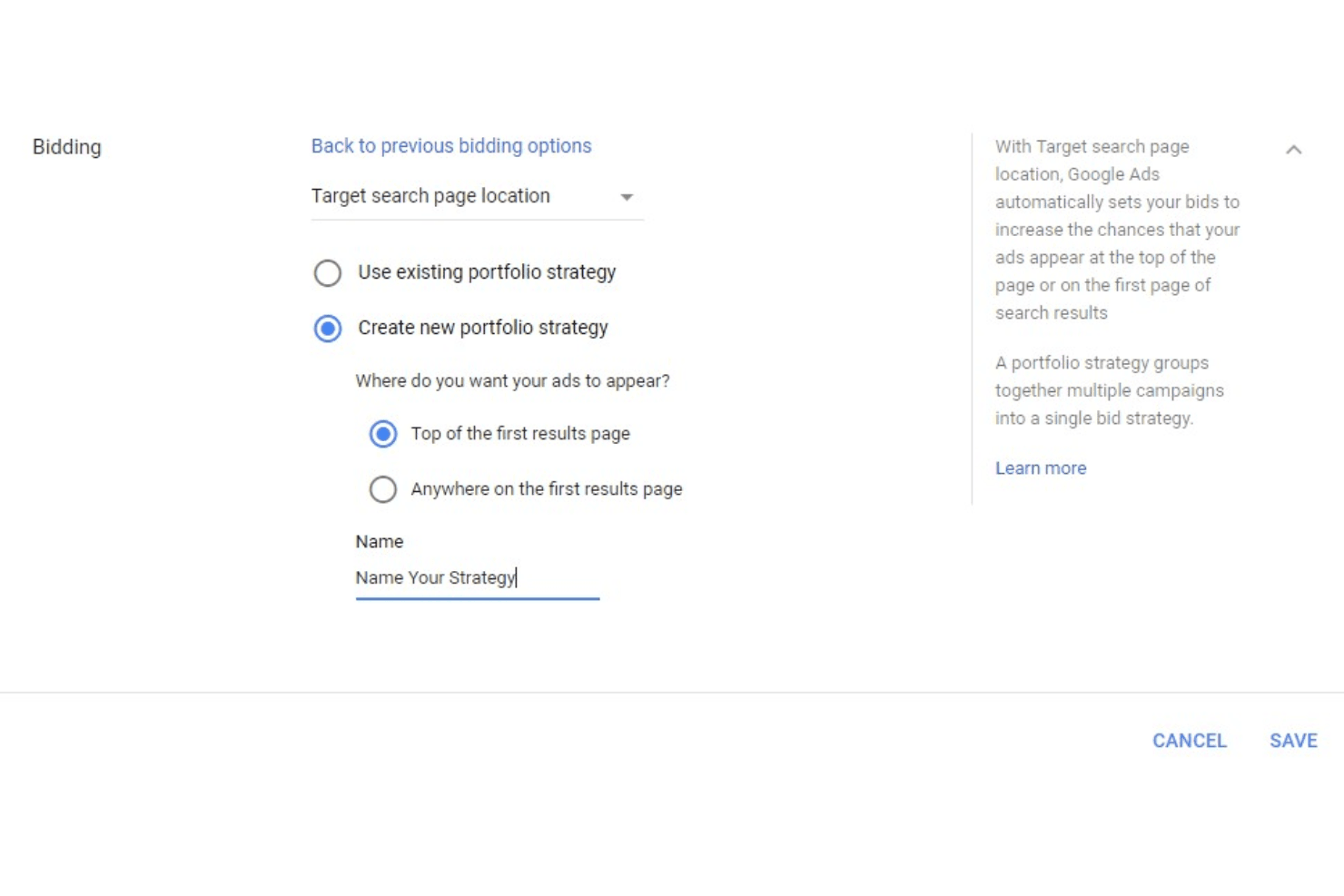
Smart Bidding: Automated bidding strategies powered by machine learning help optimize conversions.
Ad Extensions: Add elements like location details, sitelinks, and phone number information to boost engagement.
Ease of Use
Google Ads offers powerful functionality but comes with a learning curve. Beginners may find the interface complex, especially when managing ad groups, bidding strategies, and optimization settings. However, once familiar, marketers gain fine control over PPC campaigns and audience targeting.
Onboarding
Onboarding includes setup guides, a built-in tutorial system, and learning resources. Google Ads also sends notifications to guide new users through account setup and early optimization steps. While helpful, most teams still need hands-on experience to master the platform.
Customer Support
Customer support is available via help centers, chat, and community forums. Google Ads support quality can vary, and response times are not always immediate. While moderators and documentation are helpful for common issues, complex account problems may require persistence. Overall, customer support is serviceable but not a standout strength.
Integrations
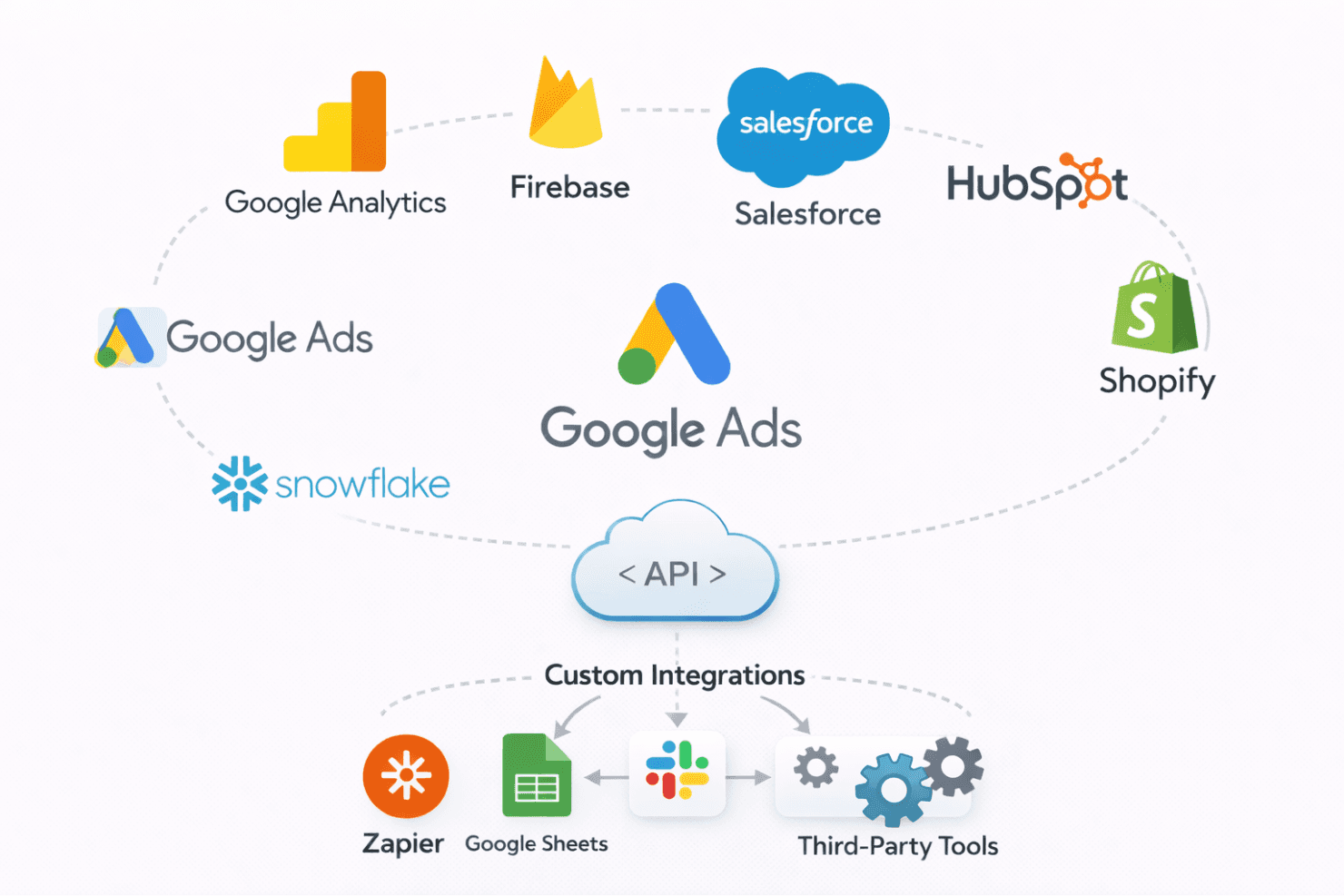
Google Ads integrates seamlessly with Google Analytics, Firebase, CRM tools like Salesforce and HubSpot, Shopify, and data warehouses such as Snowflake. An API and third-party tools further support campaign management and reporting across digital marketing workflows.
Value for Money
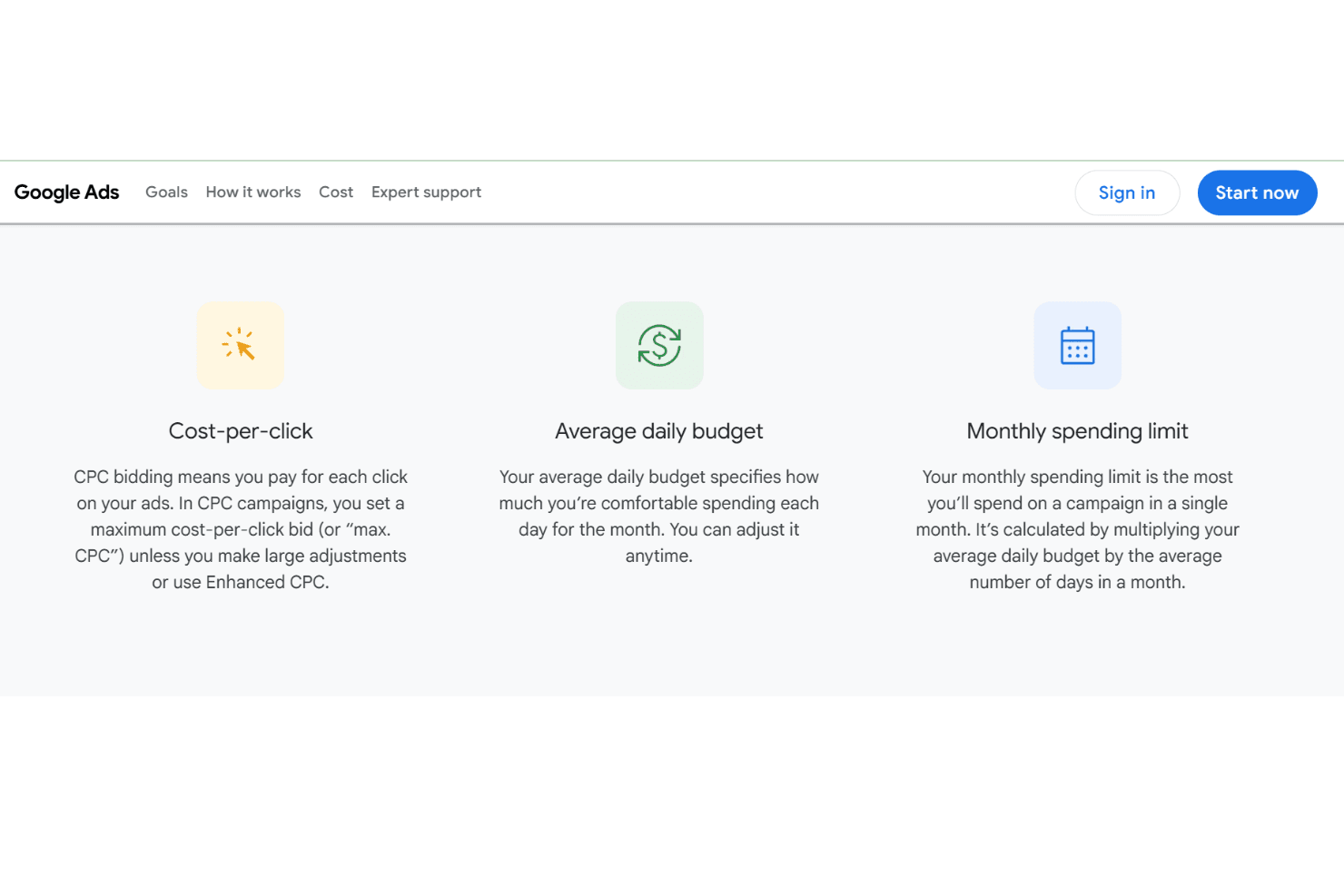
Google Ads pricing follows a flexible pay-per-click model, making it accessible across budgets. Pricing depends on competition, keyword demand, and optimization quality. While there’s no traditional free trial, budget controls allow advertisers to test campaigns safely.
- Pay-Per-Click Model: You pay only when users click
- Daily Budget Controls: Manage spending caps easily
- Promotional Credits: Occasionally available for new accounts
Google Ads Specs
- A/B Testing: Yes
- Analytics: Yes
- API: Yes
- Audience Targeting: Yes
- Automated Conversion: Yes
- Batch Permissions & Access: No
- Behavioral Tracking: Yes
- Brand Management: Yes
- Campaign Management: Yes
- Contact Management: Yes
- Contact Sharing: No
- Conversion Tracking: Yes
- CRM Integration: Yes
- Customer Management: Yes
- Dashboards: Yes
- Data Export: Yes
- Data Import: Yes
- Email Integration: No
- External Integrations: Yes
- Keyword Tracking: Yes
- Landing Pages: No
- Lead Management: No
- Lead Scoring: No
- Link Tracking: Yes
- Marketing Automation: Yes
- Multi-User: Yes
- Notifications: Yes
- Password & Access Management: No
- Social-Media Integration: Yes
Google Ads FAQs
Google Ads Company Overview & History
Google Ads launched in 2000 as Google AdWords and rebranded in 2018. Headquartered in Mountain View, California, the platform is a core revenue driver for Alphabet Inc. and remains one of the most influential providers in digital marketing and PPC advertising.
Major Milestones
- 2000: Google AdWords launched.
- 2002: Pay-per-click model introduced.
- 2018: Rebranded as Google Ads.