
Kentico Review 2026: Pros, Cons, Features and Pricing
I put Kentico’s features, pricing, pros, and trade-offs under the microscope to see whether its enterprise-ready flexibility earns a place on your CMS shortlist.

We review tools independently, and commissions help fund our testing. See our transparency policy, our methodology, or suggest a tool.
Kentico is content management software and a multichannel digital experience platform for teams managing websites, email, mobile apps, ecommerce, and personalized campaigns from one system. I’d choose Kentico over Sitecore when your marketing team needs built-in CMS, digital marketing, commerce, and AI capabilities with flexible headless, hybrid, or traditional delivery.
Kentico Evaluation Summary
4.4/5
- Pricing upon request
- Free demo available
Why Trust Our Software Recommendations
6,700+
Reviews
20
Industry experts
16+
Evaluation factors
14
Years
Our team has been testing and reviewing software since 2012. As marketing leaders ourselves, we know how difficult—and important—it is to choose the right software.
For this guide, we evaluated tools using hands-on testing and independent research, scoring tools using our selection criteria.
Our reviews reflect our human editorial judgment, not a sales pitch.
Expert reviewers:
 Gui DrusinaCreative Director
- Shriya GhateSenior Marketing Lead
 Amanda JacquesMarketing Ops Leader

Kentico Overview
I’d choose Kentico when your team needs one platform for content, digital marketing, ecommerce, email, personalization, and AI across traditional, headless, or hybrid channels. Its flexible architecture and integration options outperform simpler CMS tools, while quote-based pricing, implementation effort, and a denser interface can make onboarding harder for smaller teams. Support resources and partner assistance help, but you’ll need technical ownership to configure workflows and integrations. I think Kentico best suits mid-market and enterprise organizations comparing platforms for multi-site programs, regulated publishing, or campaigns requiring structured content and measurable personalization.
Pros
- Kentico unifies content, marketing, commerce, and AI capabilities.
- Structured content and modular components support consistent multi-site publishing.
- Personalization, workflows, and version history support governed campaigns.
Cons
- Quote-based enterprise pricing can exclude smaller content teams.
- Advanced customization often requires developers and paid consultation.
- Mobile administration omits major functions for on-the-go publishing.


How We Test & Score Tools
We’ve spent years building, refining, and improving our software testing and scoring system. The rubric is designed to capture the nuances of software selection and what makes a tool effective, focusing on critical aspects of the decision-making process.
Below, you can see exactly how our testing and scoring works across seven criteria. It allows us to provide an unbiased evaluation of the software based on core functionality, standout features, ease of use, onboarding, customer support, integrations, customer reviews, and value for money.
Core Functionality (25% of final scoring)
The starting point of our evaluation is always the core functionality of the tool. Does it have the basic features and functions that a user would expect to see? Are any of those core features locked to higher-tiered pricing plans? At its core, we expect a tool to stand up against the baseline capabilities of its competitors.
Standout Features (25% of final scoring)
Next, we evaluate uncommon standout features that go above and beyond the core functionality typically found in tools of its kind. A high score reflects specialized or unique features that make the product faster, more efficient, or offer additional value to the user.
We also evaluate how easy it is to integrate with other tools typically found in the tech stack to expand the functionality and utility of the software. Tools offering plentiful native integrations, 3rd party connections, and API access to build custom integrations score best.
Ease of Use (10% of final scoring)
We consider how quick and easy it is to execute the tasks defined in the core functionality using the tool. High scoring software is well designed, intuitive to use, offers mobile apps, provides templates, and makes relatively complex tasks seem simple.
Onboarding (10% of final scoring)
We know how important rapid team adoption is for a new platform, so we evaluate how easy it is to learn and use a tool with minimal training. We evaluate how quickly a team member can get set up and start using the tool with no experience. High scoring solutions indicate little or no support is required.
Customer Support (10% of final scoring)
We review how quick and easy it is to get unstuck and find help by phone, live chat, or knowledge base. Tools and companies that provide real-time support score best, while chatbots score worst.
Customer Reviews (10% of final scoring)
Beyond our own testing and evaluation, we consider the net promoter score from current and past customers. We review their likelihood, given the option, to choose the tool again for the core functionality. A high scoring software reflects a high net promoter score from current or past customers.
Value for Money (10% of final scoring)
Lastly, in consideration of all the other criteria, we review the average price of entry level plans against the core features and consider the value of the other evaluation criteria. Software that delivers more, for less, will score higher.
Core Features
Structured Content Management
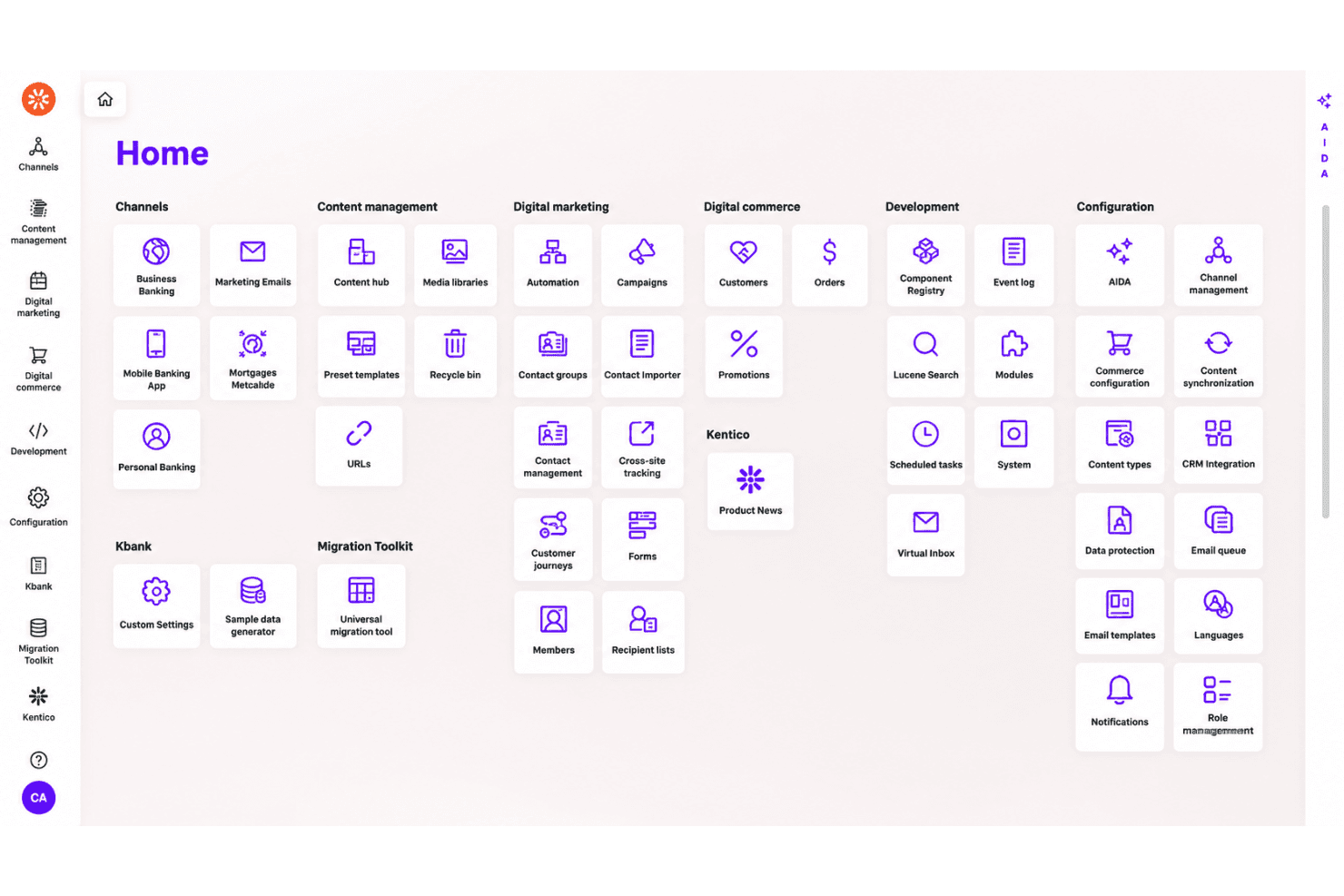
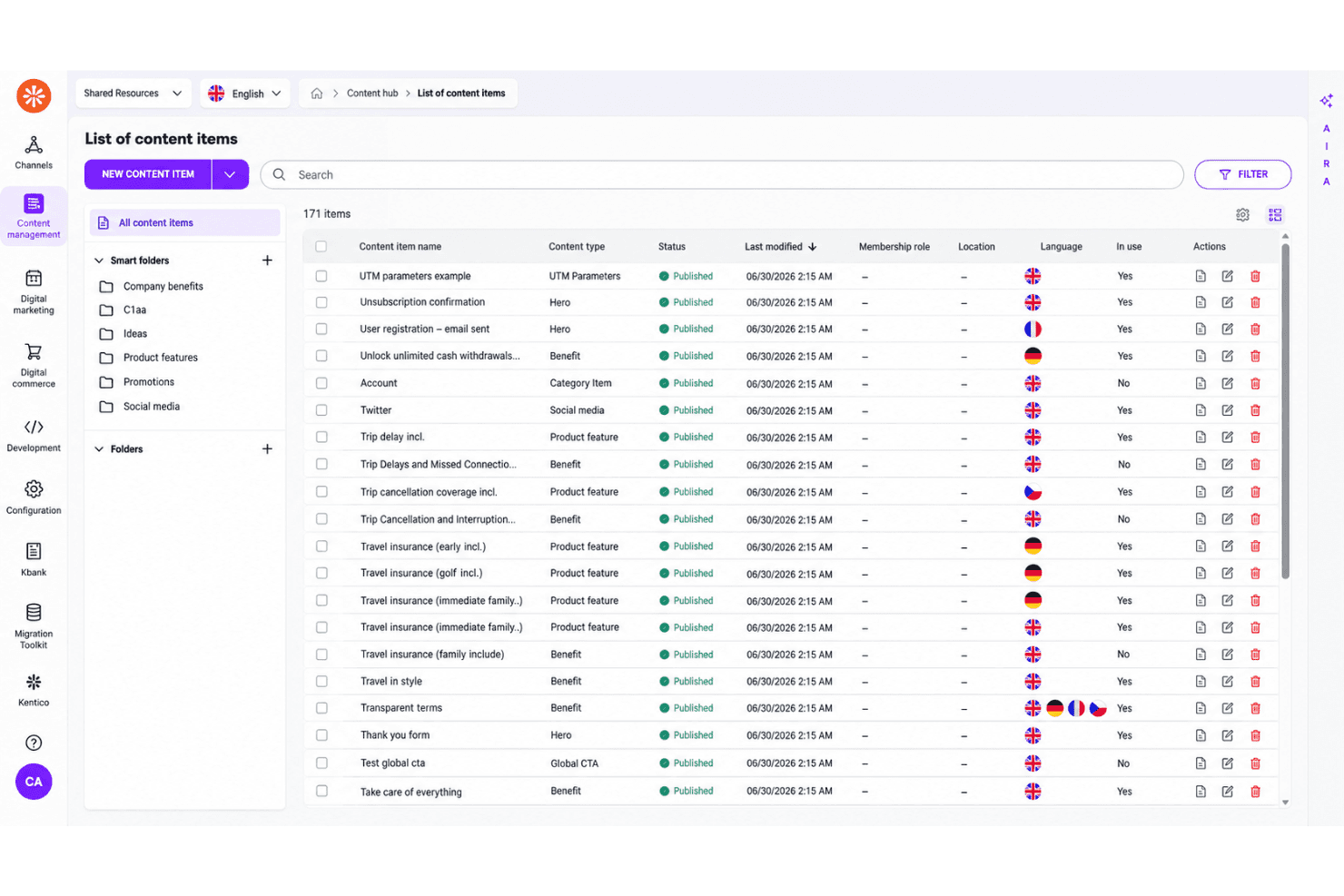
Kentico’s Content Hub stores reusable content such as testimonials, product highlights, and slogans in structured content types. You can reuse one approved item across websites, emails, and apps, then update every placement from one location.
Page Builder
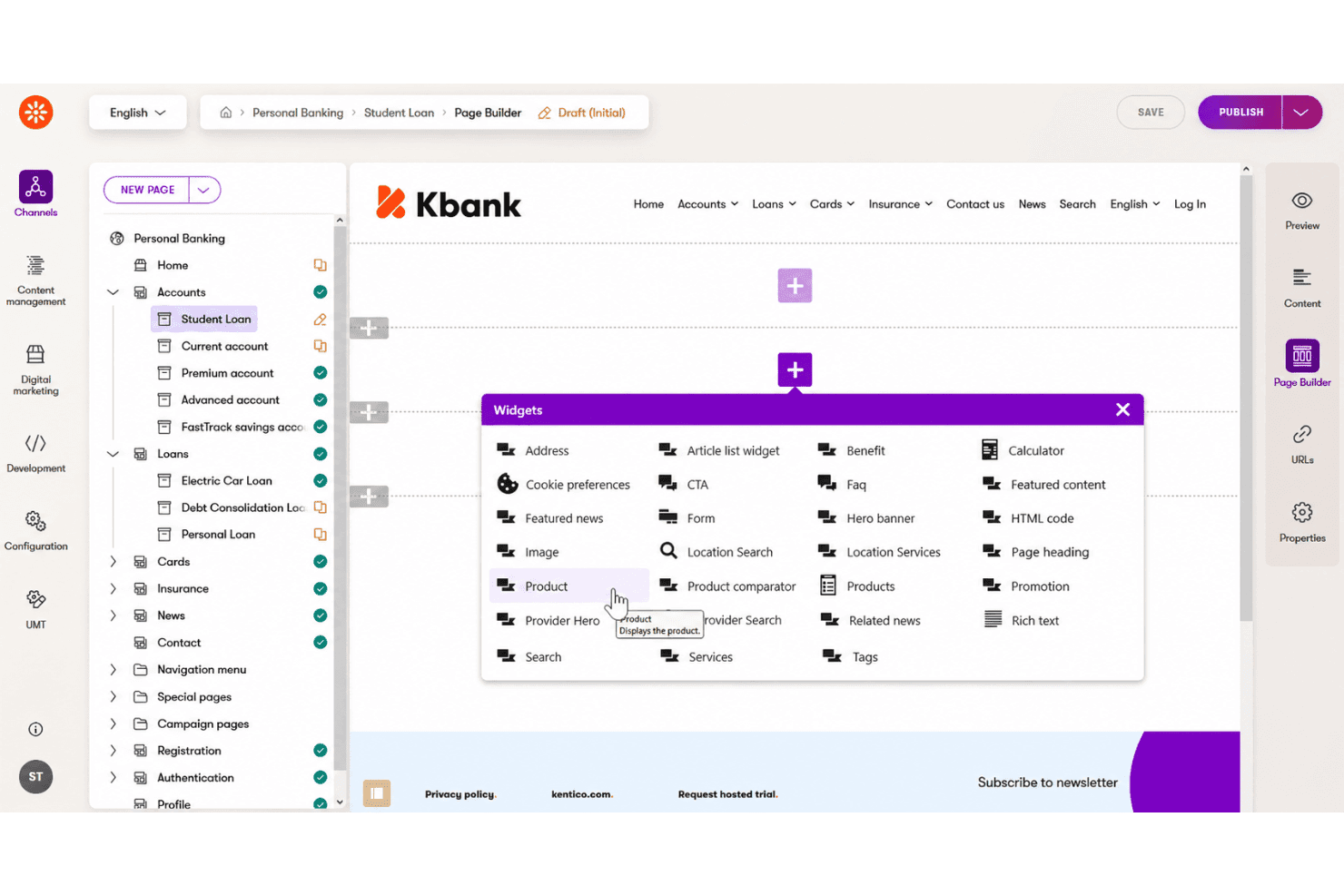
The drag-and-drop Page Builder lets marketers create pages with reusable sections, widgets, and templates without coding. This gives your team control over landing pages while preserving consistent layouts and brand standards.
Workflow And Versioning
Kentico supports draft, review, approval, publishing, version history, and content locking workflows. Editors can collaborate on campaign pages while reviewing previous versions and preventing conflicting changes.
Multi-Site Management
Kentico lets you manage multiple websites, microsites, and landing pages from one platform. Shared templates and channel-specific customizations help centralize governance without forcing every site to use identical content.
Headless Content Delivery
Kentico combines traditional web publishing with headless delivery through APIs, including GraphQL. Your team can manage content once and publish it to websites, mobile apps, email, or other digital channels.
Taxonomy And Metadata
Kentico organizes content with tags, categories, metadata, and smart folders. These tools help teams classify large content libraries, locate assets faster, and support consistent filtering across digital experiences.
Ease of Use
Kentico is reasonably user-friendly for marketers, but its broad feature set creates a learning curve. The drag-and-drop Page Builder, reusable widgets, templates, workflows, and version history make daily publishing approachable. User reviews praise its interactive interface and ease of understanding for new users, while others mention complex upgrades and configuration. I’d choose it for teams with technical support, not small teams seeking a lightweight CMS.
Integrations
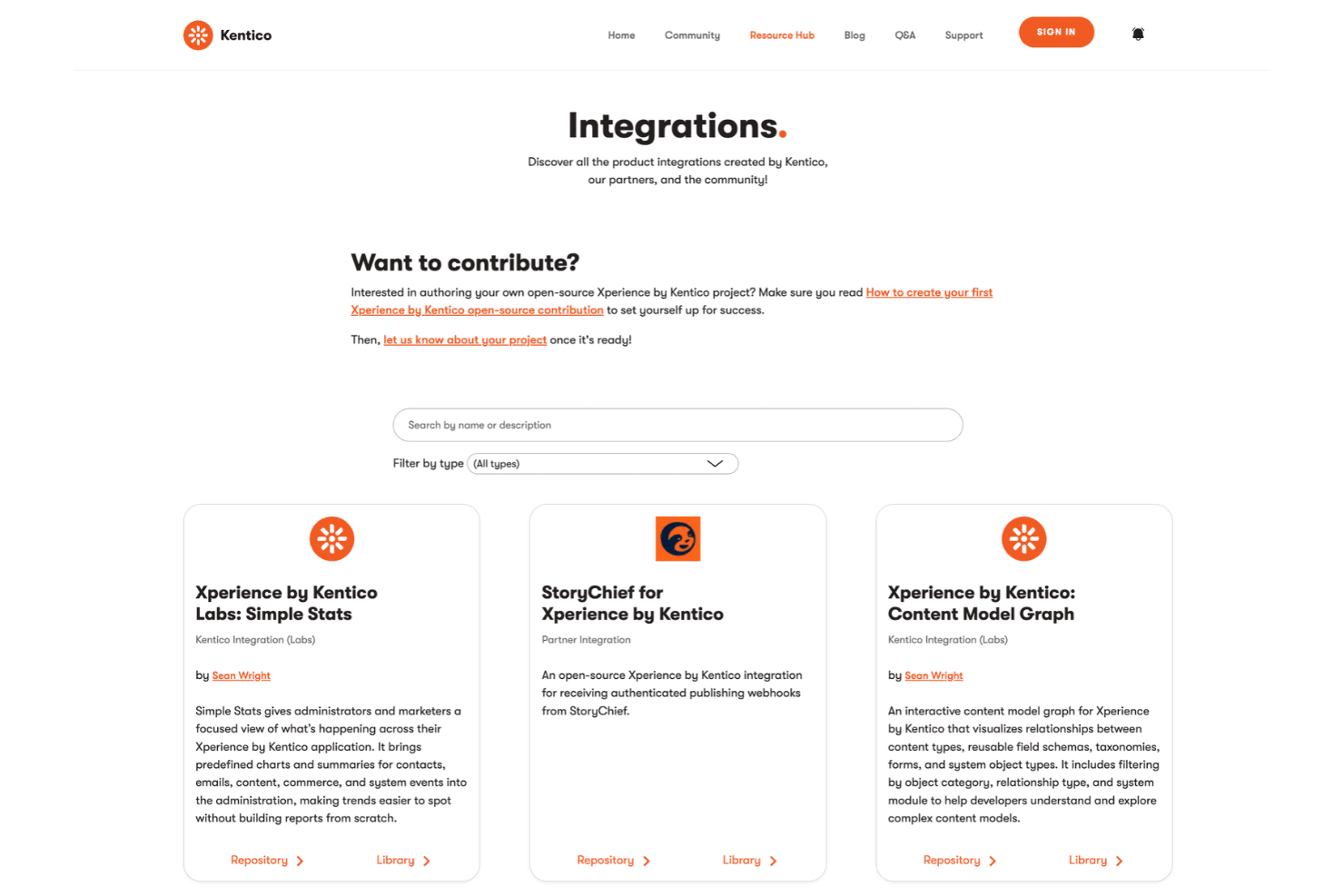
Kentico integrates with Salesforce, Microsoft Dynamics 365, HubSpot CRM, Zoho CRM, SugarCRM, Algolia, Azure AI Search, Shopify, Twilio SendGrid, and Google Tag Manager, among others.
Kentico also provides .NET and GraphQL APIs for custom integrations and supports third-party automation through Zapier, which connects to more than 6,000 apps.
Kentico Specs
- A/B Testing: Yes
- API: Yes
- Batch Permissions & Access: Yes
- Dashboard: Yes
- Data Export: Yes
- Data Import: Yes
- Data Visualization: No
- External Integrations: Yes
- File Sharing: No
- File Transfer: No
- Multi-User: Yes
- Notifications: Yes
- Third-Party Plugins/Add-Ons: Yes


