

Digimind Review: Pros, Cons, Features, and Pricing Explained
As a seasoned marketing manager, I understand the significance of selecting the right marketing intelligence software for your business. In this review, I aim to equip you with all the necessary information about Digimind review to help you make an informed decision on whether it aligns with your specific requirements. Digimind Review Software Product Overview.

We review tools independently, and commissions help fund our testing. See our transparency policy, our methodology, or suggest a tool.
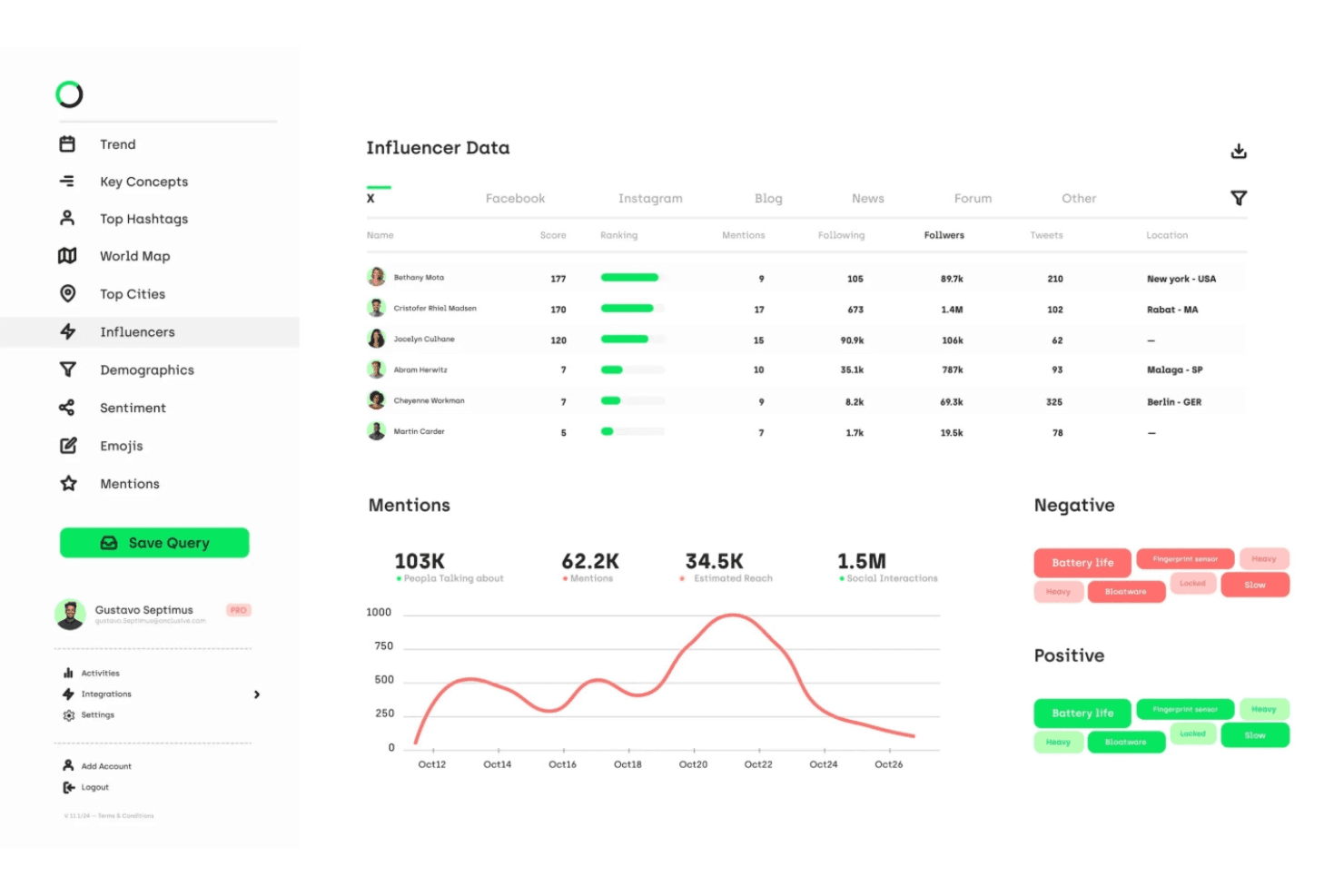
Digimind is a marketing intelligence software for marketing and strategy teams that need to track brand sentiment, monitor competitors, and analyze market trends across social and online channels. I'd consider it over a tool like Brandwatch if your team needs more accessible competitive intelligence reporting without committing to an enterprise-heavy platform that can take months to fully configure.
Digimind Evaluation Summary
4.5/5
- Pricing upon request
- Free demo available
Why Trust Our Software Recommendations
6,700+
Reviews
20
Industry experts
16+
Evaluation factors
14
Years
Our team has been testing and reviewing software since 2012. As marketing leaders ourselves, we know how difficult—and important—it is to choose the right software.
For this guide, we evaluated tools using hands-on testing and independent research, scoring tools using our selection criteria.
Our reviews reflect our human editorial judgment, not a sales pitch.
Expert reviewers:
 Gui DrusinaCreative Director
- Shriya GhateSenior Marketing Lead
 Amanda JacquesMarketing Ops Leader

Digimind Overview
When judging Digimind against other marketing intelligence software, its social listening depth, customizable dashboards, and multilingual monitoring set it apart. The interface is intuitive, and onboarding is straightforward, but pricing may be higher than some alternatives. Digimind’s integrations with CRM and analytics tools make it a strong choice for global teams needing real-time insights. If you’re selecting a platform for enterprise-scale brand monitoring or competitive analysis, Digimind’s support and reporting features are hard to match. However, smaller teams may find the advanced capabilities more than they need.
Pros
- Customizable dashboards for tailored reporting and insights.
- Multilingual monitoring for global brand and competitor tracking.
- Advanced AI-powered social listening and analytics tools.
Cons
- Some users report an outdated user interface.
- Pricing is not transparent and can be high.
- No free trial available for new users.


How We Test & Score Tools
We’ve spent years building, refining, and improving our software testing and scoring system. The rubric is designed to capture the nuances of software selection and what makes a tool effective, focusing on critical aspects of the decision-making process.
Below, you can see exactly how our testing and scoring works across seven criteria. It allows us to provide an unbiased evaluation of the software based on core functionality, standout features, ease of use, onboarding, customer support, integrations, customer reviews, and value for money.
Core Functionality (25% of final scoring)
The starting point of our evaluation is always the core functionality of the tool. Does it have the basic features and functions that a user would expect to see? Are any of those core features locked to higher-tiered pricing plans? At its core, we expect a tool to stand up against the baseline capabilities of its competitors.
Standout Features (25% of final scoring)
Next, we evaluate uncommon standout features that go above and beyond the core functionality typically found in tools of its kind. A high score reflects specialized or unique features that make the product faster, more efficient, or offer additional value to the user.
We also evaluate how easy it is to integrate with other tools typically found in the tech stack to expand the functionality and utility of the software. Tools offering plentiful native integrations, 3rd party connections, and API access to build custom integrations score best.
Ease of Use (10% of final scoring)
We consider how quick and easy it is to execute the tasks defined in the core functionality using the tool. High scoring software is well designed, intuitive to use, offers mobile apps, provides templates, and makes relatively complex tasks seem simple.
Onboarding (10% of final scoring)
We know how important rapid team adoption is for a new platform, so we evaluate how easy it is to learn and use a tool with minimal training. We evaluate how quickly a team member can get set up and start using the tool with no experience. High scoring solutions indicate little or no support is required.
Customer Support (10% of final scoring)
We review how quick and easy it is to get unstuck and find help by phone, live chat, or knowledge base. Tools and companies that provide real-time support score best, while chatbots score worst.
Customer Reviews (10% of final scoring)
Beyond our own testing and evaluation, we consider the net promoter score from current and past customers. We review their likelihood, given the option, to choose the tool again for the core functionality. A high scoring software reflects a high net promoter score from current or past customers.
Value for Money (10% of final scoring)
Lastly, in consideration of all the other criteria, we review the average price of entry level plans against the core features and consider the value of the other evaluation criteria. Software that delivers more, for less, will score higher.
Core Features
AI-Powered Social Listening
Monitor millions of online sources in real time to track brand mentions, sentiment, and emerging trends. Digimind’s AI filters noise and highlights actionable insights.
Multilingual Monitoring
Track conversations and news in over 200 languages for global coverage. This helps international brands understand regional sentiment and competitor activity.
Customizable Dashboards
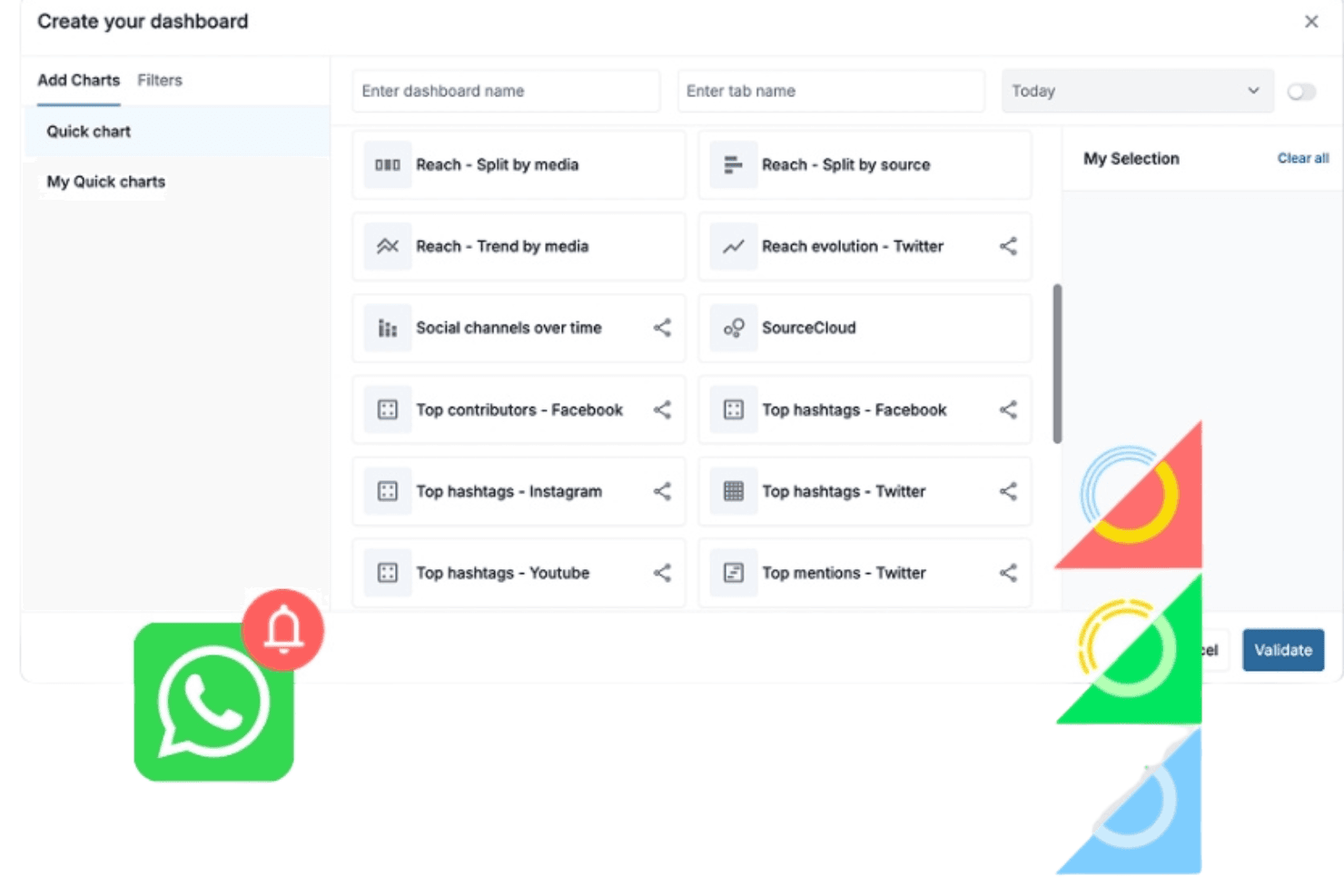
Build tailored dashboards to visualize KPIs, campaign performance, and competitor data. Users can drag and drop widgets for quick, relevant reporting.
Automated Reporting
Generate scheduled or on-demand reports with visual summaries and key findings. Reports can be shared with stakeholders in multiple formats.
Trend Detection
Identify spikes in conversation, emerging topics, and viral content automatically. Digimind alerts users to potential risks or opportunities as they happen.
Competitor Benchmarking
Compare your brand’s share of voice, sentiment, and engagement against competitors. Visual benchmarking tools make it easy to spot strengths and gaps.
Ease of Use
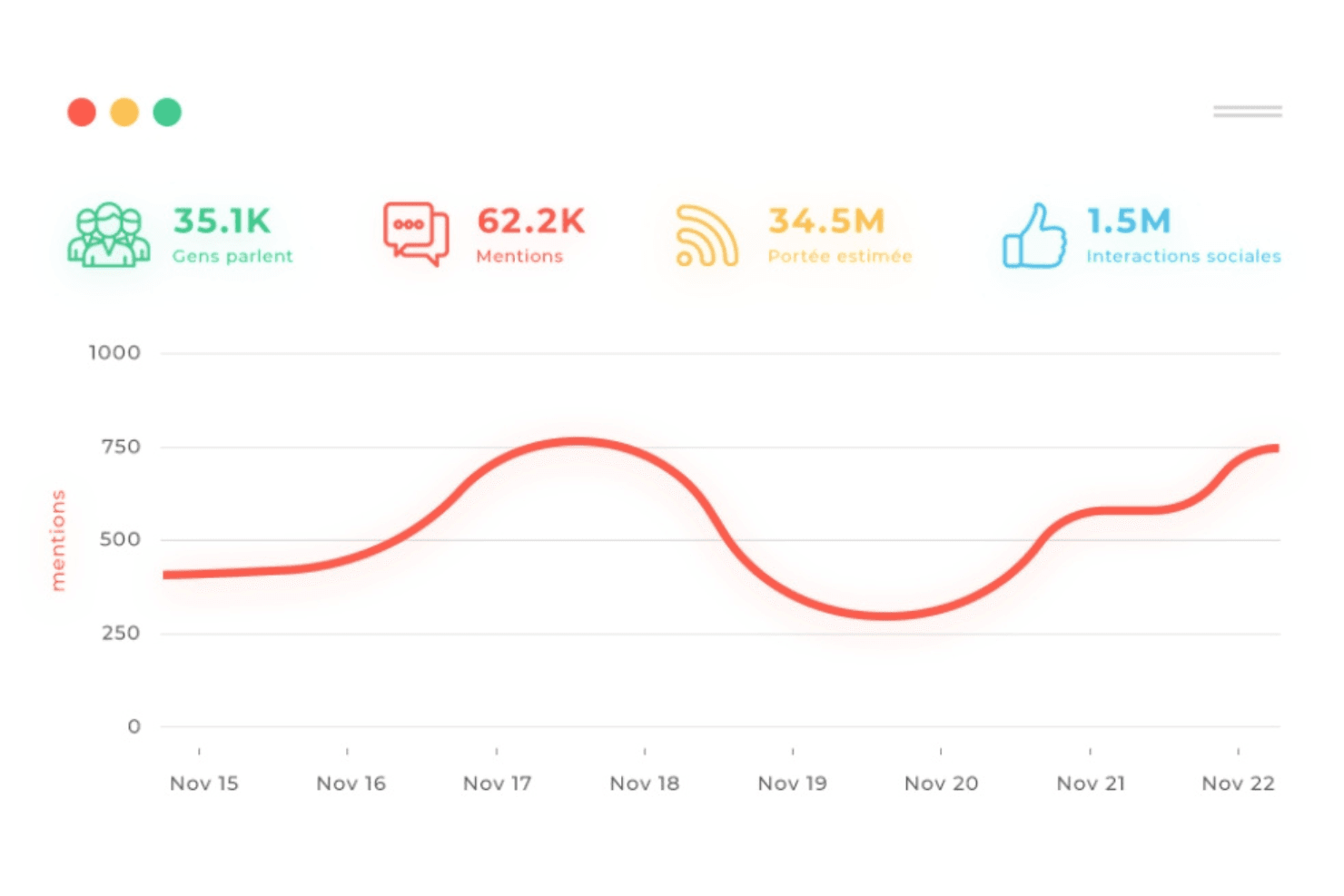
Digimind is generally praised for its intuitive interface and straightforward onboarding, making it accessible even for users new to marketing intelligence software. Customizable dashboards and drag-and-drop widgets simplify data visualization and reporting. However, some users mention that the platform’s depth can feel overwhelming at first, especially when configuring advanced analytics or setting up complex monitoring queries. Overall, Digimind balances powerful features with a user-friendly design that supports both beginners and experienced analysts.
Integrations
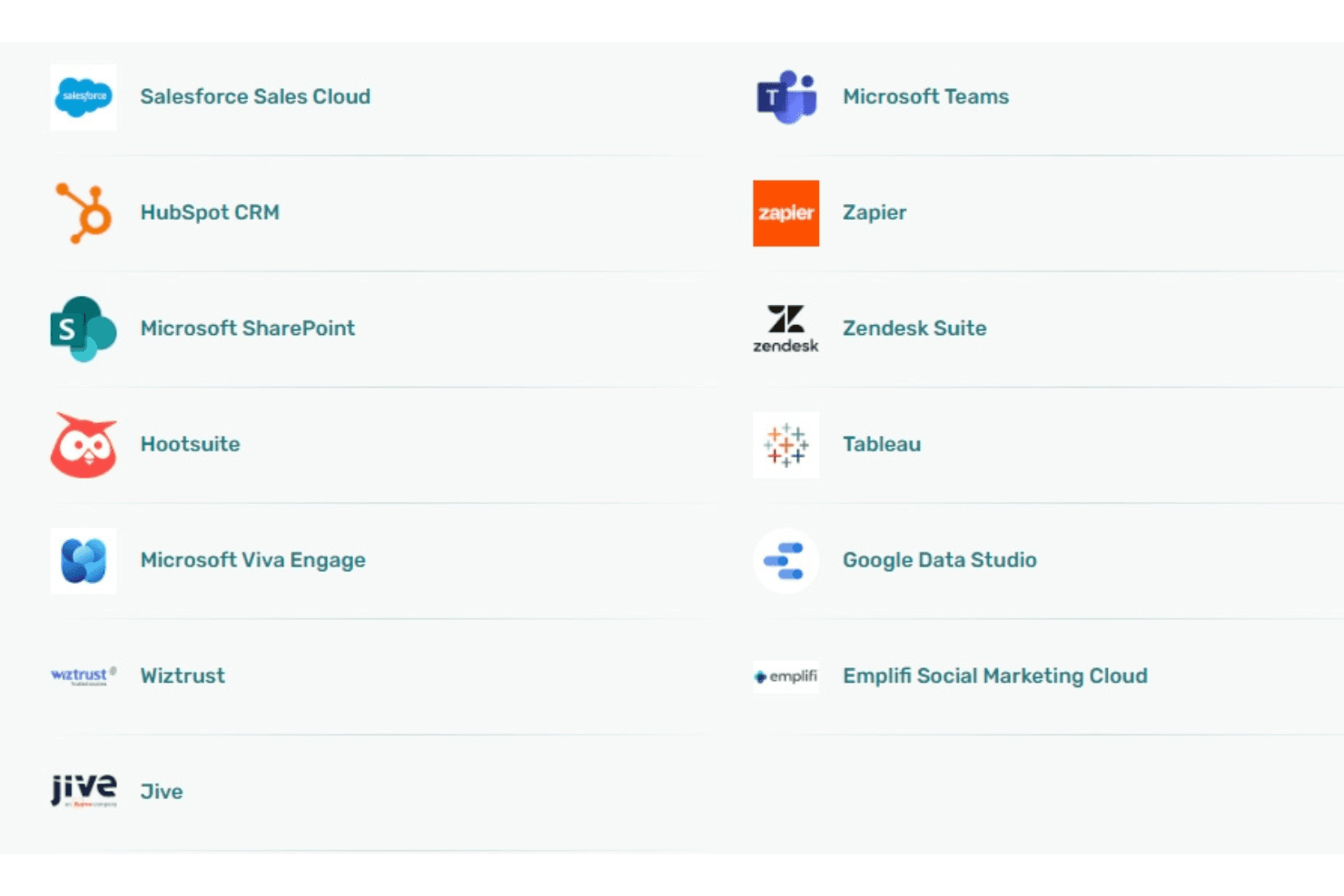
Digimind integrates with Salesforce, Microsoft Power BI, Google Analytics, Hootsuite, Slack, Tableau, HubSpot, Zendesk, Trello, and LinkedIn, among others.
Digimind also offers an API for custom integrations and connects with third-party integration tools.
Digimind Specs
- Analytics: Yes
- API: Yes
- Approval Workflows: No
- Audience Targeting: No
- Brand Management: No
- Calendar Management: No
- Campaign Management: No
- Collaboration Support: No
- Conversion Tracking: Yes
- Custom Reports: No
- Dashboard: Yes
- Data Export: Yes
- Data Import: Yes
- Data Visualization: Yes
- External Integrations: Yes
- Feedback Management: No
- Keyword Tracking: Yes
- Knowledge Base: No
- Landing Pages: No
- Link Tracking: Yes
- Marketing Automation: No
- Multi-Account: Yes
- Multi-User: Yes
- Notifications: Yes
- Review Monitoring: No
- Scheduling: No
- Sentiment Analysis: Yes
- Social Media Monitoring: Yes
- Social-Media Integration: Yes
- Third-Party Plugins/Add-Ons: Yes
- Workflow Management: No


