
Optimizely-beoordeling: voordelen, nadelen, functies en prijzen uitgelegd
Optimizely onderscheidt zich door krachtige experimenten en personalisatie, maar de complexiteit en prijsstelling zijn vooral geschikt voor grotere teams—ideaal voor datagedreven marketeers die geavanceerde optimalisatie zoeken.

We review tools independently, and commissions help fund our testing. See our transparency policy, our methodology, or suggest a tool.
Optimizely is a marketing software built around experimentation, A/B testing, feature flagging, and personalization for teams that need to run and analyze digital experiments at scale. I'd consider it over a tool like VWO if your team needs more than split testing—Optimizely brings content management, feature rollouts, and experiment analysis into one platform, which VWO doesn't match in the same depth.
Optimizely Evaluation Summary
4.2/5
- Pricing upon request
- Free demo available
Waarom u onze softwareaanbevelingen kunt vertrouwen
6,700+
Reviews
20
Industry experts
16+
Evaluation factors
14
Years
Ons team test en beoordeelt software sinds 2012. Als marketingleiders weten we zelf hoe moeilijk — en belangrijk — het is om de juiste software te kiezen.
Voor deze gids hebben we tools geëvalueerd met behulp van praktijktests en onafhankelijk onderzoek, waarbij we tools beoordeelden aan de hand van onze selectiecriteria.
Onze reviews weerspiegelen ons menselijke redactionele oordeel, geen verkooppraatje.
Deskundige beoordelaars:
 Gui DrusinaCreatief directeur
- Shriya GhateSenior Marketing Lead
 Amanda JacquesMarketing Ops Leader

Optimizely Overview
Optimizely delivers top-tier experimentation and personalization, with a clean interface and deep analytics that make it easy to judge campaign impact. I think its pricing and advanced features are best for mid-sized to enterprise teams who need granular control and robust integrations. Compared to others, onboarding takes more time, but the support and documentation help smooth the process.
If you’re selecting a platform for complex testing and content management, Optimizely stands out, though smaller teams may find the cost and learning curve harder to justify. For data-driven marketers, it’s a strong contender.
Pros
- Automated workflows streamline content creation and approvals.
- Strong analytics and reporting for data-driven decisions.
- Advanced experimentation and personalization for campaigns.
Cons
- Some users report slow customer support response times.
- Initial setup and onboarding require significant resources.
- Pricing is high for small or growing teams.
Is Optimizely Right For Your Needs?
Who Would be a Good Fit for Optimizely?
Optimizely is a strong choice for organizations that prioritize experimentation, personalization, and data-driven marketing at scale. Teams with complex digital experiences, high traffic, or a need for advanced content management will get the most value. Its feature set is best suited for industries and roles where optimizing user journeys and running multivariate tests are core to growth.
- Media & PublishingContent management and audience targeting drive engagement and ad revenue.
- SaaS Product TeamsExperimentation and feature flagging help refine onboarding and in-app experiences.
- Digital AgenciesAbility to manage multiple client projects and run A/B tests at scale.
- Financial ServicesStrict approval workflows and analytics support compliance and customer segmentation.
- Enterprise Marketing TeamsAdvanced personalization and workflow automation support large, multi-channel campaigns.
- Ecommerce RetailersOptimizely’s experimentation tools help optimize product pages and checkout flows.
Who Would be a Bad Fit for Optimizely?
Optimizely isn’t ideal for teams with limited budgets, simple marketing needs, or low website traffic. Smaller businesses or those without dedicated technical resources may find the platform’s complexity and cost outweigh the benefits. If your marketing relies on basic campaigns or you need quick, out-of-the-box solutions, Optimizely may not be the best match.
- Event Marketing TeamsFocus on one-off campaigns doesn’t require ongoing optimization tools.
- Brick-and-Mortar RetailLimited digital presence doesn’t leverage Optimizely’s experimentation strengths.
- Solo MarketersPlatform complexity and scale are unnecessary for single-person teams.
- Nonprofit OrganizationsBudget constraints and simple campaign requirements limit Optimizely’s value.
- Early-Stage StartupsResource-intensive setup and management are hard to justify early on.
- Small Local BusinessesHigh pricing and advanced features exceed basic marketing needs.
How We Test & Score Tools
We’ve spent years building, refining, and improving our software testing and scoring system. The rubric is designed to capture the nuances of software selection and what makes a tool effective, focusing on critical aspects of the decision-making process.
Below, you can see exactly how our testing and scoring works across seven criteria. It allows us to provide an unbiased evaluation of the software based on core functionality, standout features, ease of use, onboarding, customer support, integrations, customer reviews, and value for money.
Core Functionality (25% of final scoring)
The starting point of our evaluation is always the core functionality of the tool. Does it have the basic features and functions that a user would expect to see? Are any of those core features locked to higher-tiered pricing plans? At its core, we expect a tool to stand up against the baseline capabilities of its competitors.
Standout Features (25% of final scoring)
Next, we evaluate uncommon standout features that go above and beyond the core functionality typically found in tools of its kind. A high score reflects specialized or unique features that make the product faster, more efficient, or offer additional value to the user.
We also evaluate how easy it is to integrate with other tools typically found in the tech stack to expand the functionality and utility of the software. Tools offering plentiful native integrations, 3rd party connections, and API access to build custom integrations score best.
Ease of Use (10% of final scoring)
We consider how quick and easy it is to execute the tasks defined in the core functionality using the tool. High scoring software is well designed, intuitive to use, offers mobile apps, provides templates, and makes relatively complex tasks seem simple.
Onboarding (10% of final scoring)
We know how important rapid team adoption is for a new platform, so we evaluate how easy it is to learn and use a tool with minimal training. We evaluate how quickly a team member can get set up and start using the tool with no experience. High scoring solutions indicate little or no support is required.
Customer Support (10% of final scoring)
We review how quick and easy it is to get unstuck and find help by phone, live chat, or knowledge base. Tools and companies that provide real-time support score best, while chatbots score worst.
Customer Reviews (10% of final scoring)
Beyond our own testing and evaluation, we consider the net promoter score from current and past customers. We review their likelihood, given the option, to choose the tool again for the core functionality. A high scoring software reflects a high net promoter score from current or past customers.
Value for Money (10% of final scoring)
Lastly, in consideration of all the other criteria, we review the average price of entry level plans against the core features and consider the value of the other evaluation criteria. Software that delivers more, for less, will score higher.
Core Features
Experimentation Platform
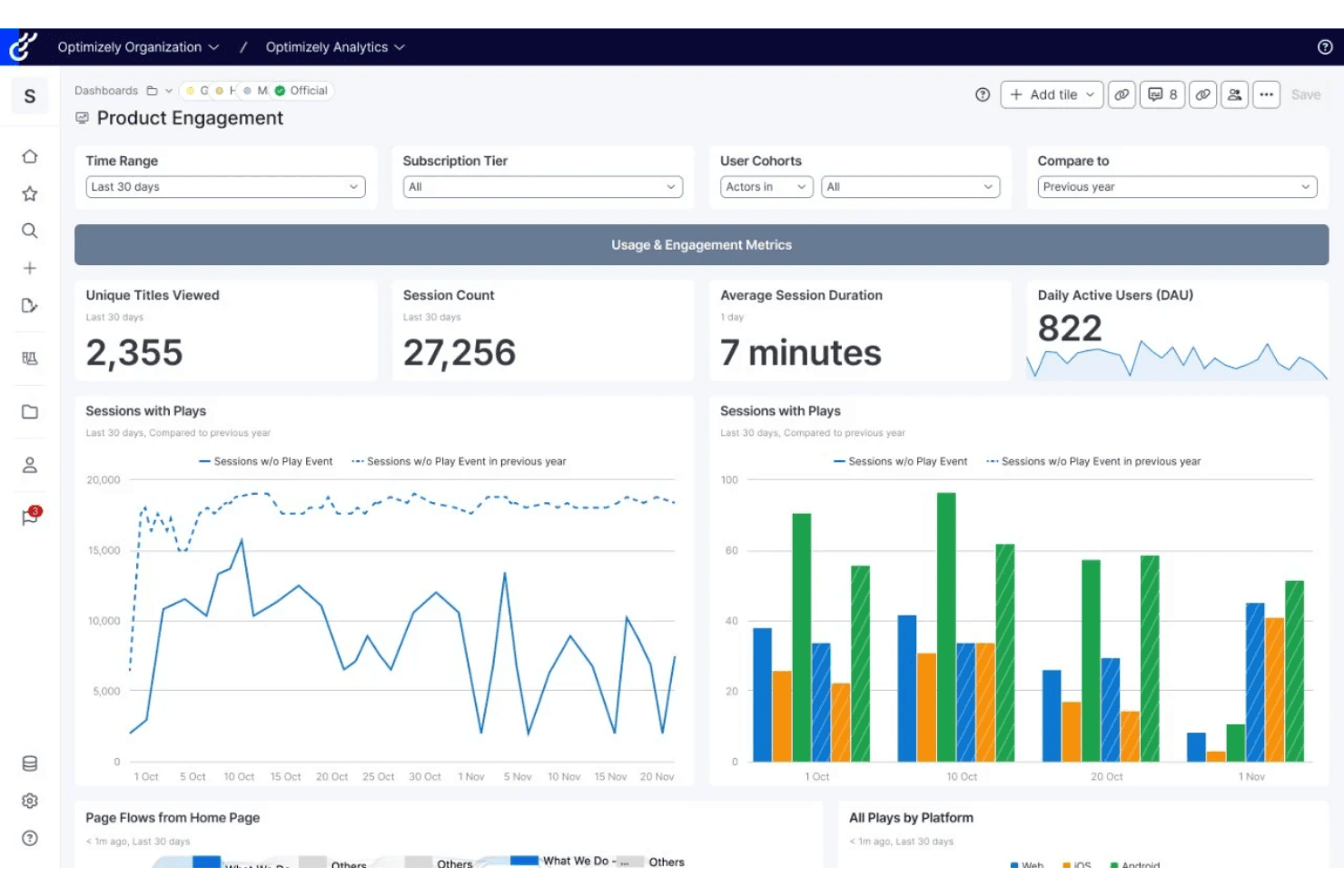
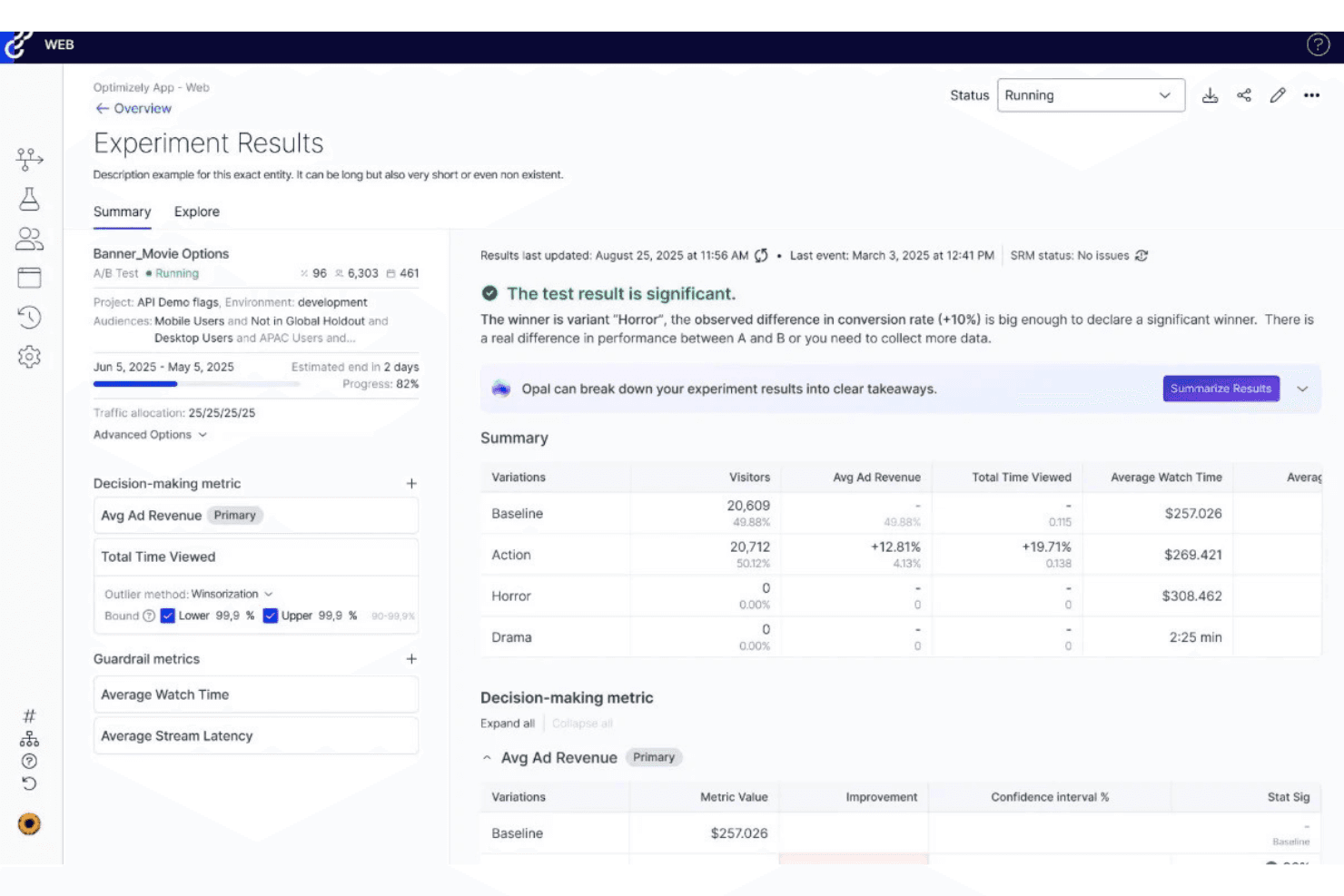
Run A/B, multivariate, and server-side tests to optimize digital experiences. Users can target segments and measure impact with detailed analytics.
Content Management System
Create, manage, and publish content across channels from one interface. Drag-and-drop editing and approval workflows speed up campaign launches.
Personalization Engine
Deliver tailored experiences based on user behavior, location, or attributes. Marketers can set rules and automate content variations for different audiences.
Feature Flagging
Roll out new features to select user groups and control releases. This reduces risk and allows for real-time adjustments based on user feedback.
Analytics and Reporting
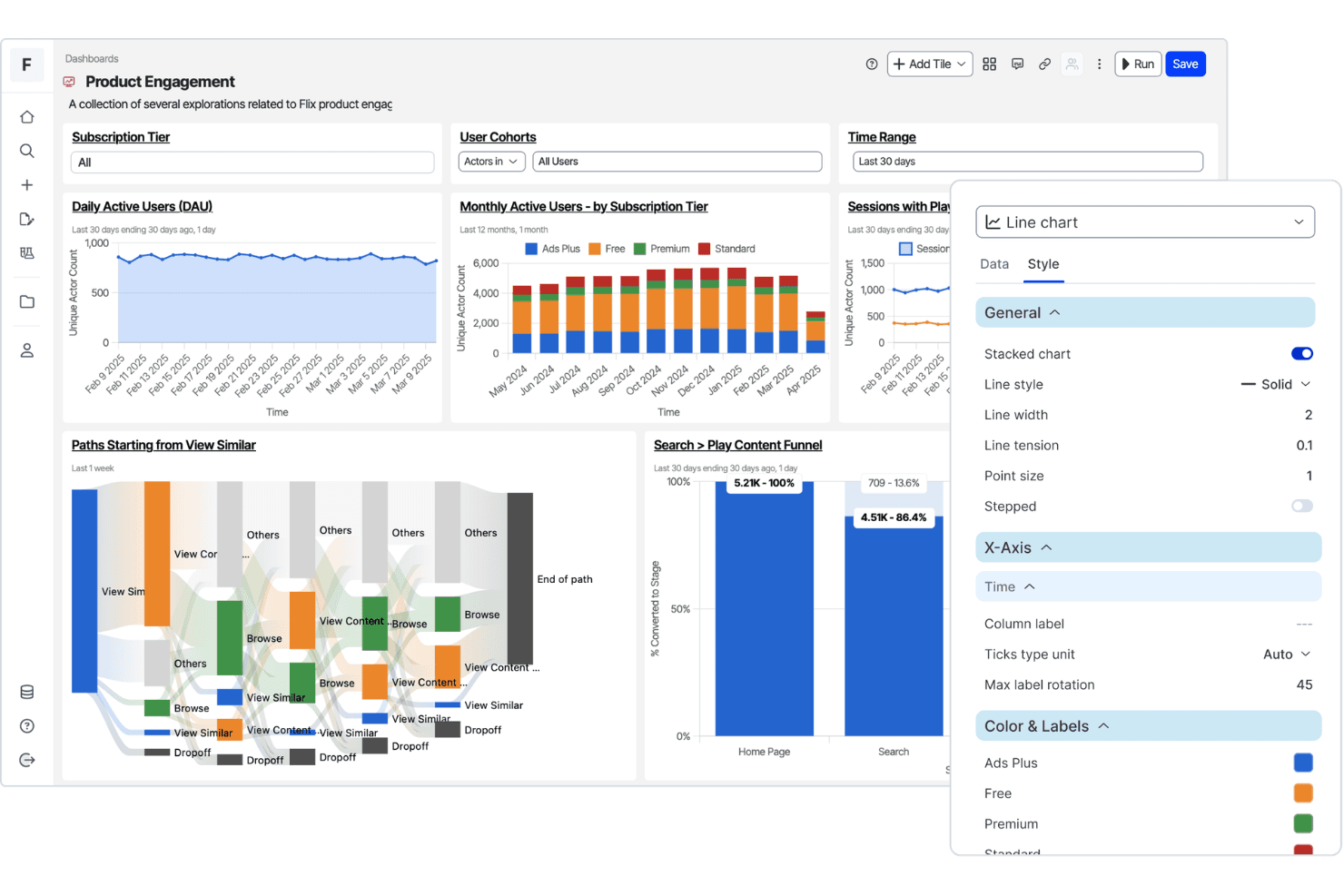
Access real-time dashboards and in-depth reports on experiments and campaigns. Teams can track conversions, engagement, and ROI with customizable metrics.
Workflow Automation
Automate content approvals, publishing, and campaign tasks. This helps large teams coordinate projects and maintain compliance.
Ease of Use
Optimizely offers a polished interface and intuitive navigation, but its depth means onboarding takes time, especially for teams new to experimentation or personalization. Many users appreciate the drag-and-drop content tools and clear reporting dashboards, yet advanced features like server-side testing and workflow automation require technical know-how.
I think experienced marketing teams will find the platform user-friendly once set up, but smaller or less technical teams may face a steeper learning curve.
Integrations
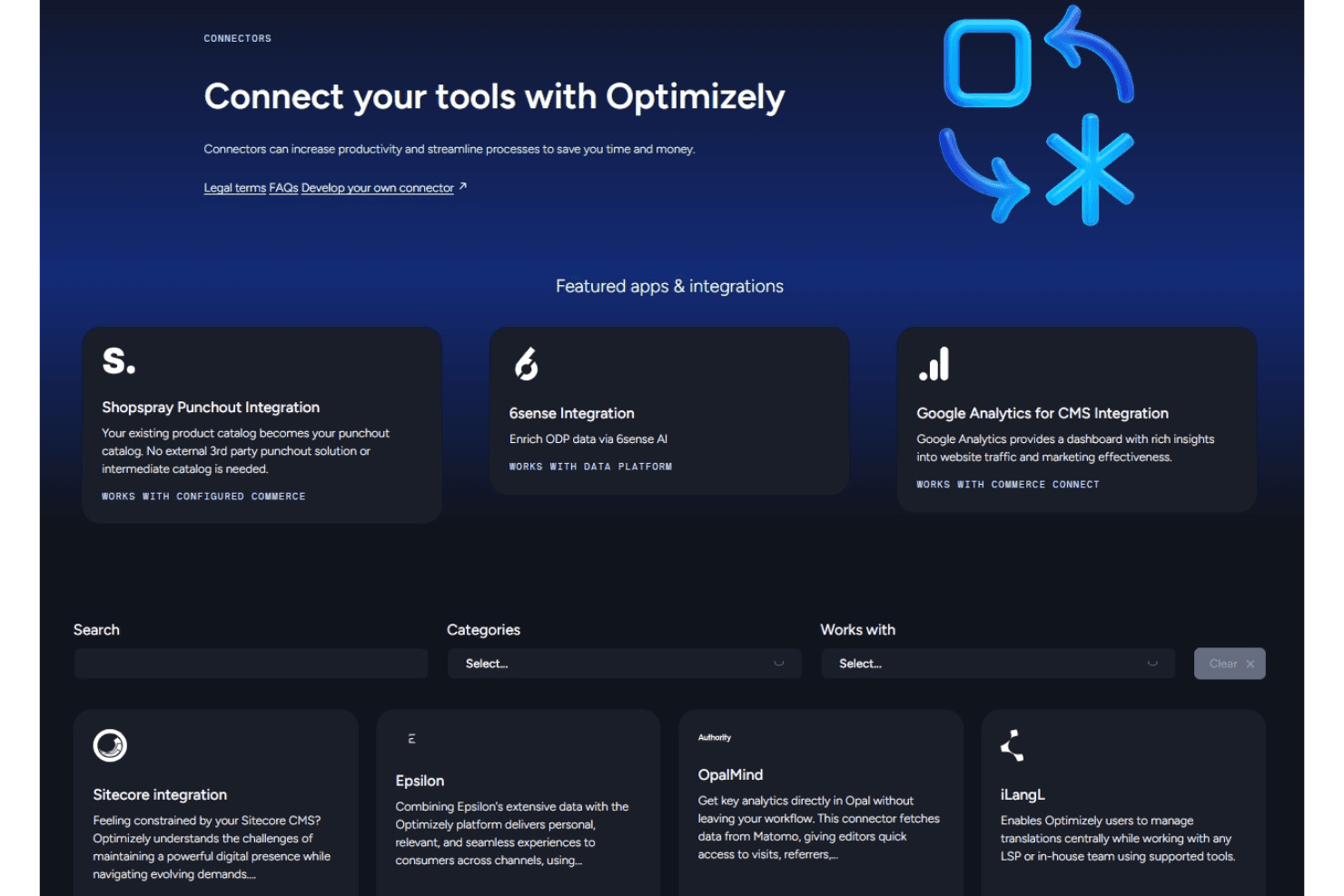
Optimizely integrates with Google Analytics, Epsilon, 6sense, Sitecore Integration, Shopspray Punchout Integration, OpalMind, and iLangL, among others.
Optimizely also offers a robust API and supports connections with third-party integration tools for custom workflows and data sync.
Optimizely Specs
- A/B Testing: Yes
- AI Integration: Yes
- Analytics: Yes
- API: Yes
- Automated Testing: No
- Bug Tracking: No
- Campaign Management: Yes
- Conversion Tracking: Yes
- Custom Reports: Yes
- Dashboards: Yes
- Data Export: Yes
- Data Import: Yes
- Data Visualization: Yes
- Design Templates: No
- External Integrations: Yes
- Feedback Management: No
- Form Builder: No
- History/Version Control: No
- Multi-Site: Yes
- Multi-User: Yes
- Notifications: Yes
- Performance Testing: No
- Referral Tracking: Yes
- Regression Testing: No
- Release Management: No
- Reports: Yes
- Scenario Planning: Yes
- SEO: No
- Test Management: No
- Visualization: No
- Workflow Management: Yes


