
Jira-beoordeling: voordelen, nadelen, functies en prijzen
Jira blinkt uit in marketingplanning dankzij de aanpasbare workflows, waardoor het een uitstekende keuze is voor teams die flexibiliteit en efficiëntie zoeken.

We review tools independently, and commissions help fund our testing. See our transparency policy, our methodology, or suggest a tool.
Jira is a marketing planning software built around agile project management, giving marketing teams a structured way to plan campaigns, assign tasks, and track progress across sprints. I'd consider it if your team works closely with engineering or product—that's where Jira has a real edge over tools like Asana. Its cross-functional visibility and developer-native workflows make it easier to align marketing work with product releases, which standalone marketing tools simply aren't designed to do.
Jira Evaluation Summary
4.3/5
- From $8.48/user/month (billed annually)
- Free plan available
Waarom u onze softwareaanbevelingen kunt vertrouwen
6,700+
Reviews
20
Industry experts
16+
Evaluation factors
14
Years
Ons team test en beoordeelt software sinds 2012. Als marketingleiders weten we zelf hoe moeilijk — en belangrijk — het is om de juiste software te kiezen.
Voor deze gids hebben we tools geëvalueerd met behulp van praktijktests en onafhankelijk onderzoek, waarbij we tools beoordeelden aan de hand van onze selectiecriteria.
Onze reviews weerspiegelen ons menselijke redactionele oordeel, geen verkooppraatje.
Deskundige beoordelaars:
 Gui DrusinaCreatief directeur
- Shriya GhateSenior Marketing Lead
 Amanda JacquesMarketing Ops Leader

Jira Overview
In my opinion, Jira is a solid choice for marketing planning, especially if your team values flexibility and detailed project tracking. Its standout features like customizable roadmaps and integration capabilities set it apart from competitors. However, it might not be the best fit for those needing extensive resource management tools, as some advanced features are locked behind higher-tier pricing. Jira is best suited for tech-driven teams who appreciate a customizable and scalable tool. If you're weighing options, consider Jira for its ease of onboarding and strong core features, but be mindful of its pricing structure if your team requires comprehensive resource management.
Pros
- You can customize workflows to fit your team's specific needs.
- Its task management functionality help your team stay organized and efficient.
- The onboarding process is straightforward, making it easy for your team to get started quickly.
Cons
- The interface can feel cluttered and overwhelming for new users.
- Advanced features may require a learning curve for your team.
- It's not ideal for teams needing detailed resource management tools.
Is Jira Right For Your Needs?
Who Would be a Good Fit for Jira?
Jira is great for tech-driven companies and agile teams that value customization and detailed project tracking. It's well-suited for IT departments and software development teams who need to manage complex projects with multiple workflows. Marketing teams that want to tailor their planning processes and keep everyone aligned can benefit from Jira's flexible features. If your team thrives on clear task management and efficient onboarding, Jira can help you achieve your project goals.
- Software DevelopmentJira's customizable workflows and task management make it perfect for managing software projects efficiently.
- Agile TeamsIts agile boards and Scrum sprint planning tools help your team stay organized and focused on delivering results.
- IT DepartmentsJira's issue tracking capabilities ensure that your IT team can handle support requests swiftly.
- Marketing TeamsCustomizable roadmaps let your marketing team plan and execute campaigns effectively.
- Project ManagementJira's detailed tracking and reporting features help project managers keep everything on schedule.
- Tech StartupsThe flexibility and scalability of Jira support the dynamic needs of growing tech startups.
Who Would be a Bad Fit for Jira?
Jira might not suit small teams or businesses with simple project needs due to its complex interface and advanced features. Non-technical teams could find the learning curve steep and overwhelming. Companies that require robust resource management tools may find Jira lacking in this area. If your team values simplicity and straightforward project management without much customization, Jira might not meet your expectations.
- Small BusinessesSmall teams with basic project needs might find Jira's complex features unnecessary and cumbersome.
- Non-Technical TeamsThe interface can be overwhelming for teams without technical expertise, leading to frustration and inefficiency.
- Resource ManagementFirms needing detailed resource management tools might find Jira's capabilities lacking in this aspect.
- FreelancersFreelancers might find Jira's extensive features excessive for managing individual projects.
- Education SectorSchools and educational institutions may not need Jira's advanced project tracking for their administrative tasks.
- Retail CompaniesRetail businesses focused on straightforward inventory and sales tracking may find Jira's features too complex.
How We Test & Score Tools
We’ve spent years building, refining, and improving our software testing and scoring system. The rubric is designed to capture the nuances of software selection and what makes a tool effective, focusing on critical aspects of the decision-making process.
Below, you can see exactly how our testing and scoring works across seven criteria. It allows us to provide an unbiased evaluation of the software based on core functionality, standout features, ease of use, onboarding, customer support, integrations, customer reviews, and value for money.
Core Functionality (25% of final scoring)
The starting point of our evaluation is always the core functionality of the tool. Does it have the basic features and functions that a user would expect to see? Are any of those core features locked to higher-tiered pricing plans? At its core, we expect a tool to stand up against the baseline capabilities of its competitors.
Standout Features (25% of final scoring)
Next, we evaluate uncommon standout features that go above and beyond the core functionality typically found in tools of its kind. A high score reflects specialized or unique features that make the product faster, more efficient, or offer additional value to the user.
We also evaluate how easy it is to integrate with other tools typically found in the tech stack to expand the functionality and utility of the software. Tools offering plentiful native integrations, 3rd party connections, and API access to build custom integrations score best.
Ease of Use (10% of final scoring)
We consider how quick and easy it is to execute the tasks defined in the core functionality using the tool. High scoring software is well designed, intuitive to use, offers mobile apps, provides templates, and makes relatively complex tasks seem simple.
Onboarding (10% of final scoring)
We know how important rapid team adoption is for a new platform, so we evaluate how easy it is to learn and use a tool with minimal training. We evaluate how quickly a team member can get set up and start using the tool with no experience. High scoring solutions indicate little or no support is required.
Customer Support (10% of final scoring)
We review how quick and easy it is to get unstuck and find help by phone, live chat, or knowledge base. Tools and companies that provide real-time support score best, while chatbots score worst.
Customer Reviews (10% of final scoring)
Beyond our own testing and evaluation, we consider the net promoter score from current and past customers. We review their likelihood, given the option, to choose the tool again for the core functionality. A high scoring software reflects a high net promoter score from current or past customers.
Value for Money (10% of final scoring)
Lastly, in consideration of all the other criteria, we review the average price of entry level plans against the core features and consider the value of the other evaluation criteria. Software that delivers more, for less, will score higher.
Core Features
Task Management: You can assign tasks, set deadlines, and track progress, keeping your team's projects organized and on track.
Custom Workflows: Customize workflows to fit your team's specific processes, ensuring that every project runs smoothly and efficiently.
Agile Boards: Use agile boards to manage sprints and backlogs, supporting strong team collaboration throughout each project cycle.
Reporting and Analytics: Generate detailed reports and analytics to gain insights into your team's performance and make informed decisions.
Roadmaps: Create visual roadmaps to plan and communicate your team's project timelines and goals effectively.
Issue Tracking: Track and resolve issues quickly, ensuring that your team can address challenges as they arise.
Ease of Use
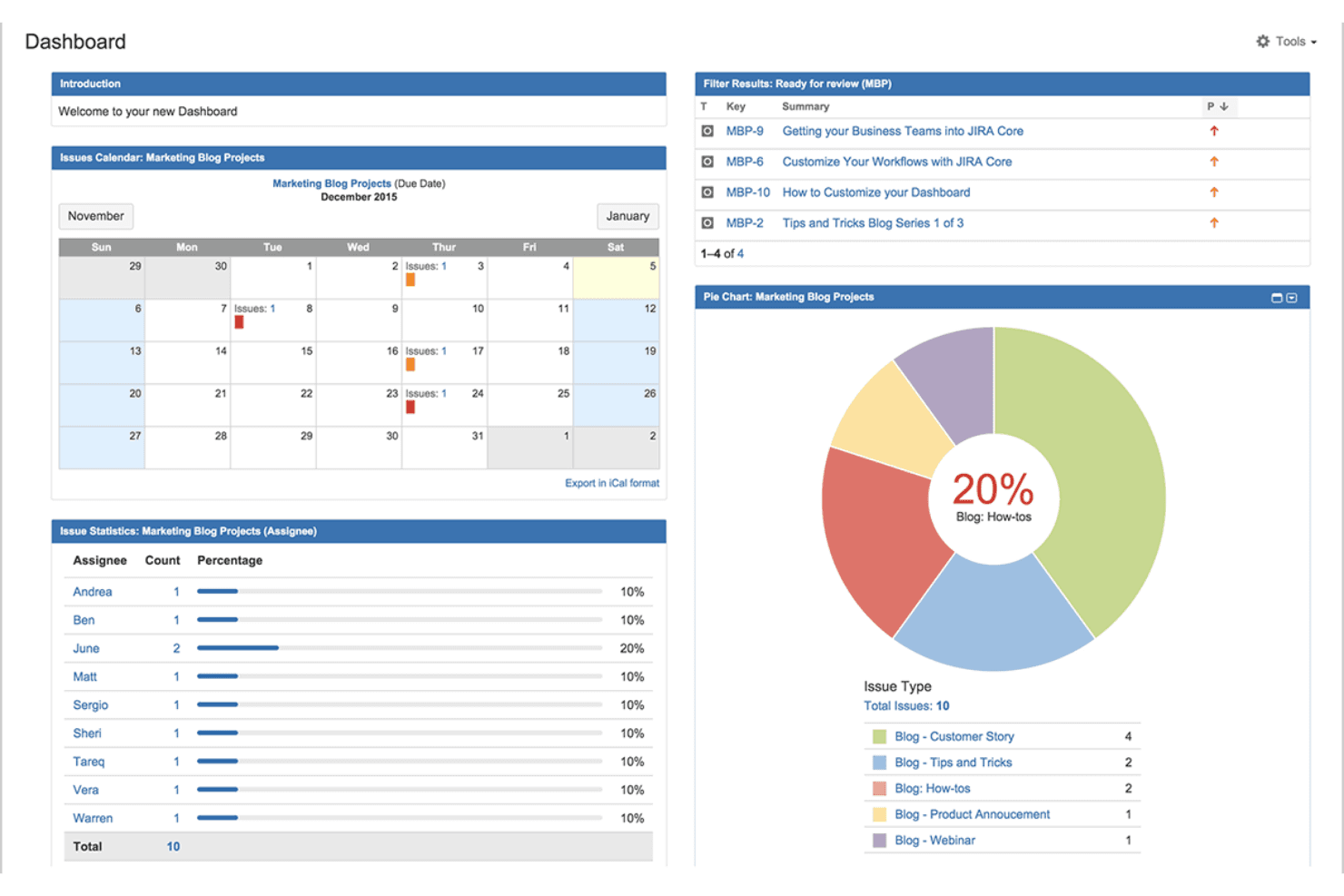
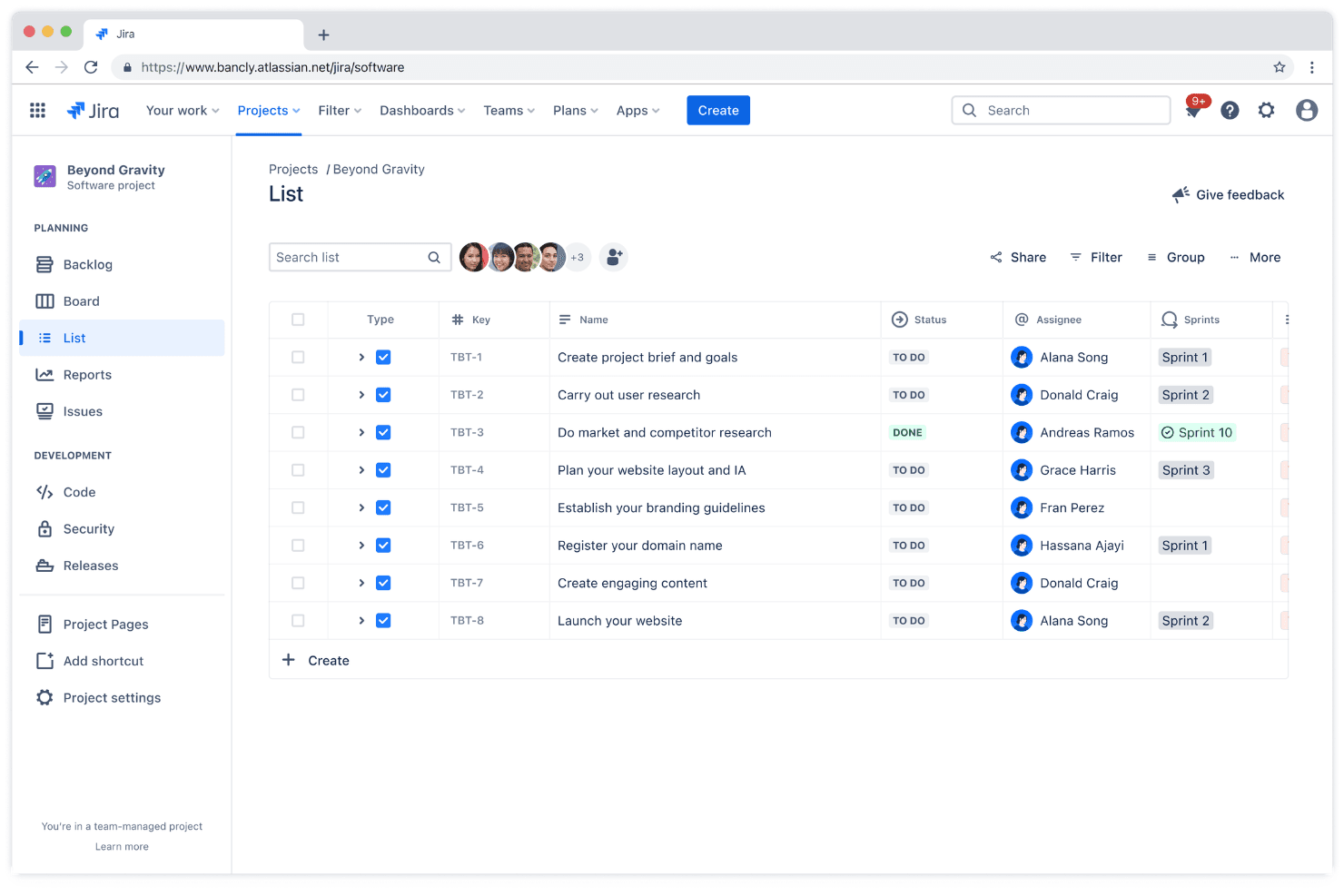
Jira offers a user-friendly experience for teams familiar with project management software, but it can be overwhelming for newcomers. Its customizable dashboards and agile boards are intuitive once you get the hang of them, but the initial learning curve might slow your team down at first. If your team values flexibility and detailed control, you'll appreciate Jira's depth. However, be prepared for some adjustment time as your team navigates its extensive feature set.
Integrations
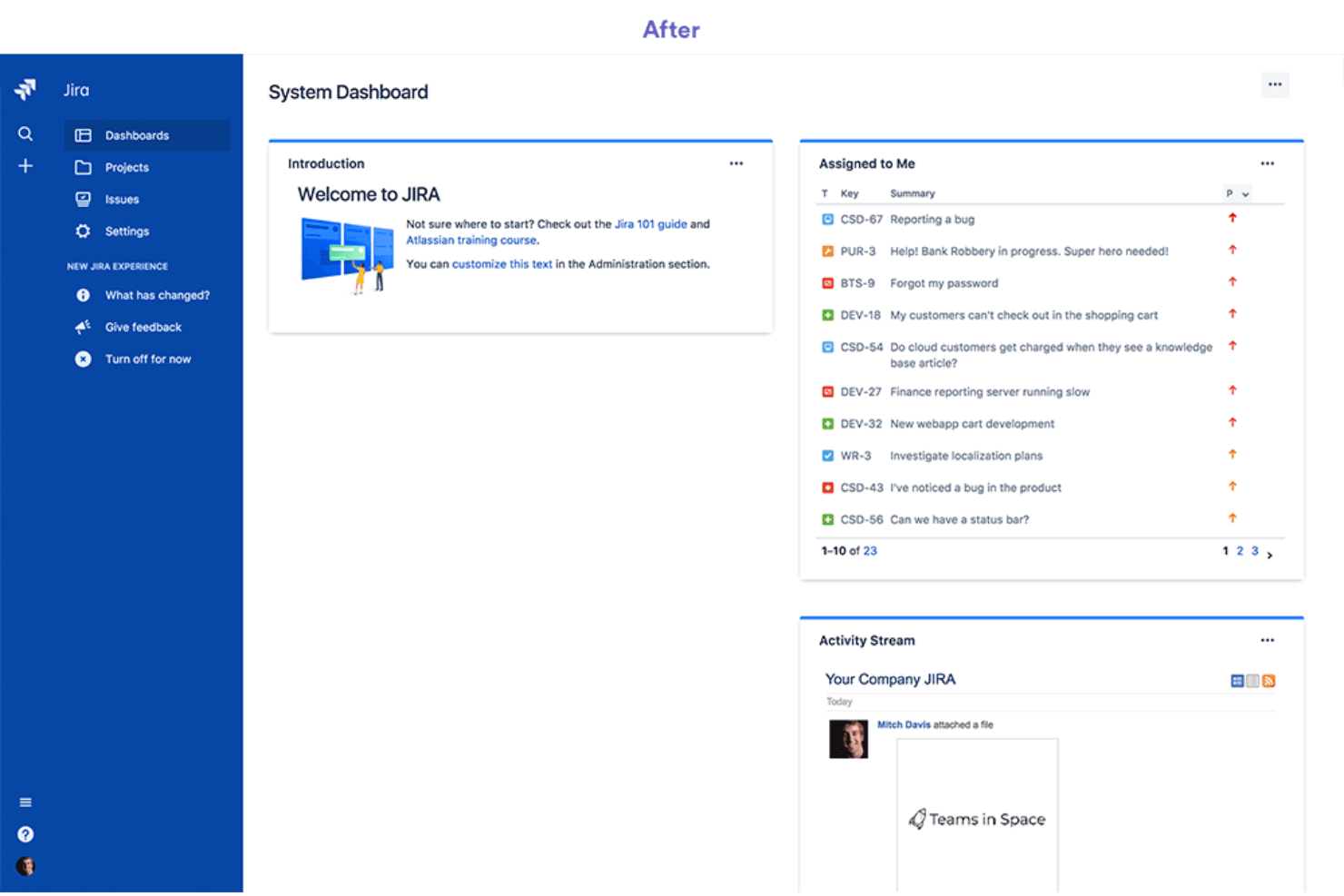
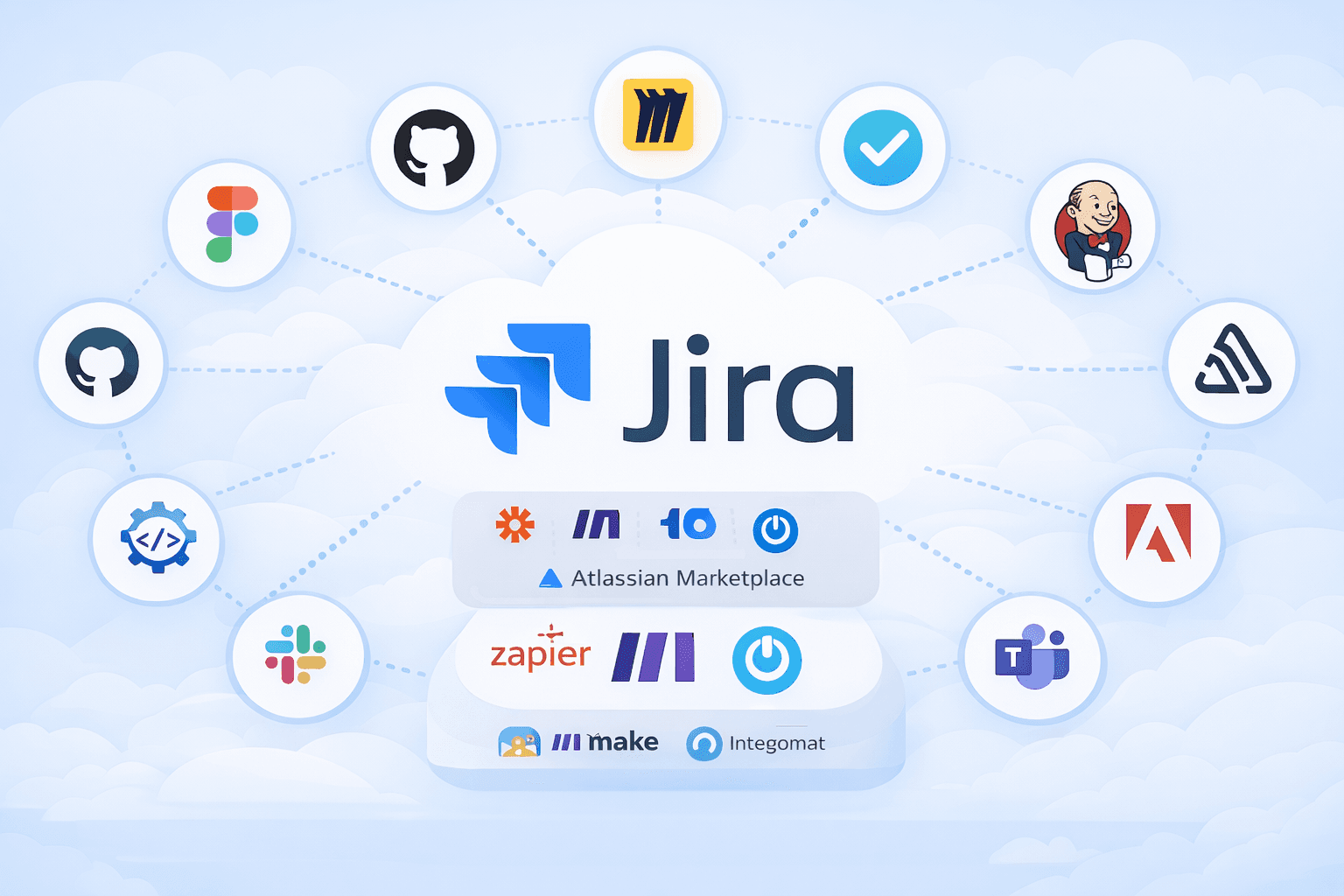
Jira integrates with GitHub, Figma, Miro, Clockify, Jenkins, Sentry, Lucidchart, Adobe, Slack, and Microsoft Teams. Jira also offers an API and connects with third-party integration tools through the Atlassian Marketplace.
Jira Specs
- API: Yes
- Calendar Management: No
- Data Export: Yes
- Data Import: Yes
- External Integrations: Yes
- Inventory Tracking: Yes
- Multi-User: Yes
- Notifications: Yes
- Project Management: Yes
- Scheduling: Yes
- Supplier Management: Yes
- Task Scheduling/Tracking: Yes


