

Impartner-beoordeling 2026: voor- en nadelen, functies en prijzen
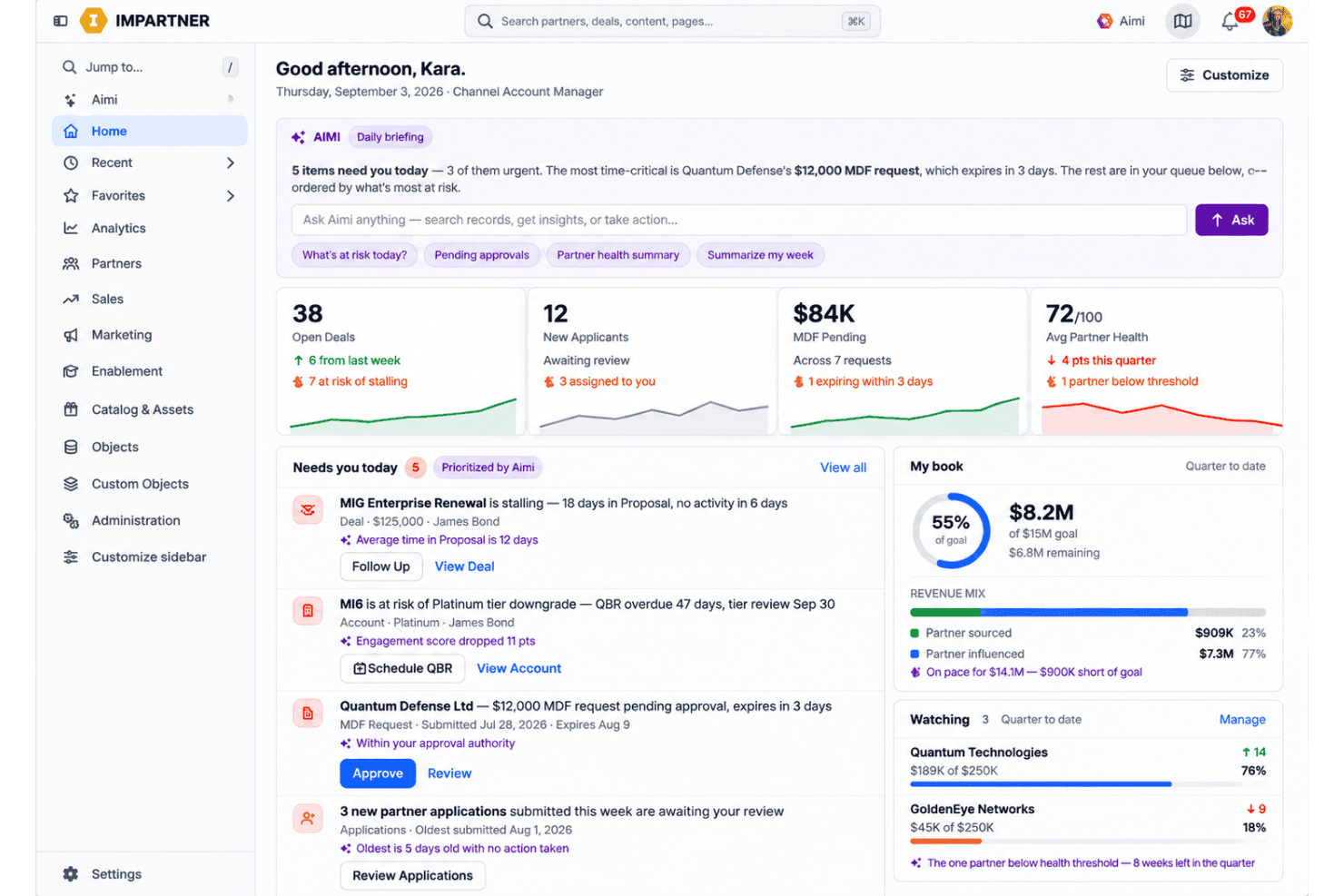
I see Impartner as a powerful partner-marketing platform for teams that need structure at scale—though its depth may come with more complexity than smaller programs need.

We review tools independently, and commissions help fund our testing. See our transparency policy, our methodology, or suggest a tool.
Impartner is local marketing software that helps brands coordinate partner campaigns, co-branded content, local lead generation, and channel reporting. I’d consider it when you manage a large partner or dealer network and need consistent marketing execution across local markets. Compared with Allbound, Impartner is the better choice when you need paid media automation, co-branded microsites, partner marketing funds, and revenue reporting in one platform.
Impartner Evaluation Summary
4.4/5
- Pricing upon request
- Free demo available
Waarom u onze softwareaanbevelingen kunt vertrouwen
6,700+
Reviews
20
Industry experts
16+
Evaluation factors
14
Years
Ons team test en beoordeelt software sinds 2012. Als marketingleiders weten we zelf hoe moeilijk — en belangrijk — het is om de juiste software te kiezen.
Voor deze gids hebben we tools geëvalueerd met behulp van praktijktests en onafhankelijk onderzoek, waarbij we tools beoordeelden aan de hand van onze selectiecriteria.
Onze reviews weerspiegelen ons menselijke redactionele oordeel, geen verkooppraatje.
Deskundige beoordelaars:
 Gui DrusinaCreatief directeur
- Shriya GhateSenior Marketing Lead
 Amanda JacquesMarketing Ops Leader

Impartner Overview
Impartner is best selected by brands managing large partner or dealer networks, where paid media automation, co-branded microsites, partner marketing funds, and revenue reporting justify quote-based pricing. I judge its functionality and specifications stronger than simpler local marketing tools, while its interface, configuration, and onboarding require more planning. Integration options support connected marketing operations, and vendor guidance matters during implementation. Support is most valuable for teams with dedicated channel marketing owners. Choose Impartner when governance and reporting matter more than a low-cost, quick-start setup; smaller programs may find its depth and price difficult to justify.
Pros
- Automated paid media spans major networks for local dealer campaigns.
- Co-branded microsites support localized partner marketing on partner domains.
- MDF, lead management, and revenue reporting connect spend with outcomes.
Cons
- Quote-based module pricing can challenge smaller partner networks.
- Users report outdated interfaces and limited portal branding controls.
- Reporting options can constrain partner-specific local performance analysis.
Is Impartner Right For Your Needs?
Who Would be a Good Fit for Impartner?
Impartner fits organizations that manage partner marketing through formal programs, approval steps, co-branded templates, and marketing development funds (MDF). It suits channel marketing departments, partner operations leaders, and companies with large or distributed partner networks. Its dashboards, portal workflows, training requirements, and integrations support teams that need governance across partner campaigns.
- Enterprise VendorsEnterprise technology vendors can use Impartner’s partner portal, campaign dashboards, templates, and custom objects to manage large partner ecosystems.
- Channel Marketing TeamsChannel marketing departments can coordinate co-branded campaigns, partner applications, approval steps, MDF workflows, and campaign reporting from one portal.
- Partner Operations LeadsPartner operations leaders can use structured onboarding, portal access controls, training requirements, and workflow approvals to manage partner participation.
- MDF ProgramsTeams with formal MDF programs can use Impartner’s MDF workflows to organize funding requests and connect partner activity with campaign management.
- Multi-Tier NetworksCompanies with multi-tier partner networks can use Impartner’s centralized portal, expanded capacity, and custom objects to govern different partner relationships.
- Global ProgramsOrganizations running multiple partner programs can choose plans with expanded limits, multiple languages, and broader capacity as their ecosystem grows.
Who Would be a Bad Fit for Impartner?
Impartner is a poor choice for teams that need a quick, inexpensive, or lightly managed local marketing tool. Small businesses, direct sales departments, solo marketers, and single-location organizations may find its configuration, onboarding, portal administration, and quoted pricing disproportionate to their needs. It also fits poorly when your team lacks a dedicated channel owner or needs extensive customization beyond available options.
- Small BusinessesSmall businesses with few partners may find Impartner’s configuration, onboarding, and module-based pricing excessive for a limited partner program.
- Direct Sales TeamsDirect sales departments without channel partners have little use for Impartner’s partner applications, portal workflows, co-branded templates, and MDF features.
- Solo MarketersSolo marketers may struggle to support Impartner’s planning, configuration, training requirements, and ongoing portal administration without dedicated vendor involvement.
- Single LocationsSingle-location businesses rarely need centralized partner portals, campaign dashboards, or approval workflows for distributed local marketing.
- Quick LaunchesTeams needing immediate deployment may find Impartner unsuitable because onboarding requires planning, configuration, training, and vendor guidance.
- Tight BudgetsBudget-sensitive organizations may find Impartner difficult to justify because published plans start at $25,000 annually and higher tiers use quoted pricing.
How We Test & Score Tools
We’ve spent years building, refining, and improving our software testing and scoring system. The rubric is designed to capture the nuances of software selection and what makes a tool effective, focusing on critical aspects of the decision-making process.
Below, you can see exactly how our testing and scoring works across seven criteria. It allows us to provide an unbiased evaluation of the software based on core functionality, standout features, ease of use, onboarding, customer support, integrations, customer reviews, and value for money.
Core Functionality (25% of final scoring)
The starting point of our evaluation is always the core functionality of the tool. Does it have the basic features and functions that a user would expect to see? Are any of those core features locked to higher-tiered pricing plans? At its core, we expect a tool to stand up against the baseline capabilities of its competitors.
Standout Features (25% of final scoring)
Next, we evaluate uncommon standout features that go above and beyond the core functionality typically found in tools of its kind. A high score reflects specialized or unique features that make the product faster, more efficient, or offer additional value to the user.
We also evaluate how easy it is to integrate with other tools typically found in the tech stack to expand the functionality and utility of the software. Tools offering plentiful native integrations, 3rd party connections, and API access to build custom integrations score best.
Ease of Use (10% of final scoring)
We consider how quick and easy it is to execute the tasks defined in the core functionality using the tool. High scoring software is well designed, intuitive to use, offers mobile apps, provides templates, and makes relatively complex tasks seem simple.
Onboarding (10% of final scoring)
We know how important rapid team adoption is for a new platform, so we evaluate how easy it is to learn and use a tool with minimal training. We evaluate how quickly a team member can get set up and start using the tool with no experience. High scoring solutions indicate little or no support is required.
Customer Support (10% of final scoring)
We review how quick and easy it is to get unstuck and find help by phone, live chat, or knowledge base. Tools and companies that provide real-time support score best, while chatbots score worst.
Customer Reviews (10% of final scoring)
Beyond our own testing and evaluation, we consider the net promoter score from current and past customers. We review their likelihood, given the option, to choose the tool again for the core functionality. A high scoring software reflects a high net promoter score from current or past customers.
Value for Money (10% of final scoring)
Lastly, in consideration of all the other criteria, we review the average price of entry level plans against the core features and consider the value of the other evaluation criteria. Software that delivers more, for less, will score higher.
Core Features
Automated Paid Media
Impartner launches local paid media campaigns across Google, Microsoft, Facebook, and Instagram, with predictive AI adjusting performance in real time. You can manage dealer or partner advertising centrally while preserving localized campaign execution.
Co-Branded Microsites
Impartner creates co-branded microsites and promotional banners that partners can publish on their own domains. This gives each dealer a localized destination with approved brand messaging and campaign content.
Partner Content Management
Impartner stores datasheets, guides, banners, and other approved collateral in a centralized partner portal. Partners can quickly co-brand current assets, giving local teams usable content without creating materials from scratch.
Lead Generation And Nurturing
Impartner supports automated lead generation and nurturing across email, social media, and paid advertising. Lead and revenue management connect local campaign activity with the opportunities and deals it produces.
Market Development Funds
Impartner lets partners request funds, submit performance proof, and track approvals and payments through the portal. Customizable workflows and budget visibility help marketing teams connect MDF spending with local campaign activity.
Campaign Analytics And Revenue Reporting
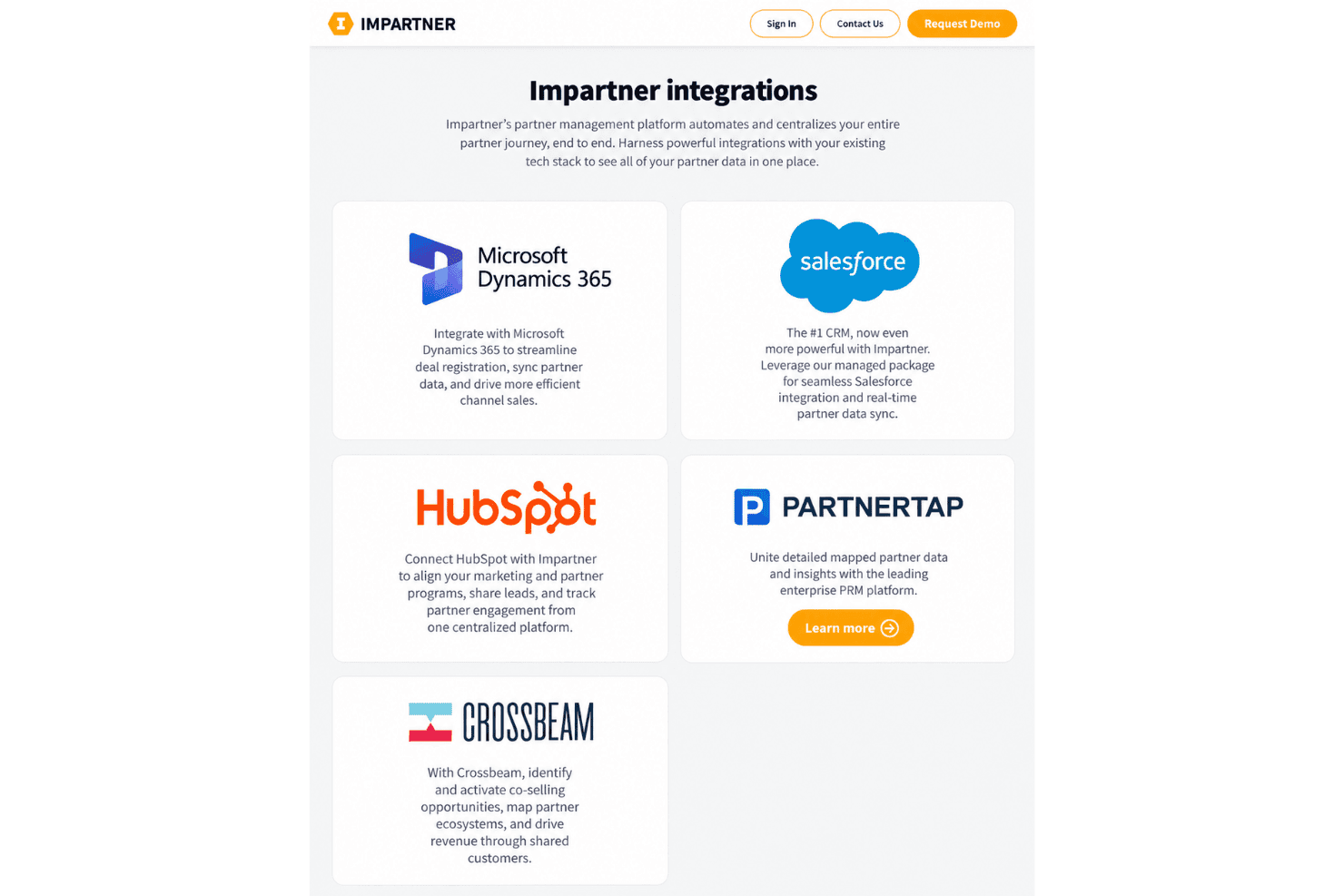
Impartner reports onboarding, campaign performance, and closed-won revenue across large partner networks. Shareable dashboards help you compare local campaigns and connect partner marketing activity with measurable pipeline outcomes.
Ease of Use
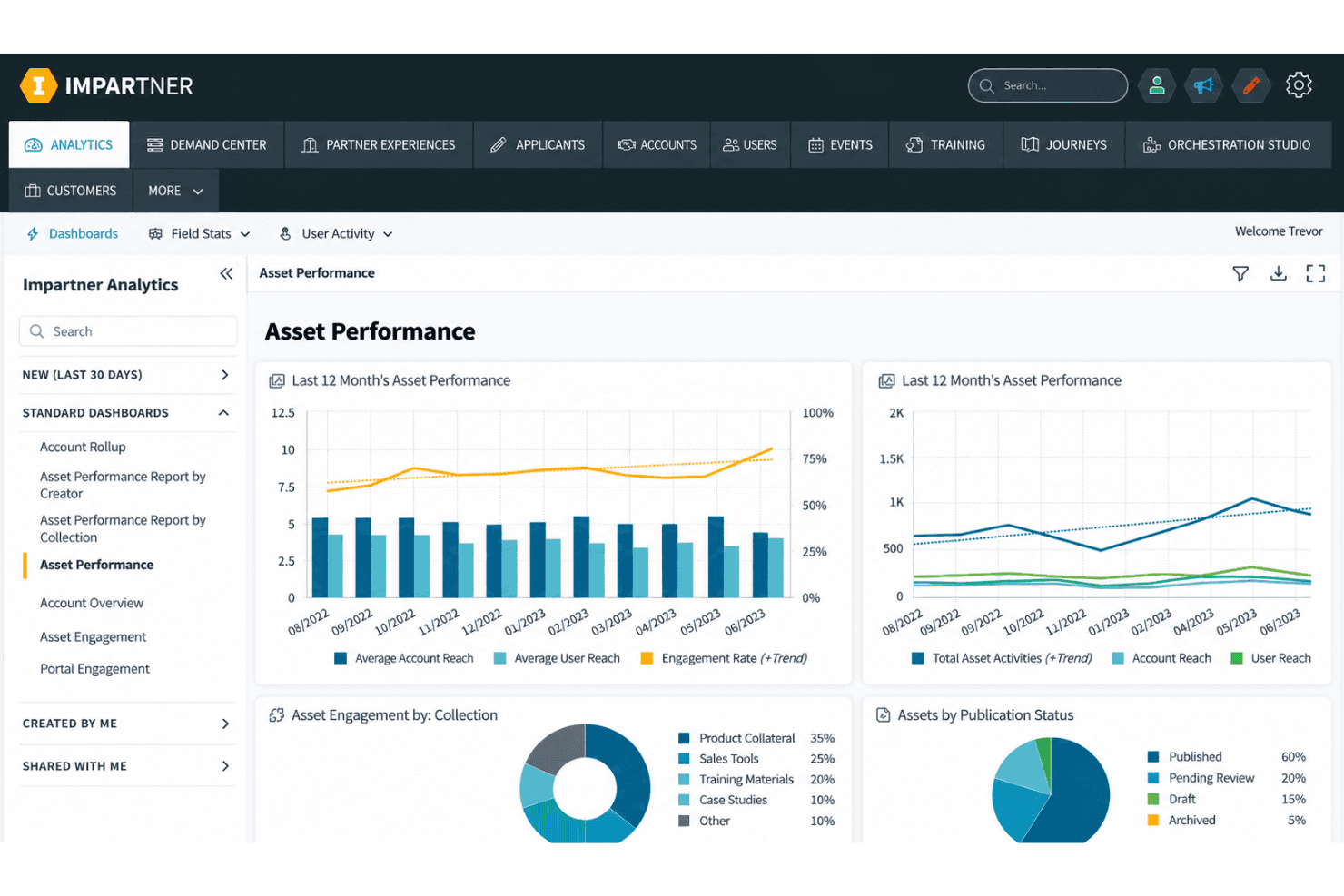
Impartner is usable for teams with dedicated channel marketing owners, but it isn’t the easiest local marketing software to adopt. Its centralized portal, co-branded templates, MDF workflows, and campaign dashboards give complex programs clear structure. However, configuration and onboarding require planning, while user reviews mention an outdated interface and limited portal branding controls. I’d choose it for governance at scale, not for a quick, low-touch setup.
Integrations
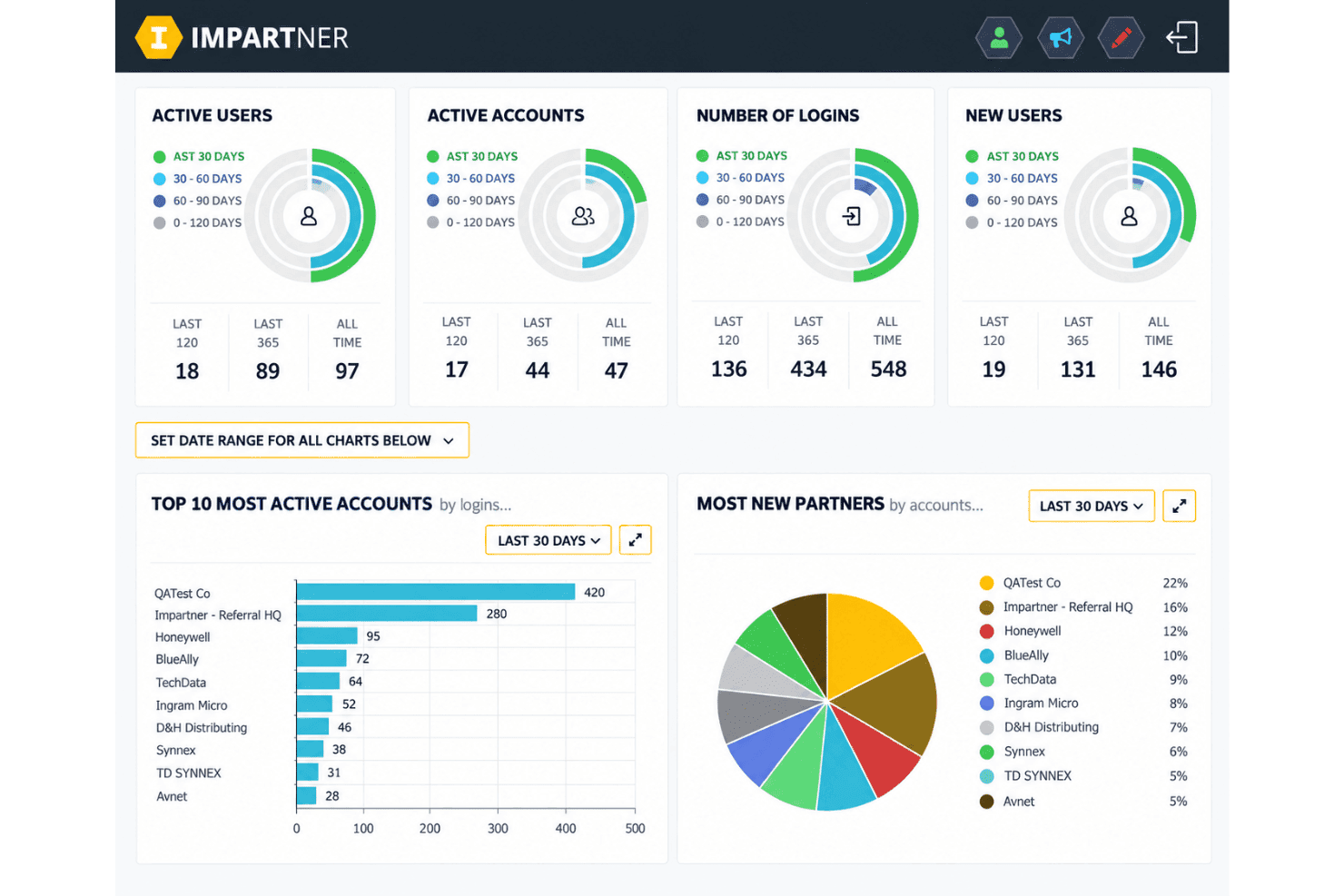
Impartner integrates with Microsoft Dynamics 365, Salesforce, HubSpot, and Crossbeam.
It also provides REST API access and connects with third-party applications through Zapier and its native Orchestration Studio iPaaS.
Impartner Specs
- 2-Factor Authentication: Yes
- Accounts Payable: Yes
- Accounts Receivable: Yes
- API: Yes
- Approval Workflows: Yes
- Balance Sheet: Yes
- Billing/Invoicing: Yes
- Budgeting: Yes
- Calendar Management: Yes
- Comparative Reporting: Yes
- CRM Integration: Yes
- Custom Reports: Yes
- Customer Management: Yes
- Dashboard: Yes
- Data Export: Yes
- Data Import: Yes
- Data Visualization: Yes
- Expense Tracking: Yes
- External Integrations: Yes
- Forecasting: Yes
- General Account Ledger: Yes
- Historical Data Analysis: Yes
- Inventory Tracking: Yes
- Multi-Currency: Yes
- Multi-User: Yes
- Notifications: Yes
- P&L: Yes
- Payroll: Yes
- Scenario Planning: Yes
- Scheduling: Yes
- Supplier Management: Yes
- Tax Management: Yes
- Time Management: Yes


