

Recensione di Sanity.io: vantaggi, svantaggi, funzionalità e dettagli sui prezzi
Sanity.io isn’t your average CMS—it’s a customizable toolkit that lets me shape digital experiences exactly how I imagine them. Ready to see if it’s the right fit for you?

Recensiamo gli strumenti in modo indipendente, e le commissioni aiutano a finanziare i nostri test. Consulta la nostra politica sulla trasparenza, la nostra metodologia o suggerisci uno strumento.
Sanity.io is a headless content management software for teams that need to model, structure, and deliver content across websites, apps, and other digital channels from a single source. I'd reach for it when your team has outgrown page-based tools like WordPress and wants full control over content schemas, real-time collaboration in the Studio editor, and API-first delivery. Compared to Contentful, I think Sanity gives you more flexibility because the Studio is open-source and fully customizable in React, so you can shape the editing experience to match how your marketers and developers actually work. As a headless CMS, the Sanity CMS model puts the schema rather than the page at the centre.
Sanity.io Evaluation Summary
4.7/5
- From $15/seat/month
- Free forever plan available
Perché fidarsi dei nostri consigli sui software
6,700+
Reviews
20
Industry experts
16+
Evaluation factors
14
Years
Il nostro team testa e recensisce software dal 2012. In quanto leader del marketing noi stessi, sappiamo quanto sia difficile — e importante — scegliere il software giusto.
Per questa guida, abbiamo valutato gli strumenti attraverso test pratici e ricerche indipendenti, assegnando un punteggio agli strumenti in base ai nostri criteri di selezione.
Le nostre recensioni riflettono il nostro giudizio editoriale umano, non un discorso di vendita.
Revisori esperti:
 Gui DrusinaDirettore creativo
- Shriya GhateSenior Marketing Lead
 Amanda JacquesResponsabile Marketing Ops

Sanity.io Overview
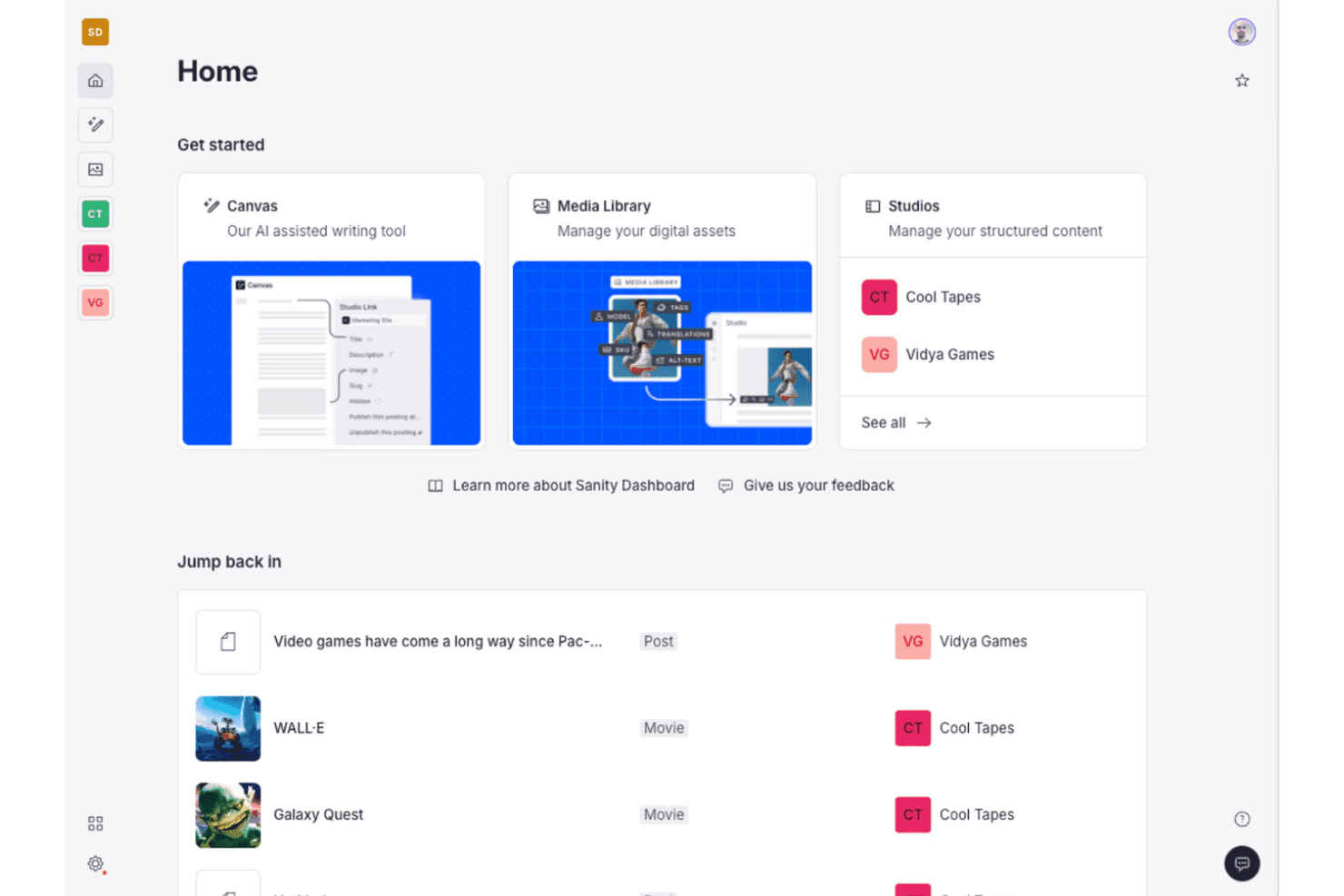
Sanity.io stands out for its customizable Studio editor, real-time collaboration, and API-first approach, which make it a top pick for teams who want complete control over content structure and delivery. The open-source Studio lets you shape the interface to fit your workflows, something I rarely see in other platforms. Sanity pitches itself as a content operating system rather than a CMS, and the developer experience genuinely backs that framing. Pricing is flexible, and the starter plan supports generous usage. Integrations are strong, particularly with modern web frameworks, but there’s a learning curve during onboarding. I’d recommend it for teams with developers on board who need a scalable, collaborative, and customizable content platform.
Pros
- Studio editor is fully customizable with React components.
- Real-time collaboration supports multiple editors working simultaneously.
- Flexible content modeling fits complex, multi-channel structures.
Cons
- Requires developer support for initial setup and configuration.
- Limited visual preview tools for non-technical content editors.
- Usage costs can rise quickly with high API and bandwidth demand.
Is Sanity.io Right For Your Needs?
Who Would be a Good Fit for Sanity.io?
Sanity.io is a strong fit for tech-forward teams and organizations that want to customize their content workflows and integrate modern frontend frameworks. You’re going to get the most value if your business has technical support and cares about structured, API-driven content. In my experience, it’s a good pick for companies with complex content needs, headless integrations, or multi-channel publishing, especially when developer resources are available to tailor schemas and workflows. Treat it as content infrastructure rather than a traditional content management system and the trade-offs make sense.
- Enterprise TechEngineering and product teams can define custom schemas and embrace API-first content operations for flexibility and maintainability.
- Ecommerce PlatformsCustom ecommerce setups get structured product data and integrations with storefront frameworks like Next.js.
- Digital AgenciesAgencies building custom sites for multiple clients will appreciate the ability to deliver unique, branded content models and editor experiences.
- NewsroomsEditorial teams that need real-time collaboration and structured workflows can manage content updates with full control and flexible previews.
- Marketing OpsMarketing teams working closely with developers can personalize content structure and leverage integrations with analytics and campaign tools.
- SaaS StartupsStartups focused on rapid product evolution get scalability, API-driven design, and the freedom to iterate on content models without vendor lock-in.
Who Would be a Bad Fit for Sanity.io?
Sanity.io is less suitable for businesses where technical resources are limited, or when teams need a ready-to-use CMS with minimal configuration. If you want easy setup, strong WYSIWYG editing, or lots of visual design options for non-technical editors, it’s going to feel overwhelming or restrictive. Small businesses or content teams who can’t dedicate developer time will likely be frustrated by the code-driven onboarding and custom schema requirements.
- Small RetailersOwner-operators or small shops lacking a developer will struggle with setup and ongoing schema management.
- Freelance WritersWriters or small teams wanting a plug-and-play blog platform will find the developer-first approach excessive and unnecessarily complex.
- Local NonprofitsOrganizations relying on volunteers or non-technical staff for web updates need a more guided, visually-driven CMS experience.
- Restaurant ChainsTeams focused on visual page building and frequent menu updates won’t benefit from the structured, code-dependent content modeling.
- Traditional PublishersMedia businesses with legacy editorial workflows often need instant previews and page-building tools not natively offered in Sanity.io.
- Event PlannersProject-driven teams looking for out-of-the-box event templates and calendar tools will not get the fast start they expect from other CMS platforms.
Come Testiamo e Valutiamo gli Strumenti
Abbiamo passato anni a costruire, perfezionare e migliorare il nostro sistema di test e valutazione del software. Il nostro metodo è progettato per cogliere le sfumature nella selezione del software e ciò che rende uno strumento efficace, concentrandoci sugli aspetti critici del processo decisionale. Qui sotto puoi vedere esattamente come funziona il nostro sistema di test e valutazione su sette criteri. Questo ci permette di offrire una valutazione imparziale del software basata su funzionalità principali, funzioni distintive, facilità d’uso, onboarding, supporto clienti, integrazioni, recensioni dei clienti e rapporto qualità-prezzo.
Funzionalità principali (25% del punteggio finale)
Il punto di partenza della nostra valutazione è sempre la funzionalità principale dello strumento. Include le caratteristiche e le funzioni basilari che un utente si aspetterebbe di trovare? Alcune di queste funzionalità sono bloccate nei piani premium? Ci aspettiamo che ogni strumento soddisfi almeno le capacità di base dei suoi concorrenti.
Funzionalità distintive (25% del punteggio finale)
Successivamente, valutiamo le funzionalità uniche che vanno oltre la normale funzionalità principale, quelle poco comuni negli strumenti simili. Un punteggio alto riflette caratteristiche specializzate o uniche che rendono il prodotto più veloce, efficiente o offrono un valore aggiunto all’utente. Valutiamo anche quanto sia semplice integrare il software con altri strumenti abitualmente usati in una tech stack, per espandere le funzionalità e l’utilità del prodotto. Sono valutate positivamente soluzioni con molte integrazioni native, connessioni di terze parti e API per creare integrazioni personalizzate.
Facilità d’uso (10% del punteggio finale)
Consideriamo la rapidità e semplicità con cui si possono eseguire le attività principali tramite lo strumento. I software con punteggio più alto sono ben progettati, intuitivi, dispongono di app mobili, offrono template e semplificano compiti complessi.
Onboarding (10% del punteggio finale)
Sappiamo quanto sia importante l’adozione rapida in azienda, quindi valutiamo la facilità di apprendimento e utilizzo di uno strumento con formazione minima. Analizziamo quanto velocemente un utente senza esperienza può iniziare a usare il software. Le soluzioni migliori richiedono poco o nessun supporto.
Supporto clienti (10% del punteggio finale)
Analizziamo la rapidità e facilità nel trovare aiuto tramite telefono, chat dal vivo o knowledge base. Gli strumenti che offrono supporto in tempo reale ottengono il punteggio migliore: i chatbot invece i peggiori.
Recensioni dei clienti (10% del punteggio finale)
Oltre ai nostri test, consideriamo il net promoter score di attuali ed ex clienti. Valutiamo la probabilità che, potendo scegliere, l’utente decida di utilizzare ancora quello strumento per le funzionalità principali. Un software con un punteggio alto corrisponde ad un alto net promoter score tra clienti attuali o passati.
Rapporto qualità-prezzo (10% del punteggio finale)
Infine, tenendo conto di tutti gli altri criteri, confrontiamo il prezzo medio dei piani base rispetto alle funzionalità principali e agli altri fattori di valutazione. I software che offrono di più, a meno, ottengono i punteggi più alti.
Core Features
Customizable Studio Editor
Shape the editing experience in React and TypeScript—custom dashboards, workflows, fields. Add plugins, validation, and components right inside the Studio.
Real-Time Collaboration
Edit the same document simultaneously—changes appear instantly and conflicts resolve as they happen. Marketers and developers work side by side, nothing overwritten.
Flexible Content Modeling
Define granular schemas for content types, relationships, and validation in JavaScript. Structured data supports rich references, arrays, and deeply nested objects.
API-First Content Delivery
Push content to sites, apps, and third-party platforms over fast, scalable APIs. Fetch exactly what you need with GROQ queries or the GraphQL API.
Structured Content Versioning
Track every edit, roll back to earlier versions, and review full history per document. Content releases let you stage and ship a set of changes together.
Role-Based Access Control
Grant precise editing, publishing, or admin rights per user, team, or dataset. Sensitive projects stay limited to approved collaborators.
Ease of Use
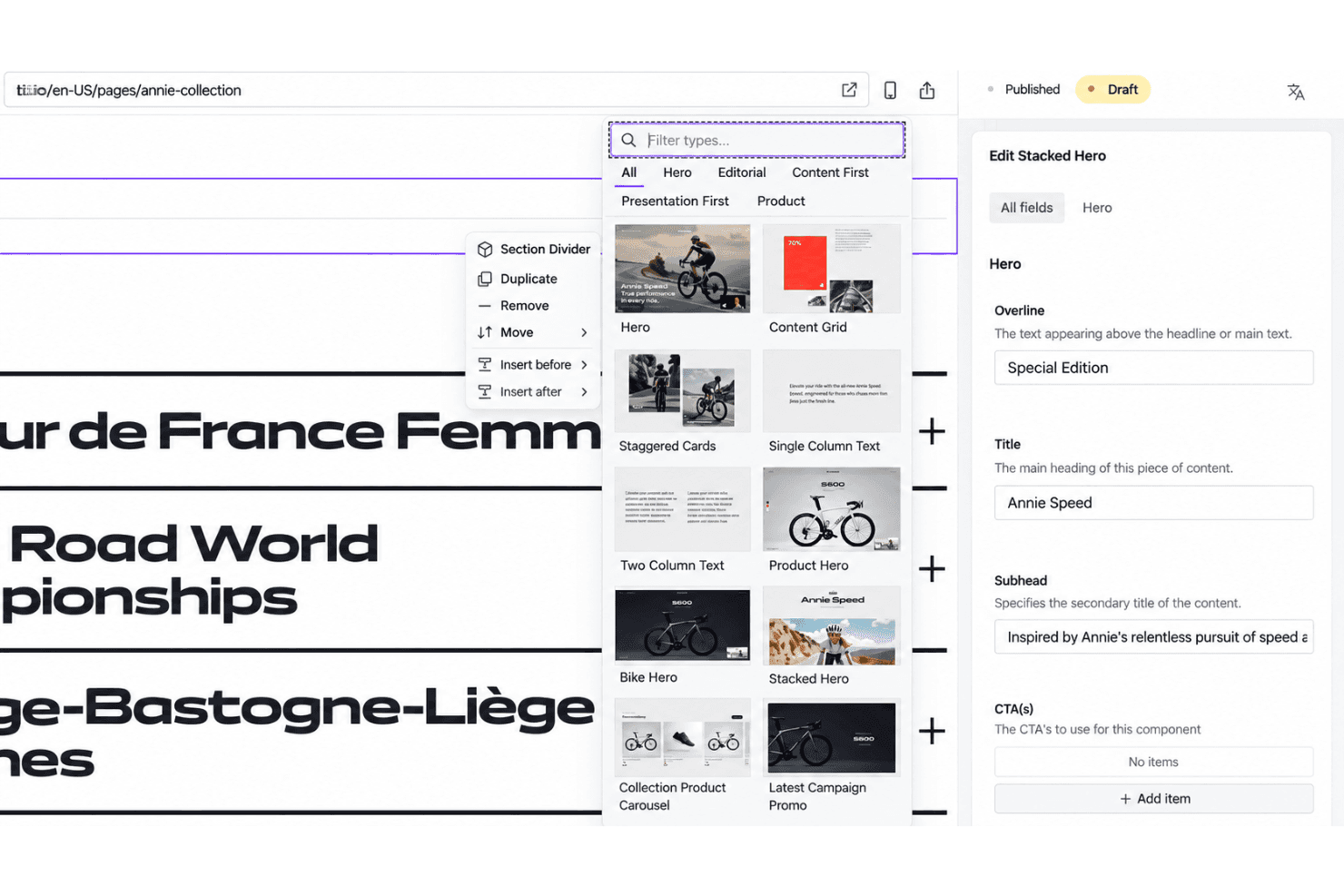
Sanity.io gives your team full flexibility, but it’s not out-of-the-box simple—you’ll need a developer to set up schemas and tailor the Studio. Once configured, editors love the clean interface, real-time collaboration, and custom fields. Some non-technical users want more visual preview options, but the workflow feels smooth and fast for structured content. The API-driven approach may bring a learning curve, yet usability shines for teams with technical support.
Integrations
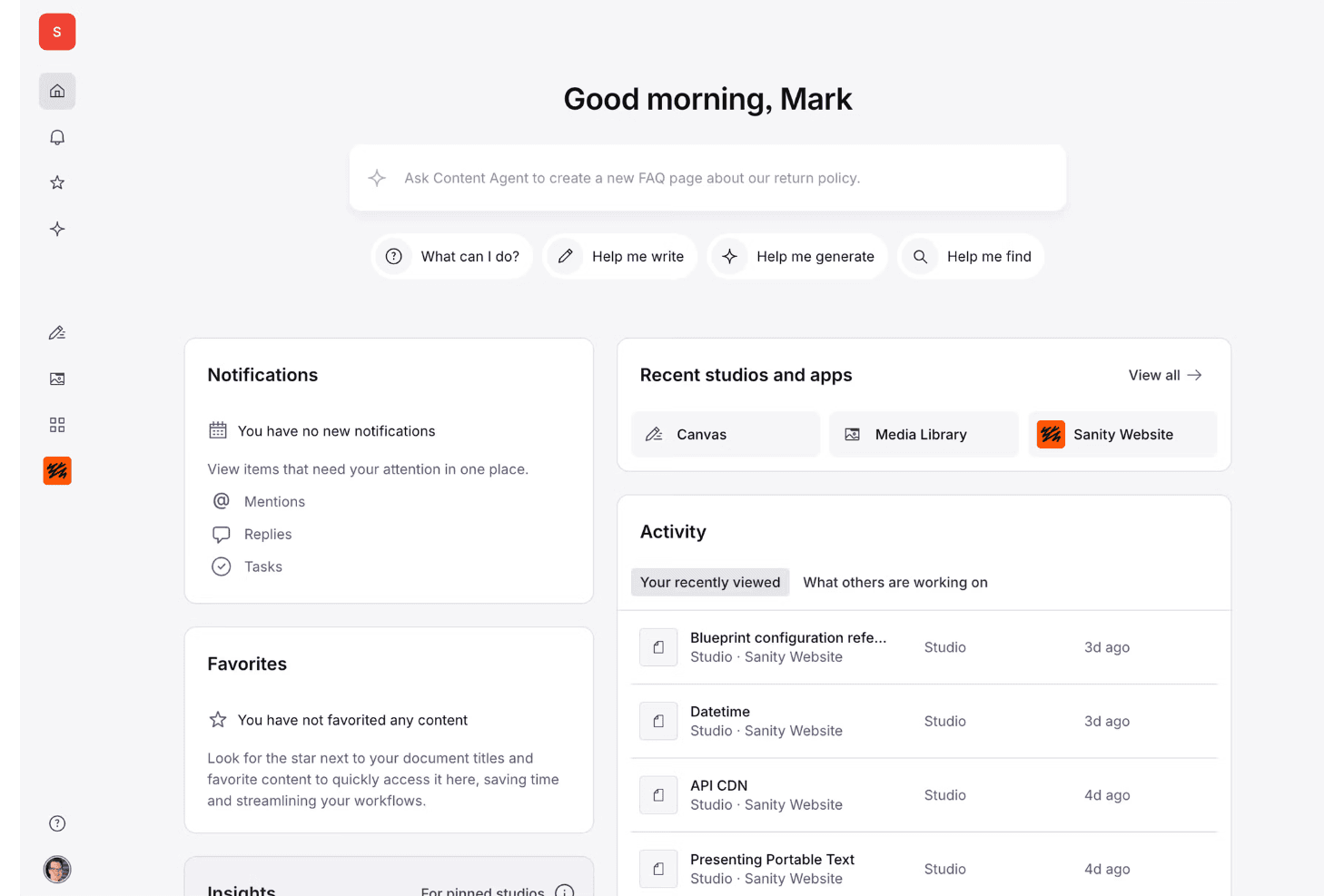
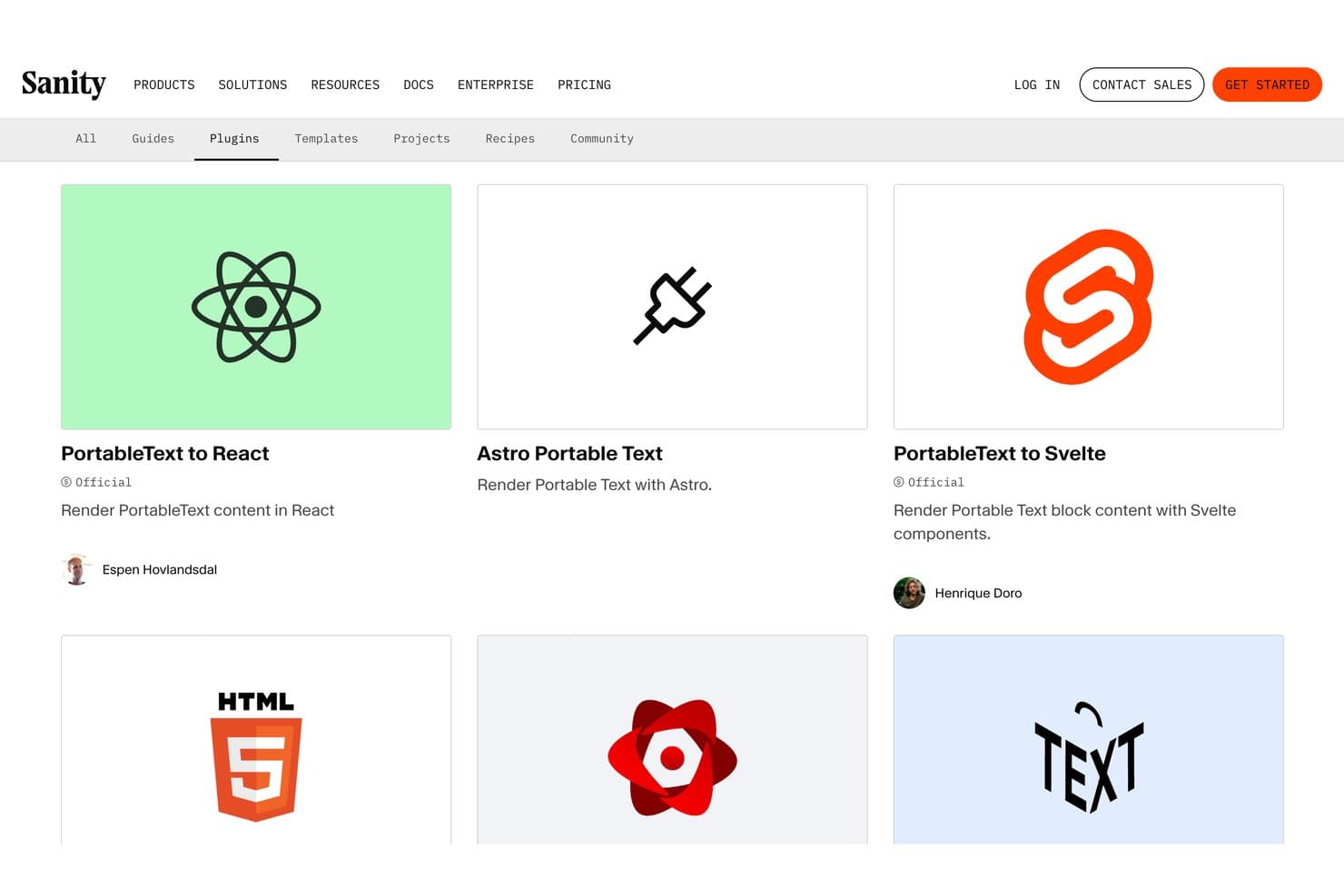
Sanity.io integrates with Next.js, Astro, Gatsby, Netlify, Vercel, Shopify, Slack, Algolia, AWS, Google Cloud, and Azure, among others.
Sanity.io also offers robust APIs, webhook support for build triggers, and connections with third-party integration tools.
Sanity.io Specs
- A/B Testing: Yes
- Energy Production Estimates: Yes
- Geo-filtering: Yes
- Inventory Tracking: Yes
- Materials Library: Yes
- Media Streaming: Yes
- SCORM: Yes
- SEO: Yes
- Shading Analysis: Yes


