

Avis Impartner 2026 : avantages, inconvénients, fonctionnalités et tarifs
I see Impartner as a powerful partner-marketing platform for teams that need structure at scale—though its depth may come with more complexity than smaller programs need.

Nous évaluons les outils de manière indépendante, et les commissions aident à financer nos tests. Consultez notre politique de transparence, notre méthodologie ou suggérez un outil.
Impartner is local marketing software that helps brands coordinate partner campaigns, co-branded content, local lead generation, and channel reporting. I’d consider it when you manage a large partner or dealer network and need consistent marketing execution across local markets. Compared with Allbound, Impartner is the better choice when you need paid media automation, co-branded microsites, partner marketing funds, and revenue reporting in one platform.
Impartner Evaluation Summary
4.4/5
- Pricing upon request
- Free demo available
Pourquoi faire confiance à nos recommandations de logiciels
6,700+
Reviews
20
Industry experts
16+
Evaluation factors
14
Years
Notre équipe teste et évalue des logiciels depuis 2012. En tant que leaders marketing nous-mêmes, nous savons à quel point il est difficile — et important — de choisir le bon logiciel.
Pour ce guide, nous avons évalué les outils grâce à des tests pratiques et une recherche indépendante, en notant les outils selon nos critères de sélection.
Nos avis reflètent notre jugement éditorial humain, et non un argumentaire de vente.
Réviseurs experts:
 Gui DrusinaDirecteur de la création
- Shriya GhateSenior Marketing Lead
 Amanda JacquesResponsable Marketing Ops

Impartner Overview
Impartner is best selected by brands managing large partner or dealer networks, where paid media automation, co-branded microsites, partner marketing funds, and revenue reporting justify quote-based pricing. I judge its functionality and specifications stronger than simpler local marketing tools, while its interface, configuration, and onboarding require more planning. Integration options support connected marketing operations, and vendor guidance matters during implementation. Support is most valuable for teams with dedicated channel marketing owners. Choose Impartner when governance and reporting matter more than a low-cost, quick-start setup; smaller programs may find its depth and price difficult to justify.
Pros
- Automated paid media spans major networks for local dealer campaigns.
- Co-branded microsites support localized partner marketing on partner domains.
- MDF, lead management, and revenue reporting connect spend with outcomes.
Cons
- Quote-based module pricing can challenge smaller partner networks.
- Users report outdated interfaces and limited portal branding controls.
- Reporting options can constrain partner-specific local performance analysis.
Is Impartner Right For Your Needs?
Who Would be a Good Fit for Impartner?
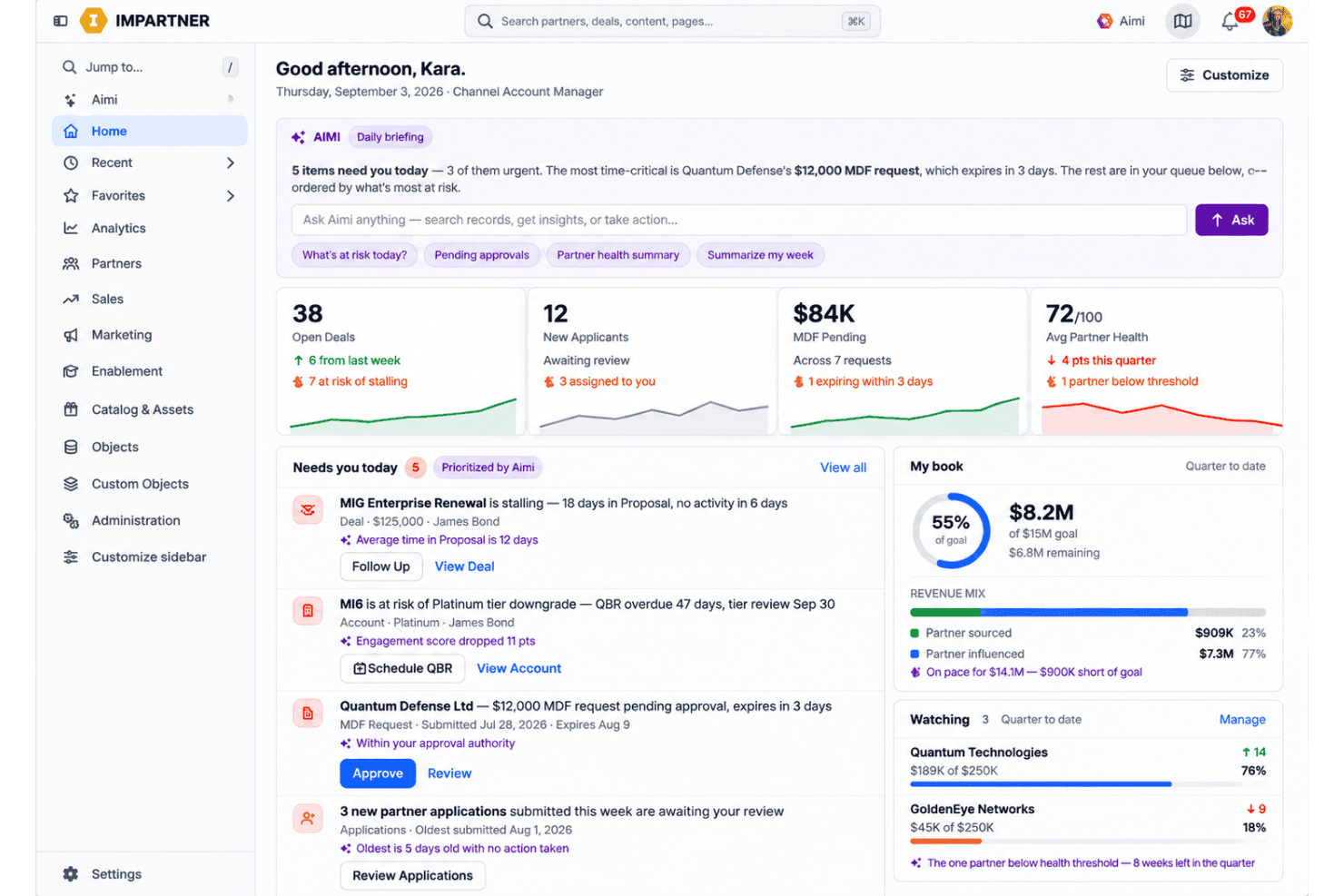
Impartner fits organizations that manage partner marketing through formal programs, approval steps, co-branded templates, and marketing development funds (MDF). It suits channel marketing departments, partner operations leaders, and companies with large or distributed partner networks. Its dashboards, portal workflows, training requirements, and integrations support teams that need governance across partner campaigns.
- Enterprise VendorsEnterprise technology vendors can use Impartner’s partner portal, campaign dashboards, templates, and custom objects to manage large partner ecosystems.
- Channel Marketing TeamsChannel marketing departments can coordinate co-branded campaigns, partner applications, approval steps, MDF workflows, and campaign reporting from one portal.
- Partner Operations LeadsPartner operations leaders can use structured onboarding, portal access controls, training requirements, and workflow approvals to manage partner participation.
- MDF ProgramsTeams with formal MDF programs can use Impartner’s MDF workflows to organize funding requests and connect partner activity with campaign management.
- Multi-Tier NetworksCompanies with multi-tier partner networks can use Impartner’s centralized portal, expanded capacity, and custom objects to govern different partner relationships.
- Global ProgramsOrganizations running multiple partner programs can choose plans with expanded limits, multiple languages, and broader capacity as their ecosystem grows.
Who Would be a Bad Fit for Impartner?
Impartner is a poor choice for teams that need a quick, inexpensive, or lightly managed local marketing tool. Small businesses, direct sales departments, solo marketers, and single-location organizations may find its configuration, onboarding, portal administration, and quoted pricing disproportionate to their needs. It also fits poorly when your team lacks a dedicated channel owner or needs extensive customization beyond available options.
- Small BusinessesSmall businesses with few partners may find Impartner’s configuration, onboarding, and module-based pricing excessive for a limited partner program.
- Direct Sales TeamsDirect sales departments without channel partners have little use for Impartner’s partner applications, portal workflows, co-branded templates, and MDF features.
- Solo MarketersSolo marketers may struggle to support Impartner’s planning, configuration, training requirements, and ongoing portal administration without dedicated vendor involvement.
- Single LocationsSingle-location businesses rarely need centralized partner portals, campaign dashboards, or approval workflows for distributed local marketing.
- Quick LaunchesTeams needing immediate deployment may find Impartner unsuitable because onboarding requires planning, configuration, training, and vendor guidance.
- Tight BudgetsBudget-sensitive organizations may find Impartner difficult to justify because published plans start at $25,000 annually and higher tiers use quoted pricing.
Comment nous testons et évaluons les outils
Nous avons passé des années à construire, affiner et améliorer notre système de test et de notation des logiciels. Notre grille d’évaluation est conçue pour prendre en compte toutes les nuances du choix logiciel et ce qui rend un outil efficace, en mettant l’accent sur les aspects critiques du processus de décision. Ci-dessous, vous pouvez découvrir précisément comment nos tests et notations fonctionnent selon sept critères. Cela nous permet d’offrir une évaluation impartiale des logiciels en fonction de la fonctionnalité principale, des fonctionnalités différenciantes, de la facilité d’utilisation, de l’onboarding, du support client, des intégrations, des avis clients et du rapport qualité-prix.
Fonctionnalité principale (25% de la note finale)
Le point de départ de notre évaluation est toujours la fonctionnalité principale de l’outil. Dispose-t-il des fonctions de base attendues ? Certaines de ces fonctionnalités sont-elles bloquées dans des offres tarifaires supérieures ? Nous attendons d’un outil qu’il soit à la hauteur des capacités fondamentales de ses concurrents.
Fonctionnalités différenciantes (25% de la note finale)
Ensuite, nous évaluons les fonctionnalités spéciales qui vont au-delà de ce que l’on trouve habituellement chez ce type d’outils. Un score élevé indique des fonctionnalités uniques ou spécialisées qui rendent le produit plus rapide, plus efficace, ou offrent une valeur ajoutée à l’utilisateur. Nous évaluons également la facilité d’intégration avec d’autres outils couramment utilisés pour élargir les possibilités et l’utilité du logiciel. Les outils offrant de nombreuses intégrations natives, des connexions tierces et un accès API pour bâtir des intégrations personnalisées obtiennent les meilleures notes.
Facilité d’utilisation (10% de la note finale)
Nous considérons la rapidité et la facilité d’exécution des tâches principales via l’outil. Les logiciels les mieux notés sont bien conçus, intuitifs à utiliser, proposent des applications mobiles, des modèles prêts à l’emploi, et simplifient des tâches parfois complexes.
Onboarding (10% de la note finale)
Nous savons combien l’adoption rapide par l’équipe est cruciale pour une nouvelle plateforme. Nous évaluons donc la facilité avec laquelle il est possible d’apprendre et d’utiliser un outil sans formation poussée. On mesure aussi la vitesse à laquelle un membre de l’équipe peut être opérationnel, sans expérience préalable. Les solutions bien notées requièrent peu ou pas d’assistance.
Support client (10% de la note finale)
Nous examinons la rapidité et la facilité avec lesquelles on peut obtenir de l’aide par téléphone, chat en direct ou base de connaissances. Les outils et sociétés offrant un support en temps réel sont favorisés ; les chatbots sont pénalisés.
Avis clients (10% de la note finale)
Au-delà de nos propres tests et évaluations, nous prenons en compte le score de recommandation nette des clients actuels et passés. Nous étudions leur propension, si l’occasion se présente, à réutiliser l’outil pour sa fonctionnalité principale. Un score élevé reflète donc un bon taux de recommandation.
Rapport qualité-prix (10% de la note finale)
Enfin, après avoir pris en compte tous les autres critères, nous confrontons le prix moyen des offres de base aux fonctionnalités principales et prenons en compte la valeur apportée par les autres éléments d’évaluation. Les logiciels qui offrent plus pour moins obtiennent une note supérieure.
Core Features
Automated Paid Media
Impartner launches local paid media campaigns across Google, Microsoft, Facebook, and Instagram, with predictive AI adjusting performance in real time. You can manage dealer or partner advertising centrally while preserving localized campaign execution.
Co-Branded Microsites
Impartner creates co-branded microsites and promotional banners that partners can publish on their own domains. This gives each dealer a localized destination with approved brand messaging and campaign content.
Partner Content Management
Impartner stores datasheets, guides, banners, and other approved collateral in a centralized partner portal. Partners can quickly co-brand current assets, giving local teams usable content without creating materials from scratch.
Lead Generation And Nurturing
Impartner supports automated lead generation and nurturing across email, social media, and paid advertising. Lead and revenue management connect local campaign activity with the opportunities and deals it produces.
Market Development Funds
Impartner lets partners request funds, submit performance proof, and track approvals and payments through the portal. Customizable workflows and budget visibility help marketing teams connect MDF spending with local campaign activity.
Campaign Analytics And Revenue Reporting
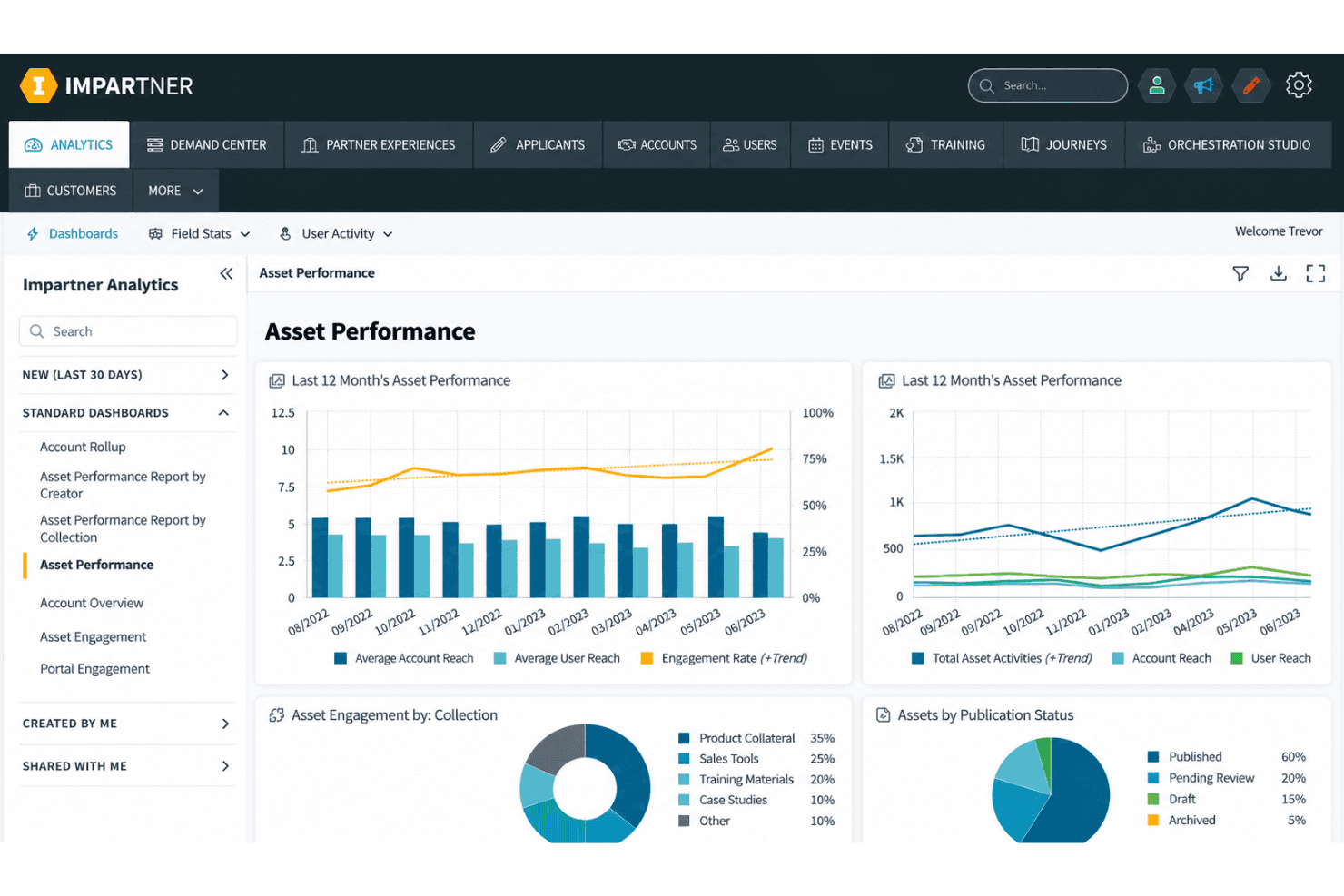
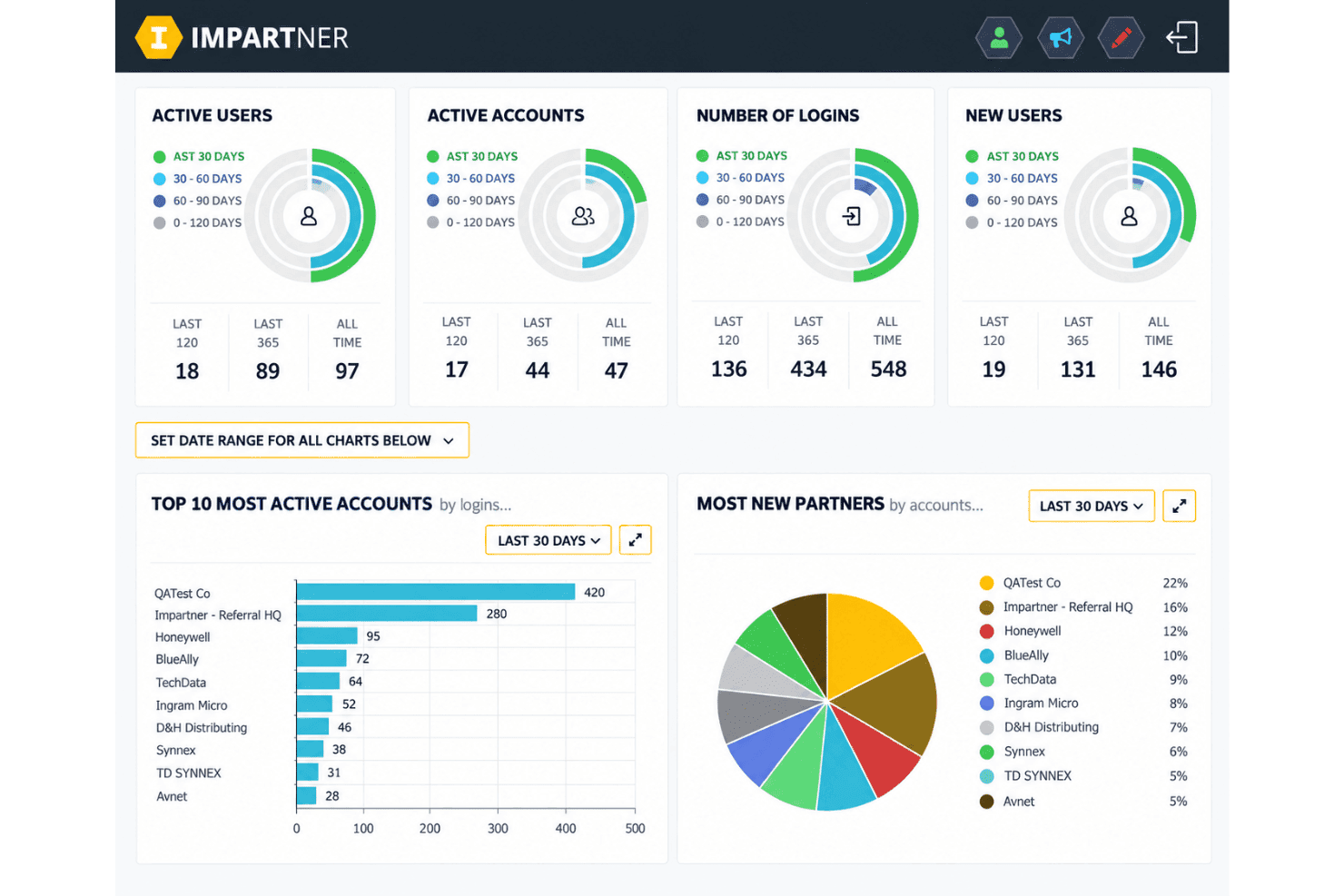
Impartner reports onboarding, campaign performance, and closed-won revenue across large partner networks. Shareable dashboards help you compare local campaigns and connect partner marketing activity with measurable pipeline outcomes.
Ease of Use
Impartner is usable for teams with dedicated channel marketing owners, but it isn’t the easiest local marketing software to adopt. Its centralized portal, co-branded templates, MDF workflows, and campaign dashboards give complex programs clear structure. However, configuration and onboarding require planning, while user reviews mention an outdated interface and limited portal branding controls. I’d choose it for governance at scale, not for a quick, low-touch setup.
Integrations
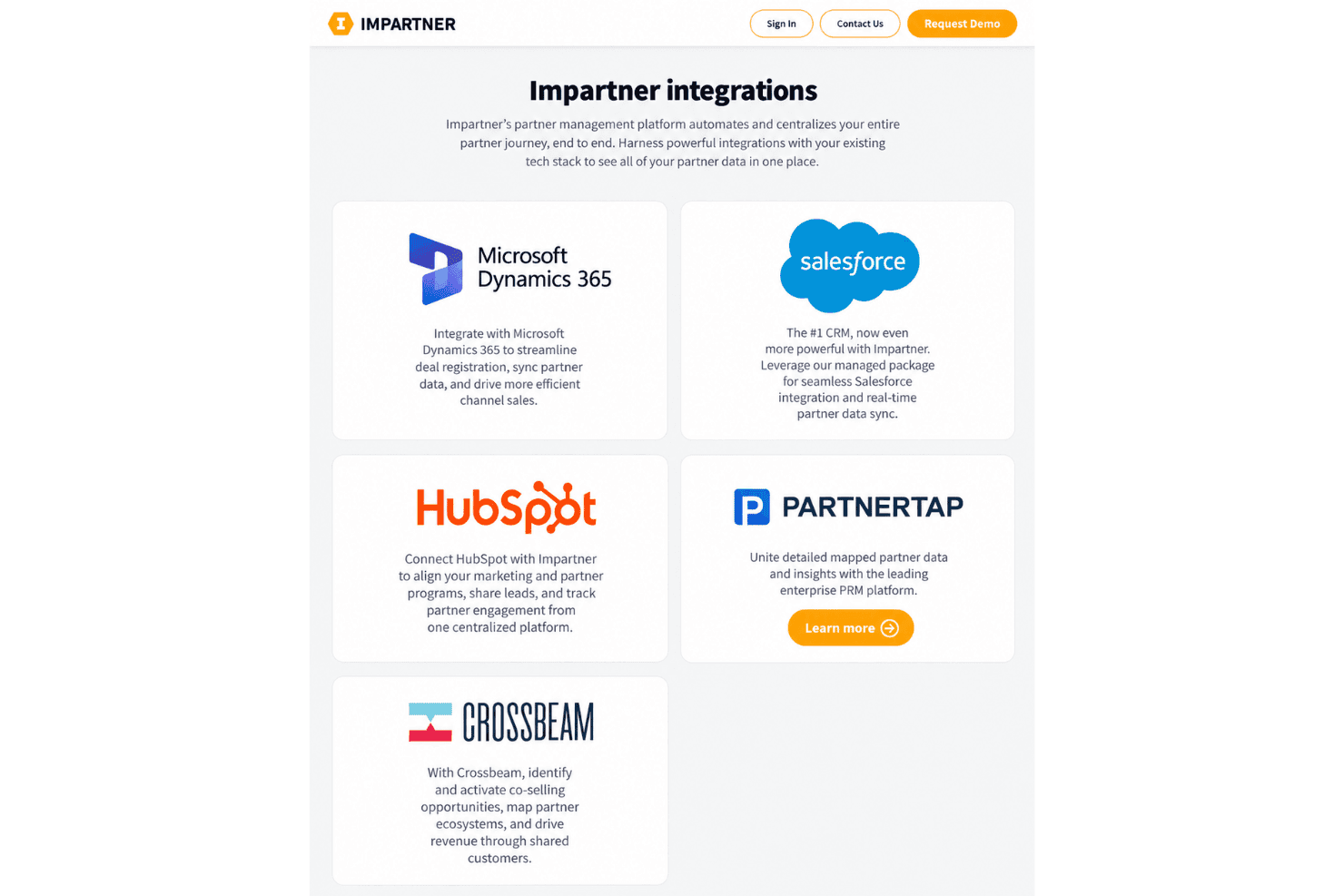
Impartner integrates with Microsoft Dynamics 365, Salesforce, HubSpot, and Crossbeam.
It also provides REST API access and connects with third-party applications through Zapier and its native Orchestration Studio iPaaS.
Impartner Specs
- 2-Factor Authentication: Yes
- Accounts Payable: Yes
- Accounts Receivable: Yes
- API: Yes
- Approval Workflows: Yes
- Balance Sheet: Yes
- Billing/Invoicing: Yes
- Budgeting: Yes
- Calendar Management: Yes
- Comparative Reporting: Yes
- CRM Integration: Yes
- Custom Reports: Yes
- Customer Management: Yes
- Dashboard: Yes
- Data Export: Yes
- Data Import: Yes
- Data Visualization: Yes
- Expense Tracking: Yes
- External Integrations: Yes
- Forecasting: Yes
- General Account Ledger: Yes
- Historical Data Analysis: Yes
- Inventory Tracking: Yes
- Multi-Currency: Yes
- Multi-User: Yes
- Notifications: Yes
- P&L: Yes
- Payroll: Yes
- Scenario Planning: Yes
- Scheduling: Yes
- Supplier Management: Yes
- Tax Management: Yes
- Time Management: Yes


