
DashThis-arvostelu: hyvät ja huonot puolet, ominaisuudet ja hinnoittelu
DashThis erottuu edukseen helppokäyttöisten hallintapaneelien luomisessa, mikä tekee markkinointiraportoinnista helppoa toimistoille, mutta siitä saattavat puuttua kehittyneemmät analytiikkaominaisuudet, joita monimutkaisemmissa työkaluissa on.

We review tools independently, and commissions help fund our testing. See our transparency policy, our methodology, or suggest a tool.
DashThis is a marketing intelligence software built for marketers who need to pull data from multiple channels into clean, shareable dashboards without a lot of manual setup. It's a strong fit if your team is spending too much time compiling reports across platforms like Google Ads, Meta, and HubSpot. I'd consider it over Google Looker Studio if you want pre-built templates and a faster path to polished, client-ready reports—Looker Studio gives you more customization, but DashThis gets you to a working dashboard much quicker.
DashThis Evaluation Summary
4.8/5
- From $44/month (billed annually)
- 14-day free trial + free demo available
Why Trust Our Software Recommendations
6,700+
Reviews
20
Industry experts
16+
Evaluation factors
14
Years
Our team has been testing and reviewing software since 2012. As marketing leaders ourselves, we know how difficult—and important—it is to choose the right software.
For this guide, we evaluated tools using hands-on testing and independent research, scoring tools using our selection criteria.
Our reviews reflect our human editorial judgment, not a sales pitch.
Expert reviewers:
 Gui DrusinaCreative Director
- Shriya GhateSenior Marketing Lead
 Amanda JacquesMarketing Ops Leader

DashThis Overview
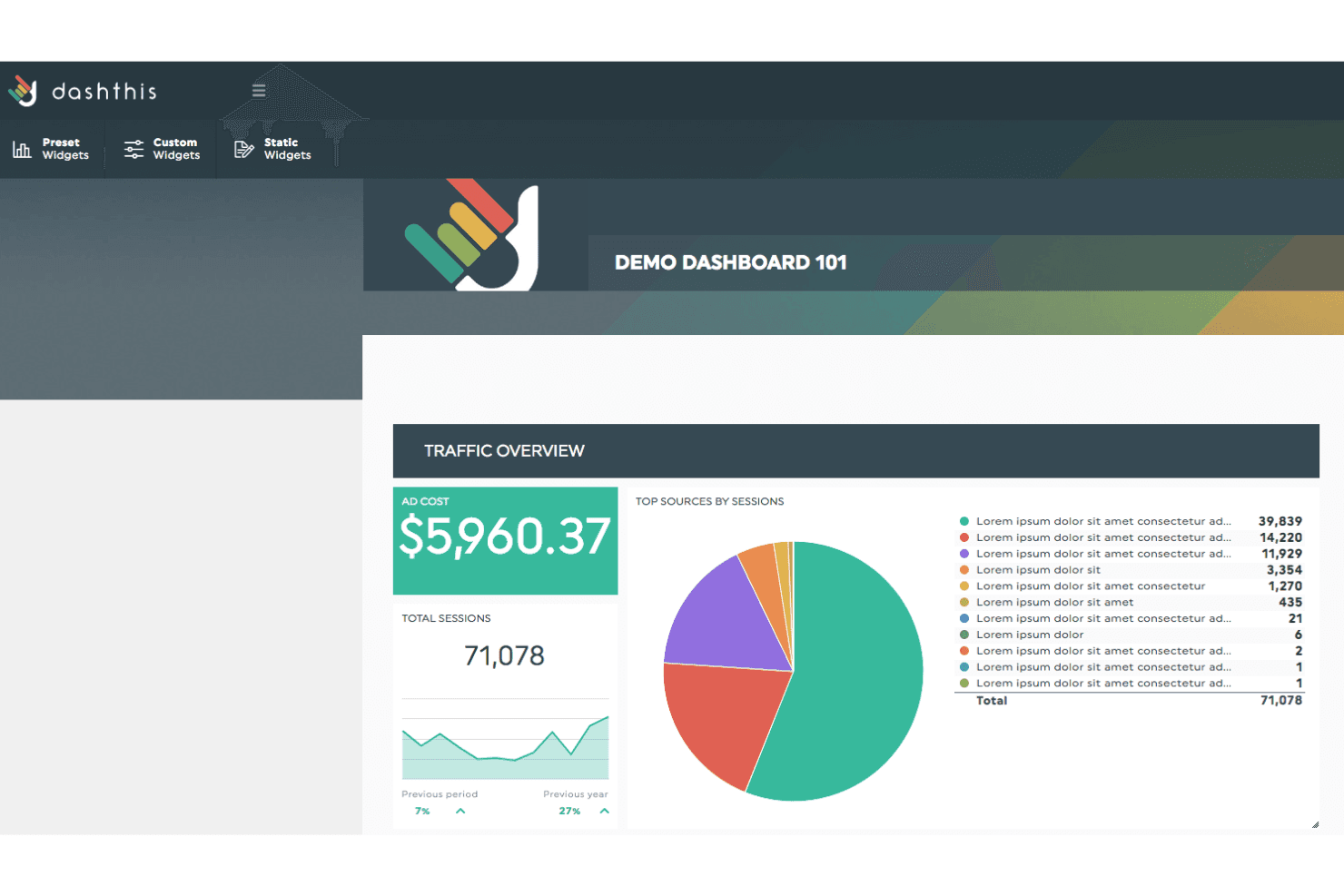
If you’re judging DashThis against other marketing intelligence software, I think its clean interface, fast onboarding, and wide range of integrations make it a top pick for agencies and teams who want quick, visual dashboards. Pricing is straightforward, and support is responsive. While it doesn’t offer deep data modeling or advanced analytics, it outperforms with ease of use and automated reporting.
If you’re selecting a tool for client reporting or multi-channel campaign tracking, DashThis is a strong contender - especially if you value simplicity over granular customization.
Pros
- Customer support is fast and highly rated by users
- AI Insights highlight trends and issues in dashboards
- Automates multi-channel marketing reporting with ready-made templates
Cons
- Pricing can be high for agencies with many clients
- Limited options for custom calculated metrics
- Lacks advanced data modeling and transformation features
Is DashThis Right For Your Needs?
Who Would be a Good Fit for DashThis?
DashThis is a strong choice for marketing teams, agencies, and departments that need to automate multi-channel reporting and deliver clear, visual dashboards to clients or stakeholders. Its ready-made templates, AI-powered insights, and responsive support make it ideal for environments where speed, simplicity, and presentation matter more than deep analytics or custom data modeling. If your team values fast onboarding and needs to consolidate data from multiple marketing platforms, DashThis is likely to fit your workflow.
- E-commerce BrandsDashThis connects to major ad and analytics platforms for sales tracking.
- Freelance MarketersAffordable plans and simple setup suit solo consultants.
- In-House Marketing DepartmentsEasy sharing and scheduled reports keep stakeholders informed.
- Franchise NetworksCentralized dashboards help track performance across multiple locations.
- Small Marketing TeamsTeams can quickly consolidate campaign data without technical setup.
- Digital Marketing AgenciesDashThis simplifies client reporting with automated dashboards and white-label options.
Who Would be a Bad Fit for DashThis?
DashThis isn’t the best choice for organizations that need advanced analytics, deep data transformation, or highly customized reporting. If your business relies on complex data modeling, granular metric calculations, or requires integration with niche data sources, you’ll likely find DashThis limiting. It’s also less suited for large enterprises with strict data governance or highly technical BI requirements.
- Large Retail ChainsDashThis may not scale for complex, multi-region reporting needs.
- Manufacturing CompaniesFew integrations with ERP or supply chain data sources.
- Product Analytics TeamsMissing features for cohort analysis and product usage tracking.
- Healthcare OrganizationsDoes not offer HIPAA-compliant data handling or healthcare integrations.
- Financial Services FirmsLimited support for custom financial metrics and compliance reporting.
- Enterprise Data TeamsDashThis lacks advanced data modeling and transformation capabilities.
How We Test & Score Tools
We’ve spent years building, refining, and improving our software testing and scoring system. The rubric is designed to capture the nuances of software selection and what makes a tool effective, focusing on critical aspects of the decision-making process.
Below, you can see exactly how our testing and scoring works across seven criteria. It allows us to provide an unbiased evaluation of the software based on core functionality, standout features, ease of use, onboarding, customer support, integrations, customer reviews, and value for money.
Core Functionality (25% of final scoring)
The starting point of our evaluation is always the core functionality of the tool. Does it have the basic features and functions that a user would expect to see? Are any of those core features locked to higher-tiered pricing plans? At its core, we expect a tool to stand up against the baseline capabilities of its competitors.
Standout Features (25% of final scoring)
Next, we evaluate uncommon standout features that go above and beyond the core functionality typically found in tools of its kind. A high score reflects specialized or unique features that make the product faster, more efficient, or offer additional value to the user.
We also evaluate how easy it is to integrate with other tools typically found in the tech stack to expand the functionality and utility of the software. Tools offering plentiful native integrations, 3rd party connections, and API access to build custom integrations score best.
Ease of Use (10% of final scoring)
We consider how quick and easy it is to execute the tasks defined in the core functionality using the tool. High scoring software is well designed, intuitive to use, offers mobile apps, provides templates, and makes relatively complex tasks seem simple.
Onboarding (10% of final scoring)
We know how important rapid team adoption is for a new platform, so we evaluate how easy it is to learn and use a tool with minimal training. We evaluate how quickly a team member can get set up and start using the tool with no experience. High scoring solutions indicate little or no support is required.
Customer Support (10% of final scoring)
We review how quick and easy it is to get unstuck and find help by phone, live chat, or knowledge base. Tools and companies that provide real-time support score best, while chatbots score worst.
Customer Reviews (10% of final scoring)
Beyond our own testing and evaluation, we consider the net promoter score from current and past customers. We review their likelihood, given the option, to choose the tool again for the core functionality. A high scoring software reflects a high net promoter score from current or past customers.
Value for Money (10% of final scoring)
Lastly, in consideration of all the other criteria, we review the average price of entry level plans against the core features and consider the value of the other evaluation criteria. Software that delivers more, for less, will score higher.
Core Features
Automated Reporting
Schedule dashboards to update and send automatically, saving time on manual reporting. Users can set daily, weekly, or monthly delivery to clients or stakeholders.
Preset Dashboard Templates
Choose from industry-specific templates for PPC, SEO, social, and more. Templates help users launch new dashboards in minutes with pre-built layouts.
AI Insights
DashThis highlights key trends, anomalies, and performance changes directly in your dashboards. This helps users quickly spot issues or wins without digging through data.
White-Labeling
Customize dashboards with your own branding, logos, and colors. This is especially useful for agencies delivering reports to clients.
Data Widget Library
Drag-and-drop widgets let you visualize data as charts, tables, or KPIs. Users can mix and match widgets to tailor dashboards to their needs.
Scheduled PDF Exports
Export dashboards as PDFs and schedule them for automatic delivery. This feature ensures stakeholders always have the latest reports on hand.
Ease of Use
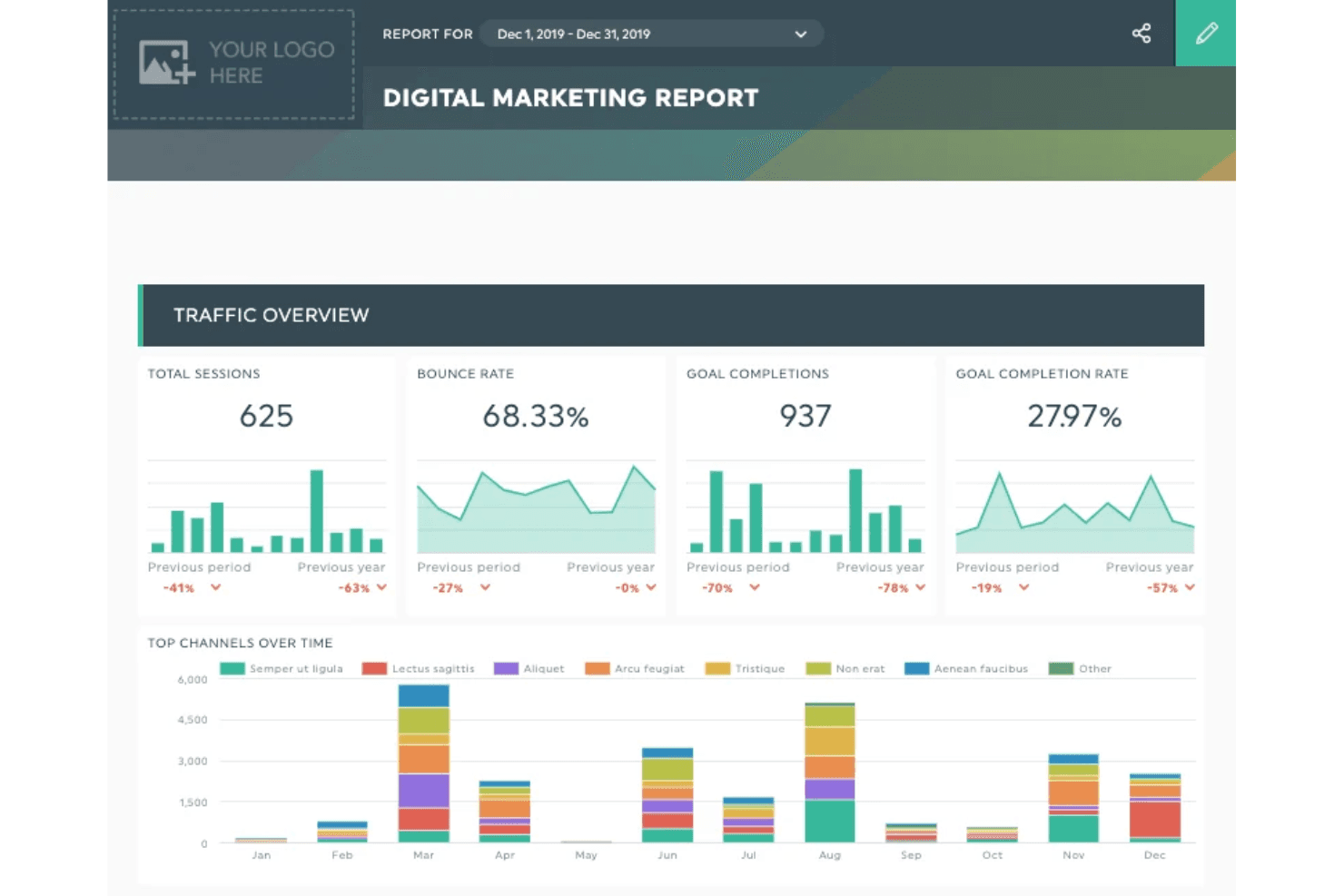
DashThis is one of the most user-friendly marketing intelligence tools I’ve tried. Users consistently mention how quickly they can set up dashboards and automate reports without technical help.
The drag-and-drop interface, clear navigation, and ready-made templates make it easy for non-technical users to get started. Even agencies juggling dozens of clients say DashThis keeps reporting simple and organized, which is a big advantage over more complex, data-heavy platforms.
Integrations
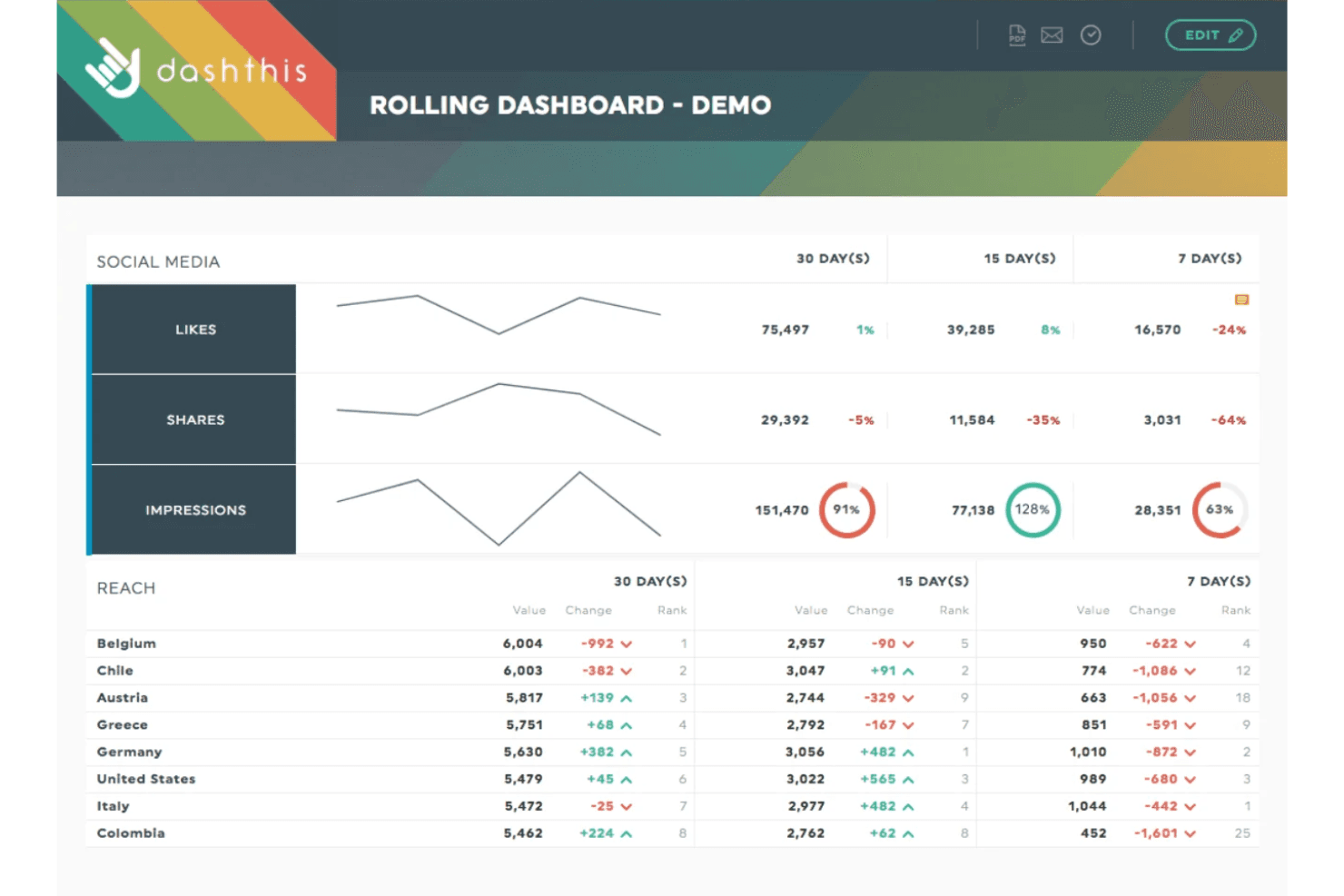
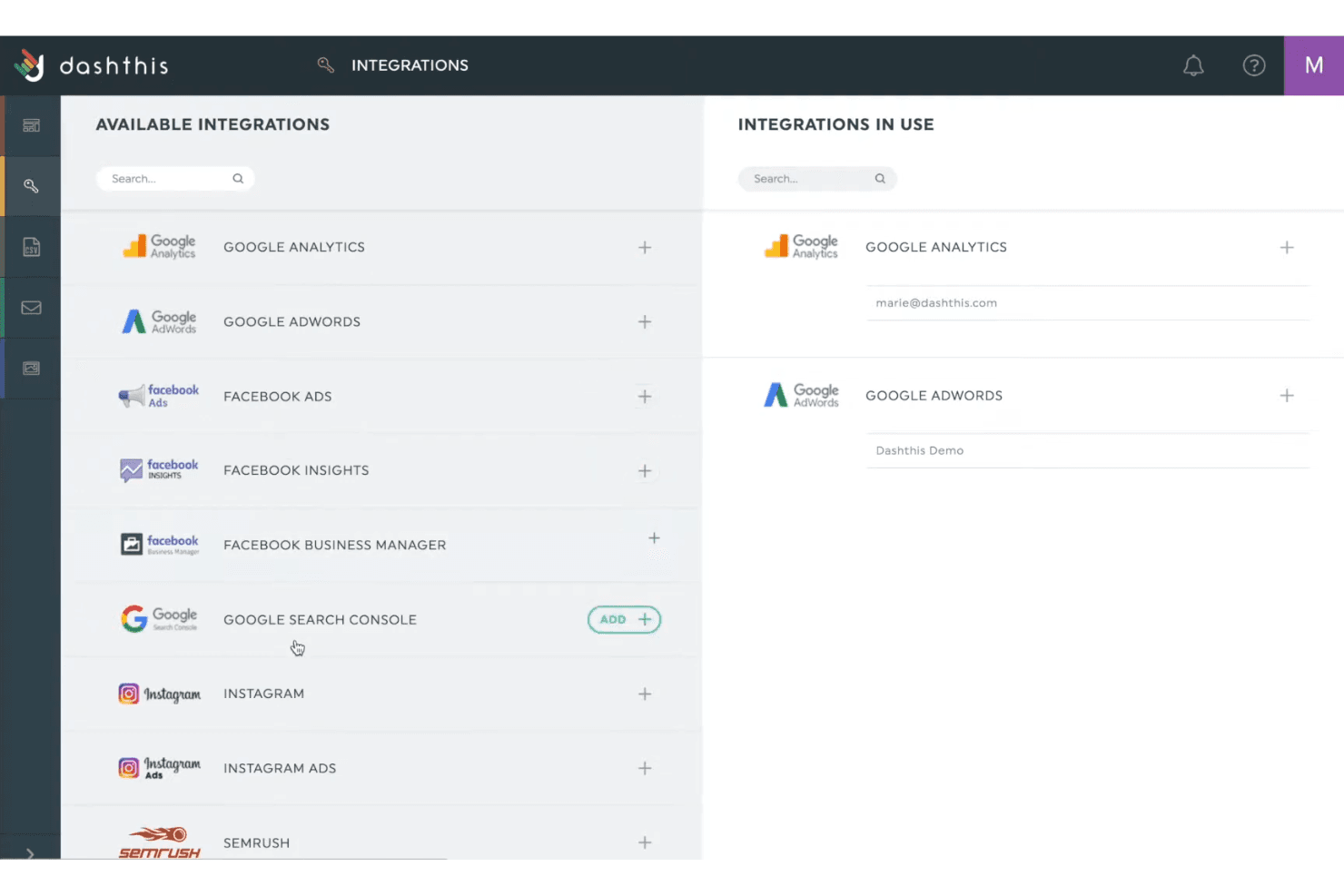
DashThis integrates with Google Analytics, Facebook Ads, Google Ads, LinkedIn Ads, Instagram Insights, Twitter Ads, YouTube, Mailchimp, HubSpot, and Shopify, among others.
DashThis also offers an API for custom data sources but does not connect with third-party integration tools like Zapier.
DashThis Specs
- AI Integration: Yes
- Analytics: Yes
- API: Yes
- Calendar Management: Yes
- Comparative Reporting: Yes
- Custom Reports: Yes
- Dashboard: Yes
- Data Export: Yes
- Data Import: Yes
- Data Visualization: Yes
- External Integrations: Yes
- Forecasting: Yes
- Multi-User: Yes
- Notifications: Yes
- Process Reporting: Yes
- Scenario Planning: Yes
- Scheduling: Yes
- SEO: Yes
- Workflow Management: Yes


