

beehiiv-arvostelu: hyvät ja huonot puolet, ominaisuudet ja hinnoittelu
beehiiv erottuu käyttäjäystävällisellä käyttöliittymällään ja monipuolisilla ominaisuuksillaan, mikä tekee siitä erinomaisen valinnan tehokkaita sähköpostimarkkinoinnin työkaluja etsiville.

We review tools independently, and commissions help fund our testing. See our transparency policy, our methodology, or suggest a tool.
Beehiiv is an email newsletter software built for creators and publishers who want to grow and monetize a subscriber base. I'd consider it if you want more control over your brand, audience data, and revenue model than Substack allows, while still working inside a platform designed specifically for newsletter publishing rather than general email marketing.
Beehiiv Evaluation Summary
4.5/5
- From $43/month (billed annually)
- 30-day free trial + free plan + free demo available
Miksi luottaa ohjelmistosuosituksiimme
6,700+
Reviews
20
Industry experts
16+
Evaluation factors
14
Years
Tiimimme on testannut ja arvioinut ohjelmistoja vuodesta 2012 lähtien. Markkinointijohtajina tiedämme itse, kuinka vaikeaa — ja tärkeää — oikean ohjelmiston valitseminen on.
Tätä opasta varten arvioimme työkaluja käytännön testauksen ja itsenäisen tutkimuksen avulla, pisteyttäen työkalut valintakriteeriemme perusteella.
Arvostelumme perustuvat inhimilliseen toimitukselliseen harkintaamme, eivät myyntipuheeseen.
Asiantuntija-arvioijat:
 Gui DrusinaCreative Director
- Shriya GhateSenior Marketing Lead
 Amanda JacquesMarketing Ops Leader

Beehiiv Overview
In my opinion, beehiiv is a standout choice among email newsletter software. It offers a user-friendly interface and extensive features that cater to both new and seasoned creators. Its onboarding process is smooth, and the customer support is generally responsive, though there's room for improvement. Compared to other newsletter platforms, beehiiv excels in monetization features, content creation, and built-in growth tools, making it particularly suitable for small businesses and content creators aiming to grow their audience. However, some users may find limitations in integrations and support resources. Overall, if you're looking for a reliable and cost-effective newsletter tool, beehiiv should be on your shortlist.
Pros
- You can easily create and send newsletters with its intuitive interface.
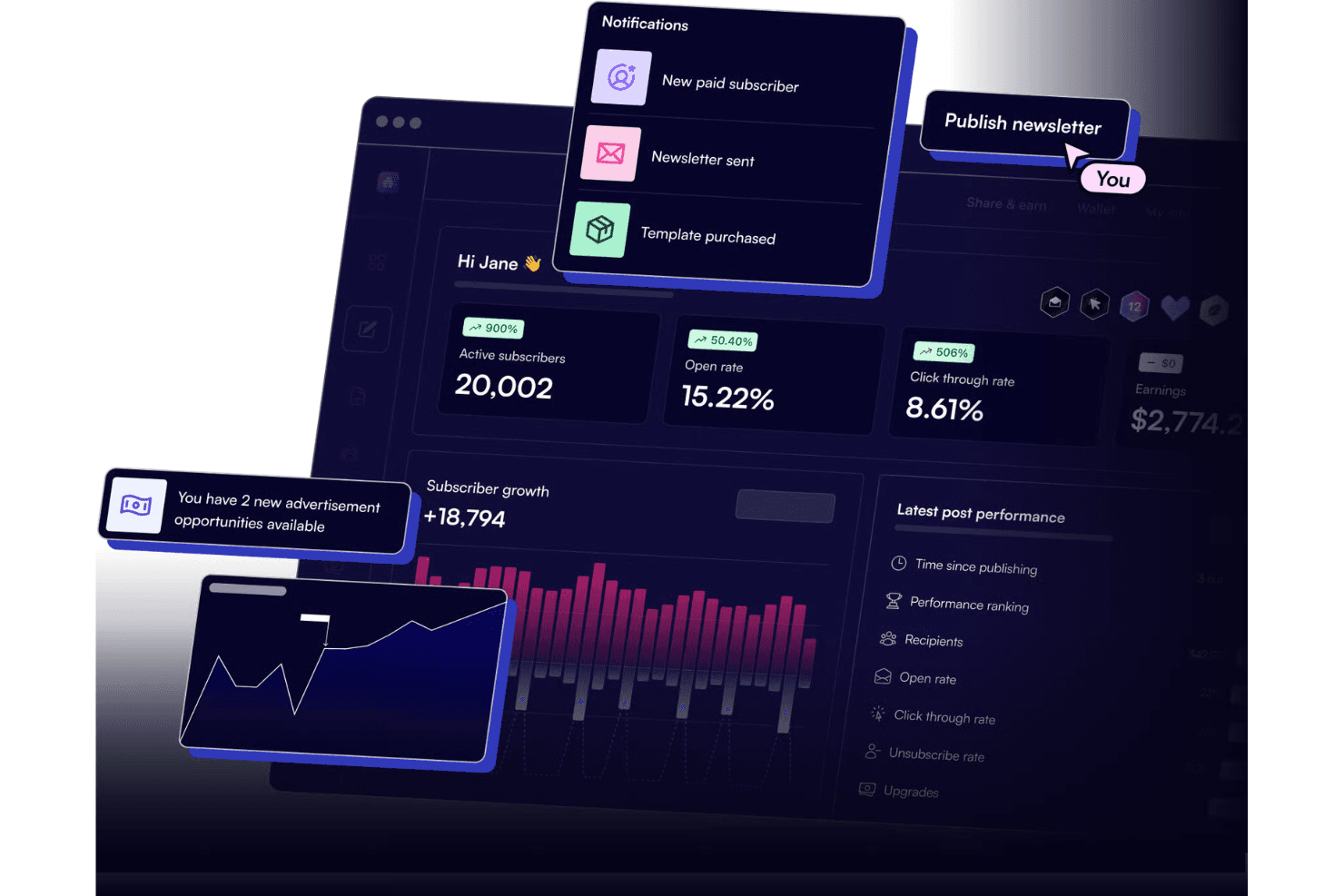
- Its analytics tools help you track audience engagement effectively.
- The platform offers strong monetization options for content creators.
Cons
- You might find limited integrations with other tools.
- The support resources could be more comprehensive for complex issues.
- Some users report occasional hiccups with larger email lists.
Is Beehiiv Right For Your Needs?
Who Would be a Good Fit for Beehiiv?
beehiiv is ideal for small businesses, content creators, and marketing teams aiming to connect with their audience. Its user-friendly interface and strong analytics make it perfect for those using beehiiv to create engaging newsletters without technical hassle or to support distribution across channels like social media and ecommerce marketing. If your team values ease of use and wants to leverage monetization, beehiiv offers the tools you need. Its intuitive design helps you focus on creativity and audience growth.
- Small Businessesbeehiiv's simple setup and strong analytics help you engage customers effectively.
- Content CreatorsIts monetization options let you earn from your paid newsletters with ease.
- Marketing TeamsThe platform's features make it easy to track and analyze campaign performance.
- FreelancersYou can quickly set up and manage email campaigns without needing extensive support.
- Nonprofitsbeehiiv's cost-effectiveness and engagement tools help you reach supporters efficiently.
- Educational InstitutionsIts straightforward interface allows easy communication with students and staff.
Who Would be a Bad Fit for Beehiiv?
beehiiv might not suit large enterprises or teams needing extensive integrations with existing systems. If your operations rely heavily on integrating multiple platforms for complex workflows, beehiiv's limited integration capabilities could hinder your processes. Large-scale marketing departments that manage vast email lists and require advanced segmentation might find beehiiv lacking in features that support high-volume, detailed campaigns. Additionally, if your team needs extensive customer support or customized solutions, beehiiv's support resources might not meet your expectations.
- Large Enterprisesbeehiiv's limited integrations might not support complex, multi-platform workflows.
- Tech CompaniesYou might need more advanced segmentation and automation features for large-scale operations.
- Corporate MarketingLarge teams could find beehiiv's capabilities insufficient for managing vast email lists.
- Retail ChainsThe platform might not offer the depth of features needed for high-volume email campaigns.
- Financial ServicesYou might require more robust security and compliance features than beehiiv offers.
- Healthcare Providersbeehiiv's support resources may not suffice for teams needing customized solutions.
How We Test & Score Tools
We’ve spent years building, refining, and improving our software testing and scoring system. The rubric is designed to capture the nuances of software selection and what makes a tool effective, focusing on critical aspects of the decision-making process.
Below, you can see exactly how our testing and scoring works across seven criteria. It allows us to provide an unbiased evaluation of the software based on core functionality, standout features, ease of use, onboarding, customer support, integrations, customer reviews, and value for money.
Core Functionality (25% of final scoring)
The starting point of our evaluation is always the core functionality of the tool. Does it have the basic features and functions that a user would expect to see? Are any of those core features locked to higher-tiered pricing plans? At its core, we expect a tool to stand up against the baseline capabilities of its competitors.
Standout Features (25% of final scoring)
Next, we evaluate uncommon standout features that go above and beyond the core functionality typically found in tools of its kind. A high score reflects specialized or unique features that make the product faster, more efficient, or offer additional value to the user.
We also evaluate how easy it is to integrate with other tools typically found in the tech stack to expand the functionality and utility of the software. Tools offering plentiful native integrations, 3rd party connections, and API access to build custom integrations score best.
Ease of Use (10% of final scoring)
We consider how quick and easy it is to execute the tasks defined in the core functionality using the tool. High scoring software is well designed, intuitive to use, offers mobile apps, provides templates, and makes relatively complex tasks seem simple.
Onboarding (10% of final scoring)
We know how important rapid team adoption is for a new platform, so we evaluate how easy it is to learn and use a tool with minimal training. We evaluate how quickly a team member can get set up and start using the tool with no experience. High scoring solutions indicate little or no support is required.
Customer Support (10% of final scoring)
We review how quick and easy it is to get unstuck and find help by phone, live chat, or knowledge base. Tools and companies that provide real-time support score best, while chatbots score worst.
Customer Reviews (10% of final scoring)
Beyond our own testing and evaluation, we consider the net promoter score from current and past customers. We review their likelihood, given the option, to choose the tool again for the core functionality. A high scoring software reflects a high net promoter score from current or past customers.
Value for Money (10% of final scoring)
Lastly, in consideration of all the other criteria, we review the average price of entry level plans against the core features and consider the value of the other evaluation criteria. Software that delivers more, for less, will score higher.
Core Features
Newsletter Editor
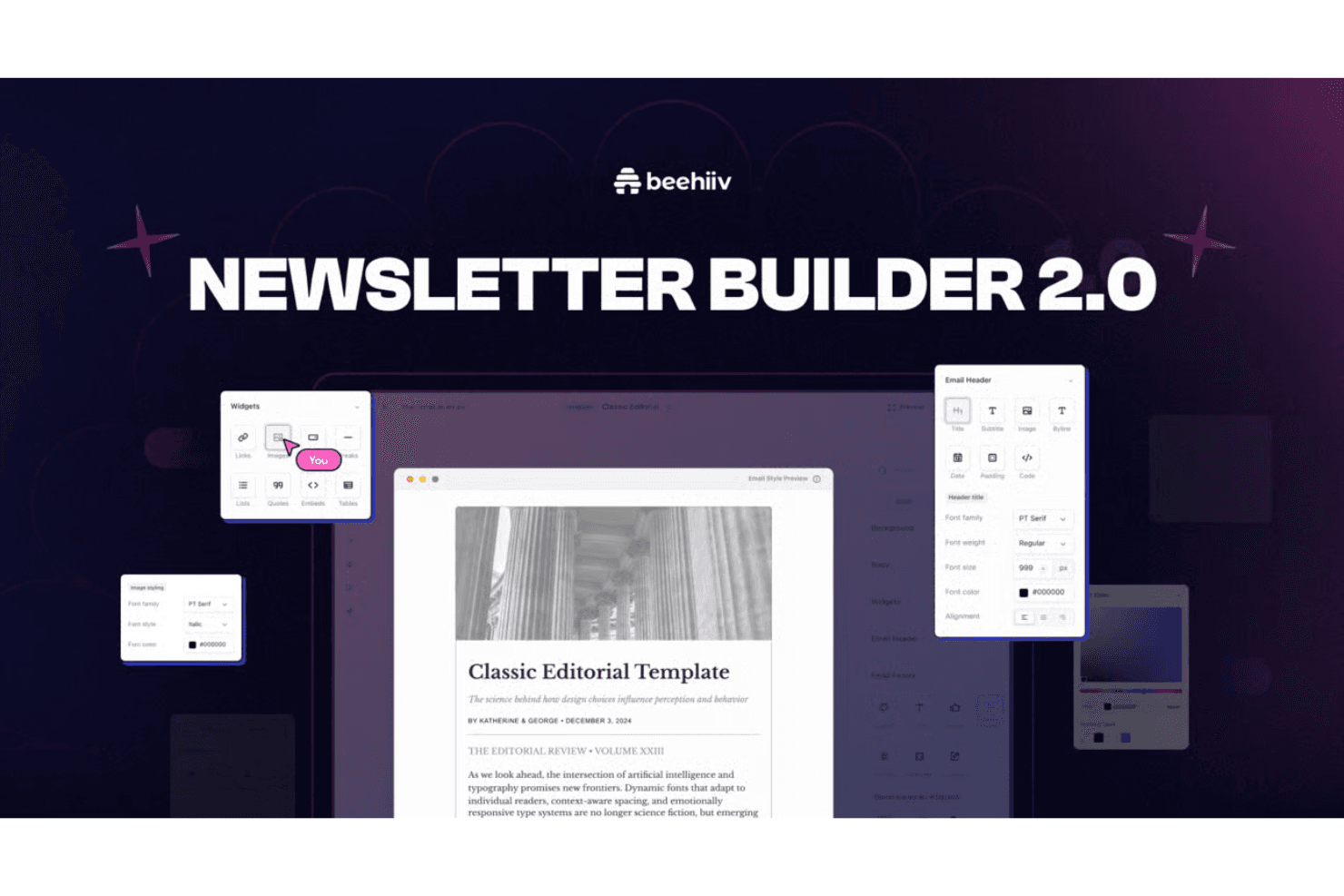
beehiiv’s editor helps you write, format, and publish newsletters with a clean workflow. It keeps creation and sending in one place so publishing stays consistent.
Customization & Templates
You can customize layouts, fonts, colors, and templates to match your brand style. This helps your newsletter look consistent without redesigning every issue.
Subscribe Forms
beehiiv provides embedded forms and popups to turn visitors into subscribers. You can embed these forms on your website and landing pages to capture new subscribers.
Analytics
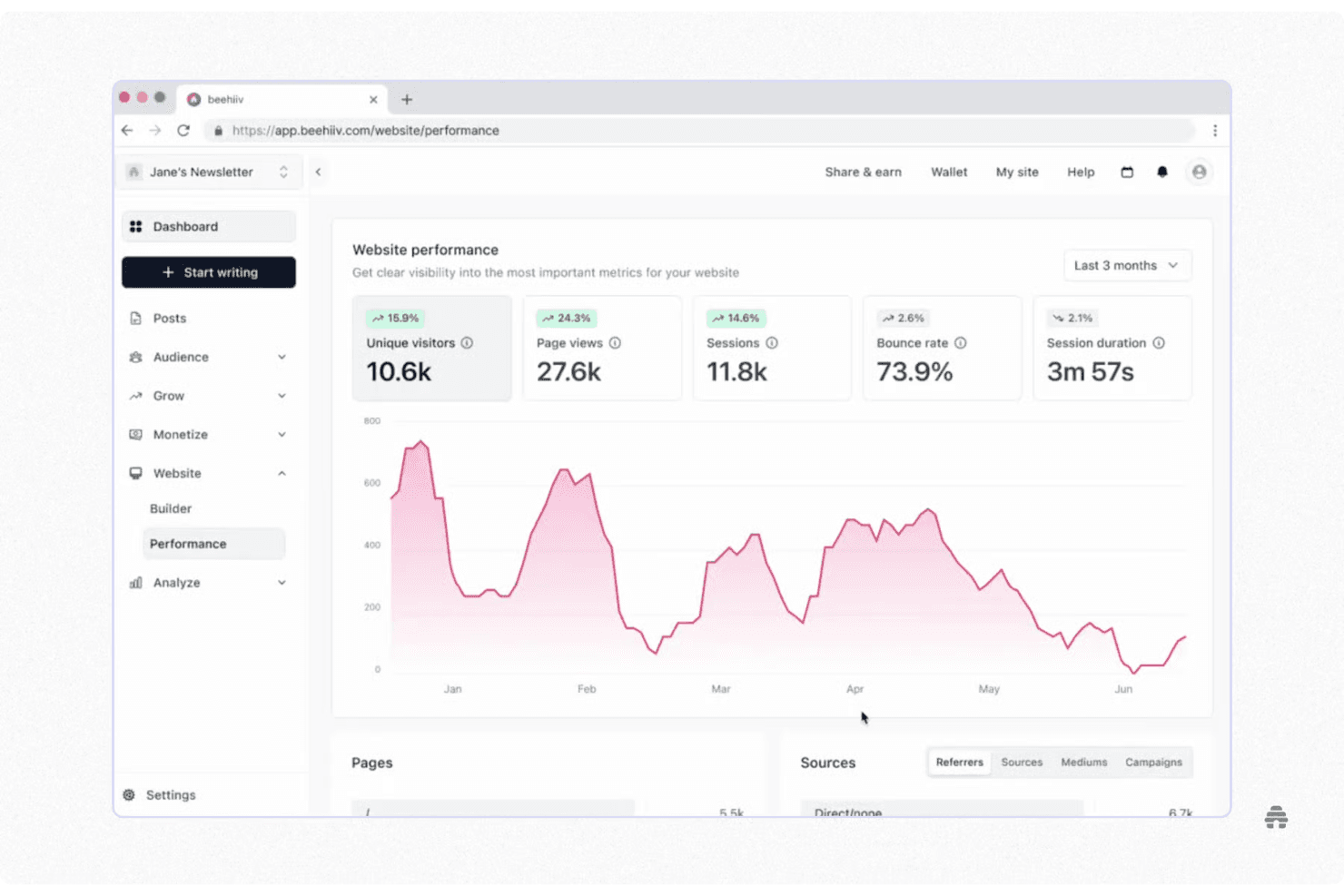
Analytics shows subscriber growth and engagement like click rates in one dashboard. It helps you see what content drives results, and supports SEO optimization so you can improve future sends.
Segmentation
Segmentation lets you group subscribers so you can send content to the right people. This improves relevance and can boost engagement compared to one-size-fits-all blasts.
Template Library
Access a variety of customizable templates to fit your brand. These templates save you time and help keep your emails consistent.
Ease of Use
beehiiv excels in user-friendliness, making it a top choice for those new to email marketing. The intuitive drag-and-drop editor lets you design emails effortlessly, while clear analytics help you understand your audience better — though it should be mentioned that there is something of a learning curve for the more advanced features. You can easily manage subscribers and schedule emails without any hassle. Users appreciate the straightforward interface, which simplifies the entire process from creation to analysis. This ease of use sets beehiiv apart, ensuring you spend more time engaging with your audience than figuring out the software.
Integrations
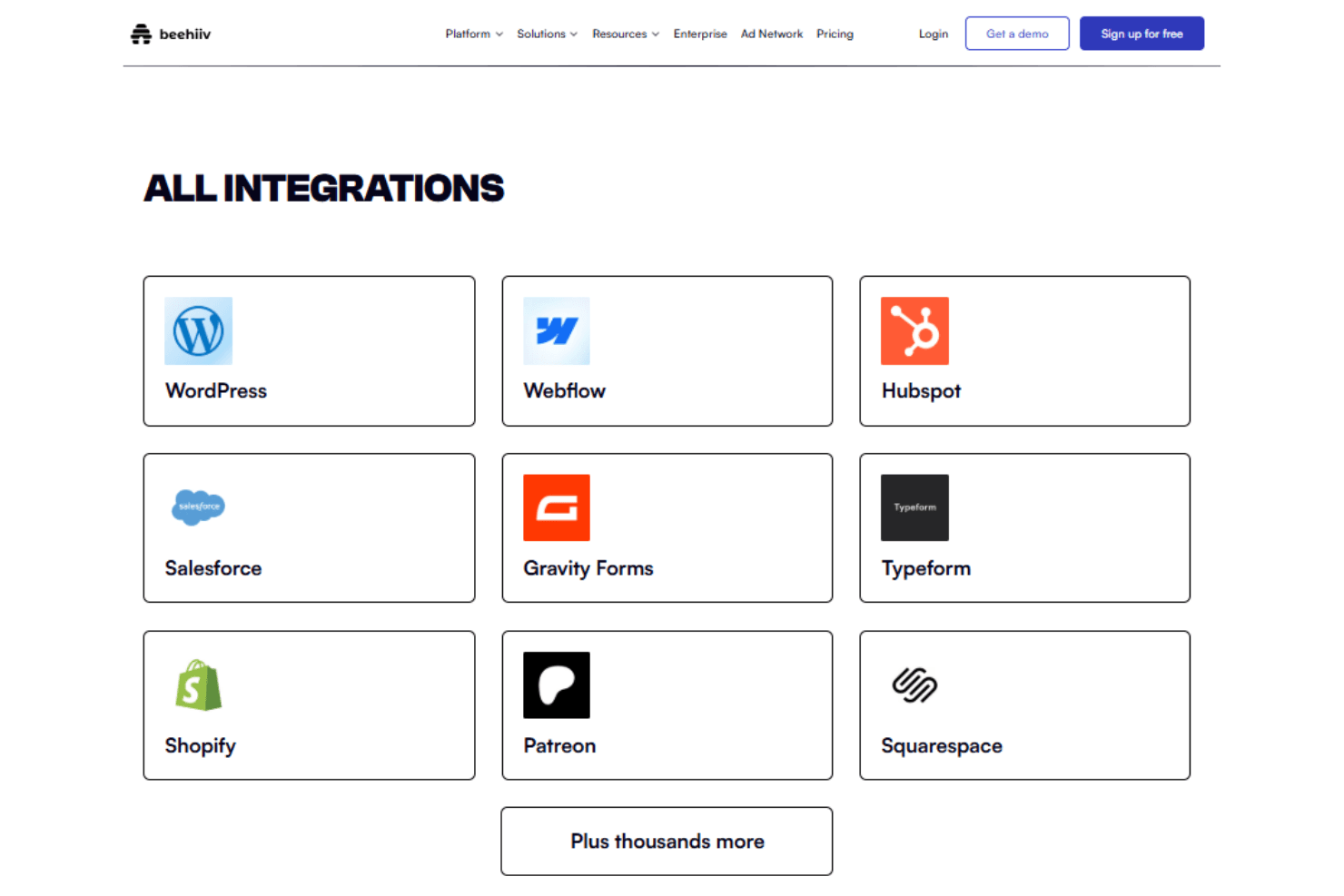
beehiiv integrates with WordPress, Webflow, Hubspot, Salesforce, Gravity Forms, Typeform, Shopify, Patreon, and Zapier.
beehiiv also provides an API for custom integrations and connects with third-party integration tools like Zapier to extend its functionality.
Beehiiv Specs
- A/B Testing: Yes
- API: Yes
- Data Export: Yes
- Data Import: Yes
- External Integrations: Yes
- Landing Pages: Yes
- Multi-User: Yes
- Third-Party Plugins/Add-Ons: Yes


