

Reseña de Todoist: Ventajas, Desventajas, Características y Precios
Todoist destaca por su simplicidad y soporte multiplataforma, lo que la convierte en una opción ideal para equipos que buscan una gestión de tareas eficiente sin complejidades avanzadas.

Revisamos herramientas de manera independiente, y las comisiones ayudan a financiar nuestras pruebas. Consulta nuestra política de transparencia, nuestra metodología o sugiere una herramienta.
Todoist is a marketing planning software for marketers who need a clean, focused way to organize campaigns, track tasks, and manage deadlines without the weight of a full project management platform. I'd consider it if your team finds tools like Asana over-engineered for the way you actually work day-to-day—Todoist keeps things simple without sacrificing the structure you need to stay on top of a busy content or campaign calendar.
Todoist Evaluation Summary
4.6/5
- From $5/user/month (billed annually)
- Free plan available
Por qué confiar en nuestras recomendaciones de software
6,700+
Reviews
20
Industry experts
16+
Evaluation factors
14
Years
Nuestro equipo lleva probando y evaluando software desde 2012. Como líderes de marketing, sabemos lo difícil —y lo importante— que es elegir el software adecuado.
Para esta guía, evaluamos las herramientas mediante pruebas prácticas e investigación independiente, puntuando las herramientas según nuestros criterios de selección.
Nuestras reseñas reflejan nuestro criterio editorial humano, no un discurso de ventas.
Revisores expertos:
 Gui DrusinaDirector creativo
- Shriya GhateSenior Marketing Lead
 Amanda JacquesLíder de Marketing Ops

Todoist Overview
In my opinion, Todoist is a reliable marketing planning software for teams needing efficient task management with minimal fuss. It shines in its ease of use and cross-platform support, making it accessible for teams of all sizes. However, it might lack the advanced features that larger organizations might seek in more comprehensive tools. Todoist is best suited for small to medium-sized teams or freelancers who value simplicity and accessibility in task management. While it competes well on price and usability, those needing extensive integrations or complex project tracking might find it limited. For straightforward task management, Todoist is a solid choice.
Pros
- It's easy to use with a clean, intuitive interface.
- You can access it on multiple devices seamlessly.
- It offers effective task prioritization and organization features.
Cons
- It lacks advanced project management features that some teams might need.
- Your team might find the customization options limited.
- It doesn't offer built-in time tracking, which can be a drawback for detailed scheduling.
Is Todoist Right For Your Needs?
Who Would be a Good Fit for Todoist?
Todoist is a great fit for small businesses, creative teams, and freelancers who need straightforward task management. Its simplicity and cross-platform support make it easy for your team to stay organized without complicated processes. Marketing departments or content creators benefit from its prioritization features, allowing you to focus on important tasks efficiently. If your work requires collaboration across different devices, Todoist's seamless syncing is a valuable asset.
- Small TeamsTodoist's intuitive interface helps your team manage tasks without a steep learning curve.
- FreelancersYou can easily organize and prioritize tasks, making it ideal for managing multiple projects.
- Content CreatorsTodoist's task organization features let you focus on deadlines and creative work.
- Marketing DepartmentsThe tool helps you track campaigns and tasks with its effective prioritization features.
- Remote WorkersTodoist's cross-platform access keeps you connected and organized regardless of where you work.
- Project ManagersIts straightforward design allows you to manage tasks and deadlines efficiently without extra complexity.
Who Would be a Bad Fit for Todoist?
Todoist might not suit large enterprises or teams needing advanced project management features. If your work involves complex workflows or requires extensive integrations, Todoist's simplicity could be limiting. Industries like engineering or IT, which rely on detailed project tracking and time management, might find it lacks necessary features. Teams needing built-in time tracking or advanced customization might find Todoist's offerings insufficient for their needs.
- Large EnterprisesTodoist's limited advanced features may not meet your complex project management needs.
- Engineering FirmsYou might find it lacks detailed tracking and specialized task management for technical projects.
- IT DepartmentsTodoist's simplicity might not support your need for extensive integrations and workflow automation.
- AgenciesIf you need advanced collaboration tools, Todoist might not provide the depth you require.
- ConsultantsWithout built-in time tracking, managing billable hours can be challenging.
- Event PlannersIts limited customization could hinder your ability to manage multifaceted events effectively.
Cómo Probamos y Puntuamos las Herramientas
Hemos dedicado años a construir, refinar y mejorar nuestro sistema de prueba y puntuación de software. El marco está diseñado para captar los matices de la selección de software y lo que hace a una herramienta eficaz, enfocándose en los aspectos críticos del proceso de decisión. A continuación, puedes ver exactamente cómo funcionan nuestras pruebas y puntuaciones en siete criterios. Esto nos permite brindar una evaluación imparcial de los programas basada en la funcionalidad principal, características destacadas, facilidad de uso, integración, soporte al cliente, reseñas de clientes y relación calidad-precio.
Funcionalidad Principal (25% de la puntuación final)
El punto de partida de nuestra evaluación siempre es la funcionalidad principal de la herramienta. ¿Cuenta con las funciones básicas que un usuario esperaría? ¿Alguna de esas funciones está reservada solo para planes de pago avanzados? Esperamos que, en esencia, una herramienta se mantenga al nivel de las capacidades mínimas de sus competidores.
Características Destacadas (25% de la puntuación final)
Después, evaluamos las características poco comunes y destacadas que van más allá de la funcionalidad típica de herramientas similares. Una puntuación alta refleja funciones especializadas o únicas que hacen el producto más rápido, eficiente o aportan un valor adicional al usuario. También evaluamos qué tan fácil es integrarse con otras herramientas habituales en el entorno tecnológico para expandir la funcionalidad del software. Las herramientas que ofrecen muchas integraciones nativas, conexiones de terceros y acceso a API para crear integraciones personalizadas tienen la mejor puntuación.
Facilidad de Uso (10% de la puntuación final)
Consideramos cuán rápido y fácil es ejecutar las tareas definidas en la funcionalidad central utilizando la herramienta. El software mejor puntuado está bien diseñado, es intuitivo, ofrece aplicaciones móviles, proporciona plantillas y hace que tareas relativamente complejas parezcan sencillas.
Incorporación (10% de la puntuación final)
Sabemos lo importante que es que un equipo adopte rápidamente una nueva plataforma, por eso evaluamos lo fácil que es aprender y usar una herramienta con la menor formación posible. Analizamos lo rápido que un integrante puede comenzar a usar la herramienta sin experiencia previa. Las soluciones mejor puntuadas requieren poco o ningún soporte.
Soporte al Cliente (10% de la puntuación final)
Vemos cuán rápido y sencillo es obtener ayuda por teléfono, chat en vivo o base de conocimientos. Las empresas y herramientas que ofrecen soporte en tiempo real logran la mejor puntuación, mientras que los chatbots obtienen la peor.
Reseñas de Clientes (10% de la puntuación final)
Más allá de nuestras propias pruebas y evaluaciones, consideramos el puntaje de recomendación de clientes actuales y anteriores. Revisamos la probabilidad de que, de poder elegir de nuevo, seleccionarían la herramienta por su funcionalidad principal. Un software con alta puntuación refleja una elevada recomendación de sus usuarios.
Relación Calidad-Precio (10% de la puntuación final)
Finalmente, considerando todos los demás criterios, revisamos el precio promedio de los planes básicos frente a las funciones y el valor de los demás factores de evaluación. El software que ofrece más por menos obtiene mejor puntuación.
Core Features
Task Management
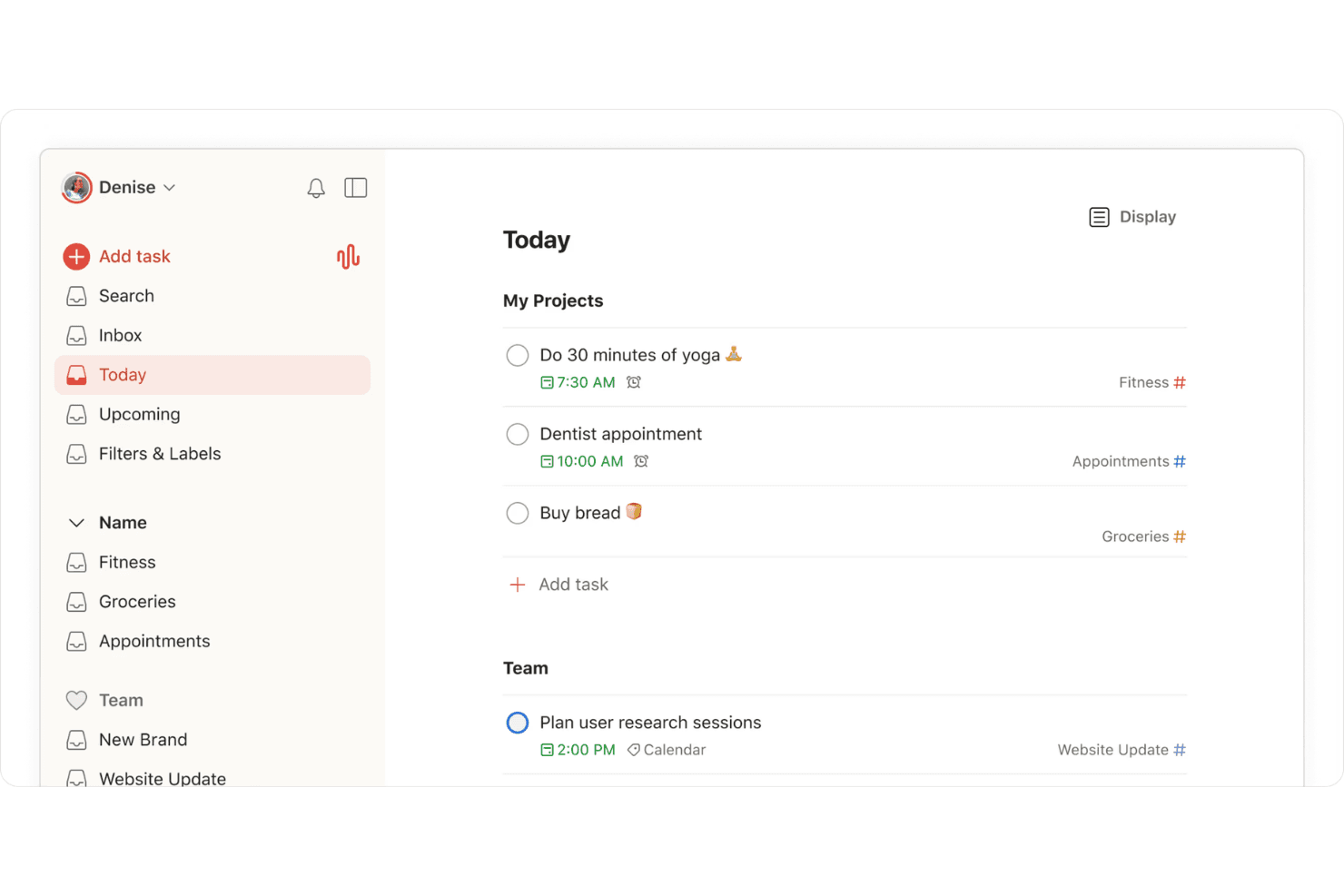
You can easily create, prioritize, organize, and share tasks in a to-do list to keep your team on track. The intuitive interface makes it simple to focus on what's important.
Project Organization
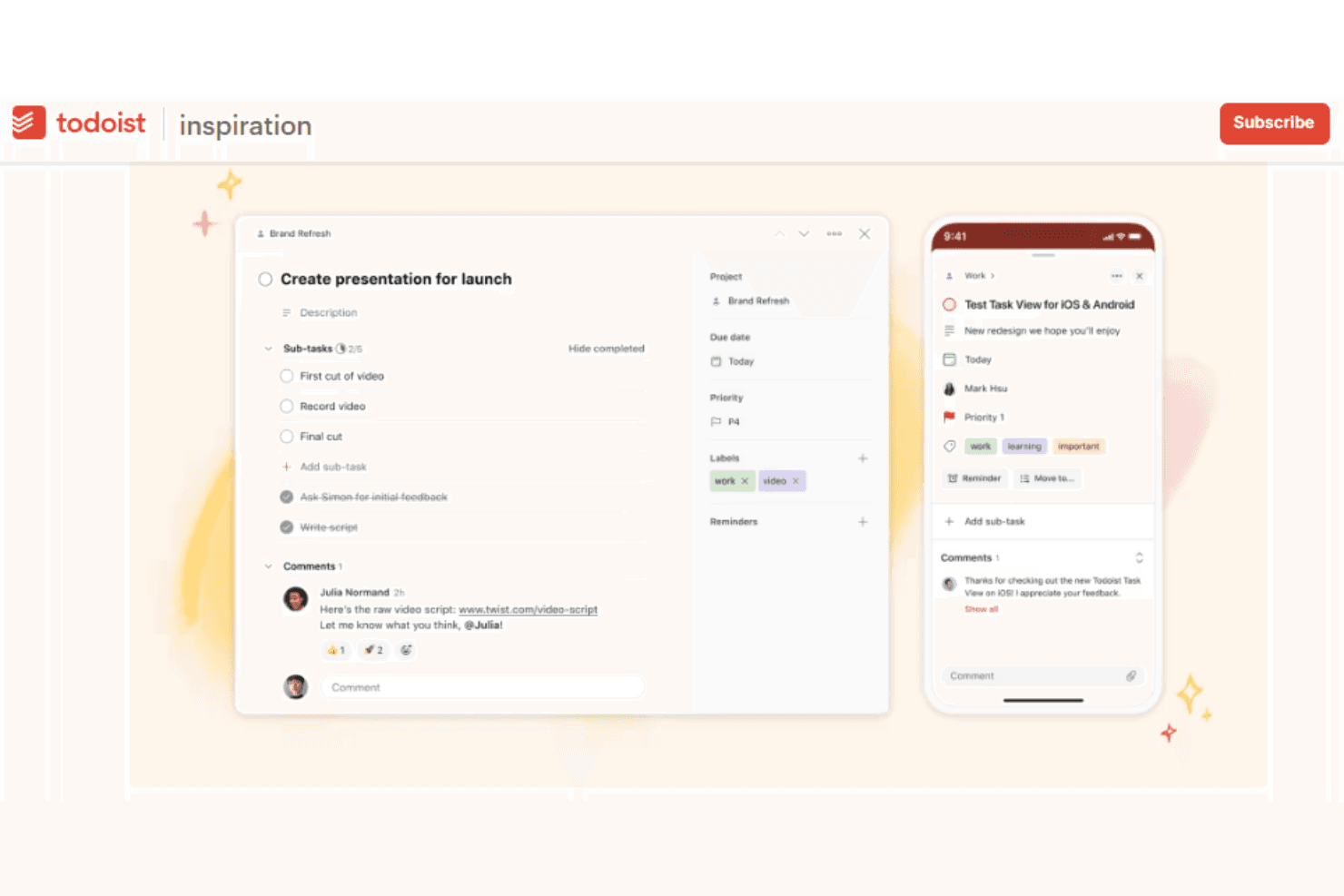
Todoist lets you break down projects into recurring tasks and sub-tasks, and you can use templates to set up repeatable project structures. This structure keeps your work organized.
Due Dates and Reminders
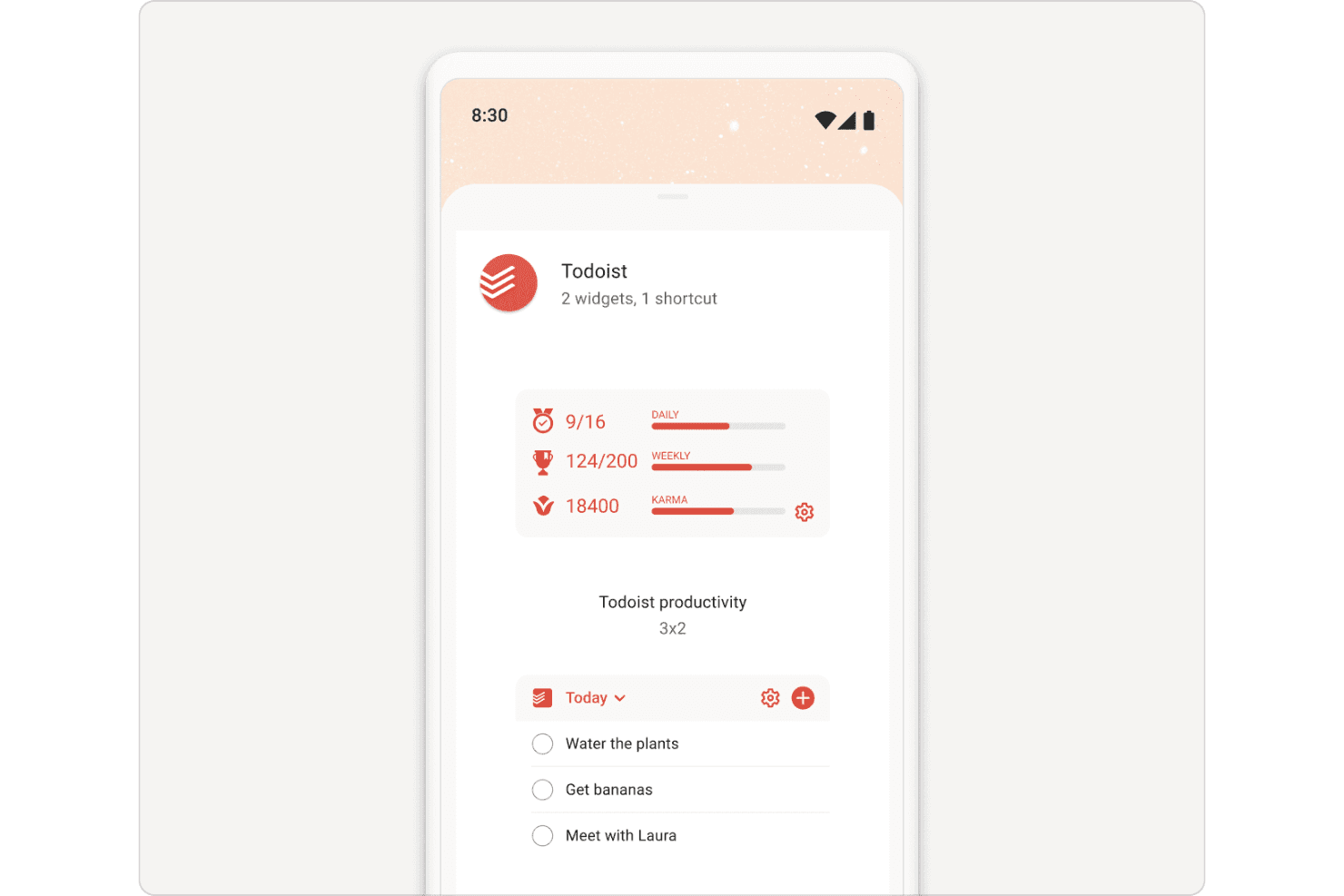
Set deadlines and get reminders and notifications so you never miss a task. This feature supports time blocking, allowing your team to stay on schedule.
Labels and Filters
You can use Todoist to create labels and custom filters to categorize and find tasks quickly. This helps your team locate important tasks without delay.
Collaborative Tasks
Assign tasks to team members and track progress. It fosters accountability and teamwork within your projects.
Priority Levels
Mark tasks with priority levels to focus on urgent work. This helps your team manage time and resources efficiently.
Ease of Use
Todoist is incredibly user-friendly, making it simple for your team to pick up and use without extensive training. Its clean interface and intuitive design let you focus on tasks without getting bogged down in complexity. Setting up projects and assigning tasks is straightforward, and the cross-platform access ensures everyone stays connected. Compared to other tools, Todoist stands out for its simplicity and accessibility, making it ideal for teams that value ease of use.
Integrations
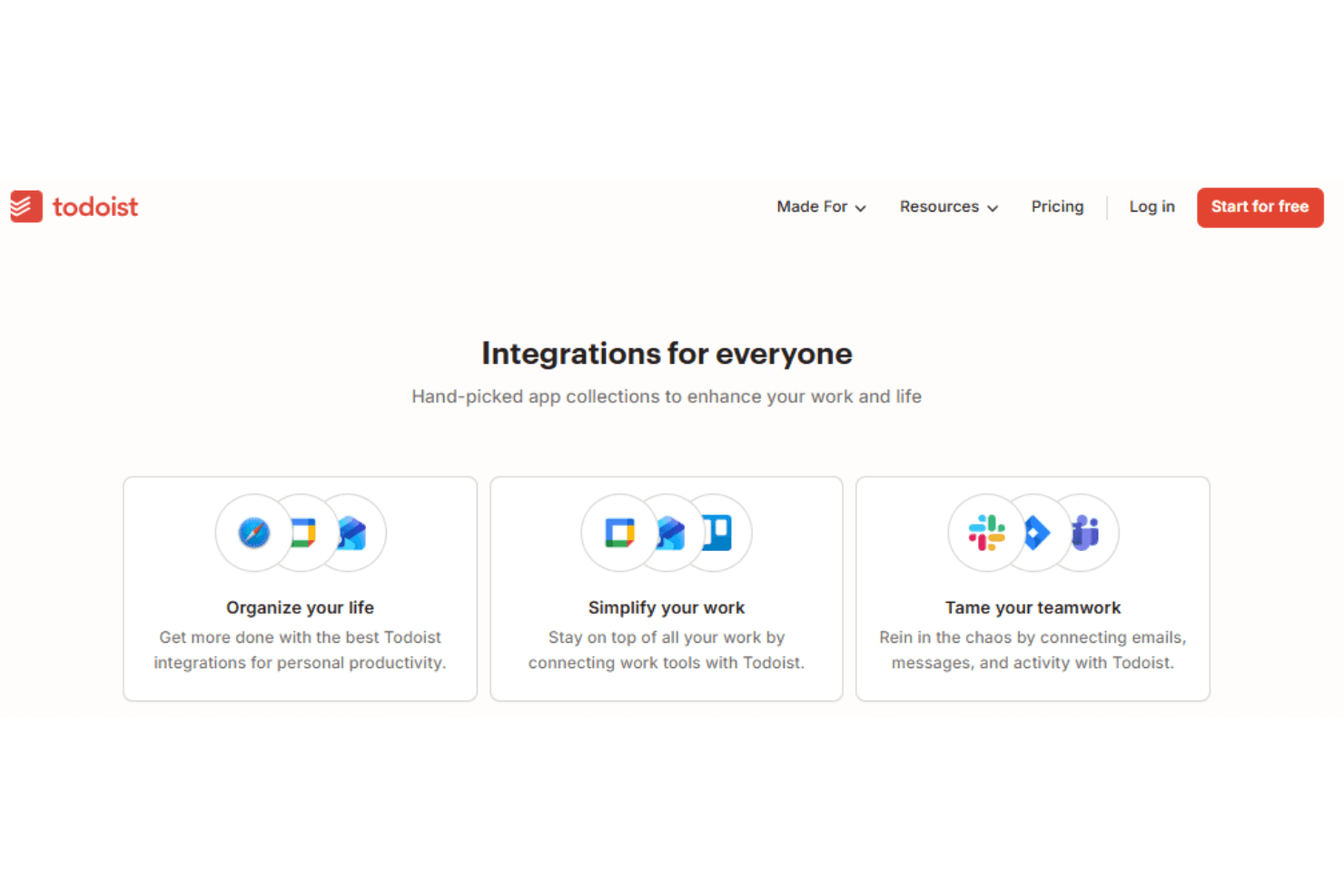
Todoist integrates with Outlook Mail, Google Calendar, Jira, Slack, Toggl Track, Evernote, Pleexy, and Microsoft Edge.
Todoist also offers an API and connects with thousands of apps through automation partners like Zapier.
Todoist Specs
- API: Yes
- Calendar Management: Yes
- Collaboration Support: Yes
- Dashboards: Yes
- Data Export: Yes
- Data Import: Yes
- External Integrations: Yes
- File Sharing: Yes
- Gantt Charts: Yes
- Kanban Boards: Yes
- Mobile App: Yes
- Multi-User: Yes
- Notifications: Yes
- Prioritization: Yes
- Project Management: Yes
- Status Notifications: Yes
- Task Scheduling/Tracking: Yes
- Time Management: Yes


