

Sanity.io-Testbericht: Vorteile, Nachteile, Funktionen und Preisdetails
Sanity.io isn’t your average CMS—it’s a customizable toolkit that lets me shape digital experiences exactly how I imagine them. Ready to see if it’s the right fit for you?

Wir bewerten Tools unabhängig, und Provisionen helfen, unsere Tests zu finanzieren. Siehe unsere Transparenz-Richtlinie, unsere Methodik oder schlagen Sie ein Tool vor.
Sanity.io is a headless content management software for teams that need to model, structure, and deliver content across websites, apps, and other digital channels from a single source. I'd reach for it when your team has outgrown page-based tools like WordPress and wants full control over content schemas, real-time collaboration in the Studio editor, and API-first delivery. Compared to Contentful, I think Sanity gives you more flexibility because the Studio is open-source and fully customizable in React, so you can shape the editing experience to match how your marketers and developers actually work. As a headless CMS, the Sanity CMS model puts the schema rather than the page at the centre.
Sanity.io Evaluation Summary
4.7/5
- From $15/seat/month
- Free forever plan available
Warum Sie unseren Software-Empfehlungen vertrauen können
6,700+
Reviews
20
Industry experts
16+
Evaluation factors
14
Years
Unser Team testet und bewertet Software seit 2012. Als Marketingführungskräfte wissen wir selbst, wie schwierig – und wichtig – es ist, die richtige Software auszuwählen.
Für diesen Leitfaden haben wir Tools mithilfe von praktischen Tests und unabhängiger Recherche bewertet und dabei unsere Bewertungskriterien angewendet.
Unsere Bewertungen spiegeln unser menschliches redaktionelles Urteilsvermögen wider, keine Verkaufsstrategie.
Expertenprüfer:
 Gui DrusinaKreativdirektor
- Shriya GhateSenior Marketing Lead
 Amanda JacquesMarketing Ops Leiterin

Sanity.io Overview
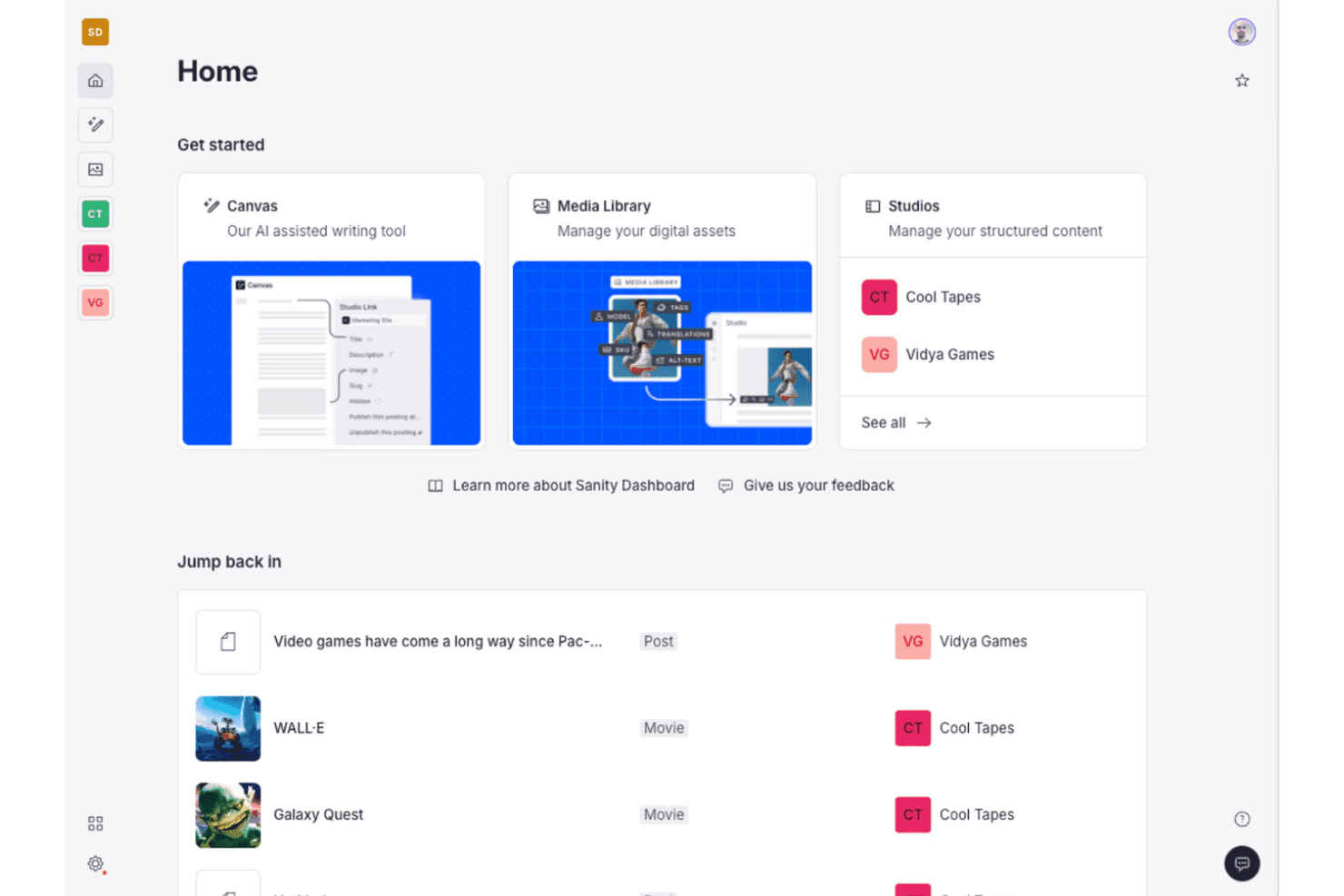
Sanity.io stands out for its customizable Studio editor, real-time collaboration, and API-first approach, which make it a top pick for teams who want complete control over content structure and delivery. The open-source Studio lets you shape the interface to fit your workflows, something I rarely see in other platforms. Sanity pitches itself as a content operating system rather than a CMS, and the developer experience genuinely backs that framing. Pricing is flexible, and the starter plan supports generous usage. Integrations are strong, particularly with modern web frameworks, but there’s a learning curve during onboarding. I’d recommend it for teams with developers on board who need a scalable, collaborative, and customizable content platform.
Pros
- Studio editor is fully customizable with React components.
- Real-time collaboration supports multiple editors working simultaneously.
- Flexible content modeling fits complex, multi-channel structures.
Cons
- Requires developer support for initial setup and configuration.
- Limited visual preview tools for non-technical content editors.
- Usage costs can rise quickly with high API and bandwidth demand.
Is Sanity.io Right For Your Needs?
Who Would be a Good Fit for Sanity.io?
Sanity.io is a strong fit for tech-forward teams and organizations that want to customize their content workflows and integrate modern frontend frameworks. You’re going to get the most value if your business has technical support and cares about structured, API-driven content. In my experience, it’s a good pick for companies with complex content needs, headless integrations, or multi-channel publishing, especially when developer resources are available to tailor schemas and workflows. Treat it as content infrastructure rather than a traditional content management system and the trade-offs make sense.
- Enterprise TechEngineering and product teams can define custom schemas and embrace API-first content operations for flexibility and maintainability.
- Ecommerce PlatformsCustom ecommerce setups get structured product data and integrations with storefront frameworks like Next.js.
- Digital AgenciesAgencies building custom sites for multiple clients will appreciate the ability to deliver unique, branded content models and editor experiences.
- NewsroomsEditorial teams that need real-time collaboration and structured workflows can manage content updates with full control and flexible previews.
- Marketing OpsMarketing teams working closely with developers can personalize content structure and leverage integrations with analytics and campaign tools.
- SaaS StartupsStartups focused on rapid product evolution get scalability, API-driven design, and the freedom to iterate on content models without vendor lock-in.
Who Would be a Bad Fit for Sanity.io?
Sanity.io is less suitable for businesses where technical resources are limited, or when teams need a ready-to-use CMS with minimal configuration. If you want easy setup, strong WYSIWYG editing, or lots of visual design options for non-technical editors, it’s going to feel overwhelming or restrictive. Small businesses or content teams who can’t dedicate developer time will likely be frustrated by the code-driven onboarding and custom schema requirements.
- Small RetailersOwner-operators or small shops lacking a developer will struggle with setup and ongoing schema management.
- Freelance WritersWriters or small teams wanting a plug-and-play blog platform will find the developer-first approach excessive and unnecessarily complex.
- Local NonprofitsOrganizations relying on volunteers or non-technical staff for web updates need a more guided, visually-driven CMS experience.
- Restaurant ChainsTeams focused on visual page building and frequent menu updates won’t benefit from the structured, code-dependent content modeling.
- Traditional PublishersMedia businesses with legacy editorial workflows often need instant previews and page-building tools not natively offered in Sanity.io.
- Event PlannersProject-driven teams looking for out-of-the-box event templates and calendar tools will not get the fast start they expect from other CMS platforms.
Wie wir Tools testen und bewerten
Wir haben jahrelang unser Software-Test- und Bewertungssystem aufgebaut, verfeinert und verbessert. Das Bewertungsraster wurde entwickelt, um die Feinheiten der Softwareauswahl zu erfassen und aufzuzeigen, was ein Tool effektiv macht. Dabei konzentrieren wir uns auf kritische Aspekte des Entscheidungsprozesses. Im Folgenden können Sie genau nachvollziehen, wie unsere Tests und Bewertungen über sieben Kriterien hinweg funktionieren. Dies ermöglicht eine unparteiische Bewertung der Software basierend auf Kernfunktionen, besonderen Merkmalen, Benutzerfreundlichkeit, Onboarding, Kundenservice, Integrationen, Kundenrezensionen und Preis-Leistung.
Kernfunktionen (25% der Gesamtbewertung)
Der Ausgangspunkt unserer Bewertung ist stets die Kernfunktionalität des Tools. Verfügt es über die grundlegenden Merkmale und Funktionen, die ein Nutzer erwarten würde? Sind einige dieser Kernfunktionen nur in hochpreisigen Tarifen verfügbar? Im Kern erwarten wir, dass ein Tool den Basisfunktionen der Konkurrenz standhält.
Besondere Merkmale (25% der Gesamtbewertung)
Als nächstes bewerten wir außergewöhnliche, herausragende Funktionen, die über die übliche Kernfunktionalität hinausgehen. Eine hohe Punktzahl spiegelt spezialisierte oder einzigartige Merkmale wider, die das Produkt schneller, effizienter oder wertvoller für den Nutzer machen. Wir bewerten außerdem, wie einfach es ist, das Tool in andere häufig verwendete Anwendungen im Tech-Stack zu integrieren, um die Funktionalität und den Nutzen der Software zu erweitern. Tools, die viele native Integrationen, Drittanbieter-Anbindungen sowie API-Zugriff für eigene Integrationen bieten, schneiden am besten ab.
Benutzerfreundlichkeit (10% der Gesamtbewertung)
Wir berücksichtigen, wie schnell und einfach sich Aufgaben, die zu den Kernfunktionen gehören, mit dem Tool ausführen lassen. Hoch bewertete Software ist gut gestaltet, intuitiv bedienbar, bietet mobile Apps, Vorlagen und lässt auch komplexe Aufgaben einfach erscheinen.
Onboarding (10% der Gesamtbewertung)
Uns ist bewusst, wie wichtig eine schnelle Akzeptanz im Team für eine neue Plattform ist. Daher bewerten wir, wie leicht sich das Tool mit minimaler Einweisung erlernen und anwenden lässt und wie schnell Teammitglieder auch ohne Vorerfahrung loslegen können. Eine hohe Punktzahl deutet darauf hin, dass kaum oder gar keine Unterstützung notwendig ist.
Kundenservice (10% der Gesamtbewertung)
Wir prüfen, wie schnell und einfach es ist, bei Problemen Hilfe per Telefon, Live-Chat oder Wissensdatenbank zu erhalten. Tools und Unternehmen, die Support in Echtzeit anbieten, erhalten die besten Bewertungen; Chatbots schneiden am schlechtesten ab.
Kundenrezensionen (10% der Gesamtbewertung)
Neben unseren eigenen Tests und Bewertungen berücksichtigen wir den Net Promoter Score aktueller und ehemaliger Kunden. Wir prüfen, wie wahrscheinlich sie sich erneut für das Tool bezüglich der Kernfunktionen entscheiden würden. Hoch bewertete Software spiegelt einen hohen Net Promoter Score der Nutzer wider.
Preis-Leistung (10% der Gesamtbewertung)
Abschließend bewerten wir unter Berücksichtigung aller anderen Kriterien den Durchschnittspreis der Einsteiger-Tarife im Verhältnis zu den Kernfunktionen sowie den Wert der anderen bewerteten Aspekte. Software, die mehr für weniger bietet, wird besser bewertet.
Core Features
Customizable Studio Editor
Shape the editing experience in React and TypeScript—custom dashboards, workflows, fields. Add plugins, validation, and components right inside the Studio.
Real-Time Collaboration
Edit the same document simultaneously—changes appear instantly and conflicts resolve as they happen. Marketers and developers work side by side, nothing overwritten.
Flexible Content Modeling
Define granular schemas for content types, relationships, and validation in JavaScript. Structured data supports rich references, arrays, and deeply nested objects.
API-First Content Delivery
Push content to sites, apps, and third-party platforms over fast, scalable APIs. Fetch exactly what you need with GROQ queries or the GraphQL API.
Structured Content Versioning
Track every edit, roll back to earlier versions, and review full history per document. Content releases let you stage and ship a set of changes together.
Role-Based Access Control
Grant precise editing, publishing, or admin rights per user, team, or dataset. Sensitive projects stay limited to approved collaborators.
Ease of Use
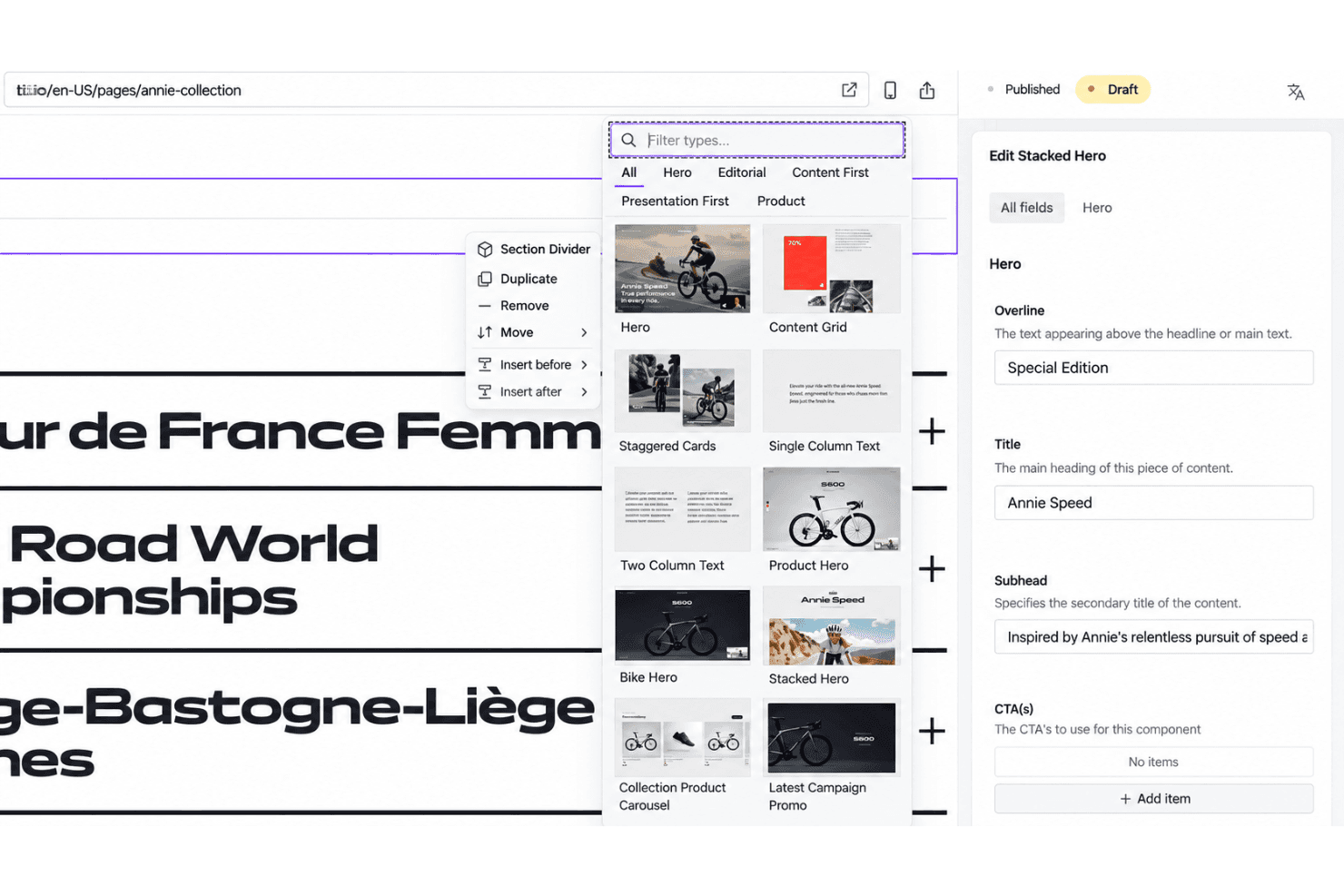
Sanity.io gives your team full flexibility, but it’s not out-of-the-box simple—you’ll need a developer to set up schemas and tailor the Studio. Once configured, editors love the clean interface, real-time collaboration, and custom fields. Some non-technical users want more visual preview options, but the workflow feels smooth and fast for structured content. The API-driven approach may bring a learning curve, yet usability shines for teams with technical support.
Integrations
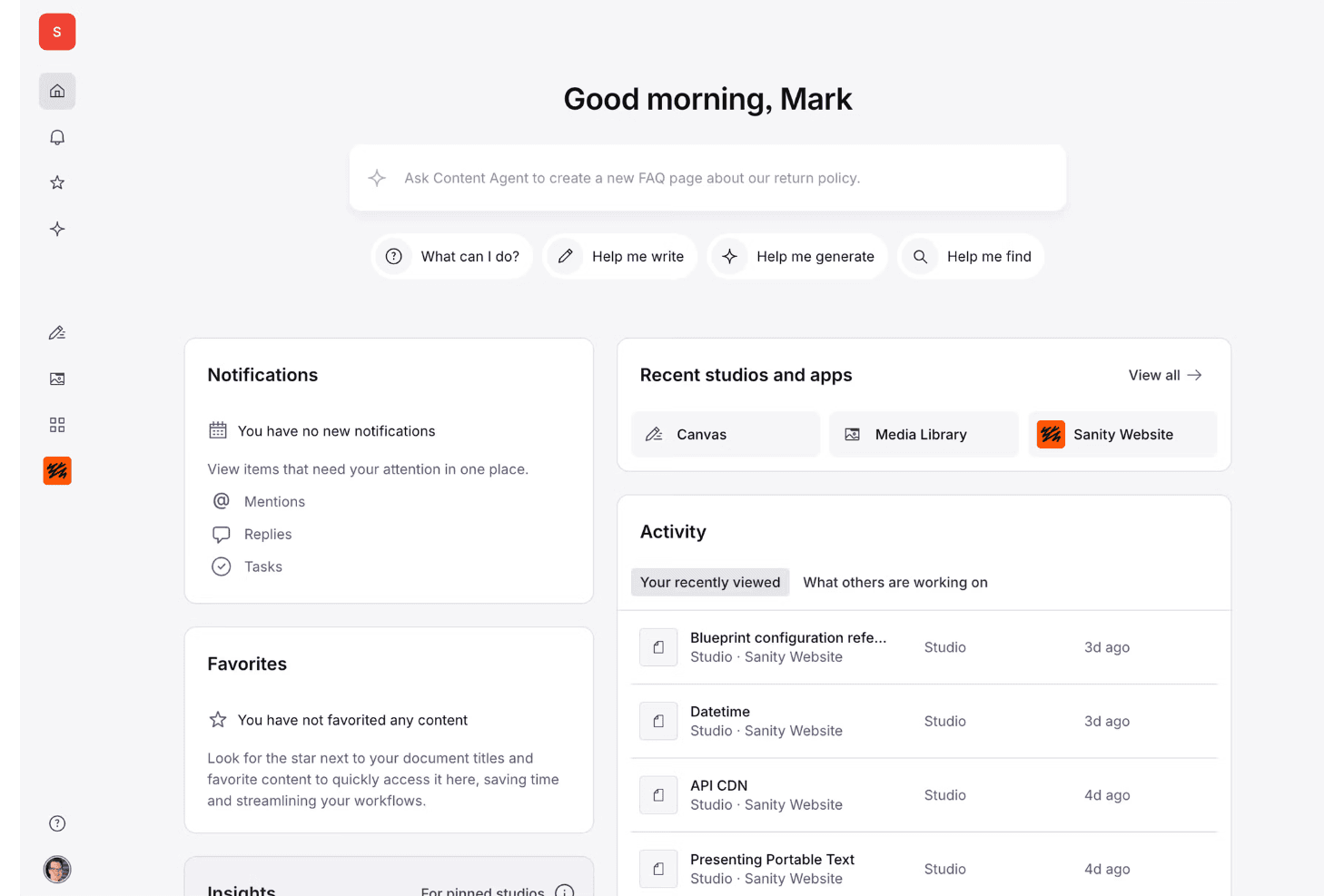
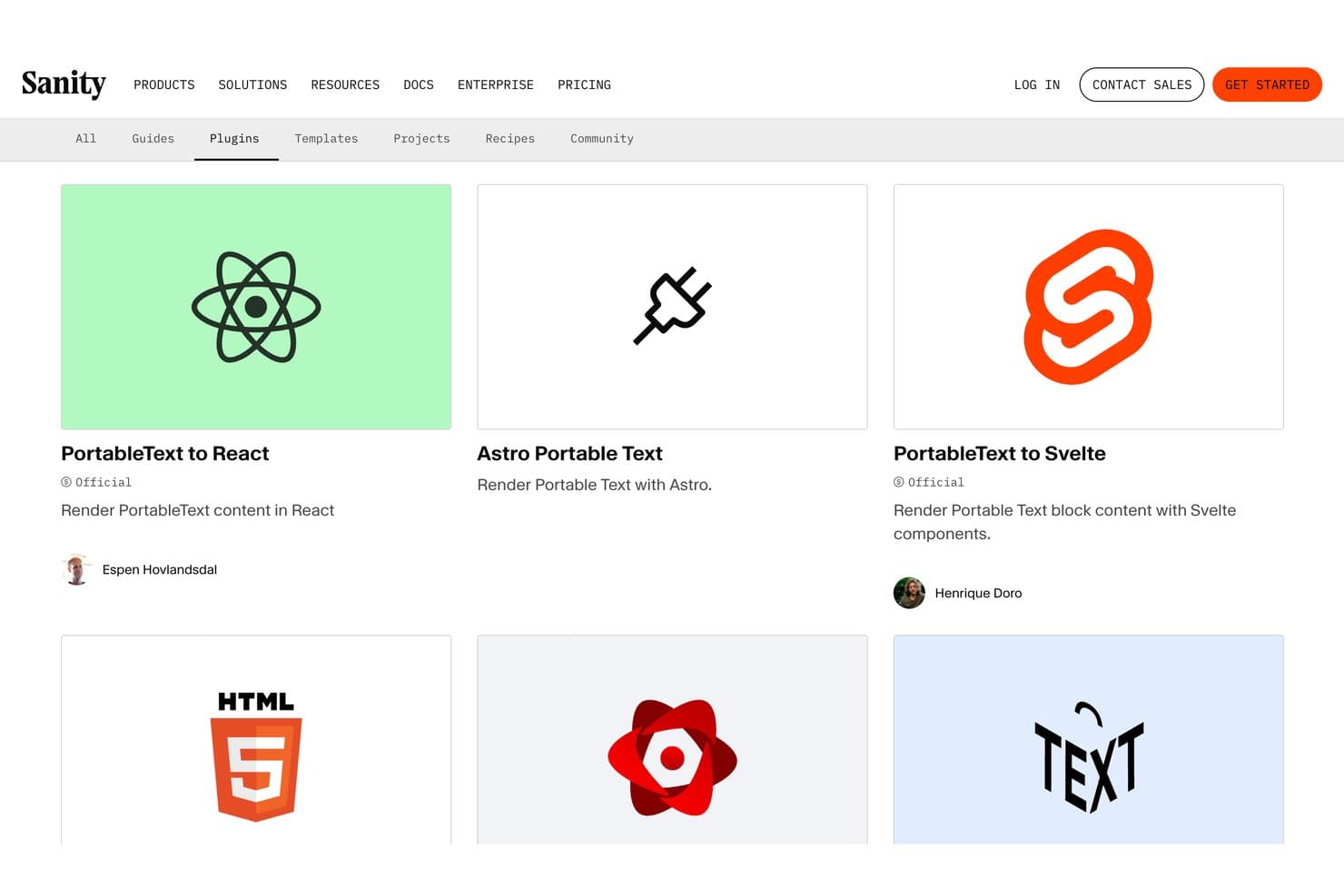
Sanity.io integrates with Next.js, Astro, Gatsby, Netlify, Vercel, Shopify, Slack, Algolia, AWS, Google Cloud, and Azure, among others.
Sanity.io also offers robust APIs, webhook support for build triggers, and connections with third-party integration tools.
Sanity.io Specs
- A/B Testing: Yes
- Energy Production Estimates: Yes
- Geo-filtering: Yes
- Inventory Tracking: Yes
- Materials Library: Yes
- Media Streaming: Yes
- SCORM: Yes
- SEO: Yes
- Shading Analysis: Yes


