

Klaviyo Review: Pros, Cons, Features & Pricing

We review tools independently, and commissions help fund our testing. See our transparency policy, our methodology, or suggest a tool.
Klaviyo is an email template builder software built for ecommerce brands that need to design and personalize campaigns around customer behavior, purchase history, and real-time data. I'd consider it over Mailchimp if your team is ecommerce-focused—Klaviyo's native data integrations and segmentation tools let you build templates that respond to what customers actually do, not just who they are on a static list. This review covers what Klaviyo does well, where it falls short, and whether it's the right fit for your team.
Klaviyo Evaluation Summary
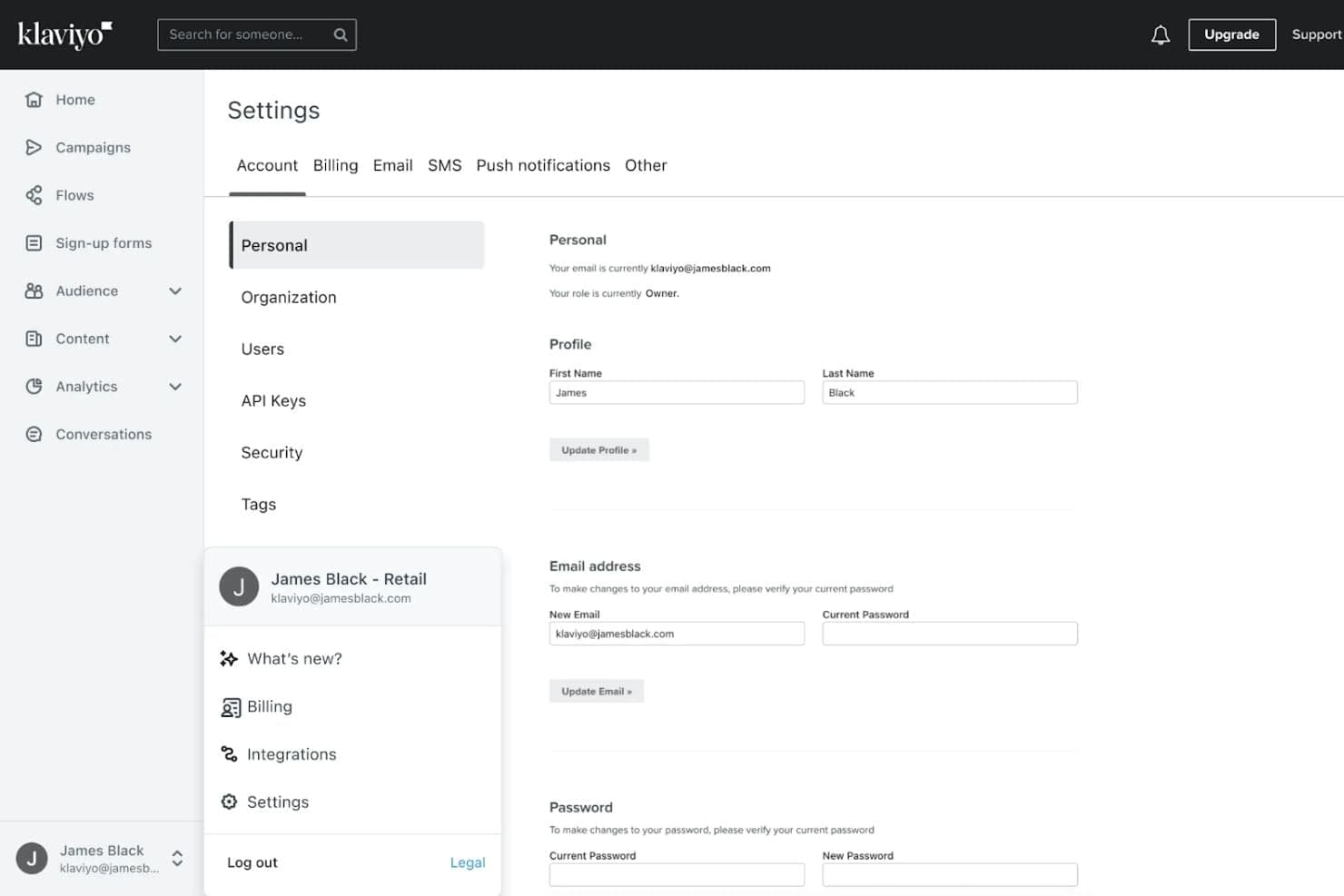
4.6/5
- From $20/month
- Free plan available
Why Trust Our Software Recommendations
6,700+
Reviews
20
Industry experts
16+
Evaluation factors
14
Years
Our team has been testing and reviewing software since 2012. As marketing leaders ourselves, we know how difficult—and important—it is to choose the right software.
For this guide, we evaluated tools using hands-on testing and independent research, scoring tools using our selection criteria.
Our reviews reflect our human editorial judgment, not a sales pitch.
Expert reviewers:
 Gui DrusinaCreative Director
- Shriya GhateSenior Marketing Lead
 Amanda JacquesMarketing Ops Leader

Klaviyo Overview
Klaviyo delivers standout automation, ecommerce integrations, and granular segmentation that set it apart for data-driven marketers. Its interface is intuitive, and onboarding is straightforward, even for teams new to advanced marketing tools. It unifies data with its AI-first B2C CRM, allowing you to personalize campaigns and make smarter decisions based on the facts.
If you’re judging marketing software for fast-scaling brands or DTC environments, Klaviyo’s blend of power and usability makes it a top contender, especially when compared to tools with less ecommerce focus or limited automation.
Pros
- Powerful automation flows enable highly targeted lifecycle marketing campaigns.
- Advanced segmentation uses real-time behavioral and purchase data effectively.
- Combines email, SMS, and social media into unified omnichannel marketing workflows seamlessly.
Cons
- Reporting customization is limited compared to some competitors.
- Pricing can increase as contact lists grow or SMS usage rises, especially for high-volume senders.
- Klaviyo does not include native sales pipeline or deal management features.
Is Klaviyo Right For Your Needs?
Who Would be a Good Fit for Klaviyo?
Klaviyo is best suited for ecommerce brands, digital-first businesses, and marketing teams that need advanced automation and granular segmentation. Its predictive analytics, built-in SMS, and deep ecommerce integrations make it a strong choice for companies focused on customer lifecycle marketing and revenue attribution. If your team values data-driven decision-making and wants to connect marketing directly to sales outcomes, Klaviyo’s feature set is designed to support those goals.
- B2C BrandsUsing its B2C CRM, you can make data-driven decisions and create personalized messaging and omnichannel campaigns that drive customer engagement at scale.
- Digital AgenciesMulti-client management and reporting tools fit agency workflows.
- Growth Marketing TeamsAdvanced segmentation and A/B testing support rapid experimentation and scaling.
- Subscription ServicesAutomated flows and churn prediction help retain subscribers and boost lifetime value (LTV).
- Online RetailersReal-time syncing with ecommerce platforms enables personalized product recommendations.
- DTC EcommerceKlaviyo’s ecommerce integrations and automation are built for direct-to-consumer brands.
Who Would be a Bad Fit for Klaviyo?
Klaviyo is less suitable for B2B enterprises, small nonprofits, or teams with limited digital infrastructure. Its pricing model and ecommerce focus may not align with organizations that don’t rely on online sales or have simple marketing needs. If your business requires highly customized reporting, offline campaign management, or operates in a heavily regulated industry, Klaviyo’s feature set may not deliver the flexibility or compliance you need.
- B2B EnterprisesKlaviyo’s B2C-centric CRM and marketing features don’t address complex B2B sales cycles.
- Small NonprofitsPricing and advanced features may exceed the needs of small nonprofits.
- Brick-and-Mortar RetailLimited offline campaign tools make it less useful for in-store marketing.
- Regulated IndustriesCompliance features are limited for industries with strict data requirements.
- Enterprise IT DepartmentsLack of advanced API controls can restrict custom integrations.
- Event Marketing TeamsKlaviyo lacks built-in tools for managing in-person event campaigns.
How We Test & Score Tools
We’ve spent years building, refining, and improving our software testing and scoring system. The rubric is designed to capture the nuances of software selection and what makes a tool effective, focusing on critical aspects of the decision-making process.
Below, you can see exactly how our testing and scoring works across seven criteria. It allows us to provide an unbiased evaluation of the software based on core functionality, standout features, ease of use, onboarding, customer support, integrations, customer reviews, and value for money.
Core Functionality (25% of final scoring)
The starting point of our evaluation is always the core functionality of the tool. Does it have the basic features and functions that a user would expect to see? Are any of those core features locked to higher-tiered pricing plans? At its core, we expect a tool to stand up against the baseline capabilities of its competitors.
Standout Features (25% of final scoring)
Next, we evaluate uncommon standout features that go above and beyond the core functionality typically found in tools of its kind. A high score reflects specialized or unique features that make the product faster, more efficient, or offer additional value to the user.
We also evaluate how easy it is to integrate with other tools typically found in the tech stack to expand the functionality and utility of the software. Tools offering plentiful native integrations, 3rd party connections, and API access to build custom integrations score best.
Ease of Use (10% of final scoring)
We consider how quick and easy it is to execute the tasks defined in the core functionality using the tool. High scoring software is well designed, intuitive to use, offers mobile apps, provides templates, and makes relatively complex tasks seem simple.
Onboarding (10% of final scoring)
We know how important rapid team adoption is for a new platform, so we evaluate how easy it is to learn and use a tool with minimal training. We evaluate how quickly a team member can get set up and start using the tool with no experience. High scoring solutions indicate little or no support is required.
Customer Support (10% of final scoring)
We review how quick and easy it is to get unstuck and find help by phone, live chat, or knowledge base. Tools and companies that provide real-time support score best, while chatbots score worst.
Customer Reviews (10% of final scoring)
Beyond our own testing and evaluation, we consider the net promoter score from current and past customers. We review their likelihood, given the option, to choose the tool again for the core functionality. A high scoring software reflects a high net promoter score from current or past customers.
Value for Money (10% of final scoring)
Lastly, in consideration of all the other criteria, we review the average price of entry level plans against the core features and consider the value of the other evaluation criteria. Software that delivers more, for less, will score higher.
Core Features
Segmentation and Targeting
Create dynamic audience segments based on real-time behaviors, purchase history, and custom properties. This enables highly personalized messaging for each customer group.
Email and SMS Automation
Build automated workflows for welcome series, abandoned cart reminders, and post-purchase follow-ups. Trigger messages based on user actions to drive engagement and conversions.
Predictive Analytics
Use machine learning to forecast metrics like expected next order date and customer lifetime value. These insights help prioritize high-value customers and optimize campaign timing.
Drag-and-Drop Campaign Builder
Design emails and SMS campaigns with a visual editor that requires no coding. Easily customize templates to match your brand and campaign goals.
A/B Testing
Test subject lines, content, and send times within campaigns to identify what performs best. Klaviyo automatically tracks results and applies winning variants.
Real-Time Reporting
Monitor campaign performance, revenue attribution, and customer activity with up-to-the-minute dashboards. Access detailed analytics to inform future marketing decisions.
Ease of Use
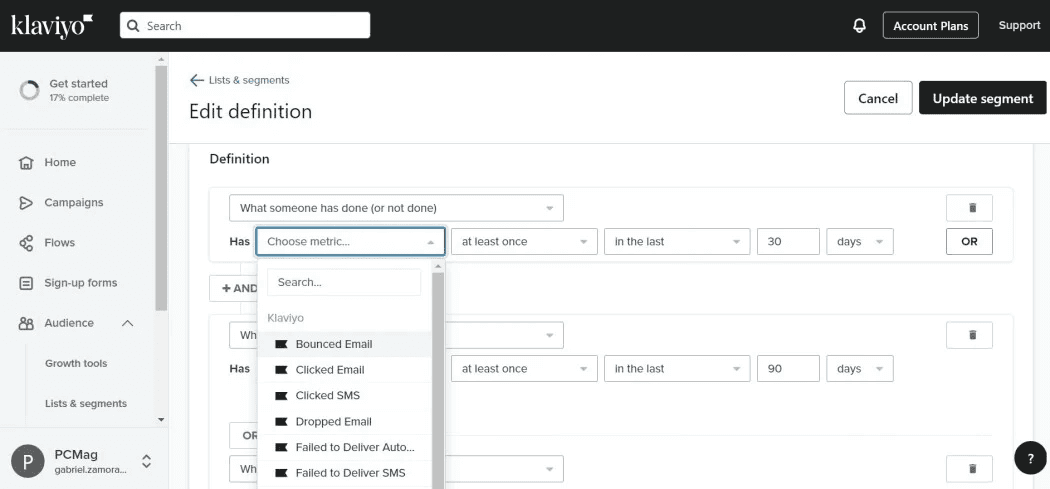
Klaviyo offers a clean, intuitive interface that makes building campaigns and automations straightforward, even for users new to advanced marketing tools. The drag-and-drop editor, prebuilt templates, and guided onboarding help teams launch quickly. Users often highlight the logical workflow and clear reporting dashboards, though some note that advanced features can require extra setup. Overall, Klaviyo balances powerful capabilities with an accessible design, making it approachable for most marketing teams.
Integrations
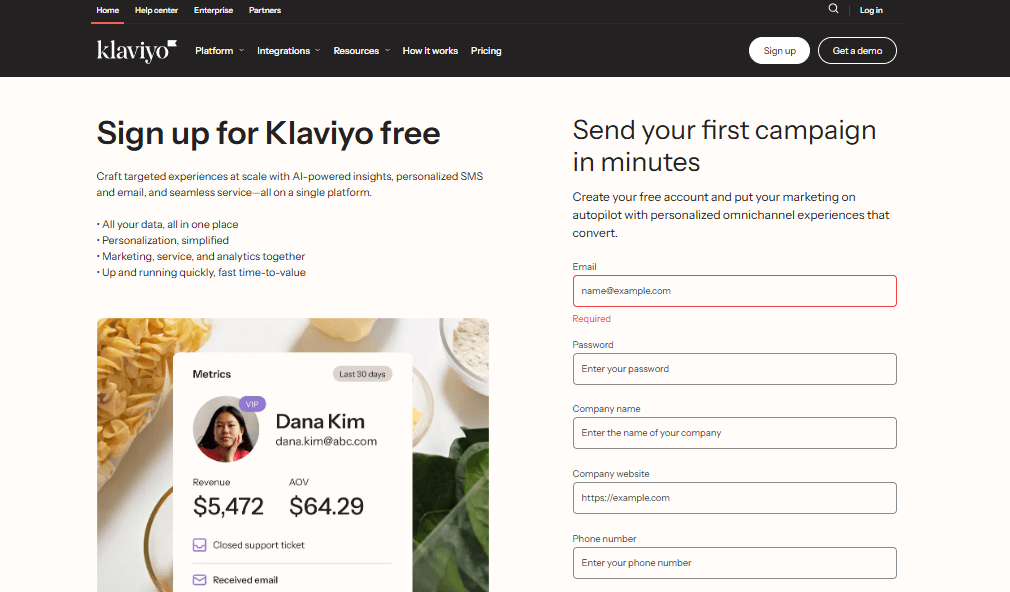
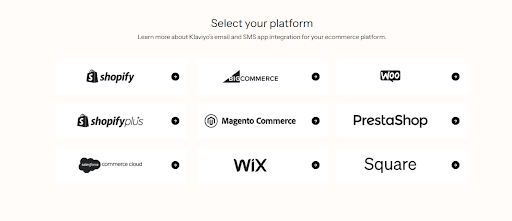
Klaviyo integrates with Shopify, WooCommerce, BigCommerce, Magento, Salesforce Commerce Cloud, Facebook, Google Ads, Stripe, Zendesk, and Recharge, among others.
Klaviyo also offers a robust API and connects with third-party integration tools for custom workflows and data syncing.
Klaviyo Specs
- 2-Factor Authentication: Yes
- API: Yes
- Calendar Management: Yes
- Call Tracking: Yes
- Campaign Management: Yes
- Click-to-Dial: Yes
- Contact Management: Yes
- Contact Sharing: Yes
- Custom Data Forms: Yes
- Customer Management: Yes
- Dashboard: Yes
- Data Export: Yes
- Data Import: Yes
- Data Visualization: Yes
- Email Integration: Yes
- External Integrations: Yes
- File Sharing: Yes
- File Transfer: Yes
- Google Apps Integration: Yes
- Lead Management: Yes
- Lead Scoring: Yes
- Marketing Automation: Yes
- Mobile App: Yes
- Multi-User: Yes
- Notifications: Yes
- Pipeline Management: Yes
- Sales Automation: Yes
- Scheduling: Yes
- Social-Media Integration: Yes
- Task Scheduling/Tracking: Yes
- Third-Party Plugins/Add-Ons: Yes


