

HostPapa Review: Pros, Cons, Features and Pricing
HostPapa stands out for small businesses with its budget-friendly pricing and user-friendly tools, though it lacks advanced features of competitors.

We review tools independently, and commissions help fund our testing. See our transparency policy, our methodology, or suggest a tool.
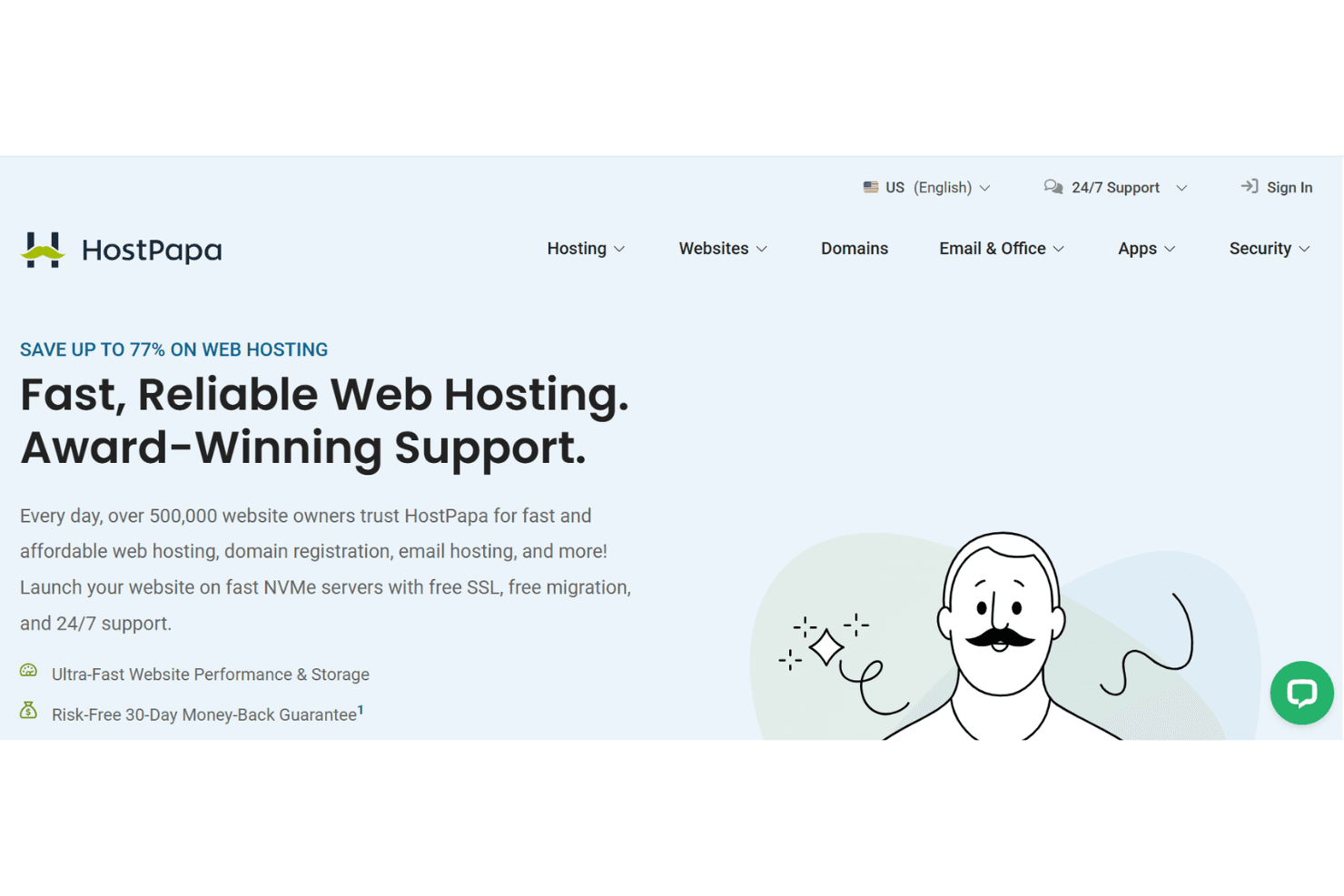
HostPapa is a website builder software for small businesses that need a drag-and-drop site editor bundled with web hosting in a single plan. I'd consider it over a standalone tool like Wix if you want to avoid juggling separate hosting and builder accounts—HostPapa keeps both under one roof, which simplifies billing and cuts out the setup work of connecting a third-party host to your site.
HostPapa Evaluation Summary
0/5
- From $1/user/month
- Free demo available
Why Trust Our Software Recommendations
6,700+
Reviews
20
Industry experts
16+
Evaluation factors
14
Years
Our team has been testing and reviewing software since 2012. As marketing leaders ourselves, we know how difficult—and important—it is to choose the right software.
For this guide, we evaluated tools using hands-on testing and independent research, scoring tools using our selection criteria.
Our reviews reflect our human editorial judgment, not a sales pitch.
Expert reviewers:
 Gui DrusinaCreative Director
- Shriya GhateSenior Marketing Lead
 Amanda JacquesMarketing Ops Leader

HostPapa Overview
In my opinion, HostPapa is a solid choice for small businesses and startups looking for affordable website-building solutions. It excels in ease of use and customer support, making it accessible for those without technical expertise. However, it lacks some advanced features found in competing platforms, which might limit larger businesses or those needing more customization. If you're evaluating website builders, consider HostPapa if budget and simplicity are key factors for your team. It offers good value for money with essential tools, but you might need to look elsewhere if you require extensive integrations or advanced design capabilities.
Pros
- It offers an easy-to-navigate interface perfect for beginners.
- Your team can rely on responsive customer support for assistance.
- HostPapa provides reliable uptime for your website's availability.
Cons
- It lacks advanced design customization features.
- Your team might find limited scalability for larger projects.
- HostPapa's templates can feel outdated compared to competitors.
Is HostPapa Right For Your Needs?
Who Would be a Good Fit for HostPapa?
HostPapa is ideal for small businesses and startups needing a straightforward website builder. If your team values ease of use and reliable customer support, this platform suits you well. HostPapa's simple interface and essential tools work perfectly for those without technical expertise, like local shops or small service providers. With its reliable uptime, it ensures your website remains accessible, which is crucial for maintaining customer trust.
- Small Retail StoresHostPapa's user-friendly tools make it easy for you to manage your online presence quickly.
- Local Service ProvidersYour team can use HostPapa's reliable uptime to maintain service availability.
- Nonprofit OrganizationsYou benefit from simple website management without needing advanced web features.
- FreelancersHostPapa helps you create a professional online portfolio with minimal hassle.
- StartupsYour new business can get online fast with HostPapa's easy onboarding.
- Community GroupsHostPapa supports your need for an uncomplicated platform to share information and updates.
Who Would be a Bad Fit for HostPapa?
HostPapa isn't well-suited for large enterprises or tech-savvy teams needing advanced customization and integrations. If your work involves complex web design or requires extensive plugin support, you might find HostPapa limiting. Industries like major ecommerce operations or tech firms needing dynamic, feature-rich websites would struggle with its basic templates and limited scalability. Your team may need more robust solutions that offer higher customization and integration capabilities.
- Large EnterprisesHostPapa's limited scalability and basic features can't support your complex and large-scale web needs.
- Tech FirmsYour team may find HostPapa's lack of advanced integrations a hindrance for innovative projects.
- Major E-commerce OperationsHostPapa's templates and functionality fall short when handling high-volume, feature-rich online stores.
- Design AgenciesHostPapa doesn't provide the advanced design tools and flexibility your creative projects require.
- Corporate IT DepartmentsYour team needs a platform offering extensive integrations and backend control, which HostPapa lacks.
- Educational InstitutionsHostPapa may not support the complex, interactive web solutions needed for modern educational platforms.
How We Test & Score Tools
We’ve spent years building, refining, and improving our software testing and scoring system. The rubric is designed to capture the nuances of software selection and what makes a tool effective, focusing on critical aspects of the decision-making process.
Below, you can see exactly how our testing and scoring works across seven criteria. It allows us to provide an unbiased evaluation of the software based on core functionality, standout features, ease of use, onboarding, customer support, integrations, customer reviews, and value for money.
Core Functionality (25% of final scoring)
The starting point of our evaluation is always the core functionality of the tool. Does it have the basic features and functions that a user would expect to see? Are any of those core features locked to higher-tiered pricing plans? At its core, we expect a tool to stand up against the baseline capabilities of its competitors.
Standout Features (25% of final scoring)
Next, we evaluate uncommon standout features that go above and beyond the core functionality typically found in tools of its kind. A high score reflects specialized or unique features that make the product faster, more efficient, or offer additional value to the user.
We also evaluate how easy it is to integrate with other tools typically found in the tech stack to expand the functionality and utility of the software. Tools offering plentiful native integrations, 3rd party connections, and API access to build custom integrations score best.
Ease of Use (10% of final scoring)
We consider how quick and easy it is to execute the tasks defined in the core functionality using the tool. High scoring software is well designed, intuitive to use, offers mobile apps, provides templates, and makes relatively complex tasks seem simple.
Onboarding (10% of final scoring)
We know how important rapid team adoption is for a new platform, so we evaluate how easy it is to learn and use a tool with minimal training. We evaluate how quickly a team member can get set up and start using the tool with no experience. High scoring solutions indicate little or no support is required.
Customer Support (10% of final scoring)
We review how quick and easy it is to get unstuck and find help by phone, live chat, or knowledge base. Tools and companies that provide real-time support score best, while chatbots score worst.
Customer Reviews (10% of final scoring)
Beyond our own testing and evaluation, we consider the net promoter score from current and past customers. We review their likelihood, given the option, to choose the tool again for the core functionality. A high scoring software reflects a high net promoter score from current or past customers.
Value for Money (10% of final scoring)
Lastly, in consideration of all the other criteria, we review the average price of entry level plans against the core features and consider the value of the other evaluation criteria. Software that delivers more, for less, will score higher.
Core Features
Drag-and-Drop Editor
You can easily build your website by dragging elements into place without needing coding skills.
Responsive Design Templates
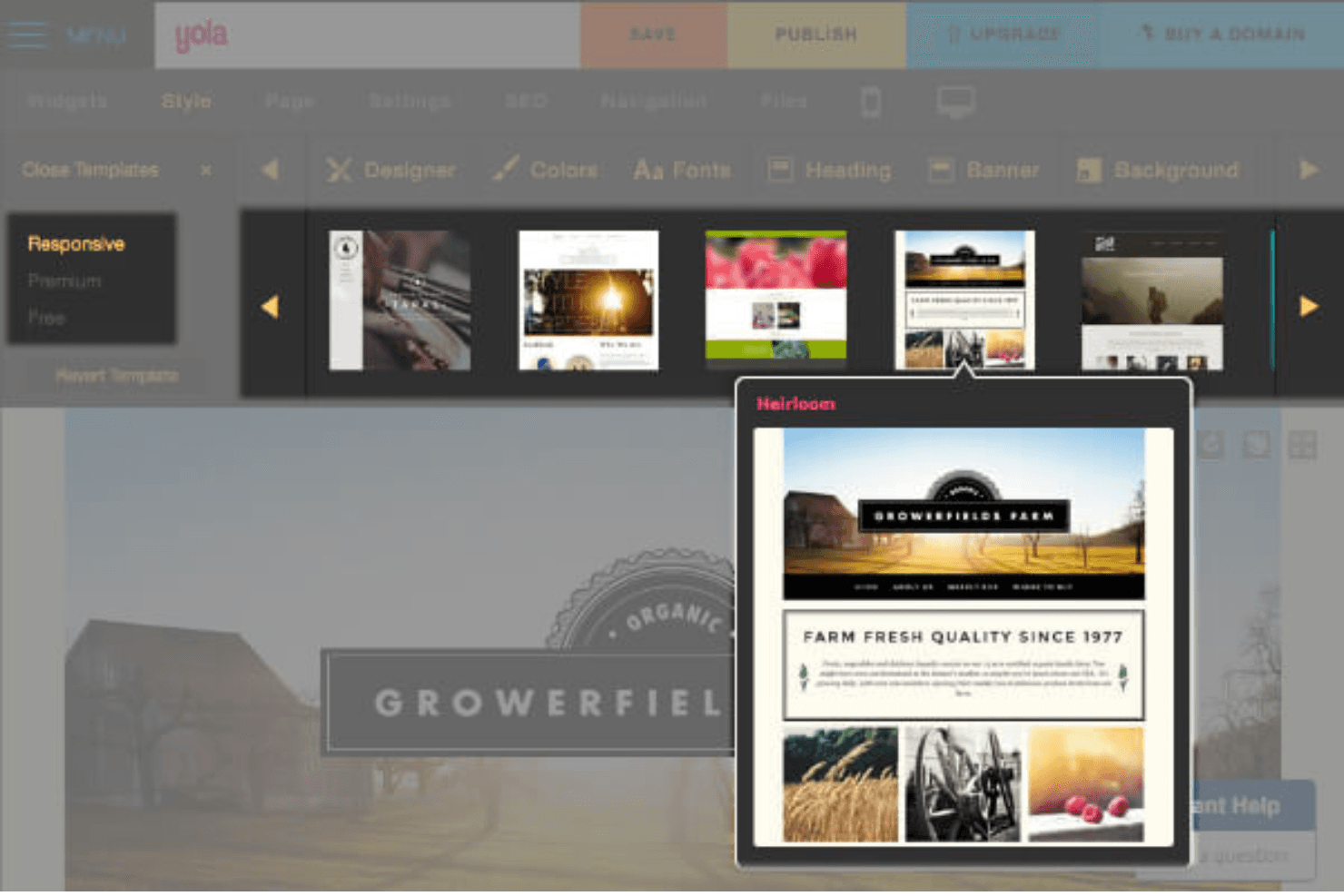
HostPapa offers you a range of templates that automatically adjust to different devices.
Domain Registration
Get your domain name directly through HostPapa, simplifying the setup process.
Website Analytics
You can track your website's performance with built-in analytics tools.
SEO Tools
HostPapa includes SEO tools to help you optimize your site for search engines.
SSL Certificates
Secure your site with SSL certificates to protect data and build trust with visitors.
Standout Features
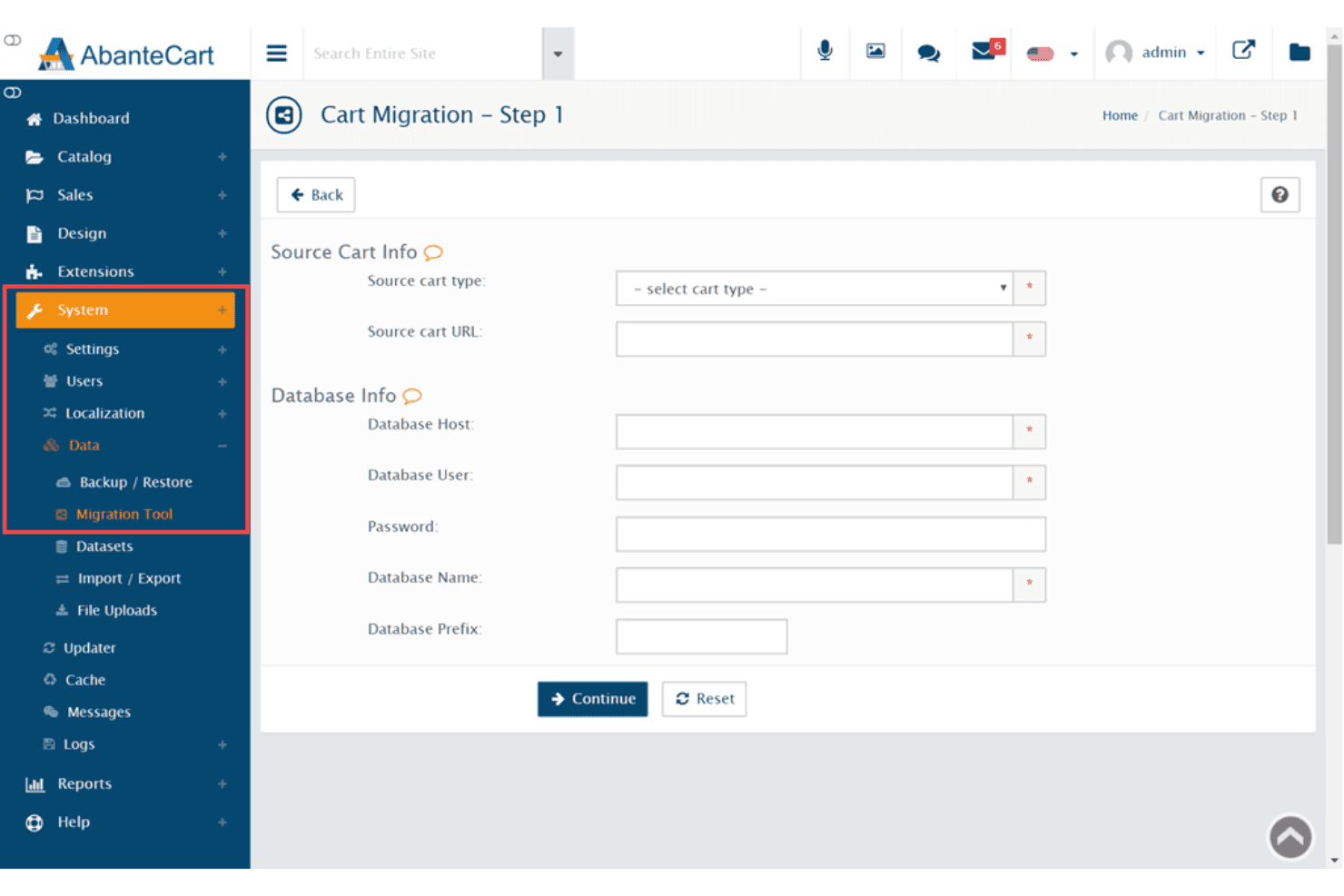
Free Website Migration
HostPapa offers free migration services if you're moving from another host.
Green Hosting
HostPapa is committed to eco-friendly practices by using renewable energy.
Ease of Use
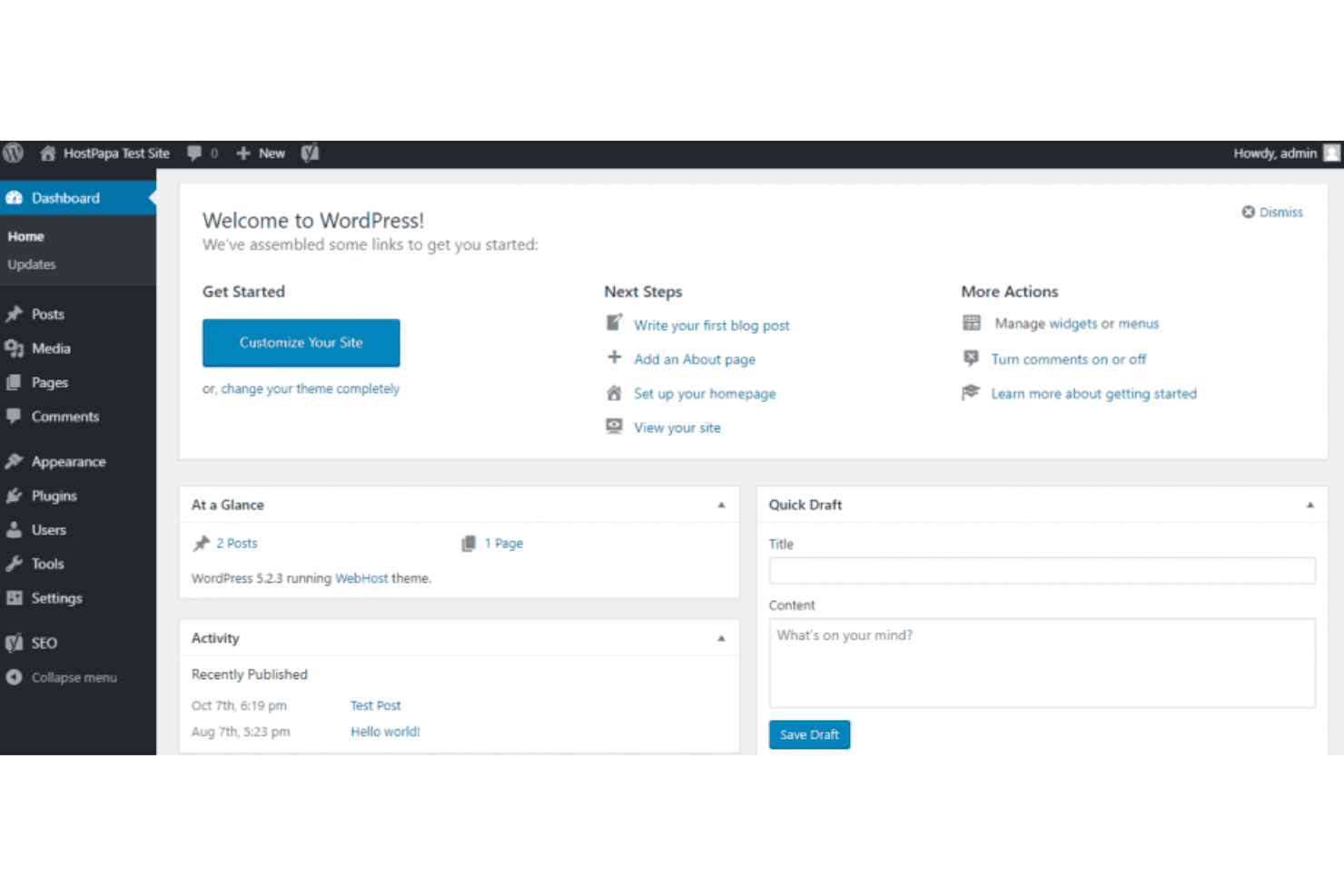
HostPapa stands out for its user-friendly interface, making it easy for you to create and manage your website. The drag-and-drop editor is intuitive, allowing even those without technical skills to build a site quickly. You'll appreciate the straightforward navigation and clear instructions, which reduce the learning curve. HostPapa's focus on simplicity helps you focus on your work rather than figuring out complicated tools, providing a seamless experience for small teams and individuals.
Onboarding
HostPapa offers a smooth onboarding experience, helping you get started with minimal fuss. The step-by-step setup guides and tutorials are straightforward, ensuring you don't waste time figuring things out. You'll find the available resources, like video guides and a knowledge base, comprehensive and helpful. If you need extra help, HostPapa's responsive customer support is there to assist you, reducing the time it takes for your team to see value and get your site up and running.
Customer Support
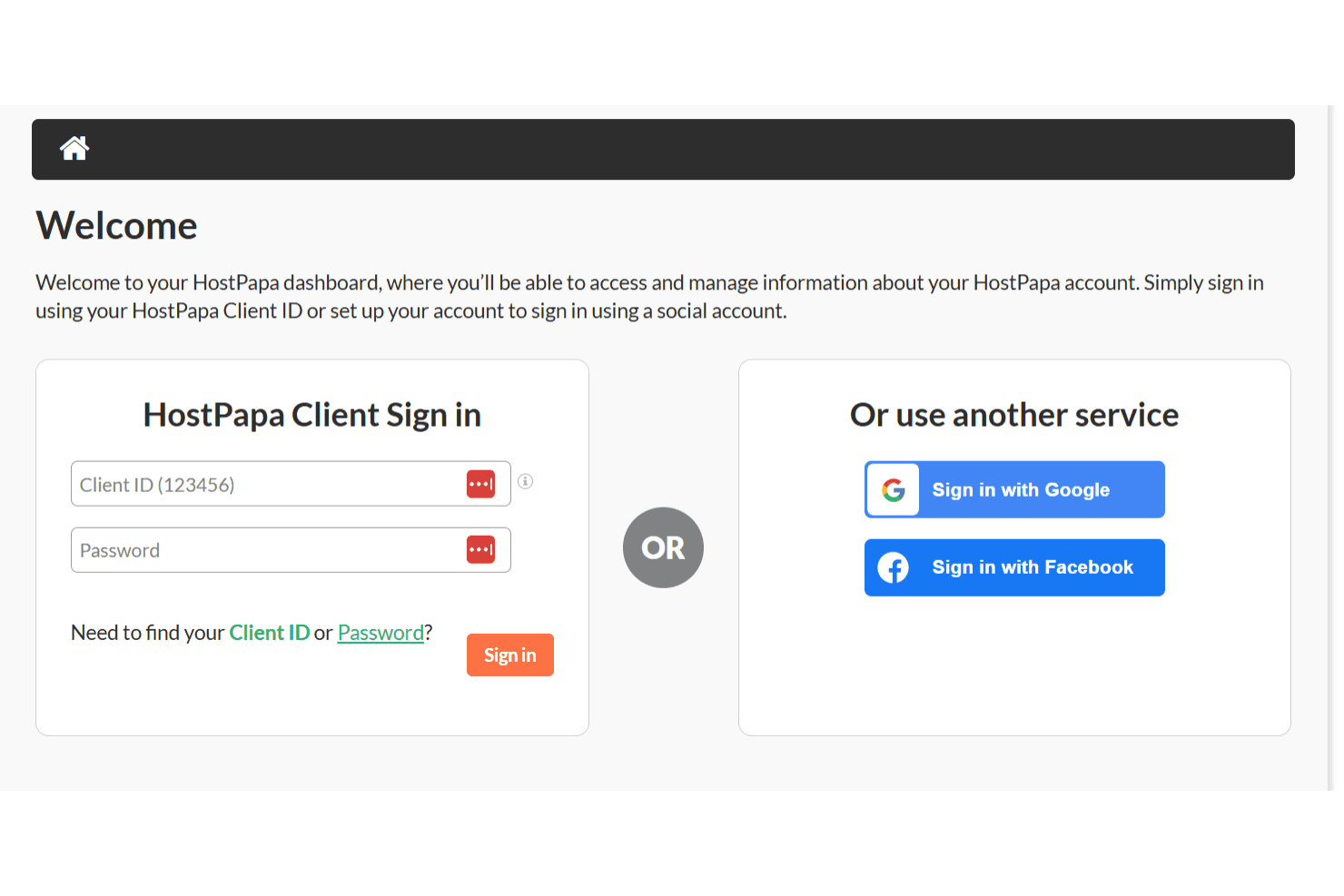
HostPapa provides reliable customer support, ensuring you have help when you need it. With 24/7 availability through chat, phone, and email, your support team can resolve issues promptly. Users appreciate the knowledgeable staff who offer clear solutions and guidance. The extensive online resources, including a detailed knowledge base, further assist you in troubleshooting and learning independently, making HostPapa a dependable choice for those seeking consistent and accessible user support.
Integrations
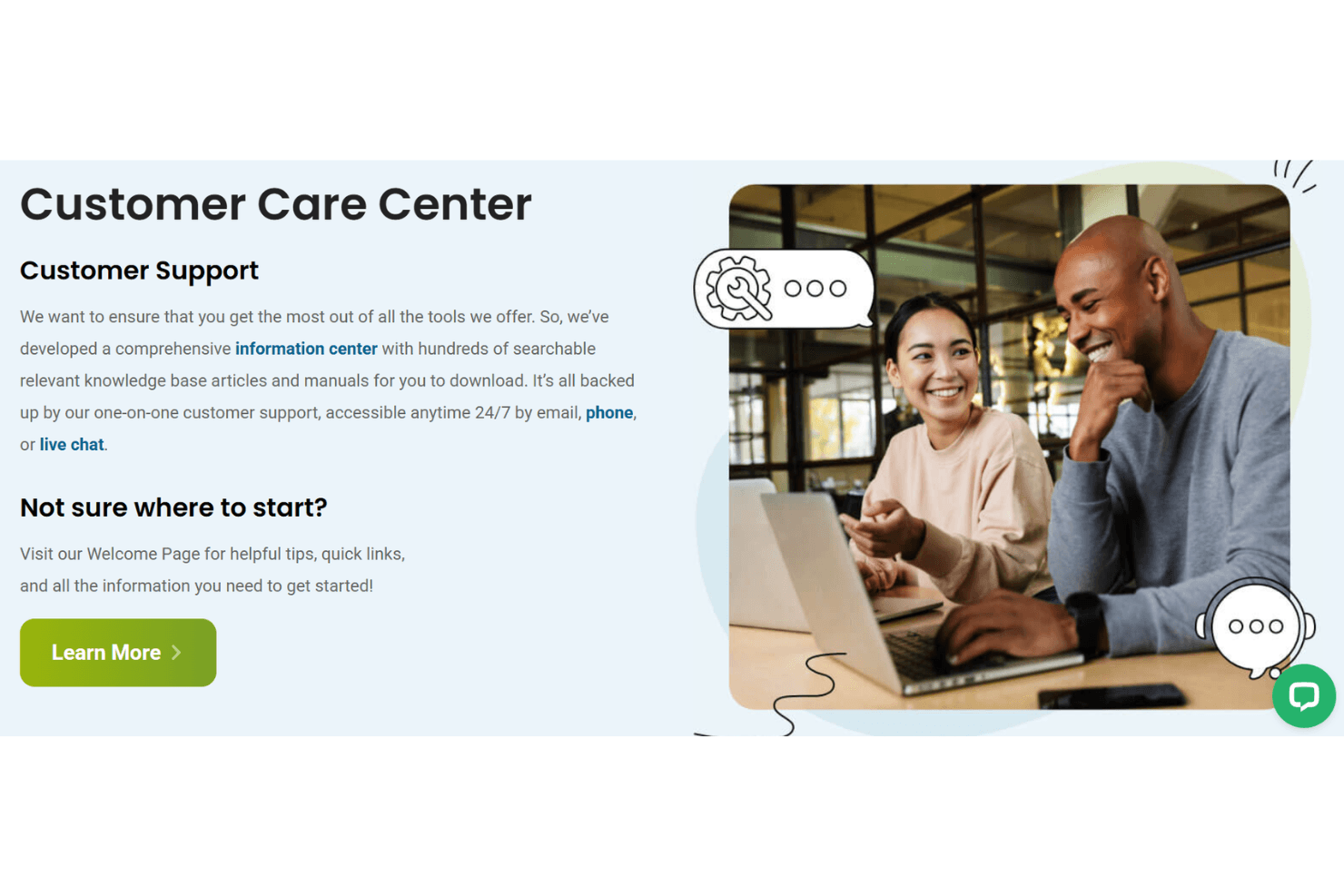
HostPapa integrates with Google Workspace, WordPress, Joomla, Drupal, Magento, PrestaShop, OpenCart, and WooCommerce.
HostPapa does not offer a native API but supports third-party tools and integrations to extend functionality.
Value for Money
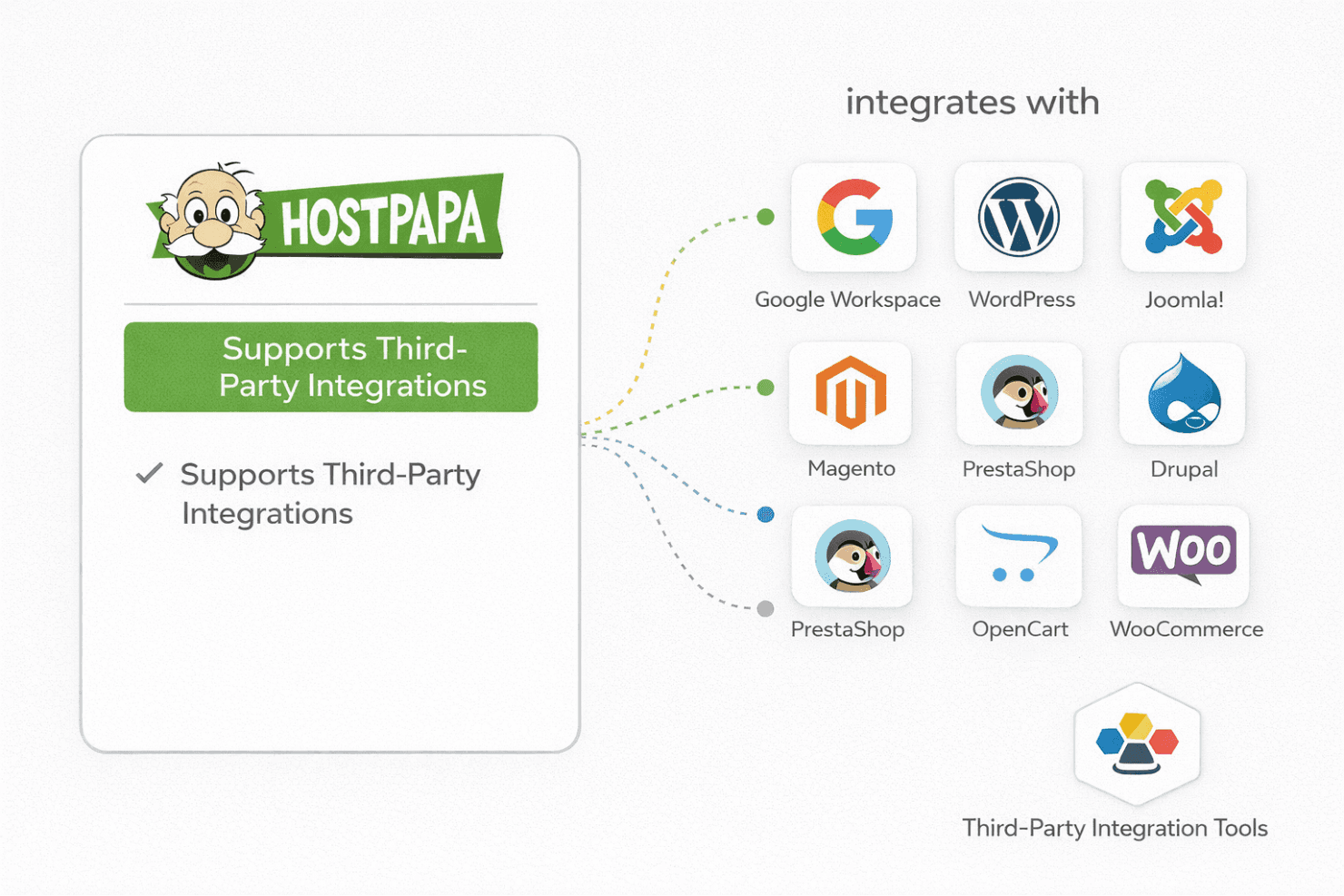
HostPapa offers strong value if you're looking for affordable hosting with room to grow. Reviews often point out that the entry hosting plans are budget-friendly, while higher tiers add performance and security features without a steep jump in price. Long-term discounts make the pricing more attractive, especially for small businesses and startups building multiple sites. The web hosting company also includes a free domain with annual plans and free SSL certificates across all tiers.
- Essentials: Includes basic tools and resources for beginner websites with essential server resources.
- Growth: Includes hosting for multiple websites with expanded features and additional email accounts.
- Premium: Includes added power and flexibility for most website needs including improved bandwidth and plugins.
- Elite: Adds high-performance hosting with enhanced website speed and security for your business website.
HostPapa Specs
- A/B Testing: No
- API: Yes
- Audience Targeting: No
- Brand Management: No
- Calendar Management: No
- Campaign Management: No
- Compliance Tracking: No
- Contact Management: Yes
- Contact Sharing: No
- Conversion Tracking: No
- CRM Integration: No
- Customer Management: Yes
- Dashboard: Yes
- Data Export: Yes
- Data Import: Yes
- Data Visualization: No
- Email Integration: Yes
- External Integrations: Yes
- Google Apps Integration: No
- Lead Management: No
- Lead Scoring: No
- Link Tracking: No
- Marketing Automation: Yes
- Multi-User: Yes
- Notifications: Yes
- Scheduling: No
- Social-Media Integration: No
- Third-Party Plugins/Add-Ons: No
HostPapa FAQs
HostPapa Company Overview & History
HostPapa, founded in 2006 by Jamie Opalchuk, is headquartered in Burlington, Ontario, Canada. The company is privately owned and offers web hosting services to small and medium-sized businesses. HostPapa is known for its commitment to eco-friendly practices, using green energy to power its data centers. While specific financial details and notable clients aren't publicly disclosed, HostPapa has gained recognition for its reliable hosting services and comprehensive support.
HostPapa Major Milestones
- 2006: HostPapa was founded by Jamie Opalchuk in Canada.
- 2010: Accredited by the Better Business Bureau.
- 2021: Expanded US presence by acquiring Seattle-based iHost.