

Hostinger Review: Pros, Cons, Features, and Pricing Explained
Hostinger stands out for its balance of affordability and robust features, making it a smart pick for beginners and small businesses seeking an easy, all-in-one website builder.

We review tools independently, and commissions help fund our testing. See our transparency policy, our methodology, or suggest a tool.
Imagine this: your team spends weeks building a beautiful, functional website, only to find out at launch that you need a new hosting provider. It’s a headache—the constant back-and-forth of finding a hosting solution with the right bandwidth so you’re not overpaying for unused capacity. Ideally, a centralized website builder and hosting provider would handle everything in one place, so you can design, launch, and manage your site without ever leaving the platform.
Hostinger is an all-in-one website builder software and hosting provider designed to help you launch and manage professional websites without technical complexity. For marketing managers juggling tight budgets, limited IT resources, and the need for fast, reliable site launches, Hostinger offers an accessible platform with drag-and-drop design, built-in hosting, and essential marketing tools.
In this review, you’ll find an in-depth of Hostinger’s features, best and worst use cases, pros and cons, and pricing—so you can decide if it fits your team’s needs and growth goals.
Hostinger Horizons Evaluation Summary
4.4/5
- From $6.99/month (billed annually)
- Free plan available
Why Trust Our Software Recommendations
6,700+
Reviews
20
Industry experts
16+
Evaluation factors
14
Years
Our team has been testing and reviewing software since 2012. As marketing leaders ourselves, we know how difficult—and important—it is to choose the right software.
For this guide, we evaluated tools using hands-on testing and independent research, scoring tools using our selection criteria.
Our reviews reflect our human editorial judgment, not a sales pitch.
Expert reviewers:
 Gui DrusinaCreative Director
- Shriya GhateSenior Marketing Lead
 Amanda JacquesMarketing Ops Leader

Hostinger Horizons Overview
When evaluating website builder software, Hostinger impresses with its intuitive interface, affordable pricing, and its vast array of features and offerings, which is ideal for users who want to launch sites quickly without technical hurdles. Its reliable hosting, AI tools, and marketing integrations make it a strong choice for small businesses and solo marketers. While its template selection may not match some competitors, Hostinger’s responsive support and straightforward setup help it stand out for those prioritizing simplicity and value. If you’re selecting a solution for rapid deployment and easy management, Hostinger deserves serious consideration.
Pros
- AI-powered tools generate content, images, and layouts quickly
- Built-in ecommerce supports up to 1,000 products
- Affordable long-term pricing with free domain and hosting included
Cons
- No app or plugin marketplace like other platforms
- Cannot switch templates after starting a site
- Limited advanced design and coding flexibility
Is Hostinger Horizons Right For Your Needs?
Who Would be a Good Fit for Hostinger Horizons?
Hostinger is a strong choice for small businesses, entrepreneurs, and marketing teams that need to launch professional websites quickly and affordably. Its AI-powered tools, built-in ecommerce, and shared hosting make it especially appealing for those with limited technical resources or budgets. Hostinger’s straightforward setup and responsive support also suit freelancers and agencies managing multiple client sites, as well as nonprofits and educational projects that value simplicity and cost control.
- Small Retail StoresHostinger’s ecommerce features support up to 1,000 products with no extra fees.
- FreelancersAI content and image tools help freelancers build sites fast for clients.
- NonprofitsAffordable plans and free domain make it easy for nonprofits to get online.
- Local Service ProvidersBooking and contact form features help service businesses capture leads.
- Marketing TeamsBuilt-in SEO and analytics tools support campaign tracking and optimization.
- Educational ProjectsSimple drag-and-drop builder is ideal for school or student websites.
Who Would be a Bad Fit for Hostinger Horizons?
Hostinger may not suit large enterprises, highly regulated industries, or teams needing advanced integrations and custom workflows. Its lack of an app marketplace, limited template switching, and basic design controls can restrict complex branding or technical requirements. Organizations with strict compliance needs or those seeking deep customization may find Hostinger’s feature set too limited for their goals.
- Large EnterprisesHostinger lacks advanced workflow, permissions, and enterprise integrations.
- Healthcare IndustryNo HIPAA or advanced compliance features for sensitive data handling.
- SaaS StartupsLimited API access and no app marketplace restrict custom integrations.
- Design AgenciesTemplate lock-in and basic design controls limit creative flexibility.
- Multi-Brand CorporationsNo multi-site management or advanced user roles for complex organizations.
- Government DepartmentsMissing advanced security certifications and compliance documentation.
How We Test & Score Tools
We’ve spent years building, refining, and improving our software testing and scoring system. The rubric is designed to capture the nuances of software selection and what makes a tool effective, focusing on critical aspects of the decision-making process.
Below, you can see exactly how our testing and scoring works across seven criteria. It allows us to provide an unbiased evaluation of the software based on core functionality, standout features, ease of use, onboarding, customer support, integrations, customer reviews, and value for money.
Core Functionality (25% of final scoring)
The starting point of our evaluation is always the core functionality of the tool. Does it have the basic features and functions that a user would expect to see? Are any of those core features locked to higher-tiered pricing plans? At its core, we expect a tool to stand up against the baseline capabilities of its competitors.
Standout Features (25% of final scoring)
Next, we evaluate uncommon standout features that go above and beyond the core functionality typically found in tools of its kind. A high score reflects specialized or unique features that make the product faster, more efficient, or offer additional value to the user.
We also evaluate how easy it is to integrate with other tools typically found in the tech stack to expand the functionality and utility of the software. Tools offering plentiful native integrations, 3rd party connections, and API access to build custom integrations score best.
Ease of Use (10% of final scoring)
We consider how quick and easy it is to execute the tasks defined in the core functionality using the tool. High scoring software is well designed, intuitive to use, offers mobile apps, provides templates, and makes relatively complex tasks seem simple.
Onboarding (10% of final scoring)
We know how important rapid team adoption is for a new platform, so we evaluate how easy it is to learn and use a tool with minimal training. We evaluate how quickly a team member can get set up and start using the tool with no experience. High scoring solutions indicate little or no support is required.
Customer Support (10% of final scoring)
We review how quick and easy it is to get unstuck and find help by phone, live chat, or knowledge base. Tools and companies that provide real-time support score best, while chatbots score worst.
Customer Reviews (10% of final scoring)
Beyond our own testing and evaluation, we consider the net promoter score from current and past customers. We review their likelihood, given the option, to choose the tool again for the core functionality. A high scoring software reflects a high net promoter score from current or past customers.
Value for Money (10% of final scoring)
Lastly, in consideration of all the other criteria, we review the average price of entry level plans against the core features and consider the value of the other evaluation criteria. Software that delivers more, for less, will score higher.
Core Features
AI Website Builder
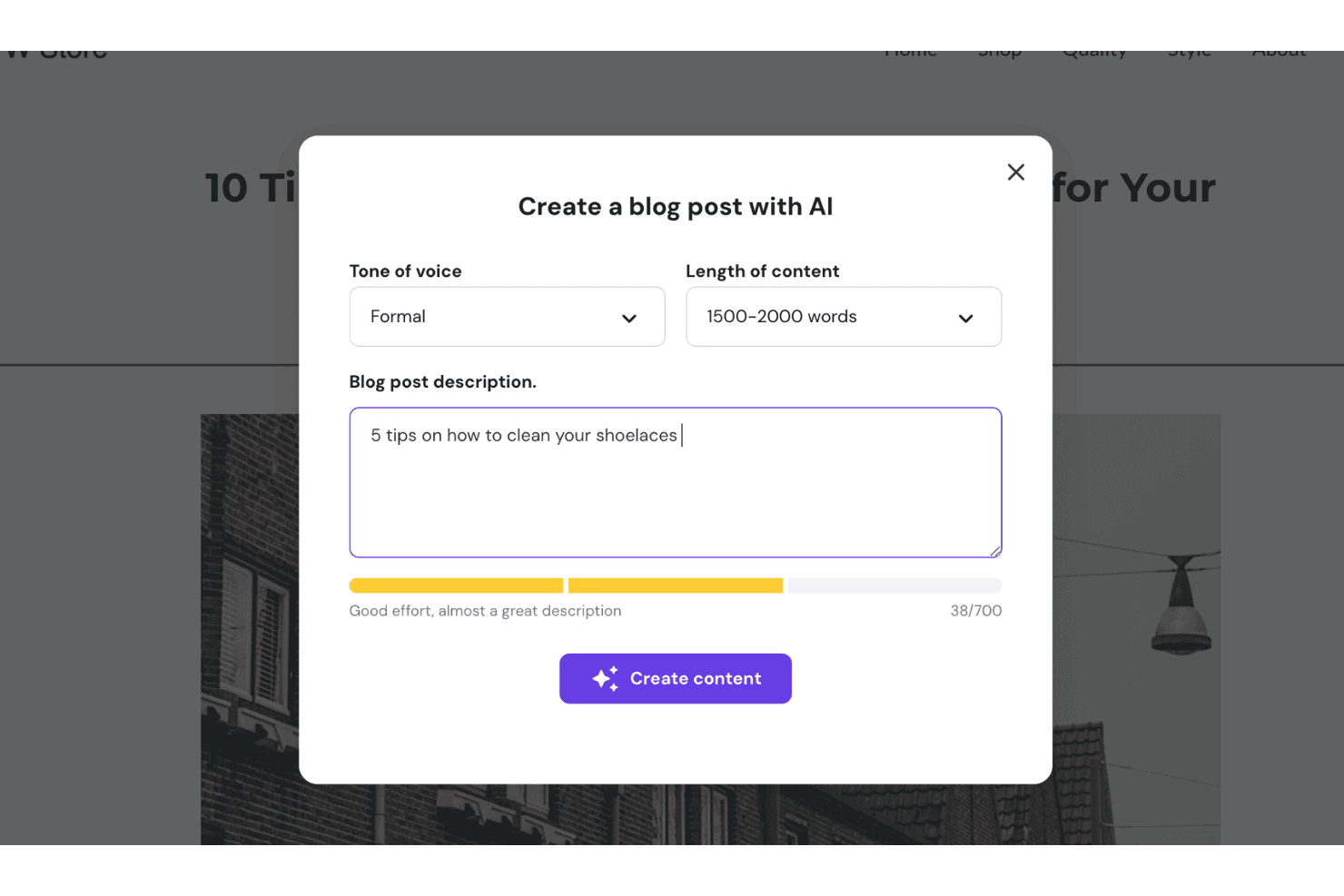
Generate a complete website and corresponding assets by describing your business or project to AI. The tool creates layouts, content, images, and essential functions in seconds.
Website Security Monitoring
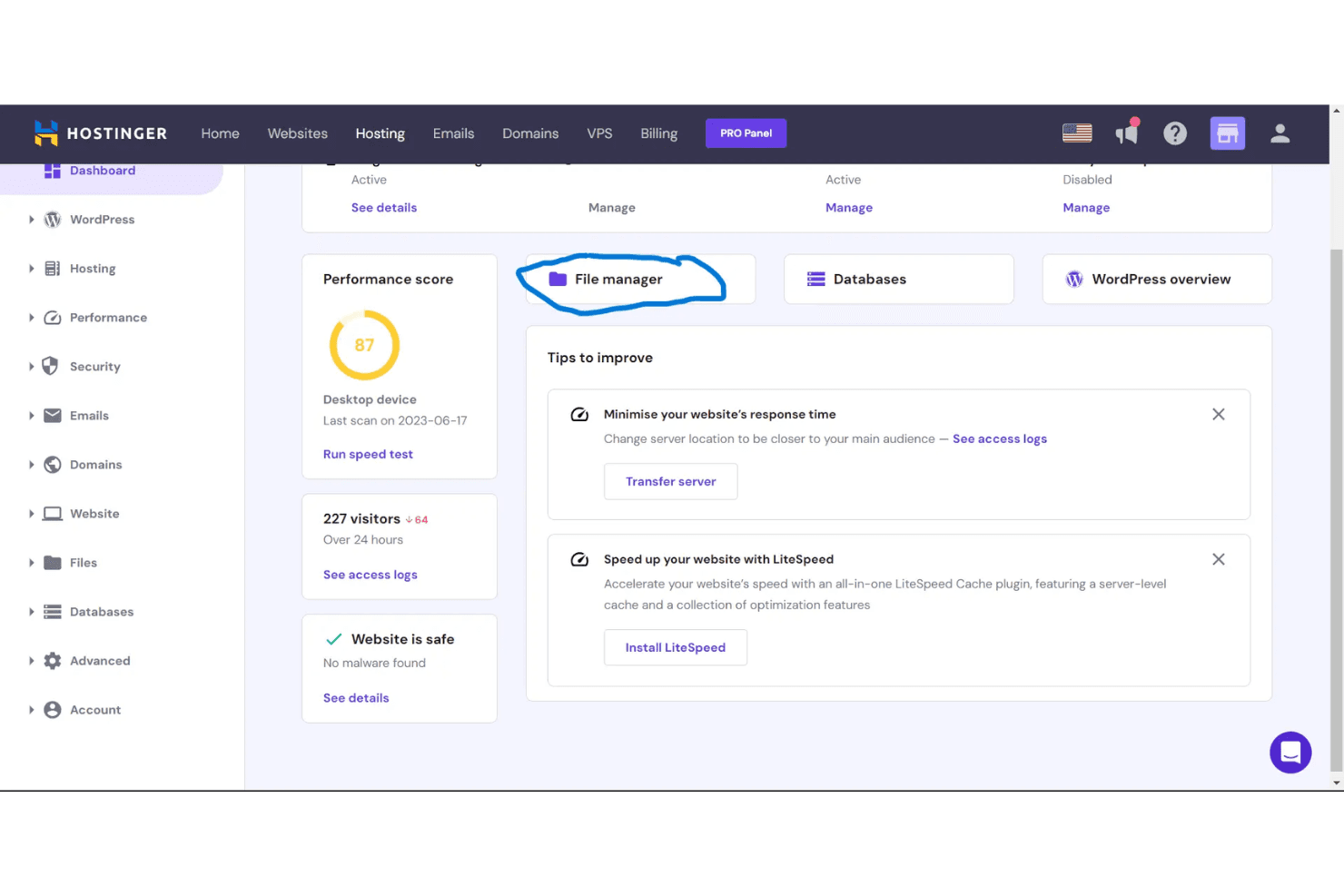
Hostinger includes automated malware scanning, security protections, and caching mechanisms to improve performance and reduce server load.
Ecommerce Storefront
Sell up to 1,000 products with no transaction fees and manage orders, shipping, and taxes from one dashboard. Accept over 100 payment methods for global reach.
Designer Templates
Choose from a wide range of professional templates for different industries and site types. Templates are fully customizable to match your brand.
Built-In SEO Tools
Optimize your site with AI-generated meta tags, alt text, CDN support for faster loading times, and automatic sitemap creation. These tools help identify key metrics and improve your SEO efforts.
Mobile Editing
Edit and update your website directly from your smartphone. All sites are automatically mobile-responsive for a consistent experience across devices.
Standout Features
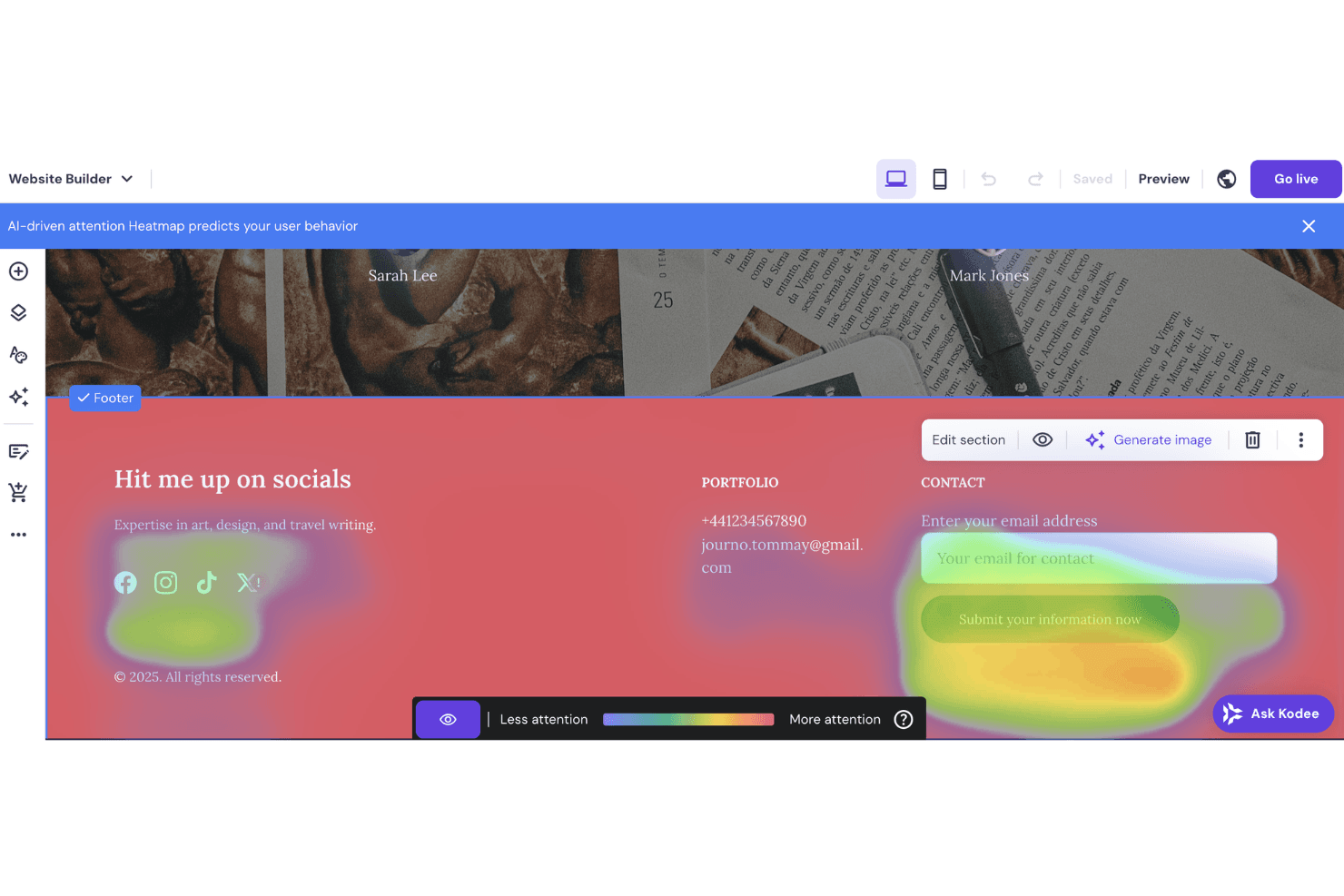
AI Heatmap
Hostinger’s AI Heatmap predicts which areas of your site will attract the most attention. This helps you optimize layouts and CTAs before publishing, improving user engagement.
1-Click OpenClaw
Deploy the AI-assistant OpenClaw instantly with a single click. Get up and running quickly without manual setup, so you can focus on building and managing your projects.
Ease of Use
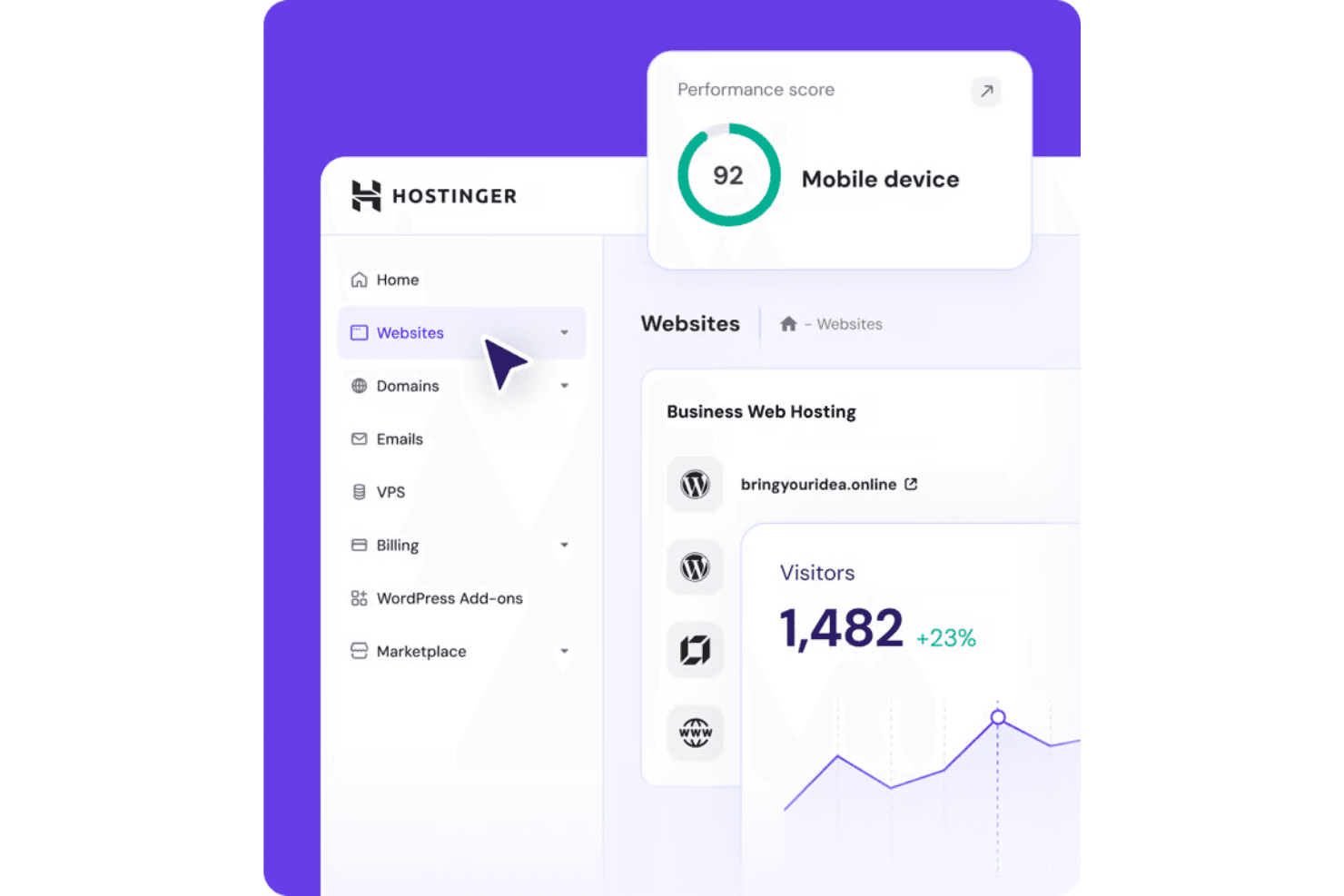
Hostinger is widely praised for its clean, user-friendly interface and fast onboarding, delivering a smooth user experience for those with little technical experience.. The drag-and-drop editor, AI-powered setup, and clear navigation help users build and launch sites quickly. Many reviewers highlight how the platform guides you step by step, from domain setup to publishing. While advanced design controls are limited, Hostinger’s focus on simplicity and guided workflows makes it a top pick for straightforward website projects.
Onboarding
Hostinger’s onboarding stands out for its guided setup, interactive checklists, and AI-powered site creation, offering a hands-on experience that helps new users get online fast. Many users report launching their first site within an hour, thanks to clear prompts and in-dashboard tutorials. Live chat support is available 24/7, and the knowledge base covers common questions in detail. This combination of automation, guidance, and responsive support makes the onboarding process smooth and confidence-building for beginners.
Customer Support
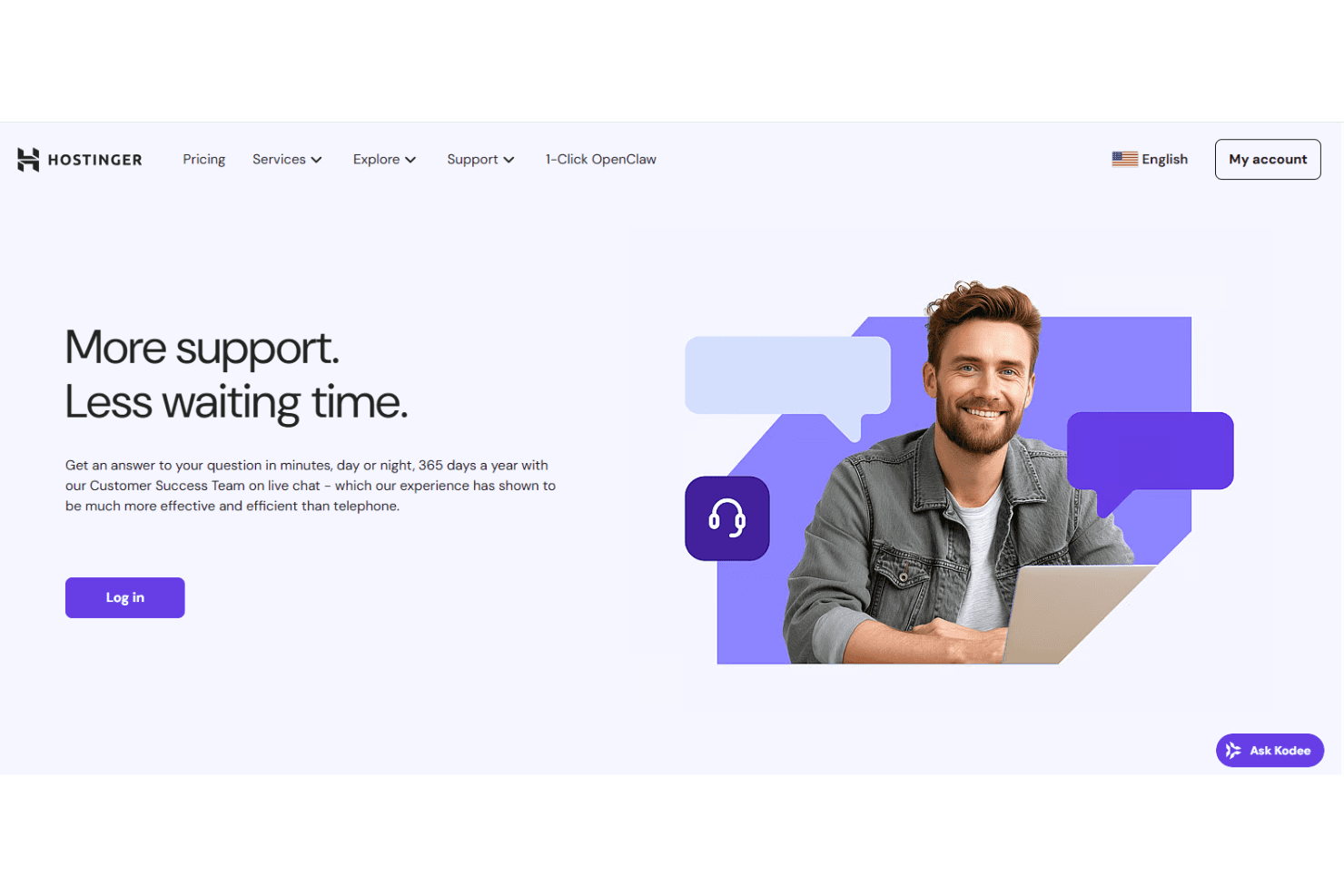
Hostinger’s customer support earns high marks for its 24/7 live chat, fast response times, and knowledgeable agents. Users consistently mention that issues are resolved quickly, helping minimize downtime even during off-hours, which is crucial for small businesses and solo site owners. The platform also offers a detailed help center and step-by-step guides, making it easy to troubleshoot common problems independently. This strong support network helps users feel supported at every stage of their website journey.
Integrations
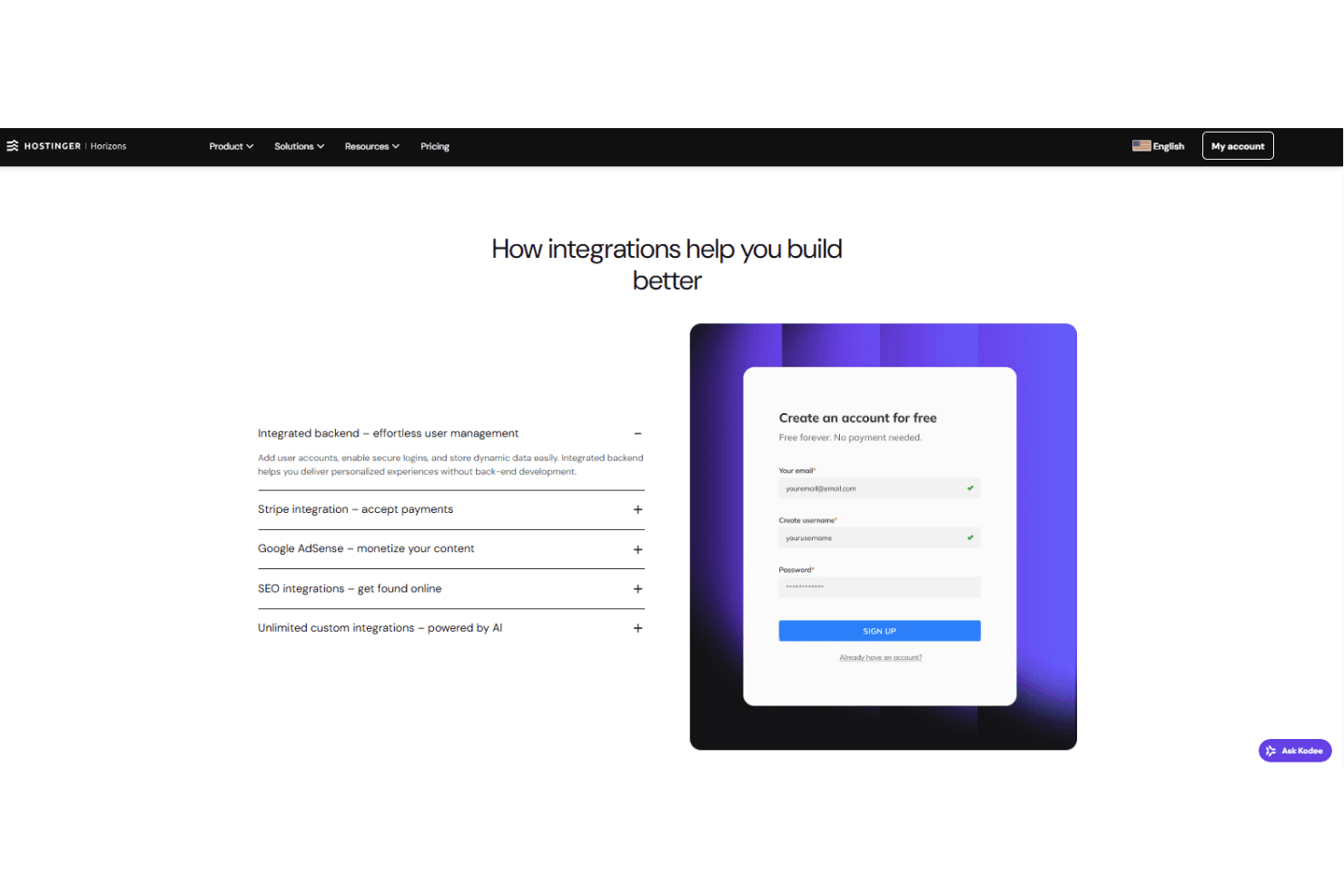
Hostinger integrates with Google Analytics, Google Ads, Meta Pixel, Hotjar, Printful, Shippo, Stripe, PayPal, Hostinger Email, OpenClaw, Wordpress, n8n and Hostinger Reach, among others.
Hostinger offers a RESTful API for direct connections to third-party integration tools.
Value for Money
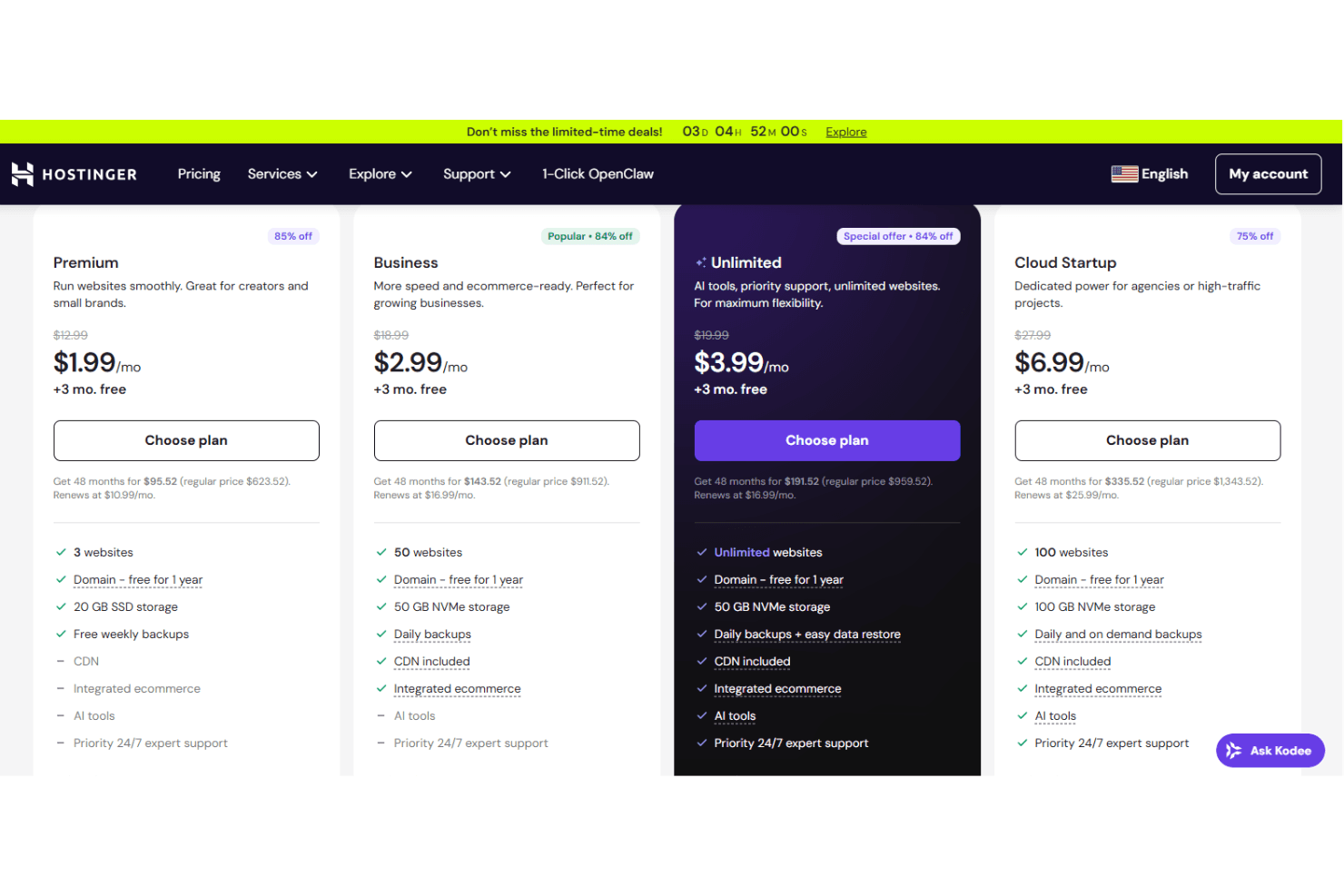
Hostinger’s pricing gives you strong value depending on the services you pick out, like managed WordPress hosting, WooCommerce hosting, or even VPS hosting. Each service comes with tiered plans that are still relatively low-cost but still include essentials like SSL, domains, and AI tools. In the interest of brevity, I’ve highlighted the most relevant hosting plans and website builder options to give a clear snapshot of what you can expect. A 30-day money-back guarantee is for peace of mind when testing out the services.
- Web Hosting Premium: Includes 20GB of storage, free SSL certificate, 2 mailboxes per site, and a free domain name for a year.
- Web Hosting Business: Includes 50GB of NVMe storage, 5 mailboxes per site, and ecommerce features.
- Web Hosting Cloud Startup: Adds 100GB of NVMe storage, 10 mailboxes per site, priority expert support, and options for a dedicated IP.
- Starter Website Builder: Includes access to templates, AI website builder, and 0% transaction fees for your products.
- Growth Website Builder: Adds AI asset creator, flexible shipping, live analytics, and more payment methods.
Hostinger Horizons Specs
- A/B Testing: Yes
- API: Yes
- External Integrations: Yes
- Multi-User: Yes
- Third-Party Plugins/Add-Ons: Yes
Hostinger Horizons FAQs
Hostinger Horizons Company Overview & History
Hostinger, founded in 2004 and headquartered in Kaunas, Lithuania, is a leading global provider of web hosting and AI website builder solutions, known for its strong uptime guarantee. The company employs over 1,000 people across 54 countries and serves more than 4 million clients worldwide. Hostinger owns and operates related brands such as 000webhost.com and Hosting24.com. The company is recognized for its rapid growth, innovative technology, and strong customer-centric culture, and has been featured in the Financial Times’ FT 1000 ranking for six consecutive years.
Hostinger Major Milestones
- 2004: Founded as Hosting Media in Kaunas, Lithuania.
- 2007: Launched 000webhost.com, a free web hosting service.
- 2008: Introduced Hosting24.com, a cPanel web hosting brand.
- 2011: Hostinger brand and in-house hPanel launched.
- 2016: Released in-house cloud hosting service.
- 2019: Team grew to over 400 employees worldwide.
- 2020: Recognized as the fastest-growing web hosting company.
- 2023: Launched Kodee, the AI chatbot for client support.
- 2025: Hostinger serves over 4 million clients globally.