

Brandwatch Review: Pros, Cons, Features, and Pricing Explained
Brandwatch stands out for its powerful analytics and deep listening features, making it ideal for data-driven teams, but its complexity and pricing may not suit smaller businesses.

We review tools independently, and commissions help fund our testing. See our transparency policy, our methodology, or suggest a tool.
Brandwatch is a social media marketing software built around social listening and consumer intelligence. It's the right fit for teams that need to track brand mentions, analyze audience sentiment, and surface insights from large volumes of social data. If you're deciding between Brandwatch and something like Sprout Social, I'd lean toward Brandwatch when deep research and intelligence matter more to your team than publishing and scheduling features.
Brandwatch Evaluation Summary
4.3/5
- Pricing upon request
- Not available
Why Trust Our Software Recommendations
6,700+
Reviews
20
Industry experts
16+
Evaluation factors
14
Years
Our team has been testing and reviewing software since 2012. As marketing leaders ourselves, we know how difficult—and important—it is to choose the right software.
For this guide, we evaluated tools using hands-on testing and independent research, scoring tools using our selection criteria.
Our reviews reflect our human editorial judgment, not a sales pitch.
Expert reviewers:
 Gui DrusinaCreative Director
- Shriya GhateSenior Marketing Lead
 Amanda JacquesMarketing Ops Leader

Brandwatch Overview
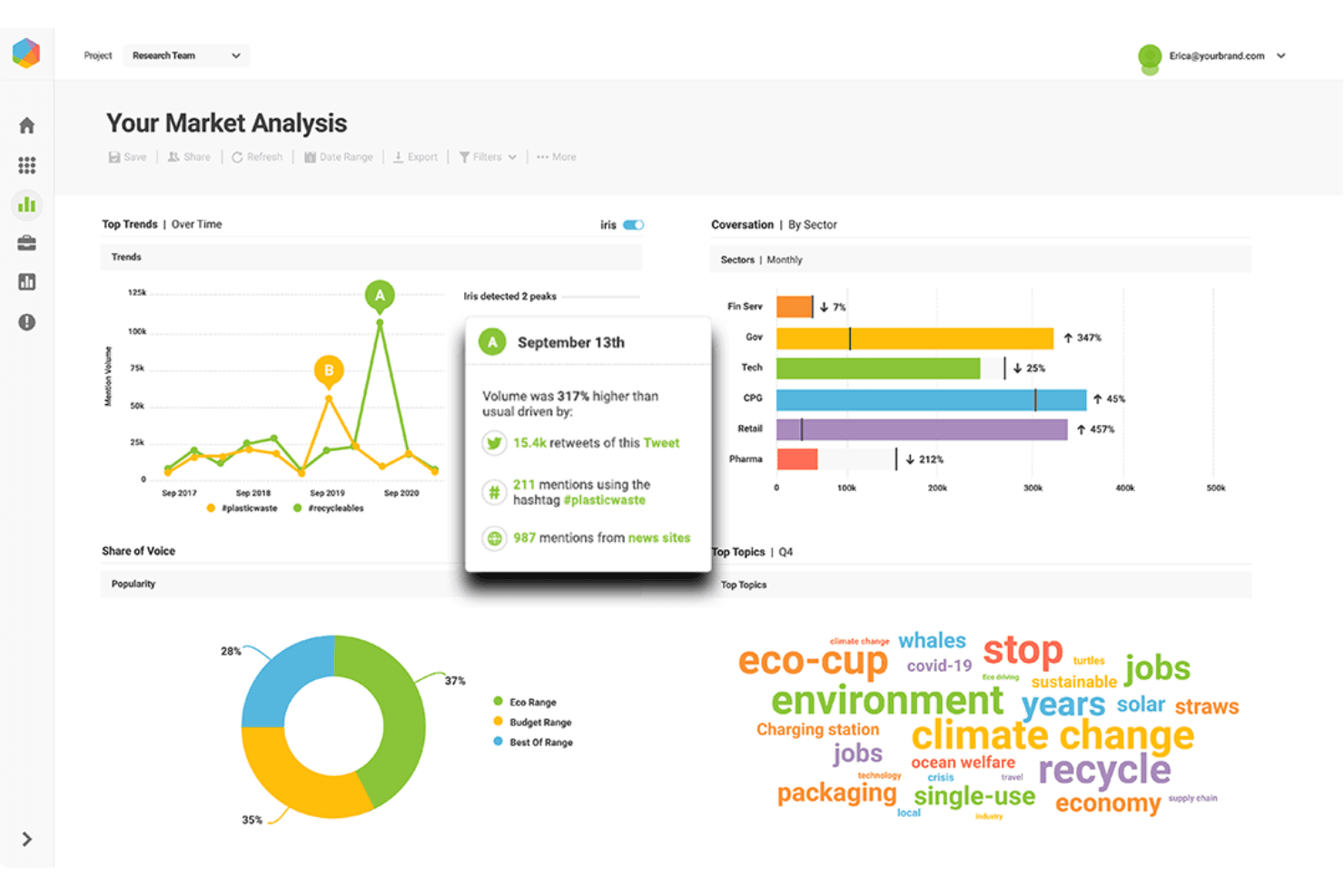
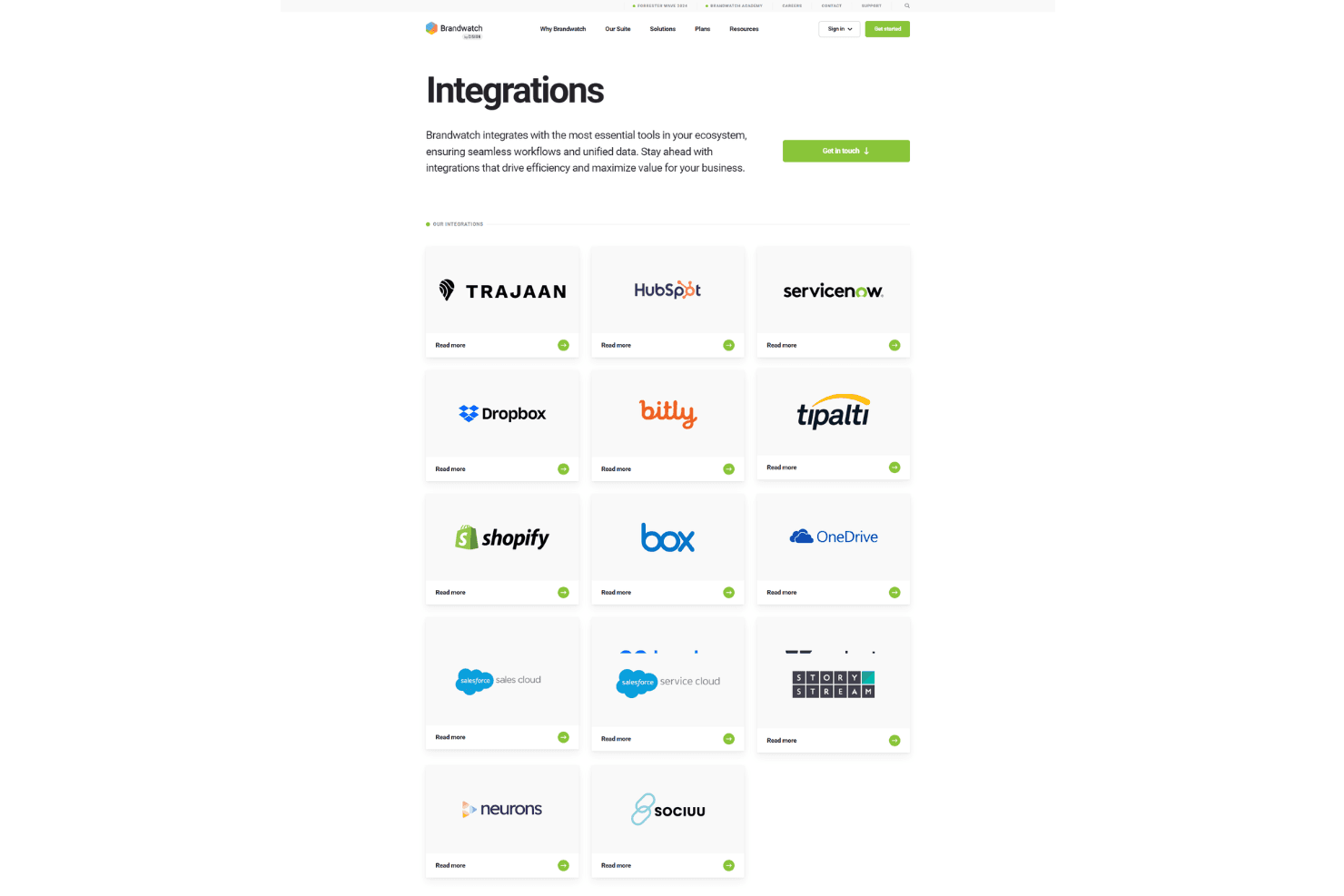
If you’re judging social media software by analytics depth, Brandwatch is a top contender. Its dashboards, sentiment analysis, and audience segmentation outperform most options, especially for teams comparing brand health or tracking trends at scale. The interface is clean but takes some onboarding, and pricing is on the higher side.
I think Brandwatch is best for larger teams or agencies who need advanced reporting, custom integrations, and responsive support. If you’re selecting a tool for complex listening or multi-channel analysis, Brandwatch should be on your shortlist.
Pros
- Advanced sentiment analysis for brand and competitor tracking.
- Real-time alerts for crisis and reputation management.
- Highly customizable dashboards and reporting options.
Cons
- Pricing is high for small and mid-sized teams.
- Historical data access can require additional fees.
- Some users report slow customer support response times.


How We Test & Score Tools
We’ve spent years building, refining, and improving our software testing and scoring system. The rubric is designed to capture the nuances of software selection and what makes a tool effective, focusing on critical aspects of the decision-making process.
Below, you can see exactly how our testing and scoring works across seven criteria. It allows us to provide an unbiased evaluation of the software based on core functionality, standout features, ease of use, onboarding, customer support, integrations, customer reviews, and value for money.
Core Functionality (25% of final scoring)
The starting point of our evaluation is always the core functionality of the tool. Does it have the basic features and functions that a user would expect to see? Are any of those core features locked to higher-tiered pricing plans? At its core, we expect a tool to stand up against the baseline capabilities of its competitors.
Standout Features (25% of final scoring)
Next, we evaluate uncommon standout features that go above and beyond the core functionality typically found in tools of its kind. A high score reflects specialized or unique features that make the product faster, more efficient, or offer additional value to the user.
We also evaluate how easy it is to integrate with other tools typically found in the tech stack to expand the functionality and utility of the software. Tools offering plentiful native integrations, 3rd party connections, and API access to build custom integrations score best.
Ease of Use (10% of final scoring)
We consider how quick and easy it is to execute the tasks defined in the core functionality using the tool. High scoring software is well designed, intuitive to use, offers mobile apps, provides templates, and makes relatively complex tasks seem simple.
Onboarding (10% of final scoring)
We know how important rapid team adoption is for a new platform, so we evaluate how easy it is to learn and use a tool with minimal training. We evaluate how quickly a team member can get set up and start using the tool with no experience. High scoring solutions indicate little or no support is required.
Customer Support (10% of final scoring)
We review how quick and easy it is to get unstuck and find help by phone, live chat, or knowledge base. Tools and companies that provide real-time support score best, while chatbots score worst.
Customer Reviews (10% of final scoring)
Beyond our own testing and evaluation, we consider the net promoter score from current and past customers. We review their likelihood, given the option, to choose the tool again for the core functionality. A high scoring software reflects a high net promoter score from current or past customers.
Value for Money (10% of final scoring)
Lastly, in consideration of all the other criteria, we review the average price of entry level plans against the core features and consider the value of the other evaluation criteria. Software that delivers more, for less, will score higher.
Core Features
Social Listening
Track brand mentions, keywords, and conversations across major social platforms in real time. Users can filter by sentiment, location, or demographics for targeted insights.
Sentiment Analysis
Automatically detect positive, negative, or neutral sentiment in posts and comments. This helps teams quickly spot reputation risks or celebrate wins.
Custom Dashboards
Build tailored dashboards to visualize trends, share reports, and monitor KPIs. Drag-and-drop widgets make it easy to focus on what matters most.
Crisis Detection Alerts
Receive instant notifications when unusual spikes or negative trends appear. This feature helps teams respond quickly to potential PR issues.
Audience Insights
Analyze audience demographics, interests, and behaviors to refine targeting. See how different segments engage with your brand or competitors.
Competitor Benchmarking
Compare your brand’s performance against competitors on reach, engagement, and sentiment. Identify gaps and opportunities to adjust your strategy.
Ease of Use
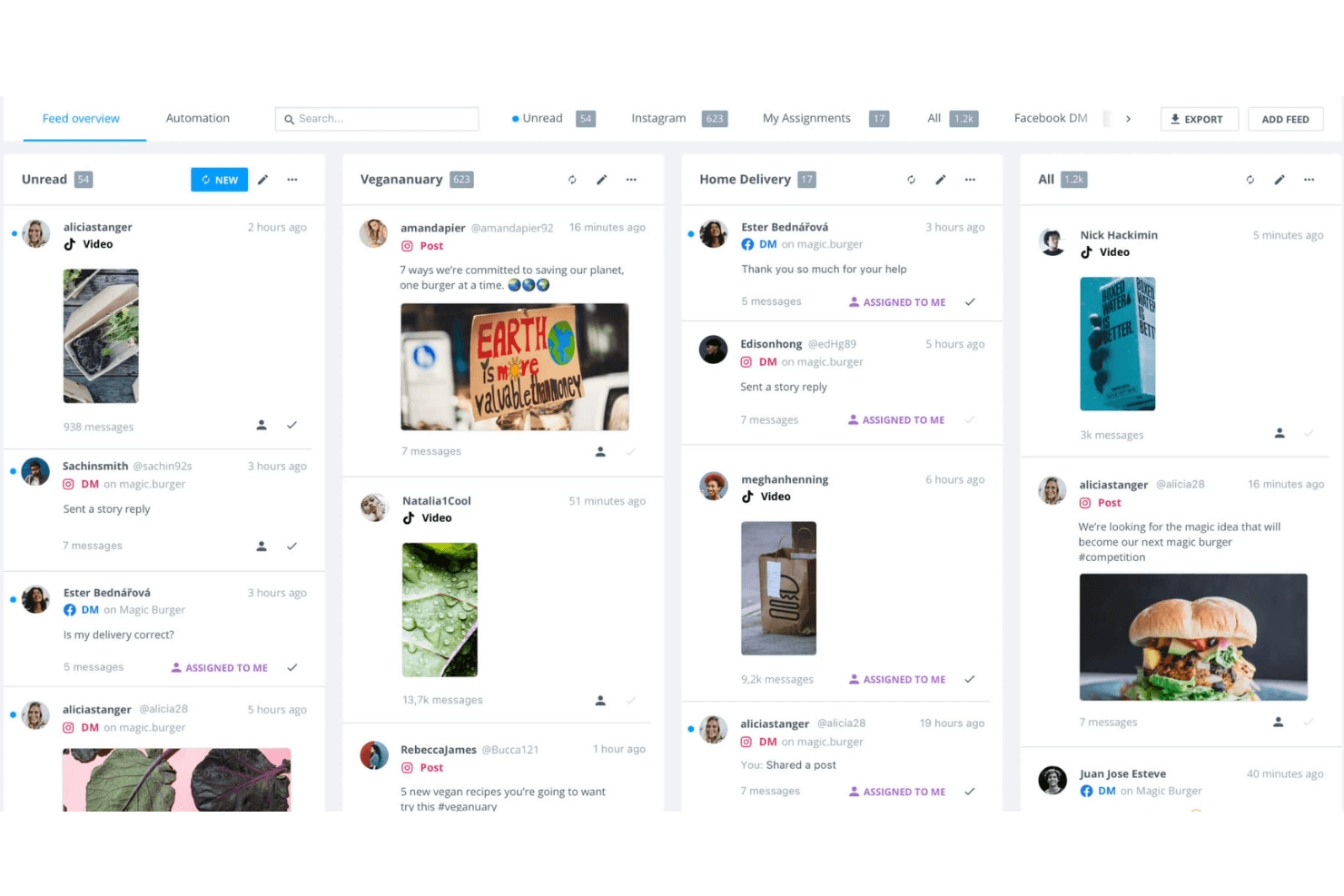
Brandwatch offers a clean, modern interface, but its depth means there’s a learning curve for new users. Many reviewers mention that setting up dashboards and filters takes time, especially for teams new to advanced analytics. Once configured, navigation is smooth and reporting is intuitive, but I think smaller teams or those seeking quick setup may find it overwhelming. The platform’s power is clear, but it’s best suited to users comfortable with data-driven tools.
Integrations
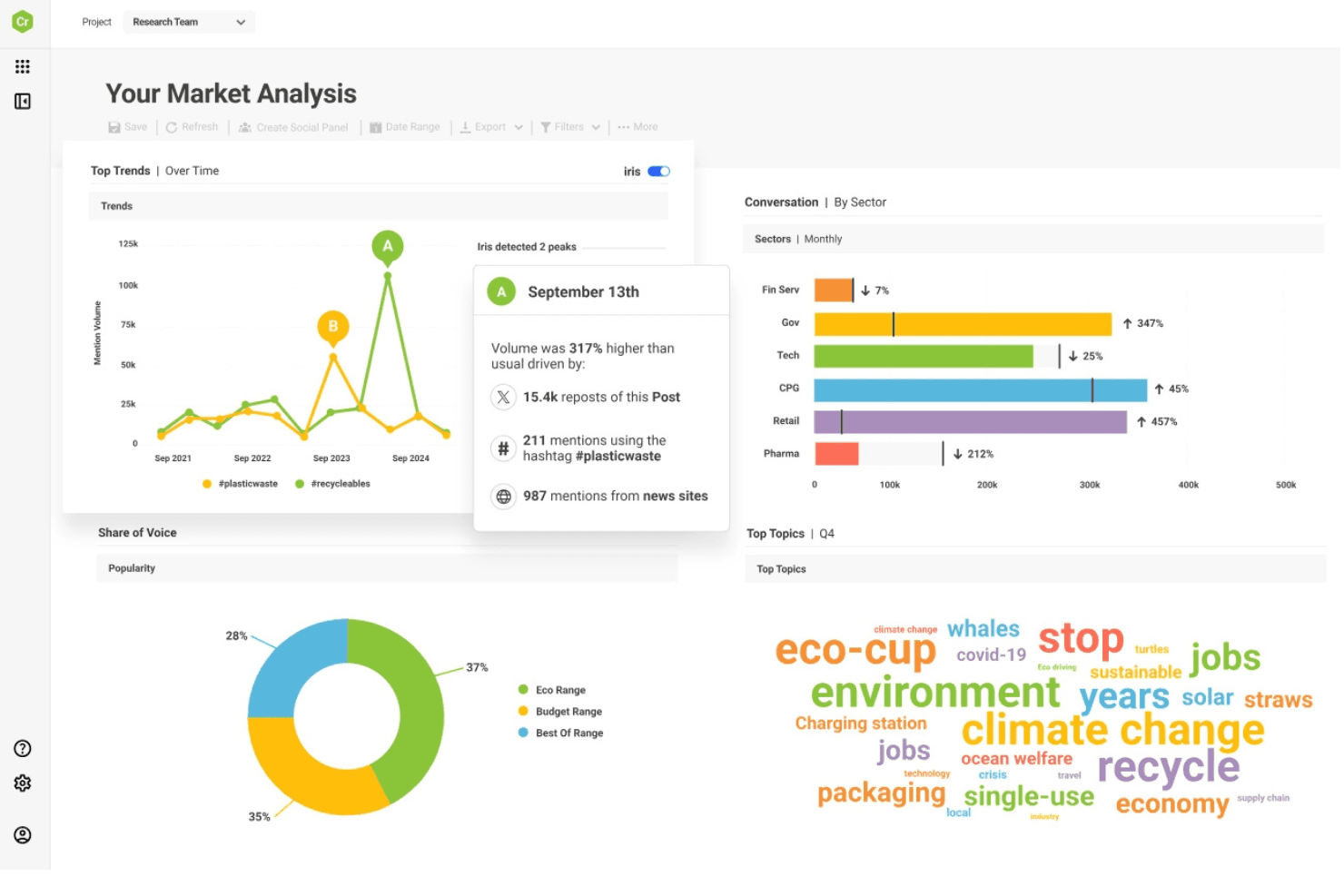
Brandwatch integrates with HubSpot, ServiceNow, Dropbox, Bitly, Shopify, Box, OneDrive, Google Drive, Bynder, and Zendesk, among others.
Brandwatch also offers an API and connects with third-party integration tools for expanded functionality.
Brandwatch Specs
- Analytics: Yes
- API: Yes
- Approval Workflows: No
- Audience Targeting: Yes
- Brand Management: Yes
- Calendar Management: No
- Campaign Management: No
- Collaboration Support: No
- Conversion Tracking: No
- Custom Reports: No
- Dashboard: Yes
- Data Export: Yes
- Data Import: No
- Data Visualization: Yes
- External Integrations: Yes
- Feedback Management: No
- Keyword Tracking: Yes
- Knowledge Base: No
- Landing Pages: No
- Link Tracking: No
- Marketing Automation: No
- Multi-Account: Yes
- Multi-User: Yes
- Notifications: Yes
- Review Monitoring: No
- Scheduling: No
- Sentiment Analysis: No
- Social Media Monitoring: Yes
- Social-Media Integration: Yes
- Third-Party Plugins/Add-Ons: No
- Workflow Management: No


