

Articulate 360 Review: Pros, Cons, Features and Pricing
Articulate 360 excels in user-friendly course creation, making it a top choice for teams prioritizing interactive e-learning content.

We review tools independently, and commissions help fund our testing. See our transparency policy, our methodology, or suggest a tool.
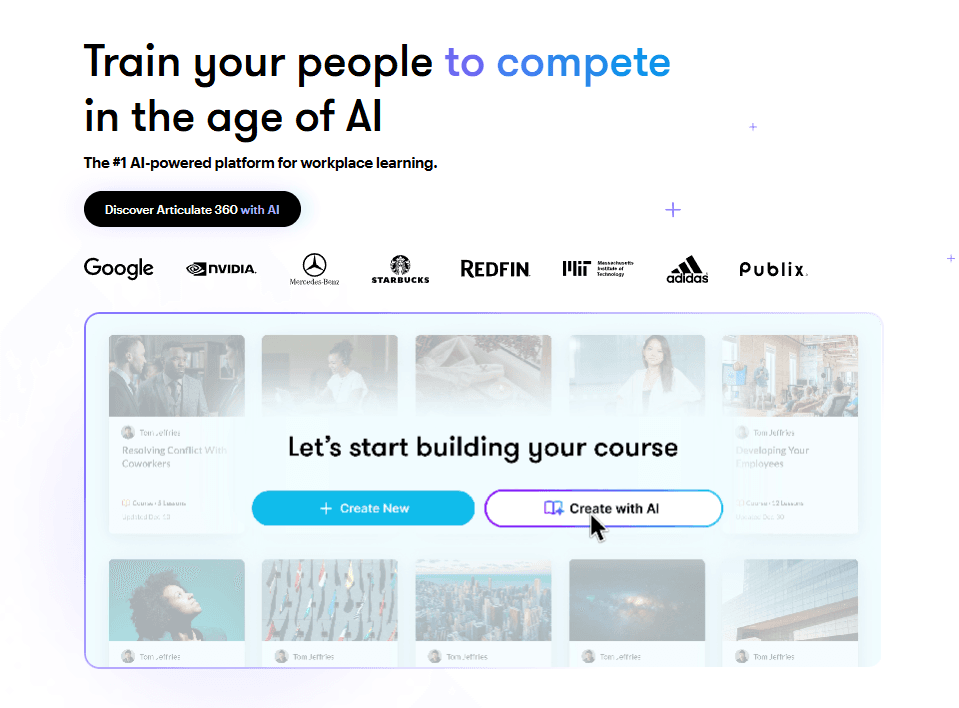
Articulate 360 is an AI content writing tool designed for teams that build e-learning courses, training modules, and interactive learning content. It gives you a full suite of authoring tools—Rise 360 and Storyline 360 included—with AI-assisted content generation built into the workflow. I'd consider it over Adobe Captivate if you want faster course-building and a lower barrier for non-technical authors, without giving up design depth or control.
Articulate 360 Evaluation Summary
4.7/5
- From $1,449/user (billed annually)
- 30-day free trial available
Why Trust Our Software Recommendations
6,700+
Reviews
20
Industry experts
16+
Evaluation factors
14
Years
Our team has been testing and reviewing software since 2012. As marketing leaders ourselves, we know how difficult—and important—it is to choose the right software.
For this guide, we evaluated tools using hands-on testing and independent research, scoring tools using our selection criteria.
Our reviews reflect our human editorial judgment, not a sales pitch.
Expert reviewers:
 Gui DrusinaCreative Director
- Shriya GhateSenior Marketing Lead
 Amanda JacquesMarketing Ops Leader

Articulate 360 Overview
In my opinion, Articulate 360 is a solid choice for those looking to create interactive e-learning content. It stands out with its user-friendly interface and comprehensive suite, making it ideal for instructional designers and corporate trainers. The integration of Storyline and Rise offers flexibility and ease of use, but the learning curve can be steep for newcomers. Compared to other tools, its value lies in the extensive resources and community support. However, some users have noted issues with specific features like Rise's formatting. Overall, it's a great option for teams focused on engaging e-learning experiences.
Pros
- You can create engaging and interactive e-learning content easily.
- The suite offers extensive resources and a supportive community.
- It provides a flexible blend of Storyline and Rise for course creation.
Cons
- Your team may face a steep learning curve initially.
- Some users find Rise's formatting options limited.
- It might not suit those needing simple, straightforward content creation.
Is Articulate 360 Right For Your Needs?
Who Would be a Good Fit for Articulate 360?
Articulate 360 is perfect for instructional designers and corporate trainers who need to build interactive e-learning courses. Your team can benefit from its user-friendly interface and the flexibility of combining Storyline and Rise for diverse content creation. Educational institutions will appreciate the extensive resources and community support, which make developing engaging learning modules easier. It's also great for companies prioritizing employee training and development, thanks to its robust course creation capabilities.
- Corporate TrainingArticulate 360 lets you create engaging modules, enhancing employee learning with interactive features.
- Educational InstitutionsYour school can build dynamic courses that captivate students using Articulate 360's wide-ranging tools.
- Instructional DesignersYou'll find the blend of Storyline and Rise ideal for crafting diverse, interactive content.
- HR DepartmentsArticulate 360 supports onboarding and compliance training with versatile course development options.
- E-Learning DevelopersThe suite offers the flexibility and support needed to innovate in online learning content.
- Non-Profit OrganizationsYour team can efficiently deliver educational programs using Articulate 360's intuitive tools and resources.
Who Would be a Bad Fit for Articulate 360?
Articulate 360 isn't ideal for small businesses or startups with limited resources and simplistic content needs. If your team requires straightforward, text-based content without interactivity, this tool might be overkill. Additionally, those who need rapid content production without a steep learning curve may find the initial setup and training time-consuming. It's also not suited for industries that don’t prioritize interactive e-learning, like traditional publishing, where simple content delivery suffices.
- Small StartupsYour team might find Articulate 360 too complex if you just need simple text-based content.
- Traditional PublishingArticulate 360's interactive focus isn't necessary for straightforward content delivery in publishing.
- Budget-Conscious FirmsIf your business is tightly budgeted, you might find the suite's features more than you need.
- Rapid Content NeedsArticulate 360's learning curve can slow you down if you need quick content turnaround.
- Non-Interactive TrainingFor teams focused on text-heavy training, Articulate 360's interactive features may be excessive.
- Simple Content CreationIf your work requires basic content without interactivity, Articulate 360's capabilities might be unnecessary.
How We Test & Score Tools
We’ve spent years building, refining, and improving our software testing and scoring system. The rubric is designed to capture the nuances of software selection and what makes a tool effective, focusing on critical aspects of the decision-making process.
Below, you can see exactly how our testing and scoring works across seven criteria. It allows us to provide an unbiased evaluation of the software based on core functionality, standout features, ease of use, onboarding, customer support, integrations, customer reviews, and value for money.
Core Functionality (25% of final scoring)
The starting point of our evaluation is always the core functionality of the tool. Does it have the basic features and functions that a user would expect to see? Are any of those core features locked to higher-tiered pricing plans? At its core, we expect a tool to stand up against the baseline capabilities of its competitors.
Standout Features (25% of final scoring)
Next, we evaluate uncommon standout features that go above and beyond the core functionality typically found in tools of its kind. A high score reflects specialized or unique features that make the product faster, more efficient, or offer additional value to the user.
We also evaluate how easy it is to integrate with other tools typically found in the tech stack to expand the functionality and utility of the software. Tools offering plentiful native integrations, 3rd party connections, and API access to build custom integrations score best.
Ease of Use (10% of final scoring)
We consider how quick and easy it is to execute the tasks defined in the core functionality using the tool. High scoring software is well designed, intuitive to use, offers mobile apps, provides templates, and makes relatively complex tasks seem simple.
Onboarding (10% of final scoring)
We know how important rapid team adoption is for a new platform, so we evaluate how easy it is to learn and use a tool with minimal training. We evaluate how quickly a team member can get set up and start using the tool with no experience. High scoring solutions indicate little or no support is required.
Customer Support (10% of final scoring)
We review how quick and easy it is to get unstuck and find help by phone, live chat, or knowledge base. Tools and companies that provide real-time support score best, while chatbots score worst.
Customer Reviews (10% of final scoring)
Beyond our own testing and evaluation, we consider the net promoter score from current and past customers. We review their likelihood, given the option, to choose the tool again for the core functionality. A high scoring software reflects a high net promoter score from current or past customers.
Value for Money (10% of final scoring)
Lastly, in consideration of all the other criteria, we review the average price of entry level plans against the core features and consider the value of the other evaluation criteria. Software that delivers more, for less, will score higher.
Core Features
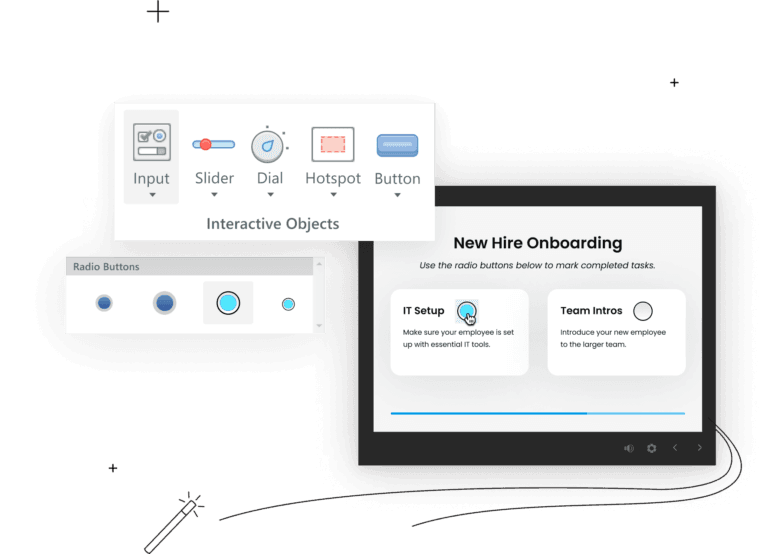
Storyline 360: This feature lets you create interactive slide-based courses. You can customize it extensively to suit complex e-learning needs.
Rise 360: Build responsive courses quickly with its easy-to-use templates. Your team can deliver courses that look great on any device.
Content Library 360: Access a vast library of templates, characters, and images. It saves you time and enhances your course's visual appeal.
Review 360: Collaborate with your team seamlessly by sharing and getting feedback on courses. It speeds up the review process significantly.
Articulate Live: Engage in live online training sessions to boost your skills. It helps you stay updated with the latest e-learning trends.
Articulate 360 Teams: Manage users, billing, and permissions effortlessly. This feature is perfect for larger teams needing centralized administration.
Ease of Use
Articulate 360 is quite user-friendly, especially for those familiar with e-learning tools. Its intuitive interface makes it easy for your team to create engaging content without much hassle. The combination of Storyline and Rise offers flexibility, though beginners might need some time to master it fully. The extensive resources and community support help you overcome any challenges quickly, making it a reliable option for delivering high-quality courses efficiently.
Integrations
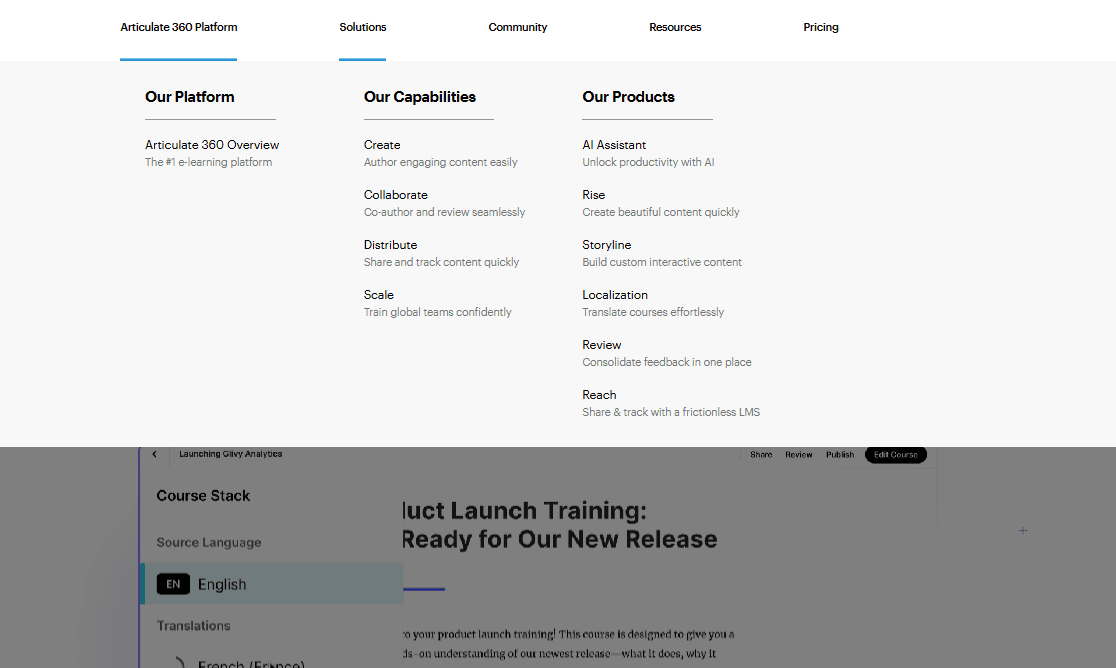
Articulate 360 integrates with Slack, Zapier, Reach 360, and Reach 360 API.
Articulate 360 also has an API and connects with third-party integration tools to automate training delivery, learner management, and analytics.
Articulate 360 Specs
- API: Yes
- Class Management: Yes
- Comparative Reporting: Yes
- Corporate/Business: No
- Dashboards: Yes
- Data Export: No
- Data Import: Yes
- Data Visualization: Yes
- Document Comparison: Yes
- Employee Training: No
- External Integrations: No
- Feedback Management: Yes
- Gamification: Yes
- Gradebook: Yes
- Mobile App: Yes
- Multi-User: No
- Notifications: Yes
- Personal Learning: No
- Report & Compliance: Yes
- Report Cards: Yes
- Scheduling: No
- SCORM: No
- Student Registration: Yes
- Video Courses: No


