
Adobe Express Review: Pros, Cons, Features and Pricing
Adobe Express excels in user-friendly design and integration capabilities, making it an ideal choice for teams seeking efficient video marketing tools.

We review tools independently, and commissions help fund our testing. See our transparency policy, our methodology, or suggest a tool.
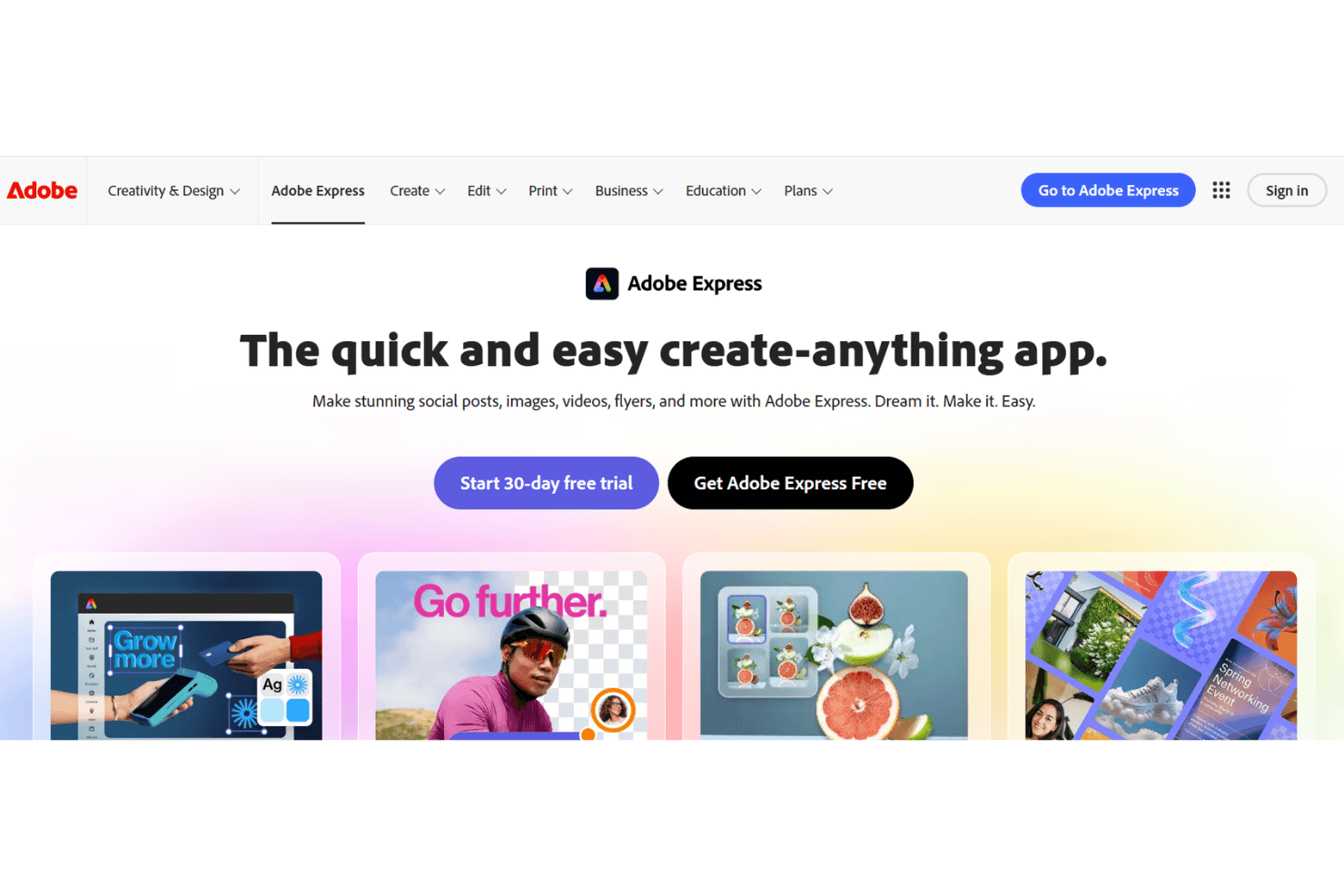
Adobe Express is a video marketing software built for marketers who need to produce branded video content without a dedicated design team. It's worth a close look if your brand already runs on the Adobe ecosystem—Creative Cloud libraries, Adobe Stock, or Photoshop assets all connect directly. That's where it has a real edge over Canva, which makes you recreate or re-upload those assets from scratch. If you're already invested in Adobe's tools, Express fits into that workflow in a way Canva simply can't match.
Adobe Express Evaluation Summary
4.5/5
- From $7.99/user/month (billed annually)
- Free plan available
Why Trust Our Software Recommendations
6,700+
Reviews
20
Industry experts
16+
Evaluation factors
14
Years
Our team has been testing and reviewing software since 2012. As marketing leaders ourselves, we know how difficult—and important—it is to choose the right software.
For this guide, we evaluated tools using hands-on testing and independent research, scoring tools using our selection criteria.
Our reviews reflect our human editorial judgment, not a sales pitch.
Expert reviewers:
 Gui DrusinaCreative Director
- Shriya GhateSenior Marketing Lead
 Amanda JacquesMarketing Ops Leader

Adobe Express Overview
In my opinion, Adobe Express is a solid choice for teams needing versatile video marketing software. It shines with standout features that make content creation easy and efficient. While the onboarding process and customer support could be improved, the platform offers great value for money. It's best suited for small to medium-sized businesses that require a user-friendly interface without extensive tech support. If you're looking to select a tool that balances functionality and cost, Adobe Express is worth considering.
Pros
- It offers intuitive design tools that make video creation easy for beginners.
- Your team can quickly create engaging content with its user-friendly interface.
- It provides a variety of templates that save you time on design work.
Cons
- Onboarding can be tricky without extensive guidance.
- Customer support might not meet your team's expectations in responsiveness.
- Advanced users might find some features lacking depth compared to competitors.


How We Test & Score Tools
We’ve spent years building, refining, and improving our software testing and scoring system. The rubric is designed to capture the nuances of software selection and what makes a tool effective, focusing on critical aspects of the decision-making process.
Below, you can see exactly how our testing and scoring works across seven criteria. It allows us to provide an unbiased evaluation of the software based on core functionality, standout features, ease of use, onboarding, customer support, integrations, customer reviews, and value for money.
Core Functionality (25% of final scoring)
The starting point of our evaluation is always the core functionality of the tool. Does it have the basic features and functions that a user would expect to see? Are any of those core features locked to higher-tiered pricing plans? At its core, we expect a tool to stand up against the baseline capabilities of its competitors.
Standout Features (25% of final scoring)
Next, we evaluate uncommon standout features that go above and beyond the core functionality typically found in tools of its kind. A high score reflects specialized or unique features that make the product faster, more efficient, or offer additional value to the user.
We also evaluate how easy it is to integrate with other tools typically found in the tech stack to expand the functionality and utility of the software. Tools offering plentiful native integrations, 3rd party connections, and API access to build custom integrations score best.
Ease of Use (10% of final scoring)
We consider how quick and easy it is to execute the tasks defined in the core functionality using the tool. High scoring software is well designed, intuitive to use, offers mobile apps, provides templates, and makes relatively complex tasks seem simple.
Onboarding (10% of final scoring)
We know how important rapid team adoption is for a new platform, so we evaluate how easy it is to learn and use a tool with minimal training. We evaluate how quickly a team member can get set up and start using the tool with no experience. High scoring solutions indicate little or no support is required.
Customer Support (10% of final scoring)
We review how quick and easy it is to get unstuck and find help by phone, live chat, or knowledge base. Tools and companies that provide real-time support score best, while chatbots score worst.
Customer Reviews (10% of final scoring)
Beyond our own testing and evaluation, we consider the net promoter score from current and past customers. We review their likelihood, given the option, to choose the tool again for the core functionality. A high scoring software reflects a high net promoter score from current or past customers.
Value for Money (10% of final scoring)
Lastly, in consideration of all the other criteria, we review the average price of entry level plans against the core features and consider the value of the other evaluation criteria. Software that delivers more, for less, will score higher.
Core Features
Free Templates
Adobe Express offers editable free templates to help you create your own design online in minutes, saving time and ensuring professional results.
Drag-and-Drop Editor
The intuitive drag-and-drop editor lets you customize videos easily without technical skills.
Text and Graphics
Add text and graphics to your videos with simple tools that enhance visual appeal and message clarity.
Audio Integration
Incorporate audio tracks from a library of sounds or upload your own to enrich video content.
Export Options
Export videos in various formats to suit different platforms, ensuring content looks great wherever shared.
Video Trimming
Quickly trim and edit video clips to fit your project's needs for concise, impactful content.
Ease of Use
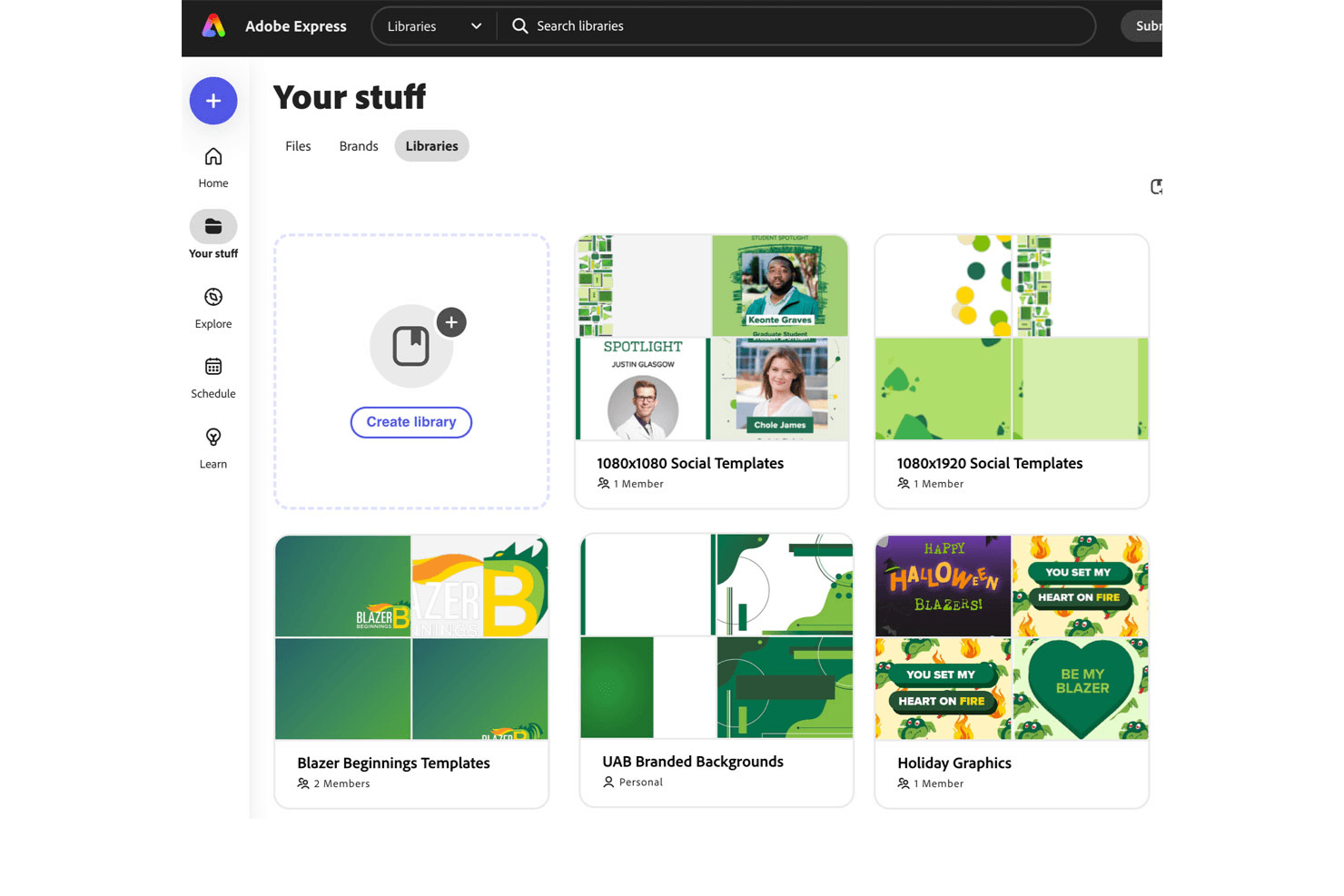
Adobe Express is user-friendly, making it accessible even if you're new to video editing. The drag-and-drop editor simplifies the process, allowing your team to create videos without technical know-how. Its clean interface means you won't waste time hunting for tools. The template library provides a head start, and the intuitive design ensures that your team can focus on creativity rather than figuring out complex features. If ease of use is your priority, Adobe Express delivers.
Integrations
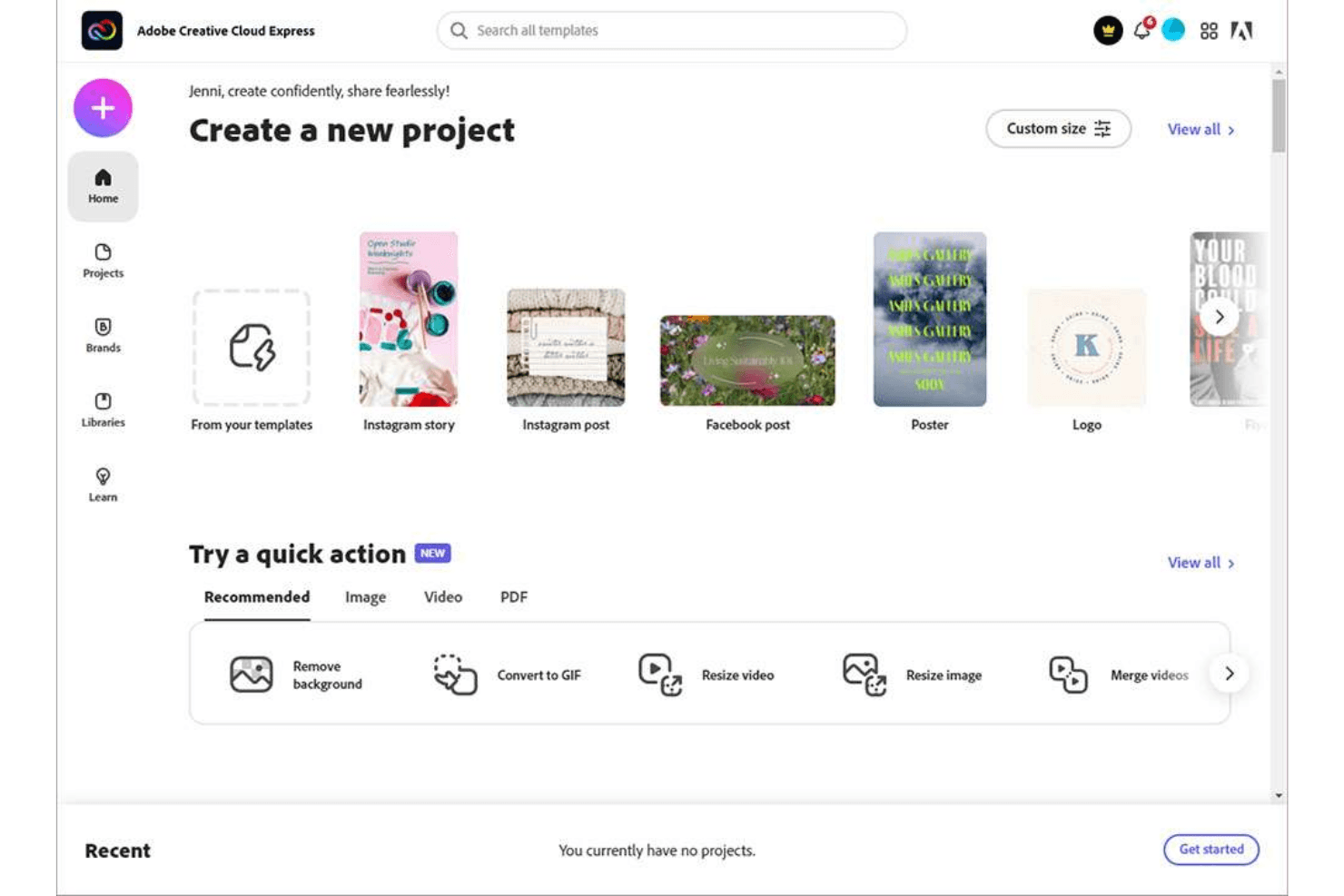
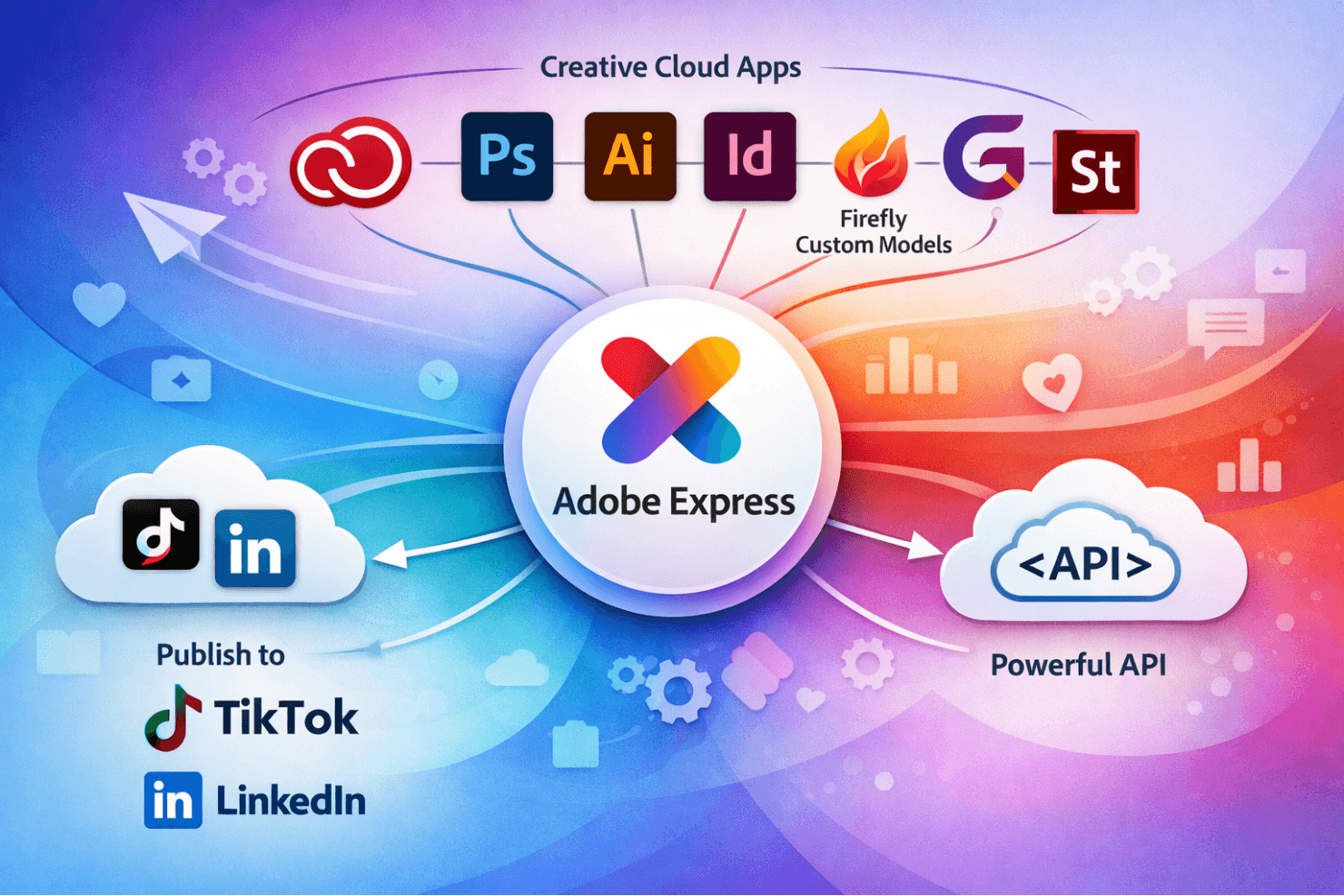
Adobe Express integrates with Adobe Creative Cloud, Adobe Express, Adobe Photoshop, Illustrator, InDesign, Firefly Custom Models, and GenStudio, Adobe Stock. The platform also connects with social media channels including TikTok and LinkedIn for direct publishing of social media posts and social media content.
Adobe Express also offers an API for even more flexibility in your workflow.
Adobe Express Specs
- A/B Testing: No
- Energy Production Estimates: No
- Geo-filtering: No
- Inventory Tracking: No
- Materials Library: No
- Media Streaming: No
- SCORM: No
- SEO: No
- Shading Analysis: No


