

Recensione di Jimdo: Pro, Contro, Caratteristiche e Prezzi
Jimdo offre un'esperienza facile da usare con strumenti intuitivi, rendendolo una scelta ideale per le piccole imprese che desiderano stabilire la propria presenza online.

Recensiamo gli strumenti in modo indipendente, e le commissioni aiutano a finanziare i nostri test. Consulta la nostra politica sulla trasparenza, la nostra metodologia o suggerisci uno strumento.
Jimdo is a content marketing platform for small businesses and independent creators who need to publish and manage web content without depending on a developer. I'd consider it over something like Wix if your priority is simplicity—Jimdo's setup is more stripped-down and faster to launch, making it a better fit when you need a lean content presence rather than a fully loaded site builder with a steeper learning curve.
Jimdo Evaluation Summary
3.5/5
- From $11/month
- Free plan available
Perché fidarsi dei nostri consigli sui software
6,700+
Reviews
20
Industry experts
16+
Evaluation factors
14
Years
Il nostro team testa e recensisce software dal 2012. In quanto leader del marketing noi stessi, sappiamo quanto sia difficile — e importante — scegliere il software giusto.
Per questa guida, abbiamo valutato gli strumenti attraverso test pratici e ricerche indipendenti, assegnando un punteggio agli strumenti in base ai nostri criteri di selezione.
Le nostre recensioni riflettono il nostro giudizio editoriale umano, non un discorso di vendita.
Revisori esperti:
 Gui DrusinaDirettore creativo
- Shriya GhateSenior Marketing Lead
 Amanda JacquesResponsabile Marketing Ops

Jimdo Overview
In my opinion, Jimdo is a solid choice for small businesses and freelancers who need a straightforward content marketing platform. Its intuitive interface and ease of use make it accessible, but it may lack some advanced features that larger enterprises might require. While its customer support and onboarding could be improved, Jimdo's value for money stands out, especially for budget-conscious users. Compared to other platforms, Jimdo excels in simplicity, making it perfect for those who prioritize quick setup and ease of use over extensive customization options.
Pros
- You can easily build and manage websites with its user-friendly interface.
- Jimdo offers a variety of customizable templates for your creative projects.
- It provides a straightforward setup process, saving your team time.
Cons
- Advanced web design options may be limited for your more complex projects.
- Customer support might not meet your expectations for quick resolutions.
- The onboarding experience could be smoother for your team.
Is Jimdo Right For Your Needs?
Who Would be a Good Fit for Jimdo?
Jimdo is ideal for small businesses, freelancers, and creative professionals who need a simple way to build and manage websites. If you're in industries like graphic design, photography, or small retail, you'll appreciate Jimdo's easy-to-use platform and customizable templates. These features allow you to quickly establish your online presence without needing extensive technical skills. Jimdo's straightforward setup and intuitive design make it a great fit for teams that value effx2iciency and simplicity.
- Small BusinessesJimdo's ease of use and quick setup are perfect for small businesses needing a simple website and online presence.
- FreelancersFreelancers can create professional websites without technical skills thanks to Jimdo's intuitive tools.
- Creative ProfessionalsJimdo offers customizable templates that suit creative industries like design and photography.
- Retail ShopsSmall retail shops benefit from Jimdo's straightforward site management for showcasing products.
- NonprofitsNonprofits can efficiently use Jimdo to build awareness and connect with supporters with minimal resources.
- ConsultantsConsultants find value in Jimdo's user-friendly interface for promoting their services easily.
Who Would be a Bad Fit for Jimdo?
Jimdo isn't well-suited for large enterprises or tech-savvy teams needing extensive customization and advanced features. If your business requires complex functionalities or high-level integrations, Jimdo’s limitations in these areas could hinder your needs. Industries like tech startups or large corporations, which demand intricate design capabilities or robust scalability, might find Jimdo too basic for their operations. It's not the best fit for teams that need a platform with deep customization and advanced technical options.
- Large EnterprisesLarge enterprises need more advanced features and scalability than Jimdo offers.
- Tech StartupsTech startups often require complex integrations that Jimdo doesn’t support.
- E-commerce GiantsE-commerce giants need advanced customization and features that go beyond Jimdo’s capabilities.
- Marketing AgenciesMarketing agencies may find Jimdo lacks the depth needed for diverse client needs.
- Software DevelopersTeams that rely on custom HTML or CSS may find Jimdo limiting compared to more developer-focused platforms.
- Corporate DepartmentsCorporate departments requiring extensive collaboration tools might find Jimdo insufficient.
Come Testiamo e Valutiamo gli Strumenti
Abbiamo passato anni a costruire, perfezionare e migliorare il nostro sistema di test e valutazione del software. Il nostro metodo è progettato per cogliere le sfumature nella selezione del software e ciò che rende uno strumento efficace, concentrandoci sugli aspetti critici del processo decisionale. Qui sotto puoi vedere esattamente come funziona il nostro sistema di test e valutazione su sette criteri. Questo ci permette di offrire una valutazione imparziale del software basata su funzionalità principali, funzioni distintive, facilità d’uso, onboarding, supporto clienti, integrazioni, recensioni dei clienti e rapporto qualità-prezzo.
Funzionalità principali (25% del punteggio finale)
Il punto di partenza della nostra valutazione è sempre la funzionalità principale dello strumento. Include le caratteristiche e le funzioni basilari che un utente si aspetterebbe di trovare? Alcune di queste funzionalità sono bloccate nei piani premium? Ci aspettiamo che ogni strumento soddisfi almeno le capacità di base dei suoi concorrenti.
Funzionalità distintive (25% del punteggio finale)
Successivamente, valutiamo le funzionalità uniche che vanno oltre la normale funzionalità principale, quelle poco comuni negli strumenti simili. Un punteggio alto riflette caratteristiche specializzate o uniche che rendono il prodotto più veloce, efficiente o offrono un valore aggiunto all’utente. Valutiamo anche quanto sia semplice integrare il software con altri strumenti abitualmente usati in una tech stack, per espandere le funzionalità e l’utilità del prodotto. Sono valutate positivamente soluzioni con molte integrazioni native, connessioni di terze parti e API per creare integrazioni personalizzate.
Facilità d’uso (10% del punteggio finale)
Consideriamo la rapidità e semplicità con cui si possono eseguire le attività principali tramite lo strumento. I software con punteggio più alto sono ben progettati, intuitivi, dispongono di app mobili, offrono template e semplificano compiti complessi.
Onboarding (10% del punteggio finale)
Sappiamo quanto sia importante l’adozione rapida in azienda, quindi valutiamo la facilità di apprendimento e utilizzo di uno strumento con formazione minima. Analizziamo quanto velocemente un utente senza esperienza può iniziare a usare il software. Le soluzioni migliori richiedono poco o nessun supporto.
Supporto clienti (10% del punteggio finale)
Analizziamo la rapidità e facilità nel trovare aiuto tramite telefono, chat dal vivo o knowledge base. Gli strumenti che offrono supporto in tempo reale ottengono il punteggio migliore: i chatbot invece i peggiori.
Recensioni dei clienti (10% del punteggio finale)
Oltre ai nostri test, consideriamo il net promoter score di attuali ed ex clienti. Valutiamo la probabilità che, potendo scegliere, l’utente decida di utilizzare ancora quello strumento per le funzionalità principali. Un software con un punteggio alto corrisponde ad un alto net promoter score tra clienti attuali o passati.
Rapporto qualità-prezzo (10% del punteggio finale)
Infine, tenendo conto di tutti gli altri criteri, confrontiamo il prezzo medio dei piani base rispetto alle funzionalità principali e agli altri fattori di valutazione. I software che offrono di più, a meno, ottengono i punteggi più alti.
Core Features
Website Builder
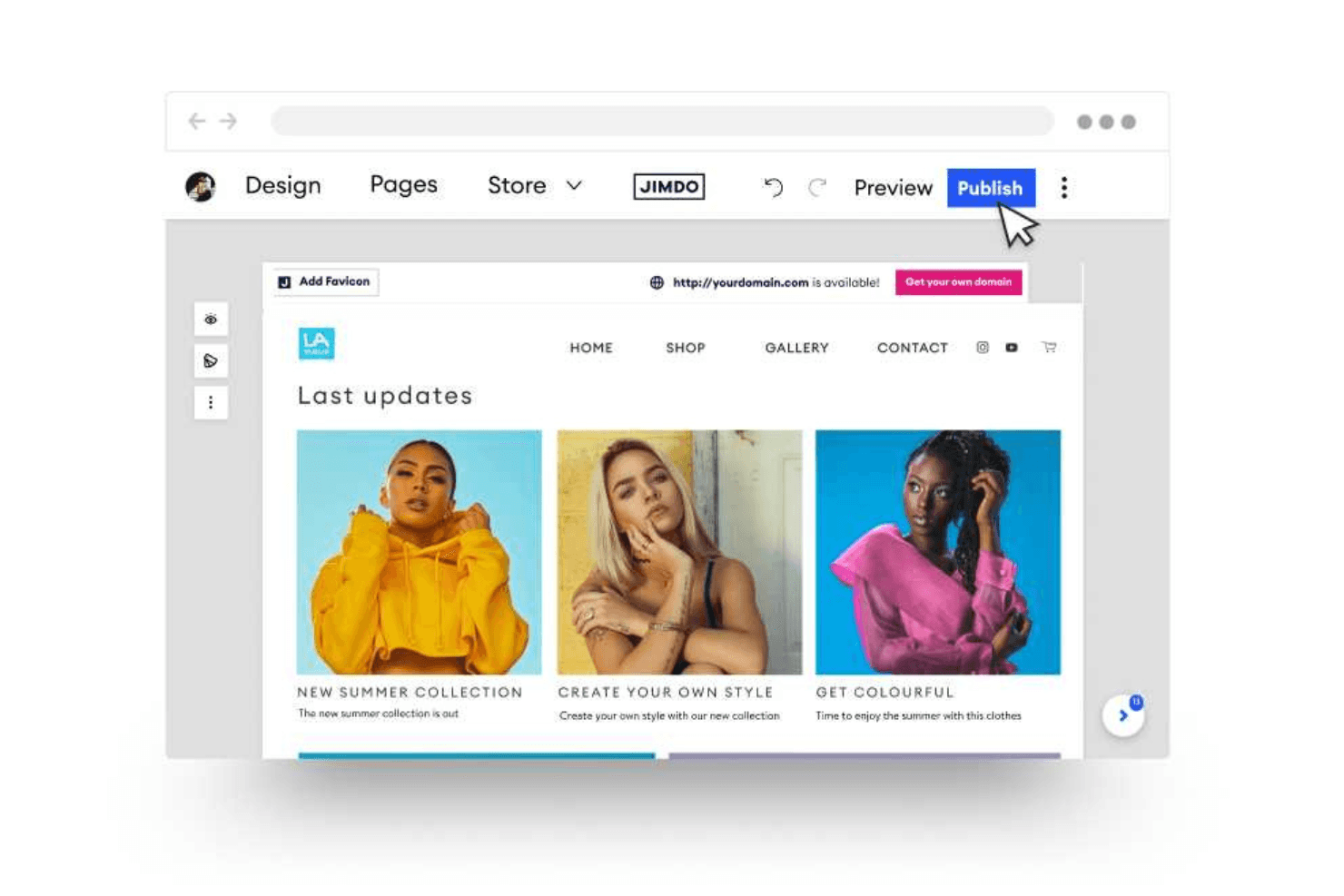
Jimdo provides an easy drag-and-drop no-code website builder, allowing you to create and customize your site without coding. This feature lets your team quickly establish an online presence.
Customizable Templates
You can choose from a variety of templates tailored to different industries, helping you design a professional-looking site effortlessly. These templates save you time and offer design flexibility.
SEO Tools
Jimdo includes built-in SEO tools to help your site rank better in search engines. This means more visibility and traffic for your work.
Mobile Optimization
Jimdo automatically optimizes your site for mobile devices, ensuring a seamless experience for your visitors. This feature is essential for reaching users on the go.
E-commerce Functionality
Jimdo includes built-in SEO tools to help your site rank better in search engines and manage business listing. It's perfect for small businesses venturing into e-commerce.
Blogging Platform
You can create and manage blogs directly within Jimdo, enabling content and basic social media marketing efforts. This feature supports your team's storytelling and engagement strategies.

Ease of Use
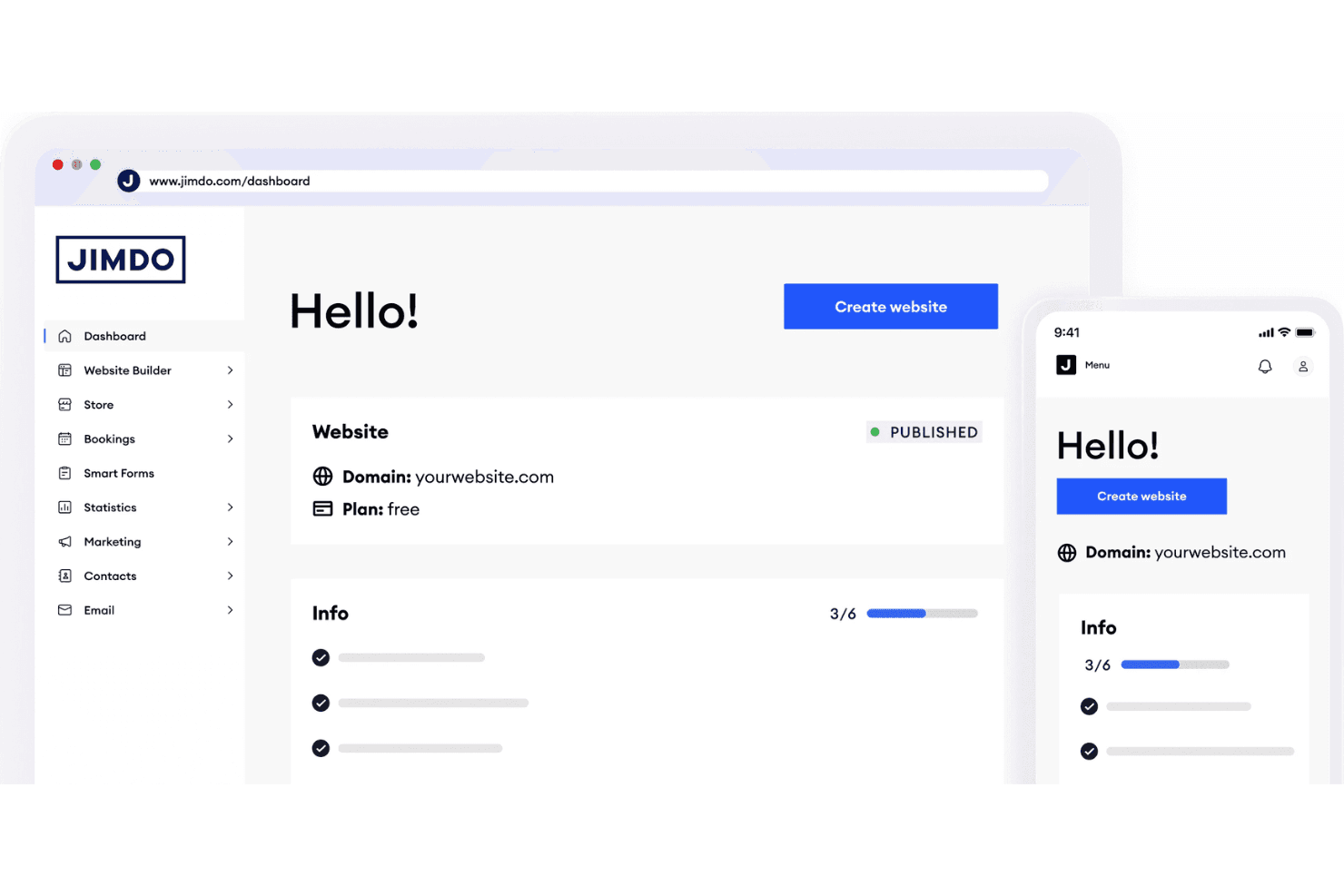
Jimdo is exceptionally user-friendly, making it accessible even if you're a beginner to website building. Its drag-and-drop builder and intuitive interface simplify the process of creating and managing your site. You won't need coding skills, which is a big plus for small teams or solo entrepreneurs. Compared to other platforms such as Squarespace, Shopify, and Wix, Jimdo's straightforward setup and easy navigation stand out, allowing you to focus on your content without getting bogged down by complex tools or features.
Integrations
Jimdo integrates with Google Analytics, Dropbox, Facebook, Tidio, Jotform, Desktop.com, Website Speedy, Brevo, PayPal, Zoho SalesIQ, and Weglot. Jimdo also connects with third-party integration tools through its API. Additionally, Jimdo’s Smart Apps let users add interactive widgets, making it easy to embed third-party tools like Calendly or Airbnb to extend site functionality.
Jimdo Specs
- A/B Testing: No
- API: No
- Data Export: Yes
- Data Import: Yes
- External Integrations: Yes
- Landing Pages: Yes
- Multi-User: Yes
- Third-Party Plugins/Add-Ons: Yes


