

Bluehost Review: Pros, Cons, Features, and Pricing Explained
Bluehost stands out for its beginner-friendly tools and reliable hosting, but advanced users may find its features limiting compared to top competitors. Ideal for simple sites and small businesses.

We review tools independently, and commissions help fund our testing. See our transparency policy, our methodology, or suggest a tool.
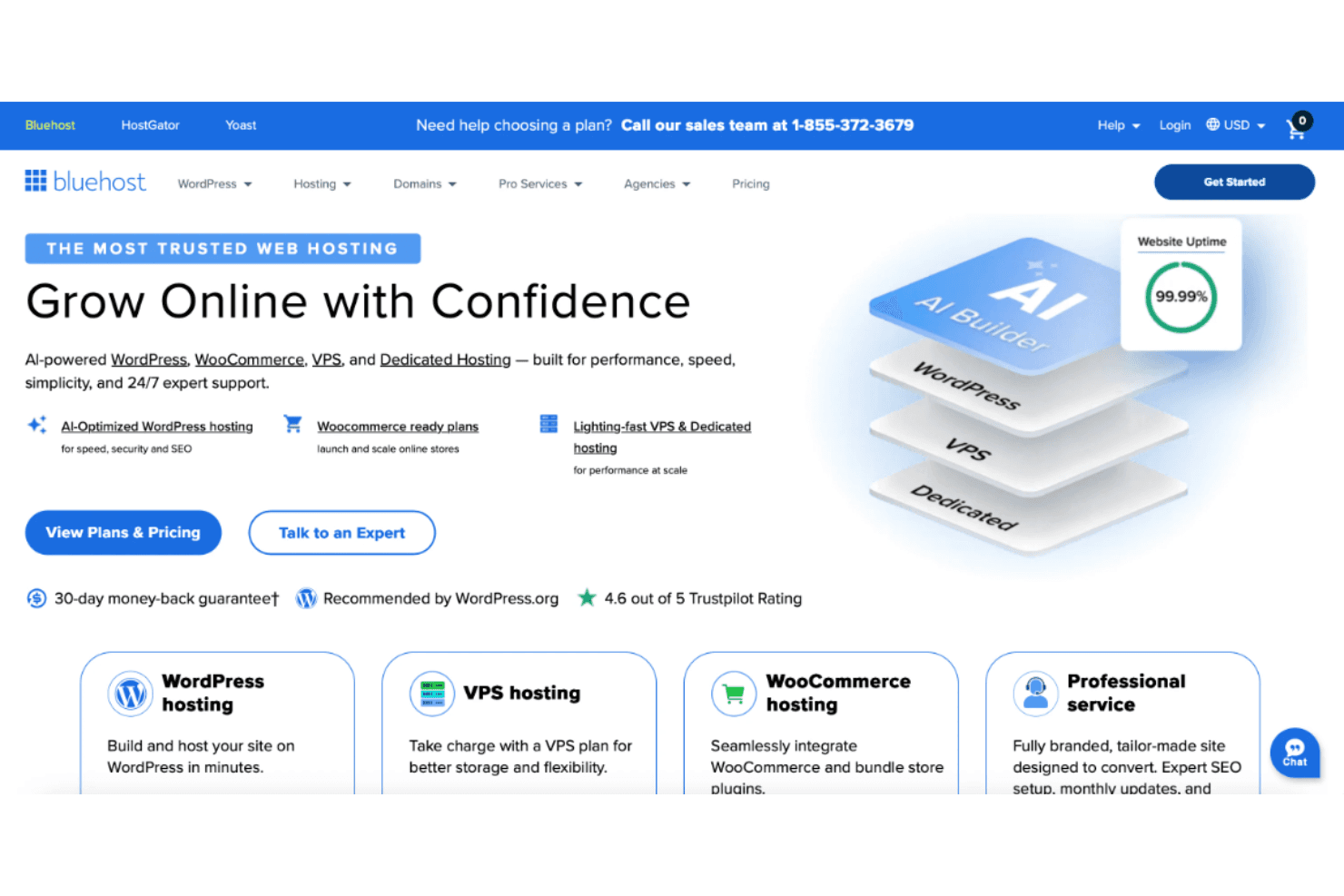
Bluehost is a website builder software built around WordPress, designed for small businesses and creators who want hosting and site-building in a single package. I'd consider it over a platform like Wix if you want the flexibility of WordPress without the overhead of setting up hosting and installing it yourself.
Bluehost Evaluation Summary
3.5/5
- From $3.99/mo
Why Trust Our Software Recommendations
6,700+
Reviews
20
Industry experts
16+
Evaluation factors
14
Years
Our team has been testing and reviewing software since 2012. As marketing leaders ourselves, we know how difficult—and important—it is to choose the right software.
For this guide, we evaluated tools using hands-on testing and independent research, scoring tools using our selection criteria.
Our reviews reflect our human editorial judgment, not a sales pitch.
Expert reviewers:
 Gui DrusinaCreative Director
- Shriya GhateSenior Marketing Lead
 Amanda JacquesMarketing Ops Leader

Bluehost Overview
When judging Bluehost as a website builder and hosting tools solution, its straightforward interface, affordable pricing, and responsive support make it a strong choice for those new to building websites or managing small business sites. While its integrations and advanced customization options lag behind some competitors, the onboarding process is simple and the core features like one-click WordPress installs and domain management, are reliable. If you’re selecting a platform for a straightforward marketing site or blog, Bluehost’s balance of usability and value is hard to overlook, though power users may find its feature set limiting for complex projects.
Pros
- One-click WordPress installation simplifies site setup.
- 24/7 live chat and phone support is available.
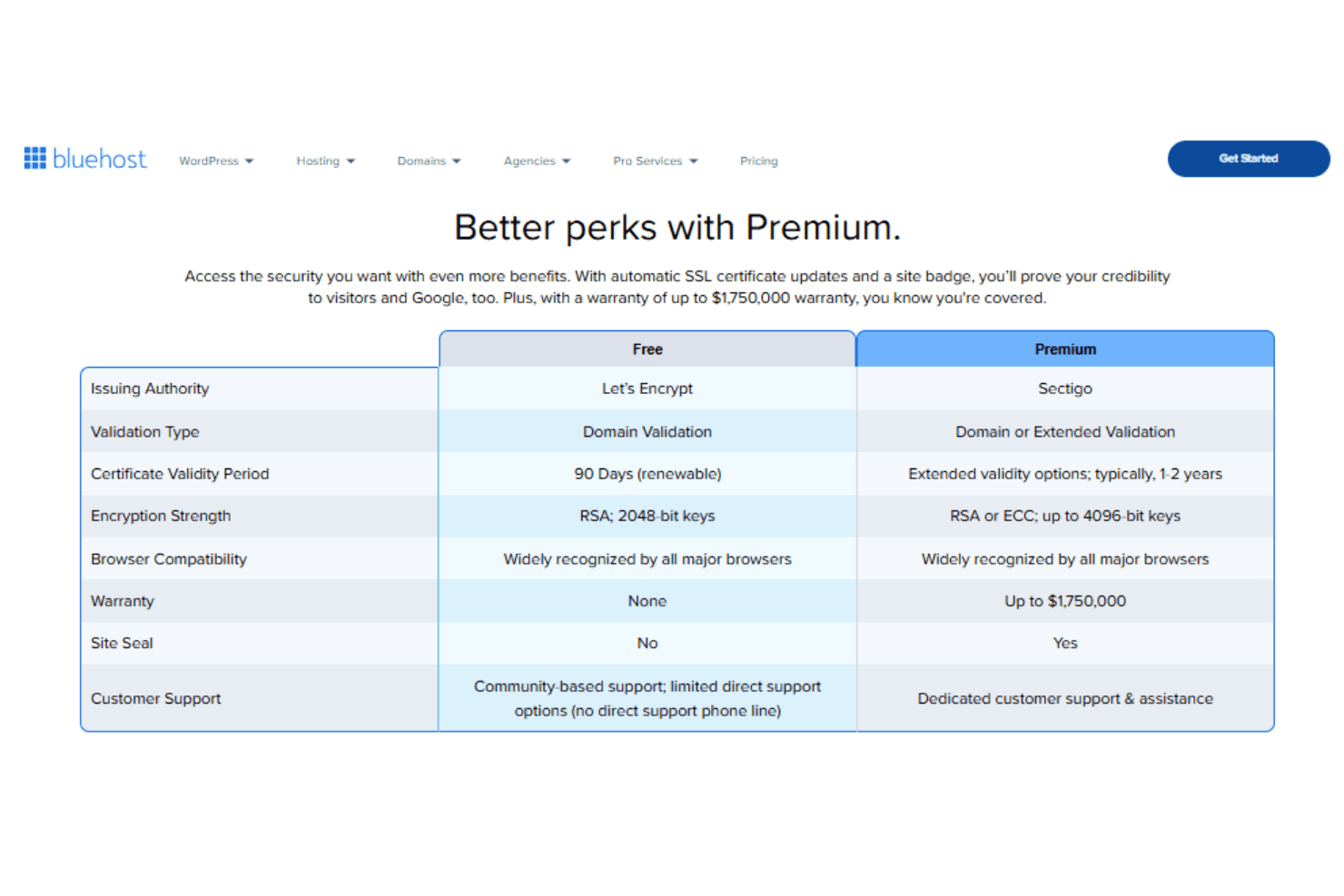
- Free SSL certificate included with all plans.
Cons
- Site speed is slower than some competitors.
- Limited design flexibility for advanced users.
- Renewal pricing increases significantly after the first term.


How We Test & Score Tools
We’ve spent years building, refining, and improving our software testing and scoring system. The rubric is designed to capture the nuances of software selection and what makes a tool effective, focusing on critical aspects of the decision-making process.
Below, you can see exactly how our testing and scoring works across seven criteria. It allows us to provide an unbiased evaluation of the software based on core functionality, standout features, ease of use, onboarding, customer support, integrations, customer reviews, and value for money.
Core Functionality (25% of final scoring)
The starting point of our evaluation is always the core functionality of the tool. Does it have the basic features and functions that a user would expect to see? Are any of those core features locked to higher-tiered pricing plans? At its core, we expect a tool to stand up against the baseline capabilities of its competitors.
Standout Features (25% of final scoring)
Next, we evaluate uncommon standout features that go above and beyond the core functionality typically found in tools of its kind. A high score reflects specialized or unique features that make the product faster, more efficient, or offer additional value to the user.
We also evaluate how easy it is to integrate with other tools typically found in the tech stack to expand the functionality and utility of the software. Tools offering plentiful native integrations, 3rd party connections, and API access to build custom integrations score best.
Ease of Use (10% of final scoring)
We consider how quick and easy it is to execute the tasks defined in the core functionality using the tool. High scoring software is well designed, intuitive to use, offers mobile apps, provides templates, and makes relatively complex tasks seem simple.
Onboarding (10% of final scoring)
We know how important rapid team adoption is for a new platform, so we evaluate how easy it is to learn and use a tool with minimal training. We evaluate how quickly a team member can get set up and start using the tool with no experience. High scoring solutions indicate little or no support is required.
Customer Support (10% of final scoring)
We review how quick and easy it is to get unstuck and find help by phone, live chat, or knowledge base. Tools and companies that provide real-time support score best, while chatbots score worst.
Customer Reviews (10% of final scoring)
Beyond our own testing and evaluation, we consider the net promoter score from current and past customers. We review their likelihood, given the option, to choose the tool again for the core functionality. A high scoring software reflects a high net promoter score from current or past customers.
Value for Money (10% of final scoring)
Lastly, in consideration of all the other criteria, we review the average price of entry level plans against the core features and consider the value of the other evaluation criteria. Software that delivers more, for less, will score higher.
Core Features
One-Click WordPress Installation
Set up a WordPress site in minutes with a single click. This feature removes manual setup steps and is ideal for beginners.
Free SSL Certificate
Every plan includes a free SSL certificate to secure your site. This helps protect user data and builds visitor trust.
AI Site Creation Tools
Use built-in AI tools to generate website layouts and content suggestions. These tools speed up the design process for new sites.
99.99% Uptime Guarantee
Bluehost promises 99.99% uptime, ensuring your site stays online. This reliability is backed by a service level agreement.
Free Domain for First Year
Get a free domain name for the first year with most hosting plans, with domain privacy available as an add-on. This simplifies the process of launching a new website.
24/7 Customer Support
Access live chat and phone support any time, day or night. Support is available for troubleshooting, setup, and account questions.
Ease of Use
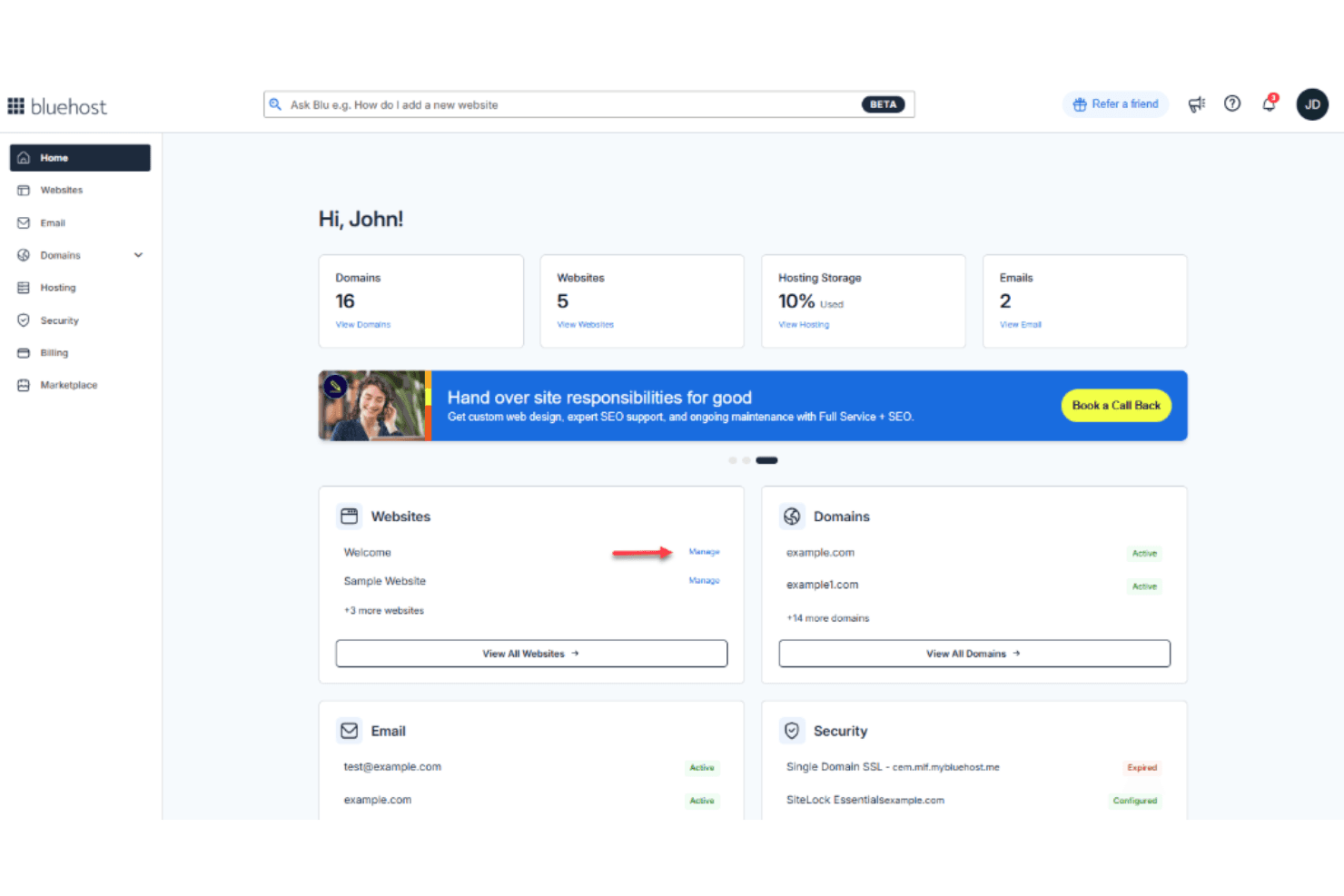
Bluehost is widely recognized for its straightforward onboarding and intuitive dashboard, making it approachable for users with limited technical experience. The guided setup, clear navigation, and built-in AI site creation tools help users launch sites quickly. Many reviewers highlight the simplicity of managing domains, SSL, and WordPress installs from a single interface. While advanced users may find some options lacking, Bluehost’s focus on clarity and step-by-step guidance makes it a top pick for beginners and small teams.
Integrations
Bluehost integrates with WordPress, WooCommerce, Yoast SEO, Google Workspace, PayPal, SiteLock, and Amazon SES, among others.
Bluehost does not offer a public API but connects with many third-party tools through its marketplace and plugin ecosystem.
Bluehost Specs
- API: Yes
- Bulk Domain Management: Yes
- Calendar Management: Yes
- Dashboard: Yes
- External Integrations: Yes
- Multi-User: Yes
- Notifications: Yes
- Scheduling: Yes


