

Un generatore di loghi con IA è uno strumento digitale che utilizza l'intelligenza artificiale per creare loghi personalizzati in pochi minuti. Se stai cercando il miglior generatore di loghi con IA, probabilmente vuoi ottenere rapidamente un aspetto professionale, senza dover assumere un designer o districarti tra software complicati.
In questa guida troverai le mie scelte migliori per 2026, con una panoramica chiara delle funzionalità, del controllo creativo e degli aspetti che distinguono ogni strumento. Che tu abbia bisogno di un kit completo per il tuo brand o di un logo rapido per il tuo sito, scoprirai quali generatori di loghi con IA offrono davvero qualità e facilità d'uso.
Perché fidarsi dei nostri consigli sui software
6,700+
Reviews
20
Industry experts
16+
Evaluation factors
14
Years
Il nostro team testa e recensisce software dal 2012. In quanto leader del marketing noi stessi, sappiamo quanto sia difficile — e importante — scegliere il software giusto.
Per questa guida, abbiamo valutato gli strumenti attraverso test pratici e ricerche indipendenti, assegnando un punteggio agli strumenti in base ai nostri criteri di selezione.
Le nostre recensioni riflettono il nostro giudizio editoriale umano, non un discorso di vendita.
Revisori esperti:
 Gui DrusinaDirettore creativo
- Shriya GhateSenior Marketing Lead
 Amanda JacquesResponsabile Marketing Ops

Tabella di confronto: generatori di loghi con IA
Questa tabella di confronto riassume i dettagli sui prezzi delle mie migliori selezioni di generatori di loghi con IA.
| Tool | Best For | Trial Info | Price | ||
|---|---|---|---|---|---|
| 1 | Ideale per la modifica di loghi basata su template | Prova gratuita di 7 giorni + piano free disponibile | Da $10.99/mese | Website | |
| 2 | Ideale per download gratuiti di loghi | Piano gratuito disponibile | Prezzo su richiesta | Website | |
| 3 | Ideale per le opzioni di personalizzazione del logo | Non disponibile | Prezzo su richiesta | Website | |
| 4 | Ideale per asset di branding pronti per il business | Piano gratuito + prova gratuita di 30 giorni disponibile | Da $199/anno | Website | |
| 5 | Ideale per integrazione sito web e logo | Piano gratuito disponibile | A partire da $9/mese | Website | |
| 6 | Ideale per kit brand completi con download del logo | Piano gratuito disponibile | Prezzo su richiesta | Website | |
| 7 | Ideale per esportare loghi in più formati | Non disponibile | Da $8.30/mese (fatturazione annuale) | Website | |
| 8 | Ideale per generare stili di logo unici | Non disponibile | Da $35/logo una tantum | Website | |
| 9 | Ideale per il supporto al branding multilingue | Demo gratuita disponibile | Da $29/mese | Website | |
| 10 | Ideale per flussi di lavoro automatizzati di creazione loghi | Non disponibile | Prezzo su richiesta | Website |


Recensioni dei migliori generatori di loghi con IA
\u003cspan data-slate-fragment=\u0022JTVCJTdCJTIyY2hpbGRyZW4lMjIlM0ElNUIlN0IlMjJ0ZXh0JTIyJTNBJTIyQmVsb3clMjBhcmUlMjBteSUyMGRldGFpbGVkJTIwc3VtbWFyaWVzJTIwb2YlMjB0aGUlMjBiZXN0JTIwQUklMjBsb2dvJTIwZ2VuZXJhdG9ycyUyMHRoYXQlMjBtYWRlJTIwaXQlMjBvbnRvJTIwbXklMjBzaG9ydGxpc3QuJTIwTXklMjByZXZpZXdzJTIwb2ZmZXIlMjBhJTIwZGV0YWlsZWQlMjBsb29rJTIwYXQlMjB0aGUlMjBmZWF0dXJlcyUyQyUyMGNyZWF0aXZlJTIwY2FwYWJpbGl0aWVzJTJDJTIwYW5kJTIwcHJpY2luZyUyMG9mJTIwZWFjaCUyMHRvb2wlMjB0byUyMGhlbHAlMjB5b3UlMjBmaW5kJTIwdGhlJTIwYmVzdCUyMG9uZSUyMGZvciUyMHlvdS4lMjIlN0QlNUQlMkMlMjJ0eXBlJTIyJTNBJTIycCUyMiUyQyUyMmlkJTIyJTNBJTIyTWN3cmxpdExqSyUyMiU3RCU1RA==\u0022\u003eDi seguito trovi i miei riepiloghi dettagliati dei migliori generatori di loghi con IA entrati nella mia selezione. Le mie recensioni offrono un’analisi approfondita delle funzionalità, delle capacità creative e dei prezzi di ogni strumento, per aiutarti a trovare quello più adatto a te.\u003c/span\u003e
 Ideale per la modifica di loghi basata su template
- Prova gratuita di 7 giorni + piano free disponibile
- Da $10.99/mese
Visit WebsiteCustomer Rating:4.5/5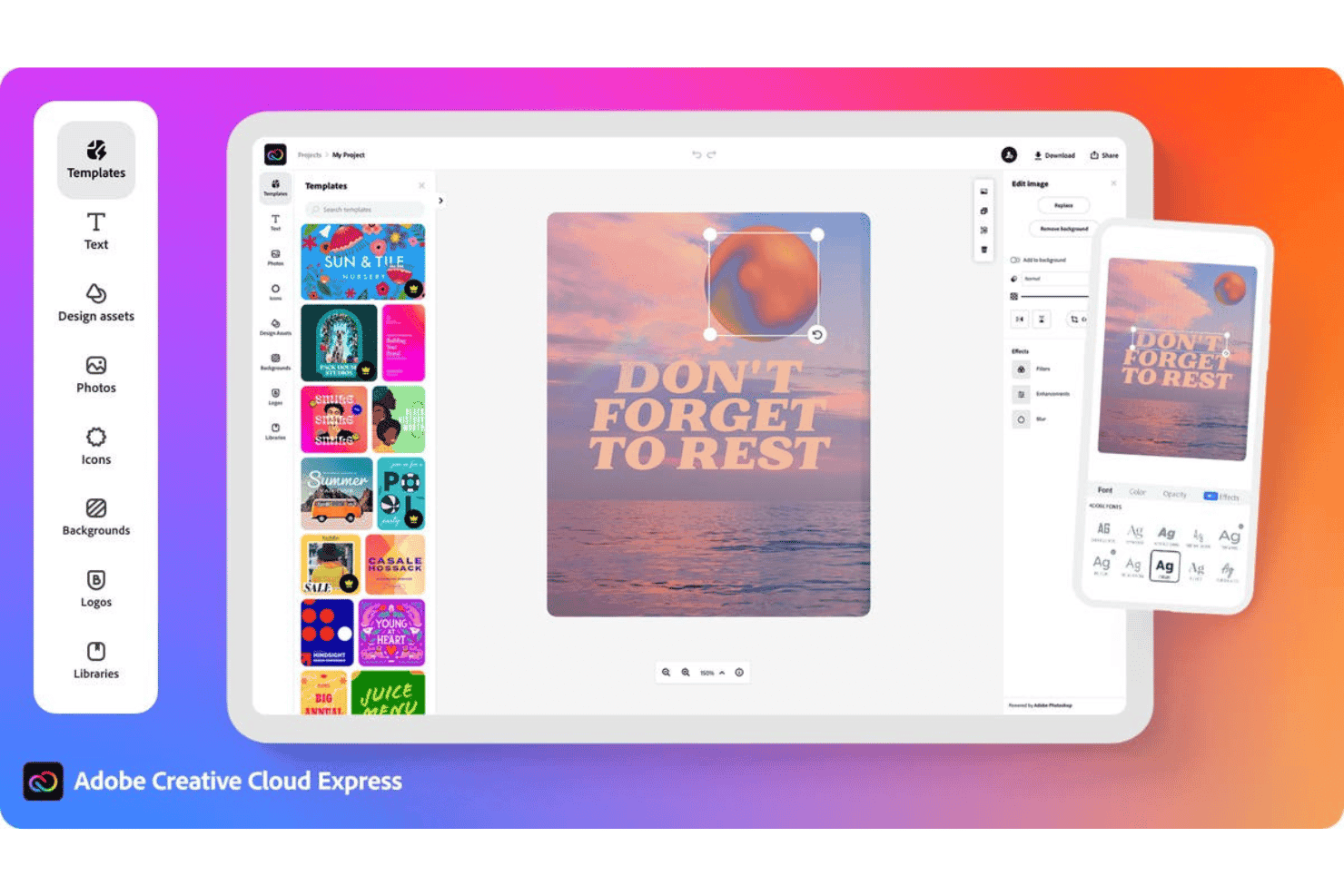
Adobe Express offre un editor di design basato sul web con template, testo, foto, icone e strumenti di modifica font per creare grafiche per i social media. Adobe Express è una piattaforma di design con un creatore di loghi AI integrato che combina l’intelligenza artificiale generativa basata su Firefly con un’ampia libreria di template, permettendoti di creare, personalizzare e animare loghi insieme ad altri asset per il brand.
A chi si rivolge Adobe Express?
Adobe Express è ideale per i fondatori di startup e i proprietari di piccole imprese che hanno bisogno di costruire rapidamente elementi visivi del marchio senza una formazione specifica nel design.
Perché ho scelto Adobe Express
Adobe Express si guadagna un posto nella mia selezione perché la libreria di template offre una solida base creativa già prima che l’AI intervenga sul tuo logo. Mi piace la possibilità di caricare immagini di riferimento per guidare la generazione di Firefly, così il risultato rispecchia davvero il tuo stile desiderato invece di produrre interpretazioni AI casuali. La funzione Resize con un solo clic adatta poi il tuo logo finito per i diversi formati dei canali senza dover ricostruire nulla da zero.
Funzionalità principali di Adobe Express
- Prompt di input per il brand: Raccoglie nome, preferenze di stile e immagini di riferimento per personalizzare la generazione AI.
- Generatore di loghi basato su template: Permette di partire da migliaia di varianti progettuali adattate al tuo settore o stile.
- Integrazione Brand Kit: Crea e applica palette di colori, tipografia e varianti di logo a tutti i progetti di design della piattaforma.
- Opzioni di esportazione multi-formato: Consente di esportare i loghi in formato PNG, JPG, PDF o MP4 per l’uso su canali digitali e stampa.
Integrazioni di Adobe Express
Adobe Express si integra nativamente con Adobe Creative Cloud e offre pubblicazione diretta su piattaforme come TikTok, Google Drive e Facebook. Un’API per integrazioni personalizzate non è chiaramente documentata.
Pros and Cons
Pros:
- Enorme libreria di template logo personalizzabili
- L’AI Firefly genera concept di loghi in linea con il brand
- Anima i loghi direttamente sulla piattaforma
Cons:
- Non progettato esclusivamente per la creazione di loghi
- Richiede passaggi extra per loghi stand-alone
Learn more about Adobe Express: Ideale per download gratuiti di loghi
- Piano gratuito disponibile
- Prezzo su richiesta
Visit WebsiteCustomer Rating:4.3/5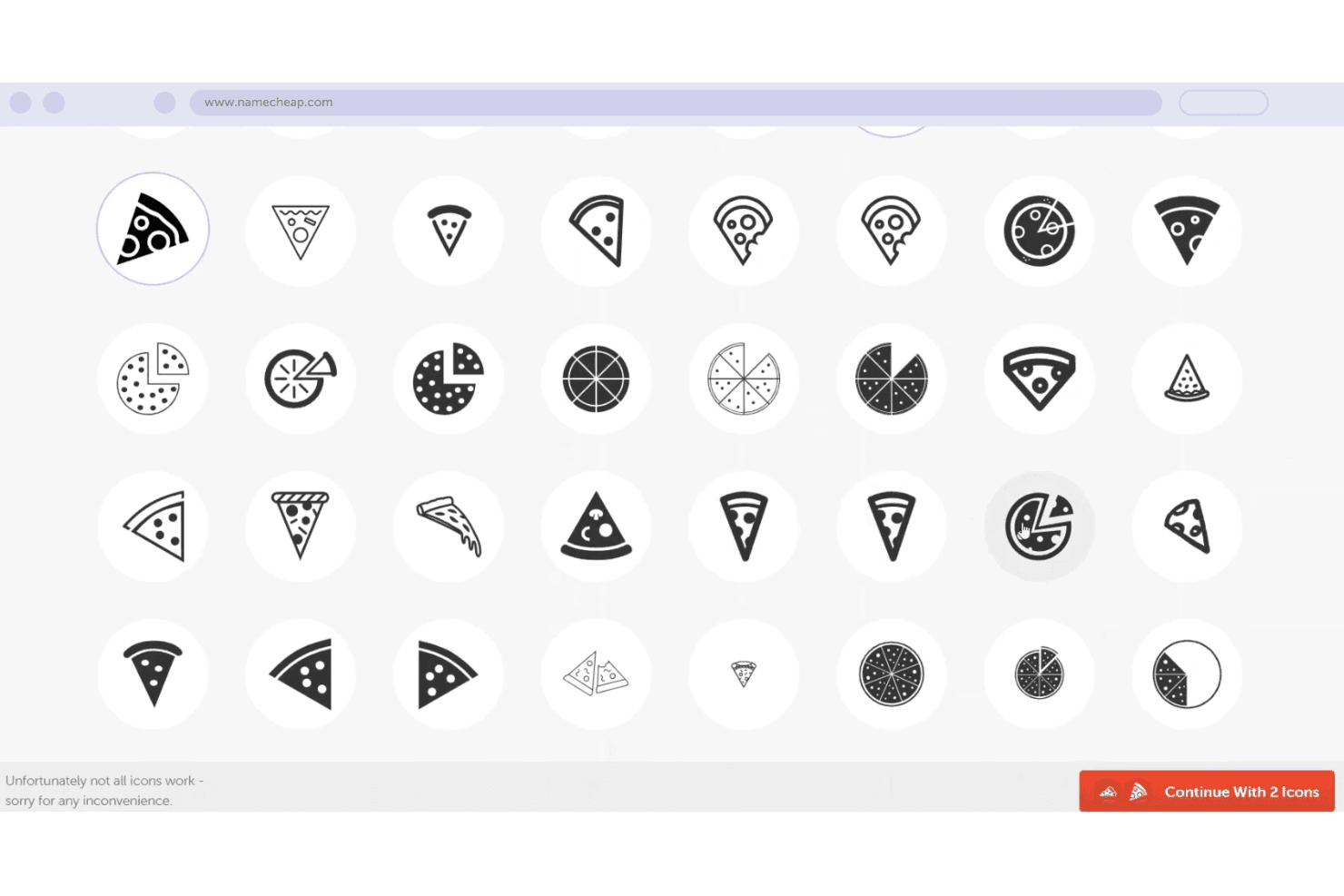
Namecheap offre uno strumento di selezione icona a tema pizza con molte varianti di stile tra cui scegliere per un logo o un brand di dominio. Namecheap Logo Maker è un generatore di loghi AI gratuito che crea design originali partendo dall'inserimento del nome dell'azienda, settore e preferenze di stile, con controlli di personalizzazione per font, colori, icone e layout.
Per chi è migliore Namecheap?
Namecheap Logo Maker è adatto a fondatori di startup e imprenditori individuali che hanno bisogno di un logo dall'aspetto professionale senza disporre di un budget per il design.
Perché ho scelto Namecheap
Ho scelto Namecheap Logo Maker perché è uno dei pochi generatori di loghi AI che fornisce file vettoriali SVG reali completamente gratis, senza alcuna filigrana. La maggior parte degli strumenti gratuiti blocca l'esportazione dei vettoriali dietro un paywall. Ho scaricato loghi sia in formato PNG che SVG senza ricevere alcun avviso di aggiornamento, e non ci sono limiti al numero di versioni che posso generare e scaricare.
Funzionalità principali di Namecheap
- Logo design basato su AI: Genera loghi originali in base al nome della tua azienda, al settore e alle preferenze di stile.
- Tavolozze di colori personalizzate: Permette di applicare e modificare schemi di colori preimpostati o personalizzati direttamente nell'editor.
- Accesso alla libreria di icone: Offre migliaia di icone integrate per personalizzare il concept del tuo logo.
- Anteprime realistiche del mockup: Mostra come appare il tuo logo su T-shirt, biglietti da visita e siti web prima del download.
Integrazioni Namecheap
Le integrazioni native non sono chiaramente documentate per Namecheap Logo Maker e non viene menzionato Zapier né un'API per integrazioni personalizzate.
Pros and Cons
Pros:
- Download SVG e PNG completamente gratuiti
- Genera istantaneamente oltre 100 variazioni di logo
- Nessuna informazione di pagamento richiesta per il download
Cons:
- Le esportazioni di dimensioni personalizzate non sono supportate
- Non sono disponibili varianti di formato per social media nell'esportazione
Learn more about namecheap: Ideale per le opzioni di personalizzazione del logo
- Non disponibile
- Prezzo su richiesta
Visit WebsiteCustomer Rating:2.8/5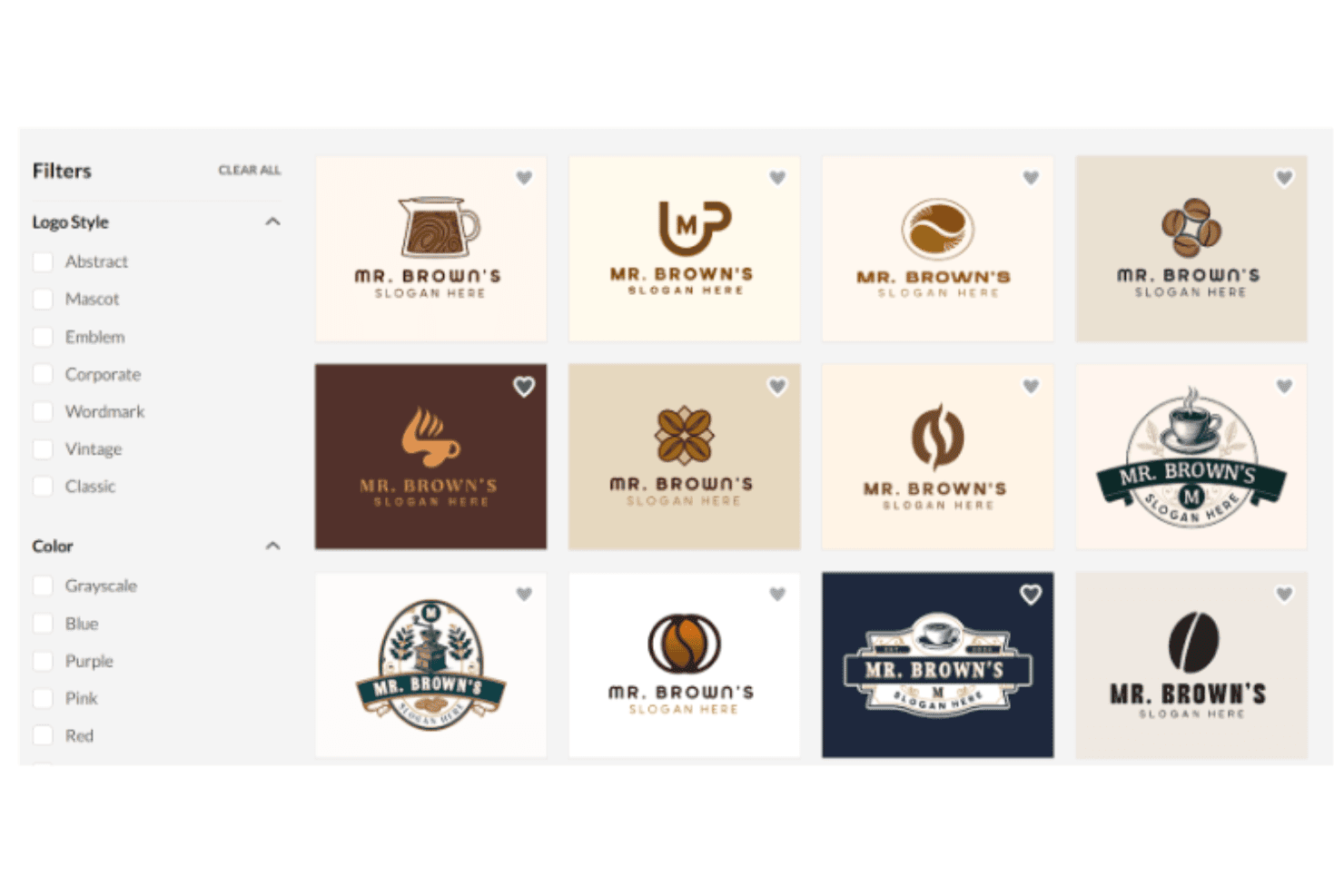
BrandCrowd offre un’interfaccia per la creazione di loghi con modelli di loghi per caffetterie filtrabili, mostrati in un layout a griglia. BrandCrowd è un generatore di loghi AI che combina una libreria di oltre 380.000 modelli creati da designer con un sistema di abbinamento basato sull’intelligenza artificiale, un editor di loghi drag-and-drop e una suite di strumenti per la creazione dell’identità visiva, che coprono tutto, dai grafici per i social media ai biglietti da visita.
Per chi è più indicato BrandCrowd?
BrandCrowd è adatto a fondatori di startup e piccoli imprenditori che hanno bisogno di realizzare un logo professionale e materiali di branding di supporto, senza avere un background in design.
Perché ho scelto BrandCrowd
BrandCrowd si è guadagnato un posto nella mia lista ristretta grazie alla profondità del suo editor di loghi, che si distingue rispetto alla maggior parte degli strumenti AI per loghi che ho provato. Posso modificare font, colori, icone e layout, applicare gradienti, testo curvo e slogan, tutto nella stessa sessione. L’editor chat AI, inoltre, permette di inserire richieste dirette come 'rendi l’icona più grande' o 'passa a una palette più scura' e vedere i cambiamenti applicati immediatamente, rendendo l’iterazione sul design molto più rapida rispetto a ripartire da zero.
Funzionalità principali di BrandCrowd
- Esportazioni di file vettoriali pronti per la produzione: Scarica i loghi nei formati SVG, EPS e PDF per l’uso su stampa, web e merchandising.
- Generazione completa di kit di asset del marchio: Genera automaticamente biglietti da visita, modelli per social media, carta intestata e firme email da qualsiasi logo scelto.
- Condizionamento per settore e stile: Scegli fra categorie di settore preimpostate e parole chiave di stile per visualizzare modelli di logo pertinenti e in linea con il tuo brand.
- Procedura di controllo del marchio registrato: I loghi sono sottoposti a verifiche di proprietà intellettuale per ridurre il rischio di conflitti di marchio prima dell’uso commerciale.
Integrazioni di BrandCrowd
Le integrazioni native non sono chiaramente documentate. BrandCrowd offre un’API per integrazioni personalizzate.
Pros and Cons
Pros:
- Enorme libreria di modelli con oltre 380.000 design
- Editor chat AI integrato
- Crea automaticamente anteprime di mockup di prodotti fisici
Cons:
- La generazione AI è meno originale rispetto alla concorrenza
- È necessario acquistare per scaricare i file in alta risoluzione
Learn more about BrandCrowd: Ideale per asset di branding pronti per il business
- Piano gratuito + prova gratuita di 30 giorni disponibile
- Da $199/anno
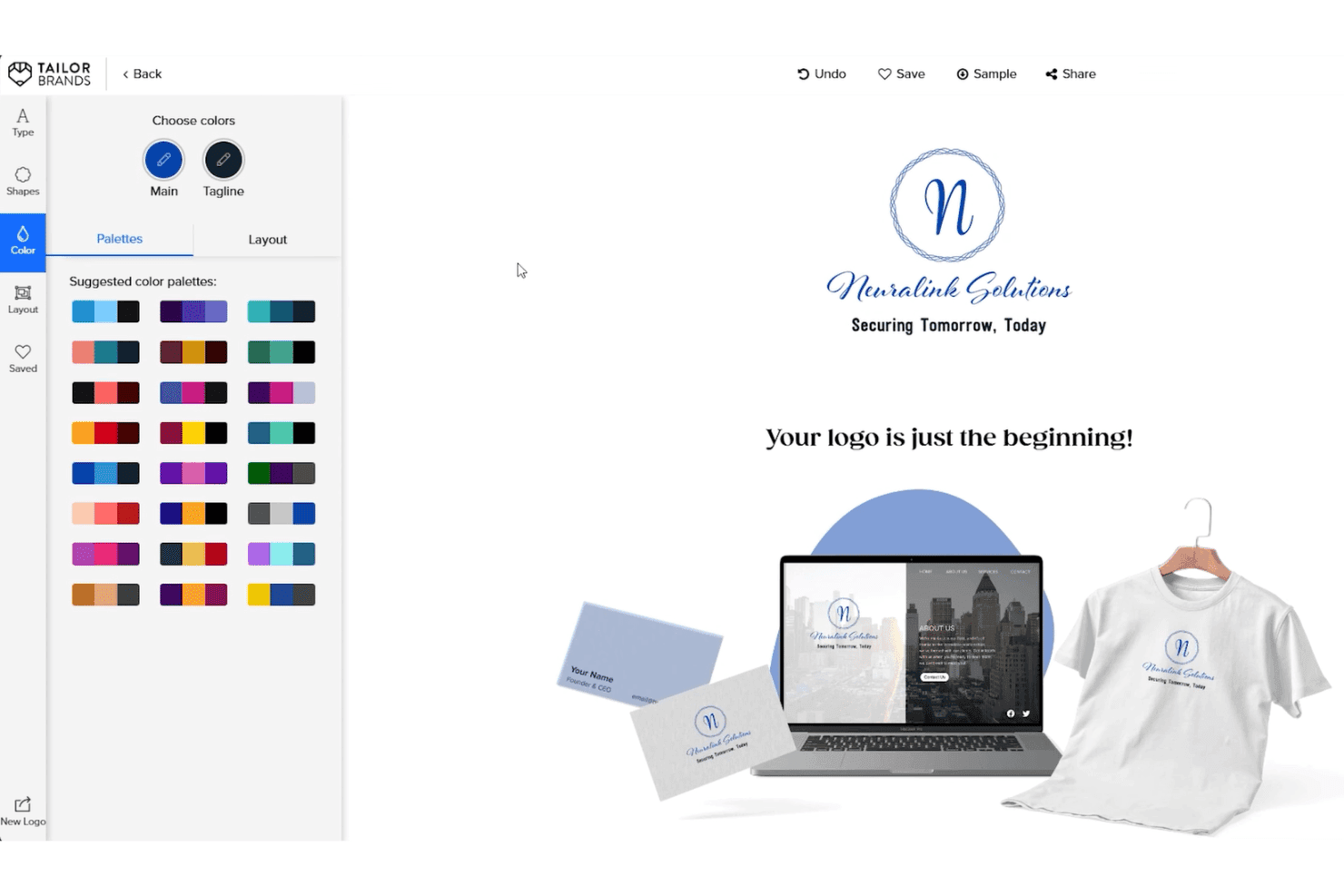
Tailor Brands offre uno strumento di personalizzazione della palette colori del logo con anteprime in tempo reale su biglietti da visita, siti web e abbigliamento. Tailor Brands è un generatore di loghi basato su IA che abbina il suo motore di creazione dei loghi a un kit completo di strumenti per il branding, compresi brand book, asset per i social media, biglietti da visita e servizi per la costituzione di LLC.
Per chi è Tailor Brands?
Tailor Brands è adatto a fondatori di startup e piccoli imprenditori che necessitano di un logo e di asset di branding pronti all'uso fin dal primo giorno.
Perché ho scelto Tailor Brands
Ho incluso Tailor Brands tra le mie scelte migliori perché il generatore di loghi con IA non si limita al solo logo. Una volta finalizzato il design, la piattaforma produce un brand book, carta intestata, biglietti da visita e 21 formati social media pre-ridimensionati insieme ai file vettoriali (EPS e SVG) con pieni diritti commerciali. In particolare apprezzo la funzione di logo stagionale, che mi permette di adattare il marchio a campagne specifiche senza dover ricominciare il processo di design da capo.
Caratteristiche principali di Tailor Brands
- Selezione dello stile del logo: Scegli tra wordmark, monogramma e loghi basati su icona per guidare il processo creativo dell’IA.
- Questionario per il brand: Inserisci nome azienda, tipo, descrizione, settore e preferenze di stile per indirizzare la generazione del logo.
- 21 formati logo per i social media: Ricevi immediatamente download nei formati dimensionati appositamente per ogni piattaforma per la pubblicazione diretta sui social.
- Esportazioni vettoriali con sfondo trasparente: Scarica loghi in SVG ed EPS ad alta risoluzione con sfondi trasparenti per un utilizzo versatile.
Integrazioni di Tailor Brands
Le integrazioni native non sono chiaramente documentate. Un'API per integrazioni personalizzate non è pubblicizzata.
Pros and Cons
Pros:
- Fornisce un kit di branding completo insieme ai loghi
- Include la funzione di variazione stagionale del logo
- Esporta file vettoriali con diritti commerciali
Cons:
- I risultati dell’IA dipendono da una libreria di icone limitata
- Nessun design di loghi offline o modifica dei documenti
Learn more about Tailor Brands: Ideale per integrazione sito web e logo
- Piano gratuito disponibile
- A partire da $9/mese
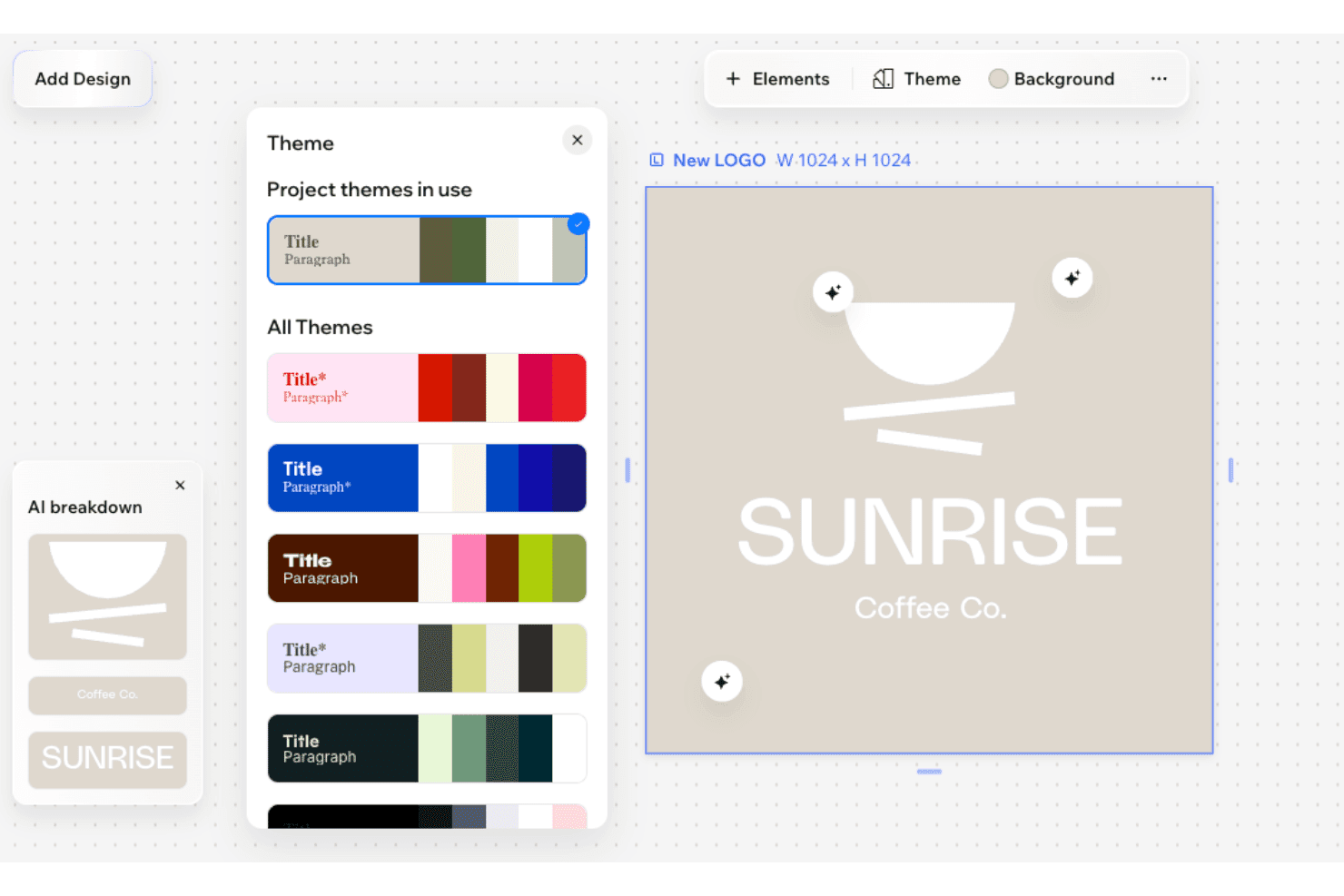
Wix Wixel mostra un pannello Tema con palette di colori e un logo generato dall’IA per 'Sunrise Coffee Co.' su sfondo beige. Wix Wixel è una piattaforma di design visivo basata sull'intelligenza artificiale che genera loghi, kit di branding e risorse creative in vari formati utilizzando una selezione di modelli AI tra cui OpenAI, Gemini, Recraft e Ideogram.
Per chi è ideale Wix Wixel?
Wix Wixel è adatto a fondatori alle prime armi e proprietari di piccole imprese che hanno bisogno di creare un logo e una presenza web da un'unica piattaforma.
Perché ho scelto Wix Wixel
Wix Wixel si guadagna il suo posto nella mia shortlist per quanto sia strettamente collegato il builder di loghi al lancio completo di un sito web. Con il piano Pro annuale, ottengo incluso un piano Wix Light Premium gratuito e un voucher per il dominio, così posso passare dal concept del logo al sito online senza cambiare strumenti. Mi piace anche che l'IA di Wixel generi un tema di brand completo a partire dal mio logo, inclusi colori e tipografia, applicandolo a tutti gli asset creativi che realizzo nella suite.
Funzionalità principali di Wix Wixel
- Selezione multi-modello del motore AI: Permette di scegliere tra OpenAI, Gemini, ByteDance, Recraft o Ideogram per generare risorse di design.
- Creazione del logo guidata dall'input del brand: Raccoglie nome aziendale, settore e preferenze di stile per personalizzare la generazione del logo.
- Strumenti di modifica manuale del logo: Supporta la personalizzazione diretta su tela di font, colori, icone e layout sui loghi generati dall'IA.
- Download in vettoriale e con trasparenza: Permette il download in formati SVG, PNG e JPG con sfondo trasparente per un utilizzo versatile.
Integrazioni di Wix Wixel
Le integrazioni native non sono chiaramente documentate. Un'API per integrazioni personalizzate non è pubblicizzata.
Pros and Cons
Pros:
- Il logo si sincronizza direttamente con il builder di siti Wix
- Scelta tra i migliori modelli di intelligenza artificiale
- Molteplici modelli AI disponibili per la generazione
Cons:
- Gli strumenti di modifica del logo sono meno avanzati rispetto ai concorrenti
- Il miglior rapporto qualità-prezzo legato a un abbonamento web
Learn more about Wix Wixel: Ideale per kit brand completi con download del logo
- Piano gratuito disponibile
- Prezzo su richiesta

Looka offre un editor di design per loghi con variazioni di layout, schemi di colori e un'anteprima in tempo reale per marchi personalizzabili di matrimoni o coppie. Looka è un generatore di loghi basato sull'intelligenza artificiale che crea loghi partendo da input come nome del brand, settore, preferenze di stile e scelte cromatiche, abbinando ogni logo a un kit completo di asset visivi a supporto del marchio.
Per chi è ideale Looka?
Looka è particolarmente adatto a startup e piccoli imprenditori che necessitano di una brand identity visiva completa senza dover collaborare con un designer professionista.
Perché ho scelto Looka
Looka merita un posto nella mia shortlist perché nessun altro tool AI per loghi che ho provato raggiunge la stessa completezza del Brand Kit. Dopo aver finalizzato un logo, ricevo palette di colori, accostamenti tipografici, linee guida per il brand e oltre 300 template pronti all'uso che coprono tutto, dai post social alle intestazioni e fatture. Le opzioni per scaricare i file sono altrettanto complete: nei pacchetti Premium sono inclusi file PNG, SVG, PDF ed EPS con sfondi trasparenti e molteplici variazioni di colore.
Funzionalità principali di Looka
- Generazione di loghi basata su AI: Genera diversi loghi originali in base al nome, al settore, alle preferenze di stile e ai simboli della tua attività.
- Controlli di design personalizzabili: Consente di modificare font, colori, icone e layout direttamente sulla piattaforma prima di finalizzare il design.
- Download dei loghi in diversi formati: Esporta file ad alta risoluzione nei formati PNG, SVG, PDF ed EPS per un uso immediato del brand.
- Filtri su stile e varianti: Offre descrittori di stile e filtri per raffinare e rigenerare i concept del logo finché non trovi quello giusto.
Integrazioni Looka
Le integrazioni native non sono chiaramente documentate. È disponibile un'API per integrare soluzioni personalizzate.
Pros and Cons
Pros:
- Le icone sono condivise tra tutti i loghi generati da Looka
- Il nome dell'azienda è bloccato dopo l'acquisto
- L'accesso al kit del brand completo richiede un abbonamento continuativo
Cons:
- Nessun download gratuito dei vettoriali nel piano base
- Assenza di esportazione del codice personalizzato per siti web costruiti
Learn more about Looka: Ideale per esportare loghi in più formati
- Non disponibile
- Da $8.30/mese (fatturazione annuale)
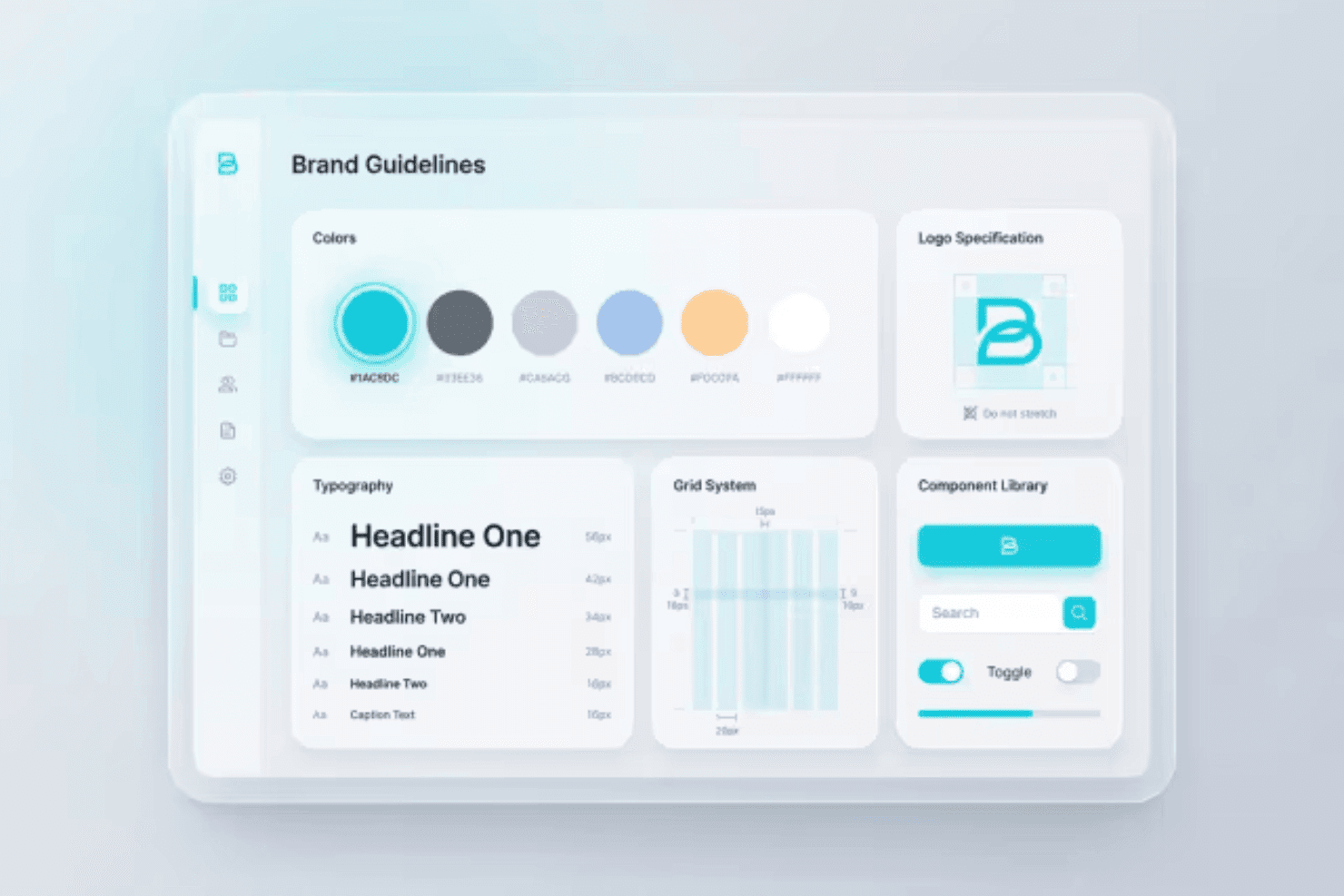
Designs.ai mostra una dashboard delle Linee Guida del Brand con palette colori, scale tipografiche, specifiche dei loghi, griglie di sistema e una libreria di componenti. Designs.ai Logomaker è uno strumento di branding supportato dall'intelligenza artificiale che genera concetti di logo a partire dagli input del brand, offre esportazioni in diversi formati e produce un kit completo di branding che include palette di colori, abbinamenti tipografici e varianti del logo.
Per Chi È Pensato Designs.ai?
Designs.ai Logomaker è adatto a fondatori di startup e proprietari di piccole imprese che desiderano un pacchetto completo di identità di marca senza un team di design dedicato.
Perché Ho Scelto Designs.ai
Designs.ai Logomaker merita un posto nella mia shortlist per l'estensione delle sue capacità di esportazione. Al termine della creazione di un logo, posso scaricarlo in formati PNG, SVG e PDF, con versioni su sfondo trasparente e specifiche pronte per la stampa incluse in un unico pacchetto. Inoltre, il kit di branding comprende dimensioni del logo per i social media e mockup di merchandising personalizzato insieme a questi file, così non devo ridimensionare manualmente le risorse in un secondo momento.
Caratteristiche Principali di Designs.ai
- Generazione di loghi con IA: Crea loghi originali utilizzando nome del brand, settore e preferenze di stile come input.
- Generatore di kit di branding: Genera automaticamente palette di colori coordinate, tipografie e varianti del logo a partire dal logo selezionato.
- Creazione di design in massa: Produce ampi set di variazioni di loghi e risorse di branding in un unico flusso di lavoro.
- Suite di design integrata: Collega direttamente il risultato del logo ad altri strumenti per creare video, presentazioni e design per i social media.
Integrazioni di Designs.ai
Le integrazioni native non sono chiaramente documentate. È disponibile un'API per integrazioni personalizzate.
Pros and Cons
Pros:
- Generazione rapida di grafiche coordinate
- Connessione diretta all'editor visivo
- Creazione ad alta velocità di risorse in massa
Cons:
- I loghi risultano generici nei diversi settori
- Assenza di un'app dedicata per modifiche in mobilità
Learn more about Designs.ai:
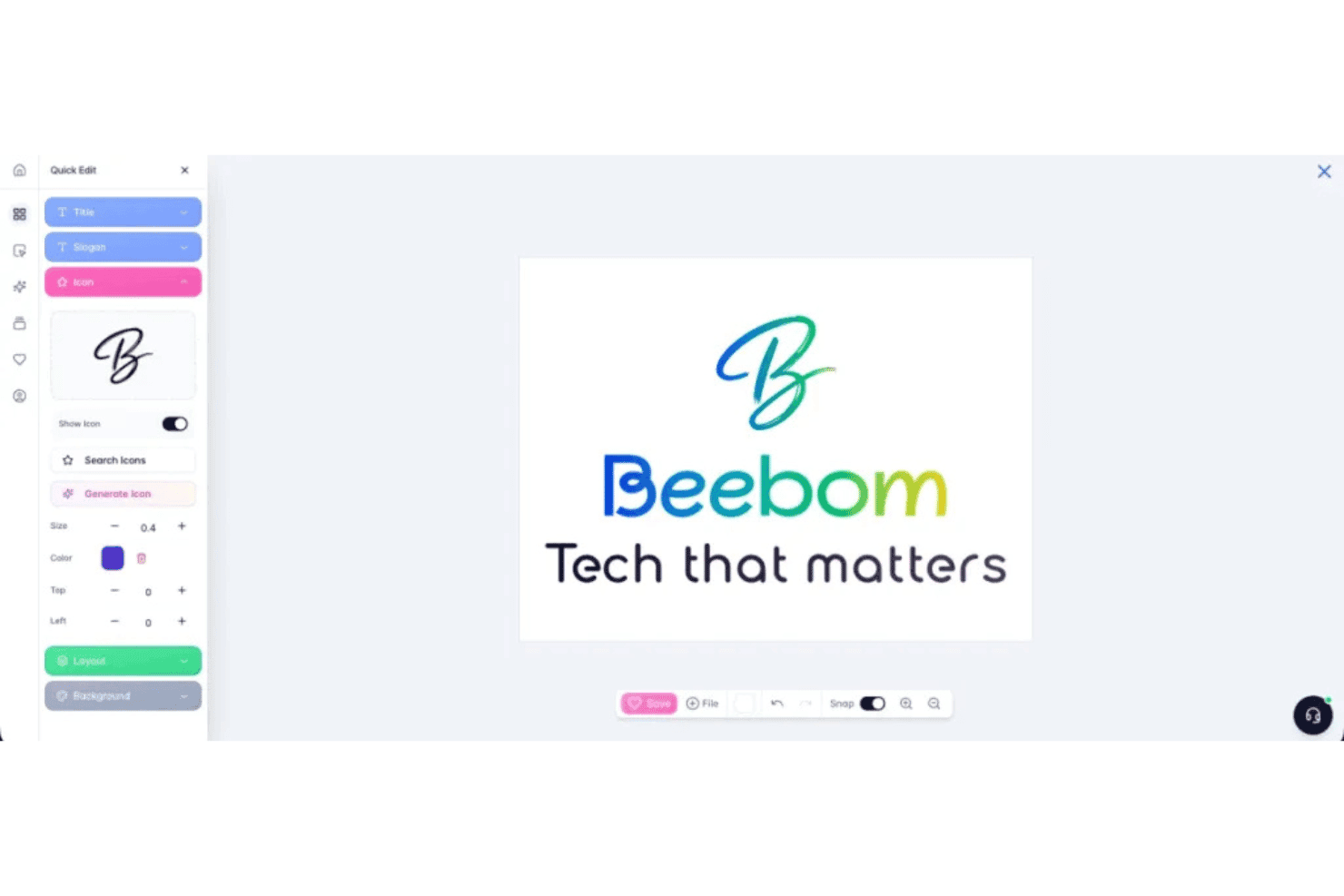
Brandmark consente agli utenti di personalizzare i loghi con strumenti di modifica rapida per titolo, slogan, icona, layout e impostazioni di sfondo. Brandmark è un generatore di loghi AI che combina l'apprendimento profondo con elementi di design realizzati a mano per produrre loghi, palette di colori, tipografia e un set completo di asset per il brand a partire da parole chiave e input di stile.
Per chi è ideale Brandmark?
Brandmark è particolarmente indicato per fondatori di startup e proprietari di piccole imprese che necessitano di una completa identità di brand senza avere una formazione in design o un budget per un'agenzia.
Perché ho scelto Brandmark
Ho scelto Brandmark tra i migliori perché il suo modello di deep learning, addestrato su oltre un milione di immagini di loghi, produce risultati di stile realmente variati invece di semplici template riciclati. L'approccio ibrido, che combina icone AI generative con tipografia artigianale, è ciò che conferisce unicità a ciascun logo. Mi affido anche allo strumento Logo Rank per valutare il punteggio di originalità e segnalare se eventuali icone generate sono prese da fonti di stock.
Caratteristiche principali di Brandmark
- Generatore di kit del brand: Genera automaticamente un set completo di asset di brand tra cui palette di colori, tipografia, biglietti da visita e template per presentazioni.
- Esportazione in più formati: Permette di scaricare i loghi in SVG, PNG e PDF per l'utilizzo su web, stampa e merchandising.
- Revisioni illimitate post-acquisto: Permette la modifica continua del logo e degli asset di brand anche dopo l'acquisto iniziale.
- Editor di loghi nel browser: Consente modifiche dirette, senza software, di testo, font, colori e icone direttamente dal browser.
Integrazioni Brandmark
Le integrazioni native non sono chiaramente documentate. È disponibile un'API per integrazioni personalizzate.
Pros and Cons
Pros:
- Lo strumento Logo Rank valuta l'originalità prima del download
- Genera risultati stilistici variegati in molteplici categorie
- Con l'acquisto una tantum si ottengono tutti i formati di file vettoriali
Cons:
- I controlli di modifica nell'editor sono limitati per aggiustamenti complessi
- Nessun piano gratuito per testare i risultati prima dell'acquisto
Learn more about Brandmark: Ideale per il supporto al branding multilingue
- Demo gratuita disponibile
- Da $29/mese
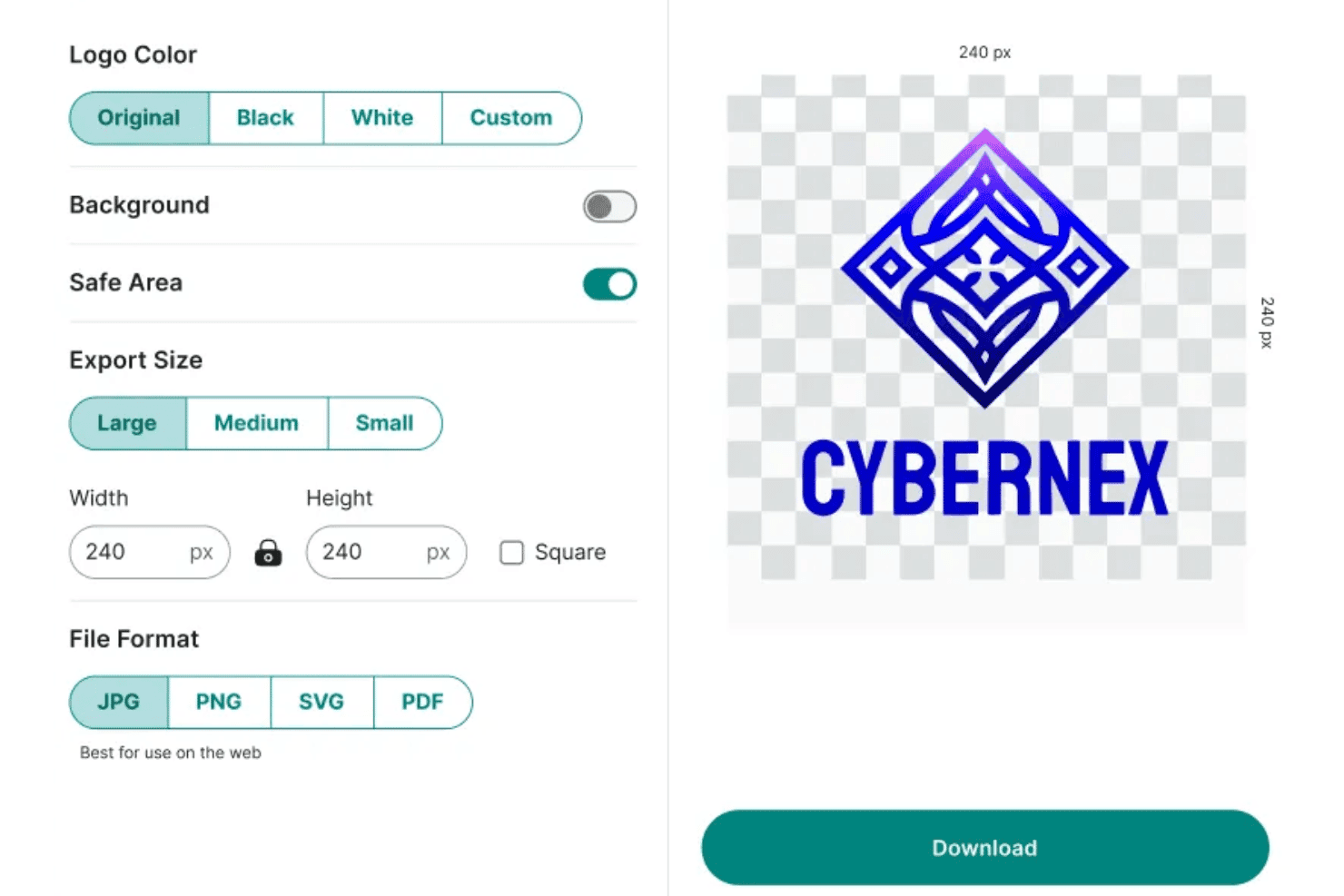
Zoviz offre impostazioni di esportazione del logo tra cui opzioni colore, attivazione/disattivazione dello sfondo, selezione delle dimensioni e scelta dei formati di file per scaricare un logo personalizzato. Zoviz è un generatore di loghi basato su intelligenza artificiale che produce loghi originali a partire dagli input del brand utilizzando template progettati da designer umani e personalizzati dall'IA, fornendo un kit completo di branding che include asset, tipografie, palette di colori e linee guida sul marchio.
Per chi è ideale Zoviz?
Zoviz è particolarmente adatto a founder di startup e marketer di piccole imprese che stanno costruendo identità di brand per pubblici multilingue o internazionali.
Perché ho scelto Zoviz
Ho scelto Zoviz tra i migliori perché il suo supporto multilingue va ben oltre una semplice traduzione. Dispone di generatori di loghi dedicati per oltre 12 mercati linguistici specifici, tra cui arabo, cinese, giapponese e coreano, così tipografie e layout sono pensati fin dall’inizio attorno ai set di caratteri di ciascuna lingua. Mi piace anche che ogni logo sia accompagnato da un Brand Book completo, offrendo a un’azienda che si espande in un nuovo mercato codici colore, regole sui font e linee guida di layout in un singolo download.
Caratteristiche principali di Zoviz
- Esportazione in SVG, EPS e PDF: Scarica i loghi in vari formati vettoriali per utilizzo sia in stampa che digitale.
- Generatore di kit di branding integrato: Crea istantaneamente biglietti da visita, carta intestata, favicon e asset per i social media dal logo definitivo.
- Template AI guidati dallo stile: Guida la creazione del logo tramite categorie di settore e descrittori di stile come minimalista, vintage o mascotte.
- Controlli di modifica del logo: Modifica icone, testo, font, colori e layout direttamente sulla piattaforma senza dover rigenerare il design.
Integrazioni Zoviz
Le integrazioni native non sono chiaramente documentate. È disponibile un'API per integrazioni personalizzate.
Pros and Cons
Pros:
- Generatori di loghi dedicati per oltre 12 lingue
- Ogni logo è accompagnato da un brand book completo
- Crea firme email coordinate istantaneamente
Cons:
- Gli output dell'IA a volte possono risultare troppo dipendenti dai template
- Nessuna scansione per conflitti di marchio disponibile
Learn more about Zoviz: 10Ideale per flussi di lavoro automatizzati di creazione loghi
Logo.com
- Non disponibile
- Prezzo su richiesta
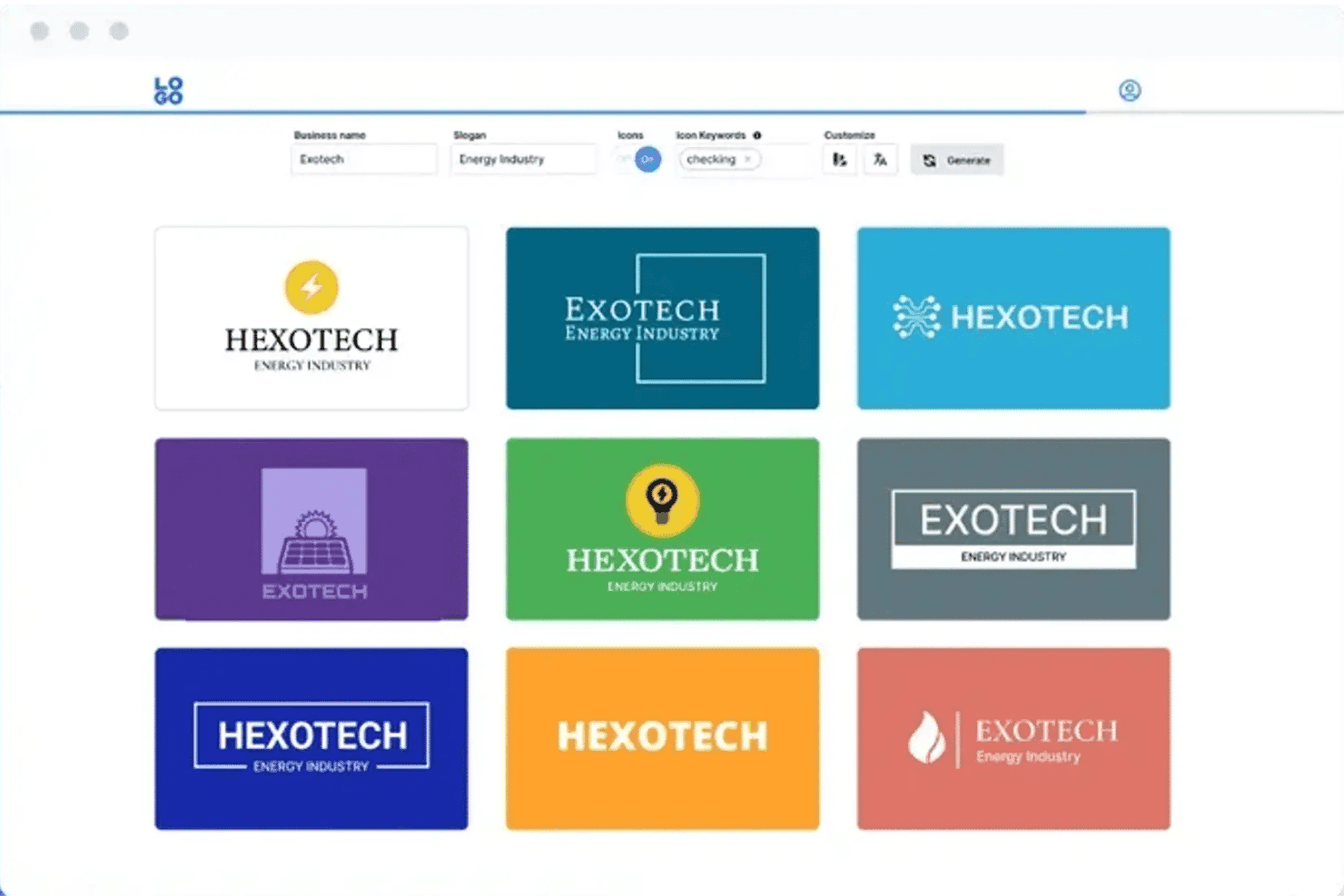
Logo.com offre un generatore di loghi basato su intelligenza artificiale che mostra diverse varianti di design con possibilità di personalizzare nome dell'azienda, slogan e opzioni icona. Logo.com è un generatore di loghi basato su intelligenza artificiale che crea loghi vettoriali completamente personalizzati, disegnati dall'AI a partire da un breve testo, e li abbina a un kit completo di asset del brand, includendo file per i social media, tipografia e linee guida del marchio.
Per chi è Logo.com?
Logo.com è ideale per fondatori alle prime armi e titolari di piccole imprese che devono passare da zero a un'identità di brand completa senza un designer interno.
Perché ho scelto Logo.com
Logo.com merita un posto nella mia selezione per la profondità del suo flusso di lavoro automatizzato. Ho generato un logo e ottenuto più di 250 file pronti all'uso per la produzione, inclusi asset pre-formattati per social come Instagram, LinkedIn e TikTok, tutto in una singola sessione. Quello che lo distingue dalla maggior parte dei concorrenti è che l'intelligenza artificiale disegna icone completamente uniche come veri SVG vettoriali invece di attingere da una libreria di icone già esistenti, quindi ogni risultato è davvero esclusivo per il brand.
Caratteristiche principali di Logo.com
- Questionario di input del brand: Raccoglie il nome dell'azienda, il settore e le preferenze di stile prima di generare i loghi.
- Esportazione in più formati: Consente di scaricare i loghi in PNG, JPG, WebP, SVG, AI e PDF.
- Asset social pre-formattati: Offre file logo già formattati per piattaforme come Facebook, Instagram e LinkedIn.
- Output del brand kit completo: Genera palette di colori, file di font e molteplici versioni di lockup del logo per garantire la coerenza del brand.
Integrazioni di Logo.com
Le integrazioni native non sono chiaramente documentate. È disponibile un'API per integrazioni personalizzate.
Pros and Cons
Pros:
- Genera icone SVG vettoriali originali disegnate dall'AI
- Fornisce oltre 250 file pronti per la produzione a sessione
- Il piano gratuito include download di loghi in bassa risoluzione utilizzabili
Cons:
- I download base sono limitati a bassa risoluzione
- Nessun servizio integrato di verifica marchi
Learn more about Logo.com:
Altri generatori di loghi con IA
\u003cspan data-slate-fragment=\u0022JTVCJTdCJTIyY2hpbGRyZW4lMjIlM0ElNUIlN0IlMjJ0ZXh0JTIyJTNBJTIySGVyZSUyMGFyZSUyMHNvbWUlMjBhZGRpdGlvbmFsJTIwQUklMjBsb2dvJTIwZ2VuZXJhdG9yJTIwb3B0aW9ucyUyMHRoYXQlMjBkaWRuJUUyJTgwJTk5dCUyMG1ha2UlMjBpdCUyMG9udG8lMjBteSUyMHNob3J0bGlzdCUyQyUyMGJ1dCUyMGFyZSUyMHN0aWxsJTIwd29ydGglMjBjaGVja2luZyUyMG91dCUzQSUyMiU3RCU1RCUyQyUyMnR5cGUlMjIlM0ElMjJwJTIyJTJDJTIyaWQlMjIlM0ElMjJ4aUg1T21KRnlpJTIyJTdEJTVE\u0022\u003eEcco alcune opzioni aggiuntive di generatori di loghi con IA che non sono entrate nella mia selezione, ma che vale comunque la pena provare:\u003c/span\u003e
- 11Design.comIdeale per generare loghi specifici per settore
- 12Sketch Logo AIIdeale per file logo vettoriali modificabili
- 13CanvaIdeale per la modifica collaborativa di loghi
- 14DesignEvoIdeale per un'ampia libreria di icone e modelli
- 15logomakerr.aiIdeale per le anteprime di loghi con risorse del marchio
- 16Logomaster.aiIdeale per la creazione guidata di loghi passo dopo passo
- 17SologoAIIdeale per ottenere loghi professionali con un solo clic
Come Valuto i Generatori di Loghi AI
Per entrare nella mia shortlist, un generatore di loghi AI deve andare oltre il semplice scambio di template e produrre effettivamente design originali e in linea con il brand partendo da un semplice prompt. Valuto su due livelli: la funzionalità di base necessaria per qualificarsi e i fattori differenzianti che distinguono i migliori dagli altri.
Funzionalità di Base (Requisiti Fondamentali per Questa Lista)
Quando seleziono gli strumenti per la mia lista, valuto ciascuno su una scala da 0 (non offre la funzionalità) a 5 (eccelle in quest'area) per ogni funzionalità di base elencata di seguito. Poi calcolo il punteggio totale dello strumento in percentuale. Ogni tool deve raggiungere un punteggio totale minimo del 65% per essere preso in considerazione.
- Generazione di Loghi tramite AI: Valuto se lo strumento crea design originali a partire dai prompt invece di limitarsi a combinare template predefiniti e clip art.
- Controlli di Personalizzazione: È importante la possibilità di regolare font, colori, icone, layout e spaziatura—soprattutto quando un cliente ha bisogno di un perfetto allineamento al brand.
- Inserimento Dati del Brand: Cerco strumenti che raccolgono nome del business, settore, preferenze di stile e parole chiave per generare risultati più pertinenti.
- Esportazione in Multi-Formato: I team di marketing hanno bisogno di file compatibili ovunque, quindi verifico la presenza di opzioni di download PNG, SVG, PDF ed EPS con sfondo trasparente.
- Opzioni di Stile e Variazione: Un buon tool genera più concept distinti per ogni prompt, offrendo reali direzioni creative da confrontare, non solo leggere varianti di una stessa idea.
- Produzione di Kit di Asset del Brand: Cerco strumenti che vadano oltre il semplice logo e offrano palette colori, abbinamenti tipografici e varianti del logo come favicon o versioni impilate.
Una volta individuati gli strumenti che soddisfano i criteri, considero cosa distingue ciascuna piattaforma.
Fattori Differenzianti (Cosa Distingue i Fornitori)
Ecco come confronto i diversi fornitori:
Funzionalità Distintive
La condizionatura dello stile è un grande elemento differenziante—cerco strumenti che permettano di guidare i risultati con descrittori come "minimalista" o "vintage", o persino di caricare immagini di riferimento, così da non ottenere risultati a caso. Sono importanti anche i controlli su unicità e marchio, soprattutto se stai costruendo un brand che vuoi registrare. Strumenti come Looka e Brandmark gestiscono in modo diverso l’editing iterativo, quindi valuto quanto puoi perfezionare icone, tipografia e layout direttamente sulla tela senza dover rigenerare tutto da capo ogni volta.
Oltre le Funzionalità
I diritti d’uso commerciale sono un aspetto fondamentale—verifico se il copyright completo viene trasferito a te al momento dell’acquisto o resta alla piattaforma, dato che ciò influisce su tutto, dalla registrazione del marchio alla stampa di merchandising. Anche la struttura dei prezzi conta: alcuni strumenti fanno visualizzare l’anteprima dei loghi gratis ma bloccano il download dei vettoriali dietro un paywall, mentre altri includono i kit del brand in una tariffa una tantum. Inoltre, valuto la facilità d’uso, in particolare i flussi guidati di prompt che aiutano fondatori e marketer senza competenze di design ad arrivare rapidamente a un risultato professionale.
Come scegliere un generatore di loghi con IA
È facile perdersi in lunghi elenchi di funzionalità e strutture tariffarie complesse. Per aiutarti a rimanere concentrato mentre affronti il tuo processo di scelta del software, ecco una lista di fattori da tenere a mente:
| Fattore | Cosa considerare |
|---|---|
| FattoreScalabilità | Cosa considerareLo strumento sarà in grado di gestire l'aumento della domanda per nuovi marchi, sottomarchi o campagne con la crescita della tua attività? Verifica se ci sono limiti al numero di progetti o esportazioni. |
| FattoreIntegrazioni | Cosa considerareSi collega alle suite di progettazione, alle piattaforme CMS o alle stampanti per articoli promozionali utilizzate dal tuo team? L'integrazione diretta fa risparmiare tempo quando si introducono nuovi elementi di branding. |
| FattorePersonalizzazione | Cosa considerarePuoi adattare i risultati dei loghi generati dall'IA alle esigenze di nicchie specifiche, settori particolari o più canali? Evita gli strumenti che vincolano eccessivamente i risultati a opzioni generiche. |
| FattoreSemplicità d'uso | Cosa considerareL'interfaccia è intuitiva per chi non è un designer? Cerca strumenti con flussi di lavoro guidati e controlli di modifica chiari, che non richiedano una formazione nella progettazione. |
| FattoreImplementazione e configurazione iniziale | Cosa considerareQuanto tempo servirà al tuo team per acquisire le competenze necessarie? Valuta se sono disponibili risorse o supporto per la configurazione iniziale, così da garantire un avvio senza problemi. |
| FattoreCosto | Cosa considerareIl prezzo rientra nel tuo budget, soprattutto per i download ad alta risoluzione o per i marchi che necessitano di più risorse? Fai attenzione ai costi nascosti legati alle esportazioni aggiuntive. |
| FattoreMisure di sicurezza | Cosa considerareIn che modo la piattaforma protegge le risorse del marchio e i dati degli utenti? Verifica la privacy dei dati, la politica sul copyright e la sicurezza delle esportazioni, soprattutto per i marchi sensibili. |
| FattoreEsigenze di risorse interne | Cosa considerareAvrai bisogno di qualcuno con competenze di progettazione o chiunque operi nel marketing potrà occuparsene? Considera la disponibilità del team quando valuti la possibile curva di apprendimento. |
Cosa sono i generatori di loghi basati sull'IA?
I generatori di loghi basati sull'IA sono strumenti digitali che utilizzano l'intelligenza artificiale per creare progetti originali di loghi sulla base del nome del tuo marchio, del settore e delle tue preferenze di stile. Queste piattaforme generano diverse opzioni grafiche e ti permettono di modificare caratteri, colori e disposizione prima di esportare il logo finito in diversi formati di file, per utilizzarlo su canali di stampa e digitali.
Funzionalità
Quando scegli un generatore di loghi basato sull'IA, presta attenzione alle seguenti funzionalità chiave:
- Motore di progettazione basato sull'IA: Utilizza l'IA generativa per creare loghi personalizzati da zero sulla base dei dettagli del tuo marchio, invece di offrire solo modelli.
- Raccolta degli input del marchio: Raccoglie il nome dell'attività, il settore, le preferenze di stile e le parole chiave per guidare il processo di creazione del logo e ottenere risultati più pertinenti.
- Controlli di personalizzazione: Ti permettono di modificare caratteri, colori, icone e disposizione, così da perfezionare il logo in linea con l'identità del tuo marchio.
- Esportazione in più formati: Ti consente di scaricare il logo in formati come PNG, SVG, PDF o EPS, pronti per l'uso sul web e nella stampa.
- Opzioni di stile e varianti: Genera diverse proposte di logo distinte da un'unica richiesta, offrendo opzioni creative da confrontare e scegliere.
- Risultato del kit di risorse del marchio: Produce file di supporto come palette di colori, abbinamenti di caratteri e varianti del logo per mantenere un'identità visiva coerente sui diversi canali.
- Modifica iterativa sulla tela: Ti consente di perfezionare il logo generato dall'IA direttamente nell'editor, apportando modifiche in tempo reale senza dover ricominciare da capo.
- Verifiche di marchio e unicità: Cerca potenziali conflitti di proprietà intellettuale con loghi esistenti prima che tu scelga definitivamente un design.
- Flusso di lavoro guidato per la configurazione iniziale: Offre indicazioni passo passo per aiutare chi non è un designer a passare rapidamente dall'idea a un logo professionale finalizzato.
- Archiviazione sicura delle risorse: Offre un modo sicuro per salvare, accedere o condividere i tuoi loghi e le risorse correlate del marchio per progetti futuri.
Vantaggi
L'implementazione di un generatore di loghi basato sull'IA offre diversi vantaggi al tuo team e alla tua attività. Ecco alcuni dei vantaggi che puoi aspettarti:
- Realizzazione più rapida dei progetti: Genera e perfeziona loghi personalizzati in pochi minuti, senza dover aspettare progettisti o agenzie esterne.
- Risorse del marchio convenienti: Produci elementi visivi di alta qualità e in linea con il marchio a una frazione del costo di un progettista professionista.
- Flessibilità creativa: Esplora facilmente diversi stili di logo, varianti e palette di colori, così da valutare quale si adatta meglio al tuo marchio.
- Risultato coerente del kit del marchio: Accedi immediatamente alle varianti del logo, ai codici colore e alla tipografia per mantenere uniforme l'identità visiva su tutti i canali e materiali.
- Facilità di modifica e iterazione: Modifica rapidamente caratteri, colori e layout per rispondere ai feedback o alle nuove idee, tutto in un'unica piattaforma.
- Accessibile ai non designer: I prompt diretti e i flussi di lavoro guidati aiutano chiunque a creare loghi professionali, indipendentemente dalla propria esperienza nel design.
- Formati pronti per qualsiasi utilizzo: Scarica i loghi in formati per il web, la stampa e vettoriali, da utilizzare in campagne digitali, sui social media, per il merchandising e altro ancora.
Costi e prezzi
La scelta di un generatore di loghi basato sull'intelligenza artificiale richiede la comprensione dei vari modelli di prezzo e dei piani disponibili. I costi variano in base alle funzionalità, alle dimensioni del team, agli extra e ad altri fattori. La tabella seguente riassume i piani più comuni, i relativi prezzi medi e le funzionalità generalmente incluse nelle soluzioni per la generazione di loghi basate sull'intelligenza artificiale:
Tabella comparativa dei piani per i generatori di loghi basati sull'intelligenza artificiale
| Tipo di piano | Prezzo medio | Funzionalità comuni |
|---|---|---|
| Tipo di pianoPiano gratuito | Prezzo medio$0 | Funzionalità comuniGenerazione di loghi di base, download limitati, risorse con filigrana e opzioni di esportazione minime. |
| Tipo di pianoPiano personale | Prezzo medio$10-$25/utente/mese | Funzionalità comuniDownload di loghi senza filigrana, esportazioni vettoriali limitate, kit del marchio di base e strumenti standard di personalizzazione. |
| Tipo di pianoPiano aziendale | Prezzo medio$25-$50/utente/mese | Funzionalità comuniPiù progetti del marchio, modifica avanzata, kit completi del marchio, condivisione con il team e tutti i formati di file. |
| Tipo di pianoPiano aziendale avanzato | Prezzo medio$50-$150/utente/mese | Funzionalità comuniSupporto per il branding personalizzato, assistenza prioritaria, trasferimento della proprietà intellettuale, integrazioni e assistenza dedicata per l'avvio. |
Domande frequenti sul generatore di loghi con IA
Ecco alcune risposte alle domande comuni sui generatori di loghi con IA:
Posso registrare come marchio un logo creato con un generatore di loghi con IA?
Sì, spesso è possibile registrare come marchio un logo creato con l’IA se è unico, destinato a un uso commerciale e soddisfa i requisiti regionali. Verifica sempre se il creatore di loghi con IA offre controlli o indicazioni sull’originalità del logo e assicurati di ricevere il trasferimento completo del copyright o dei diritti di proprietà intellettuale dopo l’acquisto.
I generatori di loghi con IA forniscono file vettoriali?
Sì, la maggior parte delle piattaforme funziona come generatore gratuito di loghi con IA e offre formati vettoriali come SVG, PDF o EPS, così il tuo logo personalizzato può essere ridimensionato senza problemi per la stampa o per i materiali di marketing digitale. Verifica sempre quali formati, come PNG o JPG trasparenti, sono inclusi nel tuo piano.
I loghi creati con i generatori di IA sono davvero originali?
I generatori di loghi con IA producono nuovi design combinando indicazioni sullo stile, icone d’archivio e caratteri premium, ma i risultati possono talvolta assomigliare a loghi esistenti, sia che si stia creando un marchio denominativo sia un’icona visiva. Per garantire la massima sicurezza del marchio, scegli uno strumento che offra un controllo dell’unicità o confronti i risultati con le banche dati dei marchi registrati.
Quali competenze servono per usare un generatore di loghi con IA?
Non serve alcuna esperienza di design: la maggior parte delle piattaforme ti guida attraverso dei prompt, offre idee curate per il logo e una tavolozza di colori e rende semplici le modifiche grazie ai controlli di trascinamento. Professionisti del marketing, fondatori o chiunque altro possono creare un logo dall’aspetto professionale senza una formazione specifica.
Posso modificare il mio logo dopo averlo esportato?
Alcune piattaforme offrono un editor di loghi intuitivo che ti consente di tornare indietro e apportare modifiche dopo l’esportazione, regolare le varianti del logo o aggiornare le firme e-mail e il branding sulle magliette. Altre bloccano le modifiche dietro limiti di download una tantum o piani a pagamento, quindi controlla le condizioni prima di finalizzare la scelta.