

Avis sur Notion : Avantages, Inconvénients, Fonctionnalités et Tarification
Notion excelle par sa flexibilité et sa personnalisation, ce qui en fait une solution idéale pour les équipes à la recherche d'une expérience de collaboration sur mesure.

Nous évaluons les outils de manière indépendante, et les commissions aident à financer nos tests. Consultez notre politique de transparence, notre méthodologie ou suggérez un outil.
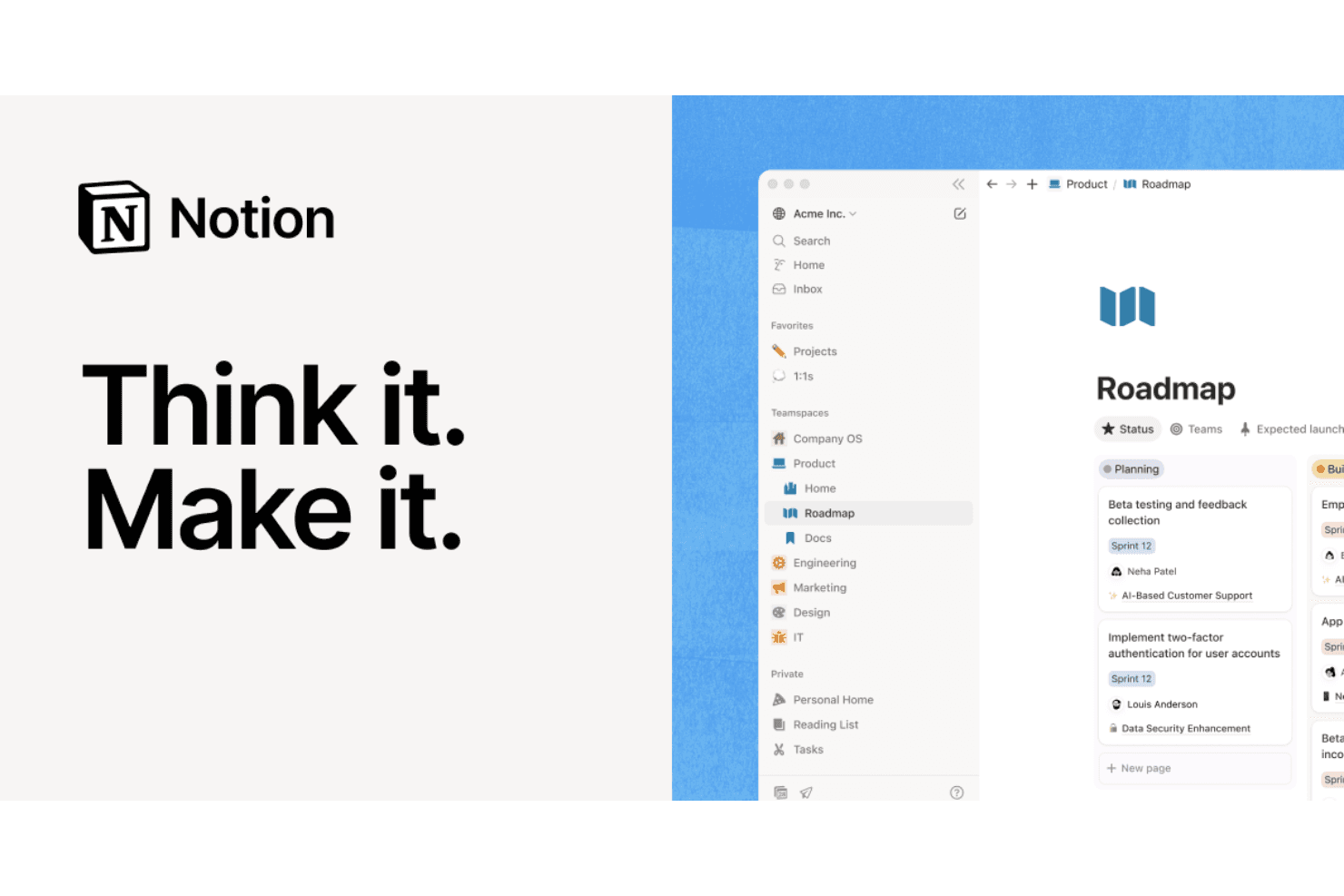
Notion is a marketing collaboration software that brings docs, wikis, databases, and task tracking into one flexible workspace. It's worth a look if your team manages campaign planning, content briefs, and project tracking across multiple disconnected tools. I'd consider Notion over Asana when content creation and knowledge management matter as much as task tracking—Notion handles both without making you choose between a doc tool and a project board.
Notion Evaluation Summary
4.6/5
- From $10/user/month (billed annually)
- Free plan available
Pourquoi faire confiance à nos recommandations de logiciels
6,700+
Reviews
20
Industry experts
16+
Evaluation factors
14
Years
Notre équipe teste et évalue des logiciels depuis 2012. En tant que leaders marketing nous-mêmes, nous savons à quel point il est difficile — et important — de choisir le bon logiciel.
Pour ce guide, nous avons évalué les outils grâce à des tests pratiques et une recherche indépendante, en notant les outils selon nos critères de sélection.
Nos avis reflètent notre jugement éditorial humain, et non un argumentaire de vente.
Réviseurs experts:
 Gui DrusinaDirecteur de la création
- Shriya GhateSenior Marketing Lead
 Amanda JacquesResponsable Marketing Ops

Notion Overview
In my opinion, Notion is a solid choice for marketing teams seeking a flexible collaboration platform. It excels with its customizable workspace and standout features like templates and integrations, making it a versatile tool for creative and dynamic teams. While the interface is intuitive, onboarding can be a bit challenging for some users. Compared to other software, Notion offers good value for money, though its customer support could be more responsive. It's best suited for teams that value customization and are willing to invest time in setting up their ideal workspace. If you're looking to tailor your collaboration software to fit your unique needs, Notion is worth considering.
Pros
- You can customize your workflows to fit your team's unique needs.
- The interface is intuitive and user-friendly, making it easy to navigate.
- Templates save you time and help structure your projects efficiently.
Cons
- Onboarding can be time-consuming and complex for new users.
- Customer support isn't always as responsive as you might need.
- It may lack advanced features found in more specialized tools.
Is Notion Right For Your Needs?
Who Would be a Good Fit for Notion?
Notion is perfect for creative agencies, startups, and marketing departments that thrive on flexibility and customization. If your team values adaptable workflows and needs a tool that molds to your unique processes, Notion's customizable templates and intuitive interface make it a strong contender. Its ability to organize projects and tasks efficiently is a real asset for teams that juggle multiple projects and need a clear structure.
- Creative AgenciesNotion's customizable templates and project management features help your team organize creative projects seamlessly.
- StartupsNotion offers flexibility for fast-growing teams to adapt their workflows as they scale.
- Marketing DepartmentsIts intuitive interface and task management features streamline your team's campaign planning and execution.
- Project ManagersNotion's ability to organize and track tasks makes it ideal for managing complex projects with multiple stakeholders.
- FreelancersThe customizable workspace and templates help you manage multiple clients and projects efficiently.
- Remote TeamsNotion's collaborative features ensure your team stays connected and organized, no matter where they're located.
Who Would be a Bad Fit for Notion?
Notion might not suit large enterprises or teams needing advanced features like automation and deep analytics. If your team relies heavily on specialized tools for data analysis or requires extensive customer support, Notion's capabilities might feel limited. Its onboarding process can be challenging, which could slow down productivity for teams needing a quick setup. In these cases, a more specialized tool might serve your needs better.
- Large EnterprisesYou might find Notion's features too basic if you need advanced analytics and automation.
- Finance DepartmentsNotion lacks the deep data analysis and reporting tools your work often requires.
- Highly Regulated IndustriesNotion may not meet the strict compliance and security standards necessary for your industry.
- Customer Service TeamsYou might need more responsive customer support than Notion currently offers.
- Manufacturing CompaniesNotion's features aren't tailored to the specific demands of production planning and management.
- IT DepartmentsYou may need more robust tools for technical project management and IT-specific workflows.
Comment nous testons et évaluons les outils
Nous avons passé des années à construire, affiner et améliorer notre système de test et de notation des logiciels. Notre grille d’évaluation est conçue pour prendre en compte toutes les nuances du choix logiciel et ce qui rend un outil efficace, en mettant l’accent sur les aspects critiques du processus de décision. Ci-dessous, vous pouvez découvrir précisément comment nos tests et notations fonctionnent selon sept critères. Cela nous permet d’offrir une évaluation impartiale des logiciels en fonction de la fonctionnalité principale, des fonctionnalités différenciantes, de la facilité d’utilisation, de l’onboarding, du support client, des intégrations, des avis clients et du rapport qualité-prix.
Fonctionnalité principale (25% de la note finale)
Le point de départ de notre évaluation est toujours la fonctionnalité principale de l’outil. Dispose-t-il des fonctions de base attendues ? Certaines de ces fonctionnalités sont-elles bloquées dans des offres tarifaires supérieures ? Nous attendons d’un outil qu’il soit à la hauteur des capacités fondamentales de ses concurrents.
Fonctionnalités différenciantes (25% de la note finale)
Ensuite, nous évaluons les fonctionnalités spéciales qui vont au-delà de ce que l’on trouve habituellement chez ce type d’outils. Un score élevé indique des fonctionnalités uniques ou spécialisées qui rendent le produit plus rapide, plus efficace, ou offrent une valeur ajoutée à l’utilisateur. Nous évaluons également la facilité d’intégration avec d’autres outils couramment utilisés pour élargir les possibilités et l’utilité du logiciel. Les outils offrant de nombreuses intégrations natives, des connexions tierces et un accès API pour bâtir des intégrations personnalisées obtiennent les meilleures notes.
Facilité d’utilisation (10% de la note finale)
Nous considérons la rapidité et la facilité d’exécution des tâches principales via l’outil. Les logiciels les mieux notés sont bien conçus, intuitifs à utiliser, proposent des applications mobiles, des modèles prêts à l’emploi, et simplifient des tâches parfois complexes.
Onboarding (10% de la note finale)
Nous savons combien l’adoption rapide par l’équipe est cruciale pour une nouvelle plateforme. Nous évaluons donc la facilité avec laquelle il est possible d’apprendre et d’utiliser un outil sans formation poussée. On mesure aussi la vitesse à laquelle un membre de l’équipe peut être opérationnel, sans expérience préalable. Les solutions bien notées requièrent peu ou pas d’assistance.
Support client (10% de la note finale)
Nous examinons la rapidité et la facilité avec lesquelles on peut obtenir de l’aide par téléphone, chat en direct ou base de connaissances. Les outils et sociétés offrant un support en temps réel sont favorisés ; les chatbots sont pénalisés.
Avis clients (10% de la note finale)
Au-delà de nos propres tests et évaluations, nous prenons en compte le score de recommandation nette des clients actuels et passés. Nous étudions leur propension, si l’occasion se présente, à réutiliser l’outil pour sa fonctionnalité principale. Un score élevé reflète donc un bon taux de recommandation.
Rapport qualité-prix (10% de la note finale)
Enfin, après avoir pris en compte tous les autres critères, nous confrontons le prix moyen des offres de base aux fonctionnalités principales et prenons en compte la valeur apportée par les autres éléments d’évaluation. Les logiciels qui offrent plus pour moins obtiennent une note supérieure.
Core Features
Task Management
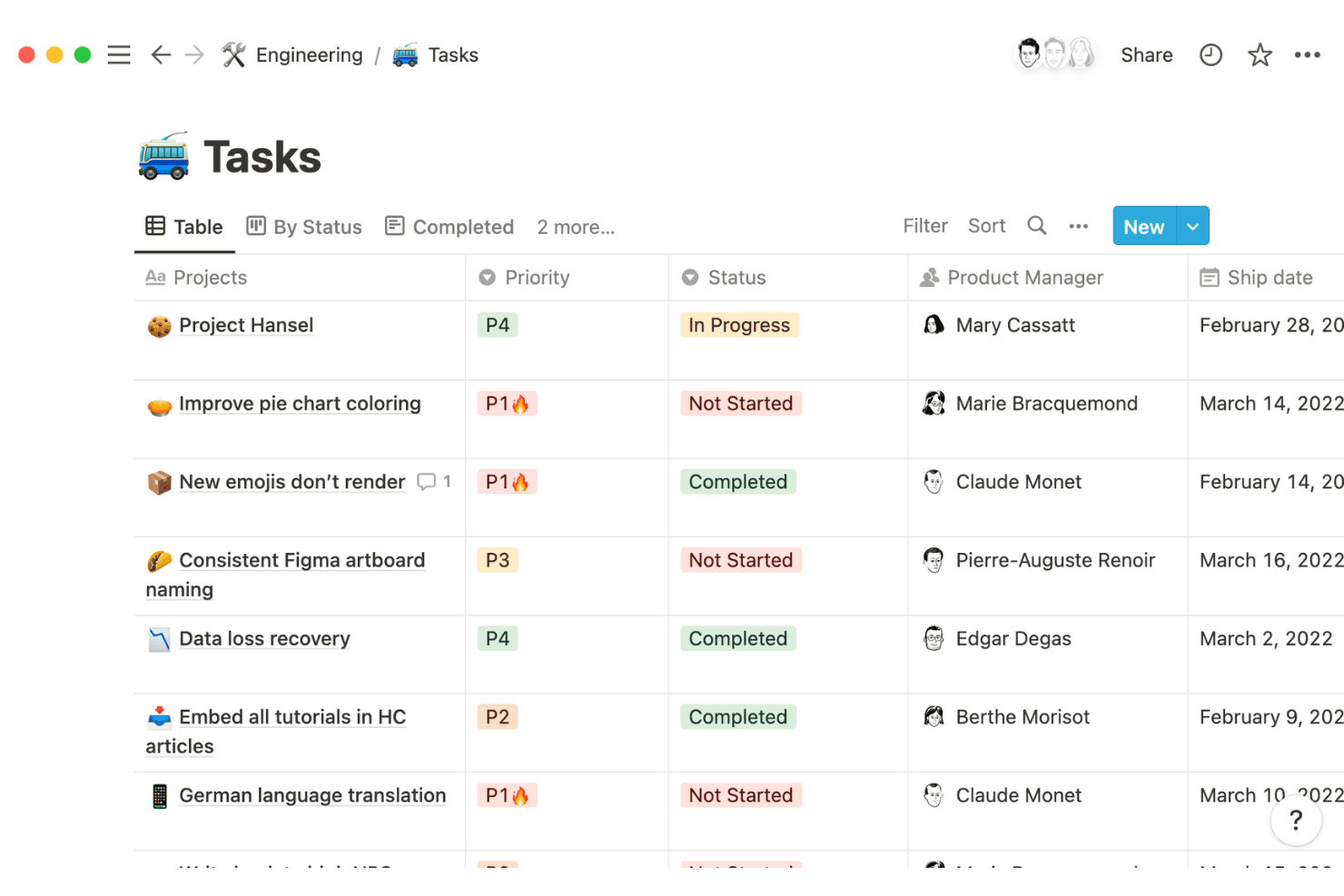
Notion lets you create and assign tasks easily, keeping your team organized and on track. You can use boards, to-do lists, or calendars to view tasks, helping your team stay aligned.
Templates
You can use pre-designed templates to quickly set up projects, saving you time and effort. These templates are customizable to fit your team's specific needs.
Note Taking
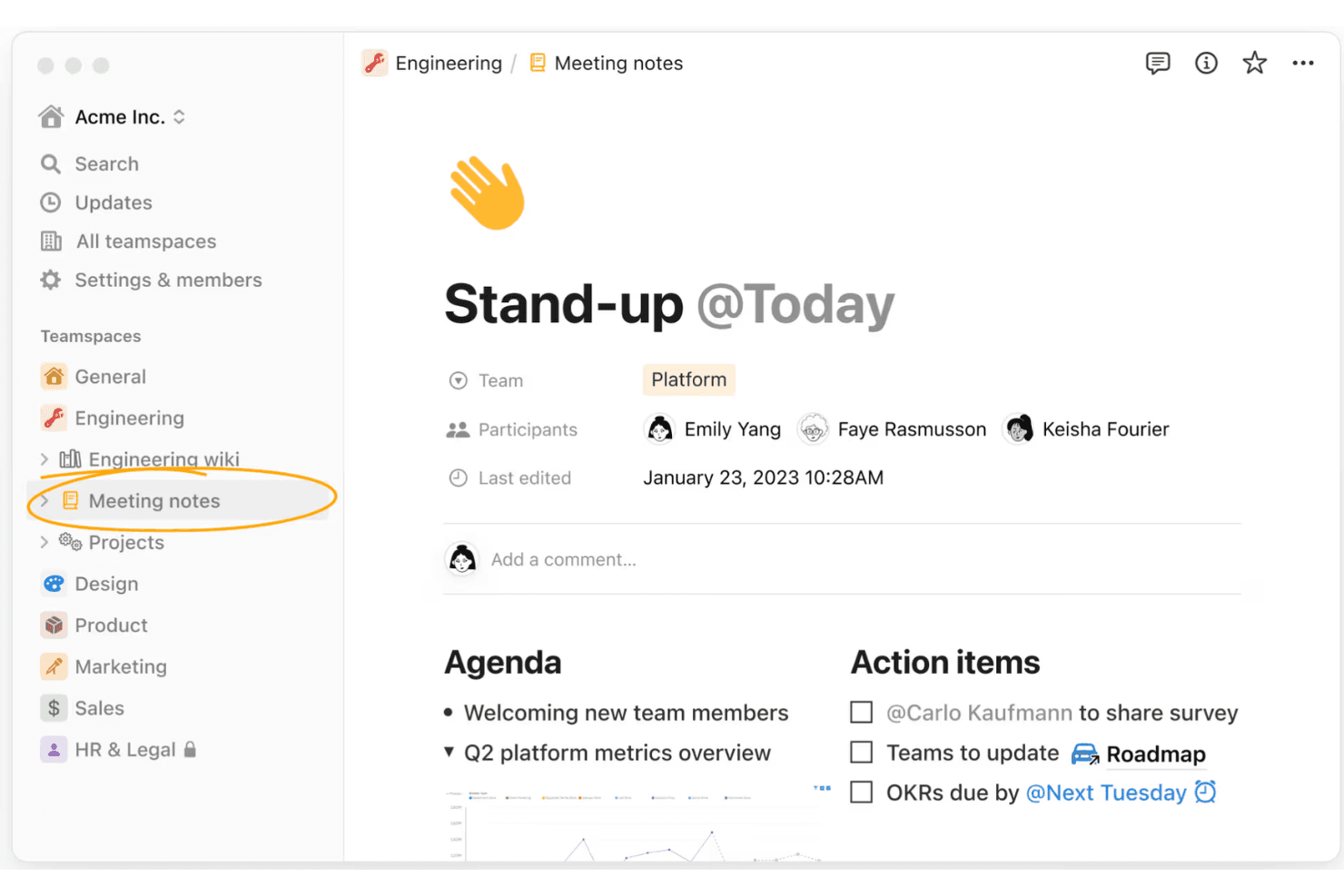
As a flexible collaboration software and note-taking app, Notion allows your team to document ideas, meeting notes, and build an internal knowledge base in one place.
Collaboration
Your team members can collaborate in real-time, sharing updates and feedback instantly. This feature ensures everyone stays informed and aligned on project goals.
Database Management
Notion's databases let you store and categorize information effectively. You can create tables, linked views, and dashboards that offer a comprehensive view of your data.
Kanban Boards
You can visualize your project workflow using Kanban boards, making it easy to track progress. This feature is ideal for managing tasks and deadlines visually.
Ease of Use
Notion is user-friendly with its intuitive interface, making it easy for your team to navigate and manage tasks. The drag-and-drop functionality simplifies organizing projects, and customizable templates help you set up quickly. However, some users find the initial learning curve steep, especially during onboarding. Once past that, you’ll appreciate how seamlessly it fits into your workflow, offering flexibility that suits your team’s unique needs.
Integrations
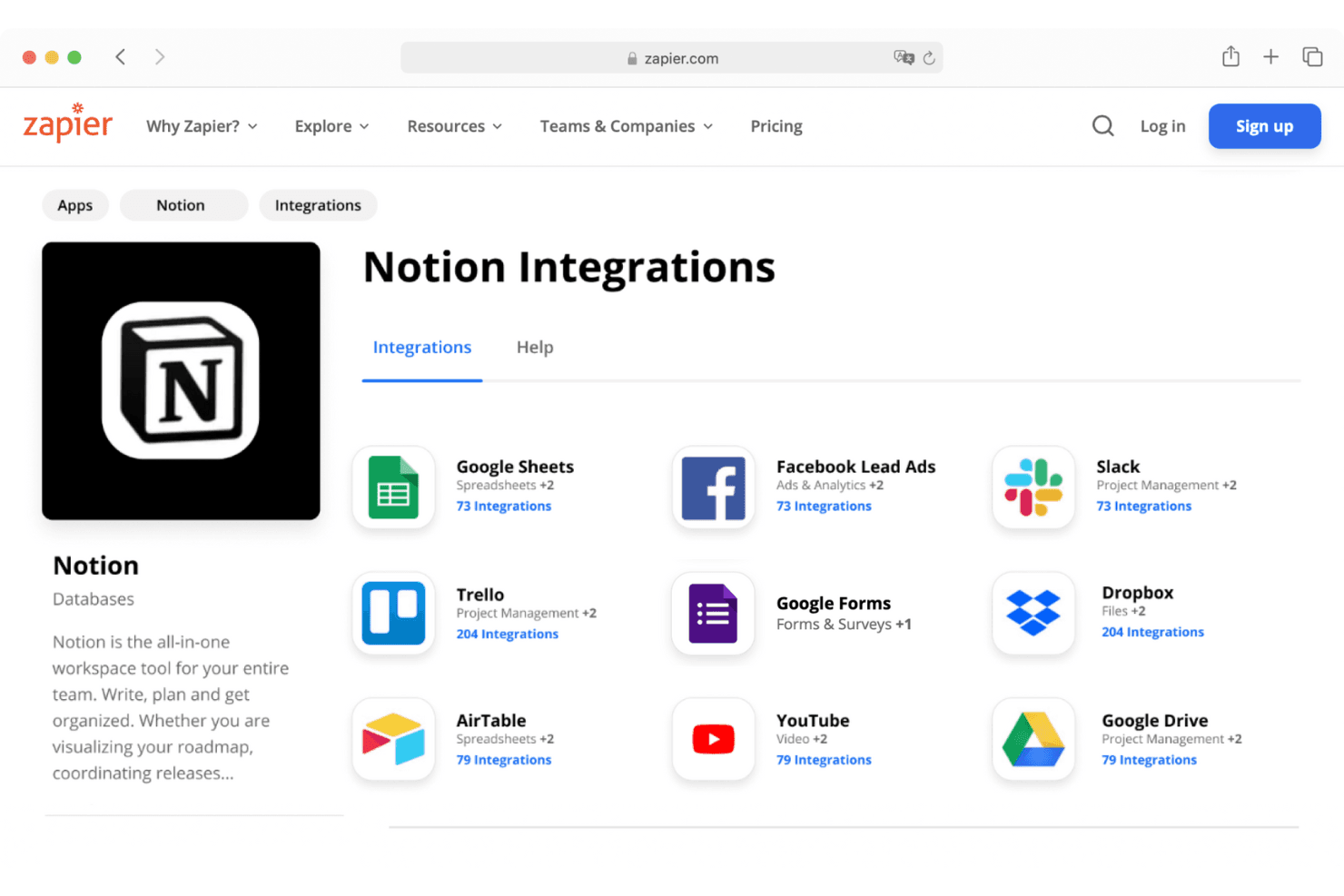
Notion integrates with tools such as Google Drive, Google Docs, Microsoft Entra, Jira, Slack, Trello, GitHub, Asana, ClickUp, and Zapier. Notion also provides a public API for building custom integrations and works with third-party automation platforms like Zapier and Make.
Notion Specs
- API: Yes
- Calendar Management: Yes
- Data Export: Yes
- Data Import: Yes
- External Integrations: Yes
- Inventory Tracking: No
- Multi-User: Yes
- Notifications: Yes
- Project Management: Yes
- Scheduling: No
- Supplier Management: No
- Task Scheduling/Tracking: Yes


