

Reseña de Weebly: Ventajas, Desventajas, Características y Precios
Weebly destaca por su interfaz fácil de usar y precios competitivos, lo que lo hace ideal para principiantes que buscan simplicidad y valor.

Revisamos herramientas de manera independiente, y las comisiones ayudan a financiar nuestras pruebas. Consulta nuestra política de transparencia, nuestra metodología o sugiere una herramienta.
Weebly is a website building platform for small businesses and individuals who need to launch a site or online store without a developer. I'd consider it if you want something more affordable and faster to set up than Squarespace, while still getting the ecommerce tools you need to start selling online.
Weebly Evaluation Summary
4.3/5
- From $13/month (billed annually)
- Free plan available
Por qué confiar en nuestras recomendaciones de software
6,700+
Reviews
20
Industry experts
16+
Evaluation factors
14
Years
Nuestro equipo lleva probando y evaluando software desde 2012. Como líderes de marketing, sabemos lo difícil —y lo importante— que es elegir el software adecuado.
Para esta guía, evaluamos las herramientas mediante pruebas prácticas e investigación independiente, puntuando las herramientas según nuestros criterios de selección.
Nuestras reseñas reflejan nuestro criterio editorial humano, no un discurso de ventas.
Revisores expertos:
 Gui DrusinaDirector creativo
- Shriya GhateSenior Marketing Lead
 Amanda JacquesLíder de Marketing Ops

Weebly Overview
In my opinion, Weebly is a solid choice for those seeking a straightforward website builder. It excels in ease of use, making it a great option for beginners and small businesses. Its pricing is competitive, providing good value for money compared to other platforms. However, it might lack some advanced features that power users need. Weebly's customer support is decent, though not outstanding. If you're looking for a simple tool to get your website up and running without a steep learning curve, Weebly deserves your consideration. It’s particularly well-suited for small businesses and freelancers who need an affordable, user-friendly solution.
Pros
- You’ll find Weebly's interface easy to navigate, perfect for beginners.
- The drag-and-drop builder simplifies your website creation process.
- You can access a variety of templates to match your brand's style.
Cons
- You might find Weebly's design customization options somewhat limited.
- Advanced users could feel restricted by the lack of complex features.
- You may experience slower support response times compared to competitors.
Is Weebly Right For Your Needs?
Who Would be a Good Fit for Weebly?
Weebly is a great fit for small businesses, freelancers, and startups. If you need a simple way to build a website without technical skills, you can use Weebly's drag-and-drop builder and user-friendly interface make it easy for you to get started. It’s also ideal if you want to launch a free website first, then upgrade later once your business is ready for a custom domain and is ready to become a full -fledged ecommerce website. The platform's variety of templates allows you to create a professional look without hiring a designer.
- Small BusinessesWeebly's ease of use helps you create a professional-looking website quickly.
- FreelancersIf you're a freelancer, you'll appreciate Weebly's straightforward design process and affordable pricing.
- NonprofitsYou can benefit from Weebly's simple tools to promote your cause and events online.
- ArtistsWeebly's customizable templates let you showcase your portfolio with ease.
- BloggersIf you want to start a personal website with a blog, Weebly’s user-friendly interface makes it simple to post and manage content.
- Local ShopsWeebly's e-commerce features help you set up an online store to reach more customers.
Who Would be a Bad Fit for Weebly?
Weebly might not be the best choice for large enterprises or tech-savvy users who need advanced customization and complex features. If you're looking for extensive design flexibility or sophisticated e-commerce capabilities, Weebly's limited customization options could frustrate you. Companies requiring deep integration with other software tools might find Weebly's offerings lacking compared to other platforms. It's also not ideal for those who need high-performance websites with advanced SEO capabilities.
- Large EnterprisesYou might find Weebly lacks the advanced features needed for complex, large-scale projects.
- Tech CompaniesIf your team needs high customization and technical control, Weebly's simplicity could be limiting.
- E-commerce GiantsWeebly's e-commerce features may not meet your needs for extensive product catalogs and advanced shopping cart systems.
- Marketing DepartmentsYou might need more SEO tools and integrations than Weebly offers.
- Web DevelopersIf you want to code and customize every detail, Weebly's drag-and-drop limits could frustrate you.
- Corporate TeamsWeebly's basic functionality might not support the complex needs of large, collaborative teams.
Cómo Probamos y Puntuamos las Herramientas
Hemos dedicado años a construir, refinar y mejorar nuestro sistema de prueba y puntuación de software. El marco está diseñado para captar los matices de la selección de software y lo que hace a una herramienta eficaz, enfocándose en los aspectos críticos del proceso de decisión. A continuación, puedes ver exactamente cómo funcionan nuestras pruebas y puntuaciones en siete criterios. Esto nos permite brindar una evaluación imparcial de los programas basada en la funcionalidad principal, características destacadas, facilidad de uso, integración, soporte al cliente, reseñas de clientes y relación calidad-precio.
Funcionalidad Principal (25% de la puntuación final)
El punto de partida de nuestra evaluación siempre es la funcionalidad principal de la herramienta. ¿Cuenta con las funciones básicas que un usuario esperaría? ¿Alguna de esas funciones está reservada solo para planes de pago avanzados? Esperamos que, en esencia, una herramienta se mantenga al nivel de las capacidades mínimas de sus competidores.
Características Destacadas (25% de la puntuación final)
Después, evaluamos las características poco comunes y destacadas que van más allá de la funcionalidad típica de herramientas similares. Una puntuación alta refleja funciones especializadas o únicas que hacen el producto más rápido, eficiente o aportan un valor adicional al usuario. También evaluamos qué tan fácil es integrarse con otras herramientas habituales en el entorno tecnológico para expandir la funcionalidad del software. Las herramientas que ofrecen muchas integraciones nativas, conexiones de terceros y acceso a API para crear integraciones personalizadas tienen la mejor puntuación.
Facilidad de Uso (10% de la puntuación final)
Consideramos cuán rápido y fácil es ejecutar las tareas definidas en la funcionalidad central utilizando la herramienta. El software mejor puntuado está bien diseñado, es intuitivo, ofrece aplicaciones móviles, proporciona plantillas y hace que tareas relativamente complejas parezcan sencillas.
Incorporación (10% de la puntuación final)
Sabemos lo importante que es que un equipo adopte rápidamente una nueva plataforma, por eso evaluamos lo fácil que es aprender y usar una herramienta con la menor formación posible. Analizamos lo rápido que un integrante puede comenzar a usar la herramienta sin experiencia previa. Las soluciones mejor puntuadas requieren poco o ningún soporte.
Soporte al Cliente (10% de la puntuación final)
Vemos cuán rápido y sencillo es obtener ayuda por teléfono, chat en vivo o base de conocimientos. Las empresas y herramientas que ofrecen soporte en tiempo real logran la mejor puntuación, mientras que los chatbots obtienen la peor.
Reseñas de Clientes (10% de la puntuación final)
Más allá de nuestras propias pruebas y evaluaciones, consideramos el puntaje de recomendación de clientes actuales y anteriores. Revisamos la probabilidad de que, de poder elegir de nuevo, seleccionarían la herramienta por su funcionalidad principal. Un software con alta puntuación refleja una elevada recomendación de sus usuarios.
Relación Calidad-Precio (10% de la puntuación final)
Finalmente, considerando todos los demás criterios, revisamos el precio promedio de los planes básicos frente a las funciones y el valor de los demás factores de evaluación. El software que ofrece más por menos obtiene mejor puntuación.
Core Features
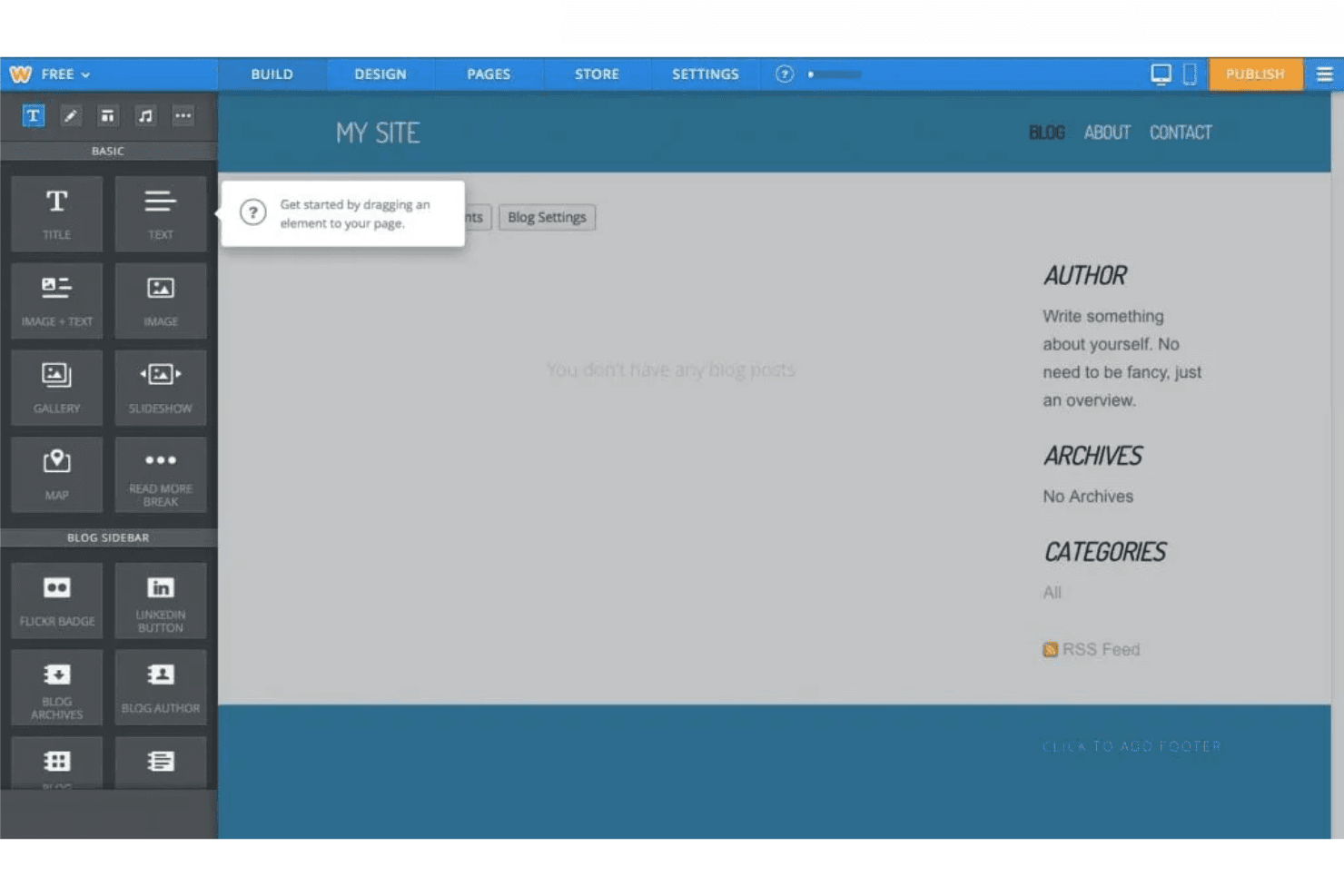
Drag-and-Drop Editor
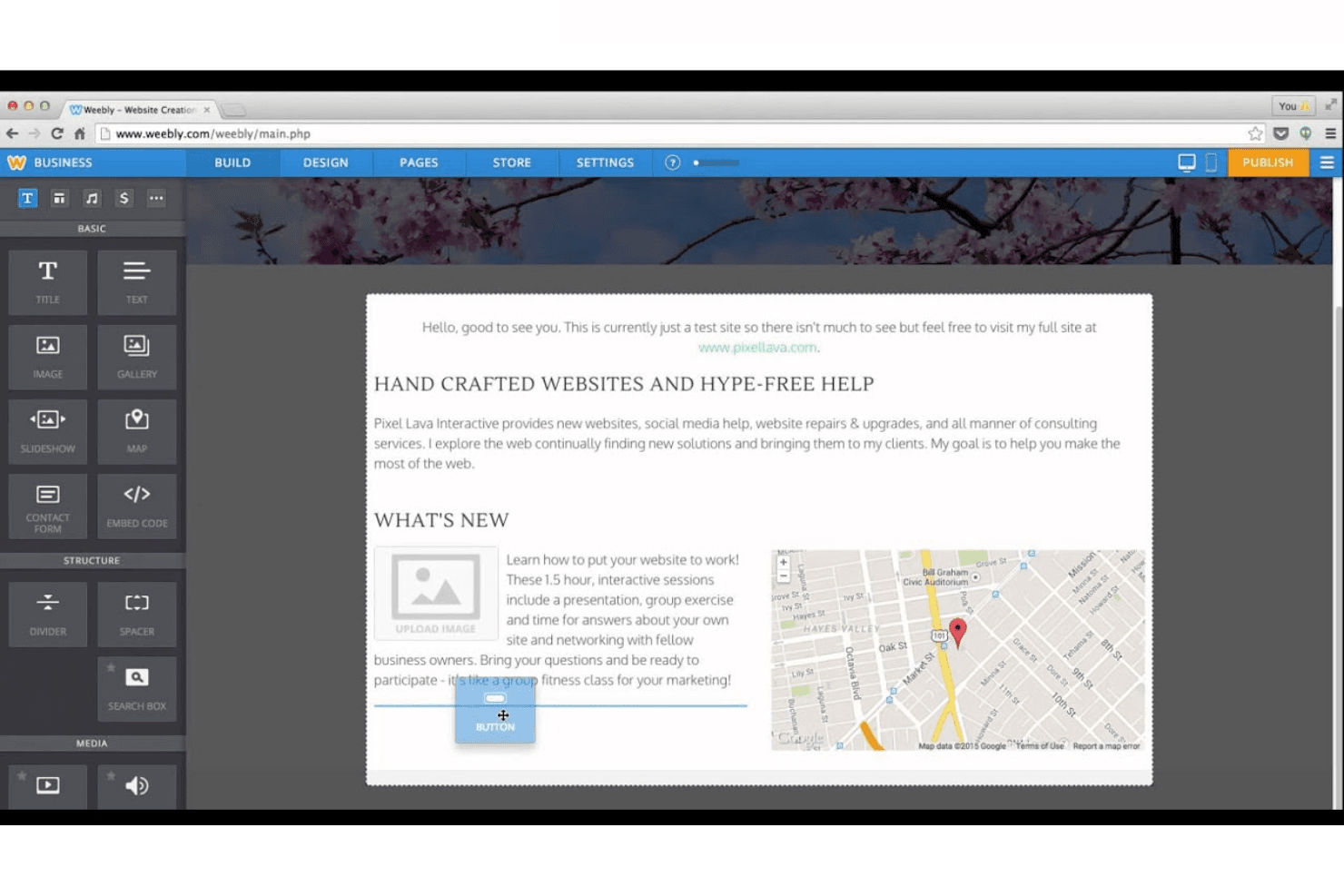
The weebly editor lets you easily arrange elements on your site without any coding. You can customize your layout, fonts, and content by simply dragging items to where you want them.
Responsive Themes
Weebly offers a variety of mobile-friendly themes that automatically adjust to different screen sizes. Your website will look great on any device, enhancing user experience.
SEO Tools
Weebly includes basic SEO tools to help your site rank better in search engines. You can edit meta tags, setup redirects, and URLs to improve your site's visibility.
E-commerce Capabilities
You can set up an online store with Weebly's e-commerce tools. It supports product listings, payment options on checkout, abandoned cart reminders, and inventory management.
Blogging Functionality
Weebly's blogging tools make it easy to start and maintain a blog. You can schedule posts and manage comments directly from the platform.
Site Analytics
With built-in analytics, you can track your site's performance and visitor behavior. This data helps you understand what's working and where to improve.
Ease of Use
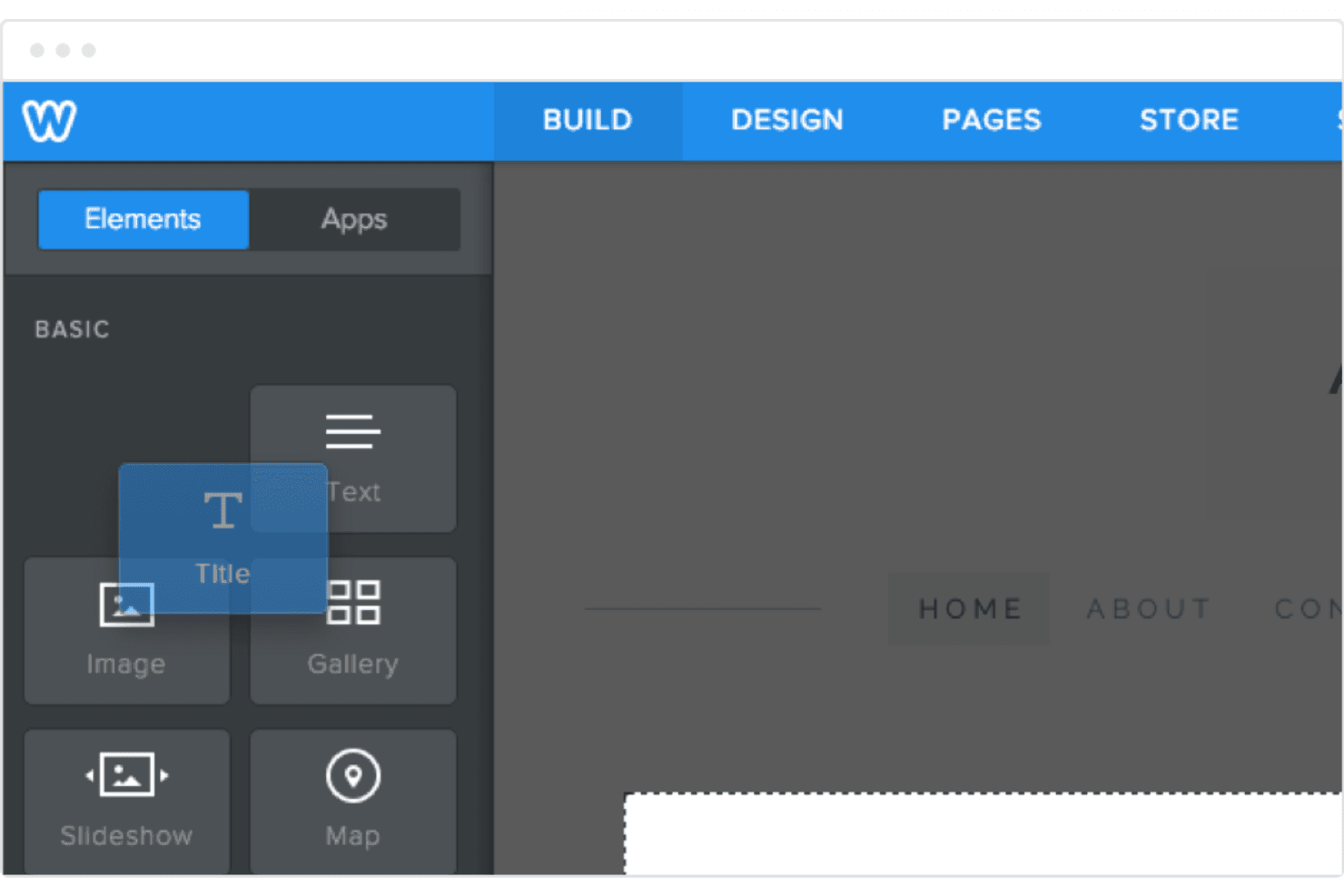
Weebly's intuitive drag-and-drop builder makes it easy for you to design a website without any coding skills. Its user-friendly interface stands out, allowing you to quickly arrange elements and customize your site. The platform's clear navigation and accessible features mean you can get your site up and running fast. Compared to other website builders, Weebly's simplicity and straightforward approach make it perfect for beginners and small businesses looking for an efficient solution.
Integrations
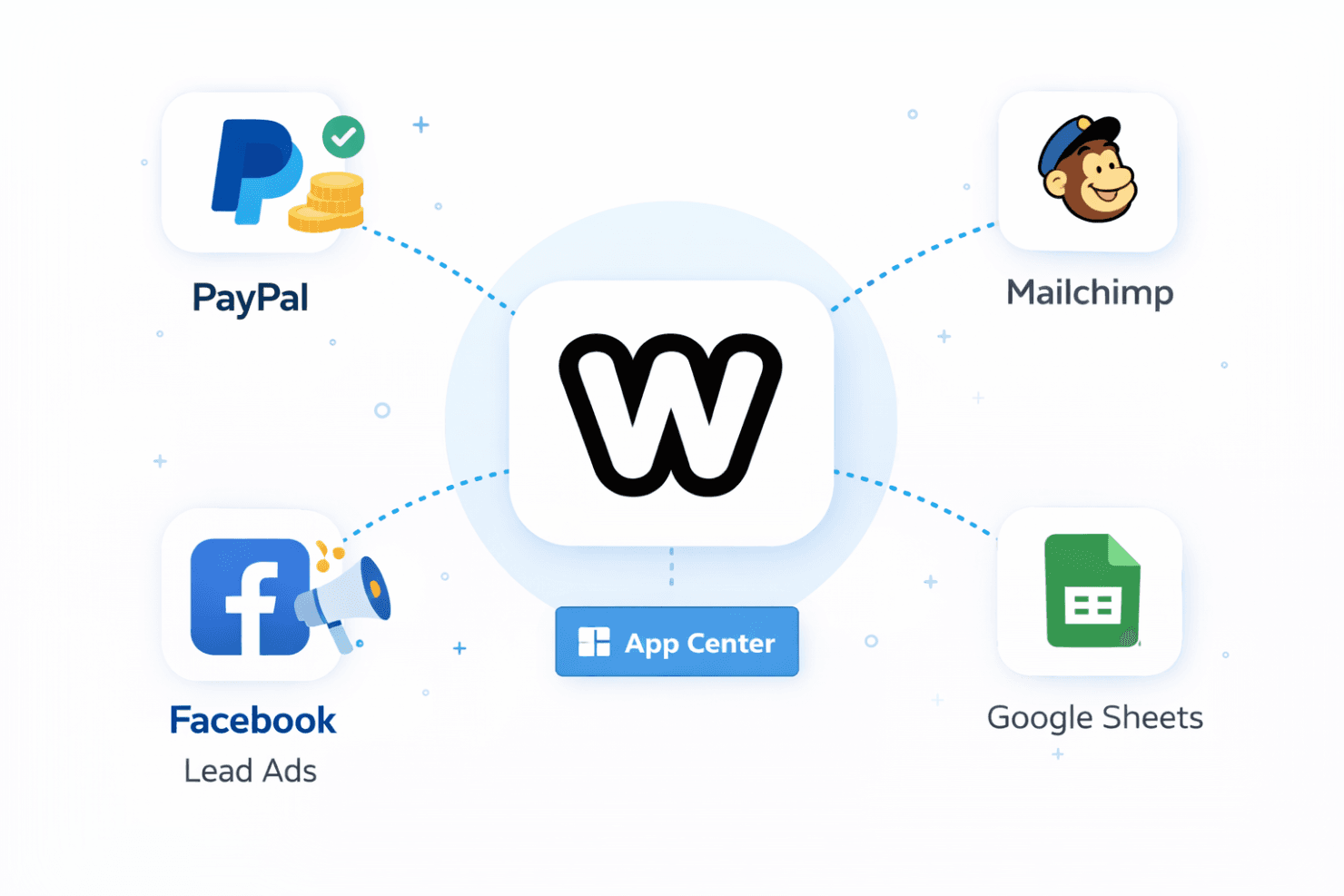
Weebly integrates with tools such as PayPal, Mailchimp, Facebook (including lead ads), and Google Sheets through its App Center and built-in features. These integrations support payments, email marketing, lead generation, and data collection.
Weebly extends functionality primarily through its App Center rather than a public API, allowing users to enhance their sites with approved third-party apps.
Weebly Specs
- A/B Testing: No
- API: Yes
- Data Export: Yes
- Data Import: Yes
- External Integrations: Yes
- Landing Pages: Yes
- Multi-User: Yes
- Third-Party Plugins/Add-Ons: Yes


