

Reseña de Webflow: Ventajas, Desventajas, Características y Precios
Webflow destaca por su flexibilidad de diseño, brindando a tu equipo el poder de crear sitios web únicos y visualmente impresionantes con facilidad.

Revisamos herramientas de manera independiente, y las comisiones ayudan a financiar nuestras pruebas. Consulta nuestra política de transparencia, nuestra metodología o sugiere una herramienta.
Webflow is a website builder software for designers and marketing teams who need precise visual control over their sites without depending on a developer for every change. If you've outgrown WordPress but don't want to manage themes, plugins, and hosting on top of your actual work, Webflow gives you that same depth of customization in a cleaner, more self-contained package.
Webflow Evaluation Summary
4.4/5
- From $15/month (billed annually)
- Free plan available
Por qué confiar en nuestras recomendaciones de software
6,700+
Reviews
20
Industry experts
16+
Evaluation factors
14
Years
Nuestro equipo lleva probando y evaluando software desde 2012. Como líderes de marketing, sabemos lo difícil —y lo importante— que es elegir el software adecuado.
Para esta guía, evaluamos las herramientas mediante pruebas prácticas e investigación independiente, puntuando las herramientas según nuestros criterios de selección.
Nuestras reseñas reflejan nuestro criterio editorial humano, no un discurso de ventas.
Revisores expertos:
 Gui DrusinaDirector creativo
- Shriya GhateSenior Marketing Lead
 Amanda JacquesLíder de Marketing Ops

Webflow Overview
In my opinion, Webflow stands out for its real-time visual design interface and flexibility, which is great for design-focused teams. Its drag-and-drop features and strong SEO tools make it a compelling choice compared to other platforms. However, it can be pricey and has a learning curve, which might not suit beginners or budget-conscious users. I'd recommend Webflow for agencies and freelancers who value design control and are willing to invest time in learning the platform. If you're looking for more simplicity or lower cost, then Webflow might not be right for you.
Pros
- You control every design aspect visually without coding.
- Its SEO tools help your site rank better on search engines.
- The drag-and-drop interface makes designing intuitive for your team.
Cons
- There's a learning curve that might slow down your team initially.
- It lacks built-in customer support chat, which can delay help.
- Some users find the interface overwhelming at first.
Is Webflow Right For Your Needs?
Who Would be a Good Fit for Webflow?
Webflow is great for creative agencies and freelancers who need detailed design control without coding. If your team values customizable design and wants a website that stands out, you can use Webflow to take advantage of its web design tools and SEO features. It's also ideal for marketing departments in medium to large companies looking to create unique, engaging web experiences. The platform's flexibility lets you tailor every aspect of your site, making it a top choice for those prioritizing design precision.
- Creative AgenciesYour team will love Webflow's design freedom and ability to create custom sites without coding.
- FreelancersYou can offer clients unique, visually stunning websites with Webflow's intuitive drag-and-drop interface.
- Marketing DepartmentsWebflow's SEO tools and design capabilities help elevate your company's online presence.
- E-commerce BusinessesWith Webflow, you can build visually appealing online stores that attract and convert customers.
- Portfolio SiteWebflow's design flexibility showcases your work beautifully, making it ideal for artists and photographers.
- StartupsWebflow allows you to create professional, eye-catching websites quickly, helping your business stand out.
Who Would be a Bad Fit for Webflow?
Webflow might not suit small businesses or individuals with limited budgets and no design expertise. If your team prefers simplicity over customization, or if you're looking for a straightforward, low-cost solution, Webflow's advanced features might overwhelm you. Non-designers or those who need quick, templated sites might find the learning curve and design focus unnecessary. The lack of built-in customer support chat could also be a drawback for teams needing immediate help.
- Small BusinessesYou might find Webflow's features too complex and costly if you need simple, budget-friendly website solutions.
- Non-DesignersIf design isn't your strength, Webflow's advanced tools might feel overwhelming and unnecessary for your needs.
- Budget-Conscious UsersWebflow's pricing can be steep if you're looking for the most economical website builder.
- Quick SitesIf you need a fast, templated solution, Webflow's design process might slow you down.
- Customer Support DependentsYour team might struggle with Webflow's lack of immediate support if you often need quick assistance.
- BeginnersIf you're new to website building, Webflow's steep learning curve might be discouraging.
Cómo Probamos y Puntuamos las Herramientas
Hemos dedicado años a construir, refinar y mejorar nuestro sistema de prueba y puntuación de software. El marco está diseñado para captar los matices de la selección de software y lo que hace a una herramienta eficaz, enfocándose en los aspectos críticos del proceso de decisión. A continuación, puedes ver exactamente cómo funcionan nuestras pruebas y puntuaciones en siete criterios. Esto nos permite brindar una evaluación imparcial de los programas basada en la funcionalidad principal, características destacadas, facilidad de uso, integración, soporte al cliente, reseñas de clientes y relación calidad-precio.
Funcionalidad Principal (25% de la puntuación final)
El punto de partida de nuestra evaluación siempre es la funcionalidad principal de la herramienta. ¿Cuenta con las funciones básicas que un usuario esperaría? ¿Alguna de esas funciones está reservada solo para planes de pago avanzados? Esperamos que, en esencia, una herramienta se mantenga al nivel de las capacidades mínimas de sus competidores.
Características Destacadas (25% de la puntuación final)
Después, evaluamos las características poco comunes y destacadas que van más allá de la funcionalidad típica de herramientas similares. Una puntuación alta refleja funciones especializadas o únicas que hacen el producto más rápido, eficiente o aportan un valor adicional al usuario. También evaluamos qué tan fácil es integrarse con otras herramientas habituales en el entorno tecnológico para expandir la funcionalidad del software. Las herramientas que ofrecen muchas integraciones nativas, conexiones de terceros y acceso a API para crear integraciones personalizadas tienen la mejor puntuación.
Facilidad de Uso (10% de la puntuación final)
Consideramos cuán rápido y fácil es ejecutar las tareas definidas en la funcionalidad central utilizando la herramienta. El software mejor puntuado está bien diseñado, es intuitivo, ofrece aplicaciones móviles, proporciona plantillas y hace que tareas relativamente complejas parezcan sencillas.
Incorporación (10% de la puntuación final)
Sabemos lo importante que es que un equipo adopte rápidamente una nueva plataforma, por eso evaluamos lo fácil que es aprender y usar una herramienta con la menor formación posible. Analizamos lo rápido que un integrante puede comenzar a usar la herramienta sin experiencia previa. Las soluciones mejor puntuadas requieren poco o ningún soporte.
Soporte al Cliente (10% de la puntuación final)
Vemos cuán rápido y sencillo es obtener ayuda por teléfono, chat en vivo o base de conocimientos. Las empresas y herramientas que ofrecen soporte en tiempo real logran la mejor puntuación, mientras que los chatbots obtienen la peor.
Reseñas de Clientes (10% de la puntuación final)
Más allá de nuestras propias pruebas y evaluaciones, consideramos el puntaje de recomendación de clientes actuales y anteriores. Revisamos la probabilidad de que, de poder elegir de nuevo, seleccionarían la herramienta por su funcionalidad principal. Un software con alta puntuación refleja una elevada recomendación de sus usuarios.
Relación Calidad-Precio (10% de la puntuación final)
Finalmente, considerando todos los demás criterios, revisamos el precio promedio de los planes básicos frente a las funciones y el valor de los demás factores de evaluación. El software que ofrece más por menos obtiene mejor puntuación.
Core Features
Drag-and-Drop Editor
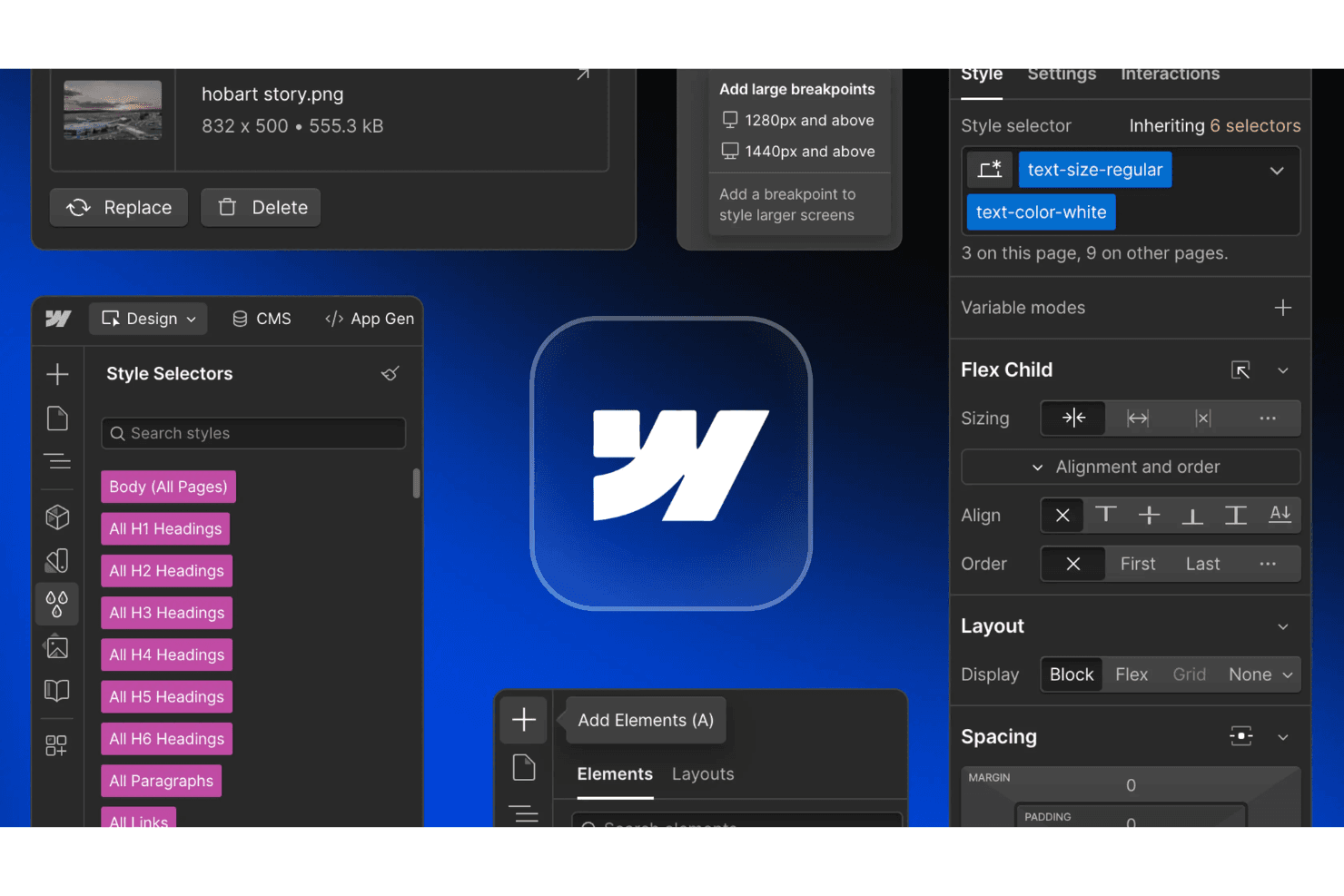
You can easily design your site by dragging elements into place or starting from customizable templates. This feature helps your team create visually appealing layouts without coding.
Responsive Design
Webflow automatically adjusts your site to look great on any device, saving you time and ensuring a consistent user experience. You can also tweak designs for different screen sizes.
SEO Tools
Built-in SEO features help your site rank better on search engines, supporting ongoing optimization efforts. You can customize meta tags, alt texts, URLs, and even generate a sitemap directly within the platform.
CMS Capabilities
Webflow's CMS lets you create and manage dynamic content effortlessly, perfect for blogs or portfolios. Your team can update content without altering the design.
Custom Code Integration
You can add custom HTML, CSS, or JavaScript for advanced customization, offering flexibility for unique project requirements, much like using plugins in other systems. This is ideal if you need to implement specific functionalities.
E-commerce Functionality
Webflow allows you to build and manage online stores with ease, supporting product catalogs, payments, inventory, and a seamless checkout experience. It’s a great option for businesses looking to start their own e-commerce site.
Ease of Use
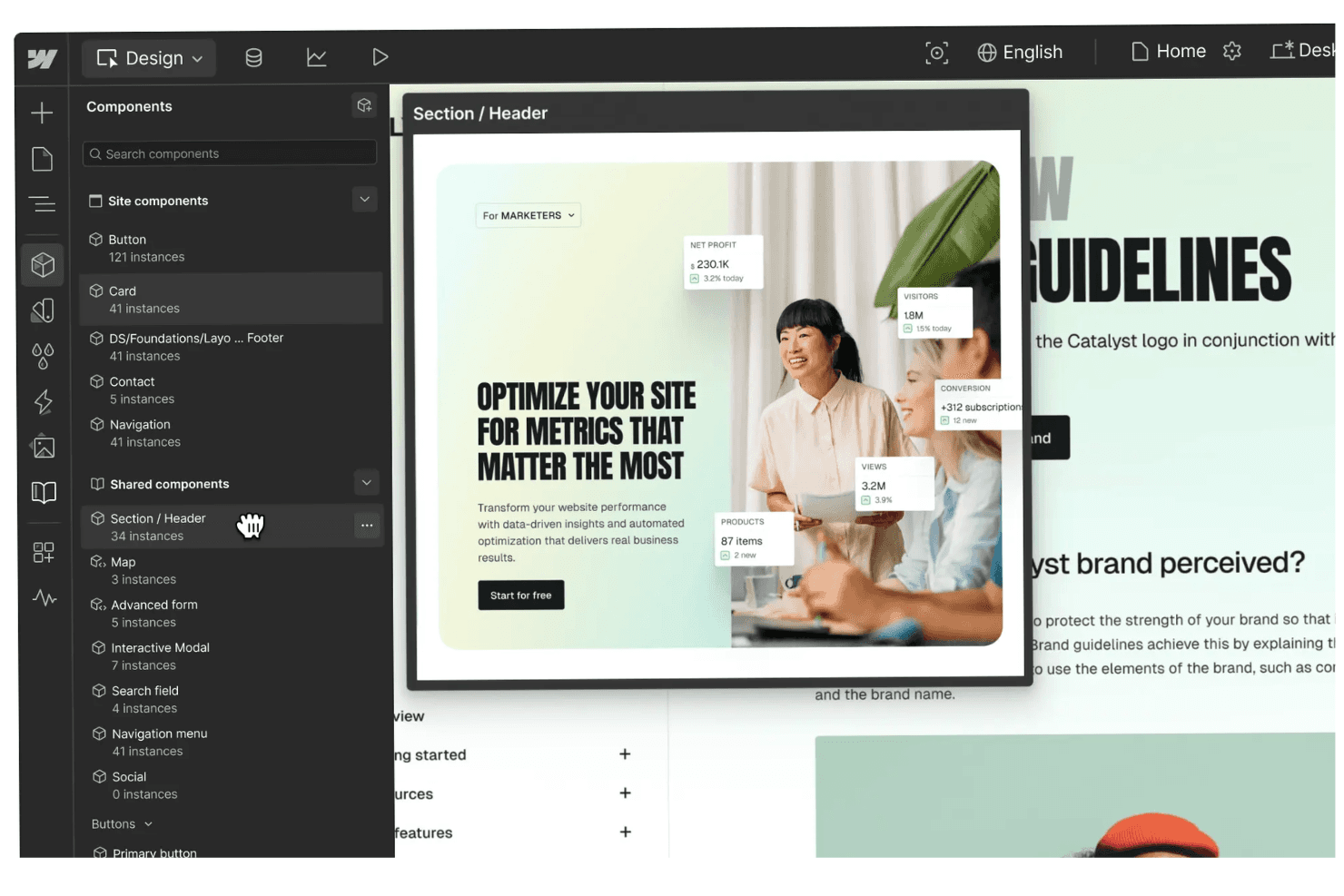
Webflow is user-friendly for those with some design knowledge, offering a visual drag-and-drop editor that simplifies site building. However, its advanced features might overwhelm beginners, requiring a learning curve. Your team will appreciate the intuitive interface once they get the hang of it, allowing for precise design control. The platform's flexibility and visual design tools make it a strong choice for those willing to invest time learning its capabilities.
Integrations
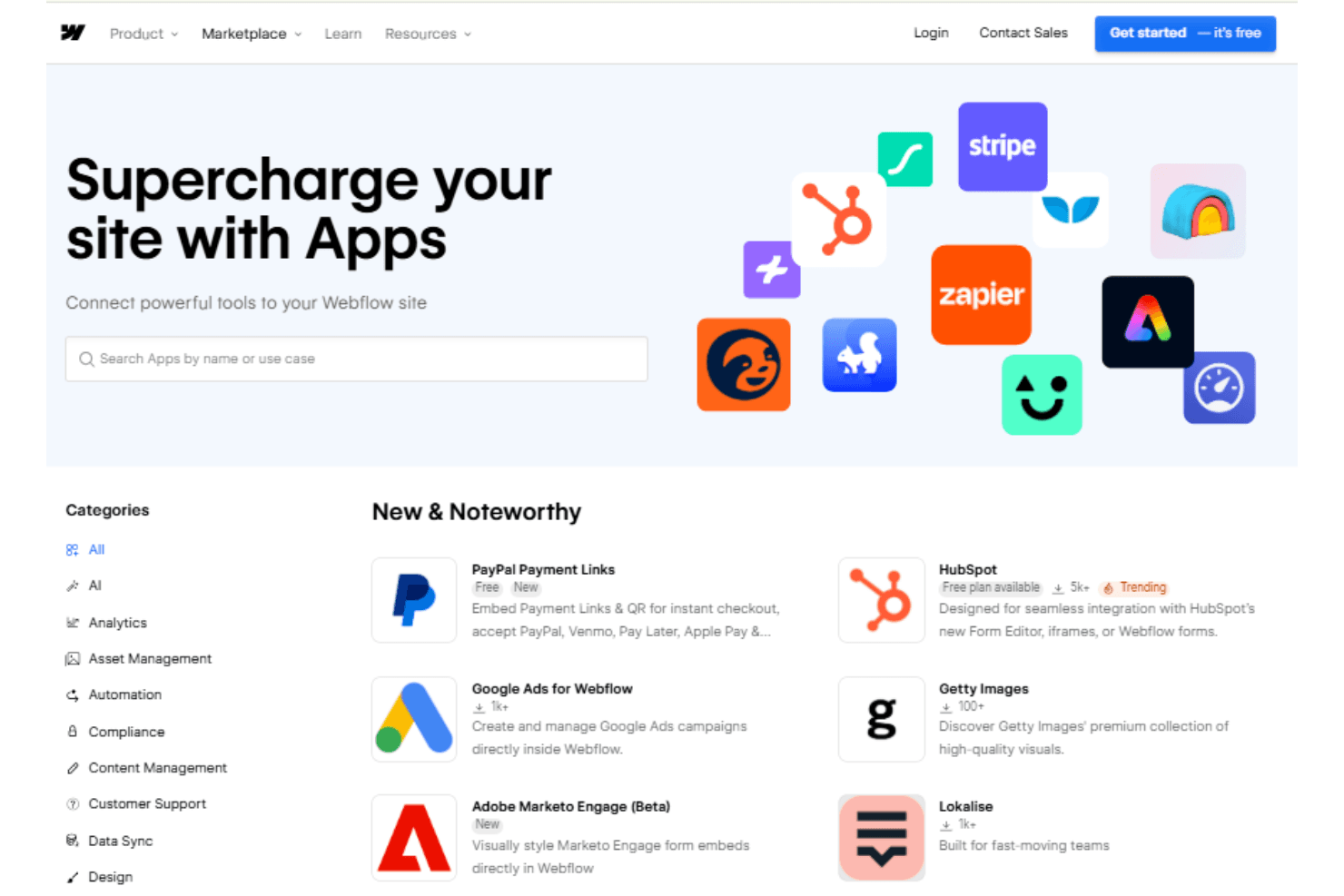
Webflow integrates with Google Analytics, Mailchimp, Zapier, Shopify, PayPal, Stripe, OpenStreetMap, ChatGPT, Google Docs, Claude AI, and WooRank.
Webflow also offers an API and connects with third-party integration tools like Zapier for enhanced functionality.
Webflow Specs
- A/B Testing: Yes
- API: Yes
- Data Export: Yes
- Data Import: Yes
- External Integrations: Yes
- Multi-User: Yes
- Third-Party Plugins/Add-Ons: Yes