

Mighty Networks Review: Pros, Cons, Features and Pricing
I break down where Mighty Networks shines—and stumbles—as a membership site platform, revealing the real trade-offs no one else is talking about. Is it the right fit for your community building vision?

We review tools independently, and commissions help fund our testing. See our transparency policy, our methodology, or suggest a tool.
Mighty Networks is a membership site software built for creators and brands that want to combine community, courses, and memberships under one roof. I'd consider it if you're building a paid community where member engagement matters as much as content delivery. It's a stronger fit than Kajabi for teams that want native community features at the core of their member experience, rather than tacked onto a course platform.
Mighty Networks Evaluation Summary
4.6/5
- From $79/month (billed annually)
- 14-day free trial + free demo available
Why Trust Our Software Recommendations
6,700+
Reviews
20
Industry experts
16+
Evaluation factors
14
Years
Our team has been testing and reviewing software since 2012. As marketing leaders ourselves, we know how difficult—and important—it is to choose the right software.
For this guide, we evaluated tools using hands-on testing and independent research, scoring tools using our selection criteria.
Our reviews reflect our human editorial judgment, not a sales pitch.
Expert reviewers:
 Gui DrusinaCreative Director
- Shriya GhateSenior Marketing Lead
 Amanda JacquesMarketing Ops Leader

Mighty Networks Overview
From my point of view, Mighty Networks stands out for its built-in community features, straightforward onboarding, and branded app experience, making it ideal if you're judging membership site software by community engagement. I think the pricing is competitive given its community and course management tools, though integrations and customization are more limited than some alternatives. If you're choosing software for interactive communities or cohort course delivery, Mighty Networks is a top pick, but if your team needs advanced external integrations or granular analytics functionality, you might find its capabilities more basic. Its ease of use and mobile-first design are strong advantages.
Pros
- Offers branded mobile apps for community and courses
- Built-in event hosting supports live and virtual sessions
- Membership tiers and payments built into the platform
Cons
- Limited reporting and analytics for member activity
- Email tools lack advanced segmentation options
- Community structure can feel rigid for large organizations
Is Mighty Networks Right For Your Needs?
Who Would be a Good Fit for Mighty Networks?
Mighty Networks shines for creators, small businesses, or organizations who want to build community, host online courses, and offer membership subscriptions from a single platform. You'll especially get value if you need community-driven learning, live events, or networking features without heavy technical overhead. The ease of creating multi-tier memberships, organizing conversations, and providing a custom app makes it a strong fit for education, coaching, and specialized interest groups—particularly for those moving audiences away from social media platforms like competing social media groups.
- Online EducatorsYou'll find it great for packaging courses, live sessions, and discussion spaces in one place with branded mobile access.
- AssociationsMighty Networks is a smart choice for associations that want to manage member-only events, networking, and resource hubs with tiered access.
- Mastermind GroupsThe platform enables private courses, group messaging, and event schedules that support collaboration and confidentiality.
- Fitness CommunitiesYou can build interactive health or coaching groups with membership plans and in-app event scheduling for classes.
- CreatorsIt's easy to set up paid content, nurture a fan community, and sell unique access or experiences directly.
- Alumni NetworksMighty Networks supports ongoing engagement, discussion forums, and exclusive opportunities in an organized, branded environment.
Who Would be a Bad Fit for Mighty Networks?
Mighty Networks isn't the best pick for large enterprises requiring advanced integrations, detailed reporting, or heavy compliance. It may also fall short for organizations needing highly customizable workflows, external learning management system compatibility, or broad e-commerce capabilities. Teams with complex IT stacks and a need for granular data control might run into limits with the platform's current flexibility.
- Enterprise IT DepartmentsIf you need advanced user provisioning, SSO, or deep integration with legacy systems, Mighty Networks will not meet your requirements.
- Large CorporationsOrganizations demanding custom branding at every touchpoint, heavy analytics, or regulatory compliance beyond basics may find it limiting.
- Formal Educational InstitutionsThe platform doesn't support SCORM, detailed grading, or other requirements commonly found in universities or large schools.
- Ecommerce TeamsMighty Networks lacks native support for physical product catalogs, shipping, or inventory required for full-scale e-commerce operations.
- Healthcare OrganizationsYou'll struggle with data protection standards and integrations needed for HIPAA or similar healthcare compliance.
- Non-Digital CommunitiesGroups whose members require primarily in-person or offline engagement, or have limited internet access, won't get the intended value from an online-first tool.
How We Test & Score Tools
We’ve spent years building, refining, and improving our software testing and scoring system. The rubric is designed to capture the nuances of software selection and what makes a tool effective, focusing on critical aspects of the decision-making process.
Below, you can see exactly how our testing and scoring works across seven criteria. It allows us to provide an unbiased evaluation of the software based on core functionality, standout features, ease of use, onboarding, customer support, integrations, customer reviews, and value for money.
Core Functionality (25% of final scoring)
The starting point of our evaluation is always the core functionality of the tool. Does it have the basic features and functions that a user would expect to see? Are any of those core features locked to higher-tiered pricing plans? At its core, we expect a tool to stand up against the baseline capabilities of its competitors.
Standout Features (25% of final scoring)
Next, we evaluate uncommon standout features that go above and beyond the core functionality typically found in tools of its kind. A high score reflects specialized or unique features that make the product faster, more efficient, or offer additional value to the user.
We also evaluate how easy it is to integrate with other tools typically found in the tech stack to expand the functionality and utility of the software. Tools offering plentiful native integrations, 3rd party connections, and API access to build custom integrations score best.
Ease of Use (10% of final scoring)
We consider how quick and easy it is to execute the tasks defined in the core functionality using the tool. High scoring software is well designed, intuitive to use, offers mobile apps, provides templates, and makes relatively complex tasks seem simple.
Onboarding (10% of final scoring)
We know how important rapid team adoption is for a new platform, so we evaluate how easy it is to learn and use a tool with minimal training. We evaluate how quickly a team member can get set up and start using the tool with no experience. High scoring solutions indicate little or no support is required.
Customer Support (10% of final scoring)
We review how quick and easy it is to get unstuck and find help by phone, live chat, or knowledge base. Tools and companies that provide real-time support score best, while chatbots score worst.
Customer Reviews (10% of final scoring)
Beyond our own testing and evaluation, we consider the net promoter score from current and past customers. We review their likelihood, given the option, to choose the tool again for the core functionality. A high scoring software reflects a high net promoter score from current or past customers.
Value for Money (10% of final scoring)
Lastly, in consideration of all the other criteria, we review the average price of entry level plans against the core features and consider the value of the other evaluation criteria. Software that delivers more, for less, will score higher.
Core Features
Branded Mobile App
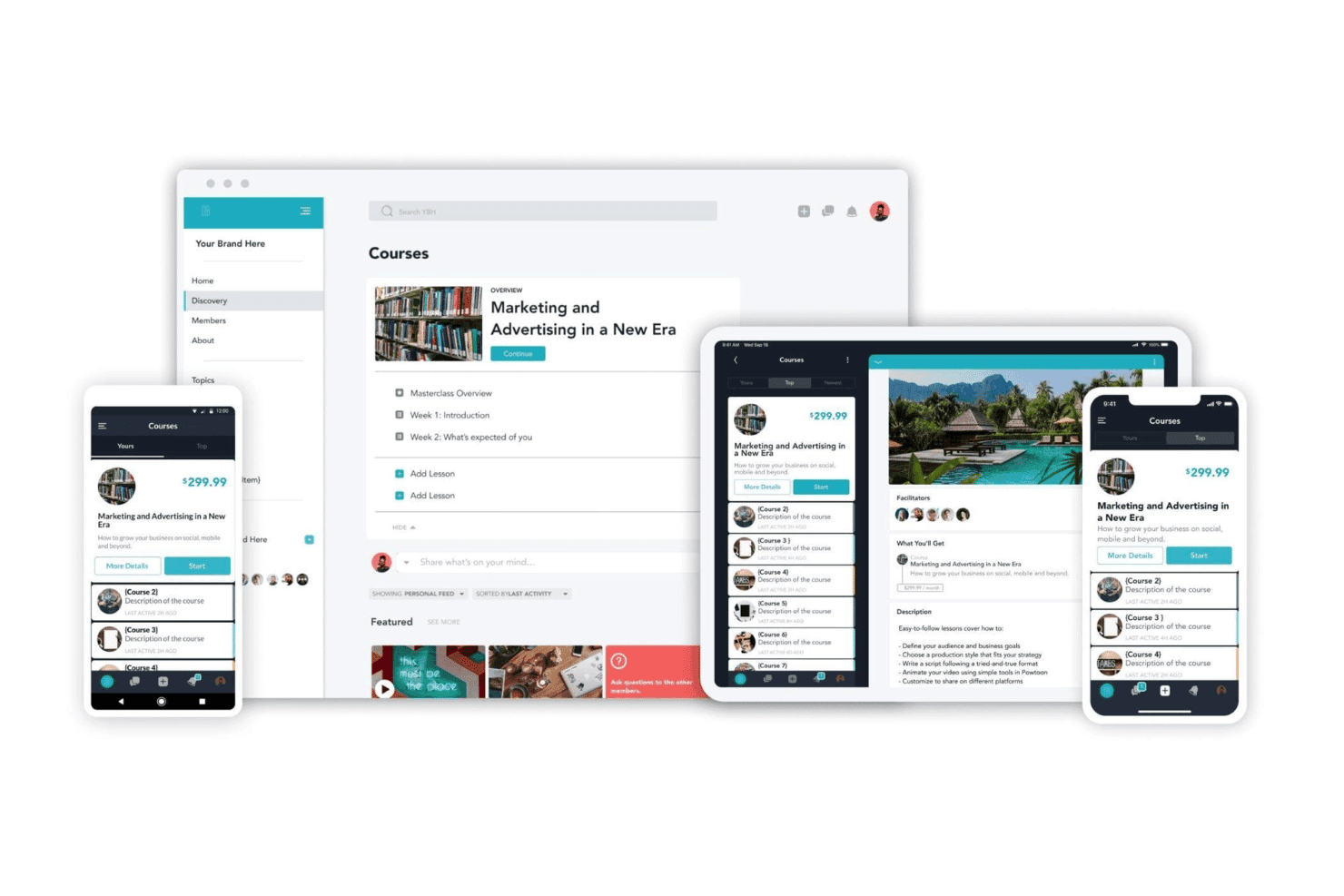
Mighty Networks gives you a fully branded mobile app for your community. Members access courses, events, and discussions right from their iOS or Android devices.
Membership Tiers
Create multiple membership levels with different pricing, content, or access. You control who gets in and what each tier sees.
Course Creation
Build cohort course or evergreen formats with lessons, video, and assignments. Members can learn at their own pace or join scheduled sessions.
Native Events
Host live events or virtual sessions inside your community hub. Members RSVP, join, and connect in real time without leaving the platform.
Community Spaces
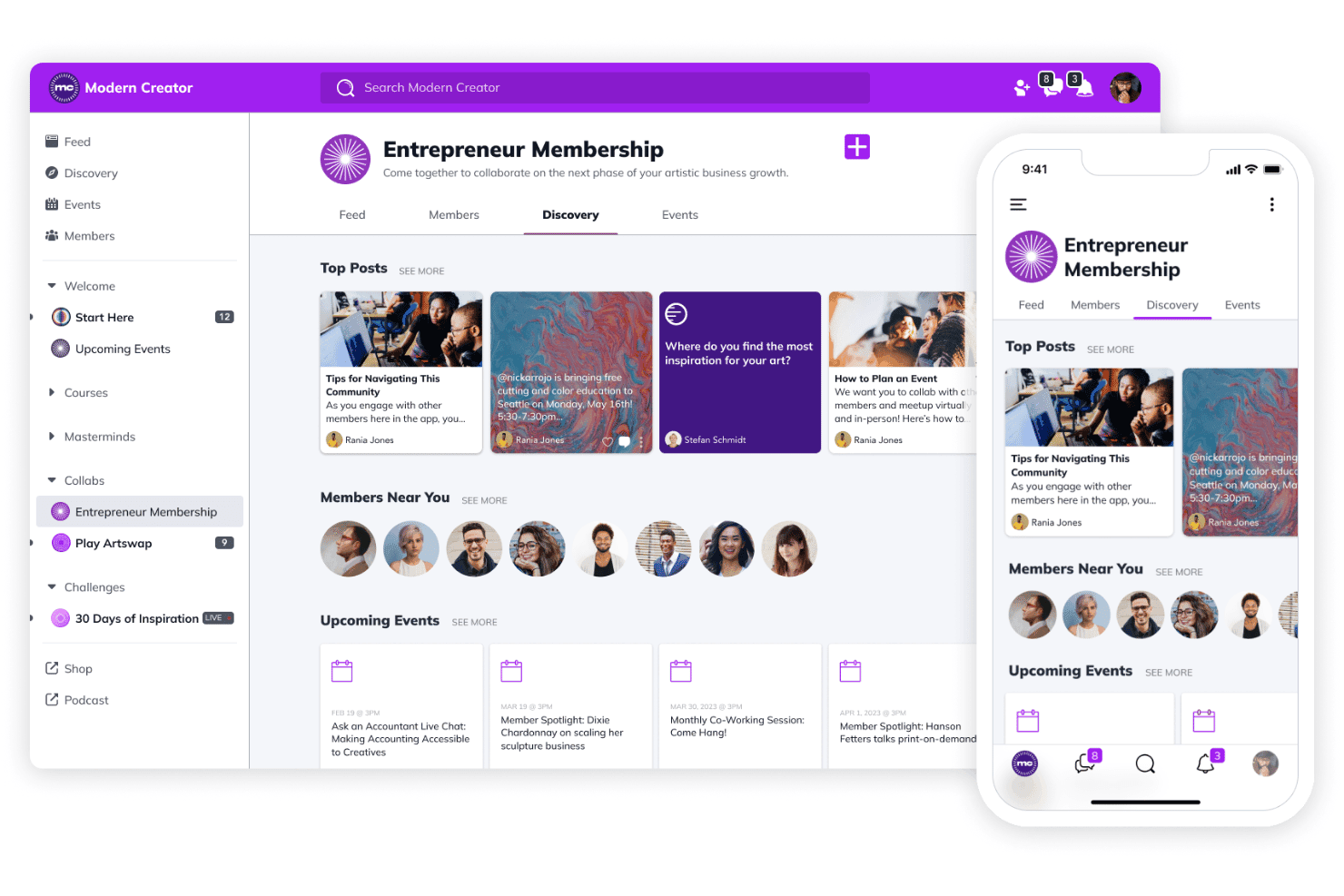
Organize discussions, posts, and resources into topic-based spaces. Spaces help community members discover relevant content and connect around shared interests.
Direct Messaging
Members can send private or group messages without leaving Mighty Networks. Messaging keeps engagement and conversations contained in your community.
Standout Features
Community Discovery Engine
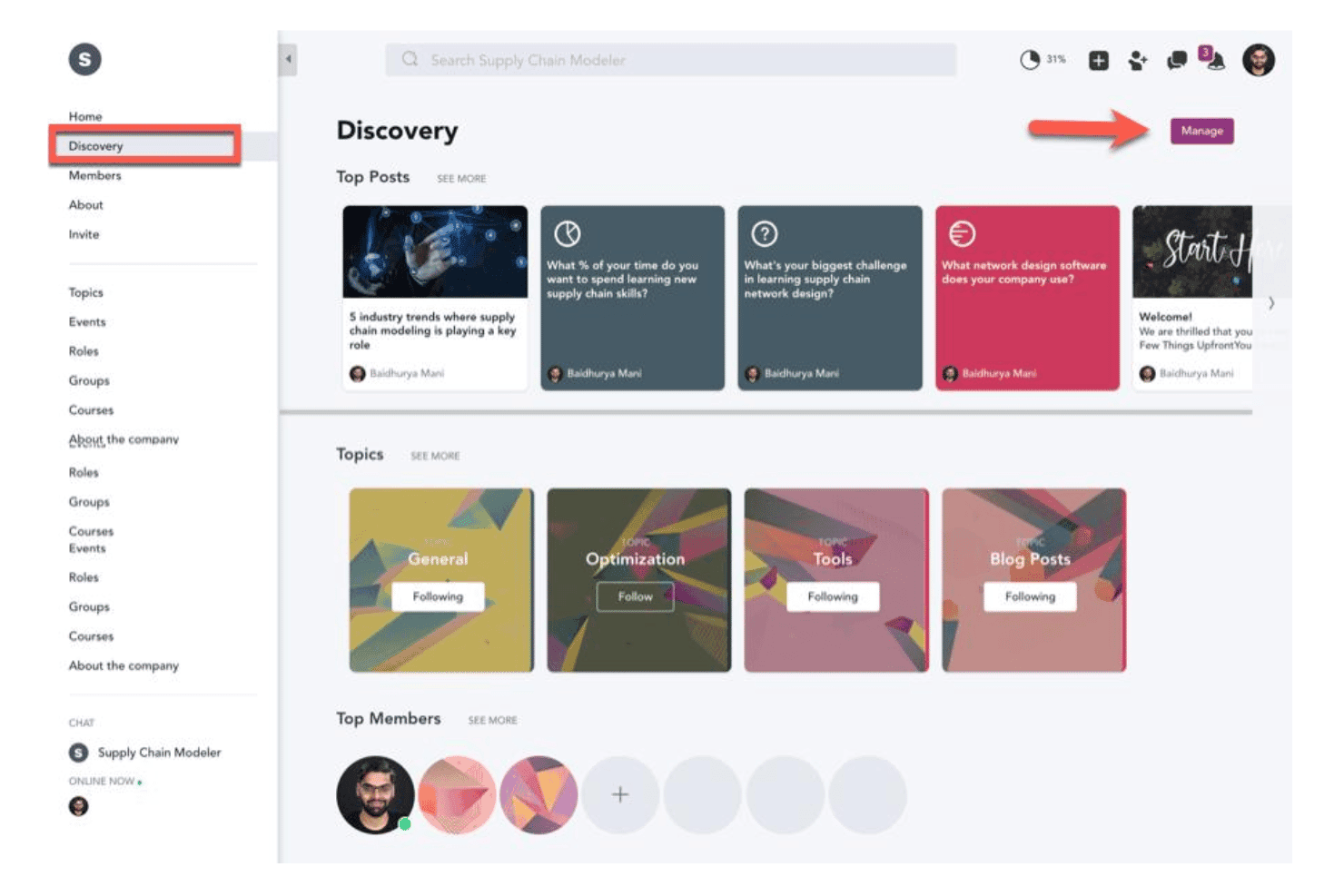
Mighty Networks uses a built-in discovery engine that recommends topics, groups, and content. Members quickly find new connections and conversations tailored to their interests.
Personalized Member Profiles
Profiles go beyond the basics, letting members share interests, skills, and more. Organizers can filter and segment community members for targeted engagement or collaborations.
Ease of Use
Mighty Networks feels intuitive and user-friendly, especially for non-technical users, thanks to its clean dashboard, straightforward course builder, and drag-and-drop community spaces. I think the platform reduces friction for new members joining or navigating discussions, and many users praise the branded mobile app for seamless access, though some wish for deeper admin controls and faster updates to feature requests.
Onboarding
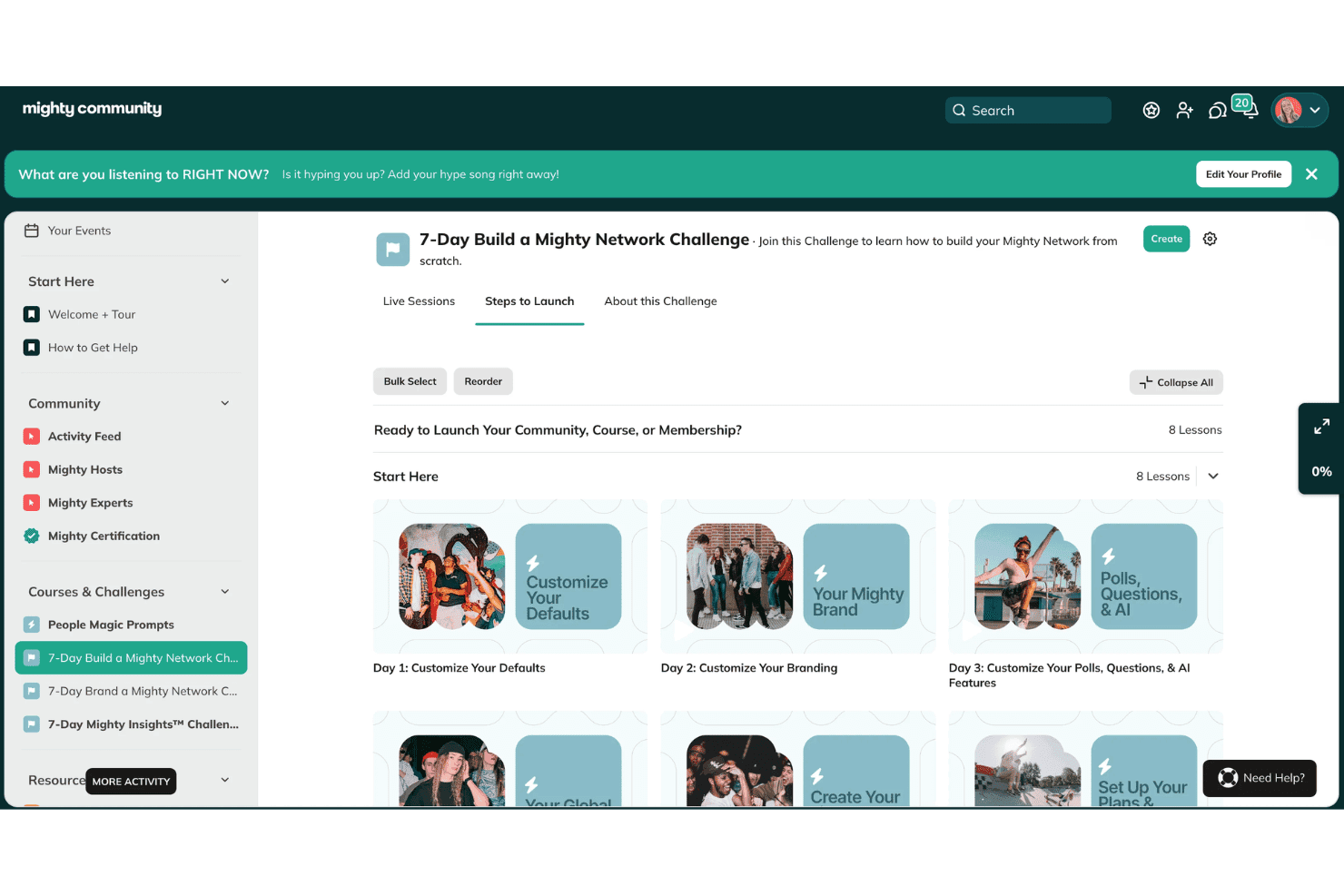
I think Mighty Networks makes onboarding easy with guided walkthroughs, setup checklists, and a resource-packed Help Center. Many new users say they're up and running quickly, and there's live chat support on paid plans, though some wish for more in-depth video tutorials and faster direct responses during setup.

Customer Support
I've noticed that Mighty Networks offers solid help center content and responsive live chat for paid users, which many find helpful for quick fixes. Some customers mention timely email responses, but others report slower support turnaround on complex issues and wish for more proactive updates about ongoing technical problems.
Integrations
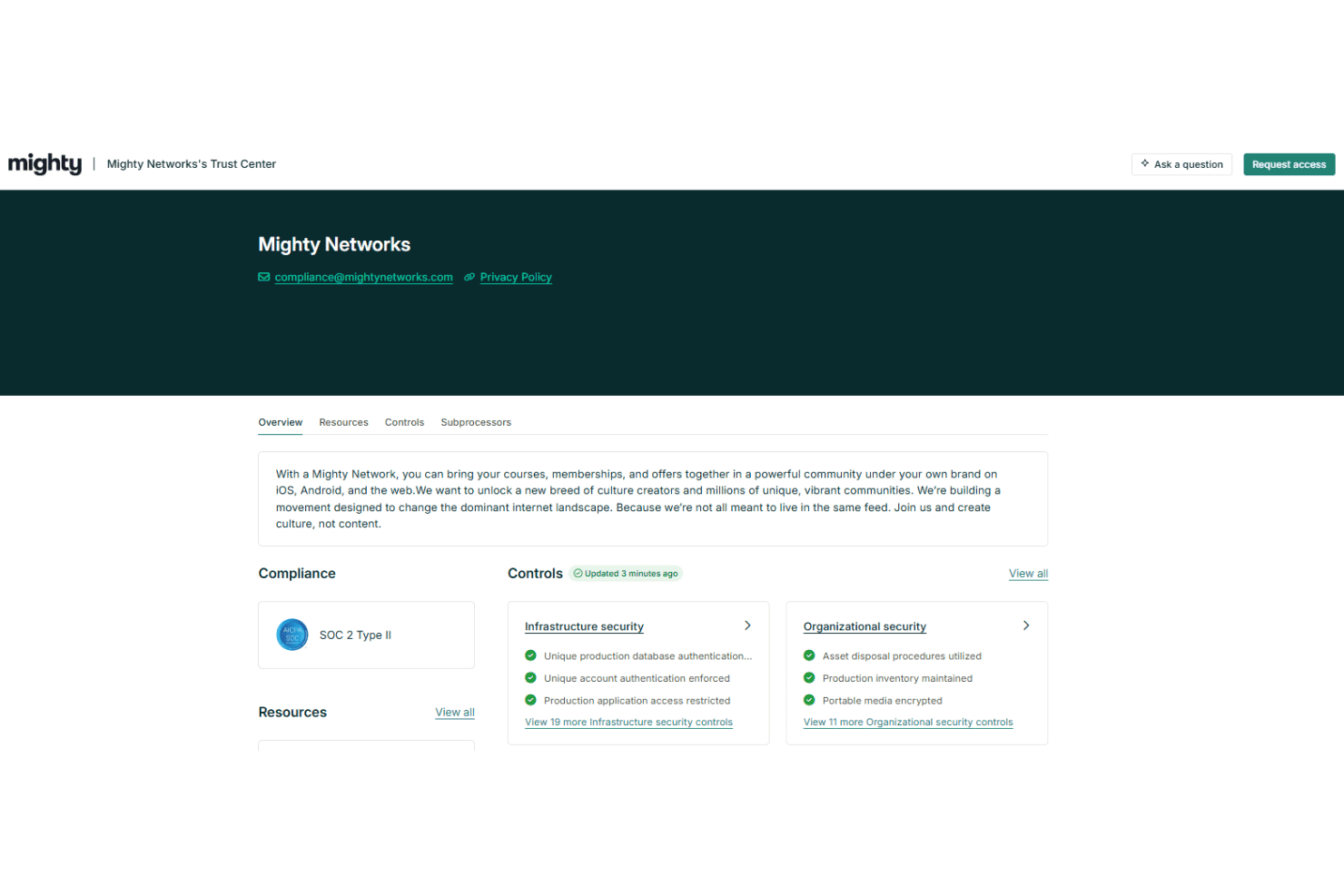
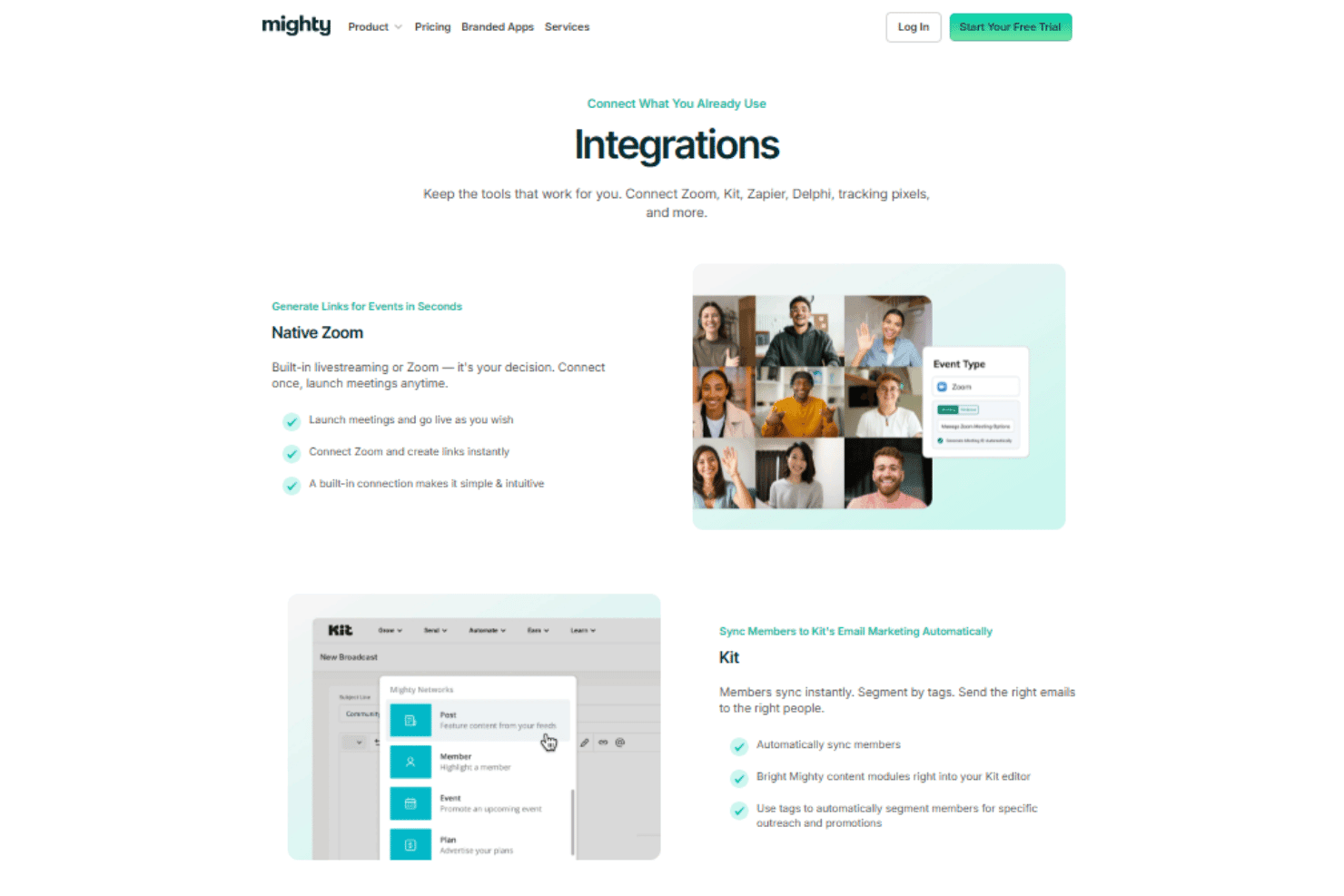
Mighty Networks integrates with Zoom, Kit, Google Analytics, Meta Pixel, TikTok Pixel, and Delphi, among others.
The platform also offers an API and supports third-party connections through Zapier for extended automation and integration options.
Value for Money
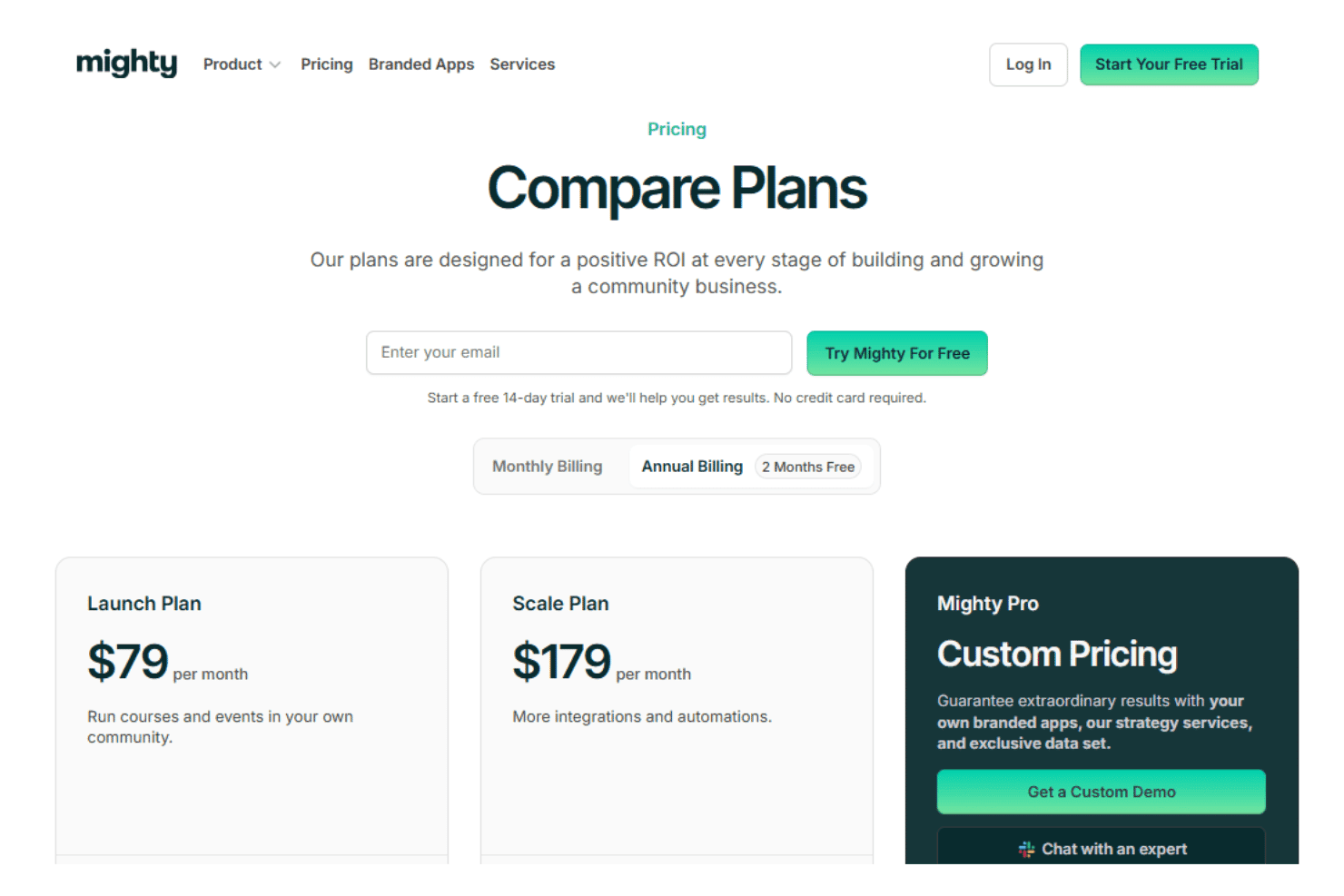
Mighty Networks feels well-priced for the value, especially if you want an all-in-one platform for community and course tools under one roof. Most users feel the cost is justified by the branded apps, flexible monetization, and member management, though transaction fees and add-ons can add up on lower tiers. There's also a 14-day free trial available so you can explore the platform before committing.
- Launch Plan: Includes online courses, events, and gamification features.
- Scale Plan: Adds more space features, automated polls, Kit integration, and limited API access.
- Mighty Pro: Includes video uploads, extra landing pages, migration, and white-labeled app options.
Mighty Networks Specs
- API: Yes
- Calendar Management: Yes
- Contact Management: Yes
- Customer Management: Yes
- Dashboard: Yes
- Data Export: Yes
- Data Import: Yes
- Data Visualization: Yes
- External Integrations: Yes
- Forecasting: Yes
- Lead Management: Yes
- Lead Scoring: Yes
- Marketing Automation: Yes
- Multi-User: Yes
- Notifications: Yes
- PayPal: Yes
- Stripe: Yes
- Third-Party Plugins/Add-Ons: Yes
Mighty Networks FAQs
Mighty Networks Company Overview & History
Mighty Networks is a privately held technology company headquartered in Palo Alto, California. Founded by Gina Bianchini, the company focuses on empowering creators, entrepreneurs, and brands to build communities with courses, memberships, and events in a single platform. Mighty Networks is known for its strong work culture and mission-driven approach to enabling niche online community building.
Mighty Networks Major Milestones
- 2017: Mighty Networks launched as a platform for community-building and membership sites
- 2021: Raised a $50M Series B funding round to accelerate growth and expand capabilities
- 2021: Reached over 10,000 paying creators and community builders
- 2022: Launched branded mobile apps for communities to increase member engagement
- 2023: Named a finalist for the Webby Awards in Best Community category