

Convert Experiences Bewertung: Vorteile, Nachteile, Funktionen und Preise erklärt für 2026
Ich nehme Convert Experiences genau unter die Lupe und zeige, wie das datenschutzorientierte A/B-Testing für versierte Teams herausragt – erfahren Sie, ob es das entscheidende Plus für Ihre Experimente ist.

Wir bewerten Tools unabhängig, und Provisionen helfen, unsere Tests zu finanzieren. Siehe unsere Transparenz-Richtlinie, unsere Methodik oder schlagen Sie ein Tool vor.
Without the right tools, marketing teams end up drowning in dashboards full of numbers that don’t line up, conversion reports that contradict each other, and campaign data nobody fully trusts. What should feel like data-driven decision-making quickly becomes a fight to figure out which numbers are telling the truth.
Convert Experiences is an A/B testing software designed to help marketing managers optimize web experiences and campaigns with data-driven insights. If you’re searching for A/B testing software that balances enterprise-grade testing with strong privacy compliance, Convert Experiences is worth a look.
In this review, I’ll break down its features, use cases, pricing, and where it really excels (or falls short), so you can decide if it’s the right fit for your next round of experiments.
Convert Experiences Evaluation Summary
4.6/5
- From $420/month (billed annually)
- 15-day free trial + free demo available
Warum Sie unseren Software-Empfehlungen vertrauen können
6,700+
Reviews
20
Industry experts
16+
Evaluation factors
14
Years
Unser Team testet und bewertet Software seit 2012. Als Marketingführungskräfte wissen wir selbst, wie schwierig – und wichtig – es ist, die richtige Software auszuwählen.
Für diesen Leitfaden haben wir Tools mithilfe von praktischen Tests und unabhängiger Recherche bewertet und dabei unsere Bewertungskriterien angewendet.
Unsere Bewertungen spiegeln unser menschliches redaktionelles Urteilsvermögen wider, keine Verkaufsstrategie.
Expertenprüfer:
 Gui DrusinaKreativdirektor
- Shriya GhateSenior Marketing Lead
 Amanda JacquesMarketing Ops Leiterin

Convert Experiences Overview
If I’m judging Convert Experiences against its peers, I’d say its robust functionality, strong privacy features, and attentive support make it a top choice for mid-market and enterprise teams. While its built-in analytics are less advanced than warehouse-native experimentation platforms, I find its broad integrations and flexible testing controls help teams move quickly and prove impact fast. For teams choosing a scalable A/B testing platform prioritizing compliance and reliability, Convert Experiences often outperforms, especially on more complex or regulated projects.
Pros
- Affordable pricing with enterprise-grade features
- Privacy-first platform with ISO, SOC 2, HIPAA, GDPR, and CCPA compliance
- Advanced MCP server and API for automated experimentation with full control
Cons
- Limited AI copilot functionality
- Limited analytics compared to warehouse-native platforms
- A/B testing support for apps is not fully streamlined
Is Convert Experiences Right For Your Needs?
Who Would be a Good Fit for Convert Experiences?
Convert Experiences is ideal for teams who need advanced experimentation and precise audience targeting across multiple domains or properties. Privacy-focused industries, agencies managing client sites, and mature marketing or product teams will get strong value from its blend of enterprise-grade compliance, dedicated support, and flexible testing features. The robust segmentation, advanced analytics connections, and unlimited domain testing make it especially suitable for companies who demand more control and depth from their A/B testing platform.
- Digital AgenciesAgencies managing A/B testing for multiple client websites benefit from unlimited domains and dedicated support.
- Shopify-Based Ecommerce StoresHigh-traffic Shopify stores with complex segmentation needs get granular control and deep reporting for revenue-impacting experiments.
- Product TeamsTeams seeking advanced experimentation and personalizations appreciate the server-side testing and deep audience targeting.
- Growth MarketersGrowth teams with complex funnel experiments maximize the value from real-time analytics integrations and segmentation features.
- Multi-Brand EnterprisesOrganizations managing several brands or global sites leverage single-account domain flexibility with a unified reporting dashboard.
Who Would be a Bad Fit for Convert Experiences?
Convert Experiences isn’t a strong match for users looking for lightweight or introductory A/B testing tools, or who have limited technical resources and online traffic. Small sites with simple testing needs might find the feature set overwhelming or not cost-effective. It’s also less suited to teams who require native mobile app experimentation, given its web-centric focus.
- Small BlogsSolopreneurs or small bloggers with minimal traffic and basic split test needs will pay for unused advanced features.
- Lean Marketing & Growth TeamsLean marketing and growth teams with limited budgets or testing resources may find the platform’s advanced capabilities more than they need early on.
- Basic Lead Gen SitesSimple websites running occasional headline or button tests don’t need deep personalization or segmentation.
- Non-Technical MarketersMarketers lacking analytics or implementation support may find advanced features and setup overwhelming.
- Mobile-Only TeamsApp-focused teams need native mobile app testing, which Convert Experiences does not fully support.
- Ecommerce Brands Beyond ShopifyEcommerce brands running on custom stack may need more implementation support compared to businesses operating entirely within the Shopify ecosystem.
Wie wir Tools testen und bewerten
Wir haben jahrelang unser Software-Test- und Bewertungssystem aufgebaut, verfeinert und verbessert. Das Bewertungsraster wurde entwickelt, um die Feinheiten der Softwareauswahl zu erfassen und aufzuzeigen, was ein Tool effektiv macht. Dabei konzentrieren wir uns auf kritische Aspekte des Entscheidungsprozesses. Im Folgenden können Sie genau nachvollziehen, wie unsere Tests und Bewertungen über sieben Kriterien hinweg funktionieren. Dies ermöglicht eine unparteiische Bewertung der Software basierend auf Kernfunktionen, besonderen Merkmalen, Benutzerfreundlichkeit, Onboarding, Kundenservice, Integrationen, Kundenrezensionen und Preis-Leistung.
Kernfunktionen (25% der Gesamtbewertung)
Der Ausgangspunkt unserer Bewertung ist stets die Kernfunktionalität des Tools. Verfügt es über die grundlegenden Merkmale und Funktionen, die ein Nutzer erwarten würde? Sind einige dieser Kernfunktionen nur in hochpreisigen Tarifen verfügbar? Im Kern erwarten wir, dass ein Tool den Basisfunktionen der Konkurrenz standhält.
Besondere Merkmale (25% der Gesamtbewertung)
Als nächstes bewerten wir außergewöhnliche, herausragende Funktionen, die über die übliche Kernfunktionalität hinausgehen. Eine hohe Punktzahl spiegelt spezialisierte oder einzigartige Merkmale wider, die das Produkt schneller, effizienter oder wertvoller für den Nutzer machen. Wir bewerten außerdem, wie einfach es ist, das Tool in andere häufig verwendete Anwendungen im Tech-Stack zu integrieren, um die Funktionalität und den Nutzen der Software zu erweitern. Tools, die viele native Integrationen, Drittanbieter-Anbindungen sowie API-Zugriff für eigene Integrationen bieten, schneiden am besten ab.
Benutzerfreundlichkeit (10% der Gesamtbewertung)
Wir berücksichtigen, wie schnell und einfach sich Aufgaben, die zu den Kernfunktionen gehören, mit dem Tool ausführen lassen. Hoch bewertete Software ist gut gestaltet, intuitiv bedienbar, bietet mobile Apps, Vorlagen und lässt auch komplexe Aufgaben einfach erscheinen.
Onboarding (10% der Gesamtbewertung)
Uns ist bewusst, wie wichtig eine schnelle Akzeptanz im Team für eine neue Plattform ist. Daher bewerten wir, wie leicht sich das Tool mit minimaler Einweisung erlernen und anwenden lässt und wie schnell Teammitglieder auch ohne Vorerfahrung loslegen können. Eine hohe Punktzahl deutet darauf hin, dass kaum oder gar keine Unterstützung notwendig ist.
Kundenservice (10% der Gesamtbewertung)
Wir prüfen, wie schnell und einfach es ist, bei Problemen Hilfe per Telefon, Live-Chat oder Wissensdatenbank zu erhalten. Tools und Unternehmen, die Support in Echtzeit anbieten, erhalten die besten Bewertungen; Chatbots schneiden am schlechtesten ab.
Kundenrezensionen (10% der Gesamtbewertung)
Neben unseren eigenen Tests und Bewertungen berücksichtigen wir den Net Promoter Score aktueller und ehemaliger Kunden. Wir prüfen, wie wahrscheinlich sie sich erneut für das Tool bezüglich der Kernfunktionen entscheiden würden. Hoch bewertete Software spiegelt einen hohen Net Promoter Score der Nutzer wider.
Preis-Leistung (10% der Gesamtbewertung)
Abschließend bewerten wir unter Berücksichtigung aller anderen Kriterien den Durchschnittspreis der Einsteiger-Tarife im Verhältnis zu den Kernfunktionen sowie den Wert der anderen bewerteten Aspekte. Software, die mehr für weniger bietet, wird besser bewertet.
Core Features
Visual Experiment Editor
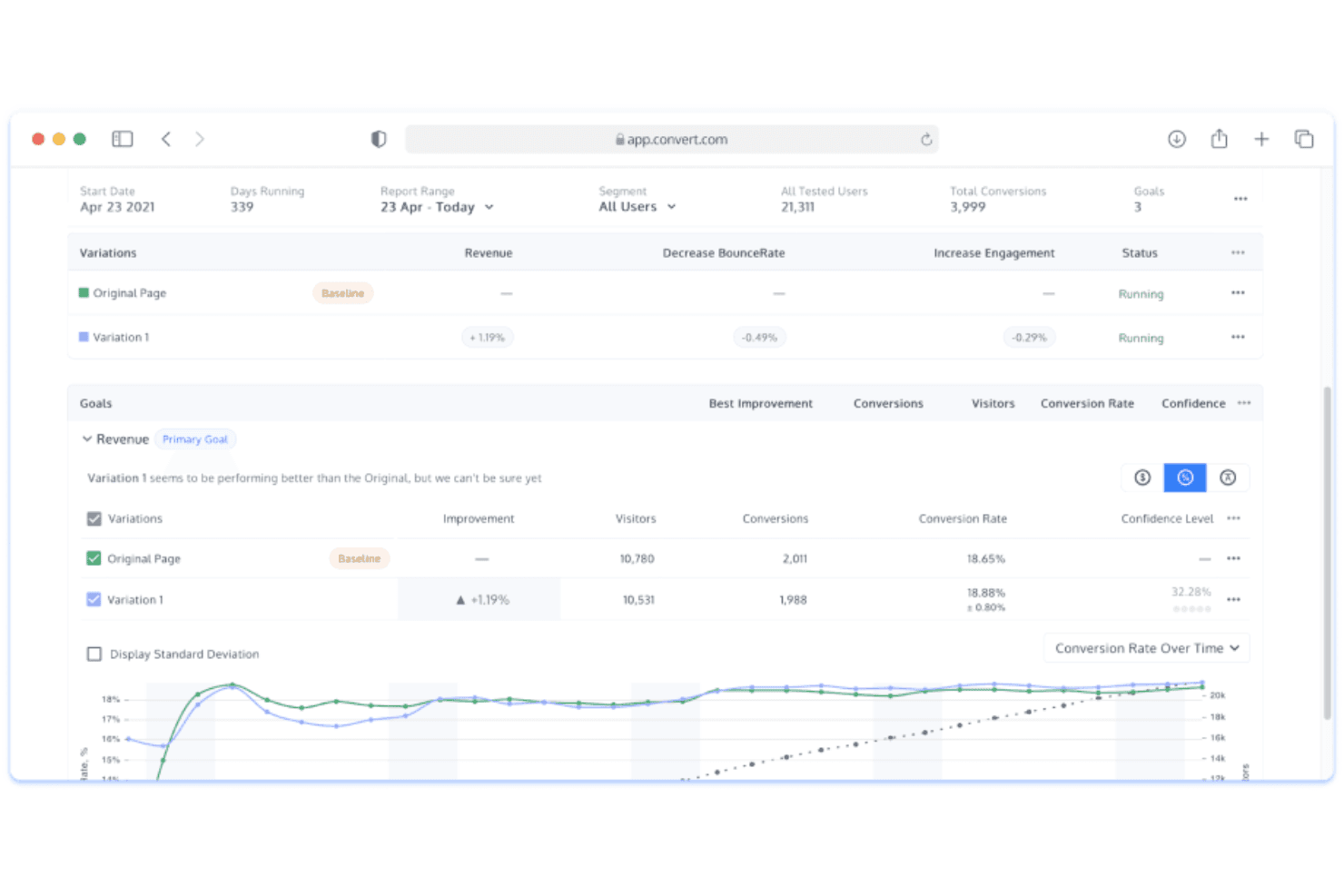
Create and launch A/B, multivariate, or split tests without coding. The WYSIWYG editor lets you quickly target page elements for fast iterations.
Frequentist & Bayesian Statistics Engines
Use both Frequentist and Bayesian statistical models to analyze experiments with greater flexibility and confidence in test results.
Flicker-Free Testing
Convert Experiences eliminates page flicker for participants using asynchronous code. This increases data reliability and protects experiment integrity.
Import/Export Test Templates
Export experiment setups from one Convert account and import them into another, making it easier to replicate and scale testing workflows across teams or clients.
1:1 Personalization Capabilities
Deliver tailored experiences at scale by connecting test variants to user attributes. Marketers can deploy custom content journeys for specific audiences.
Bring Your Own ID (BYOID)
Randomize experiments using IDs from third-party systems for cleaner attribution, more consistent user tracking, and easier data analysis across platforms.
Standout Features
Unlimited Subdomains
Run multiple active experiments across unlimited subdomains and unlimited variations within a single plan. This removes the typical limits and extra fees found with many competitors.
Natural Language Test Coding
Convert Experiences’ MCP servers let teams build and automate experiments using natural-language prompts instead of manual coding, reducing technical overhead.
Native Session Recordings & Heatmaps
Analyze user behavior with built-in session recordings and heatmaps, making it easy to uncover friction points and optimization opportunities directly within the platform.
Ease of Use
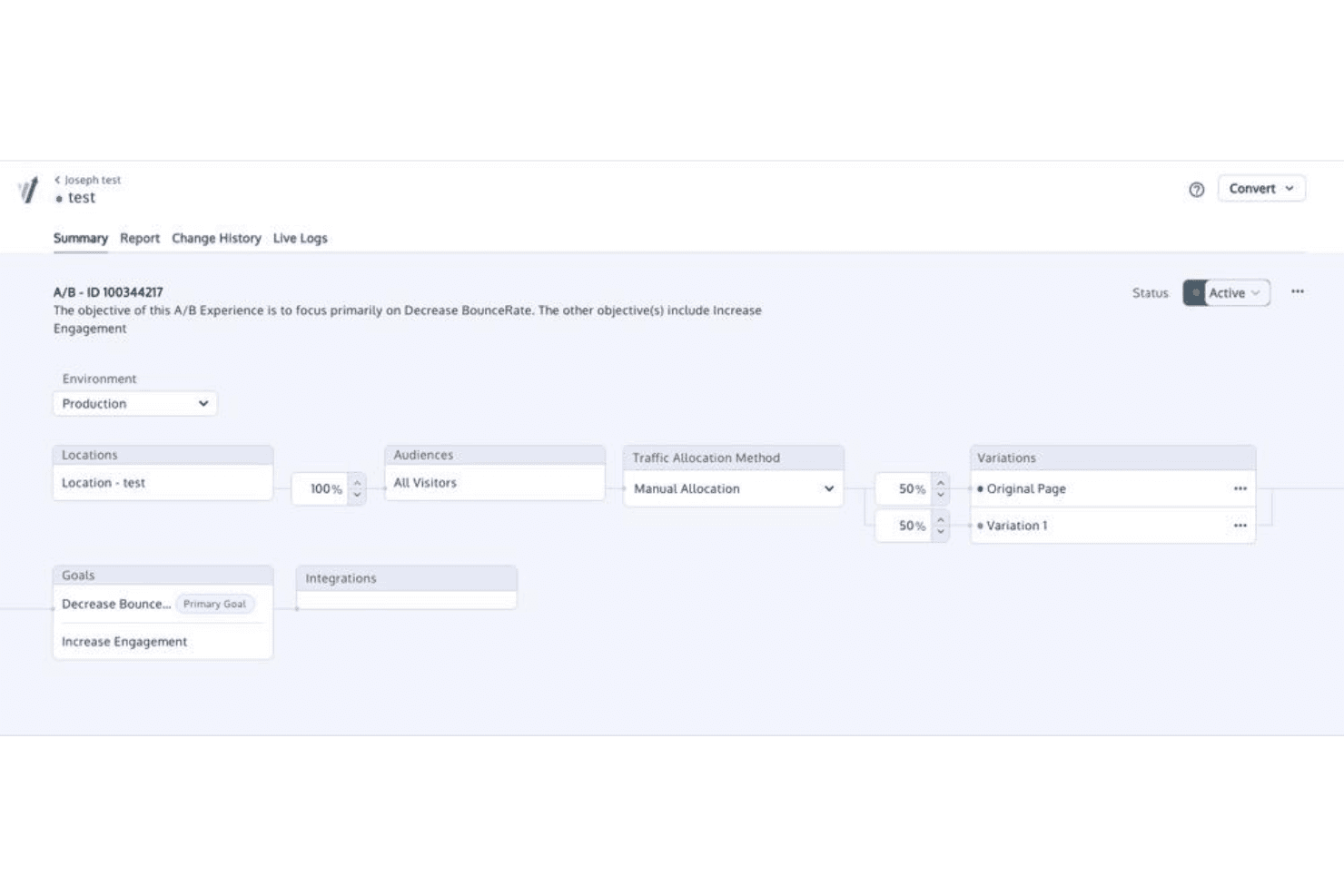
Convert Experiences offers a straightforward interface and visual editor that make launching tests accessible for most users, even without a developer background. However, some advanced features—like targeting configurations or debugging—can take longer to master, so less technical teams may rely on support more than with simpler platforms.
Onboarding
I think Convert Experiences stands out in onboarding, thanks to proactive 1:1 support and a hands-on approach that shortens the ramp-up time. Users receive an entirely free and tailored onboarding, access to dedicated account managers, and well-documented resources, which helps teams quickly go from basic setup to launching complex tests with confidence.
Customer Support
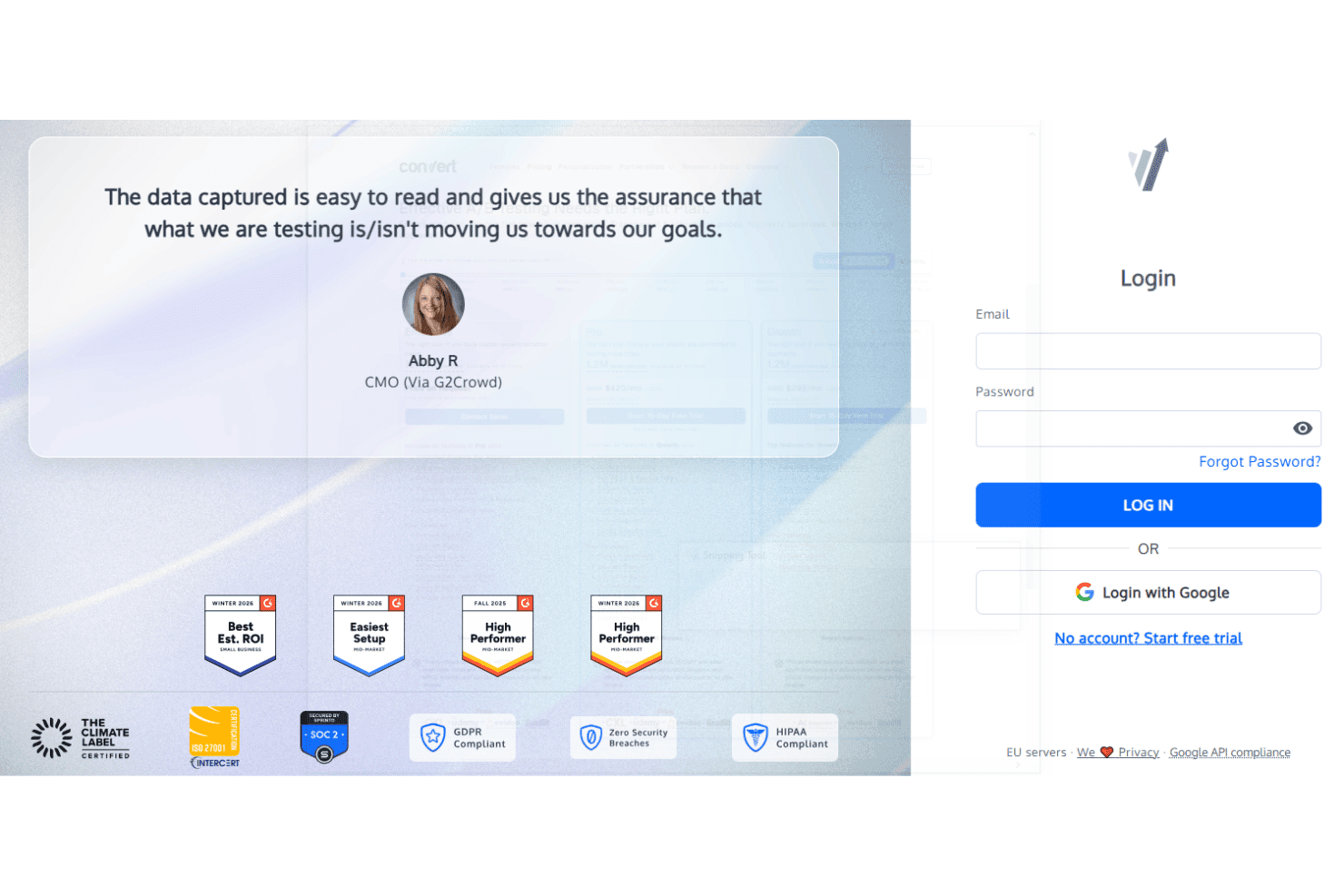
Customer support for Convert Experiences consistently earns praise for responsiveness and expertise. I’ve seen users mention fast replies via live chat and email, plus a willingness to dive into technical troubleshooting. Convert also backs its platform with an extensive knowledge base, training courses, and educational resources included with every plan. Support is entirely human-led, with median first response times under five minutes and most tickets resolved within 17 to 22 hours. Dedicated account managers, clear ticket ownership, and personal onboarding help teams solve issues quickly and maximize value from the platform.
Integrations
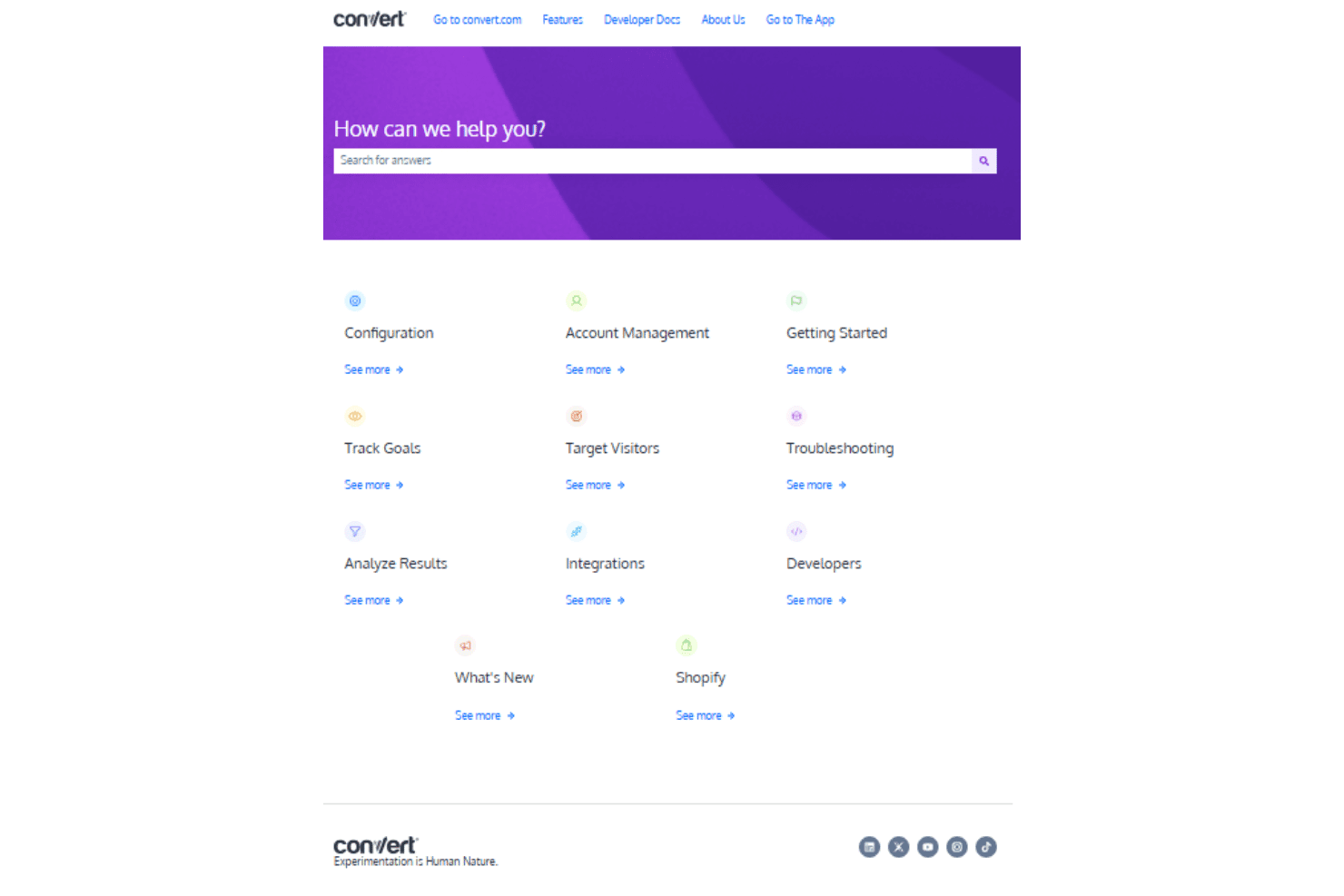
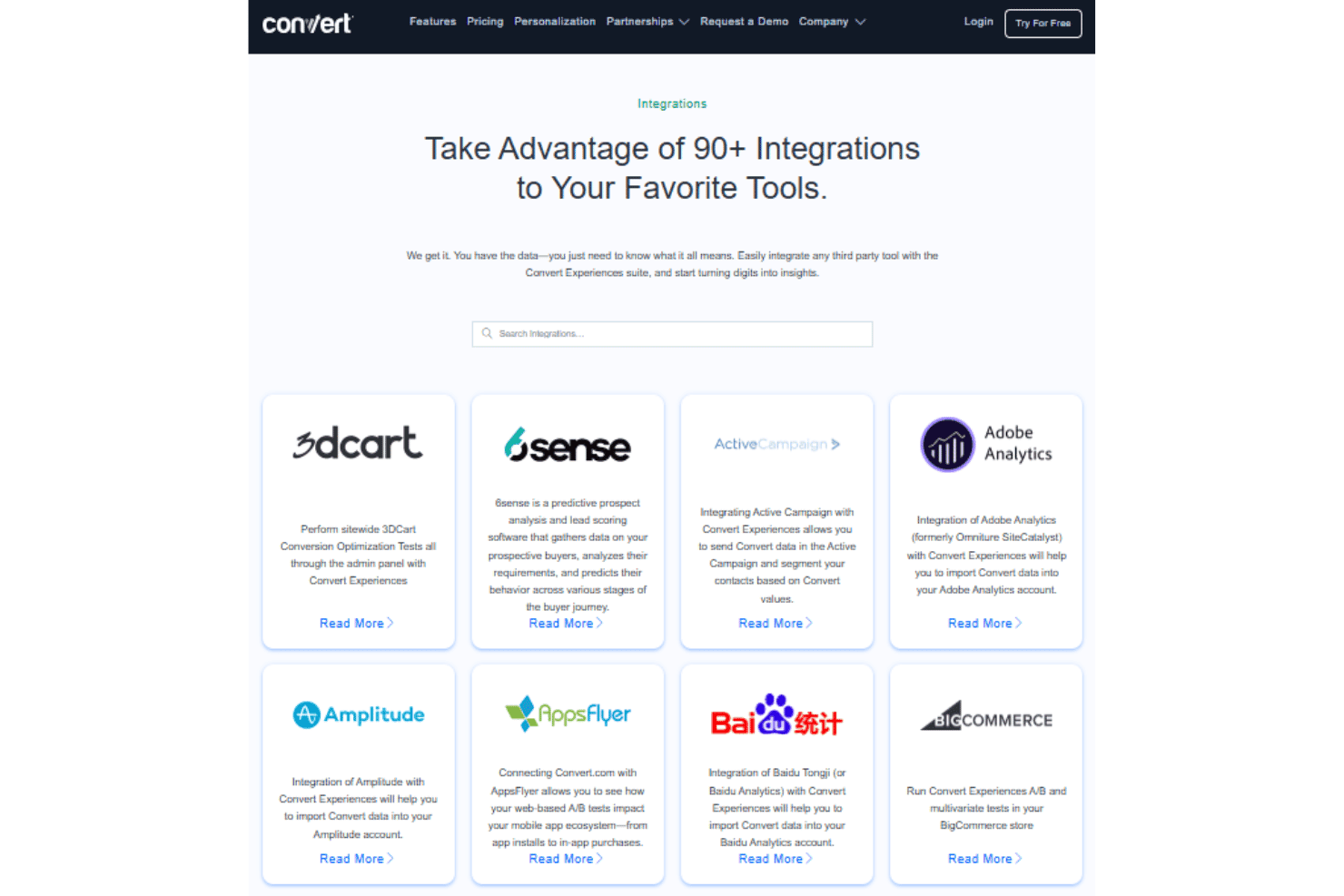
Convert Experiences integrates with Google Analytics, Adobe Analytics, HubSpot, Hotjar, Shopify, Segment, BigCommerce, WordPress, Marketo, and Microsoft Clarity, among many others.
Convert Experiences also offers a RESTful API and supports connections with third-party integration tools.
Value for Money
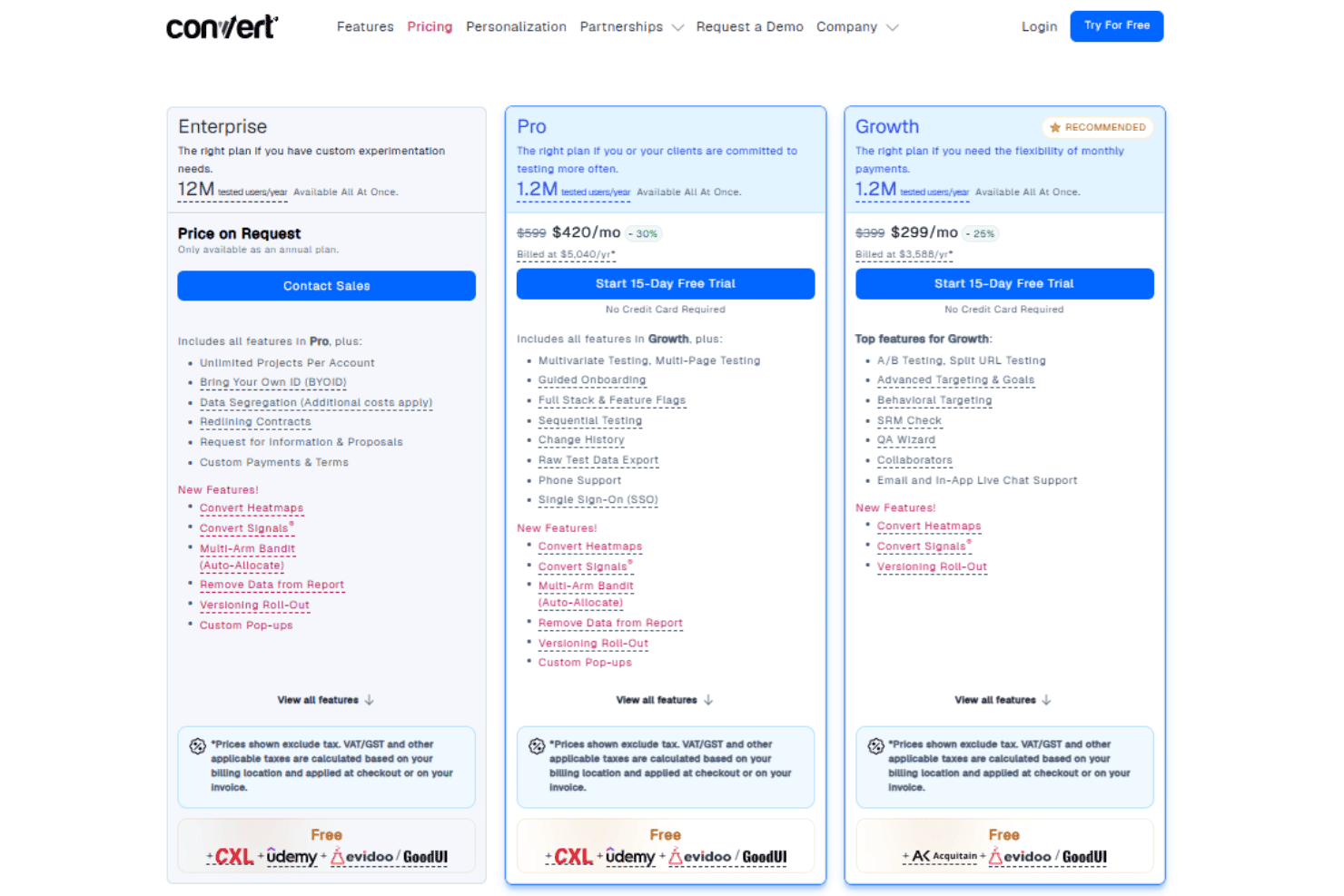
Convert Experiences delivers enterprise-grade experimentation features at relatively affordable pricing compared to many competitors. Users say its strong privacy practices, attentive customer support, unlimited domains, and flexible testing capacity offer excellent value for growing and enterprise teams without the premium enterprise price tag.
- Growth: Includes A/B testing, split URL testing, SRM check, and behavioral targeting.
- Pro: Adds multivariate testing, multi-page testing, change history, SSO, and raw test data export.
- Enterprise: Offers unlimited projects per account, data segregation, and custom payment terms.
Convert Experiences Specs
- A/B Testing: Yes
- AI Integration: Yes
- Analytics: Yes
- API: Yes
- Automated Testing: Yes
- Bug Tracking: Yes
- Campaign Management: Yes
- Conversion Tracking: Yes
- Custom Reports: Yes
- Dashboards: Yes
- Data Export: Yes
- Data Import: Yes
- Data Visualization: Yes
- Design Templates: Yes
- External Integrations: Yes
- Feedback Management: Yes
- Form Builder: Yes
- History/Version Control: Yes
- Multi-Site: Yes
- Multi-User: Yes
- Notifications: Yes
- Performance Testing: Yes
- Referral Tracking: Yes
- Regression Testing: Yes
- Release Management: Yes
- Reports: Yes
- Scenario Planning: Yes
- SEO: Yes
- Test Management: Yes
- Visualization: Yes
- Workflow Management: Yes
Convert Experiences FAQs
Convert Experiences Company Overview & History
Convert Insights inc. is a privately held company based out of Claymont, Delaware, USA. Founded by Dennis van der Heijden, Convert focuses exclusively on experimentation and A/B testing software, namely its flagship product Convert Experiences, serving digital agencies, ecommerce brands, and enterprise organizations. Convert is known for its ecological sustainability initiatives, transparent culture, and public commitment to privacy and ethical data practices.
Convert Experiences Major Milestones
- 2008: Company founded by Dennis van der Heijden and Claudiu Rogoveanu.
- 2009: Convert Experiences A/B testing platform launched to the public.
- 2012: Convert successfully raised a seed round.
- 2016: Public commitment to strict GDPR compliance and global privacy standards.
- 2017: Transitioned to an entirely remote, globally distributed team.
- 2020: Achieved 10+ billion tested visitors tracked on the platform.