

Yapay zekâ logo oluşturucu, özel logo tasarımlarını dakikalar içinde oluşturmak için yapay zekâ kullanan dijital bir araçtır. En iyi yapay zekâ logo oluşturucusunu arıyorsanız muhtemelen bir tasarımcı tutmadan veya karmaşık yazılımlarla uğraşmadan hızlıca profesyonel bir görünüm elde etmeye odaklanıyorsunuz.
Bu rehberde, 2026 için en iyi seçimlerimi; özelliklere, yaratıcı kontrol seçeneklerine ve her aracı farklı kılan unsurlara net bir bakışla bulacaksınız. İster kapsamlı bir marka kitine ister siteniz için hızlıca hazırlanmış bir logoya ihtiyacınız olsun, hangi yapay zekâ logo oluşturucularının kalite ve kullanım kolaylığı açısından gerçekten başarılı olduğunu göreceksiniz.
Why Trust Our Software Recommendations
6,700+
Reviews
20
Industry experts
16+
Evaluation factors
14
Years
Our team has been testing and reviewing software since 2012. As marketing leaders ourselves, we know how difficult—and important—it is to choose the right software.
For this guide, we evaluated tools using hands-on testing and independent research, scoring tools using our selection criteria.
Our reviews reflect our human editorial judgment, not a sales pitch.
Expert reviewers:
 Gui DrusinaCreative Director
- Shriya GhateSenior Marketing Lead
 Amanda JacquesMarketing Ops Leader

Karşılaştırma Tablosu: Yapay Zekâ Logo Oluşturucu
Bu karşılaştırma tablosu, en iyi yapay zekâ logo oluşturucusu seçimlerimin fiyatlandırma ayrıntılarını özetlemektedir.
Sorted by: Default
| Tool | Starting Price | Website | |
|---|---|---|---|
Best for template-based logo editing | 4.5 out of 5 | $7.99/user/month Free plan available | Website |
Best for free logo downloads | 4.3 out of 5 | Pricing upon request Free plan available | Website |
Best for logo customization options | 2.8 out of 5 | Pricing upon request Not available | Website |
Best for business-ready branding assets | Not rated | $199/year Free plan + 30-day free trial available | Website |
Best for website and logo integration | Not rated | $9/month Free plan available | Website |
Best for full brand kits with logo downloads | Not rated | $96/year Free plan available | Website |
Best for exporting logos in multiple formats | Not rated | $9.90/month Free plan available | Website |
Best for generating unique logo styles | Not rated | $35/one-time logo Not available | Website |
Best for multi-language branding support | Not rated | $29/month Free demo available | Website |
Best for automated logo creation workflows | Not rated | Pricing upon request Not available | Website |


En İyi Yapay Zekâ Logo Oluşturucuları İncelemeleri
Aşağıda kısa listeme giren en iyi yapay zekâ logo oluşturucularının ayrıntılı özetlerini bulabilirsiniz. İncelemelerim, size en uygun aracı bulmanıza yardımcı olmak için her bir aracın özelliklerine, yaratıcı yeteneklerine ve fiyatlandırmasına ayrıntılı bir bakış sunuyor.
 Best for template-based logo editing
- Free plan available
- From $7.99/user/month (billed annually)
Visit WebsiteCustomer Rating:4.5/5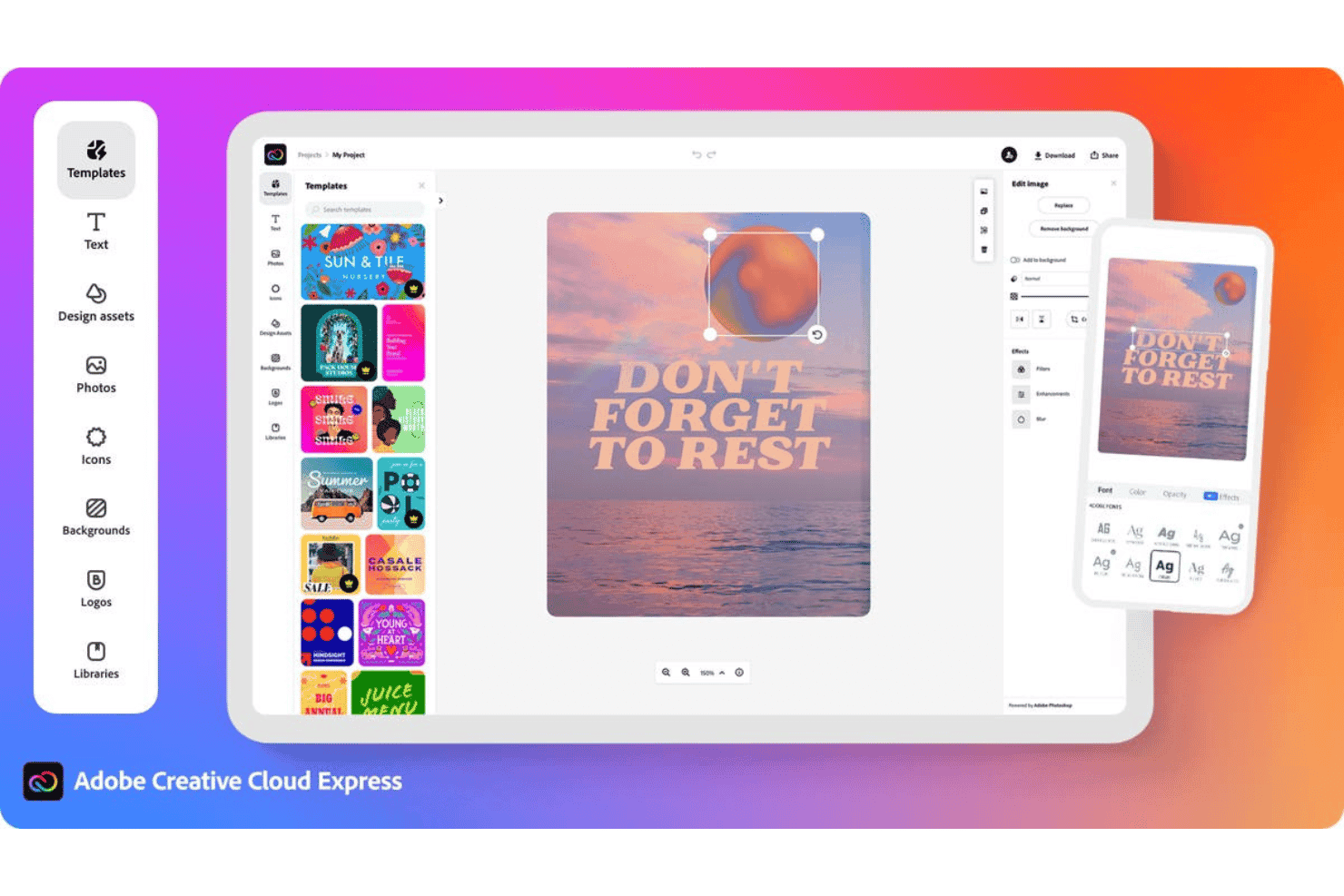
Adobe Express offers a web-based design editor with templates, text, photos, icons, and font editing tools for creating social media graphics. Adobe Express is a design platform with a built-in AI logo maker that combines Firefly-powered generative AI with an extensive template library, letting you create, customize, and animate logos alongside broader brand assets.
Who Is Adobe Express Best For?
Adobe Express is a natural fit for startup founders and small business owners who need to build brand visuals quickly without a dedicated design background.
Why I Picked Adobe Express
Adobe Express earns its spot on my shortlist because the template library gives you a strong creative foundation before the AI even touches your logo. I like how you can upload reference images to guide Firefly's generation, so the output actually reflects your intended style rather than producing random AI interpretations. The one-click Resize then adapts your finished logo across channel formats without rebuilding anything from scratch.
Adobe Express Key Features
- Brand input prompts: Collects brand name, style preferences, and reference images to personalize the AI generation process.
- Template-based logo generator: Lets you start from thousands of design variants tailored to your industry or style.
- Brand Kit integration: Creates and applies colour palettes, typography, and logo variants across all design projects within the platform.
- Multi-format export options: Exports logos as PNG, JPG, PDF, or MP4 files for use in digital and print channels.
Adobe Express Integrations
Adobe Express integrates natively with Adobe Creative Cloud and offers direct publishing to platforms like TikTok, Google Drive, and Facebook. An API for custom integrations is not clearly documented.
Pros and Cons
Pros:
- Animate logos directly within the platform
- Firefly AI generates on-brand logo concepts
- Massive library of customizable logo templates
Cons:
- Requires extra steps for standalone logos
- Not purpose-built for logo creation alone
Learn more about Adobe Express: Best for free logo downloads
- Free plan available
- Pricing upon request
Visit WebsiteCustomer Rating:4.3/5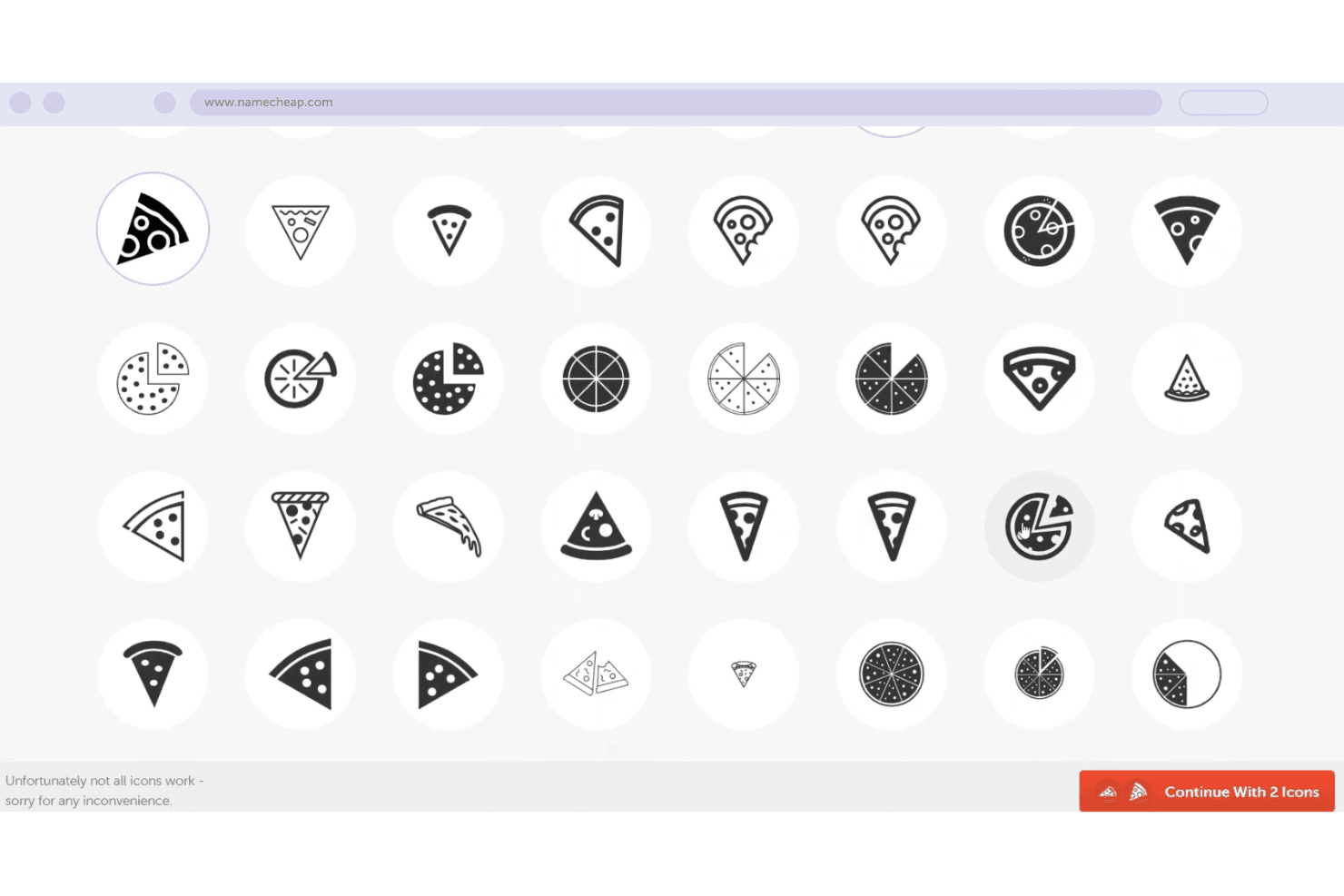
Namecheap offers a pizza-themed icon selection tool with multiple style variations to choose for a logo or domain branding. Namecheap Logo Maker is a free AI logo generator that creates original logo designs from brand inputs like business name, industry, and style preferences, with customization controls for fonts, colours, icons, and layouts.
Who Is namecheap Best For?
Namecheap Logo Maker suits startup founders and solo entrepreneurs who need a professional-looking logo without a design budget.
Why I Picked namecheap
I picked Namecheap Logo Maker because it's one of the few AI logo generators that gives you actual SVG vector files completely free, with no watermarks attached. Most free tools lock vector exports behind a paywall. I've downloaded logos in both PNG and SVG formats without hitting a single upgrade prompt, and there's no cap on how many versions I can generate and download.
namecheap Key Features
- AI-powered logo design: Generates original logos based on your business name, industry, and style selections.
- Custom colour palettes: Lets you apply and edit preset or custom colour schemes directly in the editor.
- Icon library access: Offers thousands of built-in icons to personalize your logo concept.
- Realistic mockup previews: Displays how your logo looks on T-shirts, business cards, and websites before download.
namecheap Integrations
Native integrations are not clearly documented for Namecheap Logo Maker, and there is no mention of Zapier or an API for custom integrations.
Pros and Cons
Pros:
- No payment information required to download
- Generates 100+ logo variations instantly
- SVG and PNG downloads are completely free
Cons:
- No social media size variants on export
- Custom export sizes are not supported
Learn more about namecheap: Best for logo customization options
- Not available
- Pricing upon request
Visit WebsiteCustomer Rating:2.8/5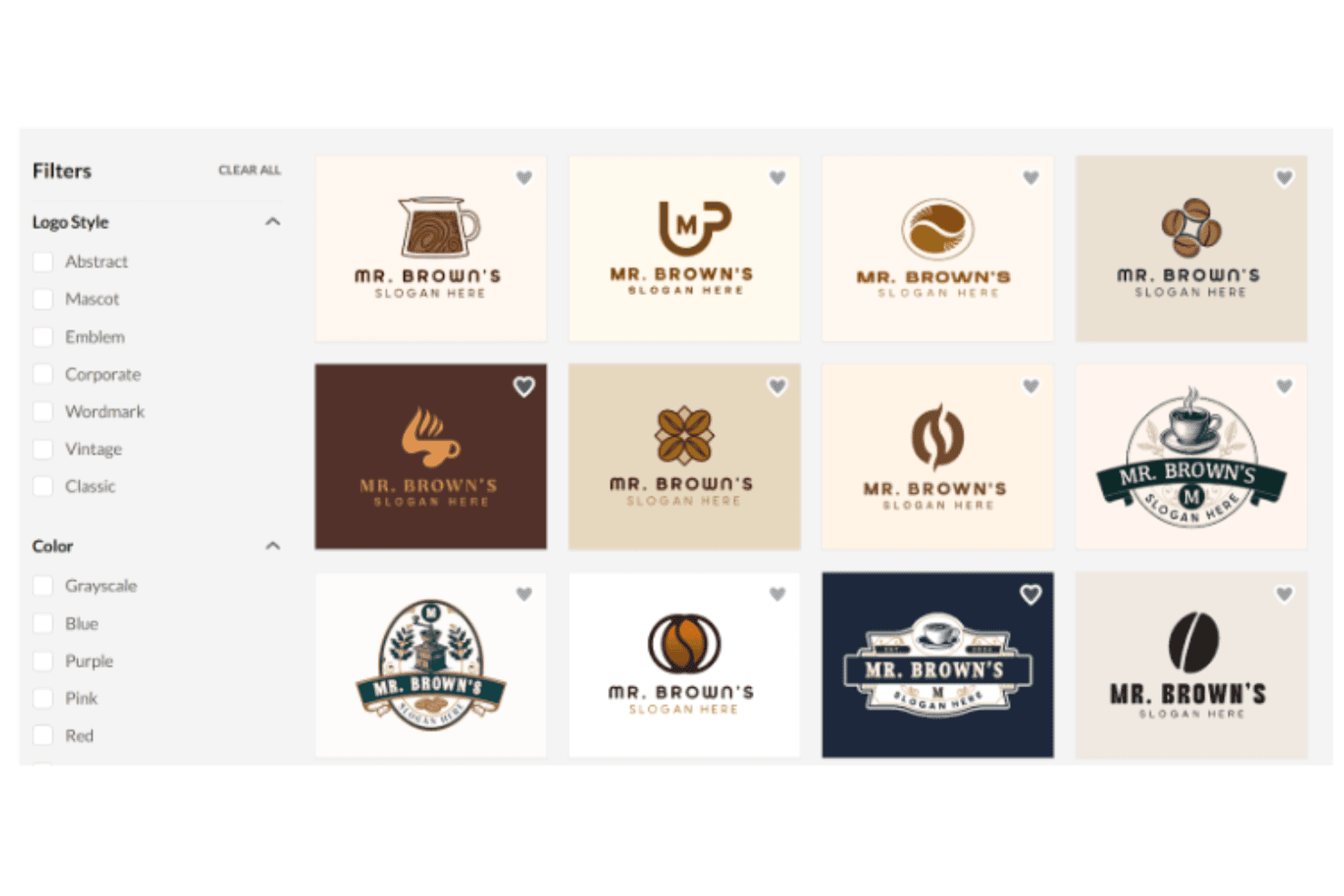
BrandCrowd offers a logo maker interface with filterable coffee shop logo templates displayed in a grid layout. BrandCrowd is an AI logo generator that combines a library of 380,000+ designer-created templates with AI-powered matching, a drag-and-drop logo editor, and a suite of brand asset tools covering everything from social media graphics to business cards.
Who Is BrandCrowd Best For?
BrandCrowd is a good fit for startup founders and small business owners who need to produce a polished logo and supporting brand assets without a design background.
Why I Picked BrandCrowd
BrandCrowd earns its spot on my shortlist because the depth of its logo editor is unlike most AI logo tools I've used. I can adjust fonts, colours, icons, and layouts, and layer in gradients, curved text, and taglines all within the same session. The AI chat editor also lets me type direct requests like "make the icon larger" or "switch to a darker palette" and see changes applied immediately, which makes iterating on a design far faster than rebuilding from scratch.
BrandCrowd Key Features
- Production-ready vector file exports: Download logos in SVG, EPS, and PDF formats for use across print, web, and merchandise.
- Full brand asset kit generation: Automatically generate business cards, social media templates, letterheads, and email signatures from any chosen logo.
- Industry and style conditioning: Select from preset industry categories and style keywords to surface relevant logo templates aligned with your brand.
- Trademark screening process: Logos undergo intellectual property checks to help reduce trademark risk before commercial use.
BrandCrowd Integrations
Native integrations are not clearly documented. BrandCrowd offers an API for custom integrations.
Pros and Cons
Pros:
- Auto-creates physical product mockup previews
- Built-in artificial intelligence chat editor
- Huge template library with 380,000+ designs
Cons:
- Requires purchase to download high-res files
- AI generation less original than competitors
Learn more about BrandCrowd: Best for business-ready branding assets
- Free plan + 30-day free trial available
- From $199/year
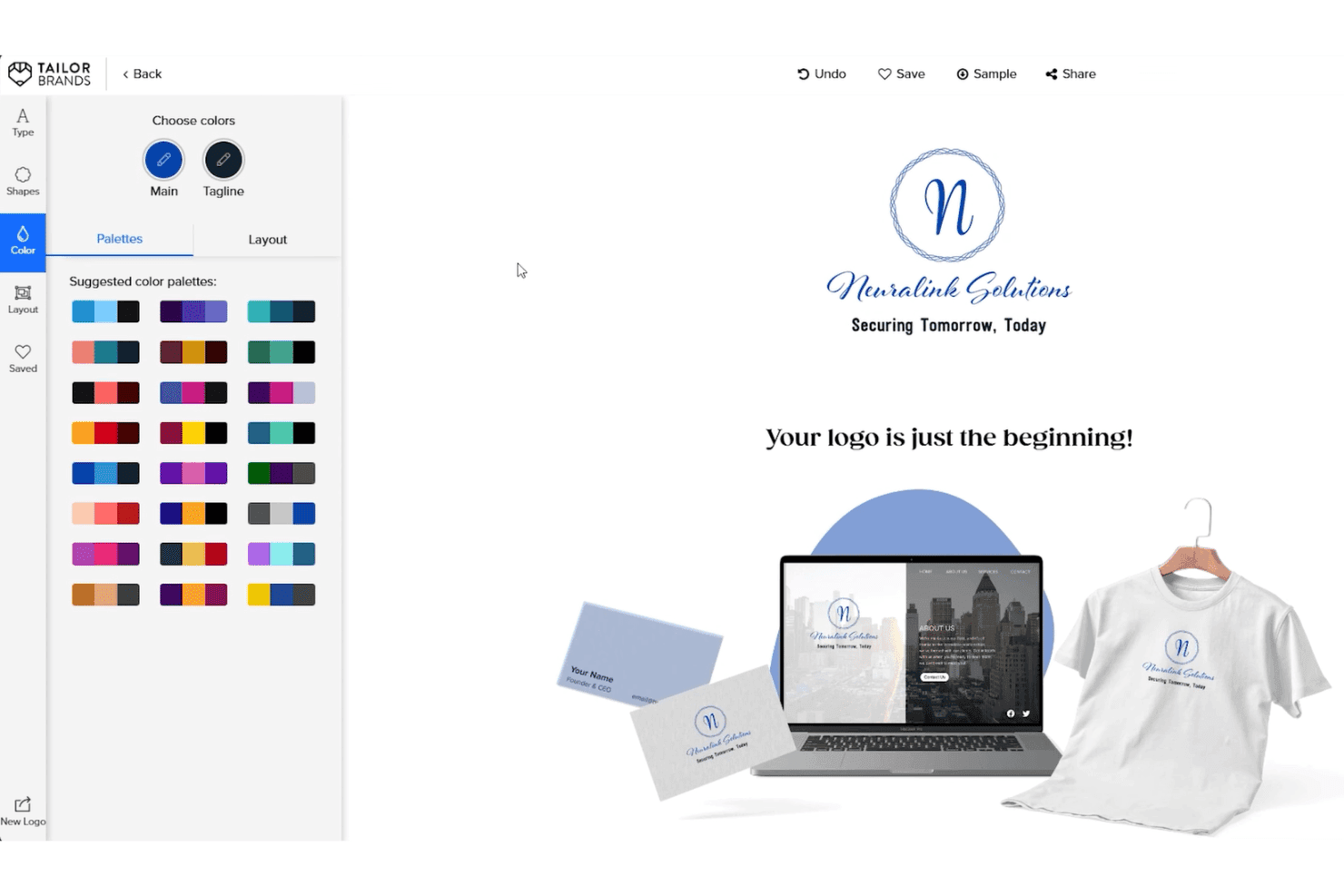
Tailor Brands offers a logo color palette customization tool with real-time previews on business cards, websites, and apparel. Tailor Brands is an AI logo generator that pairs its logo creation engine with a complete branding toolkit, including brand books, social media assets, business cards, and LLC formation services.
Who Is Tailor Brands Best For?
Tailor Brands suits startup founders and small business owners who need a logo and supporting brand assets ready to use from day one.
Why I Picked Tailor Brands
I've included Tailor Brands in my top picks because the AI logo generator doesn't stop at the logo itself. Once you finalize a design, the platform outputs a brand book, letterheads, business cards, and 21 pre-resized social media formats alongside your vector files (EPS and SVG) with full commercial rights. I particularly like the seasonal logo feature, which lets me adapt the brand mark for specific campaigns without starting the design process from scratch.
Tailor Brands Key Features
- Logo style selection: Choose between wordmark, monogram, and icon-driven logo types to guide the AI’s creation process.
- Brand questionnaire intake: Enter business name, type, description, industry, and style preferences to direct logo generation.
- 21 social media logo formats: Instantly receive downloads in platform-specific dimensions for direct social posting.
- Transparent background vector exports: Download logos in high-resolution SVG and EPS with transparent backgrounds for versatile use.
Tailor Brands Integrations
Native integrations are not clearly documented. An API for custom integrations is not advertised.
Pros and Cons
Pros:
- Exports vector files with commercial rights
- Includes seasonal logo variation feature
- Outputs a full brand kit alongside logos
Cons:
- No offline logo design or document editing
- AI outputs rely on a limited icon library
Learn more about Tailor Brands:
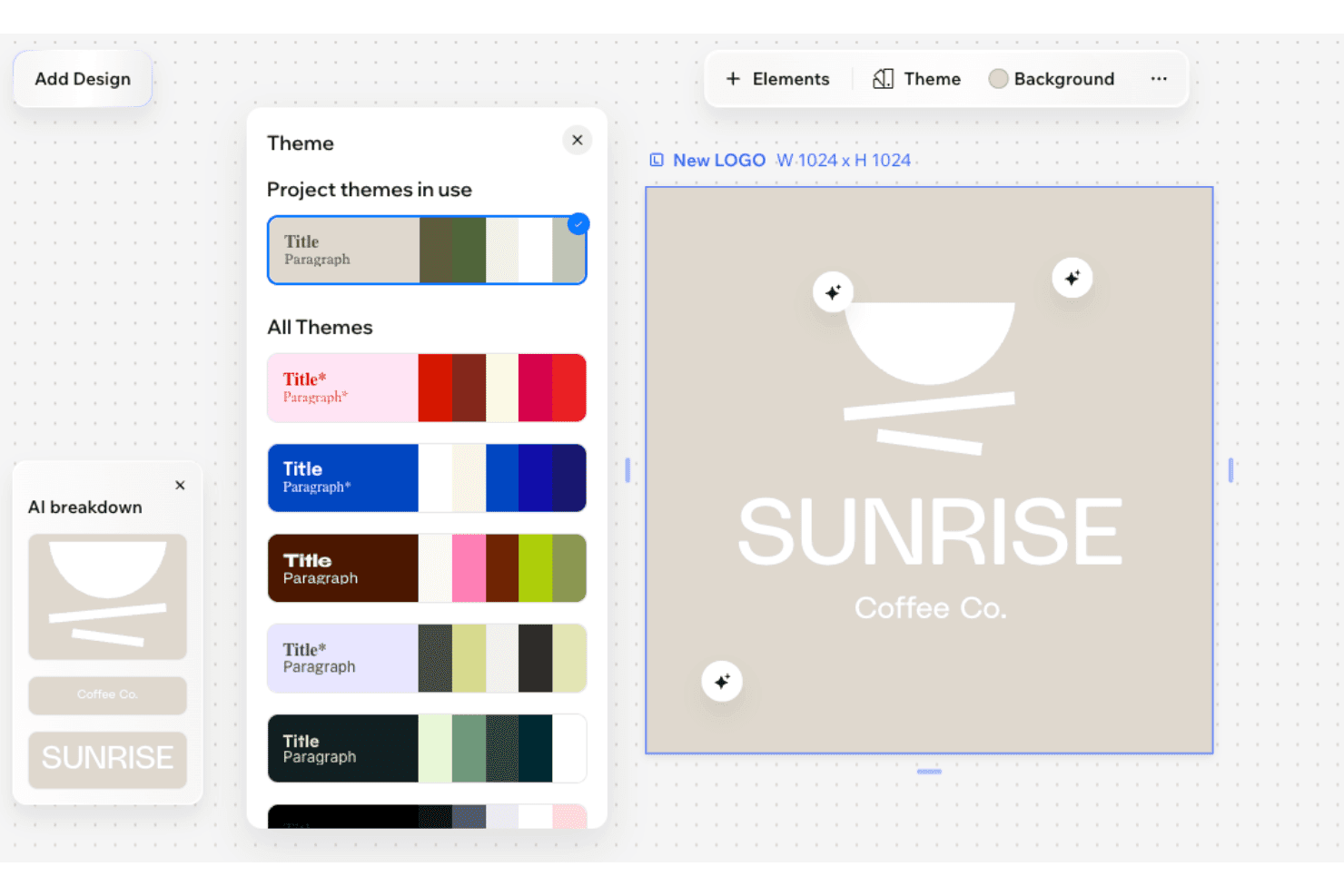
Wix Wixel displays a Theme panel with color palettes and an AI-generated logo for 'Sunrise Coffee Co.' on a beige background. Wix Wixel is an AI-powered visual design platform that generates logos, brand kits, and multi-format creative assets using a selectable mix of AI models including OpenAI, Gemini, Recraft, and Ideogram.
Who Is Wix Wixel Best For?
Wix Wixel suits early-stage founders and small business owners who need logo creation and a website presence from a single platform.
Why I Picked Wix Wixel
Wix Wixel earns its spot on my shortlist because of how tightly the logo builder connects to a full website launch. On the yearly Pro plan, I get a free Wix Light Premium plan and a domain voucher bundled in, so I can move from logo concept to live site without switching tools. I also like that Wixel's AI generates a complete brand theme from my logo, including colours and typography, and applies it across every creative asset I build in the suite.
Wix Wixel Key Features
- Multi-model AI engine selection: Lets you choose from OpenAI, Gemini, ByteDance, Recraft, or Ideogram to generate design assets.
- Brand input-driven logo creation: Collects business name, industry, and style preferences to tailor logo generation.
- Manual logo editing tools: Supports in-canvas customization of fonts, colours, icons, and layout on AI-generated logos.
- Vector and transparent downloads: Enables downloads in SVG, PNG, and JPG formats with transparent backgrounds for versatile use.
Wix Wixel Integrations
Native integrations are not clearly documented. An API for custom integrations is not advertised.
Pros and Cons
Pros:
- Multiple AI models available for generation
- Choice of top artificial intelligence models
- Logo syncs directly to Wix website builder
Cons:
- Best value tied to a website subscription
- Logo editing tools less advanced than competitors
Learn more about Wix Wixel:

Looka offers a logo design editor with layout variations, color schemes, and a live preview of customizable wedding or couples' branding. Looka is an AI logo generator that creates logos from brand inputs like name, industry, style preferences, and colour choices, and pairs every logo with a full brand kit of supporting visual assets.
Who Is Looka Best For?
Looka is a strong fit for startup founders and small business owners who need a complete visual brand identity without working with a professional designer.
Why I Picked Looka
Looka earns its spot on my shortlist because no other AI logo tool I've used matches its Brand Kit depth. After finalizing a logo, I get colour palettes, typography pairings, brand guidelines, and 300+ ready-to-use templates covering everything from social post formats to letterheads and invoices. The file download options are also thorough: PNG, SVG, PDF, and EPS files with transparent backgrounds and multiple colour variations come bundled in the Premium package.
Looka Key Features
- AI-powered logo generation: Generates multiple original logos based on your business name, industry, style, and symbol preferences.
- Customizable design controls: Lets you edit fonts, colours, icons, and layouts directly in the platform before finalizing your design.
- Multi-format logo downloads: Exports high-resolution files in PNG, SVG, PDF, and EPS formats for instant brand use.
- Style and variation filters: Offers style descriptors and filters to refine and regenerate logo concepts until you find the right fit.
Looka Integrations
Native integrations are not clearly documented. An API is available for custom integrations.
Pros and Cons
Pros:
- Full brand kit access requires an ongoing subscription
- Company name is locked after purchase
- Icons are shared across all Looka-generated logos
Cons:
- Lack custom code export for built websites
- No free vector download on basic tier
Learn more about Looka: Best for exporting logos in multiple formats
- Free plan available
- From $9.90/month
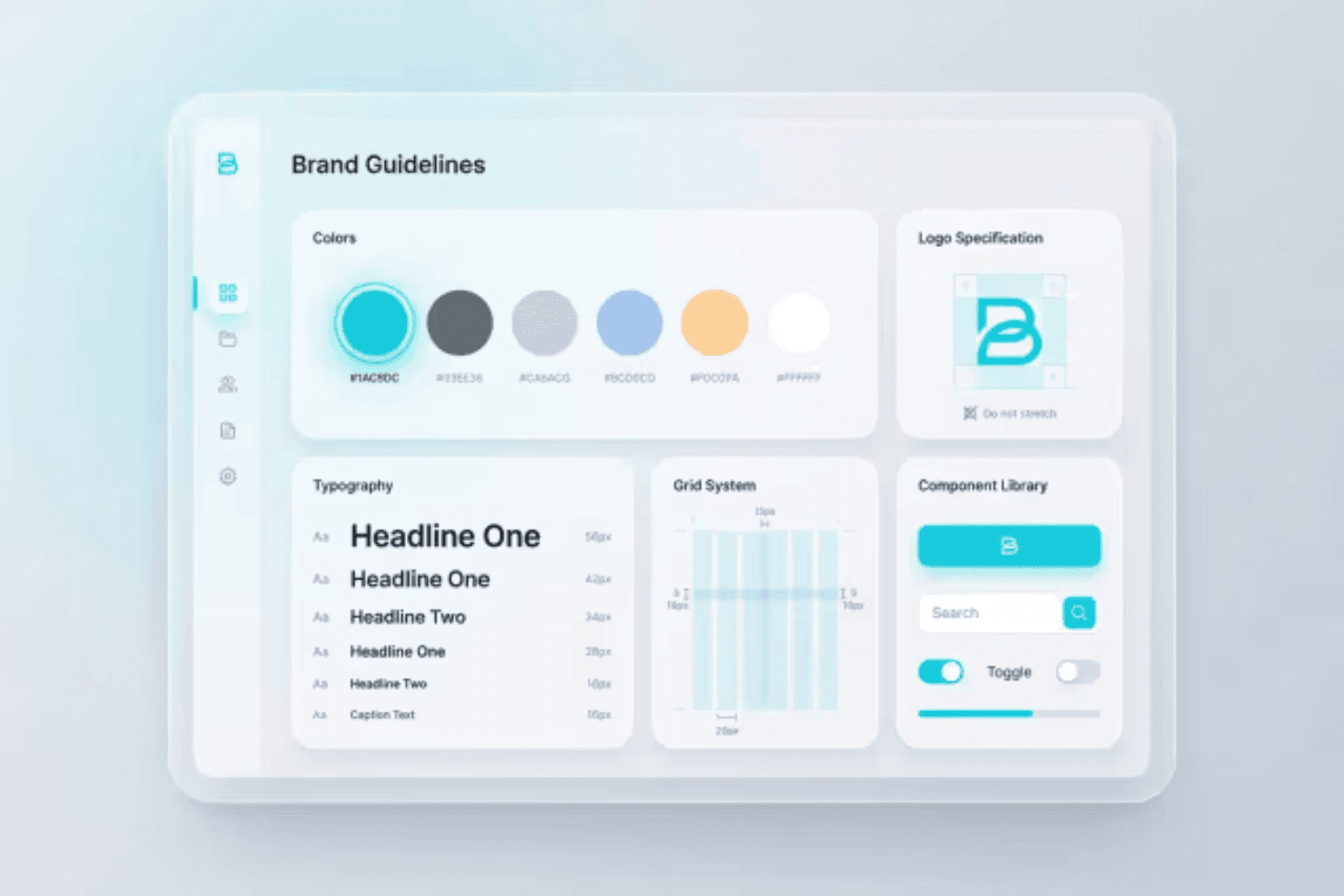
Designs.ai displays a Brand Guidelines dashboard featuring color palettes, typography scales, logo specifications, grid systems, and a component library. Designs.ai Logomaker is an AI-powered branding tool that generates logo concepts from brand inputs, delivers multi-format exports, and produces a complete brand kit including colour palettes, typography pairings, and logo variants.
Who Is Designs.ai Best For?
Designs.ai Logomaker suits startup founders and small business owners who need a complete brand identity package without a dedicated design team.
Why I Picked Designs.ai
Designs.ai Logomaker earns its spot on my shortlist because of how far its export capabilities stretch. When I finish a logo, I can download it in PNG, SVG, and PDF formats, with transparent background versions and print-ready specs included in a single package. On top of that, the brand kit output bundles social media logo sizes and branded merchandise mockups alongside those files, so I'm not manually resizing assets after the fact.
Designs.ai Key Features
- AI-powered logo generation: Creates original logos using your brand name, industry, and style preferences as input.
- Brand kit builder: Automatically generates coordinated colour palettes, typography, and logo variants from your chosen logo.
- Bulk design creation: Produces large sets of logo and brand asset variations in a single workflow.
- Integrated design suite: Connects logo output directly to other tools for creating videos, presentations, and social media designs.
Designs.ai Integrations
Native integrations are not clearly documented. An API is available for custom integrations.
Pros and Cons
Pros:
- High-speed creation of bulk assets
- Direct connection to visual editor
- Quick generation of matching graphics
Cons:
- No dedicated mobile app for on-the-go edits
- Logo outputs look generic across industries
Learn more about Designs.ai:
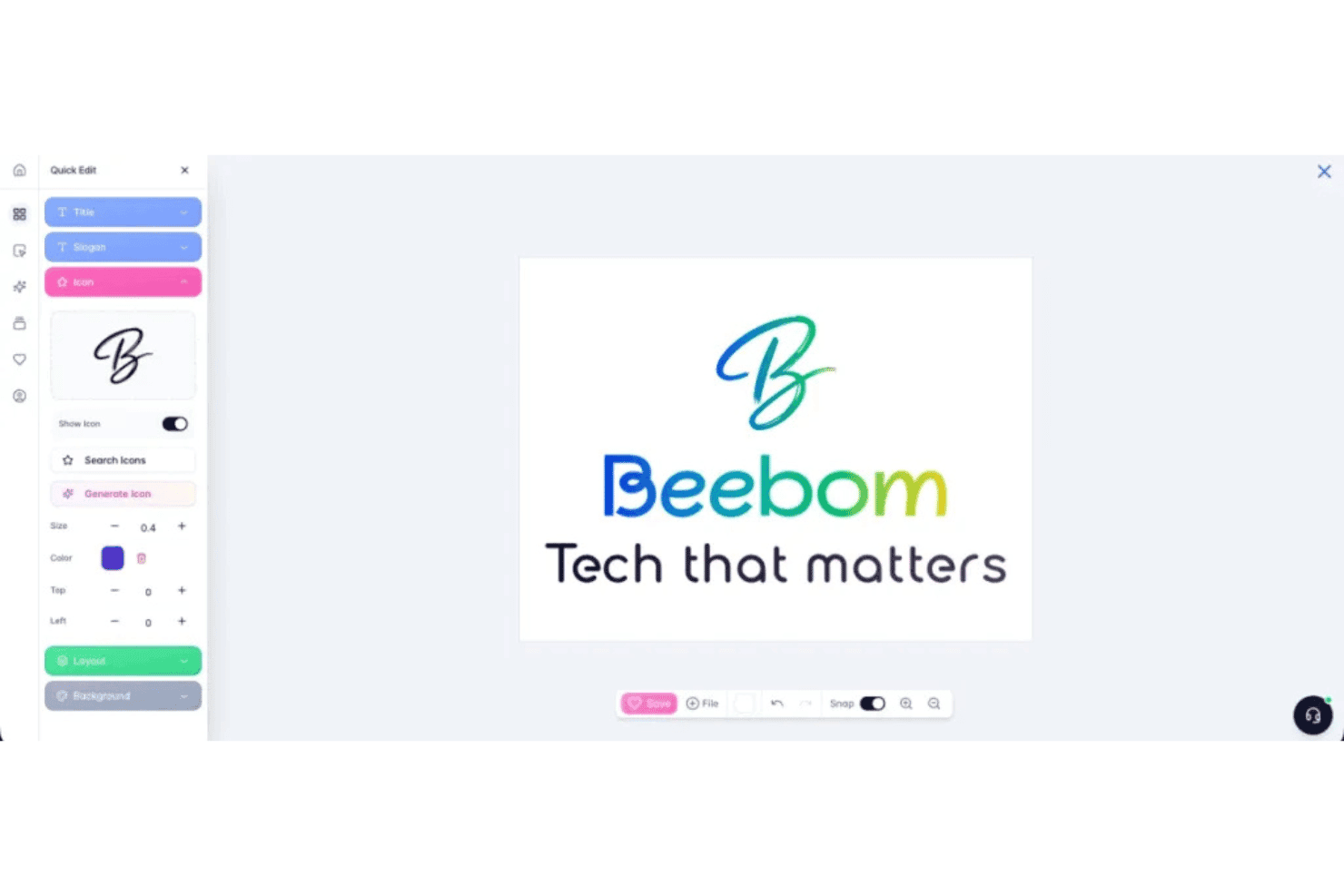
Brandmark allows users to customize logos with quick edit tools for title, slogan, icon, layout, and background settings. Brandmark is an AI logo generator that combines deep learning with hand-crafted design elements to produce logos, colour palettes, typography, and a full suite of brand assets from keyword and style inputs.
Who Is Brandmark Best For?
Brandmark is a strong fit for startup founders and small business owners who need a complete brand identity without a design background or agency budget.
Why I Picked Brandmark
I picked Brandmark as one of the best because its deep learning model, trained on over a million logo images, produces genuinely varied style outputs rather than recycled templates. The hybrid approach, combining generative AI icons with hand-crafted typography, is what gives each logo its distinctiveness. I also rely on the Logo Rank tool to assess originality scores and flag whether any generated icons are pulled from stock sources.
Brandmark Key Features
- Brand kit generator: Auto-generates a full suite of brand assets including colour palettes, typography, business cards, and presentation templates.
- Multi-format exports: Lets you download logos in SVG, PNG, and PDF for production use across web, print, and merchandise.
- Unlimited post-purchase revisions: Permits ongoing editing of your logo and brand assets even after initial purchase.
- In-browser logo editor: Allows direct, no-software-required modifications of text, fonts, colours, and icons within your browser.
Brandmark Integrations
Native integrations are not clearly documented. An API is available for custom integrations.
Pros and Cons
Pros:
- One-time purchase includes full vector file formats
- Generates varied style outputs across multiple categories
- Logo Rank tool scores originality before download
Cons:
- No free plan to test outputs before purchasing
- In-canvas editing controls are limited for complex adjustments
Learn more about Brandmark:
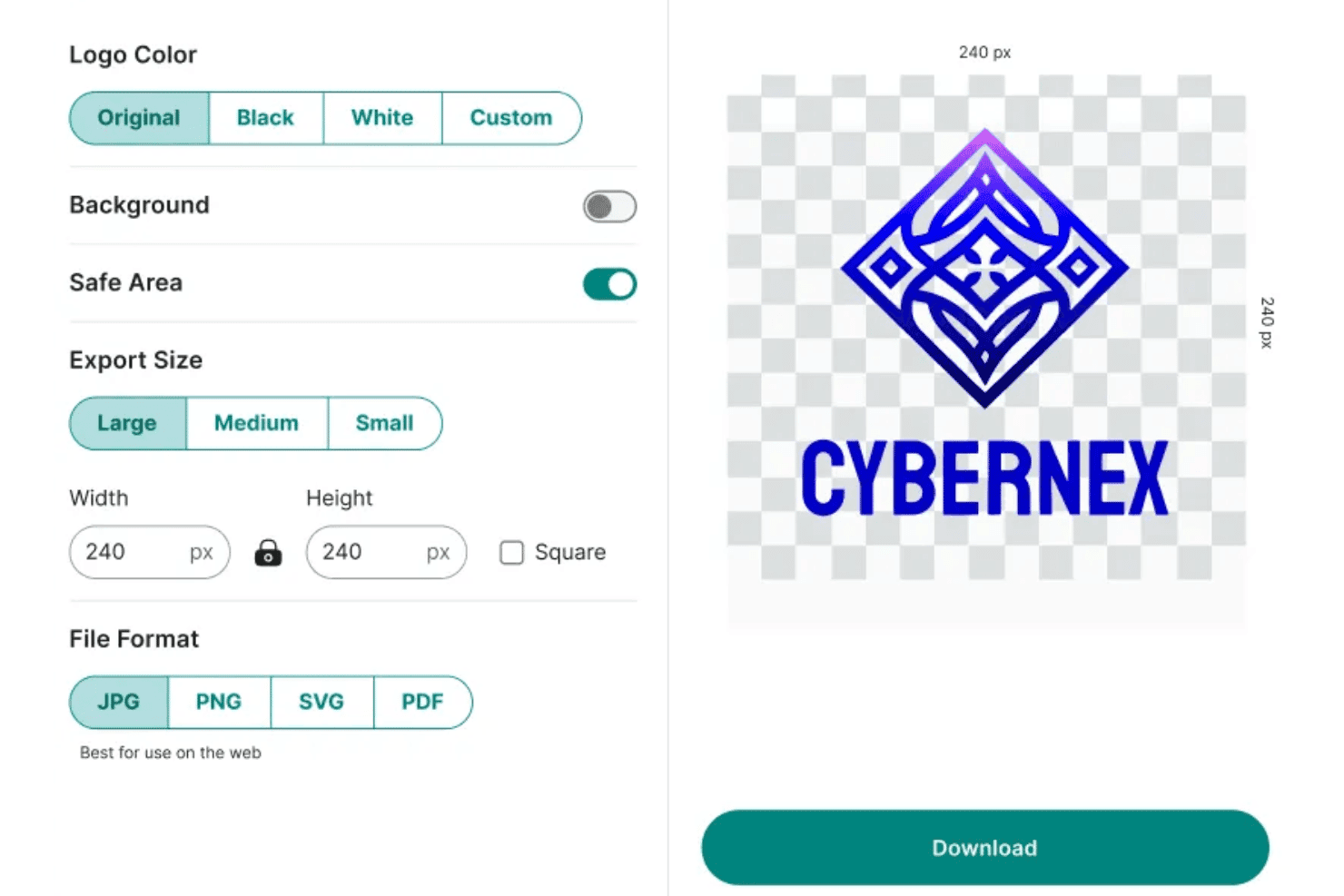
Zoviz offers logo export settings including color options, background toggle, size selection, and file format choices for downloading a custom logo. Zoviz is an AI logo generator that produces original logos from brand inputs using human-designed, AI-customized templates, and delivers a complete brand kit including assets, typography, colour palettes, and brand guidelines.
Who Is Zoviz Best For?
Zoviz is a strong fit for startup founders and small business marketers building brand identities for multilingual or international audiences.
Why I Picked Zoviz
I picked Zoviz as one of the best because its multi-language support goes well beyond a simple translation layer. It has dedicated logo makers for 12+ specific language markets, including Arabic, Chinese, Japanese, and Korean, so typography and layout are built around each language's character sets from the start. I also like that every logo comes with a full Brand Book, giving a business expanding into a new market its colour codes, font rules, and layout guidelines in one download.
Zoviz Key Features
- SVG, EPS, and PDF export: Download logos in multiple vector formats for print and digital use.
- In-app brand kit generator: Instantly create business cards, letterheads, favicons, and social media assets from your finished logo.
- Style-driven AI templates: Guide logo creation with industry categories and style descriptors like minimalist, vintage, or mascot.
- Logo editing controls: Adjust icons, text, fonts, colours, and layout directly in the platform without needing to regenerate designs.
Zoviz Integrations
Native integrations are not clearly documented. An API is available for custom integrations.
Pros and Cons
Pros:
- Creates matching email signatures instantly
- Full brand book ships with every logo
- Dedicated logo makers for 12+ languages
Cons:
- No trademark conflict scanning available
- AI outputs can feel template-dependent
Learn more about Zoviz:
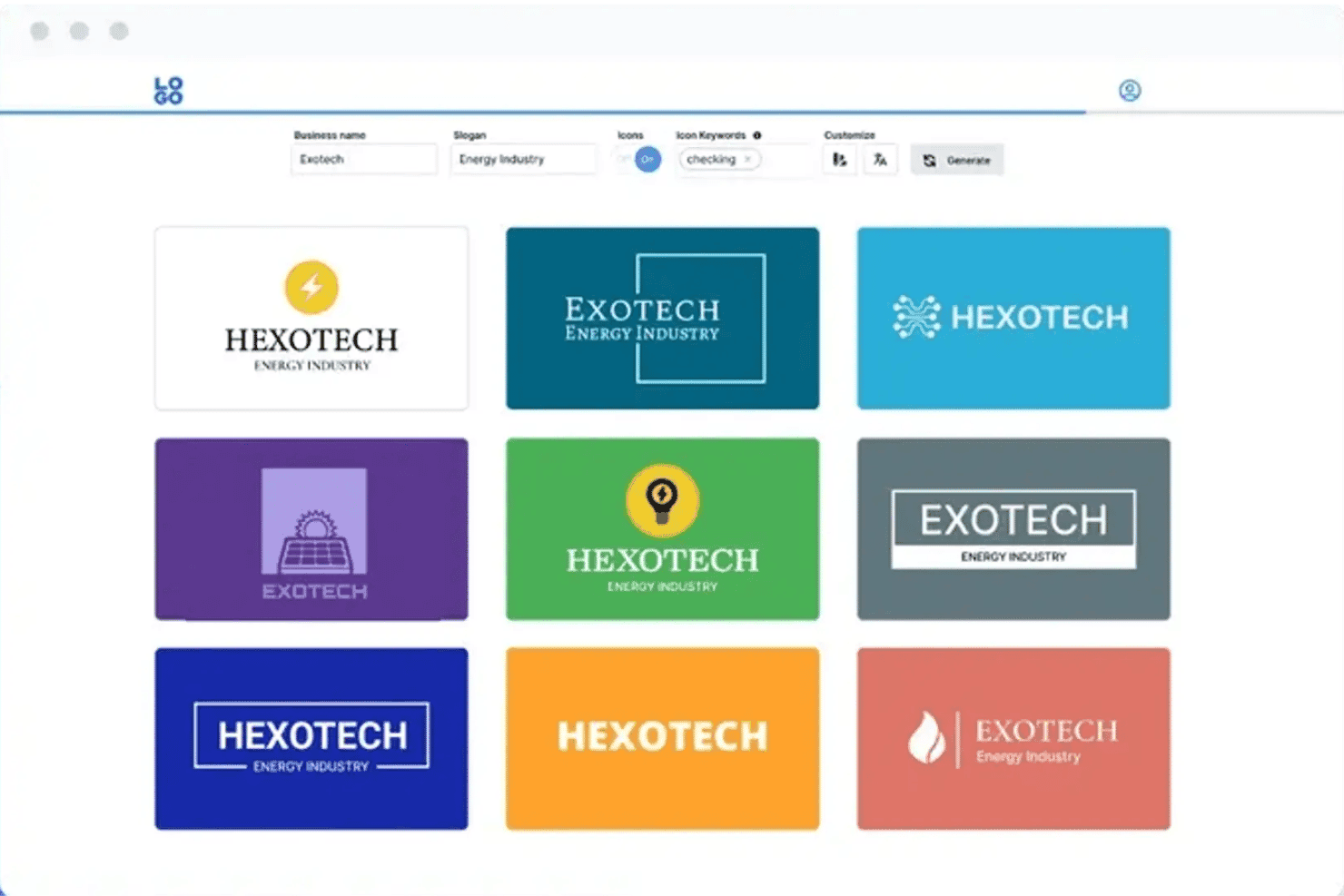
Logo.com offers an AI-powered logo generator that displays multiple logo design variations with customizable business name, slogan, and icon options. Logo.com is an AI logo generator that creates fully custom, AI-drawn vector logos from a short text prompt, and pairs them with a complete brand asset kit including social media files, typography, and brand guidelines.
Who Is Logo.com Best For?
Logo.com fits early-stage founders and small business owners who need to go from zero to a full brand identity without a designer on staff.
Why I Picked Logo.com
Logo.com earns its spot on my shortlist because of how far the automated workflow actually goes. I've generated a logo and walked away with 250+ production-ready files, including pre-formatted social assets for platforms like Instagram, LinkedIn, and TikTok, all in a single session. What separates it from most competitors is that the AI draws fully custom icons as true vector SVGs rather than pulling from a recycled stock icon library, so each output is genuinely unique to the brand.
Logo.com Key Features
- Brand input questionnaire: Collects your business name, industry, and style preferences before generating logos.
- Multi-format export: Lets you download logos in PNG, JPG, WebP, SVG, AI, and PDF file types.
- Pre-sized social media assets: Provides ready-made logo files formatted for platforms like Facebook, Instagram, and LinkedIn.
- Comprehensive brand kit output: Generates colour palettes, font files, and multiple logo lockups for brand consistency.
Logo.com Integrations
Native integrations are not clearly documented. An API is available for custom integrations.
Pros and Cons
Pros:
- Free plan includes usable low-res logo downloads
- Delivers 250+ production-ready files per session
- Generates fully unique AI-drawn vector SVG icons
Cons:
- No built-in trademark checking service
- Basic downloads limited to low resolution
Learn more about Logo.com:
Diğer Yapay Zekâ Logo Oluşturucuları
Kısa listeme giremeyen ancak yine de göz atmaya değer bazı ek yapay zekâ logo oluşturucu seçenekleri şunlardır:
- 11Design.comBest for generating industry-specific logos
- 12Sketch Logo AIBest for editable vector logo files
- 13CanvaBest for collaborative logo editing
- 14DesignEvoBest for extensive icon and template library
- 15logomakerr.aiBest for logo previews with brand assets
- 16Logomaster.aiBest for guided step-by-step logo creation
- 17SologoAIBest for one-click professional logo outputs
İlgili İncelemeler
How I Evaluate AI Logo Generators
To make my shortlist, an AI logo generator needs to go beyond template swaps and actually produce original, brand-aligned designs from a simple prompt. I evaluate in two layers: the core functionality a tool needs to qualify, and the differentiators that separate the best from the rest.
Core Functionality (Table Stakes for This List)
When I'm selecting tools for my list, I rank each one on a scale from 0 (does not offer the functionality) to 5 (excels in this area) for each core functionality listed below. Then, I calculate the tool's total score as a percentage. Each tool needs to achieve a minimum total score of 65% to be considered for inclusion.
- AI Logo Generation: I evaluate whether the tool creates original designs from prompts rather than just shuffling pre-made templates and clip art.
- Customization Controls: The ability to adjust fonts, colours, icons, layout, and spacing matters—especially when a client needs precise brand alignment.
- Brand Input Intake: I look for tools that collect your business name, industry, style preferences, and keywords to shape more relevant outputs.
- Multi-Format Export: Marketing teams need files that work everywhere, so I check for PNG, SVG, PDF, and EPS download options with transparent backgrounds.
- Style & Variation Options: A good tool generates multiple distinct concepts per prompt, giving you real creative directions to compare—not slight tweaks of one idea.
- Brand Asset Kit Output: I look for tools that go beyond the logo itself to deliver colour palettes, typography pairings, and logo variants like favicons or stacked lockups.
Once I have a list of tools that meet the criteria, I consider what sets each platform apart.
Differentiating Factors (What Sets Vendors Apart)
Here's how I compare and contrast different vendors:
Standout Features
Style conditioning is a big differentiator—I look for tools that let you guide outputs with descriptors like "minimalist" or "vintage," or even upload reference images, so you're not stuck with random results. Trademark and uniqueness checks also matter, especially if you're building a brand you plan to register. Tools like Looka and Brandmark handle iterative editing differently, so I evaluate how much you can refine icons, typography, and layout directly on canvas without regenerating from scratch each time.
Beyond Features
Commercial usage rights are a big one—I check whether full copyright transfers to you on purchase or stays with the platform, since that affects everything from trademark registration to printing merch. Pricing structure matters too: some tools let you preview logos for free but lock vector downloads behind a paywall, while others bundle brand kits into a one-time fee. I also evaluate ease of use, especially guided prompt workflows that help founders and marketers who aren't trained designers get to a polished result fast.
Yapay Zekâ Logo Oluşturucu Nasıl Seçilir?
Uzun özellik listeleri ve karmaşık fiyatlandırma yapılarına kendinizi kaptırmanız kolaydır. Kendinize özgü yazılım seçim sürecinizde ilerlerken odaklanmanıza yardımcı olmak için göz önünde bulundurmanız gereken faktörlerin bir kontrol listesi aşağıdadır:
| Faktör | Dikkat Edilmesi Gerekenler |
|---|---|
| FaktörÖlçeklenebilirlik | Dikkat Edilmesi Gerekenlerİşletmeniz büyüdükçe araç yeni markalar, alt markalar veya kampanyalar için artan talebi karşılayabilecek mi? Proje veya dışa aktarma sınırları olup olmadığını kontrol edin. |
| FaktörEntegrasyonlar | Dikkat Edilmesi GerekenlerEkibinizin kullandığı tasarım paketlerine, içerik yönetim sistemlerine veya ürün baskı hizmetlerine bağlanabiliyor mu? Doğrudan entegrasyon, yeni markalaşma çalışmalarını kullanıma sunarken zaman kazandırır. |
| FaktörÖzelleştirilebilirlik | Dikkat Edilmesi GerekenlerYapay zekâ logo çıktılarını niş, sektöre özgü veya çok kanallı ihtiyaçlara uyacak şekilde uyarlayabiliyor musunuz? Çıktıları genel seçeneklere aşırı sıkı biçimde bağlayan araçlardan kaçının. |
| FaktörKullanım kolaylığı | Dikkat Edilmesi GerekenlerArayüz, tasarımcı olmayan kullanıcılar için sezgisel mi? Tasarım eğitimi gerektirmeyecek, yönlendirmeli iş akışlarına ve anlaşılır düzenleme kontrollerine sahip araçları tercih edin. |
| FaktörUygulama ve kullanıma alıştırma | Dikkat Edilmesi GerekenlerEkibinizin sistemi kullanmaya başlaması ne kadar sürecek? Sorunsuz bir kurulum için kullanıma alıştırma kaynaklarının veya desteğin mevcut olup olmadığını değerlendirin. |
| FaktörMaliyet | Dikkat Edilmesi GerekenlerFiyatlandırma, özellikle yüksek çözünürlüklü indirmeler veya birden fazla varlığa ihtiyaç duyan markalar için bütçenizle uyumlu mu? Ek dışa aktarmalarda gizli ücretlere dikkat edin. |
| FaktörGüvenlik önlemleri | Dikkat Edilmesi GerekenlerPlatform, marka varlıklarını ve kullanıcı verilerini nasıl koruyor? Özellikle hassas markalar için veri gizliliğini, telif hakkı politikasını ve güvenli dışa aktarmayı doğrulayın. |
| FaktörDâhilî kaynak ihtiyaçları | Dikkat Edilmesi GerekenlerTasarım becerilerine sahip birine mi ihtiyacınız olacak, yoksa pazarlama ekibindeki herkes bu aracı kullanabilecek mi? Olası öğrenme süreçlerini değerlendirirken ekibin kapasitesini hesaba katın. |
Yapay Zekâ Logo Oluşturucuları Nedir?
Yapay zekâ logo oluşturucuları, marka adınıza, sektörünüze ve stil tercihlerinize göre özgün logo tasarımları oluşturmak için yapay zekâ kullanan dijital araçlardır. Bu platformlar birden fazla tasarım seçeneği oluşturur ve tamamladığınız logoyu çeşitli dosya biçimlerinde dışa aktarmadan önce yazı tiplerini, renkleri ve düzenleri düzenlemenize olanak tanır; böylece logonuzu basılı ve dijital kanallarda kullanabilirsiniz.
Özellikler
Bir yapay zekâ logo oluşturucusu seçerken aşağıdaki temel özelliklere dikkat edin:
- Yapay zekâ destekli tasarım motoru: Yalnızca şablonlar sunmak yerine marka ayrıntılarınıza göre sıfırdan özel logolar oluşturmak için üretken yapay zekâ kullanır.
- Marka bilgilerini alma: Daha ilgili sonuçlar elde etmek ve logo oluşturma sürecini yönlendirmek için işletme adınızı, sektörünüzü, stil tercihlerinizi ve anahtar kelimelerinizi toplar.
- Özelleştirme kontrolleri: Logonuzu marka kimliğinizle uyumlu hâle getirmek üzere ince ayar yapabilmeniz için yazı tiplerini, renkleri, simgeleri ve düzeni değiştirmenize olanak tanır.
- Çoklu biçimde dışa aktarma: Logonuzu hem web hem de basılı kullanım için hazır PNG, SVG, PDF veya EPS gibi biçimlerde indirmenize olanak tanır.
- Stil ve varyasyon seçenekleri: Tek bir komuttan birden fazla farklı logo fikri oluşturarak karşılaştırabileceğiniz ve arasından seçim yapabileceğiniz yaratıcı seçenekler sunar.
- Marka varlık seti çıktısı: Farklı kanallarda tutarlı markalaşma sağlamak için renk paletleri, yazı tipi eşleştirmeleri ve logo varyasyonları gibi destekleyici dosyalar üretir.
- Tuval üzerinde yinelemeli düzenleme: Yapay zekâ tarafından oluşturulan logoyu doğrudan düzenleyicide geliştirmenize, baştan başlamadan gerçek zamanlı değişiklikler yapmanıza olanak tanır.
- Marka tescili ve özgünlük kontrolleri: Bir tasarımı kesinleştirmeden önce mevcut logolarla olası fikrî mülkiyet çakışmalarını tarar.
- Yönlendirmeli başlangıç iş akışı: Tasarımcı olmayan kullanıcıların fikirden son hâli verilmiş, profesyonel bir logoya hızla ulaşmasına yardımcı olmak için adım adım yönlendirmeler sunar.
- Güvenli varlık depolama: Logolarınızı ve ilgili marka varlıklarınızı gelecekteki projeler için kaydetmek, bunlara erişmek veya bunları paylaşmak üzere güvenli bir yöntem sağlar.
Faydalar
Bir yapay zekâ logo oluşturucusunu uygulamak, ekibiniz ve işletmeniz için çeşitli faydalar sağlar. Yararlanmayı bekleyebileceğiniz birkaç fayda şunlardır:
- Daha hızlı tasarım süreci: Haricî tasarımcıları veya ajansları beklemeden, özel logoları dakikalar içinde oluşturun ve geliştirin.
- Uygun maliyetli marka varlıkları: Profesyonel bir tasarımcı çalıştırmanın maliyetinin çok daha altında, yüksek kaliteli ve markanızla uyumlu görseller üretin.
- Yaratıcı esneklik: Markanıza en uygun seçeneği değerlendirebilmek için farklı logo stillerini, varyasyonlarını ve renk paletlerini kolayca keşfedin.
- Tutarlı marka seti çıktısı: Markalaşmayı tüm kanallarda ve materyallerde tutarlı tutmak için logo varyasyonlarına, renk kodlarına ve tipografiye anında erişin.
- Kolay düzenleme ve yineleme: Geri bildirimlere veya yeni fikirlere yanıt vermek için yazı tiplerini, renkleri ve düzenleri tek bir platformda hızla ayarlayın.
- Tasarımcı olmayanlar için erişilebilir: Doğrudan komutlar ve yönlendirmeli iş akışları, tasarım deneyiminden bağımsız olarak herkesin profesyonel logolar oluşturmasına yardımcı olur.
- Her yerde kullanıma hazır biçimler: Logoları dijital kampanyalarda, sosyal medyada, ürünlerde ve daha fazlasında kullanmak üzere web, baskı ve vektör biçimlerinde indirin.
Maliyetler ve Fiyatlandırma
Bir yapay zekâ logo oluşturucusu seçmek, mevcut çeşitli fiyatlandırma modellerinin ve planların anlaşılmasını gerektirir. Maliyetler özelliklere, ekip büyüklüğüne, eklentilere ve daha fazlasına göre değişir. Aşağıdaki tablo, yapay zekâ logo oluşturucu çözümlerindeki yaygın planları, ortalama fiyatlarını ve genellikle sunulan özellikleri özetlemektedir:
Yapay Zekâ Logo Oluşturucuları için Plan Karşılaştırma Tablosu
| Plan Türü | Ortalama Fiyat | Yaygın Özellikler |
|---|---|---|
| Plan TürüÜcretsiz Plan | Ortalama Fiyat$0 | Yaygın ÖzelliklerTemel logo oluşturma, sınırlı indirme, filigranlı varlıklar ve minimum dışa aktarma seçenekleri. |
| Plan TürüKişisel Plan | Ortalama Fiyat$10-$25/kullanıcı/ay | Yaygın ÖzelliklerFiligransız logo indirme, sınırlı vektör dışa aktarma, temel marka kitleri ve standart özelleştirme araçları. |
| Plan Türüİşletme Planı | Ortalama Fiyat$25-$50/kullanıcı/ay | Yaygın ÖzelliklerBirden fazla marka projesi, gelişmiş düzenleme, eksiksiz marka kitleri, ekip paylaşımı ve tüm dosya biçimleri. |
| Plan TürüKurumsal Plan | Ortalama Fiyat$50-$150/kullanıcı/ay | Yaygın ÖzelliklerÖzel markalama desteği, öncelikli hizmet, fikri mülkiyet devri, entegrasyonlar ve özel başlangıç desteği. |
Yapay Zekâ Logo Oluşturucu SSS
Yapay zekâ logo oluşturucularıyla ilgili sık sorulan bazı soruların yanıtları burada yer alıyor:
Yapay zekâ logo oluşturucuyla hazırlanmış bir logonun ticari markasını alabilir miyim?
Evet, benzersiz olması, ticari kullanım amacı taşıması ve bölgesel gereklilikleri karşılaması hâlinde yapay zekâ logo tasarımının ticari markasını çoğu zaman alabilirsiniz. Yapay zekâ logo oluşturucunun logo ilhamı kontrolleri veya rehberlik sunup sunmadığını mutlaka kontrol edin ve satın alma sonrasında telif hakkının ya da fikrî mülkiyetin tamamen size devredildiğini doğrulayın.
Yapay zekâ logo oluşturucular vektör dosyaları sağlar mı?
Evet, çoğu platform ücretsiz bir yapay zekâ logo oluşturucu olarak çalışır ve özel logonuzun baskı veya dijital pazarlama materyalleri için kalitesini bozmadan ölçeklenebilmesini sağlayan SVG, PDF veya EPS gibi vektör logo biçimleri sunar. Şeffaf PNG veya JPG gibi hangi biçimlerin planınıza dâhil olduğunu mutlaka doğrulayın.
Yapay zekâ oluşturucularla hazırlanan logolar gerçekten özgün müdür?
Yapay zekâ logo oluşturucular; stil girdilerini, stok simgelerini ve premium yazı tiplerini birleştirerek yeni tasarımlar üretir, ancak sonuçlar bazen ister bir kelime logosu ister görsel bir simge oluştururken mevcut logolara benzeyebilir. Marka güvenliğini tamamen sağlamak için özgünlük kontrolü sunan veya çıktıları ticari marka veri tabanlarıyla karşılaştıran bir araç seçin.
Yapay zekâ logo oluşturucu kullanmak için hangi becerilere ihtiyacım var?
Herhangi bir tasarım deneyimine ihtiyacınız yoktur; çoğu platform sizi komutlar aracılığıyla yönlendirir, seçilmiş logo fikirleri ve bir renk paleti sunar ve sürükleyip bırakma kontrolleriyle düzenlemeleri kolaylaştırır. Pazarlamacılar, kurucular veya herhangi biri özel bir eğitim almadan profesyonel görünümlü bir logo oluşturabilir.
Logomu dışa aktardıktan sonra düzenleyebilir miyim?
Bazı platformlarda, dışa aktarma sonrasında geri dönüp değişiklik yapmanıza, logo varyasyonlarını ayarlamanıza veya e-posta imzalarını ve tişört markalamasını güncellemenize olanak tanıyan sezgisel bir logo düzenleyici bulunur. Diğerleri ise düzenlemeleri tek seferlik indirme sınırlarının veya ücretli planların arkasına kilitler; bu nedenle seçiminizi kesinleştirmeden önce politikaları kontrol edin.